
Introduzzjoni
Thank you for choosing the Earbay Wireless Headset with Microphone. This headset is designed to provide clear audio and communication for various applications, including office work, online classes, call centers, and remote work. Featuring Bluetooth connectivity, noise cancellation, and comfortable on-ear design, this manual will guide you through its features and operation.
X'hemm fil-Kaxxa
- 1 × Earbay Wireless Headset
- 1 × USB Dongle
- 1 × Cable tal-Iċċarġjar USB-C
- 1 × Manwal għall-Utent
Prodott Overview & Karatteristiċi
The Earbay Wireless Headset is engineered for comfort and performance, integrating several features to enhance your audio experience.

Immaġni: The headset features an advanced AI Noise Cancellation microphone, designed to block out ambient noise for clearer calls.
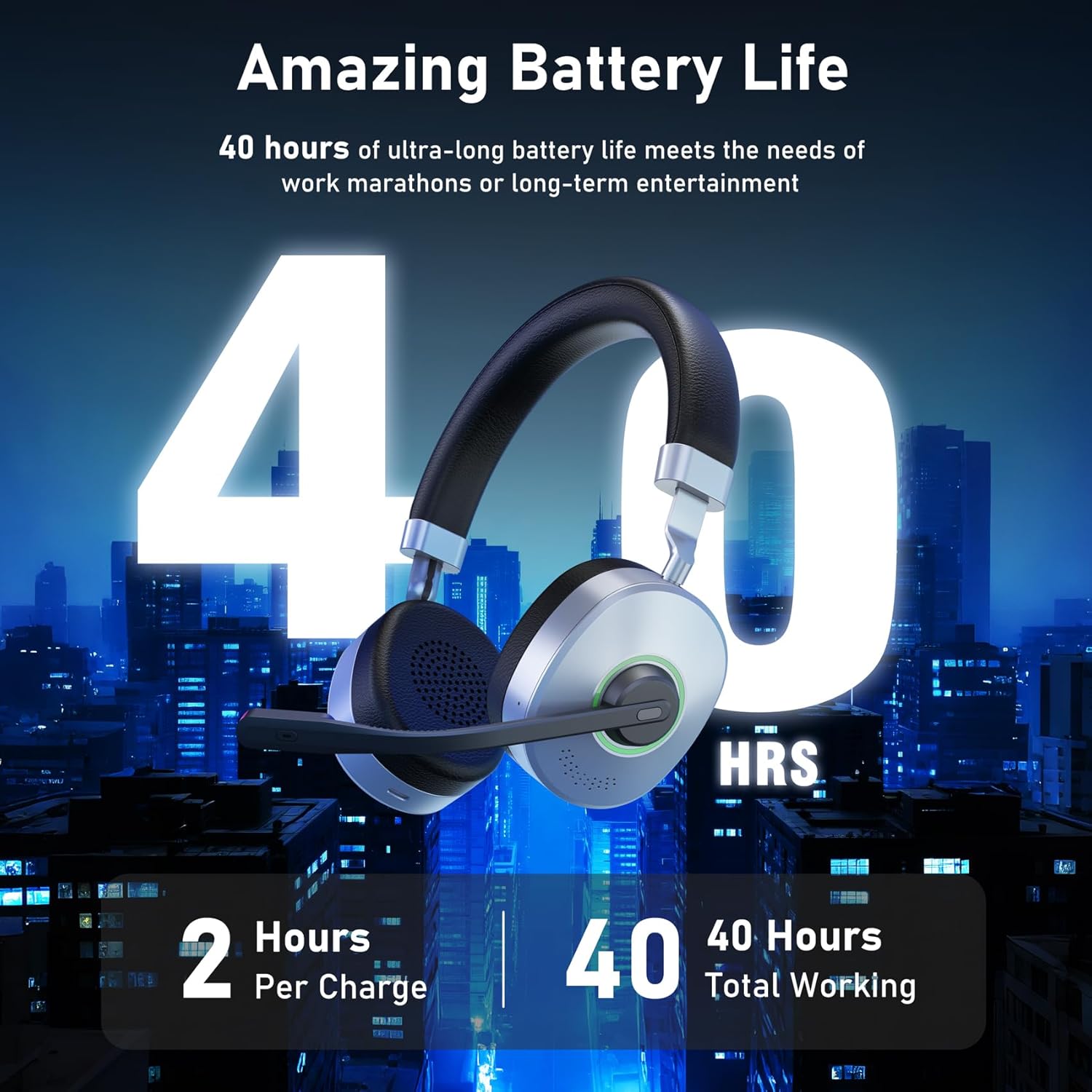
Immaġni: Enjoy up to 40 hours of talk and music time on a single 2-hour charge, providing extended use for work or entertainment.

Immaġni: The headset supports multiple connection methods, including wireless Bluetooth via USB dongle and direct wired connection via TYPE-C.

Immaġni: A seamless mute function allows for private moments during calls or meetings, indicated by a visible light.
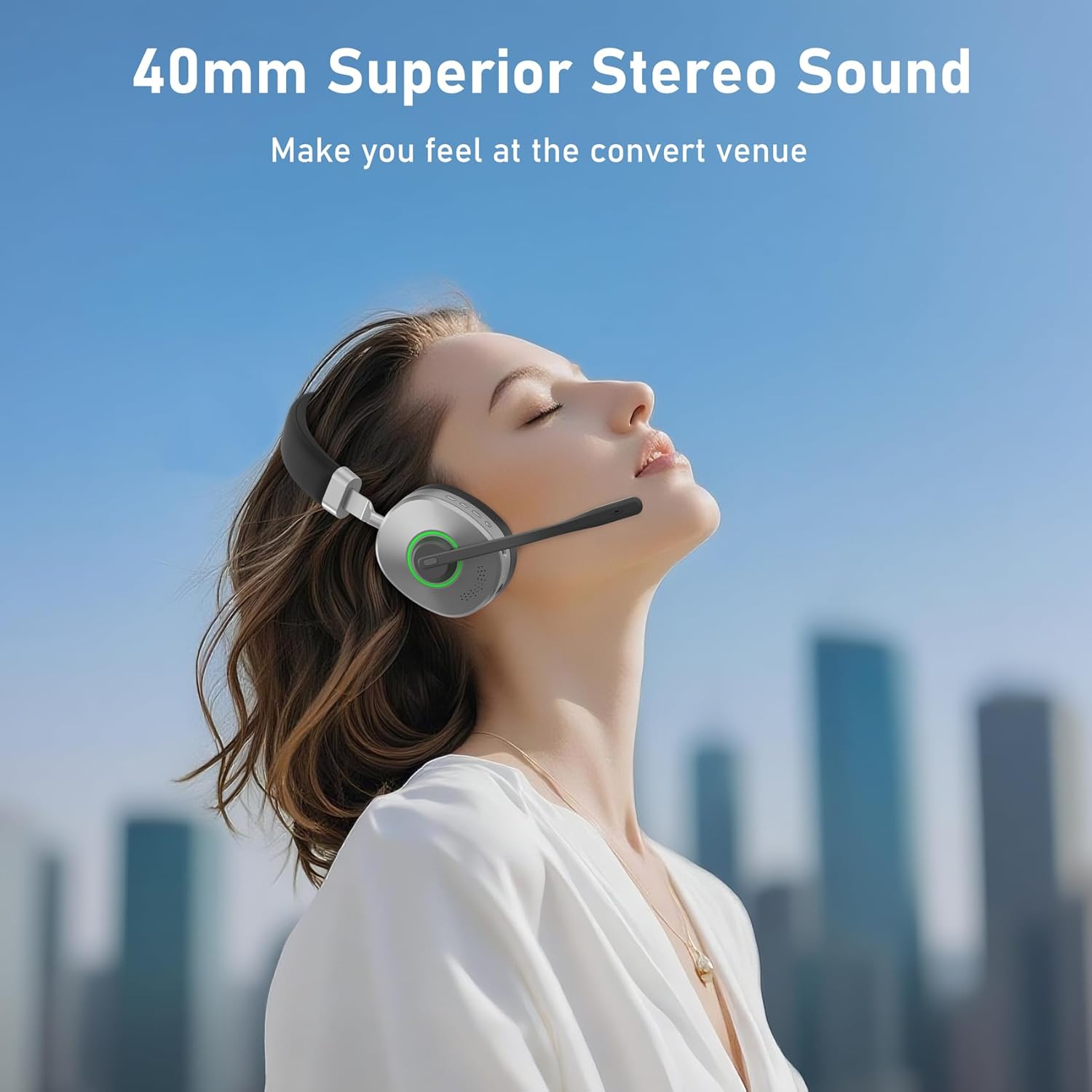
Immaġni: Experience superior stereo sound with 40mm speaker drivers, delivering rich and clear audio.

Immaġni: Designed for all-day comfort, the headset features light and soft memory foam ear cushions.
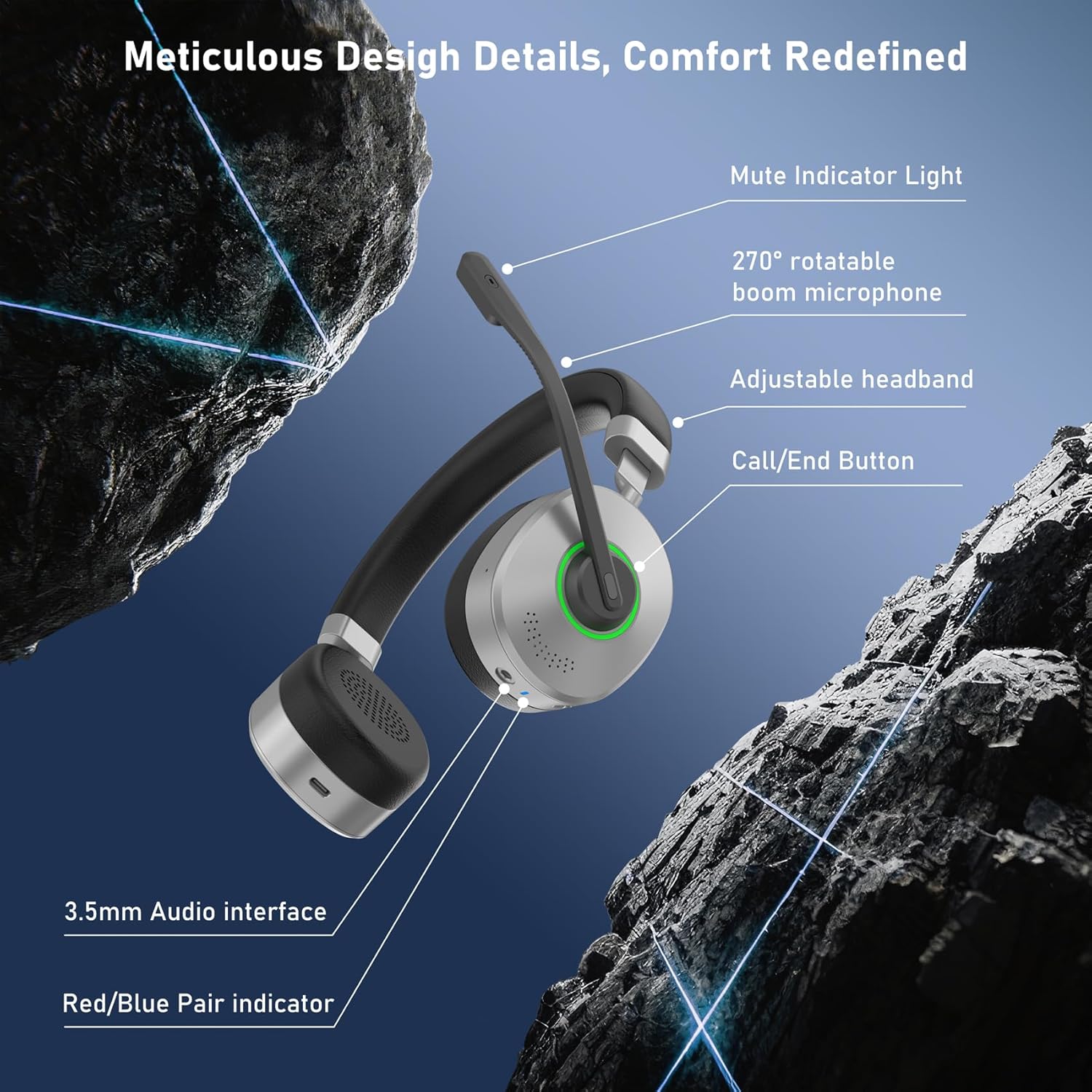
Immaġni: Key design details include a mute indicator light, 270° rotatable boom microphone, adjustable headband, call/end button, 3.5mm audio interface, and red/blue pair indicator.

Immaġni: The headset offers extensive compatibility, working with PC, Laptop, Computer, Mobile Phone, Tablet, VoIP, and Desktop platforms.
Setup
- Qawwa Mixgħul: Locate the ON/OFF switch on the headset. Slide the switch to the "ON" position. A blue indicator light will illuminate, indicating the headset is powered on.
- Pairing (Wireless):
- Using USB Dongle: Insert the provided USB dongle into an available USB port on your PC/Laptop. The headset should automatically pair with the dongle. The indicator light will show a steady blue when connected.
- Using Bluetooth (Direct): If your device has built-in Bluetooth, slide the ON/OFF switch to the pairing position (usually indicated by a Bluetooth symbol or a flashing blue/red light). Go to your device's Bluetooth settings and select "Earbay KSG-CA-BT162S-H-D-2025" from the list of available devices.
- Konnessjoni bil-fili: For a wired connection, use a compatible TYPE-C cable to connect the headset directly to your device.
- Aġġusta l-Mikrofonu: The boom microphone is 270° rotatable. Adjust it to your preferred angle for optimal voice pickup.
- Aġġusta Headband: Extend or retract the adjustable headband to ensure a comfortable and secure fit on your head.
Istruzzjonijiet Operattivi
- Kontroll tal-Volum: Use the volume buttons located on the headset to increase or decrease the audio volume.
- Mute tal-mikrofonu: Press the dedicated mute button on the microphone boom to mute or unmute your voice. A mute indicator light will show the microphone status.
- Call/End Button: Use the Call/End button to answer incoming calls or end active calls.
- Play/Pawsa: Press the multi-function button (often the main button on the earcup) to play or pause audio playback.
- Navigazzjoni tal-binarji: Depending on the model, holding the volume up/down buttons may allow you to skip to the next/previous track.
Iċċarġjar
The Earbay Wireless Headset is equipped with a Lithium Ion battery, providing up to 40 hours of average battery life on a 2-hour charge.
- Connect the provided USB-C charging cable to the headset's TYPE-C port and plug the other end into a USB power source (e.g., computer USB port, wall adapter).
- The indicator light will show charging status (e.g., red for charging, blue for fully charged).
Manutenzjoni
- Naddaf il-headset regolarment b'ċarruta ratba u niexfa.
- Avoid exposing the headset to extreme temperatures, moisture, or direct sunlight.
- Do not attempt to disassemble or repair the headset yourself.
- Store the headset in a safe place when not in use to prevent damage.
Issolvi l-problemi
- Ebda Ħsejjes:
- Ensure the headset is powered on and properly paired/connected to your device.
- Iċċekkja l-livelli tal-volum kemm fuq il-headset kif ukoll fuq l-apparat konness tiegħek.
- Ivverifika li l-apparat tal-ħruġ tal-awdjo korrett huwa magħżul fis-settings tal-ħoss tal-apparat tiegħek.
- Mikrofonu Mhux Jaħdem:
- Ensure the microphone is not muted (check the mute indicator light).
- Confirm that the headset microphone is selected as the input device in your application's audio settings.
- Check the microphone's physical connection if it's detachable.
- Ma tistax tqabbad:
- Ensure the headset is in pairing mode (flashing indicator light).
- Turn off and on your device's Bluetooth, then try pairing again.
- Mexxi l-headset eqreb lejn l-apparat tiegħek (fi żmien 15 metri).
Speċifikazzjonijiet
| Karatteristika | Speċifikazzjoni |
|---|---|
| Isem tal-Mudell | KSG-CA-BT162S-H-D-2025 |
| Brand | Earbay |
| Teknoloġija tal-Konnettività | Bluetooth |
| Teknoloġija tal-Komunikazzjoni mingħajr Fili | Bluetooth |
| Kontroll tal-Ħoss | Kanċellazzjoni tal-Ħoss Ambjentali |
| Rispons ta' Frekwenza | 2.48 GHz |
| Sensittività | 113 dB |
| Headphones Jack | TIP-Ċ |
| Komponenti Inklużi | 1 × Wireless Headset |
| Materjal | Ġilda Faux |
| Użi Speċifiċi għall-Prodott | Office, Driving, Calling |
| Ħin tal-Iċċarġjar | 2 Sigħat |
| Użi Rakkomandati | Online Class, Call Center, Calling, Remote Workers |
| Apparati Kompatibbli | PC/Laptop/Computer/Mobile Phone/Tablet/VoIP/Desktop |
| Tip ta' Kontroll | Button Control, Push Button |
| Karatteristika tal-Cable | Mingħajr Cable |
| Piż tal-oġġett | 0.3 Kilogrammi |
| Livell ta 'Reżistenza għall-Ilma | Mhux Reżistenti għall-Ilma |
| Ħajja Medja tal-Batterija | 40 Sigħat |
| Batteriji Inklużi | Iva |
| Batteriji Meħtieġa | Iva |
| Kompożizzjoni taċ-Ċellola tal-Batterija | Jonju tal-litju |
| Distanza Operattiva Massima | 15 Meters |
| Jappoġġja t-Teknoloġija Bluetooth | Iva |
| Tqegħid tal-widnejn | Fuq Widnejn |
| Fattur tal-Formola | Fuq Widnejn |
| Impedenza | 32 Ohms |
Garanzija u Appoġġ
For warranty information and customer support, please refer to the contact details provided on the product packaging or visit the official Earbay websit. Żomm l-irċevuta tax-xiri tiegħek bħala prova tax-xiri.