
1. Introduzzjoni
Il-Babysense MaxView PRO Baby Monitor provides a secure and reliable way to monitor your baby. Featuring a 5.5-inch Full HD display and non-WiFi FHSS technology, it ensures a private and interference-free connection. This system includes a 6-color night light, white noise, and sound machine functions to create a calming environment. The monitor is expandable, supporting up to four cameras for comprehensive coverage.

Image 1.1: Babysense MaxView PRO Baby Monitor, showing the parent unit and camera.
2. X'hemm fil-Kaxxa
- Parent Unit (5.5” Full HD Monitor)
- 1 Full HD PTZ Camera
- 3 Adapters tal-Enerġija
- Invita tal-Immuntar
- Manwal għall-Utent
3. Setup
- Iċċarġja l-Unità Ġenitur: Before first use, fully charge the parent unit using one of the provided power adapters.
- Pożizzjona l-Kamera: Place the camera in your baby's room on a flat surface or mount it to a wall using the included mounting screw. Ensure a clear view tal-presepju.
- Qabbad l-Enerġija: Plug the camera into a power outlet using a power adapter. The camera is corded electric.
- Qawwa Mixgħul: Turn on the parent unit and camera. The units should automatically pair. If not, refer to the pairing instructions in the Operating Instructions section.
4. Istruzzjonijiet Operattivi
4.1 Parent Unit Overview
The 5.5-inch Full HD display provides a clear view of your baby. Use the navigation buttons to access menus and control camera functions.
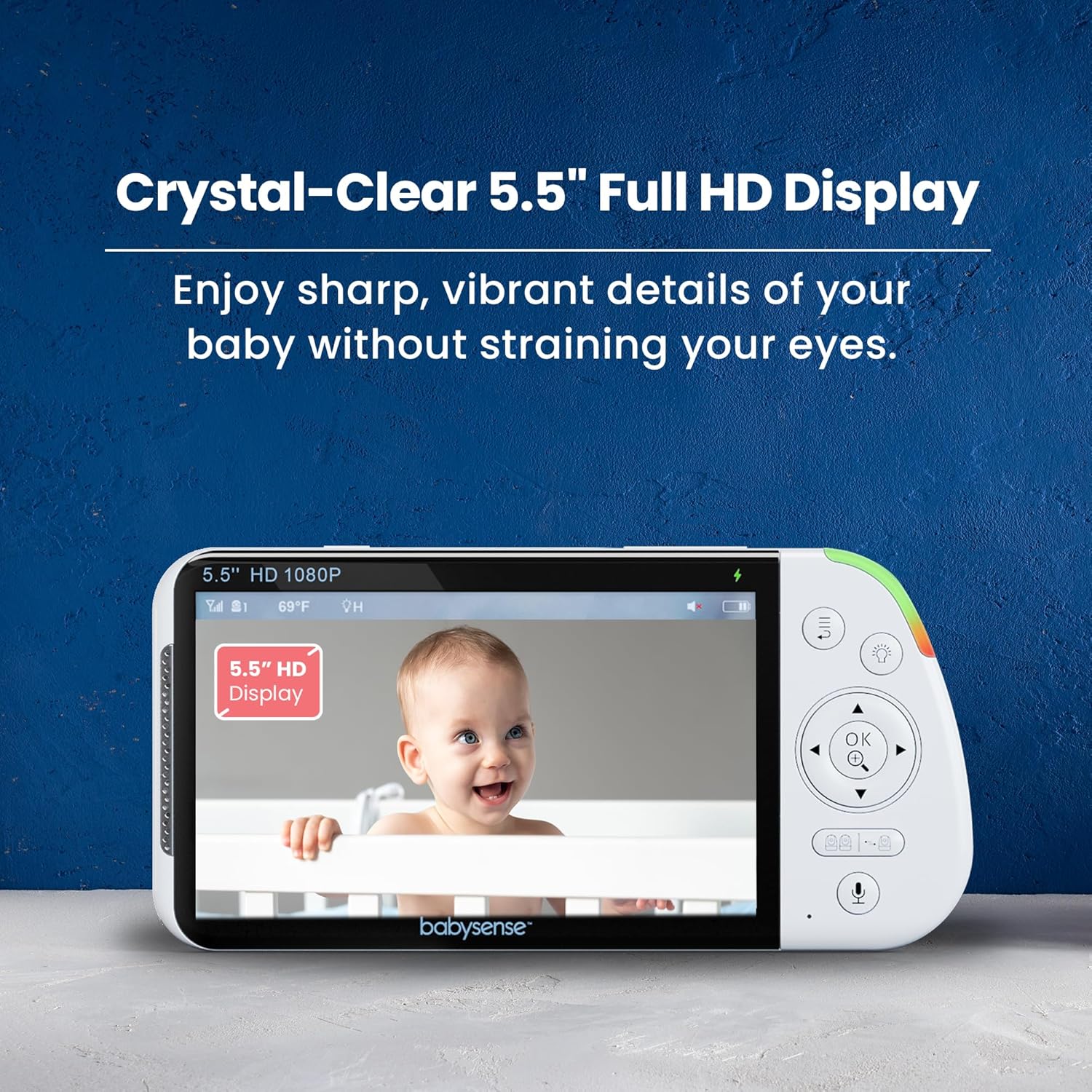
Image 4.1: The parent unit's 5.5-inch Full HD display showing a baby.
4.2 Karatteristiċi tal-Kamera
The camera offers pan, tilt, and digital zoom capabilities, allowing you to adjust the viewing angle remotely from the parent unit. Automatic night vision ensures clear images in low-light conditions.
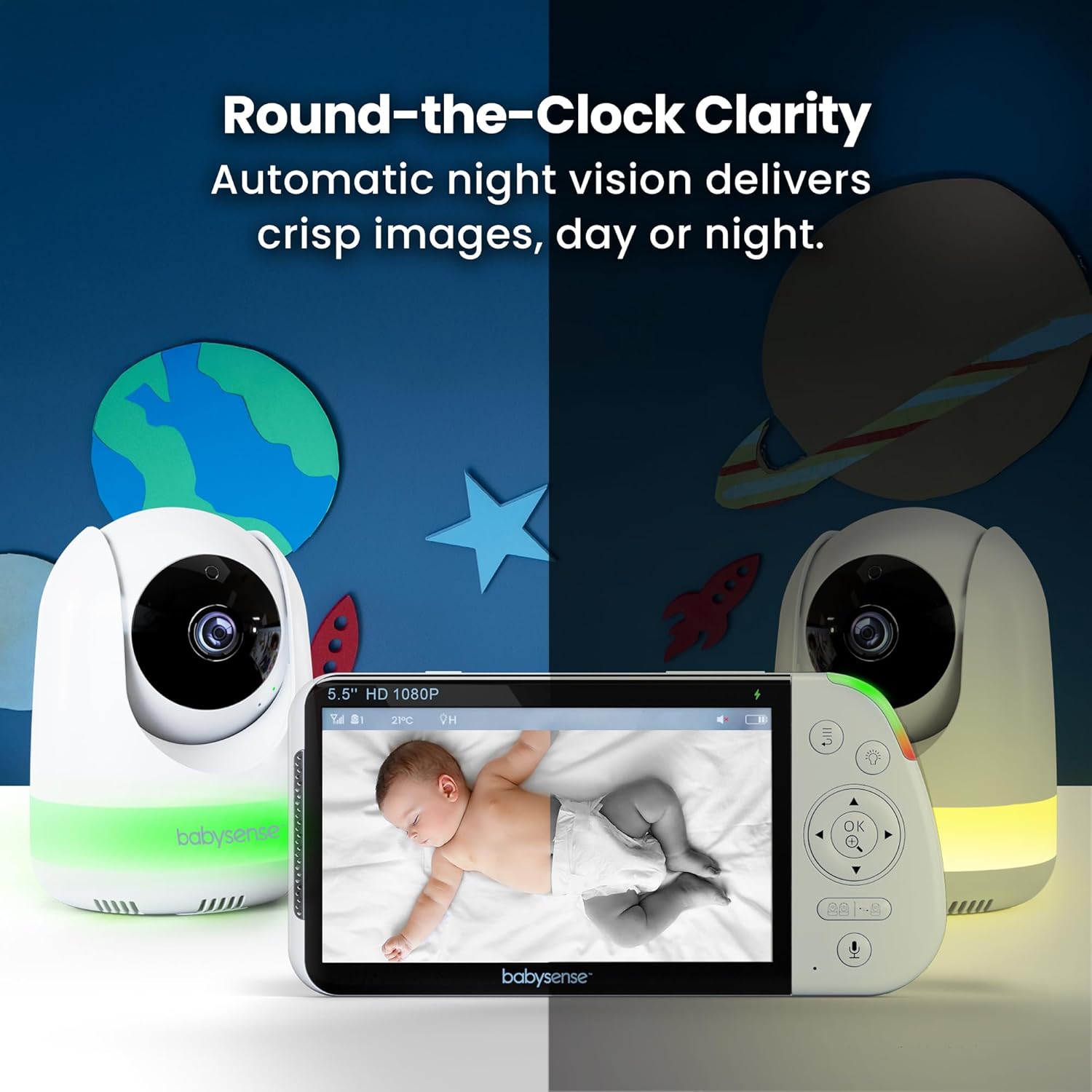
Image 4.2: The camera's night vision capability, showing a baby in a crib in a dark room.
4.3 Karatteristiċi tal-awdjo
Utilize the two-way talk feature to communicate with your baby. The monitor also includes built-in lullabies and white noise options to soothe your child. VOX mode (Voice Operated Exchange) can be enabled to activate the screen and audio only when sound is detected, conserving battery life.

Image 4.3: The parent unit demonstrating the two-way talk function.
4.4 Dawl bil-lejl
The camera features an integrated 6-color night light with adjustable brightness settings to provide a gentle glow in the nursery.

Image 4.4: The camera unit showcasinl-għażliet tad-dawl tal-lejl b'6 kuluri tiegħu.
4.5 Split Screen & Multi-Camera Support
The system supports up to four cameras, allowing you to monitor multiple rooms or children simultaneously using the split-screen view fuq l-unità tal-ġenitur.
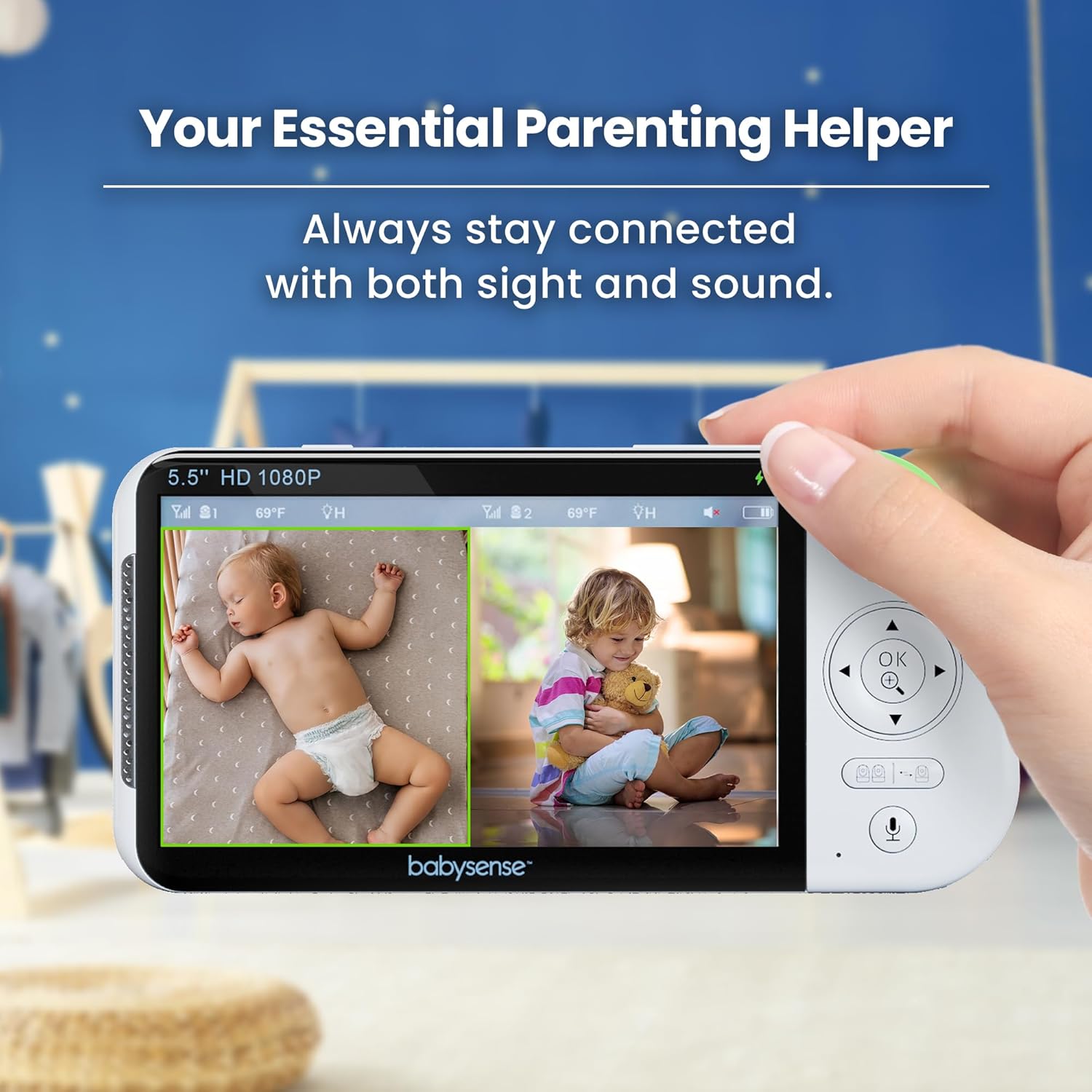
Image 4.5: The parent unit displaying a split-screen view from two cameras.
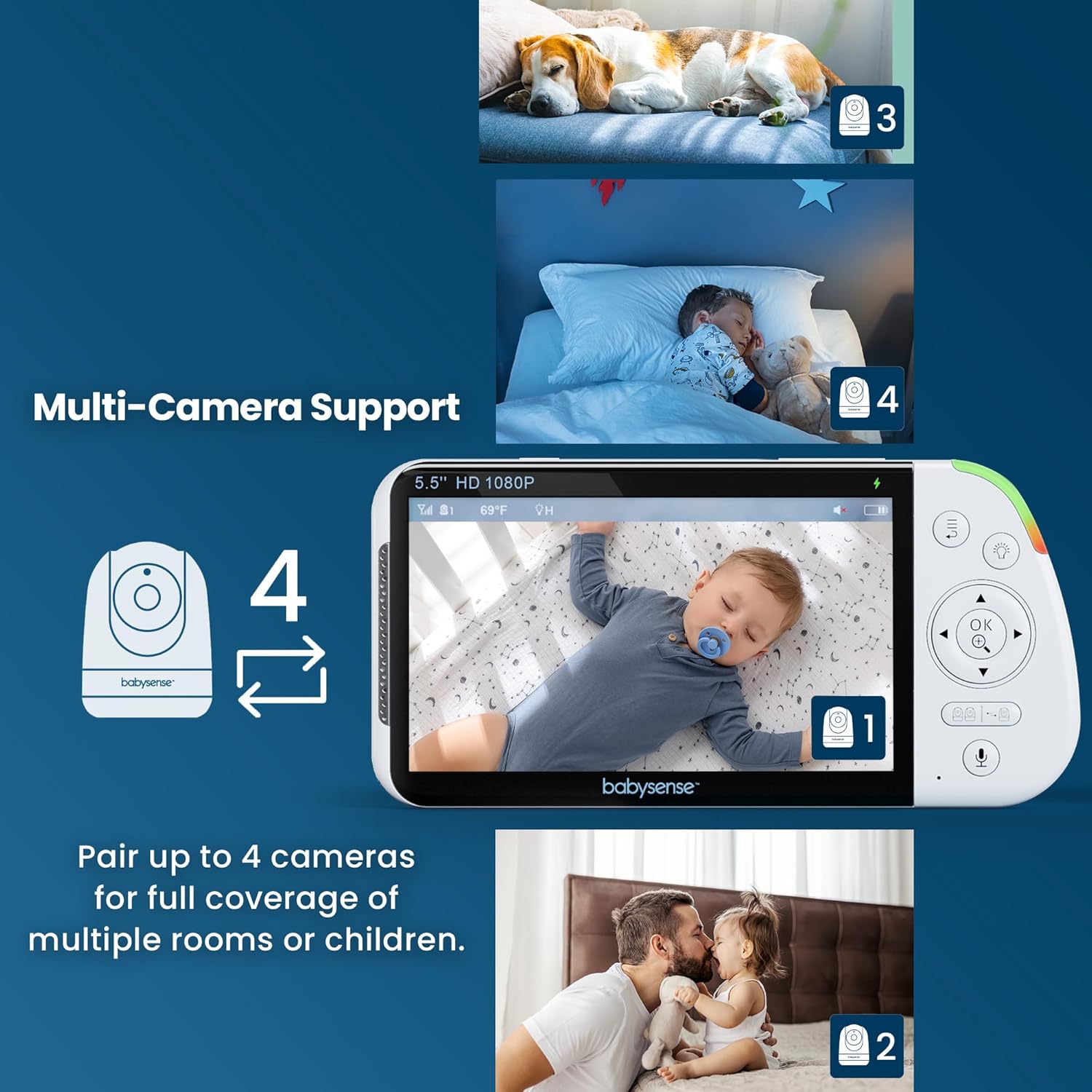
Image 4.6: The parent unit demonstrating the ability to connect up to four cameras.
4.6 Ħajja tal-batterija
The parent unit's large rechargeable battery provides up to 20 hours of continuous monitoring in Eco Mode and up to 12 hours in Regular Mode.
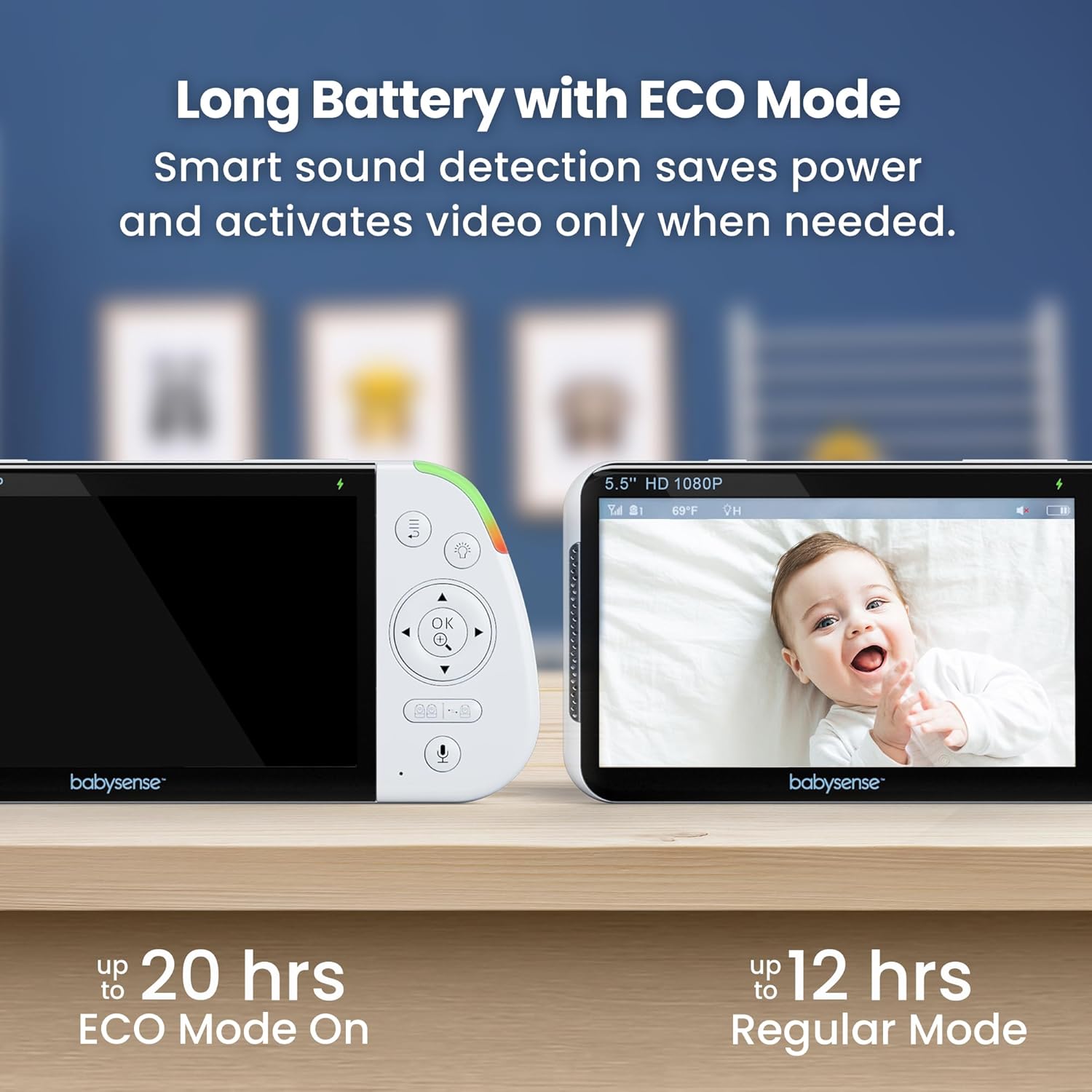
Image 4.7: Visual representation of battery life in Eco Mode (up to 20 hours) and Regular Mode (up to 12 hours).
4.7 Konnessjoni Sikura
The monitor uses FHSS (Frequency Hopping Spread Spectrum) non-WiFi technology, ensuring a private, hack-proof, and interference-free connection.

Image 4.8: Diagram showing the secure FHSS connection between the monitor and camera.
4.8 Vidjows Uffiċjali tal-Prodott
Vidjo 4.8.1: Overview of the Babysense 5.5" 1080p Full HD Split-Screen Baby Monitor, highlighting its features and benefits.
Video 4.8.2: A demonstration of the non-WiFi large split-screen baby monitor, focusing on its secure connection and dual-view kapaċitajiet.
Vidjo 4.8.3: Riżultatview highlighting the high-quality camera and monitor features for baby safety.
5. Manutenzjoni
- Tindif: Use a soft, dry cloth to clean the monitor and camera surfaces. Do not use abrasive cleaners or solvents.
- Kura tal-batterija: To prolong battery life, avoid extreme temperatures and fully charge the parent unit regularly.
- Ħażna: Aħżen l-unità f'post frisk u niexef meta ma tkunx qed tużaha għal perjodi twal.
6 Issolvi l-problemi
| Problema | Soluzzjoni |
|---|---|
| No image/sound | Ensure both units are powered on and within range. Check power connections. Re-pair units if necessary. |
| Kwalità ta 'immaġni fqira | Check for obstructions between camera and monitor. Adjust camera position. Ensure sufficient lighting for optimal night vision. |
| Ħajja qasira tal-batterija | Ensure parent unit is fully charged. Use Eco Mode to conserve battery. Reduce screen brightness. |
| Interferenza | Move units away from other electronic devices that may cause interference. |
7. Speċifikazzjonijiet
- Isem tal-Mudell: MVPRO-1CAM USA
- Wiri: 5.5" Full HD (1080p)
- Konnettività: 2.4GHz FHSS Wireless Technology (Non-WiFi)
- Battery Life (Parent Unit): Up to 20 hours (Eco Mode), Up to 12 hours (Regular Mode)
- Karatteristiċi tal-kamera: Pan, Tilt, Digital Zoom, Automatic Night Vision, 6-Color Night Light
- Features Awdjo: Two-Way Talk, Lullabies, White Noise, VOX Mode
- Espandibbiltà: Supports up to 4 cameras (sold separately)
- Sors tal-Enerġija: Cameras are Corded Electric, Parent Unit is Battery Powered
- Dimensjonijiet tal-Prodott: 4 x 8 x 8 pulzieri
- Piż tal-oġġett: 2.29 liri
- UPC: 810114530436
8. Garanzija u Appoġġ
For any product-related questions, missing components, or warranty inquiries, please refer to the user manual included in the package or visit the official Babysense website for customer service information. You may also find a QR code for customer service on the packaging or included materials.
Manifattur: Hisense Ltd.