
1. Prodott Aktarview
The Dpofirs Small Portable Video Projector is a compact and versatile device designed for various entertainment and presentation needs. With its small footprint, it is easy to transport and set up, offering a projection size ranging from 14 to 100 inches. It supports a resolution of 1920 x 1080p and features 100Ansi 6000lm brightness, manual focus, and built-in stereo speakers.
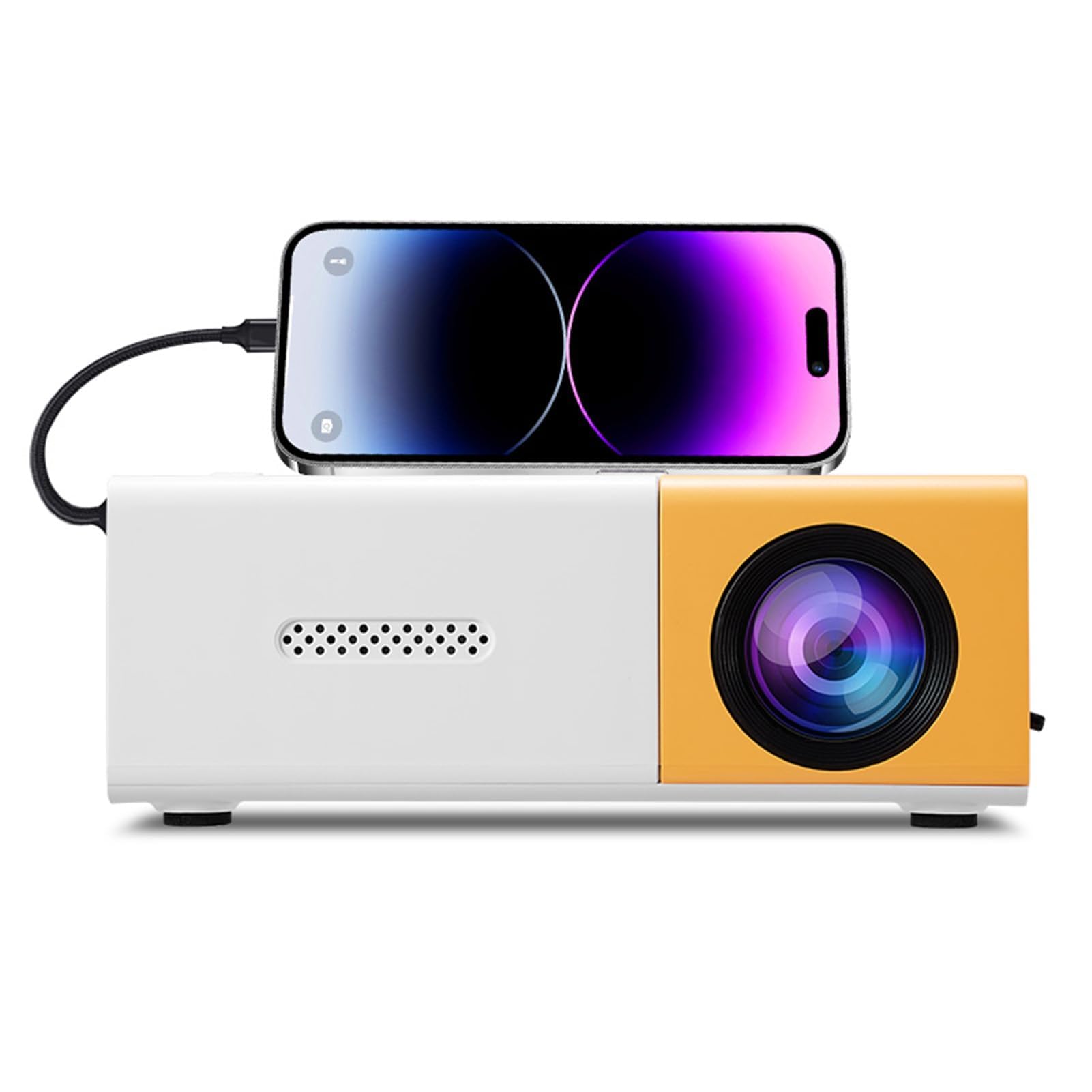
Image 1.1: The Dpofirs Small Portable Video Projector, showcasing id-disinn kompatt tiegħu.

Image 1.2: The projector held in a hand, illustrating its compact and portable dimensions (5 x 3.4 x 1.9 inches).
2. Informazzjoni dwar is-Sigurtà
- Aqra l-istruzzjonijiet kollha qabel ma tuża l-proġettazzjoni.
- Tħarisx direttament fil-lenti tal-proġettazzjoni meta tkun qed taħdem.amp hija mixgħula.
- Żomm il-proġettazzjoni 'l bogħod mill-ilma jew likwidi oħra.
- Żgura ventilazzjoni xierqa biex tevita sħana żejda. Timblokkax il-fetħiet tal-ventilazzjoni.
- Use only the power adapter specified for this device (Type C, 5V 2A).
- Tippruvax tiżżarma jew issewwi l-proġettur int stess. Ikkuntattja persunal tas-servizz kwalifikat.
- Żomm fejn ma jintlaħaqx mit-tfal.
3. Kontenut tal-Pakkett
Jekk jogħġbok iċċekkja l-kontenut tal-pakkett meta tiftaħ il-kaxxa. Jekk xi oġġetti huma nieqsa jew bil-ħsara, ikkuntattja lill-bejjiegħ tiegħek.
- Dpofirs Small Portable Video Projector
- Kontroll mill-bogħod
- Kejbil tal-Enerġija (USB Tip-C)
- Manwal għall-Utent
4. Product Display and Controls
4.1 Projector Ports and Buttons

Immaġni 4.1: Quddiem u wara view of the projector with labeled ports and control buttons.
- Buttuna mixgħul/mitfi: Jinsab fuq il-pannell ta' fuq.
- Left Click / Right Click / OK Buttons: Navigation buttons on the top panel.
- Signal Source Button: Biex tagħżel sors ta 'input.
- Buttuna tar-ritorn: To go back in menus.
- Interface AV: For analog audio/video input.
- Micro USB (5V 2A) Power Interface: Għall-konnessjoni tal-kejbil tad-dawl.
- Interface USB: Għall-konnessjoni ta' apparati USB (eż., flash drives).
- Provvista ta' Enerġija DC: (Note: Description mentions Type C, image shows DC. Use Type C as per description).
- High Definition Interface (HDMI): For connecting devices via HDMI.
4.2 Funzjonijiet ta' Kontroll mill-bogħod

Image 4.2: Layout of the remote control with labeled buttons.
- Open Key (Power): Ixgħel jew jitfi l-proġekter.
- Source Key: Jagħżel is-sors tad-dħul.
- Siekta: Issikket jew jitneħħa l-awdjo.
- Directional Keys (Up, Down, Left, Right): Navigates menus.
- Buttuna OK: Jikkonferma l-għażla.
- Volume Down / Volume Increase: Jaġġusta l-volum tal-awdjo.
- Ċavetta tas-Settings: Accesses the projector settings menu.
- Ċavetta tar-Ritorn: Jmur lura għall-menu preċedenti.
- Ċavetta tal-Menu: Jiftaħ il-menu prinċipali.
5. Gwida ta' Setup
5.1 Konnessjoni tal-Enerġija
- Connect the provided USB Type-C power cable to the Micro USB (5V 2A) Power Interface on the projector.
- Connect the other end of the cable to a compatible 5V 2A power adapter (not always included) or a power bank.

Image 5.1: The projector can be powered by a power bank (5V 2A minimum) for portable use.
5.2 Placement and Projection Size
Position the projector on a stable, flat surface. The projection distance determines the screen size. The projector can project images from 14 to 100 inches diagonally.
- Għal riżultat ottimali viewing experience, a playback size of 20-60 inches is recommended.
- This corresponds to a projection distance of approximately 0.8m to 1.6m.

Image 5.2: Recommended projection distances for various screen sizes (e.g., 0.8m for 24 inches, 1.6m for 47 inches).

Image 5.3: The projector can achieve large screen sizes up to 100 inches, with examples shown for 24, 35, 47, and 152 inches (note: 152 inches may exceed stated maximum of 100 inches).
5.3 Aġġustament tal-Focus
The projector features manual focus. Before turning on the projector or if the image appears blurry:
- Locate the focus ring or knob near the lens.
- Rotate the focus ring until the projected image becomes clear and sharp.
5.4 Korrezzjoni Keystone
The projector supports automatic vertical keystone correction. If the image appears trapezoidal (wider at the top or bottom):
- The projector automatically corrects vertical distortion (up and down).
- For side projection or horizontal correction, access the settings menu to make manual adjustments.
6. Istruzzjonijiet Operattivi
6.1 Power On/Off
- Biex Tixgħel: Press the Power On/Off button on the projector or the 'Open Key' on the remote control.
- Biex Tifi: Press the Power On/Off button on the projector or the 'Open Key' on the remote control again.
6.2 Għażla tas-Sors tal-Input
Il-proġekter jappoġġja sorsi ta' input multipli:
- HDMI: Connect laptops, gaming consoles, streaming sticks, etc., via the High Definition Interface.
- USB: Connect USB flash drives to play media files direttament.
- TA’: Connect older devices using the AV interface.
- Mirror tal-iskrin: Supports wired and wireless screen mirroring for Android devices.
To select an input source, press the 'Signal Source' button on the projector or the 'Source Key' on the remote control and navigate to your desired input.
6.3 Navigazzjoni u Settings
- Use the directional keys (Up, Down, Left, Right) on the projector or remote to navigate through menus.
- Agħfas il-buttuna 'OK' biex tikkonferma l-għażliet.
- Press the 'Return' button to go back to the previous screen or menu.
- Press the 'Settings Key' on the remote to access advanced projector settings, including picture, sound, and system options.
6.4 Kontroll tal-Volum
Adjust the audio volume using the 'Volume Down' and 'Volume Increase' buttons on the remote control.
6.5 Xenarji ta' Applikazzjoni
The projector is suitable for a variety of uses:
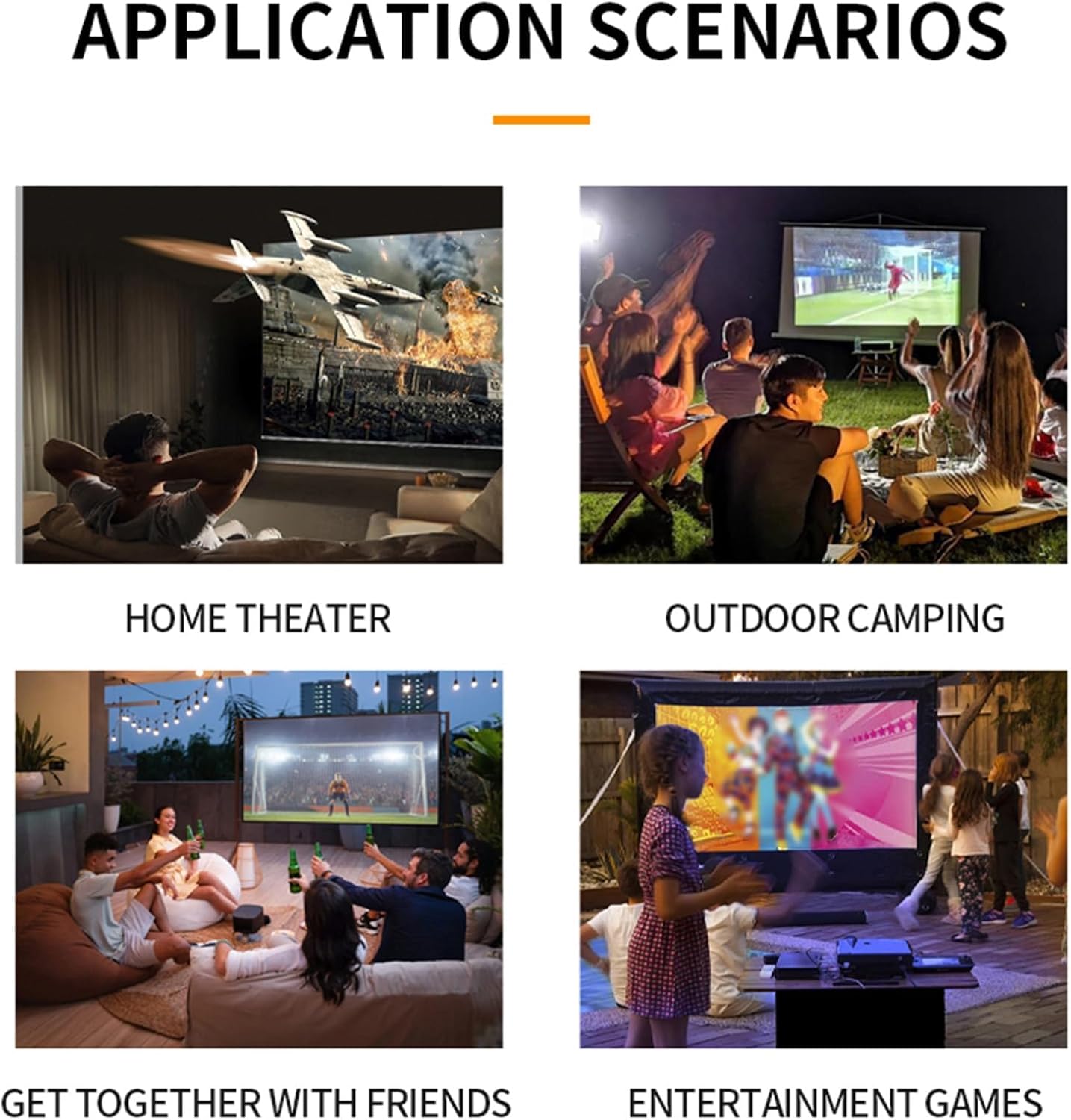
Immaġni 6.1: Eż.amples of projector use in various settings including home theater, outdoor camping, social gatherings, and gaming.
- Home Theater: Gawdi films u programmi televiżivi fuq skrin kbir.
- C barraamping: Portable design allows for outdoor entertainment.
- Get-togethers with Friends: Share content or play games with a group.
- Entertainment Games: Connect gaming consoles for an immersive experience.
7. Manutenzjoni
- Tindif tal-Lenti: Uża drapp artab u mingħajr suf iddisinjat speċifikament għal lentijiet ottiċi. Tużax prodotti tat-tindif jew drappijiet li joborxu.
- Tindif tas-Casing: Imsaħ il-barra tal-proġettazzjoni b'ċarruta ratba u niexfa. Għal ħmieġ iebes, uża ċarruta kemxejn ratba.amp drapp u mbagħad nixxef sewwa.
- Ventilazzjoni: Ensure the ventilation openings are clear of dust and debris to maintain optimal cooling. Use a soft brush or compressed air to gently clean them.
- Ħażna: Meta ma tkunx qed tużah għal perjodi twal, aħżen il-proġettur f'post frisk u niexef, 'il bogħod mix-xemx diretta u minn temperaturi estremi.
8 Issolvi l-problemi
8.1 No Image or Poor Image Quality
- Iċċekkja l-Enerġija: Kun żgur li l-proġettazzjoni hija mqabbda sew mal-provvista tal-enerġija u mixgħula.
- Sors tad-dħul: Verify that the correct input source (HDMI, USB, AV) is selected.
- Aġġustament tal-Focus: Manually adjust the focus ring until the image is clear.
- Korrezzjoni Keystone: Adjust keystone settings if the image is distorted.
- Konnessjoni tal-Cable: Ensure all video cables are securely connected. Try a different cable if possible.
- Ħruġ tal-Apparat: Check the output settings of your connected device (laptop, smartphone) to ensure it's sending a signal to the projector.
8.2 Ebda Ħoss
- Livell tal-Volum: Żid il-volum kemm fuq il-proġettazzjoni kif ukoll fuq l-apparat tas-sors konness.
- Funzjoni Mute: Ensure the projector is not muted (check remote control).
- Output Awdjo: If using an external audio system, ensure it is properly connected and selected as the output.
- Sors Awdjo: Verify that the source device is playing audio.
8.3 Il-Kontroll mill-Bogħod Mhux Jaħdem
- Batteriji: Ibdel il-batteriji fil-kontroll remot.
- Linja tal-Vista: Kun żgur li hemm linja ċara tal-vista bejn ir-remote u r-riċevitur IR tal-proġettazzjoni.
9. Speċifikazzjonijiet
| Karatteristika | Speċifikazzjoni |
|---|---|
| Numru tal-Mudell | Dpofirseikmp1t75y |
| Tip ta' Oġġett | LED Film Projector |
| Riżoluzzjoni Nattiva | 320 x 240 pixel |
| Appoġġ Riżoluzzjoni | Up to 1920 x 1080 (1080p) 60Hz |
| Luminożità | 100 Ansi / 6000 Lumens |
| Proporzjon ta' Kuntrast | 10000:1 |
| Iffoka | Manwal |
| Korrezzjoni | Trapezoid Correction (Auto vertical, manual side via settings) |
| Speaker | Built-in box speaker 4Ω 2W |
| Interface tal-Enerġija | Tip C (5V 2A) |
| Portijiet tad-dħul | 1x HD Multimedia Interface, 1x USB Port, 1x AV Interface |
| Port tal-ħruġ | 3.5mm Headphone Jack |
| Daqs tal-Projezzjoni | 14 sa 100 pulzier |
| Optimal Playback Size | 20-60 pulzier |
| Optimal Playback Distance | 0.8m sa 1.6m |
| Dimensjonijiet | 5 x 3.4 x 1.9 pulzieri (12.6 x 8.58 x 4.77 ċm) |
| Piż tal-oġġett | 12.9 uqija (madwar 365g) |
| Sistema tat-tkessiħ | Innovative cooling fan system (80% noise reduction) |
10. Garanzija u Appoġġ
For warranty information, please refer to the warranty card included with your purchase or contact your retailer. Dpofirs is committed to providing quality products and customer support.
If you encounter any issues or have questions regarding your Dpofirs Small Portable Video Projector, please contact Dpofirs customer support through the retailer's platform or the official Dpofirs websit għall-għajnuna.