
1. Introduzzjoni
Thank you for choosing the UCOCARE Mini Portable Projector V18. This projector is designed to provide a high-quality visual and audio experience for various entertainment and presentation needs. Featuring native 1080P resolution with 4K support, AI-enhanced visuals and audio, and smart screen adjustments, it offers versatility and ease of use. Please read this manual thoroughly before using the product to ensure proper operation and to maximize its lifespan.
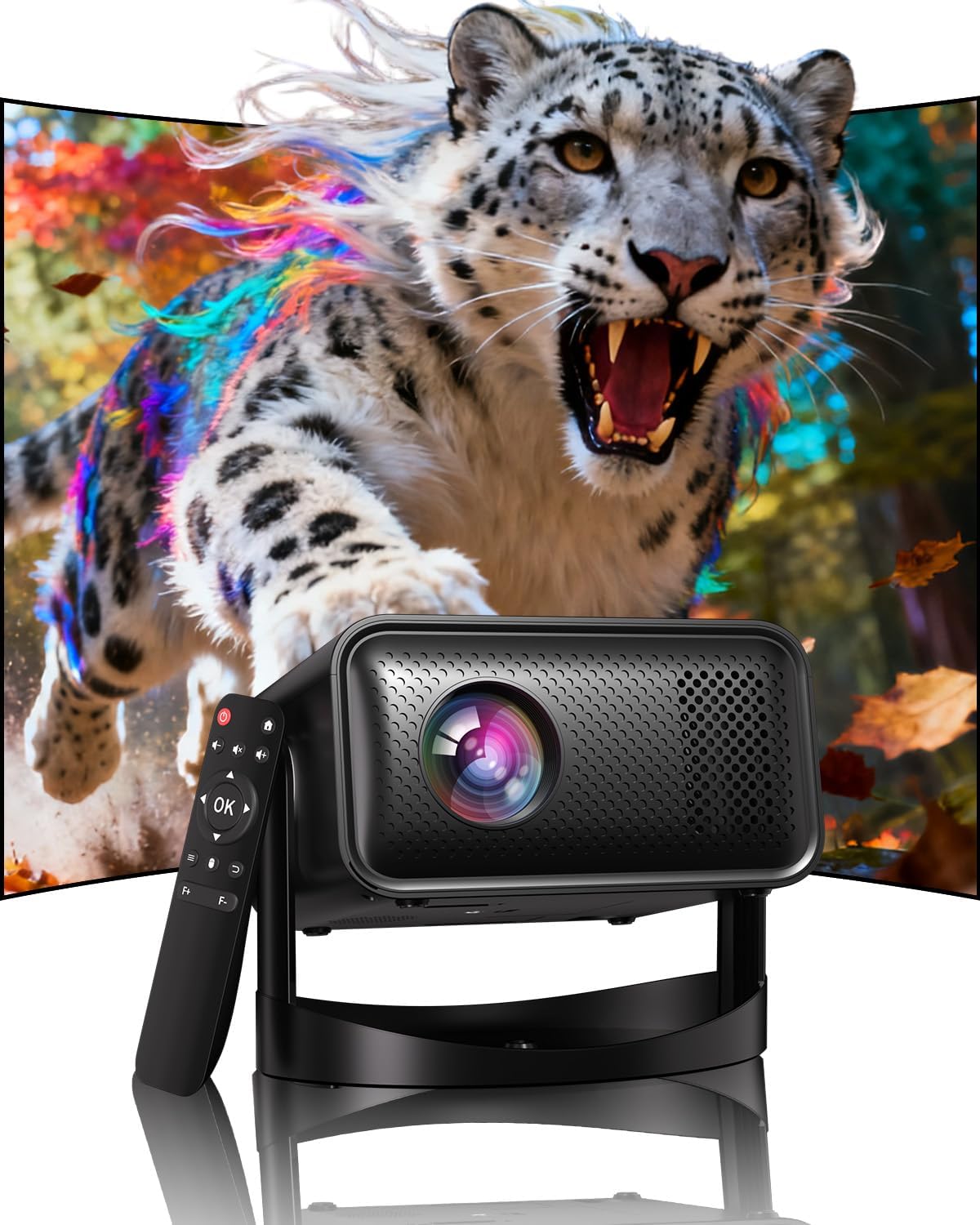
Image: The UCOCARE Mini Portable Projector V18, showcasing its compact design and the vibrant projection capabilities.
2. Informazzjoni dwar is-Sigurtà
- Tħarisx direttament fil-lenti tal-proġettazzjoni meta tkun qed taħdem.amp hija mixgħula.
- Żgura ventilazzjoni xierqa madwar il-proġekter biex tevita sħana żejda.
- Uża biss l-adapter tal-enerġija pprovdut mal-apparat.
- Żomm il-proġettur 'il bogħod mill-ilma, l-umdità, u materjali fjammabbli.
- Evita li tpoġġi l-proġekter fuq uċuħ instabbli.
- Tippruvax tiżżarma jew issewwi l-proġettur int stess. Ikkuntattja l-appoġġ għall-klijenti għall-għajnuna.
3. Kontenut tal-Pakkett
Ivverifika li l-oġġetti kollha huma preżenti fil-pakkett tiegħek:
- UCOCARE Mini Portable Projector V18
- Kontroll mill-bogħod
- Korda tal-Enerġija
- Manwal għall-Utent (dan id-dokument)
4. Prodott Aktarview
The UCOCARE V18 projector combines advanced features in a compact design, making it suitable for various environments. It weighs approximately 2.09 pounds and measures 8.35 x 8.03 x 5.28 inches.

Image: The compact and lightweight design of the UCOCARE Mini Portable Projector V18, highlighting its dimensions and portability.
4.1 Karatteristiċi ewlenin
- Riżoluzzjoni Nattiva 1080P b'Appoġġ 4K: Jagħti immaġnijiet preċiżi u dettaljati.
- AI-Enhanced Visuals: Improves detail, contrast, and color for a lifelike viewing esperjenza.
- AI-Enhanced Audio: Provides clear dialogue and rich, distortion-free sound.
- Smart Screen Adjustment: Features electric focus, 50%-100% zoom, and auto keystone correction.
- Wifi ta' Faxxa Doppju: Supports 2.4GHz/5GHz for stable and high-speed streaming.
- Konnettività Bluetooth: Għal apparati awdjo mingħajr fili.
- 180° Flexible Rotating Stand: Allows projection on walls, ceilings, or tables.
- Konnettività Universali: HDMI, USB, and 3.5mm audio jack.
5. Setup
5.1 Tqegħid
Position the projector on a stable surface. The 180° flexible rotating stand allows you to adjust the projection angle to suit your needs, whether projecting on a wall, ceiling, or screen.
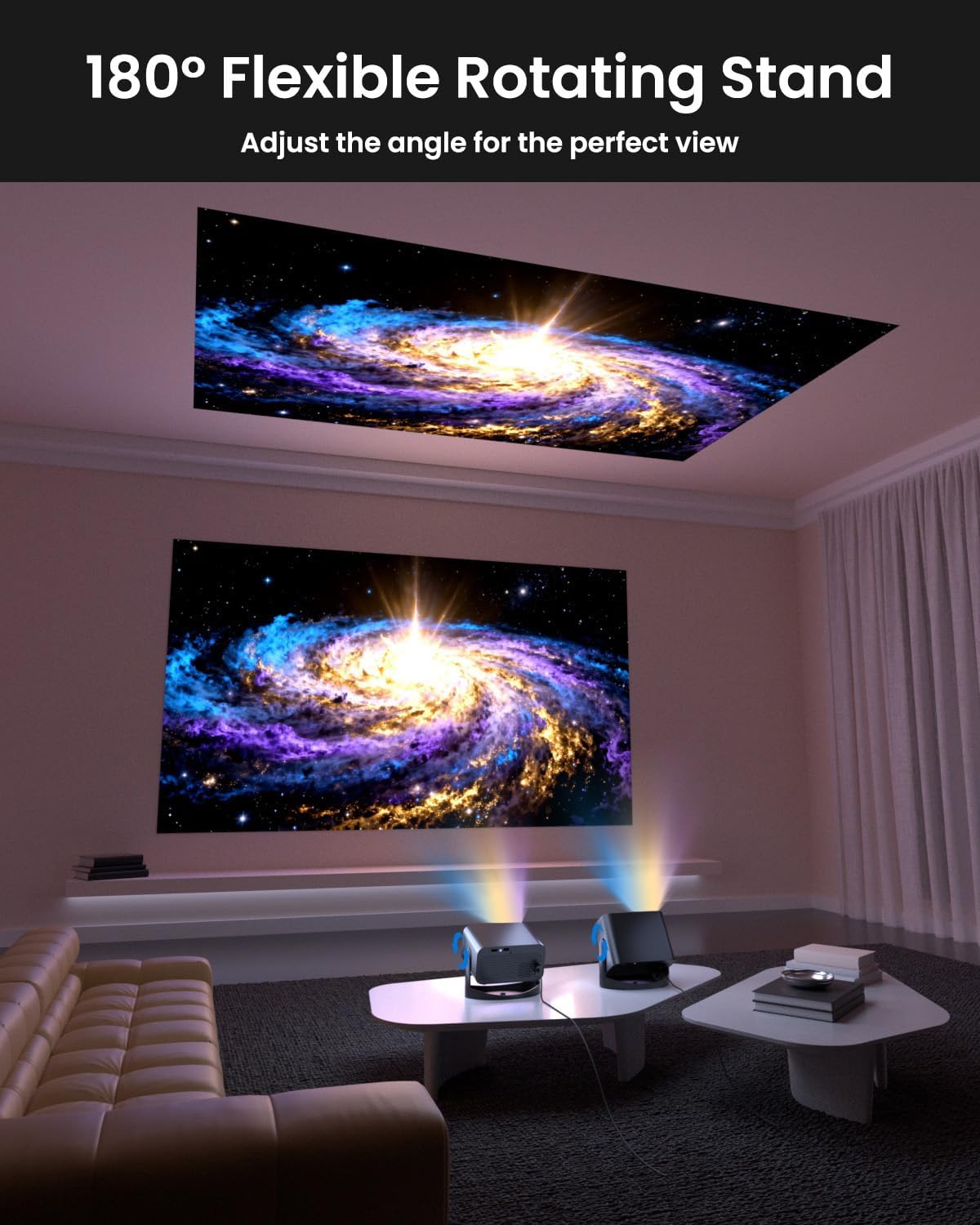
Image: The UCOCARE Mini Portable Projector V18 demonstrating its flexible 180° rotating stand, allowing projection onto various surfaces.
5.2 Konnessjoni tal-Enerġija
- Qabbad il-korda tal-enerġija mal-port tad-dħul tal-enerġija tal-proġettazzjoni.
- Ipplaggja t-tarf l-ieħor tal-korda tad-dawl fi żbokk tad-dawl.
- Agħfas il-buttuna tal-qawwa fuq il-proġettazzjoni jew fuq il-kontroll remot biex tixgħelu.
5.3 Initial Screen Adjustment
The projector features smart screen adjustment for optimal viewing.
- Fokus Elettriku: Use the remote control to activate one-touch electric focus for a clear image.
- Korrezzjoni Auto Keystone: The projector will automatically correct vertical distortion.
- Zoom Function (50%-100%): Adjust the screen size without moving the projector using the remote control.

Image: Visual representation of the smart screen adjustment features: Electric Focus, 50%-100% Zoom, and Auto Keystone Correction.
5.4 Network Connection (WiFi)
- Navigate to the 'Settings' menu on the projector.
- Agħżel 'Netwerk' jew 'Settings tal-WiFi'.
- Choose your desired 2.4GHz or 5GHz WiFi network from the list.
- Daħħal il-password u qabbad.
5.5 Tqabbil tal-Bluetooth
- Go to the 'Settings' menu and select 'Bluetooth'.
- Ippermetti Bluetooth fuq il-proġekter.
- Put your Bluetooth audio device (e.g., speaker, headphones) into pairing mode.
- Agħżel it-tagħmir tiegħek mil-lista fuq l-iskrin tal-proġettazzjoni biex tqabbadh.
6. Joperaw
6.1 Konnessjoni ta' Apparati Esterni
Il-proġettazzjoni tappoġġja diversi sorsi ta' input:
- HDMI: Connect devices like laptops, gaming consoles, or TV sticks using an HDMI cable.
- USB: Plug in a USB drive to play media files direttament.
- Jack Awdjo 3.5mm: Connect external wired speakers or headphones.
- Tidwib bla fili: Stream content from your smartphone or tablet via WiFi.

Immaġni: Fuqview of the UCOCARE Mini Portable Projector V18's universal multi-device connectivity options.
6.2 Kwalità tal-Istampa
Experience stunning visuals with AI-enhanced technology.

Image: The UCOCARE Mini Portable Projector V18's AI-enhanced video quality, detailing 4K support, HDR 10+, Native 1080P, and Wide Color Gamut.
6.3 Kwalità tal-Awdjo
The projector features AI-enhanced audio for an immersive sound experience.
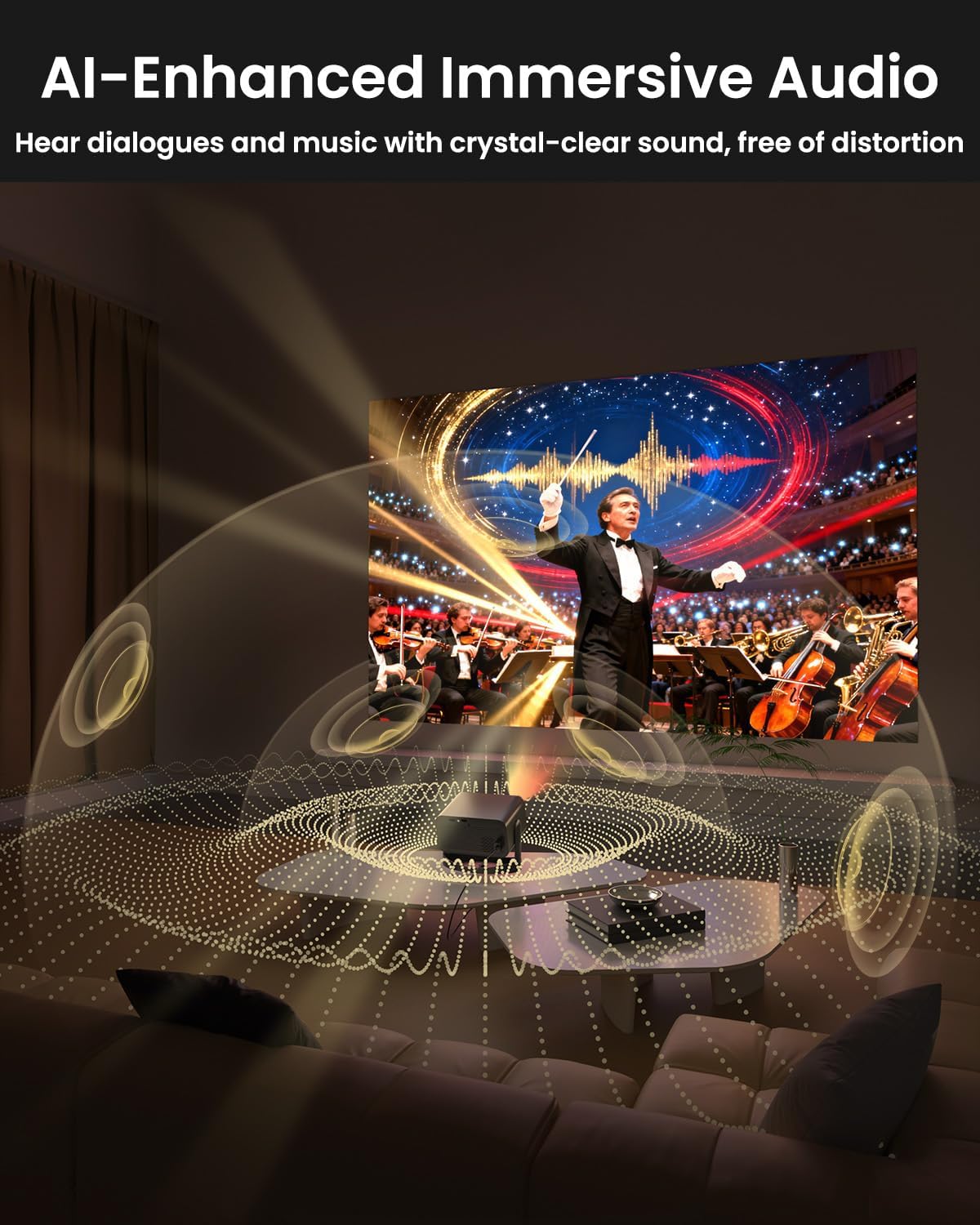
Image: The UCOCARE Mini Portable Projector V18 delivering AI-enhanced immersive audio, creating a surround sound experience.
6.4 Funzjonijiet ta' Kontroll mill-bogħod
The included remote control allows you to navigate menus, adjust volume, change input sources, and control playback. Refer to the remote control diagram in your quick start guide for specific button functions.
6.5 Xenarji ta' Użu
The UCOCARE V18 projector is versatile for various uses:
- Home Theater: Enjoy movies and shows on a large screen.
- Logħob: Connect your console for an immersive gaming experience.
- Preżentazzjonijiet tan-Negozju: Project documents and slides for meetings.
- Bedtime Relax: Project calming visuals or stories onto the ceiling.

Image: The UCOCARE Mini Portable Projector V18 adapting to various scenarios, including home theater, business, gaming, and relaxation.
7. Manutenzjoni
7.1 Tindif tal-Lenti
Uża drapp artab u mingħajr suf iddisinjat speċifikament għal lentijiet ottiċi biex timsaħ bil-mod il-lenti tal-proġettazzjoni. Evita li tuża materjali li joborxu jew kimiċi ħarxa.
7.2 Tneħħija tat-Trab
Regularly clean the projector's exterior with a soft, dry cloth. For ventilation openings, use a soft brush or compressed air to remove dust buildup, ensuring proper airflow.
7.3 Ħażna
Meta ma tkunx qed tużah għal perjodi twal, aħżen il-proġettur f'post frisk u niexef, 'il bogħod mix-xemx diretta u minn temperaturi estremi. Uża l-imballaġġ oriġinali jew kaxxa protettiva biex tevita t-trab u l-ħsara.
8 Issolvi l-problemi
Jekk tiltaqa' ma' problemi bil-proġettur tiegħek, irreferi għall-problemi u s-soluzzjonijiet komuni li ġejjin:
| Problema | Kawża Possibbli | Soluzzjoni |
|---|---|---|
| L-ebda immaġni fuq l-iskrin | Power cable disconnected, incorrect input source, lens cap on. | Iċċekkja l-konnessjoni tal-enerġija, agħżel is-sors tad-dħul korrett, neħħi l-għatu tal-lenti. |
| L-immaġni hija mċajpra | Focus not adjusted, projector too far/close. | Use electric focus function. Adjust projector distance if necessary. |
| L-ebda ħoss | Volume too low, external audio device not connected, incorrect audio output. | Increase volume, check Bluetooth connection or 3.5mm cable, select correct audio output in settings. |
| WiFi/Bluetooth connectivity issues | Barra mill-firxa, password mhux korretta, interferenza. | Ensure projector is within range of router/device. Re-enter password. Reduce interference. |
| Il-kontroll mill-bogħod ma jaħdimx | Batteriji baxxi/mejta, ostruzzjoni, remot mhux imqabbad. | Replace batteries. Remove obstructions. Re-pair remote if applicable. |
9. Speċifikazzjonijiet
| Karatteristika | Dettall |
|---|---|
| Brand | UCOCARE |
| Numru tal-Mudell | V18 |
| Riżoluzzjoni tal-Wiri | Native 1920 x 1080 (1080P), 4K Supported |
| Teknoloġija tal-Konnettività | 2.4GHz/5GHz Wi-Fi, Bluetooth, 3.5mm Jack, HDMI, USB |
| Karatteristiċi Speċjali | 4K Supported, Native 1080P, Adjustable Stand, Electric Focus, Auto Keystone, Portable Mini Size, Built-In 2.4G/5GHz WiFi, Built-In Bluetooth |
| Piż tal-oġġett | 2.09 liri |
| Dimensjonijiet tal-Pakkett | 8.35 x 8.03 x 5.28 pulzieri |
| Użi Rakkomandati | Negozju, Edukazzjoni, Logħob, Ċinema fid-Dar |
10. Garanzija u Appoġġ
UCOCARE products are manufactured to high-quality standards. For warranty information, please refer to the documentation included with your purchase or visit the official UCOCARE website. If you require technical assistance or have questions not covered in this manual, please contact UCOCARE customer support.
L-informazzjoni ta' kuntatt tipikament tista' tinstab fuq l-imballaġġ tal-prodott jew fuq il-marka uffiċjali. websit.