
1. Introduzzjoni
This manual provides essential information for setting up, operating, maintaining, and troubleshooting your ASUS ROG Strix G18 G814 Gaming Laptop. Please read this guide thoroughly to ensure proper use and to maximize the performance and longevity of your device.
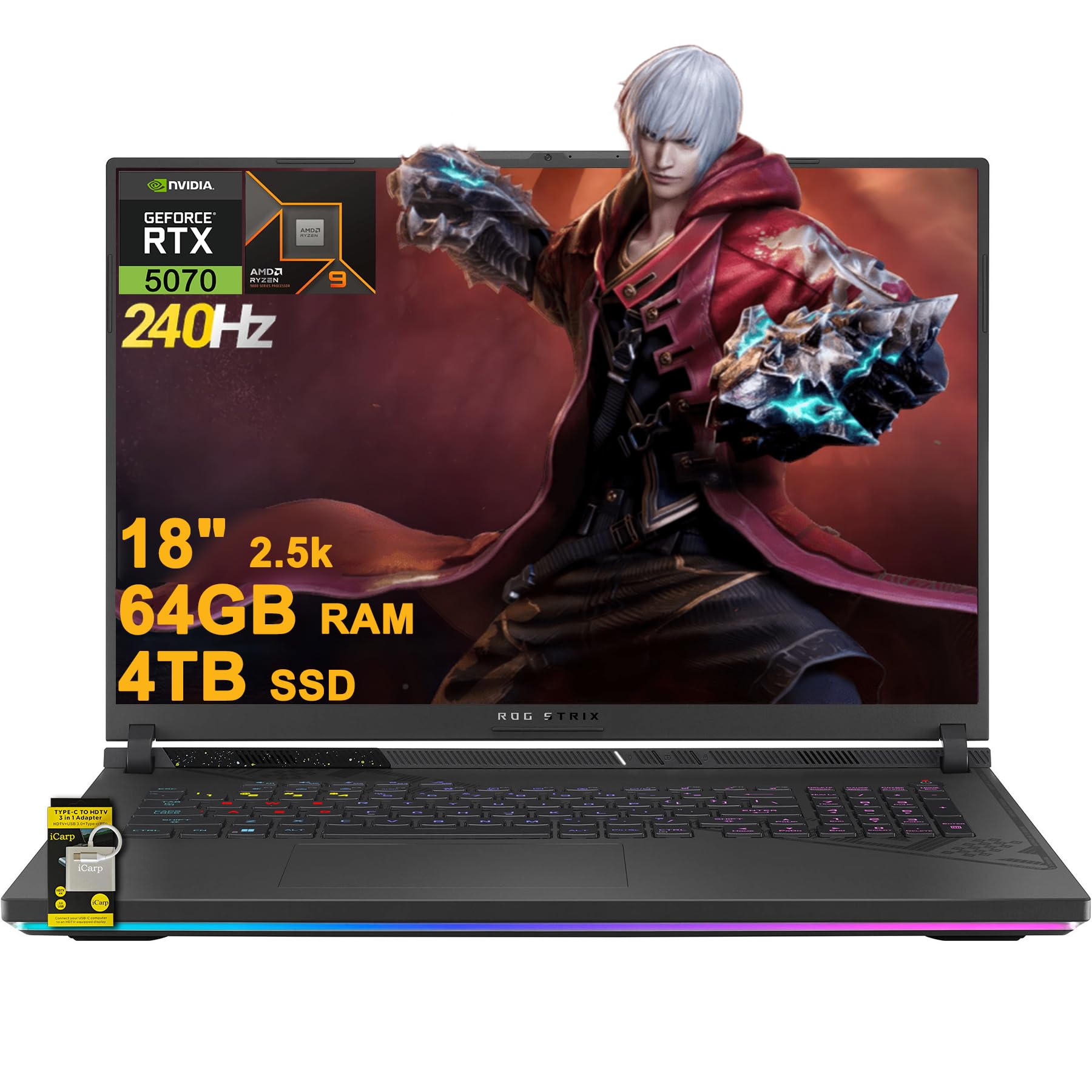
Figure 1.1: ASUS ROG Strix G18 G814 Gaming Laptop
The ASUS ROG Strix G18 G814 is a high-performance gaming laptop designed for demanding applications and immersive gaming experiences. It features an AMD 16-core Ryzen 9 9955HX processor, NVIDIA GeForce RTX 5070 graphics, 64GB DDR5 RAM, and a 4TB SSD, all showcased on an 18-inch 2.5K (2560x1600) 240Hz IPS display.
2. Setup
2.1 Żpakkjar u Spezzjoni Inizjali
Carefully remove the laptop and all accessories from the packaging. Inspect for any signs of damage. Retain the original packaging for future transport or service needs.
2.2 Konnessjoni tal-Adapter tal-Enerġija
Qabbad l-adapter tal-enerġija mal-port tad-dħul tal-enerġija tal-laptop u mbagħad daħħalha f'sokit tal-ħajt. Huwa rakkomandat li tiċċarġja l-batterija kompletament qabel l-ewwel użu.
2.3 L-Ewwel Qawwa
Open the laptop lid and press the power button. The laptop will guide you through the initial setup of Microsoft Windows 11 Home. Follow the on-screen instructions to configure your operating system, network connection, and user accounts.
2.4 Konnettività ta' Apparat Estern
Your laptop includes various ports for connecting external devices. Refer to the 'Ports and Slots' section for a detailed overview.

Figura 2.1: Aktarview of ASUS ROG Strix G18 G814 Key Features
2.5 Included Accessories: iCarp Type-C 3-in-1 Hub
Your package includes an iCarp Type-C 3-in-1 Hub, which expands your connectivity options. This hub provides USB 3.0, HDTV 4K Output, and Type-C (PD) functionality. Connect it to a compatible USB-C port on your laptop to utilize its features, such as connecting to an HDTV-equipped display.

Figure 2.2: iCarp Type-C 3-in-1 Hub for expanded connectivity
3. It-Tħaddim tal-Laptop Tiegħek
3.1 Tastiera u Input
The laptop features a full-size 4-zone RGB backlit keyboard. You can customize the lighting effects and colors through the pre-installed software (e.g., Armoury Crate). The touchpad supports multi-touch gestures for navigation.
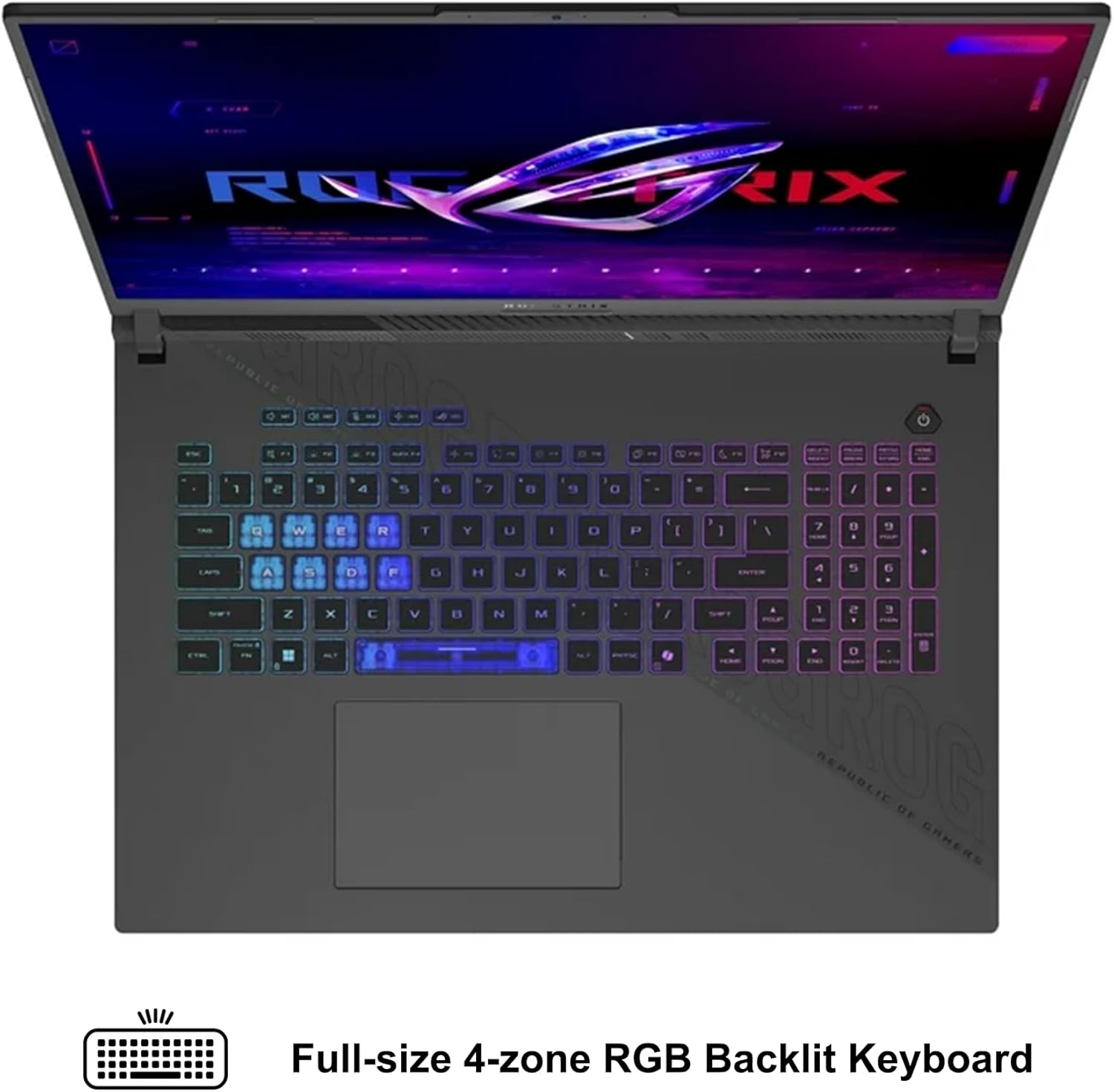
Figure 3.1: Full-size 4-zone RGB Backlit Keyboard
3.2 Settings tal-wiri
The 18-inch 2.5K (2560x1600) IPS display offers a 240Hz refresh rate for smooth visuals. You can adjust display settings, including resolution and refresh rate, through Windows display settings or the NVIDIA Control Panel for optimal gaming and productivity.
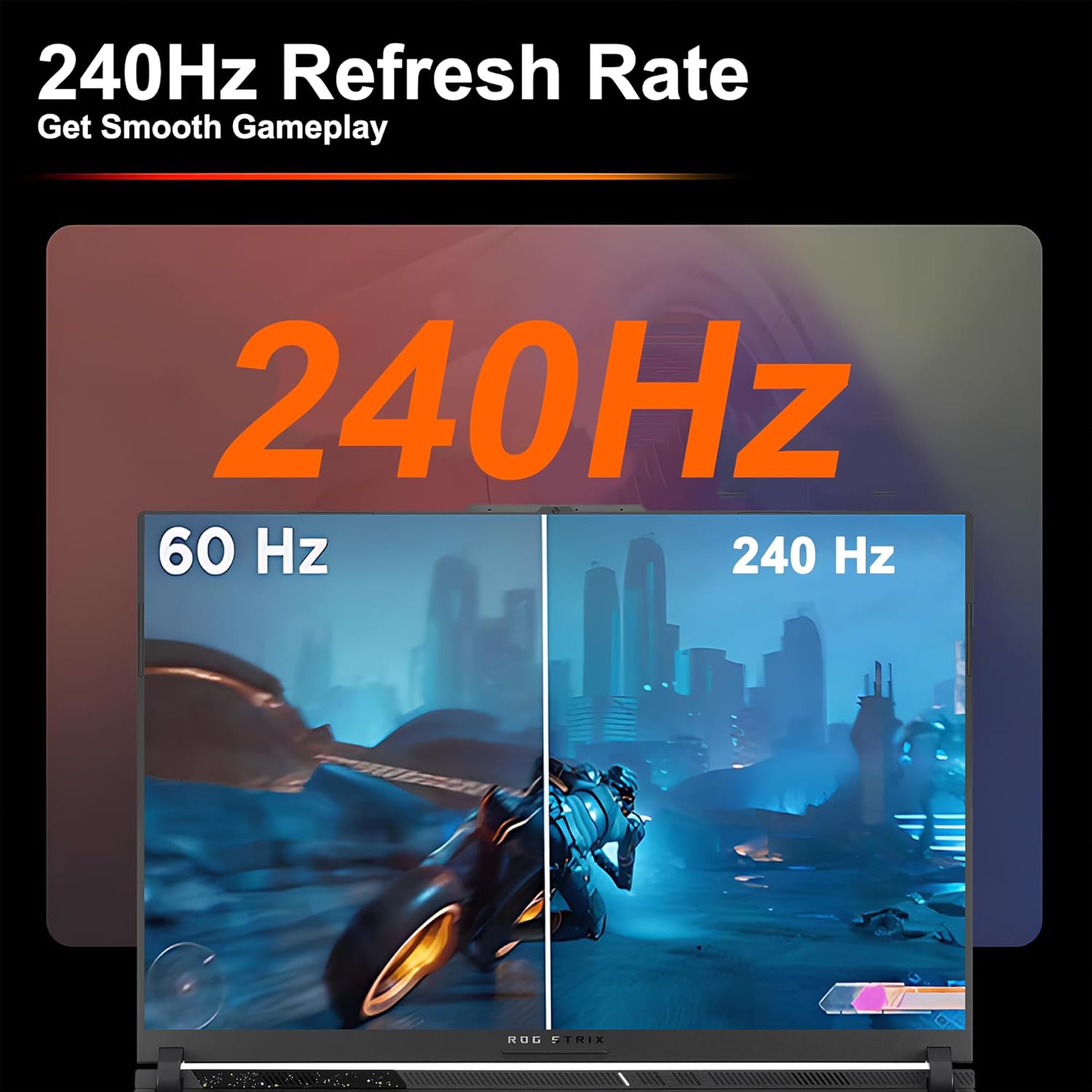
Figure 3.2: Visual comparison of 60Hz vs. 240Hz refresh rates
3.3 Audio and Communication
The laptop features Dolby Atmos audio for an immersive sound experience. The integrated FHD camera and AI Noise-canceling technology enhance communication during video calls and online gaming by reducing background noise.
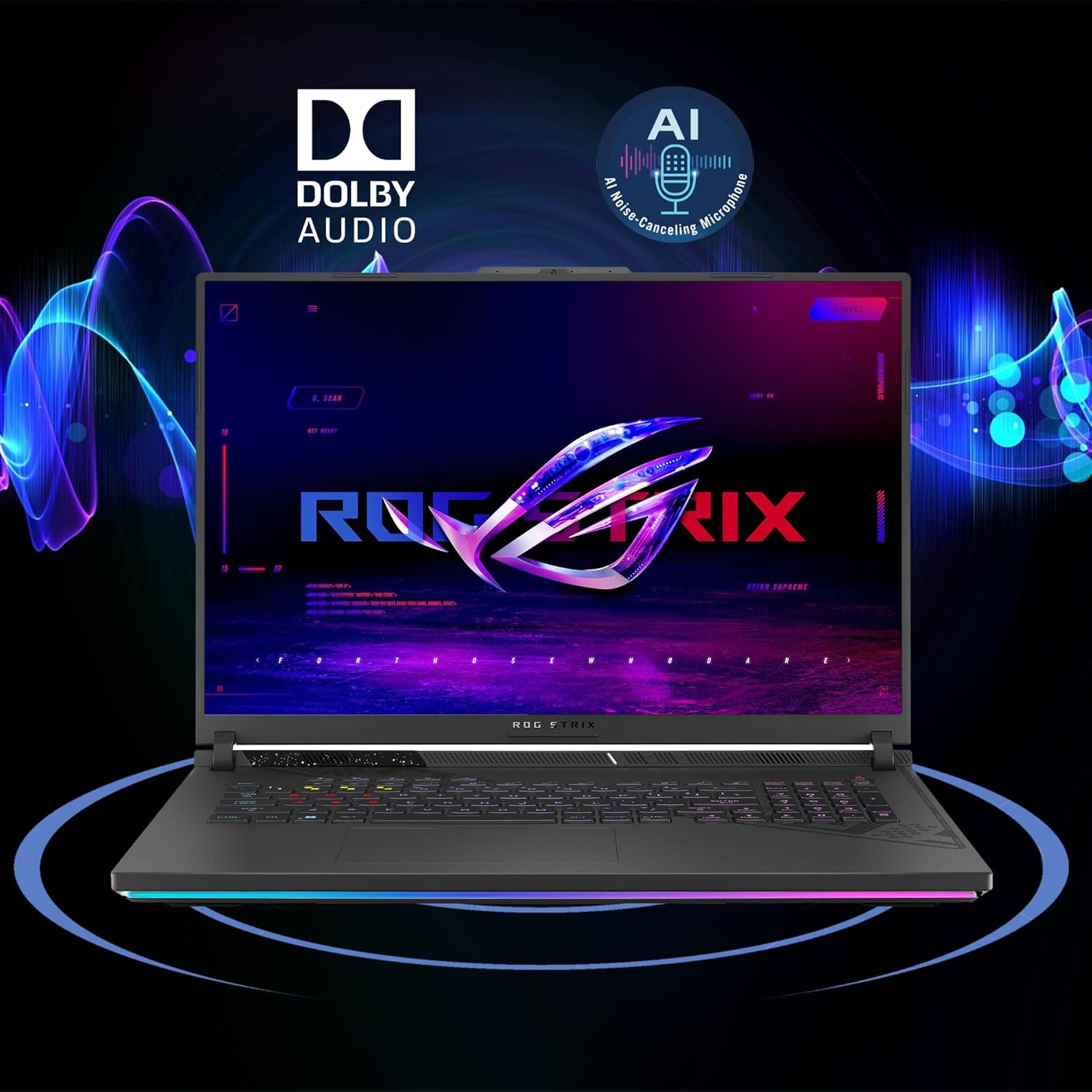
Figure 3.3: Dolby Audio and AI Noise-canceling features
3.4 Konnettività bla fili
The laptop supports Wi-Fi 6E for high-speed wireless internet access. Ensure your router also supports Wi-Fi 6E to take full advantage of its capabilities. Bluetooth is also available for connecting wireless peripherals.
4. Manutenzjoni
4.1 Tindif tal-Laptop Tiegħek
Regularly clean the screen with a soft, lint-free cloth and a screen-specific cleaning solution. For the keyboard and chassis, use a soft cloth dampened with a mild cleaning solution. Avoid spraying liquids directly onto the laptop.
4.2 Optimizing Cooling
To prevent overheating, ensure that the laptop's ventilation openings are not obstructed. When operating under heavy load, especially in 'Turbo' mode, the fans will increase speed and noise. Maintain adequate clearance (at least 2-3 inches) behind the laptop, particularly near the rear exhaust vents, to allow for proper heat dissipation.
4.3 Kura tal-Batterija
To prolong battery life, avoid frequently discharging the battery completely. If storing the laptop for an extended period, charge it to approximately 50-60% and store it in a cool, dry place. Avoid exposing the battery to extreme temperatures.
5 Issolvi l-problemi
5.1 Kwistjonijiet Komuni u Soluzzjonijiet
- Il-laptop mhux qed jixgħel: Kun żgur li l-adapter tal-enerġija huwa konness sew u li l-batterija għandha biżżejjed ċarġ. Ipprova sokit tal-enerġija differenti.
- Is-sħana żejda: Check for obstructed vents. Ensure the laptop is on a hard, flat surface. Adjust power profiles in Armoury Crate to 'Silent' or 'Performance' if 'Turbo' mode causes excessive heat.
- Problemi bil-wiri: Verify display cable connections if using an external monitor. Update graphics drivers. Check display settings in Windows.
- Ebda ħoss: Check volume levels, speaker connections, and audio drivers. Ensure AI Noise-canceling is not muting desired audio.
- Problemi ta' konnettività tal-Wi-Fi: Restart your router and laptop. Check Wi-Fi settings and ensure drivers are up to date.
5.2 Ikkuntattja l-Appoġġ
If you encounter issues that cannot be resolved using the troubleshooting steps above, please refer to the 'Support' section for information on how to contact ASUS customer service.
6. Speċifikazzjonijiet
| Karatteristika | Dettall |
|---|---|
| Proċessur | AMD Ryzen 9 9955HX (16-core, up to 5.4GHz) |
| Grafika | NVIDIA GeForce RTX 5070 8GB Dedicated Graphic |
| Memorja | 64GB DDR5 RAM |
| Ħażna | 4TB SSD (PCIe 5.0 speeds) |
| Wiri | 18-inch 2.5K (2560x1600) IPS 240Hz (100% DCI-P3, 3ms, Anti-glare) |
| Sistema Operattiva | Microsoft Windows 11 Dar |
| Portijiet | 2 x USB-A 3.2, 1 x Type USB 4 (DP1.4, G-SYNC, PD 3.0), 1 x HDMI 2.1 FRL, 1 x RJ45 Ethernet |
| Wireless | Wi-Fi 6E, Bluetooth |
| Batterija | 90Wh |
| Dimensjonijiet (LxWxH) | 11.57" x 15.71" x 1.21" |
| Piż | 6.61 lbs |
| Tastiera | Tastiera RGB b'4 żoni b'dawl minn wara |
| Kamera | Kamera FHD |
| Awdjo | Dolby Atmos, AI Noise-canceling Technology |
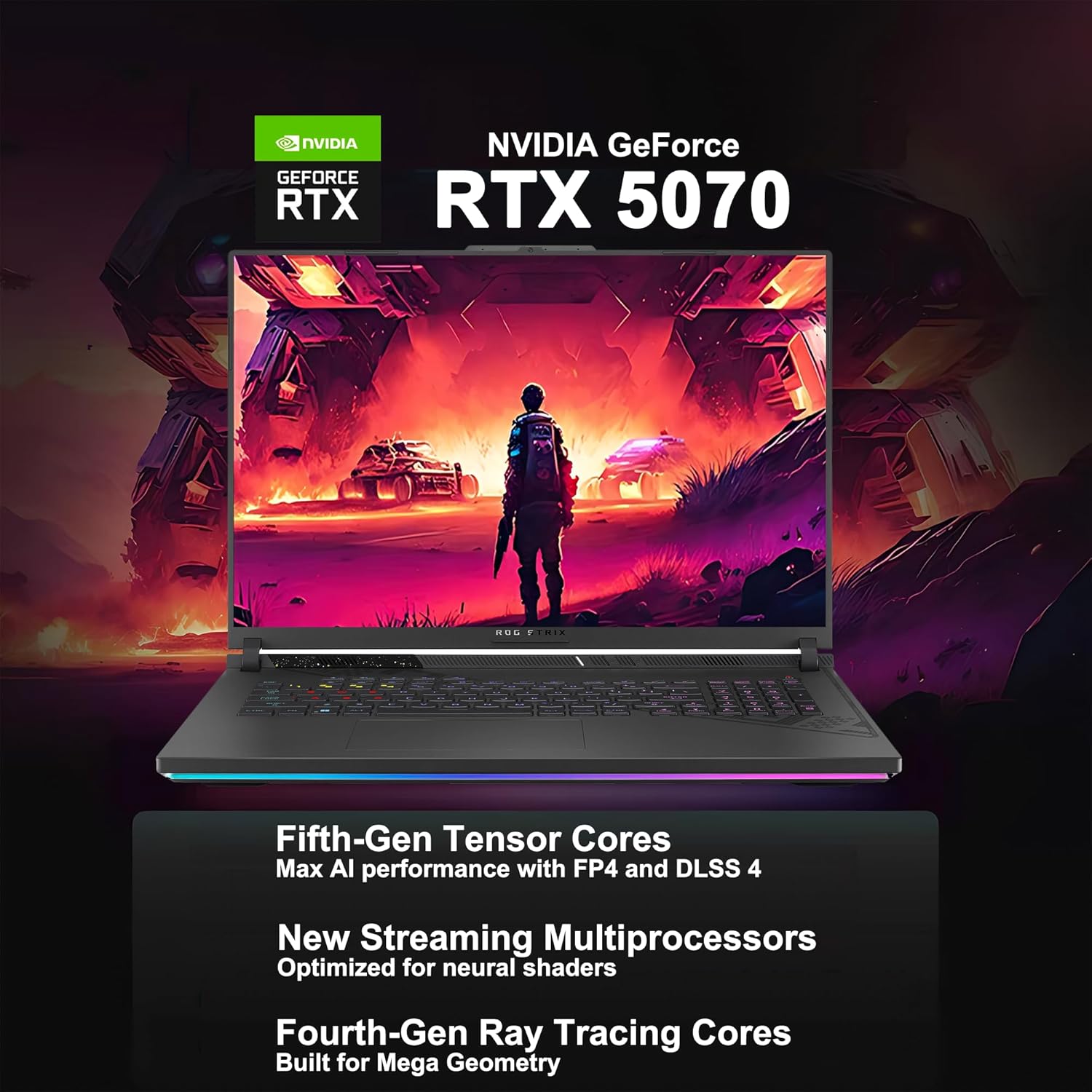
Figure 6.1: AMD Ryzen 9 9955HX Processor Specifications
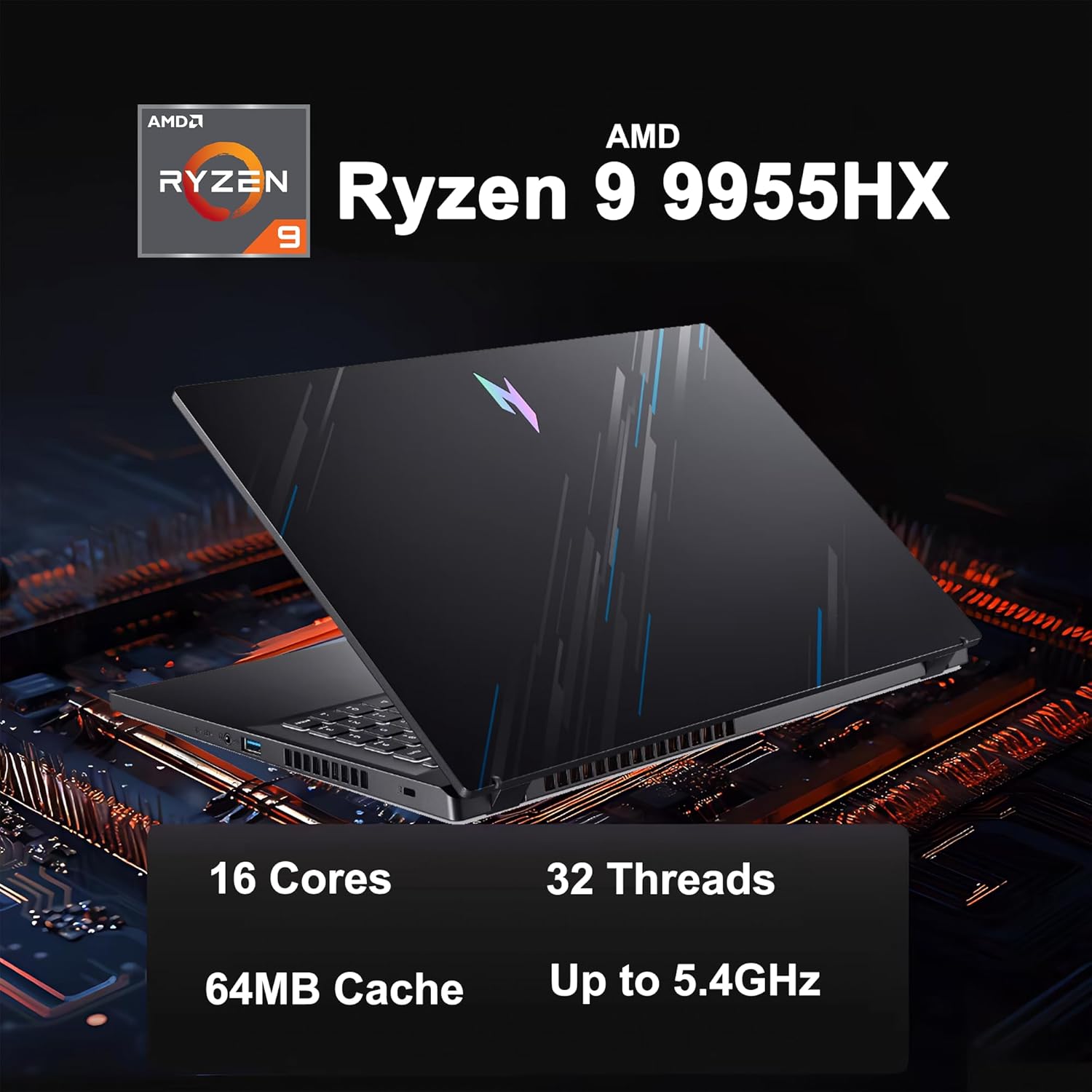
Figure 6.2: NVIDIA GeForce RTX 5070 Graphics Card Features
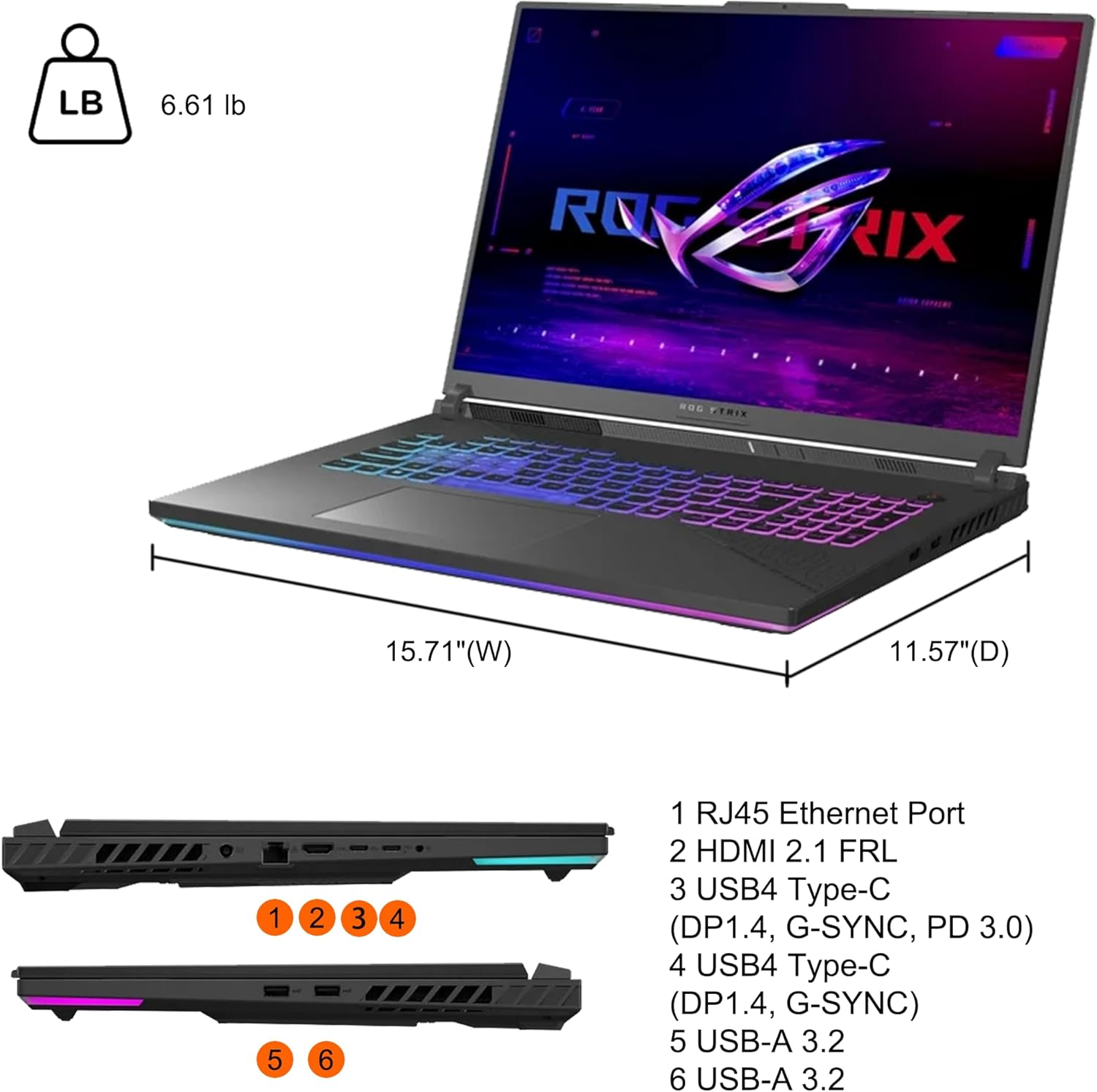
Figure 6.3: Laptop Ports and Physical Dimensions
7. Informazzjoni dwar Garanzija
Your ASUS ROG Strix G18 G814 Gaming Laptop is covered by a limited warranty. The specific terms and conditions of the warranty, including duration and coverage, are provided in the warranty card included with your product or can be found on the official ASUS support websit. Jekk jogħġbok żomm il-prova tax-xiri tiegħek għal talbiet ta' garanzija.
8. Appoġġ
For technical assistance, driver downloads, FAQs, and further support resources, please visit the official ASUS support websit:
Tista' wkoll tikkuntattja lis-servizz tal-klijenti tal-ASUS direttament permezz tal-informazzjoni ta' kuntatt ipprovduta fuq is-sit tagħhom. websit għar-reġjun tiegħek.