
1. Introduzzjoni
Thank you for choosing the Earbay BT681CD-2025 Wireless Headset. This headset is designed for clear communication in various environments, featuring Bluetooth 5.2 connectivity, a noise-canceling microphone, and a comfortable design. This manual provides detailed instructions for setup, operation, and maintenance to ensure optimal performance.
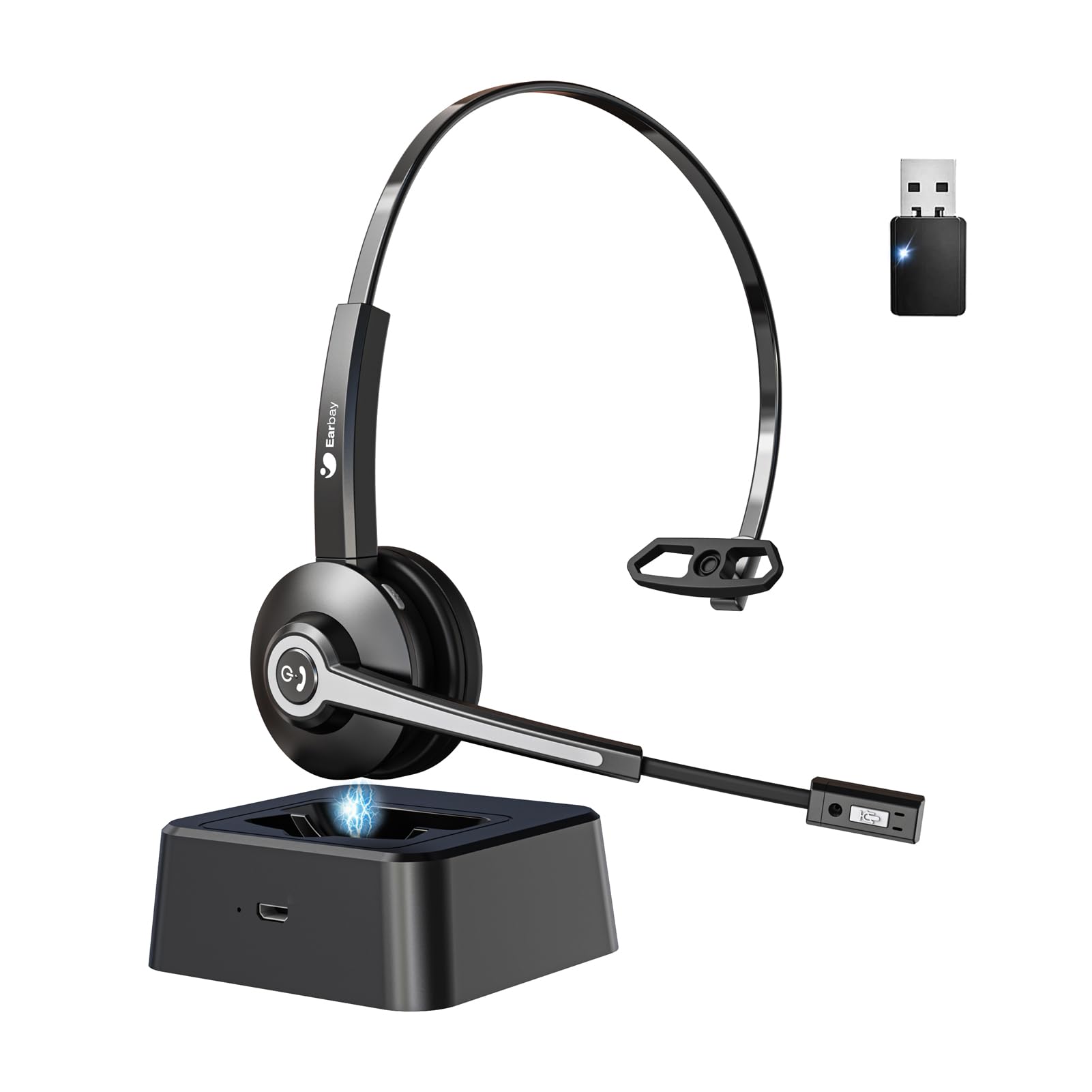
Image 1.1: Earbay BT681CD-2025 Wireless Headset with charging base and USB dongle.
2. Kontenut tal-Pakkett
Jekk jogħġbok iċċekkja l-pakkett għall-oġġetti li ġejjin:
- Earbay BT681CD-2025 Wireless Headset
- Bażi tal-Iċċarġjar
- USB Dongle
- Cable tal-Iċċarġjar tal-USB-C
- Manwal għall-Utent
3. Istruzzjonijiet ta' Setup
3.1. Iċċarġjar tal-Headset
Before first use, fully charge the headset. The headset can be charged using the included USB-C cable or by placing it on the charging base.
- Bl-użu ta' Cable USB-C: Connect the USB-C cable to the headset's charging port and the other end to a USB power source (e.g., computer, wall adapter).
- Użu tal-Bażi tal-Iċċarġjar: Place the headset onto the charging base. Ensure the charging contacts align.
A full charge takes approximately 1.5 to 2 hours. The LED indicator on the headset will show charging status (e.g., red for charging, blue for fully charged).

Image 3.1: Headset charging options: USB-C cable and charging base.
3.2. Konnessjoni permezz ta' USB Dongle
For optimal compatibility and stable connection with computers, use the provided USB dongle.
- Daħħal id-dongle tal-USB f'port USB disponibbli fuq il-kompjuter tiegħek.
- Power on the headset. It will automatically attempt to connect to the dongle.
- Once connected, the LED indicator on both the headset and dongle will show a stable blue light.
- Kun żgur li l-headset huwa magħżul bħala l-apparat awtomatiku tad-dħul u l-ħruġ tal-awdjo fis-settings tal-ħoss tal-kompjuter tiegħek.
3.3. Konnessjoni permezz tal-Bluetooth
The headset can connect to two devices simultaneously (e.g., computer via dongle and phone via Bluetooth).
- Power on the headset. It will enter pairing mode if not already connected to a device. The LED will flash blue and red.
- Fuq it-tagħmir tiegħek (eż., smartphone, tablet), ippermetti l-Bluetooth u fittex tagħmir disponibbli.
- Select "Earbay BT681CD-2025" from the list of devices.
- Ladarba jkun imqabbad, l-indikatur LED fuq il-headset isir blu solidu.
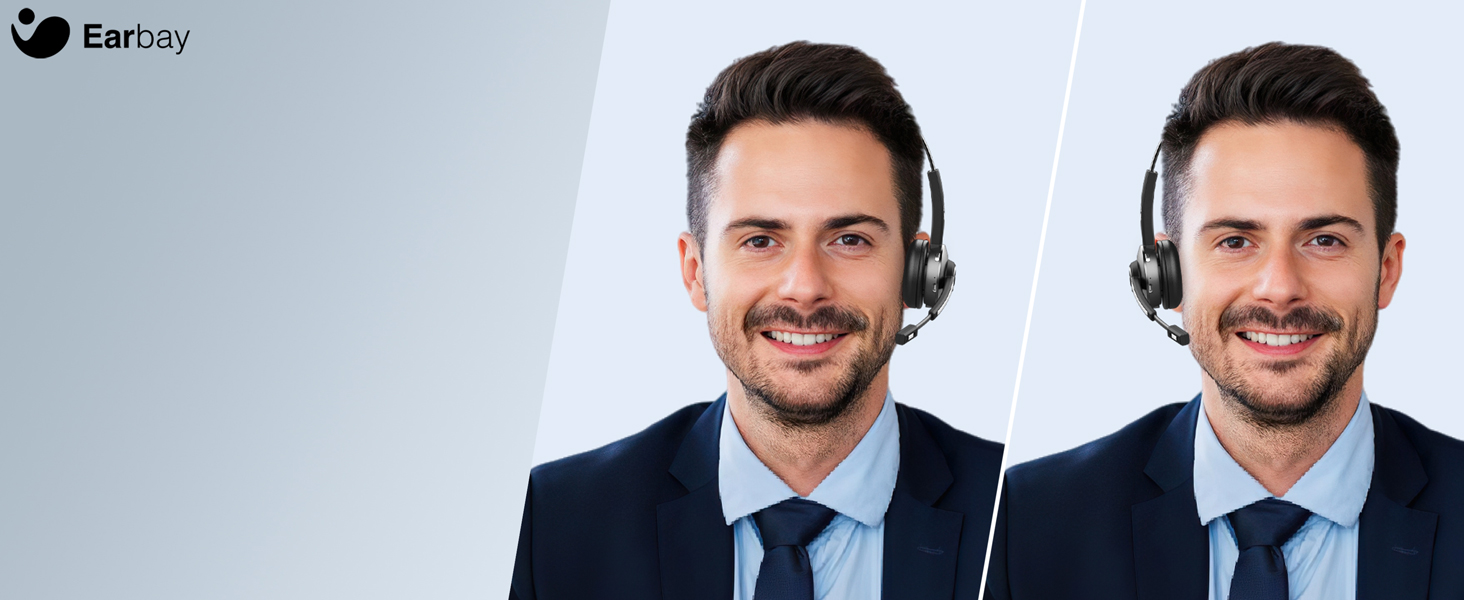
Image 3.2: The headset supports two connection methods: Bluetooth 5.2 and USB Dongle, allowing connection to two devices simultaneously.
4. Istruzzjonijiet Operattivi
4.1. Power On/Off
- Qawwa Mixgħul: Press and hold the Multi-function Button (MFB) for 3 seconds until the LED flashes blue.
- Itfi: Press and hold the MFB for 5 seconds until the LED flashes red and then turns off.
4.2. Ġestjoni tas-Sejħiet
- Tweġiba/Tmiem Sejħa: Agħfas l-MFB darba.
- Irrifjuta Sejħa: Agħfas u żomm l-MFB għal 2 sekondi.
- Mikrofonu Mute: Press the dedicated mute button on the microphone arm. The LED on the microphone will indicate mute status.
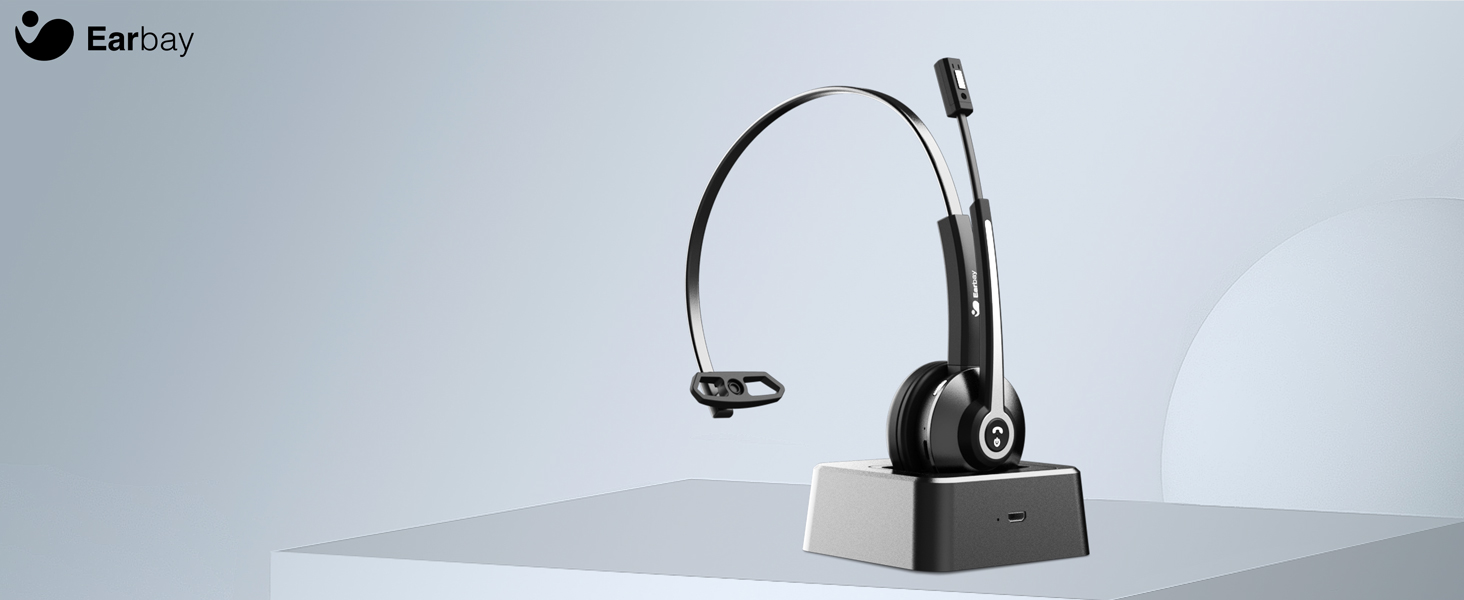
Image 4.1: The microphone arm features a dedicated mute button for privacy during calls.
4.3. Kontroll tal-Volum
- Volum 'il fuq: Agħfas il-buttuna Volum 'il fuq.
- Volum 'l isfel: Agħfas il-buttuna Volum 'l isfel.
4.4. L-Ilbies tal-Headset
The headset is designed for comfort during extended use.
- Faxxa tar-ras aġġustabbli: Estendi jew irtira l-faxxa tar-ras biex taqbel mad-daqs tar-ras tiegħek.
- Rotatable Ear Cups: The ear cups can rotate 180 degrees for a comfortable fit and easy storage.
- Flexible Mic Arm: The microphone arm can be rotated 270 degrees to position the microphone optimally for your voice.
Image 4.2: The headset features memory foam earcups and a lightweight design for all-day comfort.
5. Manutenzjoni
To ensure the longevity and performance of your headset, follow these maintenance guidelines:
- Tindif: Uża drapp artab u niexef biex tnaddaf il-headset. Evita li tuża kimiċi ħarxa jew materjali li joborxu.
- Ħażna: Aħżen il-headset f'post frisk u niexef 'il bogħod mix-xemx diretta u minn temperaturi estremi.
- Kura tal-batterija: Avoid fully discharging the battery frequently. Charge the headset regularly, even if not in use, to maintain battery health.
- Evita l-umdità: Tesponix il-headset għall-ilma jew għal umdità eċċessiva.
6 Issolvi l-problemi
If you encounter issues with your Earbay BT681CD-2025 headset, refer to the following common problems and solutions:
| Problema | Kawża Possibbli | Soluzzjoni |
|---|---|---|
| Il-headset ma jixgħelx | Batterija baxxa | Iċċarġja l-headset kompletament. |
| Ma nistax nikkonnettja mat-tagħmir | Not in pairing mode, Bluetooth off, or device too far | Ensure headset is in pairing mode (flashing blue/red LED). Turn on Bluetooth on your device. Move headset closer to the device. Re-pair the headset. |
| Ebda ħoss jew kwalità fqira tal-awdjo | Incorrect audio output selected, low volume, or interference | Check your device's sound settings to ensure the headset is selected as the output. Increase headset and device volume. Move away from sources of interference. |
| Mikrofonu mhux qed jaħdem | Microphone muted, incorrect input selected, or mic arm not positioned correctly | Unmute the microphone. Check your device's sound settings to ensure the headset is selected as the input. Adjust the microphone arm closer to your mouth. |
| Il-konnessjoni tinżel ta' spiss | Out of range, interference, or low battery | Stay within the operating range (up to 33 feet/10 meters). Reduce interference from other wireless devices. Charge the headset. |
7. Speċifikazzjonijiet
- Numru tal-Mudell: BT681CD-2025
- Ditta: Earbay
- Teknoloġija tal-Komunikazzjoni mingħajr Fili: Bluetooth 5.2
- Interface tal-Apparat tal-Input: Bluetooth, USB
- Noise Control Features: Noise Cancellation (Microphone)
- Batterija: 1 Batterija Mhux Standard (inkluża)
- Ħin tal-Iċċarġjar: Madwar sagħtejn
- Ħin tat-Taħdit: Sa 28 sigħat
- Ħin ta' Standby: Sa 400 sigħat
- Medda operattiva: Sa 33 pied (10 metri)
- Piż tal-oġġett: 12 uqija
- Kulur: Iswed
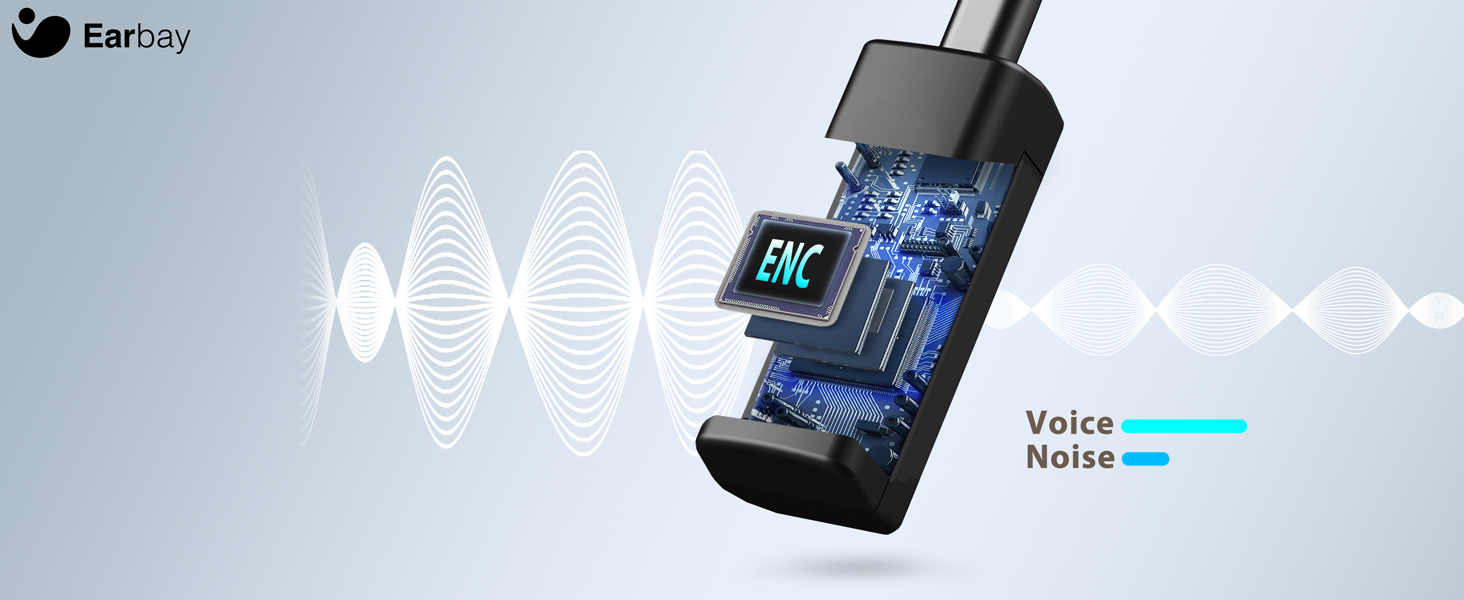
Image 7.1: The headset features a Bluetooth 5.2 chip for stable and clear connections.
8. Prodott Aktarview Video
Ara dan il-filmat għal idea viżwali aktar 'il fuqview of the Earbay Wireless Headset features and design.
Vidjo 8.1: Wirja uffiċjali tal-vidjo tal-prodottasing the Earbay Wireless Headset's design and key functionalities.
9. Garanzija u Appoġġ
Earbay products come with a standard manufacturer's warranty. For detailed warranty information, product support, or technical assistance, please refer to the contact information provided on the product packaging or visit the official Earbay websit. Jekk jogħġbok żomm il-prova tax-xiri tiegħek għal talbiet ta' garanzija.