
1. Introduzzjoni
This manual provides essential information for setting up, operating, and maintaining your ASUS NUC 15 Pro AI Mini PC. This compact and powerful mini PC is designed for a wide range of applications, from everyday computing to demanding AI development and creative workflows. It features an Intel Series 2 Core Ultra 5 225H processor, Intel Arc 130T GPU, and runs on Windows 11 Pro.
Il-karatteristiċi ewlenin jinkludu:
- Prestazzjoni Qawwija tal-AI: Intel Series 2 Core Ultra 5 225H processor (14 Cores/14 Threads, up to 4.9GHz) with Intel Arc 130T GPU for AI acceleration.
- AI-Ready: Integrated NPU for efficient on-device AI model inference, reducing power usage.
- Expandable Storage & RAM: Tool-free access for upgrades, supporting up to 96GB DDR5 RAM and up to 2TB PCIe Gen4 x4 SSDs, plus 2.5" SATA slots.
- Tkessiħ Avvanzat: Dual copper heat pipes, large mesh air inlets, and a turbo rear fan for optimal thermal management.
- Konnettività versatili: Thunderbolt 4, HDMI 2.1, USB-C, WiFi 7, and Bluetooth 5.4.
- Appoġġ Multi-Display: Supports up to 8K or four 4K HDR displays.
- Kompatibbli VESA Mount: For flexible placement options.

Immaġni: Fuqview of the Intel Core Ultra 5 Processor 225H (Series 2) highlighting 14 cores, 14 threads, 18MB cache, 83 TOPS, and 4.9 GHz max turbo frequency, along with Intel Arc 130T GPU and Intel AI Boost.

Immaġni: Eżamples of the ASUS NUC 15 Pro AI Mini PC in various applications, including graphic design/video processing, gaming, NAS, and home theater setups.
2. X'hemm fil-Kaxxa
Carefully unpack your ASUS NUC 15 Pro AI Mini PC and ensure all items are present:
- ASUS NUC 15 Pro Ultra 5 AI Mini PC
- Adapter AC u Korda tal-Enerġija
- Muntatura VESA
- Tastiera bla fili
- Ġurdien mingħajr fili
- Manwal għall-Utent (dan id-dokument)
3. Setup
3.1 Konnessjoni tal-Periferali
- Qabbad id-Displej: Connect your monitor(s) to the Mini PC using the HDMI 2.1 or Thunderbolt 4 ports. This Mini PC supports up to 8K or four 4K HDR displays.
- Qabbad it-Tastiera u l-Maws: Connect the wireless keyboard and mouse. Ensure their respective receivers are plugged into available USB ports.
- Qabbad in-Netwerk (Mhux obbligatorju): For a wired connection, connect an Ethernet cable to the 2.5G Gigabit Ethernet port. For wireless, ensure your WiFi network is available.
- Qabbad l-Enerġija: Plug the AC adapter into the DC-In port on the Mini PC, then connect the power cord to an electrical outlet.
3.2 Installazzjoni tal-Muntatura VESA
The included VESA mount allows you to attach the Mini PC to the back of a compatible monitor or to a wall mount, saving desk space.
- Attach the VESA mount bracket to the back of your monitor or desired surface using appropriate screws.
- Slide the Mini PC onto the VESA mount bracket until it clicks securely into place.

Image: Rear and front views of the ASUS NUC 15 Pro AI Mini PC, detailing its multiple ports including USB 3.2 Gen2 Type-C, USB 3.2 Gen2 Type-A, USB 2.0 Type-A, HDMI 2.1, Thunderbolt 4, and 2.5G Ethernet.
4. Istruzzjonijiet Operattivi
4.1 Power On/Off
- Qawwa Mixgħul: Press the power button located on the front of the Mini PC. The system will boot into Windows 11 Pro.
- Itfi: From Windows, click the Start button, then Power > Shut down. Alternatively, press and hold the power button for 4 seconds to force a shutdown (use only when necessary).
4.2 Konnettività tan-Netwerk
- Wi-Fi 7: Windows 11 Pro will automatically detect available Wi-Fi networks. Select your network and enter the password to connect.
- Ethernet 2.5G: If an Ethernet cable is connected, the system will automatically establish a wired network connection.
- Bluetooth 5.4: Use Bluetooth settings in Windows to pair with compatible devices such as headphones, speakers, or other peripherals.

Image: The ASUS NUC 15 Pro AI Mini PC highlighting its advanced connectivity features: Wi-Fi 7, Bluetooth 5.4, and 2.5G LAN, ensuring faster speeds and lower latency.
4.3 Konfigurazzjoni tal-Wiri
The Mini PC supports multiple high-resolution displays. You can configure display settings through Windows 11 Pro:
- Right-click on the desktop and select "Display settings."
- Here you can arrange your displays, change resolution, and set display modes (e.g., extend, duplicate).

Image: The ASUS NUC 15 Pro AI Mini PC connected to multiple monitors, demonstrating support for 8K or Quad 4K HDR displays via HDMI and Thunderbolt ports.
4.4 Karatteristiċi tal-AI
Leverage the integrated NPU for AI acceleration in compatible applications. This allows for faster and more efficient on-device AI processing, reducing reliance on cloud services and improving privacy.
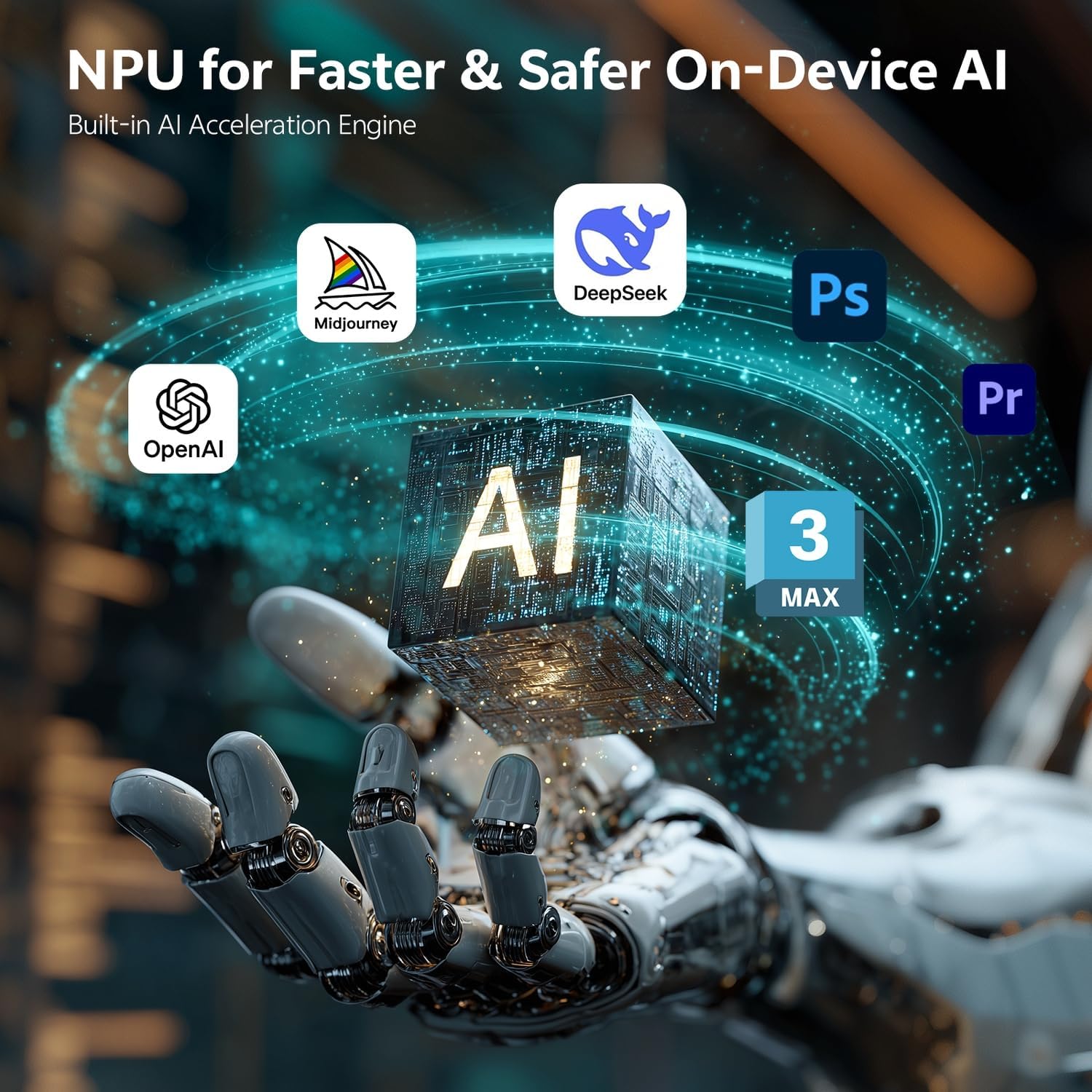
Image: Visual representation of the NPU (Neural Processing Unit) in the ASUS NUC 15 Pro AI Mini PC, illustrating its role in faster and safer on-device AI for applications like Midjourney, DeepSeek, Photoshop, Premiere, and OpenAI.
5. Manutenzjoni
5.1 Aġġornamenti tal-Komponenti
The ASUS NUC 15 Pro AI Mini PC features a tool-less chassis design for easy access to internal components, allowing for RAM and SSD upgrades.
- Itfi: Ensure the Mini PC is powered off and disconnected from the power source before opening the chassis.
- Xażi Miftuħa: Follow the instructions in the quick start guide to open the tool-less chassis.
- Aġġornament tar-RAM: The system supports 16GB to 64GB DDR5 RAM (up to 96GB). Install compatible SODIMM modules into the available slots.
- Aġġornament SSD: The system supports 512GB to 2TB PCIe Gen4 x4 SSDs. Install M.2 2280 PCIe SSDs into the designated slot. Additional 2.5" SATA slots are available for further storage expansion.
- Xażi mill-qrib: Securely close the chassis after upgrades.

Immaġni: Interna view of the ASUS NUC 15 Pro AI Mini PC, demonstrating its tool-less access design for easily upgrading DDR5 SO-DIMM RAM and M.2 2280 PCIe SSD, with support for built-in 2.5" SATA HDD.
5.2 Sistema tat-tkessiħ
The Mini PC features an advanced cooling system with dual copper heat pipes and a turbo rear fan. To ensure optimal performance and longevity:
- Ensure proper airflow around the device. Do not block the air inlets or exhaust vents.
- Periodically clean dust from the vents using compressed air. Ensure the device is powered off before cleaning.

Immaġni: Splodiet view of the ASUS NUC 15 Pro AI Mini PC's Smart Silent Cooling System, showing dual heat pipes, a large fan, and multi-ventilation design for efficient cooling and intelligent thermal management.
6 Issolvi l-problemi
If you encounter issues with your ASUS NUC 15 Pro AI Mini PC, refer to the following common troubleshooting steps:
- Ebda Qawwa: Ensure the AC adapter is securely connected to both the Mini PC and a working power outlet. Try a different outlet or power cord if available.
- Ebda Display: Verify that your monitor is powered on and correctly connected to the Mini PC's HDMI or Thunderbolt ports. Try a different cable or monitor if possible.
- L-ebda Konnessjoni man-Netwerk: For Wi-Fi, check your router and ensure the Wi-Fi adapter is enabled in Windows settings. For Ethernet, ensure the cable is properly connected and your router is functioning.
- Sistema Ma Tirrispondix: If the system freezes, press and hold the power button for 4 seconds to force a shutdown, then restart the device.
- Kwistjonijiet Periferali: If the keyboard, mouse, or other USB devices are not working, try connecting them to a different USB port. Ensure drivers are up to date.
For persistent issues, consult the ASUS support websit jew ikkuntattja lis-servizz tal-konsumatur.
7. Speċifikazzjonijiet
| Karatteristika | Speċifikazzjoni |
|---|---|
| Brand | ASUS |
| Numru tal-Mudell | RNUC15U5 |
| Sistema Operattiva | Windows 11 Pro |
| Mudell tas-CPU | Intel Core Ultra 5 225H (14 Cores, 14 Threads) |
| Veloċità tas-CPU | Sa 4.9 GHz |
| Koproċessur tal-Grafika | Intel Arc 130T GPU |
| Daqs tal-Memorja RAM Installata | 16 GB DDR5 (Espansibbli sa 96 GB) |
| Kapaċità tal-Ħżin tal-Memorja | 1 TB PCIe SSD (Expandable up to 2 TB, plus 2.5" SATA slots) |
| Interface tal-Ħardwer | HDMI, Thunderbolt 4, USB 2.0 Type A, USB 3.2 Gen 2 |
| Portijiet USB totali | 5 (1x USB 3.2 Gen2 x 2 Type C, 3x USB 3.2 Gen2 Type A, 1x USB 2.0 Gen2 Type A) |
| Portijiet HDMI totali | 2 (HDMI 2.1) |
| Total Thunderbolt Ports | 2 (Thunderbolt 4) |
| Ethernet | 2.5G Gigabit Ethernet |
| Konnettività bla fili | Wi-Fi 7, Bluetooth 5.4 |
| Interface tal-Output tal-Vidjo | HDMI, Thunderbolt 4 |
| Riżoluzzjoni tal-Wiri Massimu | 8K or Quad 4K HDR |
| Dimensjonijiet tal-oġġett (LxWxH) | 4.6 x 4.4 x 2.1 pulzieri |
| Piż tal-oġġett | 1.4 lbs |
| Metodu tat-tkessiħ | Air (Dual copper heat pipes, turbo rear fan) |
| UPC | 197105976559 |
8. Garanzija u Appoġġ
8.1 Informazzjoni dwar Garanzija
Your ASUS NUC 15 Pro AI Mini PC comes with a 12-il xahar garanzija mid-data tax-xiri. Din il-garanzija tkopri difetti fil-manifattura u tiżgura li l-prodott jiffunzjona kif maħsub taħt użu normali. Jekk jogħġbok żomm il-prova tax-xiri tiegħek għal talbiet ta' garanzija.
8.2 Appoġġ għall-Klijent
For technical assistance, warranty claims, or any questions regarding your ASUS NUC 15 Pro AI Mini PC, please contact ASUS customer support. You can find contact information and additional resources on the official ASUS support websit.
Please have your product model number (RNUC15U5) and serial number ready when contacting support.