
Introduzzjoni
Thank you for choosing the VolkanoX VXH100 Bluetooth Headphones. These headphones are designed to provide a superior audio experience with advanced Active Noise Cancellation (ANC) technology. This manual will guide you through the setup, operation, and maintenance of your new headphones.
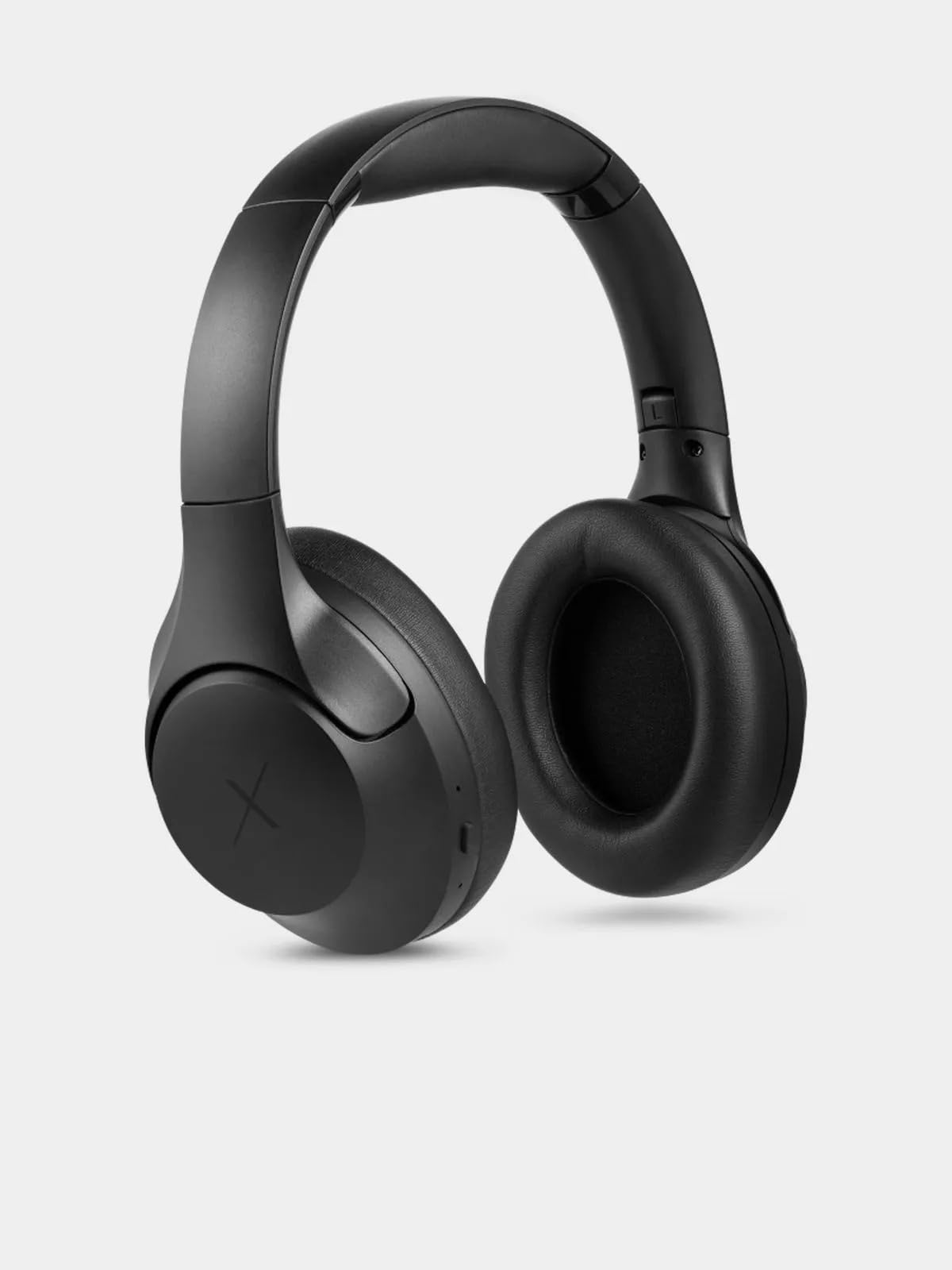
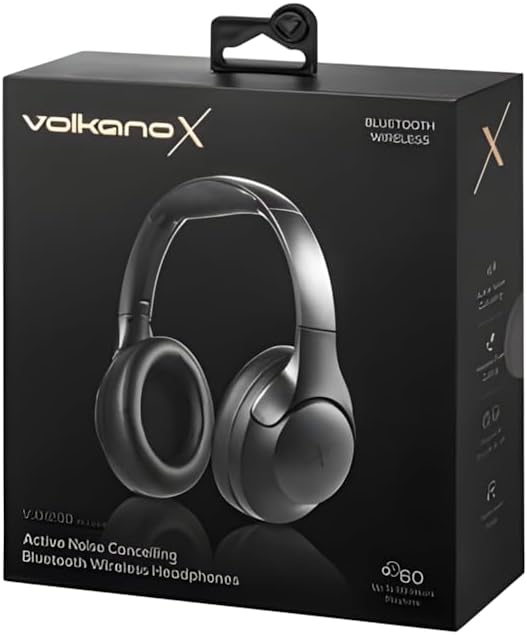
Image: VolkanoX VXH100 Bluetooth Headphones packaging.
X'hemm fil-Kaxxa
- 1 x VolkanoX VXH100 Bluetooth Headphones
- 1 x Cable tal-Iċċarġjar USB-C
- 1 x Manwal għall-Utent
Setup
1. Iċċarġjar tal-Headphones
Before first use, fully charge your headphones. Connect the supplied USB-C charging cable to the charging port on the headphones and to a compatible USB power source (e.g., computer USB port or wall adapter).
- Ħin tal-Iċċarġjar: Madwar 3-4 sigħat għal iċċarġjar sħiħ.
- Quick Charge: A 5-minute charge can provide up to 2 hours of playback.
- Indicator: A charging indicator light will typically show red while charging and turn off or change color when fully charged. Refer to the specific LED indicator behavior in the operating section.
Immaġni: Ġenb view of the VolkanoX VXH100 headphones, highlighting the charging port.
2. Tqabbil tal-Bluetooth
- Kun żgur li l-headphones huma mitfija.
- Agħfas u żomm il-buttuna tal-Power għal madwar 5-7 sekondi sakemm l-indikatur LED jteptep blu u aħmar, u dan jindika l-modalità ta' tqabbil.
- Fuq l-apparat tiegħek (smartphone, tablet, kompjuter), attiva l-Bluetooth u fittex apparati disponibbli.
- Select "VXH100" from the list of found devices.
- Once paired, the LED indicator will typically flash blue slowly or remain solid blue.
- The headphones will automatically connect to the last paired device when turned on, if Bluetooth is enabled on the device and it is within range (up to 10 meters).
Istruzzjonijiet Operattivi
Qawwa mixgħul/mitfi
- Biex Tixgħel: Press and hold the Power button for approximately 3 seconds. The LED indicator will light up.
- Biex Tifi: Press and hold the Power button for approximately 3 seconds. The LED indicator will turn off.
Note: Some units may experience a slight delay (up to 10 seconds) when powering on or off. This is within expected operational parameters.
Kanċellazzjoni Attiva tal-Istorbju (ANC)
- To Activate ANC: Locate the ANC button (often separate from the power button) and press it once. An indicator light (e.g., green LED) will illuminate to confirm ANC is active.
- To Deactivate ANC: Agħfas il-buttuna ANC mill-ġdid. Id-dawl indikatur tal-ANC jintefa.
Activating ANC will reduce ambient noise, enhancing your listening experience. Battery life will be reduced when ANC is active.

Immaġni: Quddiem view of the VolkanoX VXH100 headphones, showing earcups and headband.
Daqq tal-Mużika u Kontroll tas-Sejħiet
- Play/Pawsa: Agħfas il-buttuna Multi-funzjoni (spiss il-buttuna tal-Qawwa jew buttuna ddedikata għall-plej/pawża) darba.
- Track li jmiss: Press and hold the Volume Up button or a dedicated 'Next' button.
- Track preċedenti: Press and hold the Volume Down button or a dedicated 'Previous' button.
- Volum 'il fuq: Agħfas fil-qosor il-buttuna Volume Up.
- Volum 'l isfel: Agħfas fil-qosor il-buttuna Volum 'l isfel.
- Tweġiba/Tmiem Sejħa: Agħfas il-buttuna b'diversi funzjonijiet darba.
- Irrifjuta Sejħa: Agħfas u żomm il-buttuna Multi-funzjoni għal 2-il sekonda.
Assistent tal-Vuċi
The VXH100 headphones are compatible with Google Assistant and Siri. To activate your device's voice assistant, press the Multi-function button twice quickly. This allows for hands-free control and notifications.
Manutenzjoni
- Tindif: Imsaħ il-headphones b'ċarruta ratba u niexfa. Tużax prodotti tat-tindif jew solventi li joborxu.
- Ħażna: Aħżen il-headphones f'post frisk u niexef 'il bogħod mix-xemx diretta u minn temperaturi estremi.
- Espożizzjoni għall-Ilma: Avoid exposing the headphones to water or excessive moisture. They are not waterproof.
- Kura tal-batterija: Biex ittawwal il-ħajja tal-batterija, evita li tiċċarġja l-headphones għalkollox ta’ spiss. Iċċarġjahom regolarment, anke jekk ma tkunx qed tużahom għal perjodi twal.

Immaġni: Fuq view of the VolkanoX VXH100 headphones, showing the headband.
Issolvi l-problemi
| Problema | Soluzzjoni Possibbli |
|---|---|
| Il-headphones ma jixegħlux. | Kun żgur li l-headphones huma ċċarġjati kompletament. Qabbadhom ma' sors ta' enerġija u ħallihom jiċċarġjaw għal mill-inqas 30 minuta qabel ma tipprova tixgħelhom mill-ġdid. |
| Ma tistax tqabbad mat-tagħmir. |
|
| L-ebda ħoss jew volum baxx. |
|
| L-ANC mhux qed jaħdem b'mod effettiv. |
|
| Power button delay. | A slight delay (up to 10 seconds) when pressing the power button to turn on or off is a known characteristic for some units. Continue to hold the button until the LED indicator responds. |
Speċifikazzjonijiet
| Karatteristika | Dettall |
|---|---|
| Isem tal-Mudell | VXH100 |
| Verżjoni Bluetooth | 5.3 |
| Distanza Bluetooth | 10m |
| Impedenza | 32 Ohm |
| Medda ta' Frekwenzi | 2.4-2.480 GHz |
| Kontroll tal-Ħoss | Kanċellazzjoni Attiva tal-Ħoss |
| Sensittività | 108 dB |
| Daqs tas-Sewwieq | 40mm |
| Kapaċità tal-batterija | 400mAh |
| Tip ta' Port tal-Iċċarġjar | USB-C |
| Ħin tal-Iċċarġjar | 3-4 sigħat |
| Playing Time (ANC Off, 50% Volume) | Sa 20 sigħat |
| Playing Time (ANC On, 50% Volume) | Sa 16 sigħat |
| Playing Time (ANC Off, 100% Volume) | Sa 16 sigħat |
| Playing Time (ANC On, 100% Volume) | Sa 10 sigħat |
| Jack tal-headphone | 3.5 mm Jack (cable not included) |
| Apparati Kompatibbli | Mowbajls, Desktops, Laptops, Tablets |
| Piż tal-oġġett | 250 Gramm |
Garanzija
The VolkanoX VXH100 Bluetooth Headphones come with a Garanzija tal-Manifattur ta' Sena. This warranty covers manufacturing defects and ensures reliable performance. For warranty claims or further details, please refer to the official Volkano support channels.
Volkano products are backed by a 1-year limited cover. You may register your product to get an additional 12-Month extension, for a total of 24 Months coverage by Volkano. Visit the official Volkano websit għad-dettalji tar-reġistrazzjoni.
Appoġġ
For any questions, technical assistance, or support regarding your VolkanoX VXH100 headphones, please contact Volkano customer service. Your satisfaction is important, and assistance is available via the official Volkano Page.
You can find more information and contact details on the official Volkano websit: Visit the Volkano Store on Amazon