
1. Introduzzjoni
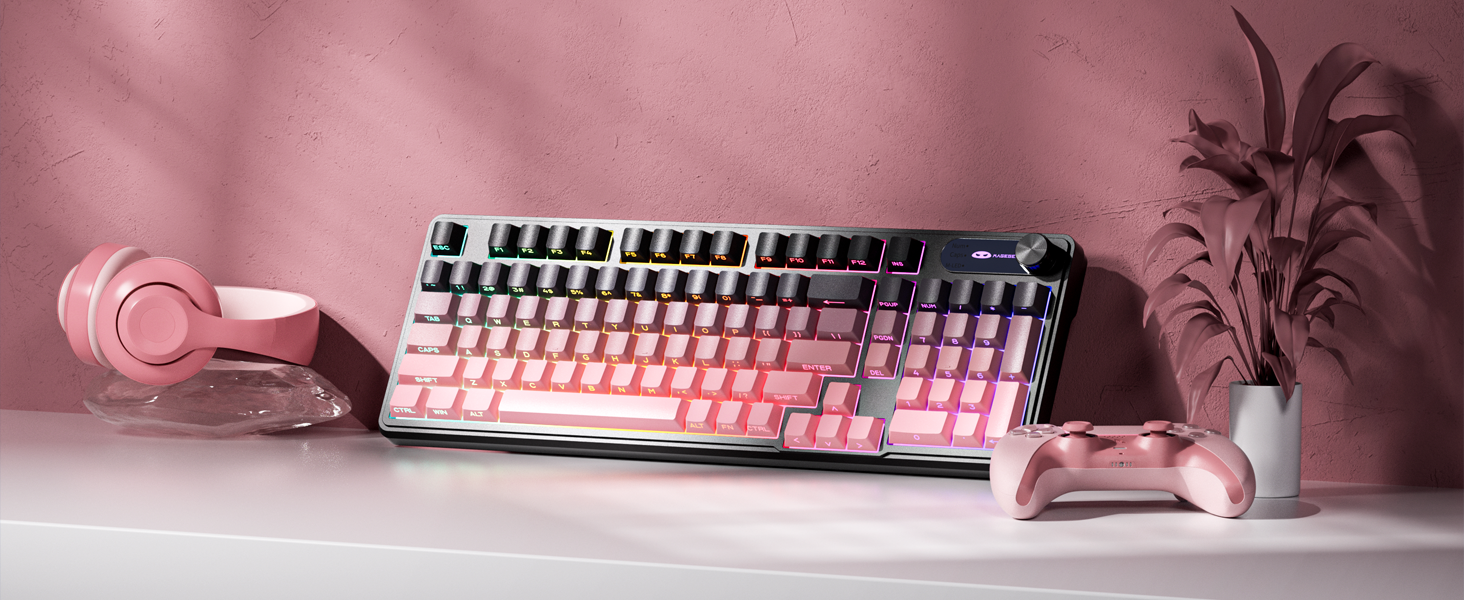
The MageGee GK960 is a versatile wireless gaming keyboard designed for optimal performance and user comfort. Featuring triple-mode connectivity (Wired USB-C, 2.4GHz Wireless, and Bluetooth), vibrant RGB backlighting, a multi-functional rotary knob, and a 98% layout with a number pad, this keyboard is suitable for various computing environments and tasks. Its ergonomic design and anti-ghosting capabilities enhance the typing and gaming experience.

Image 1.1: MageGee GK960 Wireless Gaming Keyboard highlighting key features such as Tri-Mode Connection, Side-Printed Keycaps, Knob Control, RGB Backlit, Win/Mac Support, and 19-Key Anti-Ghosting.
2. Kontenut tal-Pakkett
Jekk jogħġbok ivverifika li l-oġġetti kollha elenkati hawn taħt huma inklużi fil-pakkett tiegħek:
- 1 x MageGee GK960 Wireless Gaming Keyboard
- 1 x Manwal għall-Utent
- 1 x Cable tal-Iċċarġjar USB-C
- 1 x 2.4G USB Riċevitur
- 1 x User Guide (Quick Start)
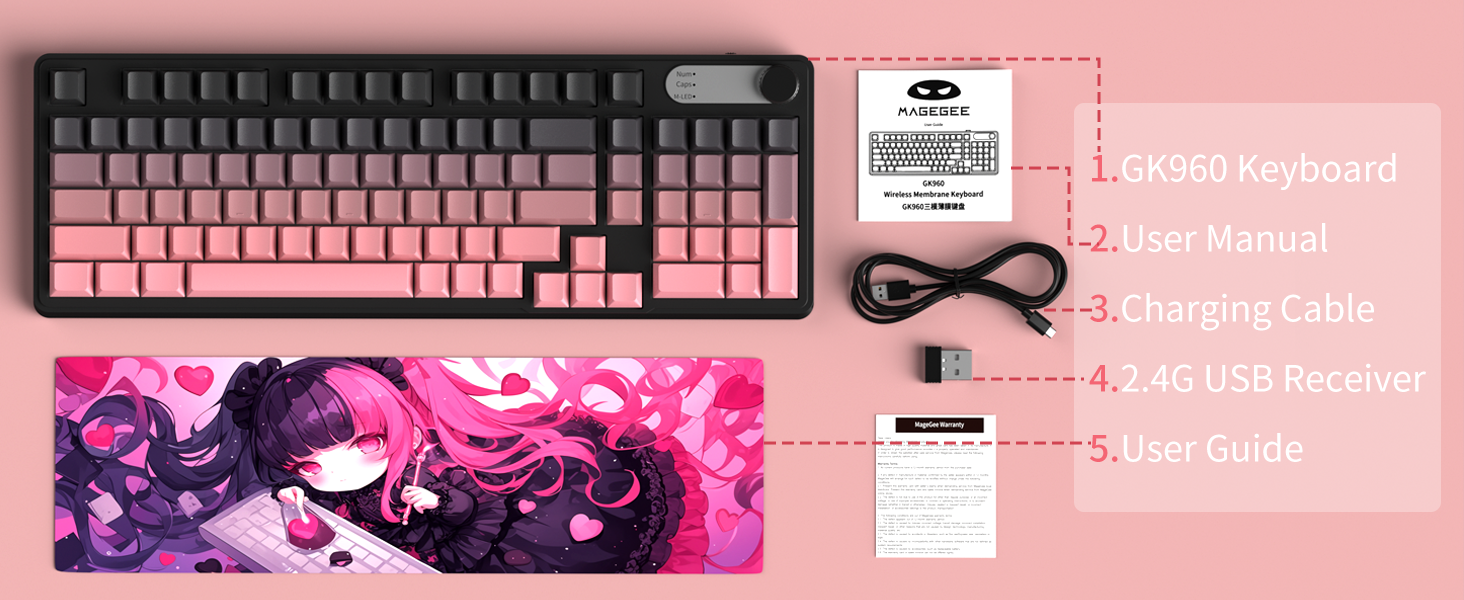
Image 2.1: Visual representation of the MageGee GK960 keyboard and its included accessories: user manual, charging cable, 2.4G USB receiver, and user guide.
3. Setup: Connectivity Modes
The GK960 keyboard offers three connectivity options: Wired USB-C, 2.4GHz Wireless, and Bluetooth. You can connect up to 5 devices simultaneously (1 wired, 1 via 2.4G, and up to 3 via Bluetooth).

Image 3.1: Diagram illustrating the three connection modes: Wired Type-C, 2.4GHz Wireless, and Bluetooth (BT FN+1/2/3).
3.1. Konnessjoni USB-C bil-fili
- Sib il-port USB-C fuq it-tastiera.
- Qabbad il-kejbil USB-C provdut mat-tastiera u t-tarf l-ieħor ma' port USB disponibbli fuq il-kompjuter tiegħek.
- It-tastiera tiġi rikonoxxuta awtomatikament u tkun lesta għall-użu.
3.2. Konnessjoni bla fili ta' 2.4GHz
- Sib ir-riċevitur USB 2.4G (dongle) fil-pakkett.
- Ipplaggja r-riċevitur USB 2.4G f'port USB disponibbli fuq il-kompjuter tiegħek.
- Ensure the keyboard's mode switch (located on the back or side) is set to 2.4G mode.
- It-tastiera għandha tikkonnettja awtomatikament.
3.3. Konnessjoni Bluetooth
It-tastiera tappoġġja l-konnessjoni ma' sa tliet apparati Bluetooth.
- Kun żgur li s-swiċċ tal-modalità tat-tastiera huwa ssettjat għall-modalità Bluetooth.
- To pair with a device, press and hold FN + 1, FN + 2, jew FN + 3 for 3-5 seconds until the corresponding indicator light flashes rapidly. This indicates pairing mode.
- On your device (computer, tablet, smartphone), open Bluetooth settings and search for new devices.
- Select "MageGee GK960" from the list of available devices to complete the pairing process. The indicator light will stop flashing once connected.
- Biex taqleb bejn apparati Bluetooth imqabbdin, sempliċement agħfas FN + 1, FN + 2, jew FN + 3 (agħfas qasir).
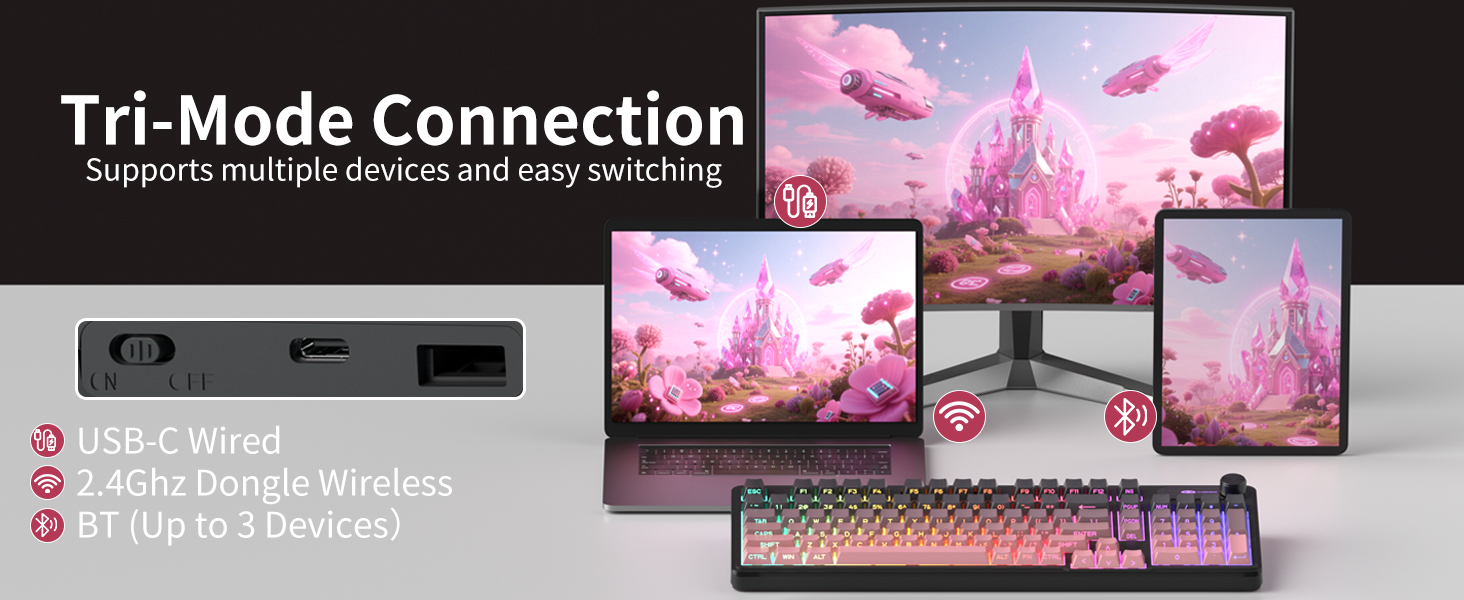
Image 3.2: The keyboard's connectivity switch, allowing selection between USB-C Wired, 2.4GHz Dongle Wireless, and Bluetooth modes.
4. Istruzzjonijiet Operattivi
4.1. Dual-Mode Rotary Knob
The multi-functional knob provides quick control over volume and lighting settings.
- Toggle Modes: Agħfas fit-tul FN + Pumi for 5 seconds to switch between Volume Mode and Light Mode.
- Modalità Volum:
- Twist the knob clockwise to increase volume.
- Twist the knob counter-clockwise to decrease volume.
- Press down on the knob to mute/unmute audio.
- Modalità Dawl:
- Twist the knob clockwise to increase backlight brightness.
- Twist the knob counter-clockwise to decrease backlight brightness.
- Press down on the knob to cycle through different lighting effects.
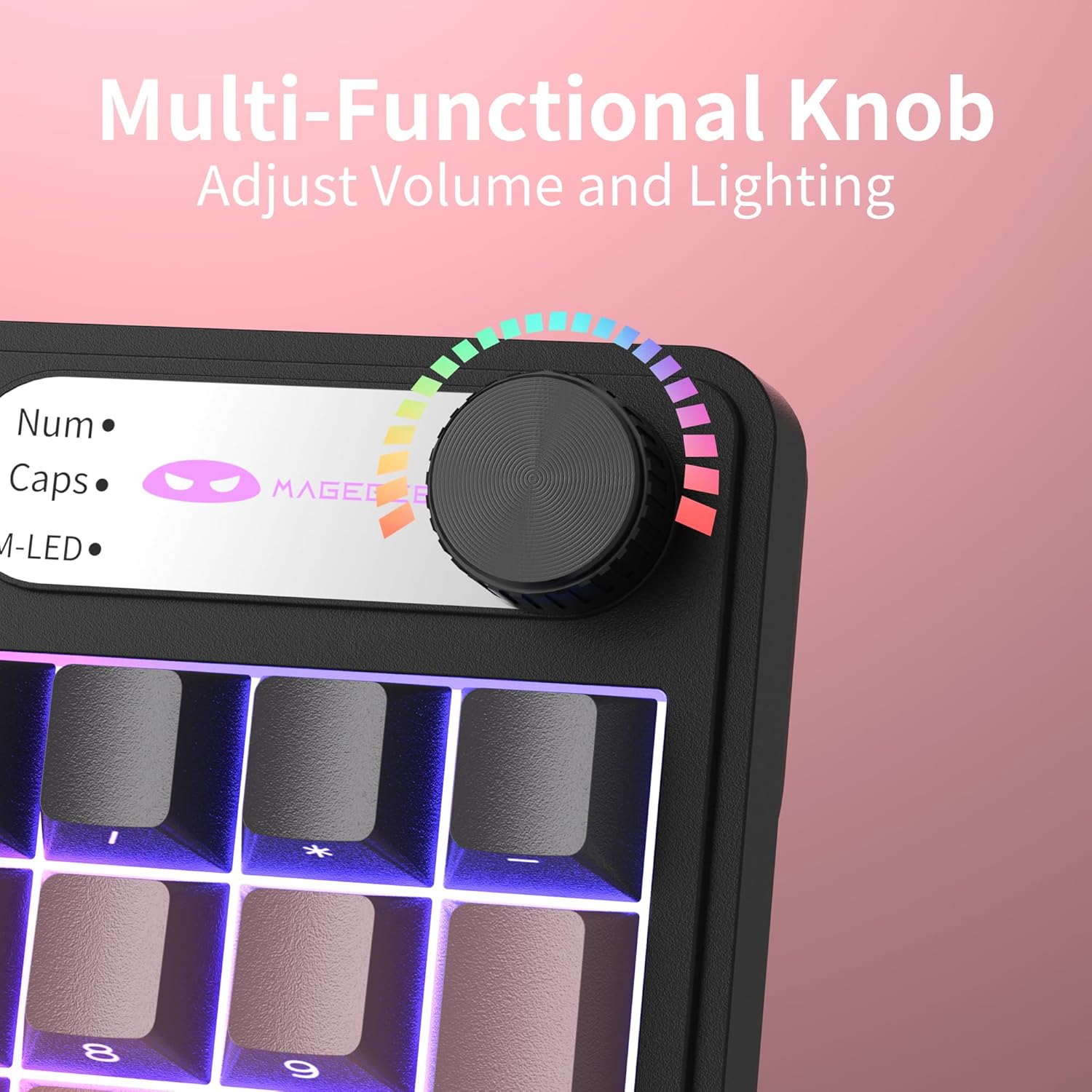
Immaġni 4.1: Mill-qrib view of the multi-functional rotary knob, indicating its use for adjusting volume and lighting.
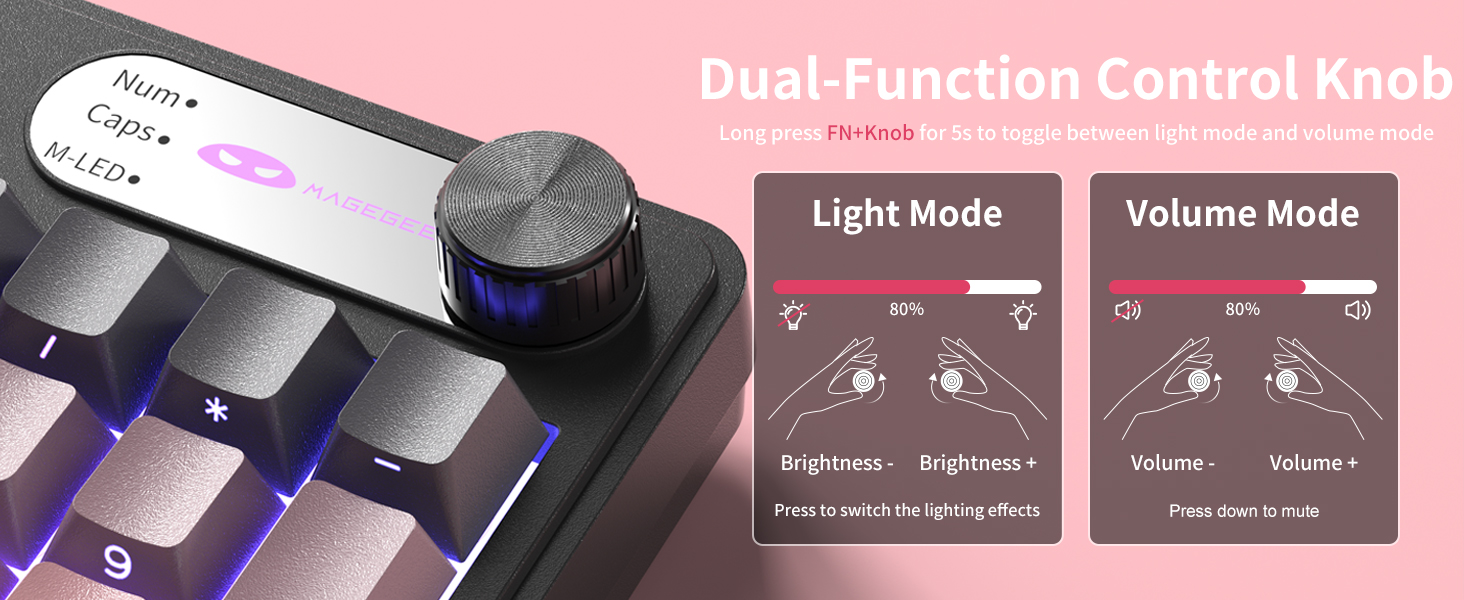
Image 4.2: Detailed illustration of the knob's functions in Light Mode (brightness adjustment, effect cycling) and Volume Mode (volume adjustment, mute).
4.2. Kontroll tad-Dawl ta' Wara RGB
The GK960 features vibrant RGB backlighting with adjustable settings.
- FN + Ins: Aqleb bejn modi differenti tad-dawl.
- FN + Backspace: Ixgħel/itfi l-backlight.
- FN + - / = +: Adjust light speed.
- FN + PgUp / PgDn: Adjust light brightness.
- FN + P: Toggle the logo color.
Immaġni 4.3: Fuqview of function key combinations for controlling the vibrant RGB LED backlight, including switching modes, adjusting speed and brightness, and toggling logo color.
4.3. System Switching (Windows/Mac)
The GK960 keyboard supports both Windows and Mac operating systems. You can switch between them using a simple key combination.
- To switch to Windows mode: Press FN + W.
- To switch to Mac mode: Press FN + M.
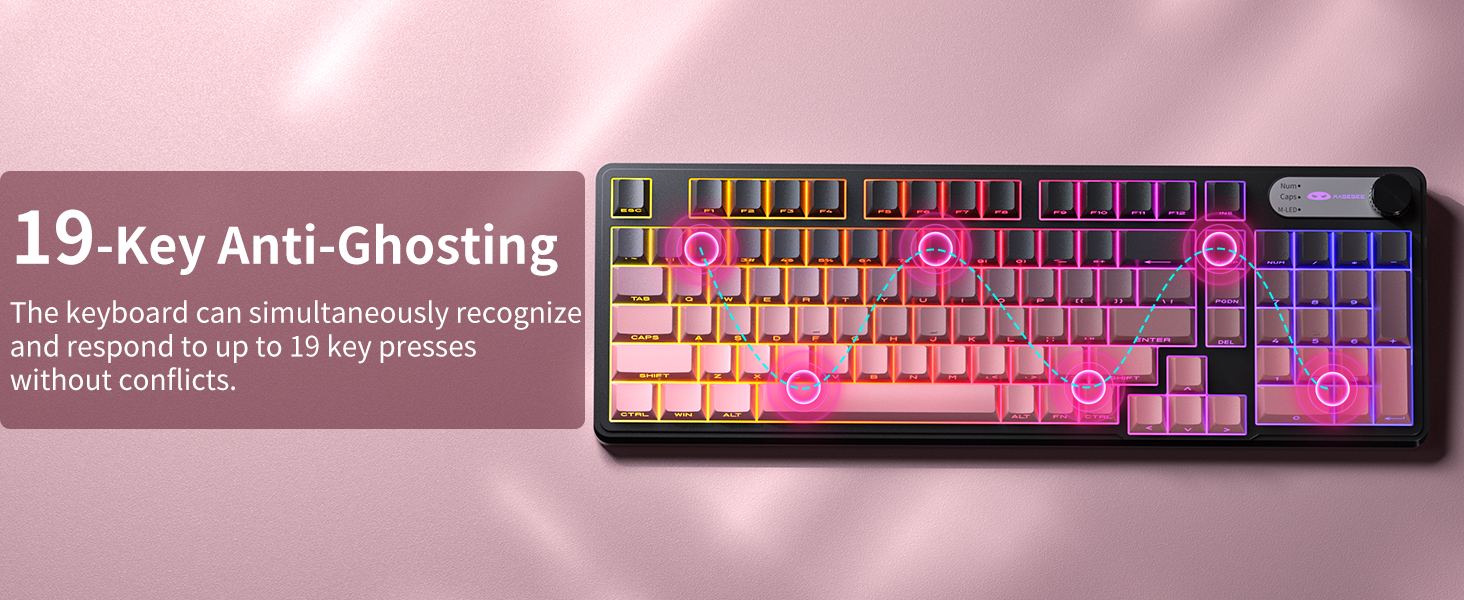
4.4. 19-Key Anti-Ghosting
The GK960 features 19-key anti-ghosting, ensuring that every keystroke is registered accurately, even during rapid, simultaneous key presses. This is particularly beneficial for gaming and fast typing, preventing missed inputs.
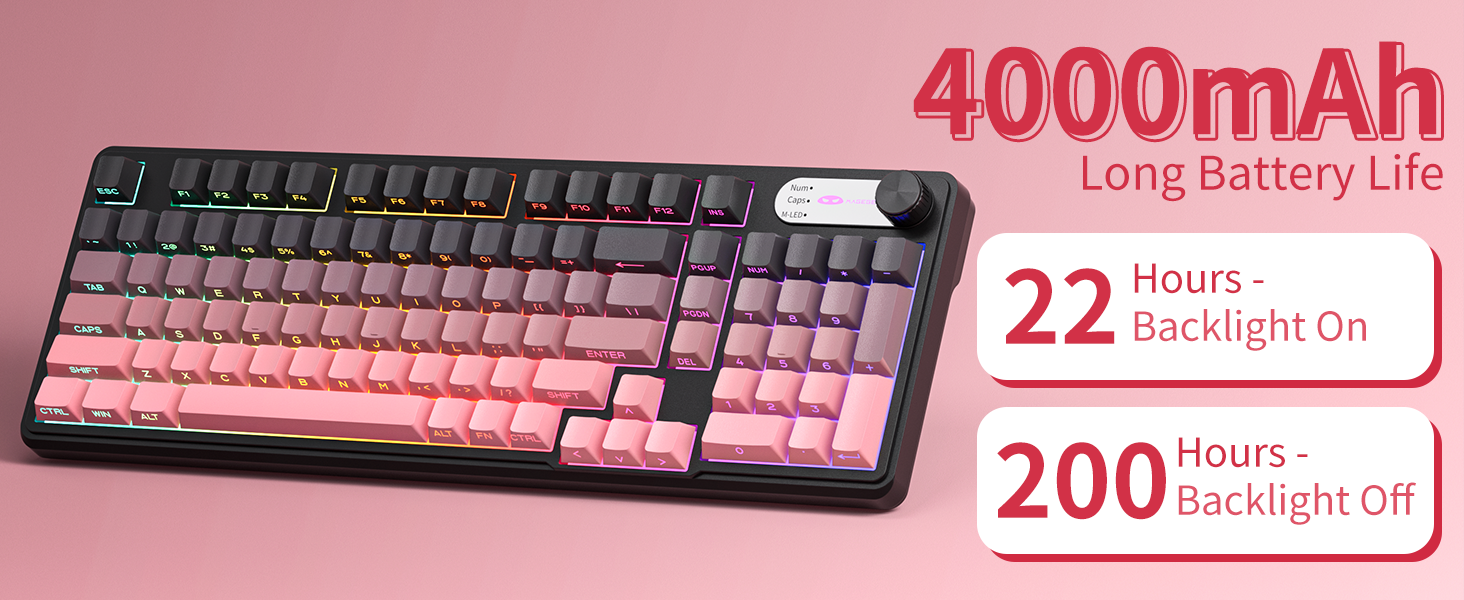
Image 4.4: Diagram illustrating the 19-key anti-ghosting feature, showing multiple simultaneous key presses being recognized.
4.5. Side-Printed Keycaps
The keycaps are crafted with double-shot injection molding, providing durability and clear legends that resist fading from prolonged use. The side-printed legends allow the backlight to shine through, enhancing visibility and aesthetics.

Immaġni 4.5: Mill-qrib view of the side-printed keycaps, demonstrating how the backlight illuminates the legends.
5. Batterija u Iċċarġjar
The GK960 keyboard is equipped with a high-capacity 4000mAh battery, providing extended usage times.
- Ħajja tal-batterija: Approximately 22 hours with backlight on, and up to 200 hours with backlight off.
- Iċċarġjar: Connect the provided USB-C cable to the keyboard and a power source (e.g., computer USB port, USB wall adapter). The keyboard can be used in wired mode while charging.
- Indikatur tal-Batterija Baxxa: An indicator light will signal when the battery is low, prompting you to recharge.
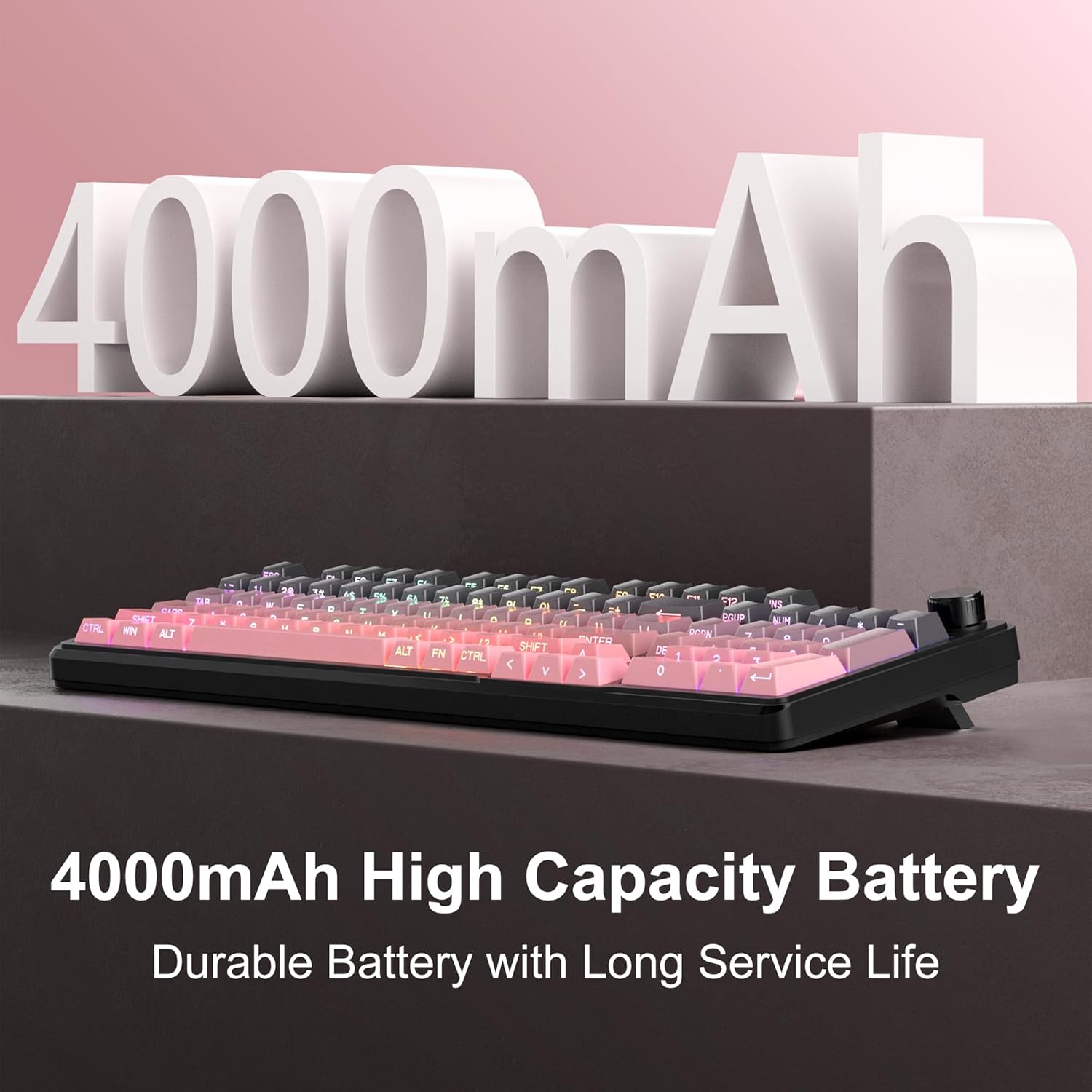
Image 5.1: Visual representation emphasizing the 4000mAh high-capacity battery for durable and long service life.
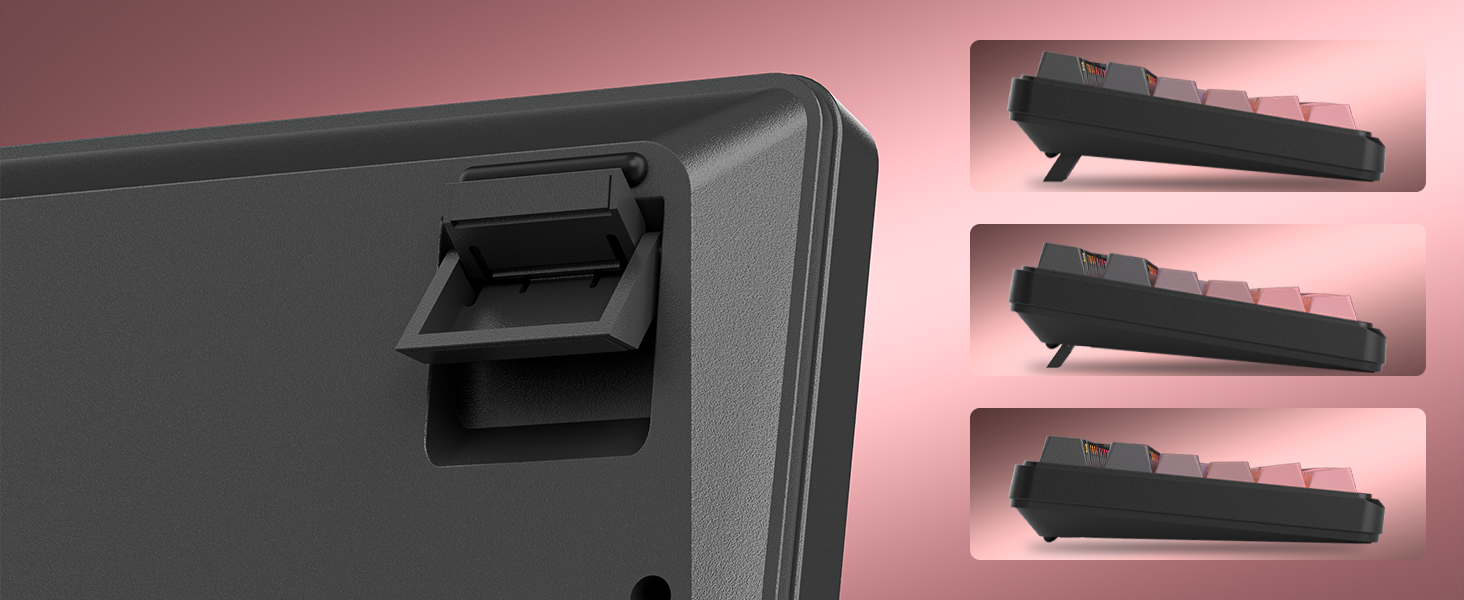
Image 5.2: Battery life estimates for the 4000mAh battery: 22 hours with backlight on and 200 hours with backlight off.
6. Manutenzjoni
Proper maintenance ensures the longevity and optimal performance of your MageGee GK960 keyboard.
- Tindif: Use a soft, dry cloth to wipe the surface of the keyboard. For deeper cleaning, you may use a can of compressed air to remove dust and debris from between the keycaps. Avoid using harsh chemicals or abrasive materials.
- Tneħħija tal-Għatu taċ-Ċwievet: If necessary, keycaps can be carefully removed using a keycap puller (not included) for thorough cleaning. Exercise caution to avoid damaging the switches.
- Ħażna: Aħżen it-tastiera f'post frisk u niexef 'il bogħod mix-xemx diretta u minn temperaturi estremi.
- Espożizzjoni għal Likwidu: Avoid spilling liquids on the keyboard. If a spill occurs, immediately disconnect the keyboard, turn it upside down to drain, and allow it to dry completely before reconnecting.
7 Issolvi l-problemi
If you encounter issues with your GK960 keyboard, refer to the following common troubleshooting steps:
- It-tastiera ma tirrispondix:
- Kun żgur li t-tastiera hija ċċarġjata.
- Check the connectivity mode switch (Wired, 2.4G, BT) and ensure it matches your connection method.
- Għal 2.4G, kun żgur li r-riċevitur USB huwa mdaħħal sew.
- For Bluetooth, ensure the keyboard is paired correctly and selected on your device. Try re-pairing if necessary.
- Ipprova tikkonnettja permezz ta' kejbil USB-C biex teskludi problemi mingħajr fili.
- Iċ-ċwievet mhux qed jirreġistraw jew qed jidhru bħal ghosting:
- Kun żgur li t-tastiera hija nadifa u ħielsa minn debris taħt il-keycaps.
- The GK960 features 19-key anti-ghosting, but excessive simultaneous presses beyond this limit may still lead to issues.
- Test the keyboard on another device to determine if the issue is with the keyboard or the computer.
- RGB backlight not working or incorrect:
- Kun żgur li d-dawl ta' wara jkun mixgħul billi tuża FN + Backspace.
- Aġġusta l-luminożità billi tuża FN + PgUp / PgDn.
- Cycle through modes using FN + Ins.
- Check if the knob is in Light Mode and adjust brightness/effects.
- Konnessjoni Bluetooth instabbli:
- Ensure the keyboard is within the effective range of your device.
- Imminimizza l-interferenza minn apparati oħra mingħajr fili.
- Remove and re-pair the keyboard in your device's Bluetooth settings.
8. Speċifikazzjonijiet Tekniċi
| Karatteristika | Speċifikazzjoni |
|---|---|
| Isem tal-Mudell | GK960 |
| Brand | MageGee |
| Teknoloġija tal-Konnettività | BT/2.4G/USB-C (Tri-Mode) |
| Layout tat-Tastiera | 98% Layout (with Number Pad) |
| Tip ta 'keycap | Side-Printed, Double-Shot Injection Molding |
| Kontra l-Ghosting | 19 Ċwievet |
| Backlighting | RGB |
| Kapaċità tal-batterija | 4000mAh |
| Apparati Kompatibbli | Laptop, PC, Smartphone, Tablet |
| Appoġġ tas-Sistema Operattiva | Windows, Mac |
| Karatteristiċi Speċjali | Backlit, Hotkeys and Media Keys, Rechargeable, Volume Roller, Ergonomic Design |
| Piż tal-oġġett | 1.88 liri |
| Dimensjonijiet tal-Pakkett | 17.68 x 7.09 x 2.01 pulzieri |

Image 8.1: Diagram showing the dimensions of the MageGee GK960 keyboard.
Immaġni 8.2: Mill-qrib view of the adjustable stands on the underside of the keyboard, illustrating the different ergonomic angles.
9. Garanzija u Appoġġ
Specific warranty details and direct support contact information are not provided in this manual. For warranty claims, technical support, or further inquiries, please refer to the official MageGee website or contact the retailer from whom you purchased the product. Please retain your proof of purchase for warranty purposes.