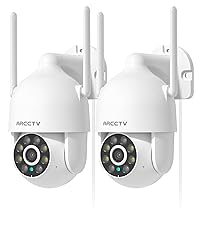
This manual provides detailed instructions for the installation, operation, and maintenance of your ARCCTV 2K Security Camera P2. Please read this manual thoroughly before using the product to ensure proper function and safety. The ARCCTV P2 camera offers advanced surveillance features including 2K Ultra HD video, 360° pan-tilt view, motion tracking, dual-band WiFi connectivity, two-way audio, and full-color night vision, all housed in an IP66 weatherproof design.
X'hemm fil-Kaxxa
ARCCTV 2K Security Camera P2 (2 Pack)
Manwal għall-Utent
Adapter tal-Enerġija
Mounting Accessories (screws and anchors)
Mounting Sticker Template
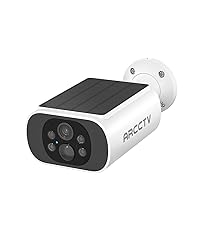
Image: The ARCCTV 2K Security Camera P2, showing its main unit and typical accessories like power cable and mounting hardware.
Karatteristiċi
1. 2K Ultra HD & Full Color Night Vision
The camera captures video in crystal-clear 2K resolution (2304x1296p), providing enhanced detail. It features a built-in spotlight that activates full-color night vision, allowing for vivid monitoring even in low-light conditions. Infrared night vision is also available for discreet surveillance.
Image: Visual comparison demonstrating the superior clarity of 2K resolution from the ARCCTV camera compared to standard 1080p.
Image: A split image showing the difference between full-color night vision (left) and traditional infrared night vision (right) in a residential setting.
2. 360° Pan-Tilt & Auto Motion Tracking
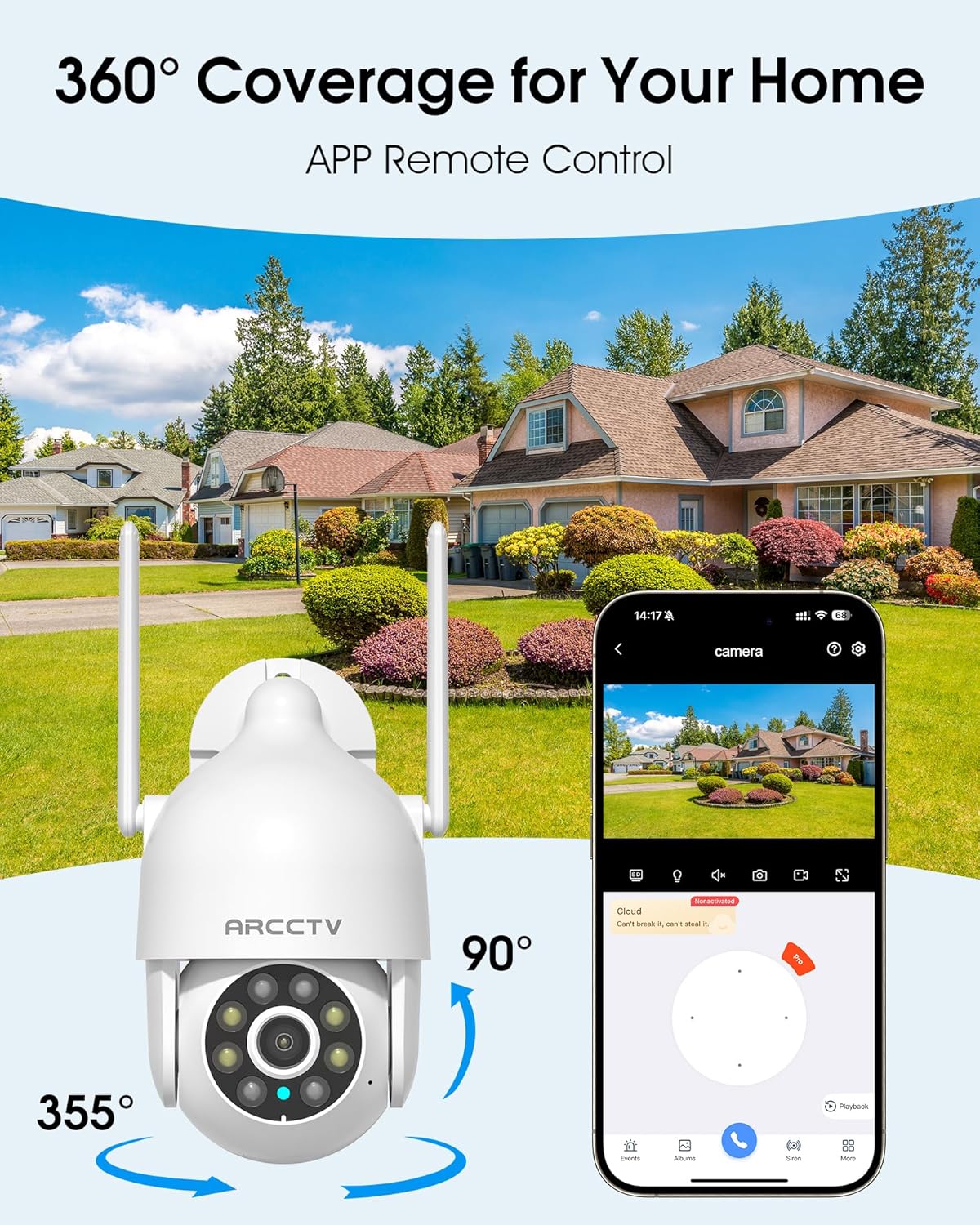
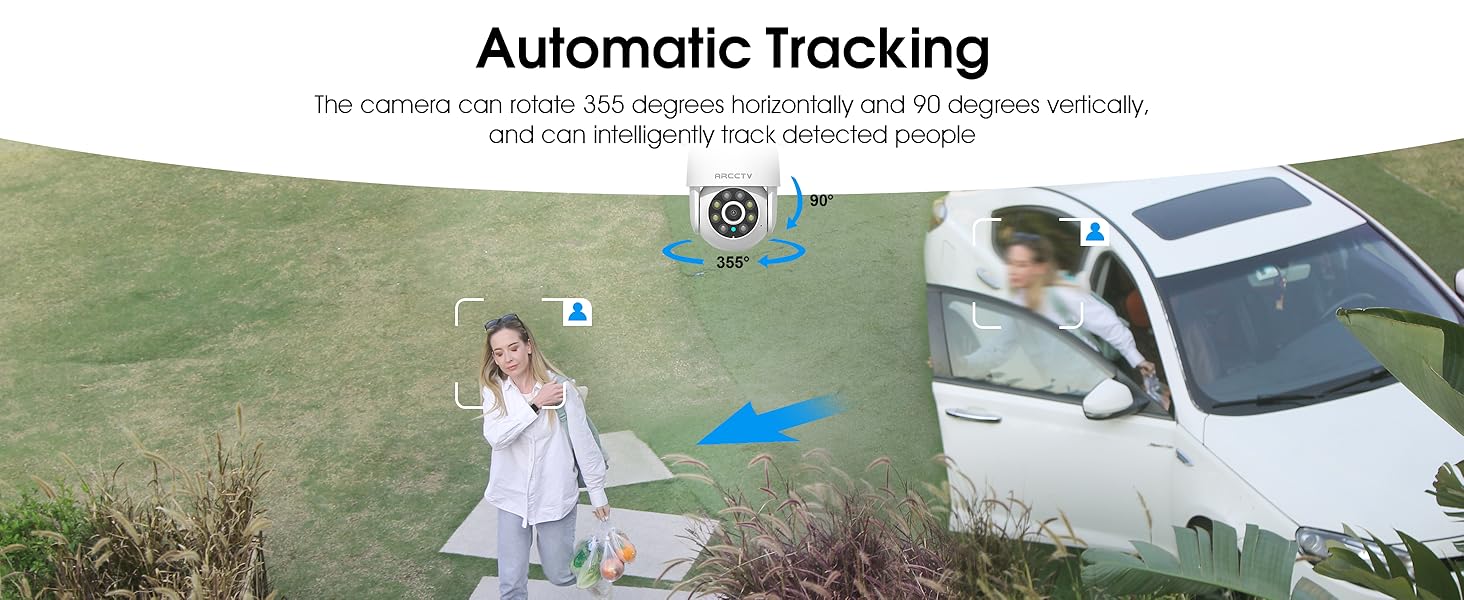
The camera can be controlled remotely to rotate 355° horizontally (pan) and 90° vertically (tilt), providing comprehensive coverage of your monitored area. Smart AI motion tracking automatically detects and follows movement, ensuring that any activity is recorded.
Image: An illustration of the camera's 360-degree pan and tilt capabilities, controlled via a smartphone application, overlooking a residential area.
Image: A person walking past a building, with the camera's smart motion tracking highlighting their movement.
Image: A security camera automatically tracking a person walking in a garden, demonstrating its intelligent tracking capabilities.
3. Dual-Band WiFi (2.4G/5G) & Stable Connection
The camera supports both 2.4GHz and 5GHz WiFi bands, offering faster and more reliable connectivity. This dual-band support helps reduce lag and ensures smooth live streaming and video playback.
Image: An illustration showing the camera's dual-band WiFi antennas, indicating support for both 2.4GHz (larger range) and 5GHz (faster speeds) networks.
4. Two-Way Audio & IP66 Weatherproof
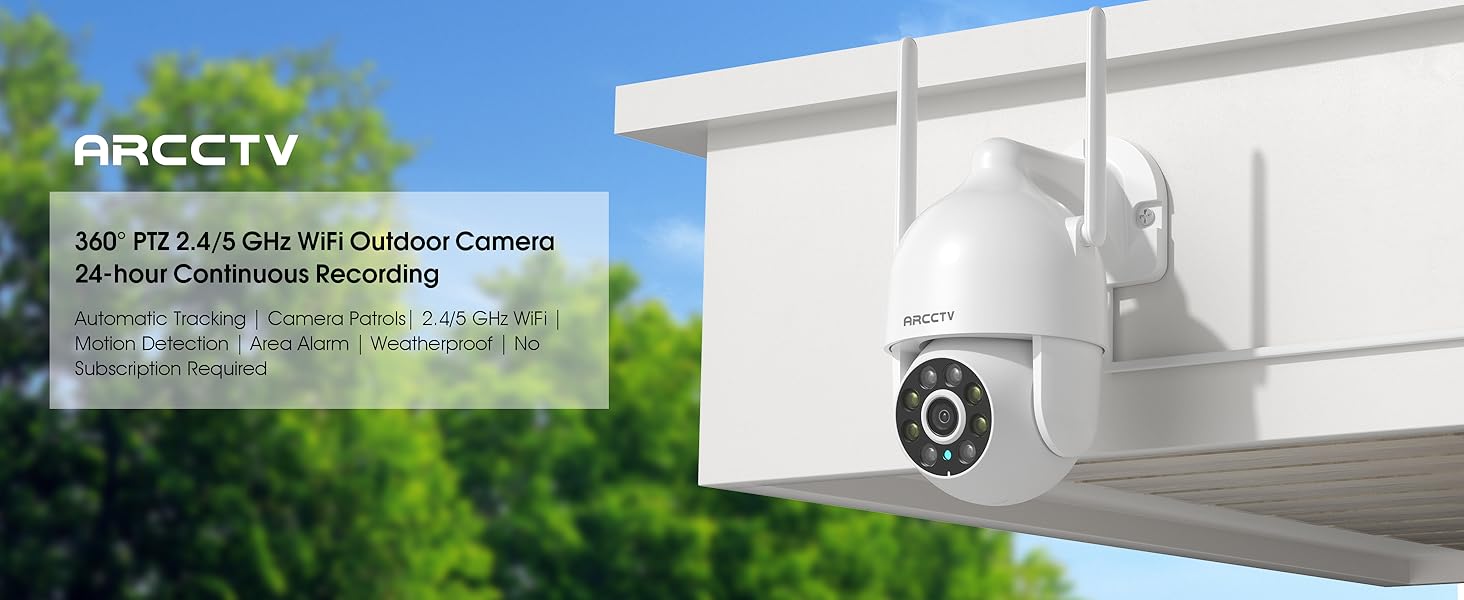
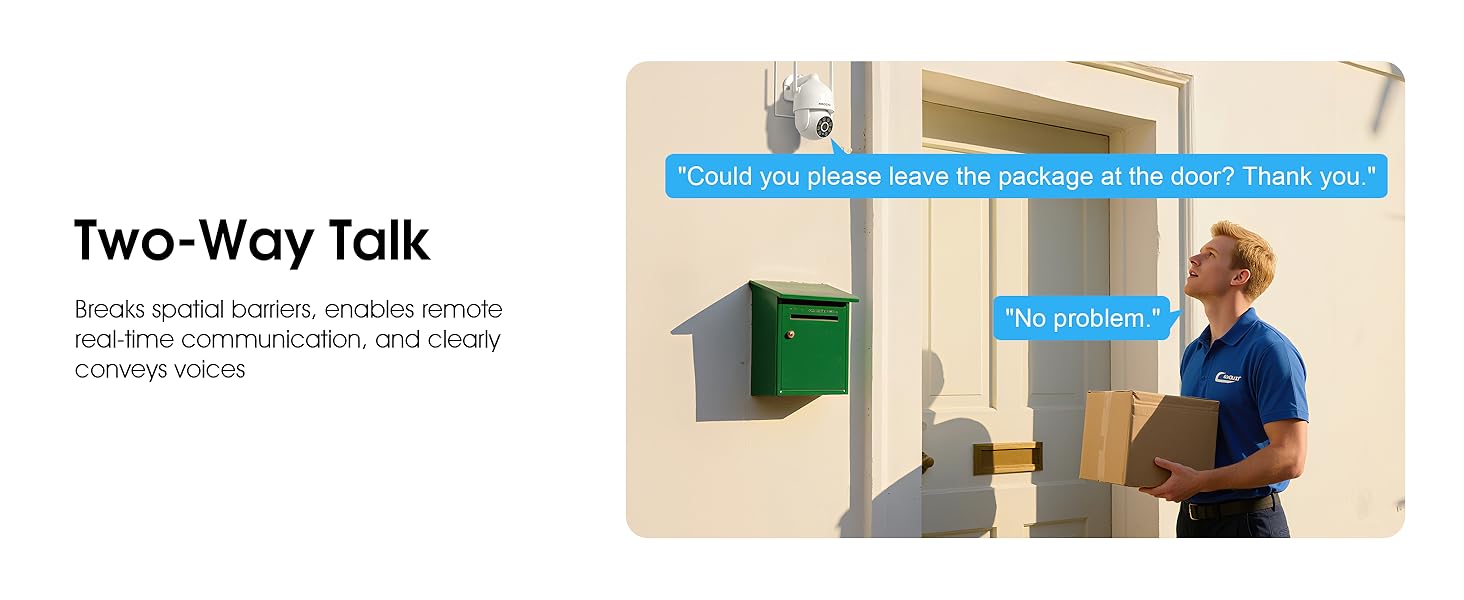
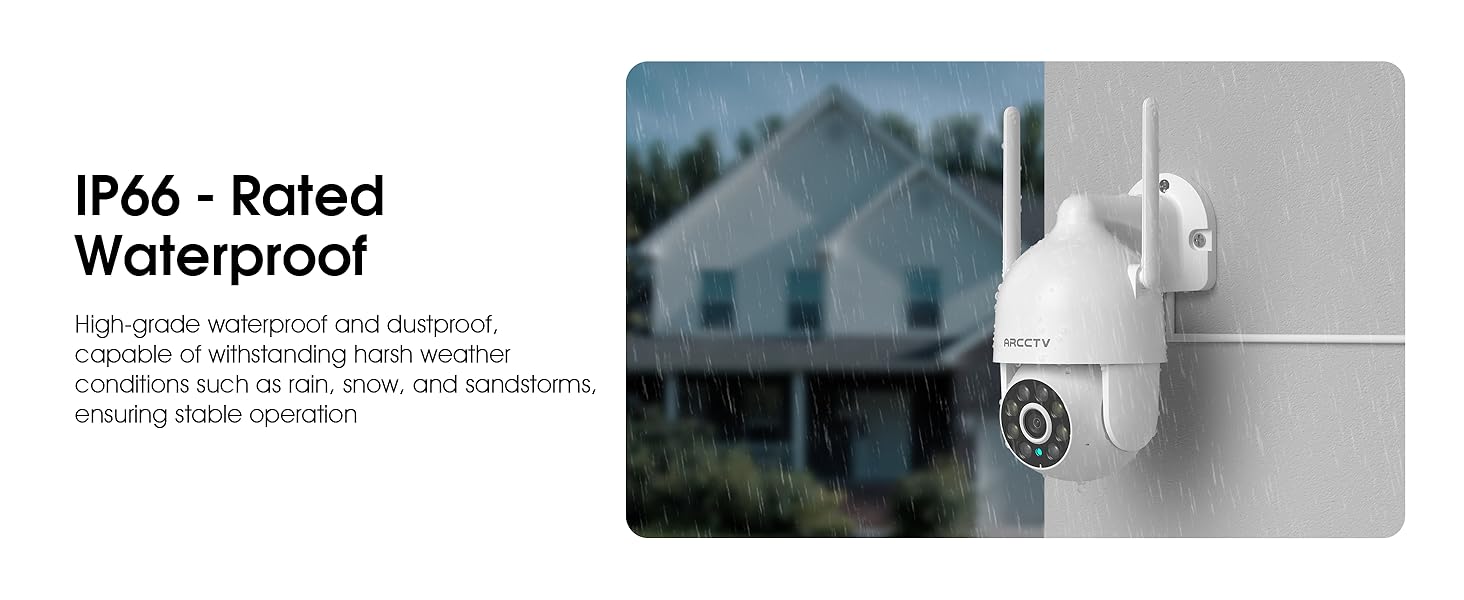
Equipped with a built-in microphone and speaker, the camera enables clear two-way communication. This feature is useful for greeting visitors or deterring intruders. The camera also boasts an IP66 waterproof rating, ensuring durability and reliable operation in various weather conditions, including rain, snow, and extreme temperatures (-4°F to 122°F).
Image: The ARCCTV camera mounted outdoors, with a visual representation of rain and snow, highlighting its IP66 weatherproof capability.
Image: A person speaking to a delivery driver via the camera's two-way audio feature, demonstrating remote communication.
5. Għażliet ta' Ħażna Flessibbli
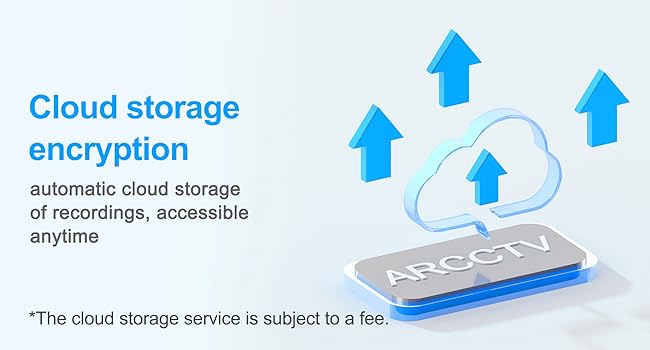
The camera supports local storage via a microSD card (up to 128GB, not included) for continuous recording. Additionally, secure cloud storage options are available (subscription may be required) for remote access and backup of your footage.
Image: A close-up of the camera showing the microSD card slot, indicating support for up to 128GB local storage.
Image: An illustration depicting cloud storage encryption, showing data being uploaded to a cloud server for secure access.
6. Instant Alerts & Siren
Receive real-time notifications on your smartphone when motion is detected. The camera can also activate a powerful spotlight (300 Lumens) and a siren warning to deter potential intruders, providing an immediate response to suspicious activity.
Image: A security camera detecting an intruder at night, activating its spotlight and siren, with icons for 300 Lumens, Siren Warning, and 2-Way Audio.
7. Smart Home Integrazzjoni
The ARCCTV P2 camera is compatible with Alexa, allowing you to check the monitoring screen at any time using voice control. This provides convenient access to your security feed.
Image: A person using an Alexa-enabled device to view the camera feed, demonstrating voice control compatibility.
Gwida ta' Setup
Ħoll il-Kamera: Carefully remove all components from the packaging. Verify that all items listed in "What's in the Box" are present.
Qawwa Mixgħul: Connect the camera to the provided 5V1A power supply. The camera will initiate its startup sequence.
Niżżel l-App: Download the ARCCTV or Eseecloud app from your smartphone's app store (iOS or Android).
Reġistrazzjoni tal-Kont: Iftaħ l-app u rreġistra għal kont ġdid jew idħol jekk diġà għandek wieħed.
Żid Apparat: Segwi l-istruzzjonijiet fl-app biex iżżid il-kamera l-ġdida tiegħek. Dan tipikament jinvolvi l-iskennjar ta' kodiċi QR fuq il-kamera jew id-dħul manwali tal-ID tagħha.
Konnessjoni tan-Netwerk: Connect the camera to your home WiFi network. The camera supports both 2.4GHz and 5GHz bands. Ensure your smartphone is connected to the same network during setup.
Immuntar (Mhux obbligatorju):
Choose a suitable outdoor or indoor location for optimal viewing and power access.
Use the provided mounting sticker template to mark drill holes on the wall.
Ħaffer toqob u daħħal l-ankri tal-ħajt.
Secure the camera's mounting base with the provided screws.
Konfigurazzjoni Inizjali: Adjust camera settings such as motion detection zones, alert preferences, and recording schedules within the app.
Image: A person installing the ARCCTV camera on an exterior wall, demonstrating the ease of setup.
Istruzzjonijiet Operattivi
Live View u Kontroll Pan-Tilt
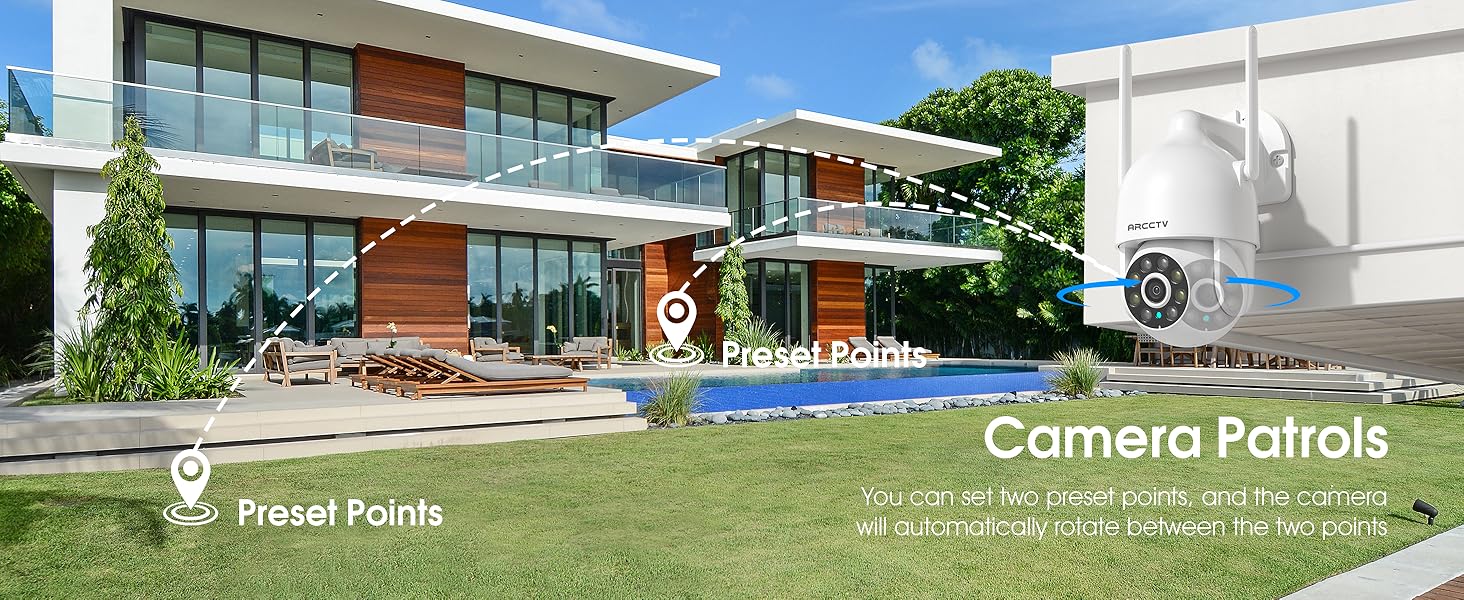
Open the ARCCTV/Eseecloud app and select your camera to access the live view. Use the on-screen joystick or swipe gestures to pan (355° horizontal) and tilt (90° vertical) the camera lens to adjust your viewing angle. You can also set preset points for quick navigation.
Awdjo Two-Way
Waqt li tkun ħaj view, tap the microphone icon in the app to speak through the camera's speaker. Tap the speaker icon to listen to audio from the camera's surroundings.
Sejbien u Traċċar tal-Moviment
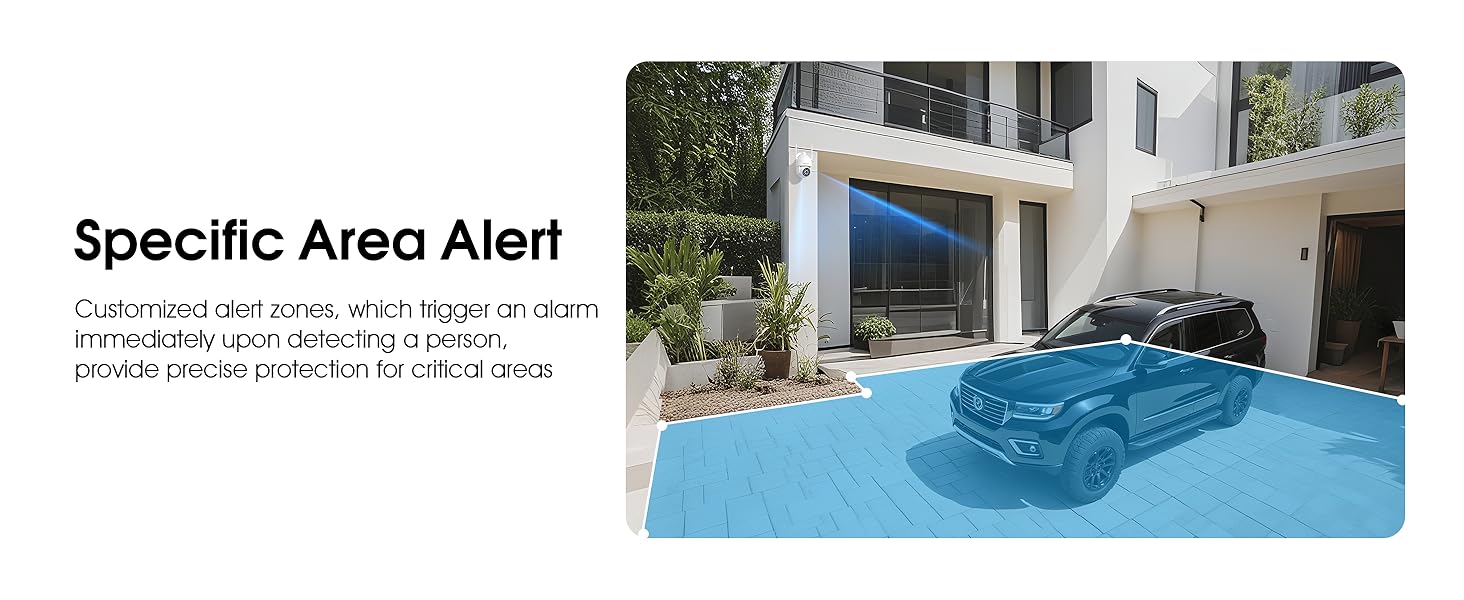
Enable motion detection in the app settings. The camera will automatically track detected movement and send real-time notifications to your phone. You can customize detection sensitivity and define specific alert zones to minimize false alarms.
Video: Demonstrates the ARCCTV 24/7 Security Camera's features, including motion detection, real-time notifications, two-way audio, and IP65 waterproof rating. This video highlights how the camera responds to detected movement with alerts and communication capabilities.
Modi tal-Viżjoni bil-lejl
The camera automatically switches to night vision in low light. You can configure it for full-color night vision (using the built-in spotlight) or infrared night vision (black and white) via the app settings.
Reġistrazzjoni u Daqq
Recordings are stored on the inserted microSD card or in the cloud (if subscribed). Access recorded footagpermezz tal-karatteristika tal-plejbek tal-app. Tista' terġa'view avvenimenti skont id-data u l-ħin.
Attivazzjoni tas-Sirena
In case of an emergency or to deter intruders, you can manually activate the camera's siren and spotlight through the app.
Qsim tal-Familja
The app supports multi-member sharing, allowing authorized family members to view the camera feed and receive alerts. This feature can be configured in the app's user management settings.
Image: An illustration showing multiple family members accessing the camera feed on their smartphones, highlighting the family sharing function.
Manutenzjoni
Tindif: Imsaħ il-lenti tal-kamera regolarment b'ċarruta ratba u niexfa biex tiżgura kwalità ta' immaġni ċara. Tużax kimiċi ħarxa.
Aġġornamenti tal-Firmware: Iċċekkja l-app perjodikament għal aġġornamenti tal-firmware biex tiżgura prestazzjoni u sigurtà ottimali.
Konnessjoni tal-Enerġija: Kun żgur li l-kejbil tal-enerġija huwa konness sew u ħieles minn ħsara.
Sigurtà tal-Immuntar: Periodically check the mounting screws to ensure the camera remains securely attached.
Ġestjoni tal-Karta SD: If using a microSD card, consider formatting it periodically through the app to maintain performance.
Issolvi l-problemi
Problema
Soluzzjoni Possibbli
Kamera offline
Check WiFi connection and signal strength.
Kun żgur li l-kamera tkun mixgħula.
Erġa' ibda l-kamera u r-router tiegħek.
Verify correct WiFi password in app settings.
Kwalità fqira tal-vidjo
Naddaf il-lenti tal-kamera.
Kun żgur li għandek konnessjoni WiFi stabbli.
Adjust video resolution settings in the app.
Ebda twissijiet ta 'skoperta ta' moviment
Enable motion detection in app settings.
Aġġusta l-livelli ta 'sensittività.
Check alert schedules and notification permissions on your phone.
Kun żgur li l-ebda oġġett ma jkun qed jostakola l-kamera view.
Awdjo two-way mhux jaħdem
Iċċekkja l-permessi tal-mikrofonu u tal-ispiker għall-app fuq it-telefon tiegħek.
Ensure volume levels are adequate.
Ivverifika l-istabbiltà tan-netwerk.
Speċifikazzjonijiet
Karatteristika
Dettall
Isem tal-Mudell
P2
Riżoluzzjoni tal-Qbid tal-Vidjo
2K (2304x1296p) / 1440p / 3 MP
Użu fuq ġewwa/barra
Ġewwa, Barra
Teknoloġija tal-Konnettività
Wireless (Wi-Fi)
Teknoloġija tal-Komunikazzjoni mingħajr Fili
Wi-Fi (2.4G/5G Dual-Band)
Sors tal-Enerġija
Provvista ta 'Enerġija 5V1A
ViewIng Angolu
360 Grad (355° Pan, 90° Tilt)
Karatteristiċi Speċjali
2-Way Audio, Auto Tracking, Spotlight, Siren, Full Color Night Vision
Klassifikazzjoni li ma jgħaddix ilma minnha
IP66
Għażliet ta' Ħażna
Karta Mikro SD (sa 128GB), Ħażna fis-Sħab
Apparati Kompatibbli
Smartphone (iOS, Android), Alexa
Tip ta' Kontrollur
ARCCTV App, Eseecloud App
Tip ta 'Immuntar
Mount Wall
Dimensjonijiet tal-Prodott
7.8 x 6.6 x 5.3 pulzieri
Piż tal-oġġett
2.7 liri
Garanzija u Appoġġ
For product support, technical assistance, or warranty inquiries, please contact ARCCTV customer service. While specific warranty details are not provided in this manual, general support can often be found through the manufacturer's official channels. For cloud service related inquiries, you may contact Support@arcctvlife.com.
Always refer to the official ARCCTV website or the app for the most up-to-date support information and resources.
Ask a question about this manual
Ask about setup, troubleshooting, compatibility, parts, safety, or missing instructions. Manuals+ will review the question and use this page’s manual context to help answer it.