
ARCCTV P2
ARCCTV 2K Security Camera Outdoor P2 User Manual
Mudell: P2
1. Introduzzjoni
This manual provides detailed instructions for the installation, operation, and maintenance of your ARCCTV 2K Security Camera Outdoor P2. Please read this manual thoroughly before using the product to ensure correct usage and optimal performance. Keep this manual for future reference.

Stampa 1.1: Quddiem view of the ARCCTV 2K Security Camera Outdoor P2.
2. X'hemm fil-Kaxxa
Ivverifika li l-komponenti kollha huma preżenti fil-pakkett:
- Korp tal-Kamera
- Adapter tal-Enerġija 5V1A
- Mounting Screws (set)
- Screw Positioning Sticker
- Stiker ta' Twissija
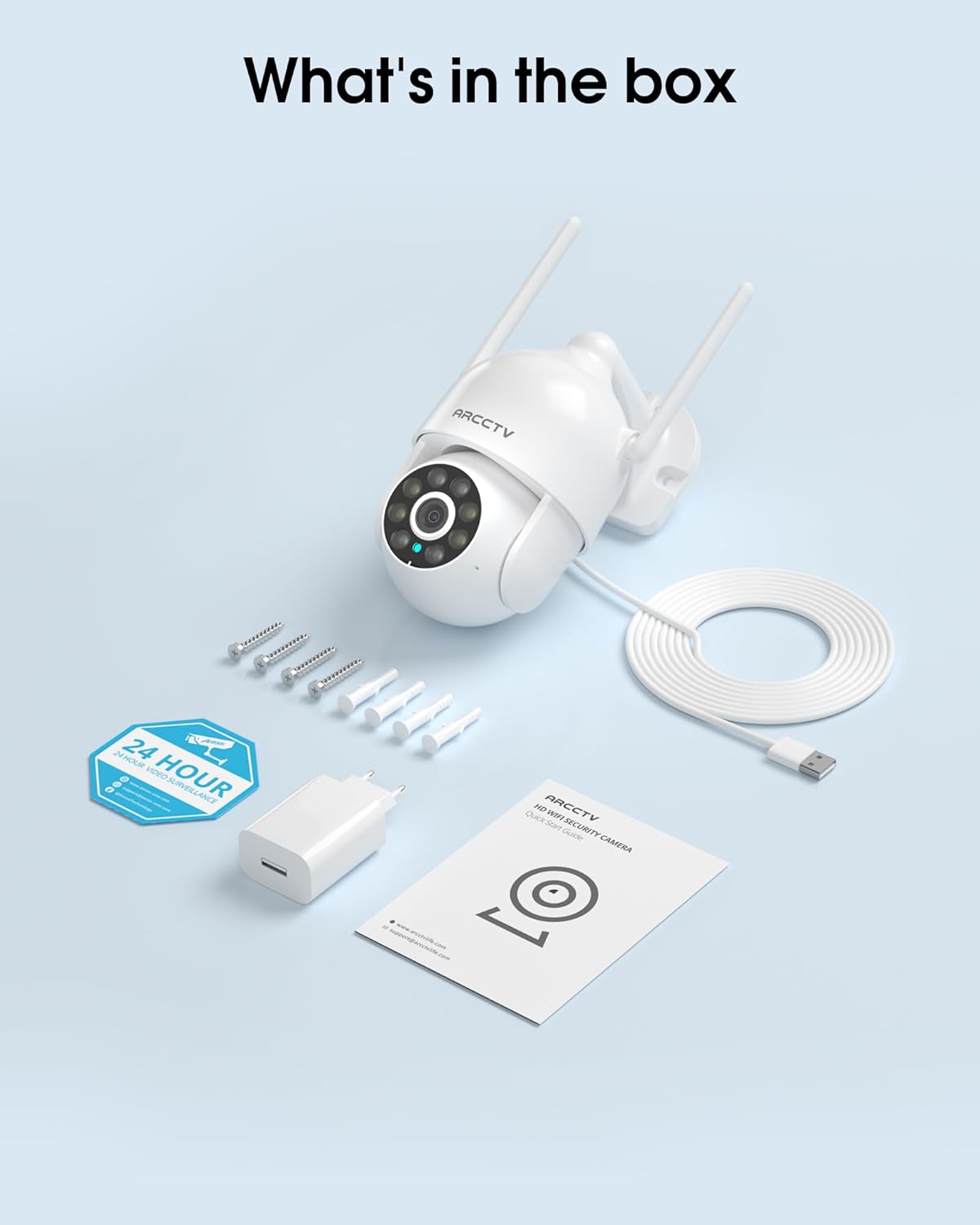
Image 2.1: All items included in the ARCCTV 2K Security Camera package.
3. Karatteristiċi tal-prodott
- Riżoluzzjoni 2K Ultra HD: Provides clear 2304x1296p video.
- Viżjoni bil-Lejl bil-Kulur Sħiħ: Built-in spotlight enables vivid color monitoring in low light.
- 360° Pan-Tilt-Zoom (PTZ): Remotely control 355° horizontal and 90° vertical rotation.
- Traċċar tal-Mozzjoni Awtomatika: Smart AI automatically follows and records detected movement.
- Wifi ta' Faxxa Doppju: Supports both 2.4G and 5G WiFi for stable connectivity.
- Awdjo f'żewġ direzzjonijiet: Mikrofonu u kelliem integrati għall-komunikazzjoni.
- IP66 Reżistenti għat-Temp: Durable design for outdoor use in various weather conditions (-4°F ~ 122°F).
- Ħażna Flessibbli: Supports local microSD card storage (up to 128GB, not included) and optional cloud storage.
- Reġistrazzjoni 24/7: Continuous recording capability with stable power supply.
4. Setup
4.1 Installazzjoni
- Agħżel Post: Agħżel post fil-beraħ b'dawl ċar view of the area you wish to monitor. Ensure it is within range of your Wi-Fi network and a power outlet.
- Immonta l-Kamera: Use the provided screw positioning sticker to mark drill holes. Drill holes, insert wall anchors, and secure the camera body to the wall using the mounting screws.
- Qabbad l-Enerġija: Plug the 5V1A power adapter into the camera and then into a power outlet. The camera will power on and begin its startup sequence.
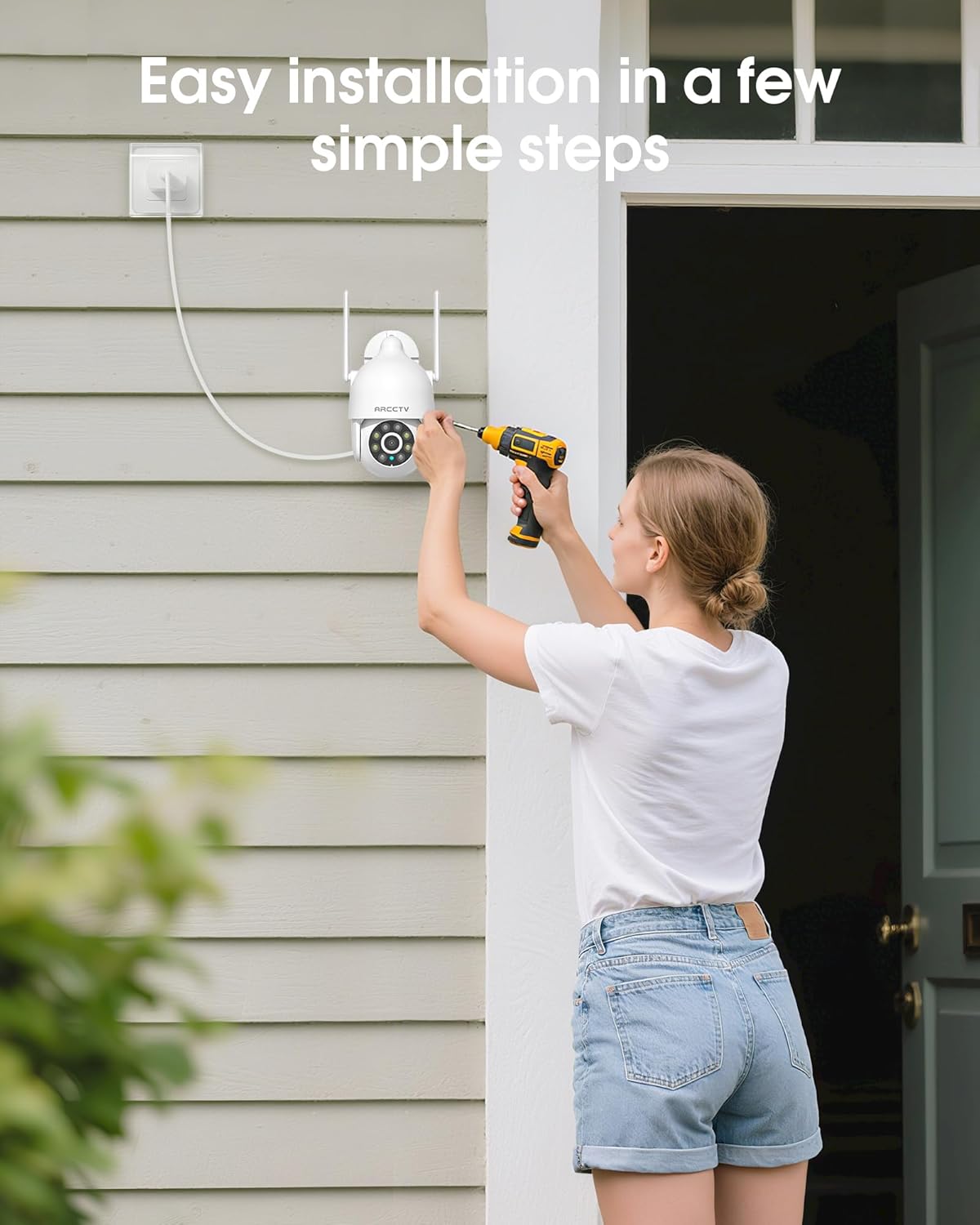
Image 4.1: Illustration of easy camera installation steps.
4.2 Tniżżil tal-App u Ħolqien ta' Kont
- Download the official ARCCTV app from your smartphone's app store (iOS or Android).
- Iftaħ l-app u segwi l-istruzzjonijiet fuq l-iskrin biex toħloq kont ġdid jew idħol jekk diġà għandek wieħed.
4.3 Konnessjoni Wi-Fi
- In the app, tap the "Add Device" or "+" icon.
- Select your camera model and follow the prompts to connect it to your Wi-Fi network. The camera supports both 2.4GHz and 5GHz bands for stable connectivity.
- Ensure your smartphone is connected to the same Wi-Fi network during the setup process.
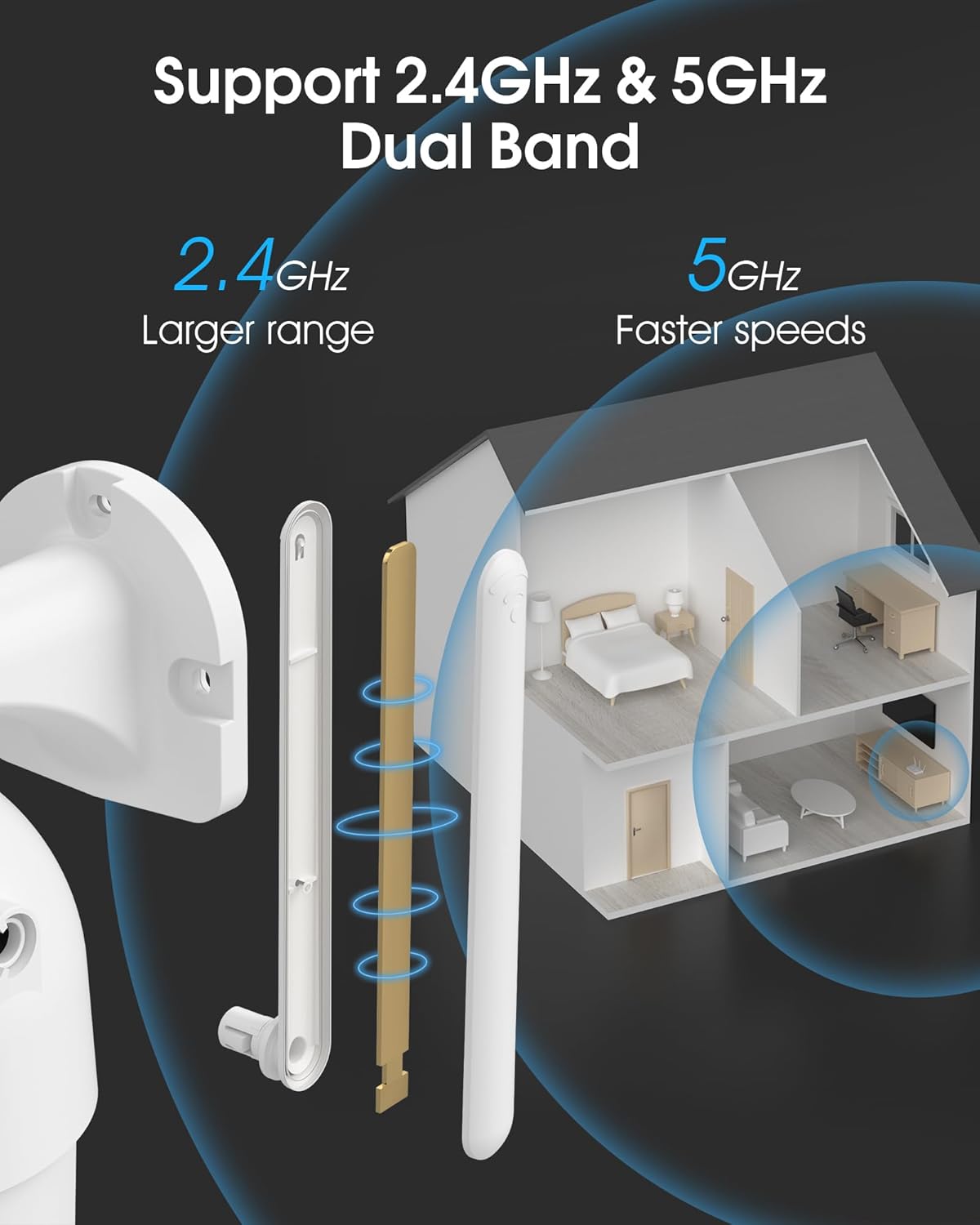
Image 4.2: The camera supports both 2.4GHz (larger range) and 5GHz (faster speeds) Wi-Fi bands.
4.4 MicroSD Card Installation (Optional)
For local storage, install a microSD card (up to 128GB, not included) into the designated slot on the camera. Ensure the camera is powered off before inserting or removing the card.

Image 4.3: Location of the microSD card slot on the camera.
5. It-tħaddim tal-Kamera
5.1 Ħaj View
Open the ARCCTV app and select your camera to view il-feed dirett. Tista' tissorvelja l-proprjetà tiegħek f'ħin reali.
5.2 Pan-Tilt-Zoom (PTZ) Control
Fuq il-live view screen, use the directional controls to rotate the camera horizontally (Pan: 355°) and vertically (Tilt: 90°) to adjust the viewing angle. You can also set preset points for quick navigation.
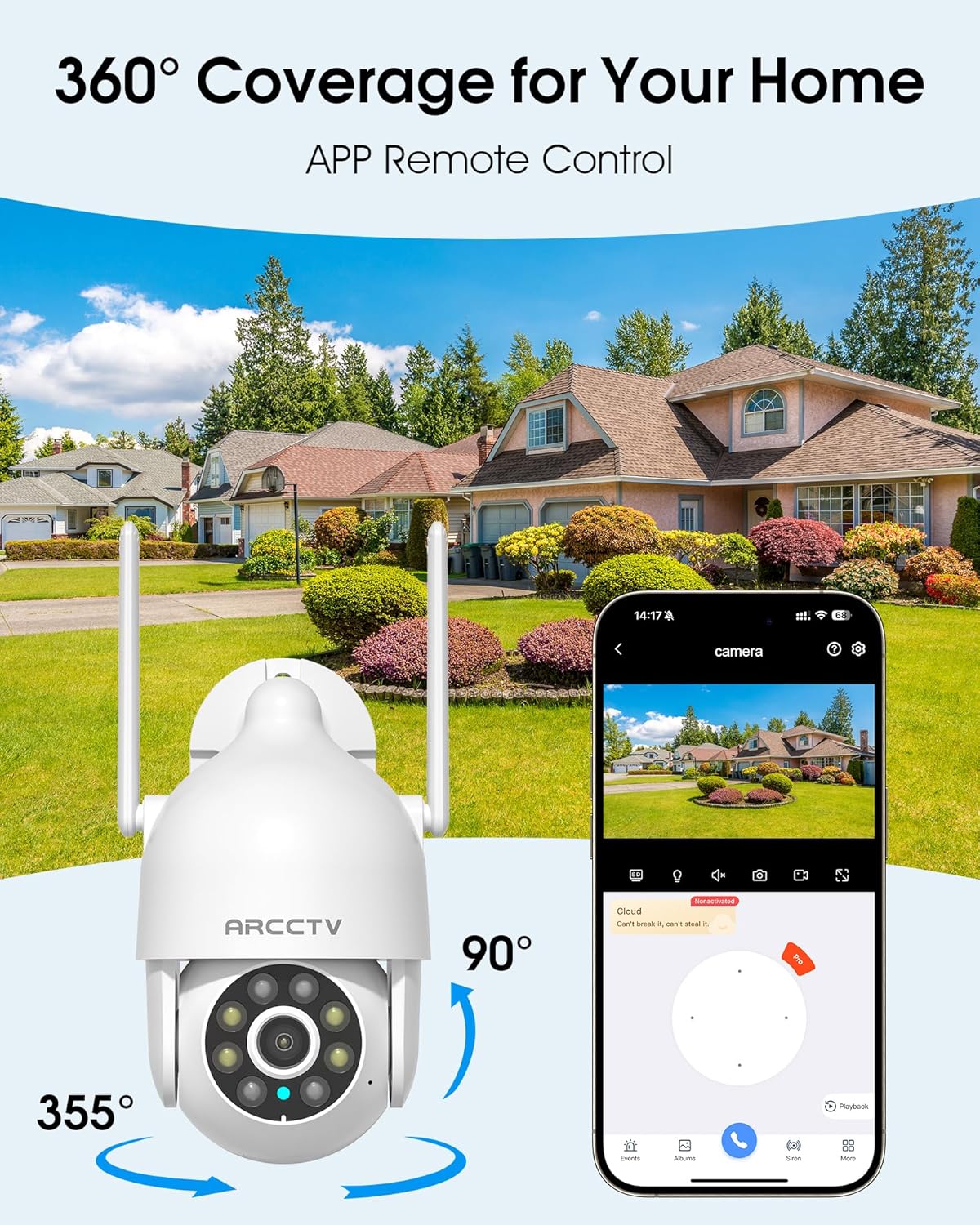
Image 5.1: The camera offers 360° coverage through remote pan and tilt controls.
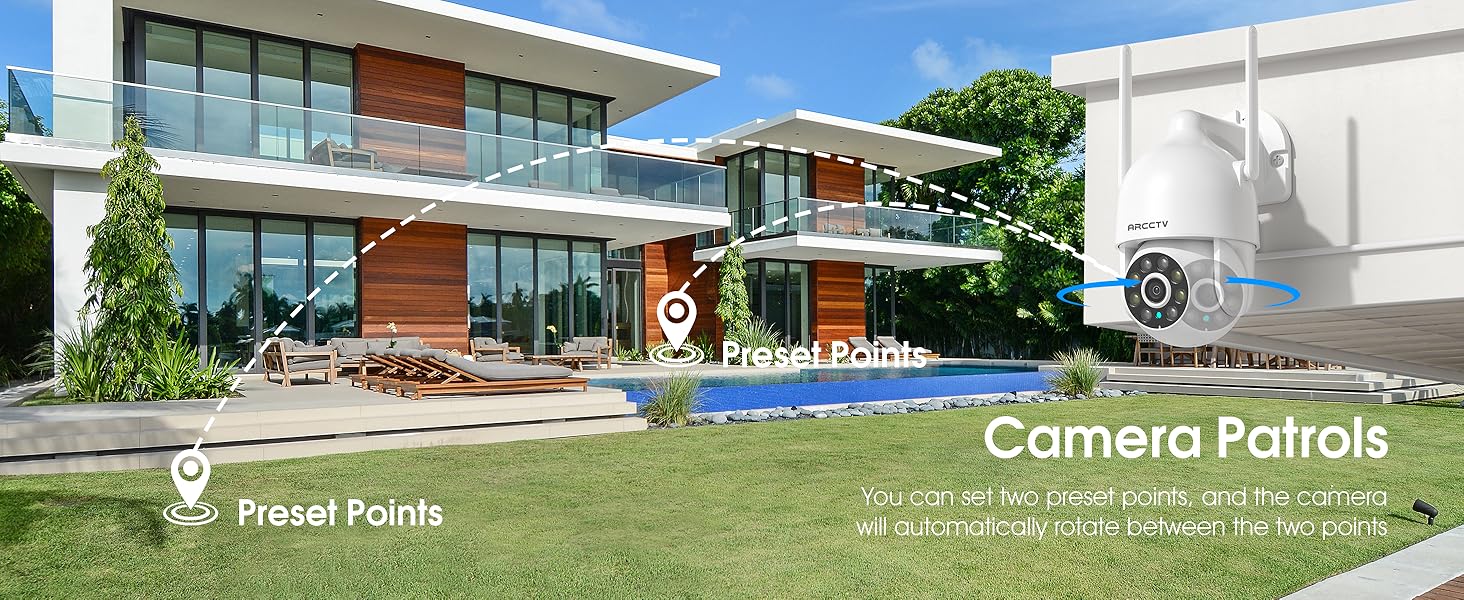
Image 5.2: Setting up camera patrol routes between preset points.
5.3 Motion Tracking and Alerts
The camera features smart AI motion tracking that automatically follows detected movement. You can customize alert zones and receive instant notifications on your smartphone when motion is detected.

Image 5.3: The camera's smart motion tracking feature in action.

Image 5.4: Instant alerts with customizable settings, including spotlight, siren, and two-way audio.
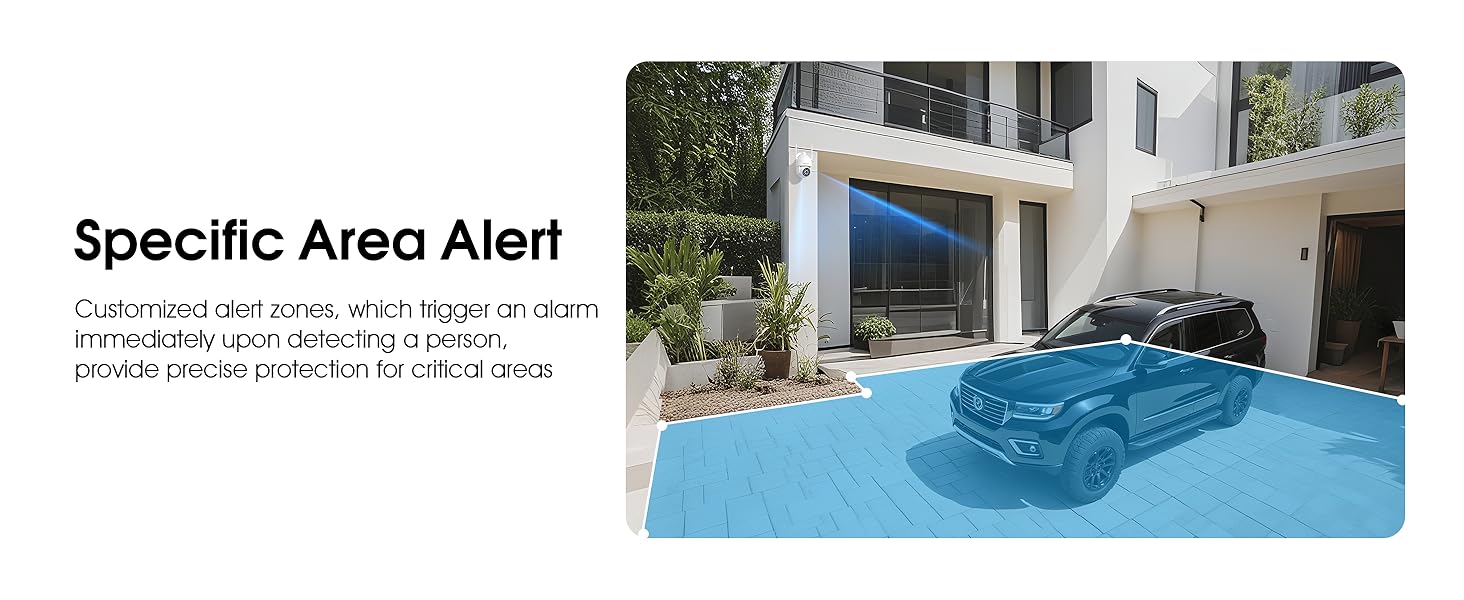
Image 5.5: Setting up specific area alerts for precise protection.
5.4 Modi ta' Viżjoni bil-Lejl
The camera offers both full-color night vision (activated by the built-in spotlight) and infrared night vision for clear monitoring in various low-light conditions.

Image 5.6: Comparison of Color Night Vision and Infrared Night Vision.
5.5 Awdjo b'żewġ direzzjonijiet
Use the two-way audio feature to communicate with visitors or deter unwanted guests directly through the camera's built-in microphone and speaker.
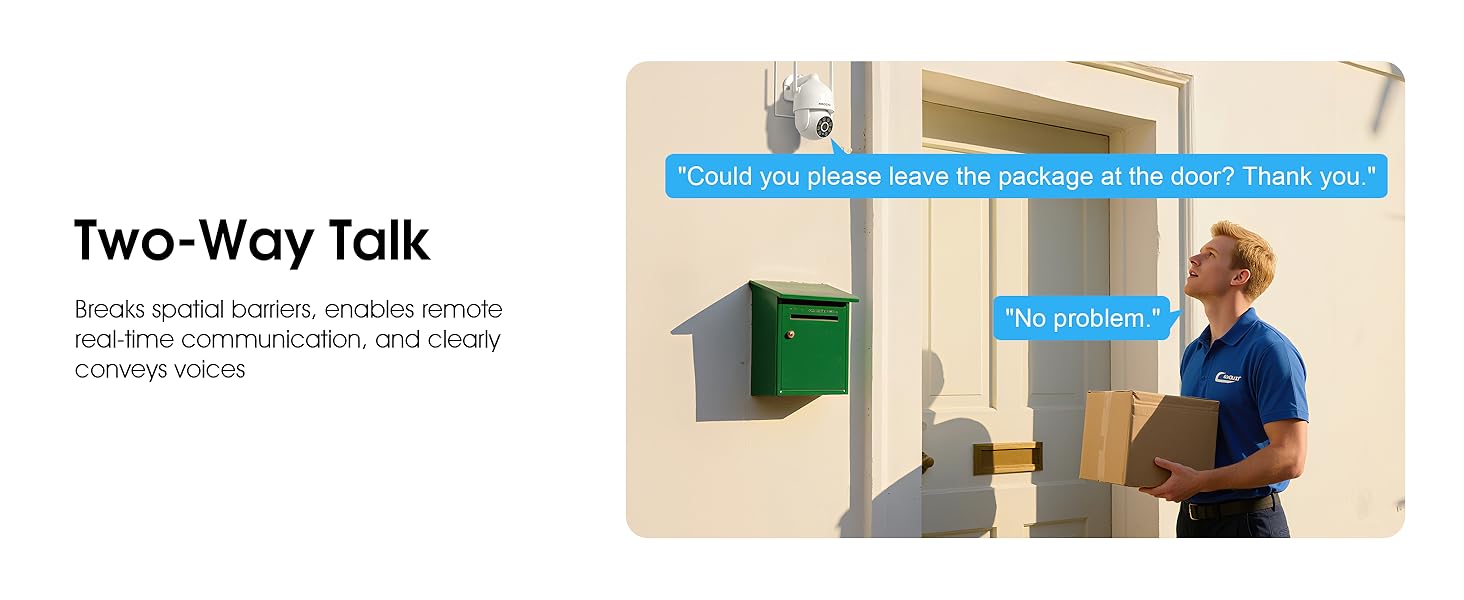
Image 5.7: Utilizing two-way talk for remote communication.
5.6 Reġistrazzjoni u Daqq
The camera supports 24/7 continuous recording. Footage can be saved to a local microSD card (up to 128GB) or to optional cloud storage. Access recorded videos through the app's playback function.

Image 5.8: The camera provides 24/7 recording capabilities.
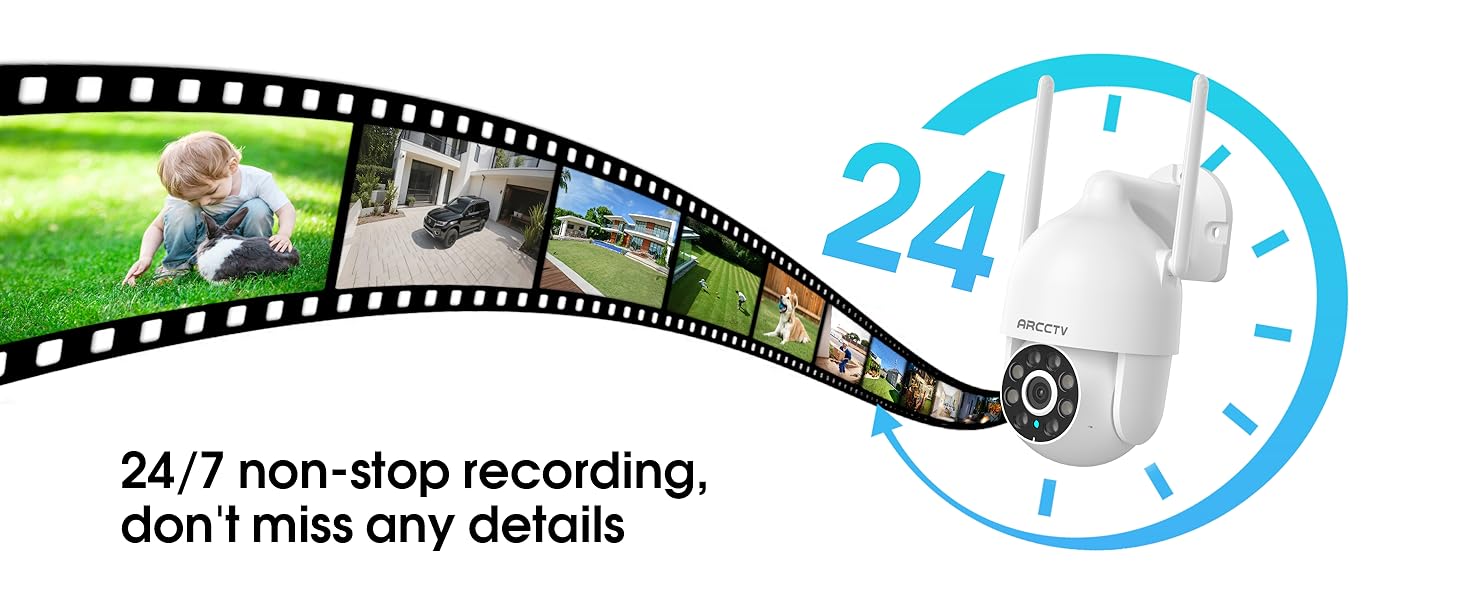
Image 5.9: Continuous 24/7 recording ensures no details are missed.
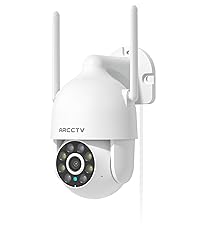
Image 5.10: Cloud storage encryption for secure and accessible recordings (subscription may apply).
5.7 Kondiviżjoni tal-Familja
The app supports multi-member sharing, allowing family members to view the camera feed and collaborate on security monitoring.
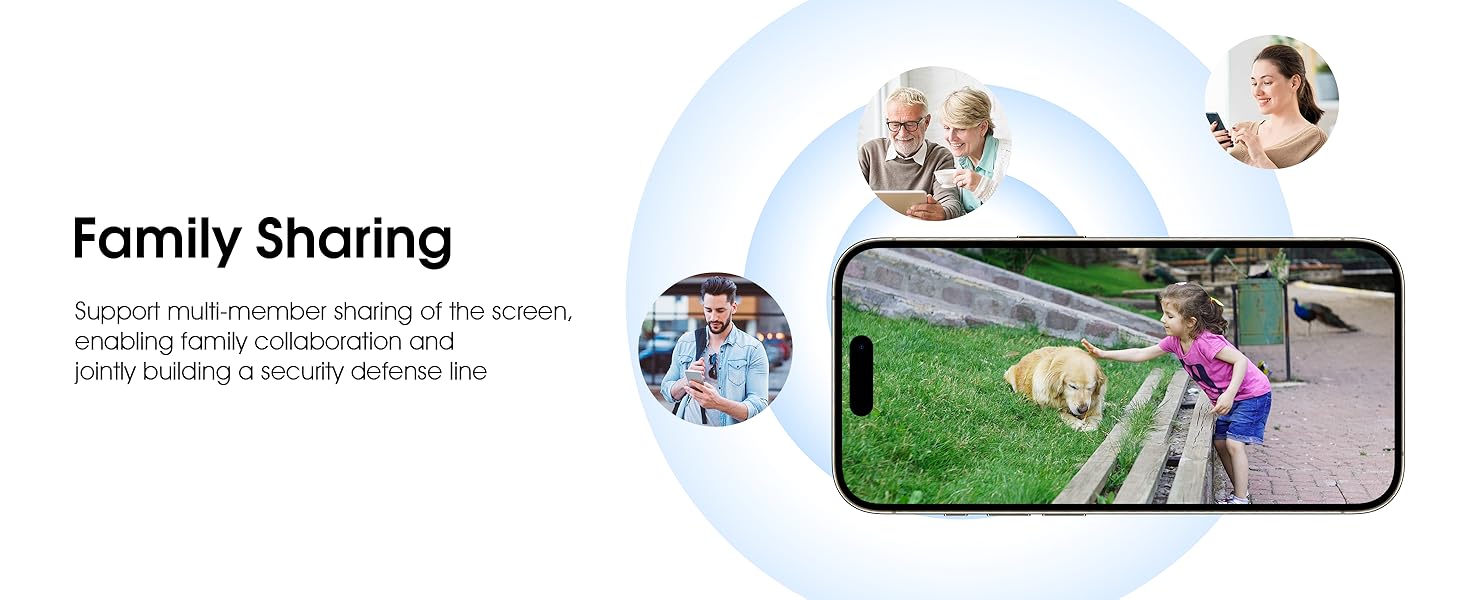
Image 5.11: The family sharing feature allows multiple users to access the camera feed.
5.8 Alexa Compatibility
The camera is compatible with Alexa, allowing you to check the monitoring screen using voice commands.
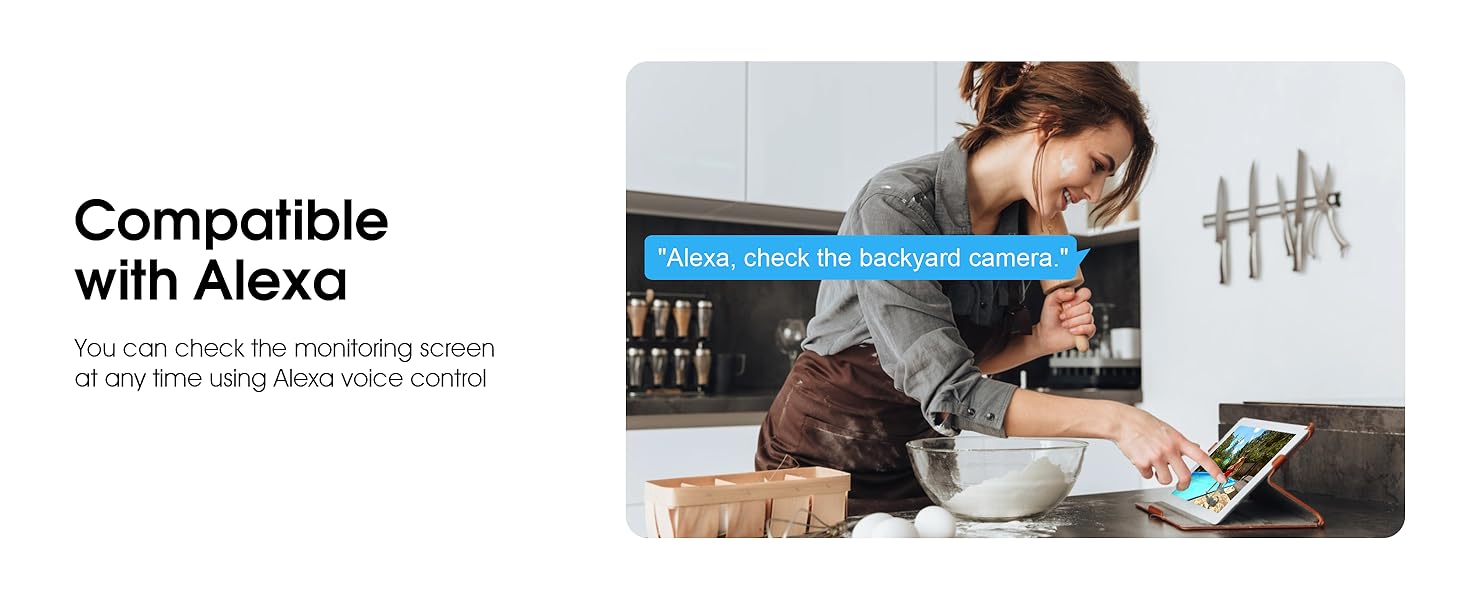
Image 5.12: Voice control via Alexa for convenient monitoring.
6. Manutenzjoni
6.1 Tindif tal-Kamera
Naddaf il-lenti u l-kaxxa tal-kamera perjodikament b'drapp artab u dryer.amp drapp biex tneħħi t-trab u l-fdalijiet. Tużax kimiċi ħarxa jew prodotti tat-tindif li joborxu.
6.2 Aġġornamenti tal-Firmware
Ensure your camera's firmware is up to date for optimal performance and security. Check for updates within the ARCCTV app and follow the instructions to install them.
6.3 Ġestjoni tal-Ħażna
If using a microSD card, regularly check its status in the app. Format the card periodically to maintain performance. For cloud storage, manage your subscription and storage space through the app.
7 Issolvi l-problemi
- Kamera ma tikkonnettjax mal-Wi-Fi:
- Ensure your Wi-Fi network is 2.4GHz or 5GHz and has a strong signal at the camera's location.
- Iċċekkja li l-password tal-Wi-Fi ddaħħlet b'mod korrett.
- Erġa' ibda r-router u l-kamera tiegħek.
- Kwalità Fqira tal-Immaġni:
- Naddaf il-lenti tal-kamera.
- Ensure adequate lighting for optimal night vision performance.
- Iċċekkja l-veloċità tal-konnessjoni tal-internet tiegħek.
- Is-Sejbien tal-Moviment Mhux Taħdim:
- Ivverifika li d-detezzjoni tal-moviment hija attivata fis-settings tal-app.
- Aġġusta s-settings tas-sensittività.
- Kun żgur li m'hemm l-ebda ostaklu fil-kamp ta' azzjoni tal-kamera. view.
- No Recording to MicroSD Card:
- Ensure a microSD card is properly inserted and formatted in the app.
- Check if the card is full; consider formatting or replacing it.
- Ivverifika s-settings tar-reġistrazzjoni fl-app.
8. Speċifikazzjonijiet
| Karatteristika | Speċifikazzjoni |
|---|---|
| Isem tal-Mudell | P2 |
| Użu fuq ġewwa/barra | Barra |
| Riżoluzzjoni tal-Qbid tal-Vidjo | 2K (2304x1296p) |
| Teknoloġija tal-Konnettività | Wireless (Wi-Fi) |
| Teknoloġija tal-Komunikazzjoni mingħajr Fili | Wi-Fi (2.4G/5G Dual-Band) |
| ViewIng Angolu | 360 Grad (355° Pan, 90° Tilt) |
| Medda tal-Viżjoni Lejl | 50 Saqajn |
| Livell ta 'Reżistenza għall-Ilma | IP66 Waterproof |
| Sors tal-Enerġija | Adapter tal-enerġija 5V1A |
| Memorja Flash Daqs Sostnut Massimu | 128 GB (MicroSD) |
| Kapaċitajiet ta' Reġistrazzjoni Awdjoviżiva | Vidjo u Awdjo |
| Karatteristika Speċjali | 2-Way Audio, Motion Tracking, Full Color Night Vision |
| Dimensjonijiet tal-oġġett L x W x H | 7.8 x 6.6 x 5.3 pulzieri |
| Piż tal-oġġett | 1.39 liri |
9. Garanzija u Appoġġ
For warranty information and technical support, please refer to the official ARCCTV website or contact their customer service directly. Contact details are typically provided on the product packaging or within the mobile application.
Ask a question about this manual
Ask about setup, troubleshooting, compatibility, parts, safety, or missing instructions. Manuals+ will review the question and use this page’s manual context to help answer it.