
Introduzzjoni
This user manual provides detailed instructions for the C idea CM817 Pro Max 8-inch Tablet. Please read this manual thoroughly before using your device to ensure proper operation and to maximize its features. Keep this manual for future reference.
Kontenut tal-Pakkett
Ivverifika li l-oġġetti kollha huma preżenti fil-pakkett:
- C idea CM817 Pro Max 8-inch Tablet
- Adapter tal-Iċċarġjar
- USB-C Cable
- Manwal għall-Utent (dan id-dokument)
- Stylus Pen (if included in your specific package)
- Keyboard (if included in your specific package)
- Mouse (if included in your specific package)

Image: The C idea CM817 Pro Max tablet shown with its common accessories, which may include a keyboard, mouse, charging adapter, USB-C cable, and stylus pen.
Prodott Overview
Familiarize yourself with the physical components of your C idea CM817 Pro Max tablet.

Image: A diagram illustrating the various ports and buttons on the C idea CM817 Pro Max tablet, including the front camera, rear camera, power button, volume controls, speakers, TF/SIM card slot, USB-C port, and headphone jack.
- Kamera ta' quddiem: Għal sejħiet bil-vidjo u selfies.
- Kamera ta' wara: Għall-qbid ta' ritratti u vidjows.
- Buttuna mixgħul/mitfi: Press and hold to power on/off or restart. Press briefly to wake/sleep the screen.
- Buttuni tal-Volum: Adjust the tablet's audio volume.
- Kelliema: Output audio.
- TF/SIM Slot: Insert a TF (MicroSD) card for expandable storage or a SIM card for cellular connectivity.
- Port USB-C: For charging the tablet and connecting to a computer for data transfer.
- Jack tal-headphone: Qabbad headphones ta '3.5mm.
Setup
1. Iċċarġja l-Pillola
Before first use, fully charge the tablet. Connect the USB-C cable to the tablet's USB-C port and the other end to the charging adapter. Plug the adapter into a power outlet. The battery indicator on the screen will show charging status.
2. Tixgħil / Mitfi
- Qawwa Mixgħul: Press and hold the Power On/Off button until the C idea logo appears.
- Itfi: Press and hold the Power On/Off button until the power options menu appears, then select "Power off".
- Ibda mill-ġdid: Mill-menù tal-għażliet tal-enerġija, agħżel "Erġa' ibda".
3. Setup Inizjali
Malli tixgħel it-tablet tiegħek għall-ewwel darba, segwi l-istruzzjonijiet fuq l-iskrin biex tikkonfigura:
- Agħżel il-lingwa preferuta tiegħek.
- Qabbad ma 'netwerk Wi-Fi.
- Idħol bil-kont tal-Google tiegħek jew oħloq wieħed ġdid. Dan huwa neċessarju biex tniżżel l-apps mill-Google Play Store.
- Issettja l-illokkjar tal-iskrin (PIN, mudell, jew password).
- Review u aċċetta t-termini u l-kundizzjonijiet.
4. Daħħal Karti SIM u MicroSD
Locate the TF/SIM slot on the side of the tablet. Use the provided SIM ejector tool (if applicable) to open the tray. Carefully place your SIM card and/or MicroSD card into the designated slots, ensuring correct orientation. Close the tray securely.
Istruzzjonijiet Operattivi
1. Navigazzjoni Bażika
- Mess: Tektek ikona biex tiftaħ app jew tagħżel oġġett.
- Swipe: Iddreggja subgħajk fuq l-iskrin biex tiskrollja minn ġo paġni jew kontenut.
- Oqros: Uża żewġ swaba’ biex tkabbar jew tkabbar l-immaġnijiet u web paġni.
- Skrin tad-dar: L-iskrin prinċipali fejn tista' taċċessa l-apps u l-widgets.
- Panel tan-Notifika: Skrolla 'l isfel minn fuq nett tal-iskrin biex taċċessa n-notifiki u s-settings rapidi.

Image: The C idea CM817 Pro Max tablet showcasing its Android home screen, featuring various application icons and a clean user interface.
2. Wi-Fi and Cellular Connectivity
Biex tikkonnettja mal-Wi-Fi, mur fuq Settings > Netwerk u internet > Wi-Fi. Turn Wi-Fi on and select your desired network. Enter the password if prompted. For cellular data, ensure a SIM card is inserted and go to Settings > Netwerk u internet > Netwerk mobbli to configure data settings.
3. Uża l-Kamera
Open the Camera app from the home screen or app drawer. Tap the shutter button to take a photo. Switch between the 5MP front camera and 8MP rear camera using the camera switch icon. You can also record videos.
4. Ġestjoni tal-Ħażna
Your tablet comes with 512GB of internal storage and supports up to 512GB expandable storage via a MicroSD card. To view storage usage, go to Settings > Ħażna. Regularly clear unnecessary files and uninstall unused apps to maintain performance.

Image: Multiple C idea tablets demonstrating the ample storage capacity, highlighting 8GB RAM, 512GB internal ROM, and support for an additional 512GB via TF (MicroSD) card.
5. Ħajja tal-batterija
The 8000mAh battery provides extended usage. To optimize battery life, reduce screen brightness, disable Wi-Fi/Bluetooth when not in use, and close background apps. You can monitor battery usage in Settings> Battery.
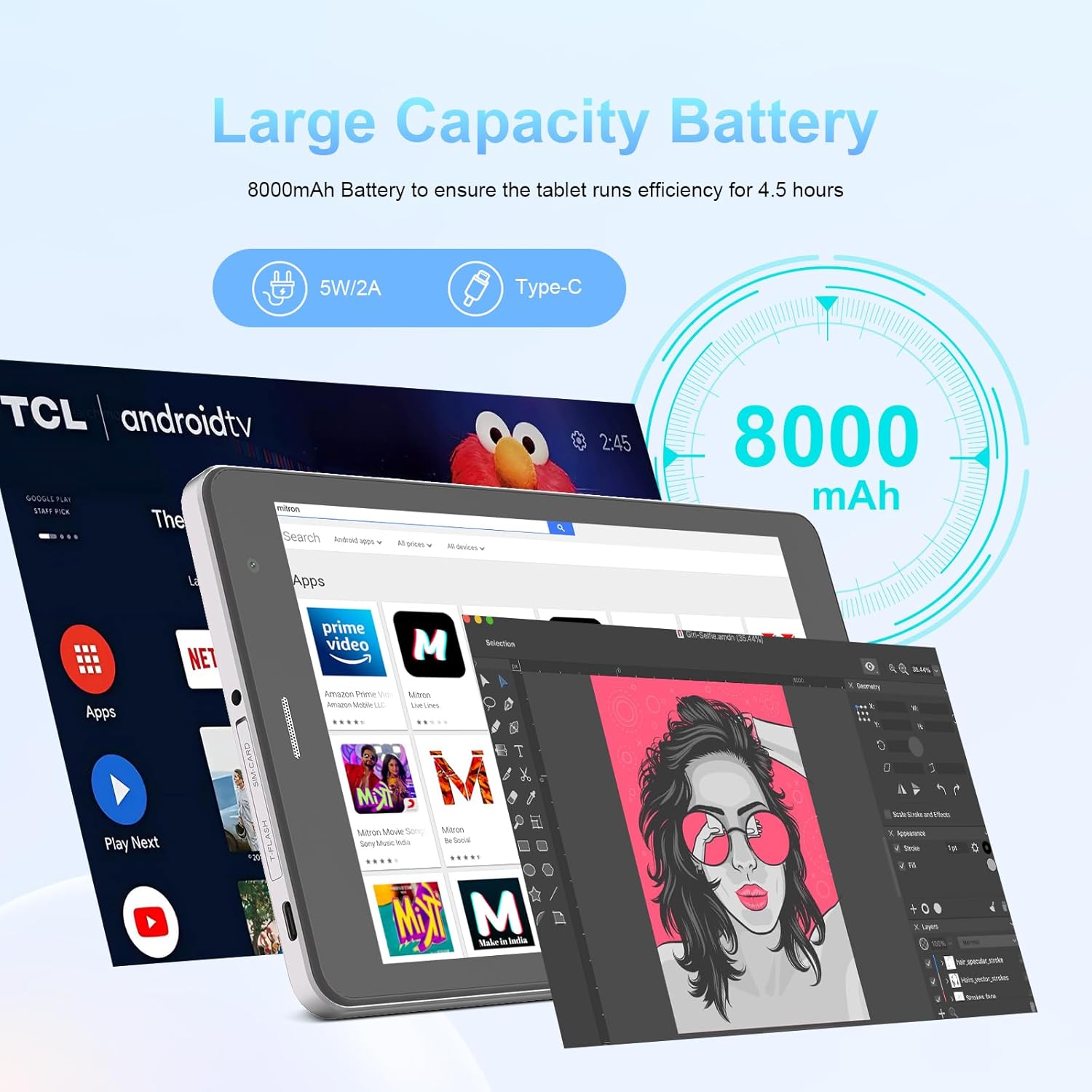
Image: The C idea CM817 Pro Max tablet, emphasizing its 8000mAh large capacity battery, designed for extended operational hours.
6. Display Settings
The tablet features an 8-inch 1280x800 IPS HD display. Adjust brightness, font size, and display timeout in Settings> Display għal komdu viewing esperjenza.

Image: The C idea CM817 Pro Max tablet showcasing its 8-inch IPS HD screen with a resolution of 800x1280 pixels, providing clear visuals.
Manutenzjoni
1. Tindif
Use a soft, lint-free cloth to clean the screen and body of the tablet. Do not use abrasive cleaners or solvents, as they may damage the surface. Avoid getting moisture into ports.
2. Aġġornamenti tas-Software
Iċċekkja regolarment għal aġġornamenti tas-sistema biex tiżgura li t-tablet tiegħek għandu l-aħħar karatteristiċi u irqajja tas-sigurtà. Mur fuq Settings > Sistema > Aġġornament tas-sistema biex tiċċekkja u tinstalla aġġornamenti.
3. Kura tal-batterija
To prolong battery lifespan, avoid exposing the tablet to extreme temperatures. Do not let the battery completely drain frequently. Use the original charger or a certified compatible charger.
Issolvi l-problemi
- It-tablet mhux qed jixgħel: Ensure the tablet is charged. Press and hold the Power On/Off button for at least 10-15 seconds to force a restart.
- Kwistjonijiet ta' konnessjoni Wi-Fi: Erġa' ibda r-router Wi-Fi tiegħek u t-tablet. Insieh in-netwerk fis-settings tal-Wi-Fi u erġa' qabbad.
- Prestazzjoni bil-mod: Close unused apps, clear cache (Settings > Storage), and restart the tablet. Consider uninstalling large or unnecessary applications.
- Il-kamera ma taħdimx: Ensure the Camera app has necessary permissions (Settings > Apps > Camera > Permissions). Restart the tablet.
- Ħażna mimlija: Ħassar ritratti/vidjows qodma, iddiżinstalla apps mhux użati, jew mexxi files to an inserted MicroSD card.
- L-apps jiġġarraf: Neħħi l-cache u d-dejta tal-app (Settings > Apps > [Isem tal-App] > Ħażna > Neħħi l-cache/Neħħi d-dejta). Jekk il-problema tippersisti, iddiżinstalla u erġa' installa l-app.
Speċifikazzjonijiet
| Karatteristika | Dettall |
|---|---|
| Brand | C idea |
| Isem tal-Mudell | CM817 Pro Max |
| Sistema Operattiva | Android 15 |
| Proċessur | Octa-core (MediaTek) |
| RAM | 8GB |
| Ħażna Interna (ROM) | 512GB |
| Ħażna espansibbli | Up to 512GB (via TF/MicroSD card) |
| Daqs tal-Iskrin | 8 Pulzier |
| Riżoluzzjoni tal-Iskrin | 1280 x 800 pixel (IPS HD) |
| Kamera ta' Quddiem | 5MP |
| Kamera ta' wara | 8MP |
| Kapaċità tal-batterija | 8000mAh (Polimeru tal-Litju) |
| Konnettività | Wi-Fi, 5G SIM, Bluetooth |
| Portijiet | USB-C, Jack tal-Headphone ta' 3.5mm |
| Piż tal-oġġett | 1 kg 80 g |
| Dimensjonijiet tal-Pakkett | 29.8 x 18 x 6.4 ċm |
Garanzija u Appoġġ
For warranty information and technical support, please refer to the warranty card included in your package or contact C idea customer service. Keep your purchase receipt as proof of purchase.