1. Introduzzjoni
This manual provides instructions for the Generic Translator Earbuds 5.3, Model TM20. These earbuds offer real-time language translation, music playback, and call functionality. Please read this manual thoroughly before using the device to ensure proper operation and to maximize its features.
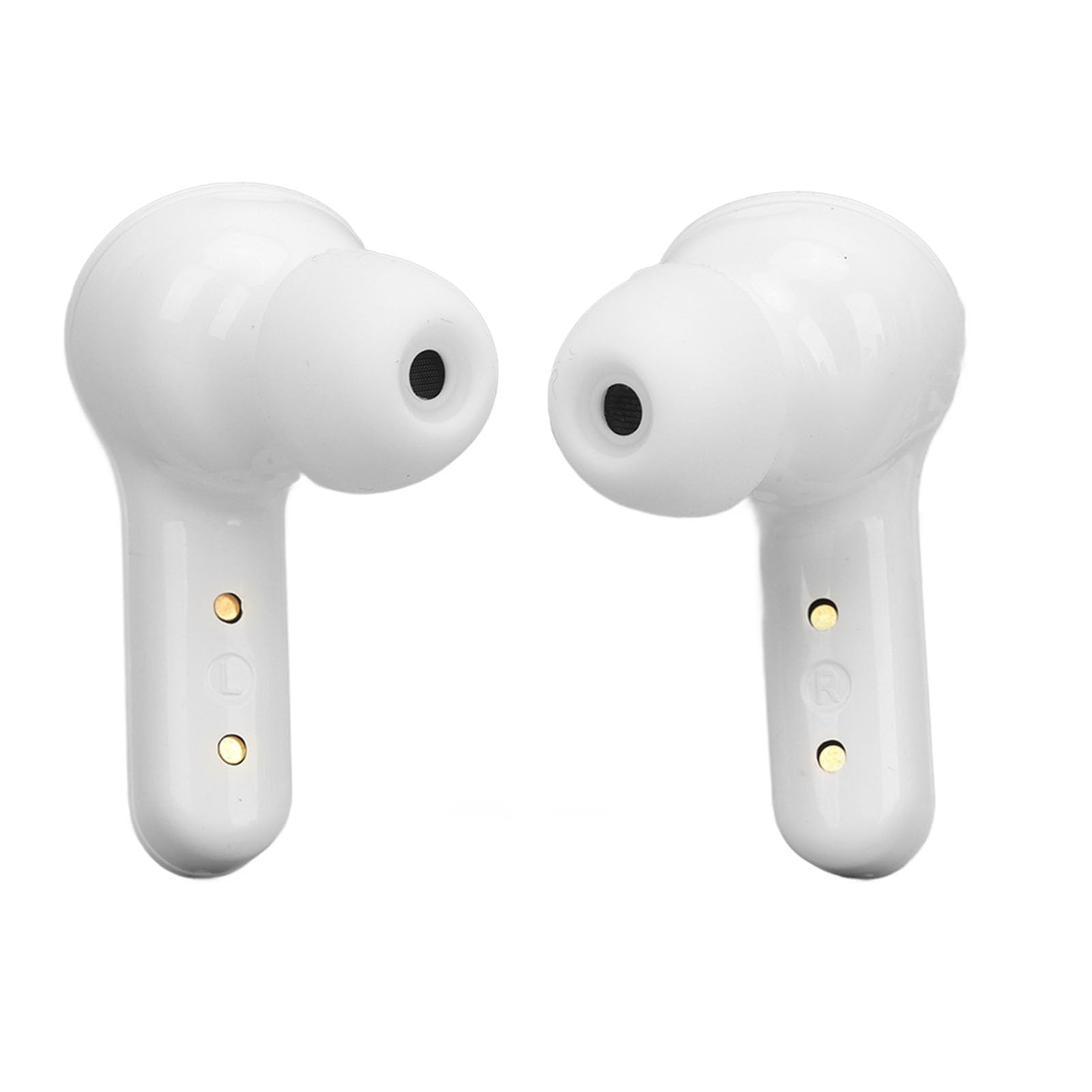
Image 1.1: Translator Earbuds 5.3 highlighting its multi-language translation feature.
2. Prodott Aktarview
The Translator Earbuds 5.3 are designed for seamless communication across language barriers and for general audio use. Key features include:
- Bluetooth 5.3 connectivity for stable connections.
- Intelligent noise reduction for clear audio.
- Support for 144 online languages (free for one year).
- Multiple translation modes: Touch mode, Speaker mode, Free Speech mode.
- High-capacity battery with charging case for extended use.
- Fingerprint control for music and calls.
- Sistema tal-ħoss stereo.

Immaġni 2.1: Fuqview of the Translator Earbuds 5.3 and charging case.

Immaġni 2.2: Proġett tal-ġenbfile of the earbuds.

Immaġni 2.3: Angolata view of the earbuds.
3. Setup
3.1 Iċċarġjar tal-Earbuds u l-Kaxxa
Before first use, fully charge the earbuds and the charging case. The charging case has a built-in 250mAh lithium-ion battery, and each earbud has a 30mAh battery.
- Poġġi l-earbuds fil-każ tal-iċċarġjar.
- Qabbad il-każ tal-iċċarġjar ma 'sors ta' enerġija billi tuża l-kejbil USB ipprovdut.
- The digital display on the charging case will indicate the charging status and battery level.
Charging Time: 1-2 hours for a full charge.

Image 3.1: Earbuds, charging case, USB cable, and ear tips included in the package.

Image 3.2: Digital display on the charging case indicating battery status.

Image 3.3: USB charging port on the back of the charging case.
3.2 Tqabbil tal-Bluetooth
To connect the earbuds to your device:
- Kun żgur li l-earbuds huma ċċarġjati u mneħħija mill-kaxxa tal-iċċarġjar. Huma jidħlu awtomatikament fil-modalità ta' tqabbil.
- Fuq l-ismartphone jew it-tablet tiegħek, attiva l-Bluetooth.
- Fittex għal available devices and select "TM20" (or similar name) from the list.
- Ladarba tkun konness, tisma' sinjal awdjo, u l-earbuds ikunu lesti għall-użu.
Il-earbuds huma kompatibbli ma' apparati Android, iOS, u Windows.
4. Istruzzjonijiet Operattivi
4.1 App Installation and Setup for Translation
For translation functionality, you need to download the dedicated application.
- Refer to the operating instructions included in the package for the specific APP name or QR code.
- Niżżel u installa l-APP fuq l-ismartphone tiegħek.
- Open the APP and ensure your earbuds are connected via Bluetooth.
- Within the APP, select the language you want to translate from and the target language.
4.2 Modi ta' Traduzzjoni
The earbuds support three primary translation modes:
- Modalità Touch: Designed for two-person conversations.
- Each person wears one earbud.
- Click or double-click your earbud to speak. The spoken content will be translated in real-time and played through the other person's earbud.
- Modalità Speaker: Suitable for one-on-one interactions where only one person wears an earbud.
- One person wears an earbud, and the other person holds the smartphone.
- Speak into the earbud, and the translation will be played through the phone's speaker. Conversely, the other person speaks into the phone, and the translation is heard through the earbud.
- Free Speech Mode: For natural, real-time conversations between two earbud wearers.
- Both individuals wear an earbud.
- The system automatically detects and translates speech in real-time without requiring manual touch input for each turn.
The translation speed is approximately 0.2 seconds.
4.3 Music and Call Functions
The earbuds feature fingerprint control for audio playback and calls.
- Ilgħab/Pawża Mużika: Tektek darba l-earbud.
- Kanzunetta li jmiss: Tektek darbtejn il-earbud tal-lemin.
- Kanzunetta ta' qabel: Tektek darbtejn il-earbud tax-xellug.
- Tweġiba/Tmiem Sejħa: Tap the earbud once during an incoming call.
- Irrifjuta Sejħa: Press and hold the earbud for 2 seconds during an incoming call.

Image 4.1: Charging contacts on the earbuds.
5. Manutenzjoni
To ensure the longevity and optimal performance of your Translator Earbuds 5.3, follow these maintenance guidelines:
- Tindif: Uża drapp artab, niexef u mingħajr suf biex tnaddaf il-earbuds u l-kaxxa tal-iċċarġjar. Tużax prodotti tat-tindif li joborxu, alkoħol, jew solventi kimiċi.
- Ħażna: Aħżen il-earbuds fil-kaxxa tal-iċċarġjar tagħhom meta ma tkunx qed tużahom biex tipproteġihom mit-trab u l-ħsara.
- Evita l-Ilma: The earbuds are not waterproof. Avoid exposure to water, moisture, or extreme humidity.
- Temperatura: Tesponix l-apparat għal temperaturi estremi (sħan jew kiesaħ).
- Kuntatti tal-Iċċarġjar: Periodically check and gently clean the charging contacts on both the earbuds and the case to ensure a good connection.
6 Issolvi l-problemi
| Problema | Kawża Possibbli | Soluzzjoni |
|---|---|---|
| Earbuds ma jingħaqdux | Low battery; Bluetooth off; Out of range; Already paired to another device. | Charge earbuds; Ensure Bluetooth is on; Move closer to device; Disconnect from other devices. |
| L-ebda ħoss mill-earbuds | Not connected; Volume too low; Earbuds not properly seated. | Check Bluetooth connection; Increase device volume; Re-insert earbuds. |
| It-traduzzjoni mhux qed taħdem | APP not open; Incorrect language settings; No internet connection (for online translation). | Open the translation APP; Verify language settings; Ensure stable internet connection. |
| Ħajja qasira tal-batterija | Earbuds not fully charged; Old battery. | Ensure full charge before use; Battery degradation is normal over time. |
7. Speċifikazzjonijiet
| Mudell tal-Prodott | TM20 |
| Verżjoni Bluetooth | 5.3 |
| Distanza ta 'Konnessjoni Bluetooth | Madwar 10m (32.8 pied) |
| Kapaċità tal-Batterija tal-Earbud | 2 x 30mAh Lithium Ion Battery |
| Kawża tal-Iċċarġjar Kapaċità tal-Batterija | Batterija tal-jone tal-litju 250mAh |
| Earbuds Playback Time | 4-5 Sigħat |
| Ħin tal-Iċċarġjar | 1-2 Sigħat |
| Ħin ta' Standby | 280 Sigħat |
| Lingwi Appoġġjati | 144 online languages (free for one year) |
| Kompatibilità | Android, iOS, Windows |

Image 7.1: Battery life indication for the earbuds and charging case.
8. Garanzija u Appoġġ
8.1 Informazzjoni dwar Garanzija
Dan il-prodott jiġi ma 'a 3-il xahar garanzija from the date of purchase. The warranty covers manufacturing defects. It does not cover damage caused by misuse, accidents, unauthorized modifications, or normal wear and tear.
8.2 Appoġġ għall-Klijent
For technical support, warranty claims, or further assistance, please contact your retailer or the manufacturer directly. Refer to the packaging or product documentation for specific contact details.