
1. Introduzzjoni
This manual provides essential instructions for the safe and efficient operation of your PECSU S2 MP3 Player. Please read this manual thoroughly before using the device and retain it for future reference.
Kontenut tal-Pakkett
Malli tiftaħ il-pakkett, ivverifika li l-oġġetti kollha huma preżenti:
- PECSU S2 MP3 Player
- Karta tal-Memorja ta' 64GB (imdaħħla minn qabel)
- Earbuds bil-fili
- Kejbil tad-Data USB (Tip Ċ)
- Gwida għall-Utent (dan id-dokument)

2. Device Overview
The PECSU S2 MP3 Player is a compact, multifunctional device designed for portable audio and more. It features a 1.77-inch screen and intuitive controls.

Karatteristiċi ewlenin:
- Bluetooth 5.3: For wireless audio connectivity.
- Ħażna Interna ta' 64GB: Pre-installed memory card, expandable up to 256GB.
- HiFi Lossless Sound: Supports various audio formats.
- Kelliem inkorporat: For listening without headphones.
- Radju FM: Requires wired headphones as an antenna.
- Reġistratur tal-Vuċi: Noise-reduction capability.
- E-book Reader: Supports .txt files.
- Timer Off Function: Customizable shutdown settings.
3. Setup
3.1 Iċċarġjar tal-Apparat
- Connect the provided USB Type-C cable to the charging port on the player.
- Qabbad it-tarf l-ieħor tal-kejbil USB ma' adapter tal-enerġija USB (mhux inkluż) jew mal-port USB tal-kompjuter.
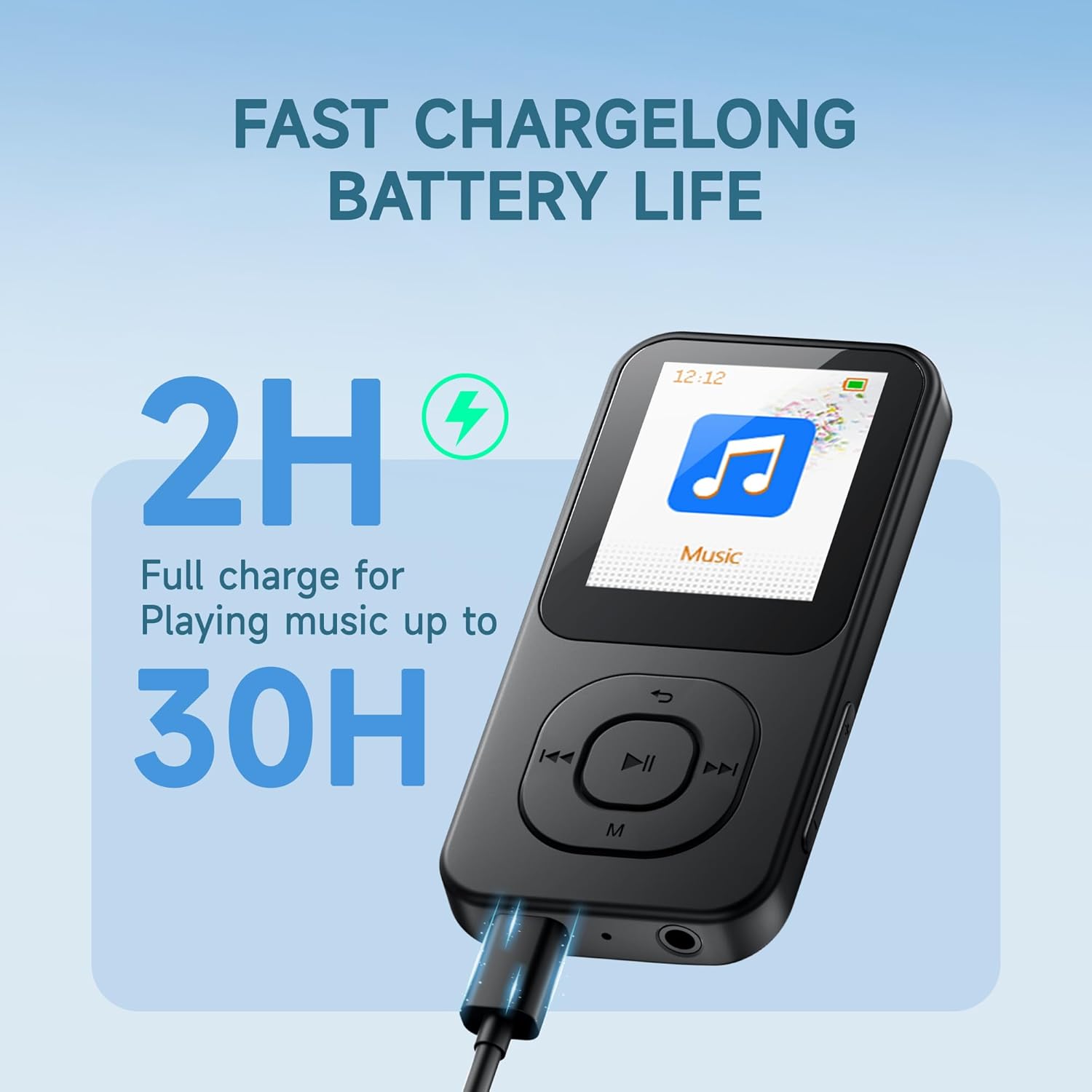
- L-apparat se jindika l-istatus tal-iċċarġjar fuq l-iskrin. Iċċarġjar sħiħ tipikament jieħu madwar sagħtejn.
A fully charged device provides up to 30 hours of music playback.
3.2 Tixgħel/Jitfi
- Biex Tixgħel: Agħfas u żomm il- ON/OFF button located on the side of the device until the screen illuminates.
- Biex Tifi: Agħfas u żomm il- ON/OFF button until the power-off prompt appears, then confirm.
3.3 Trasferiment Files
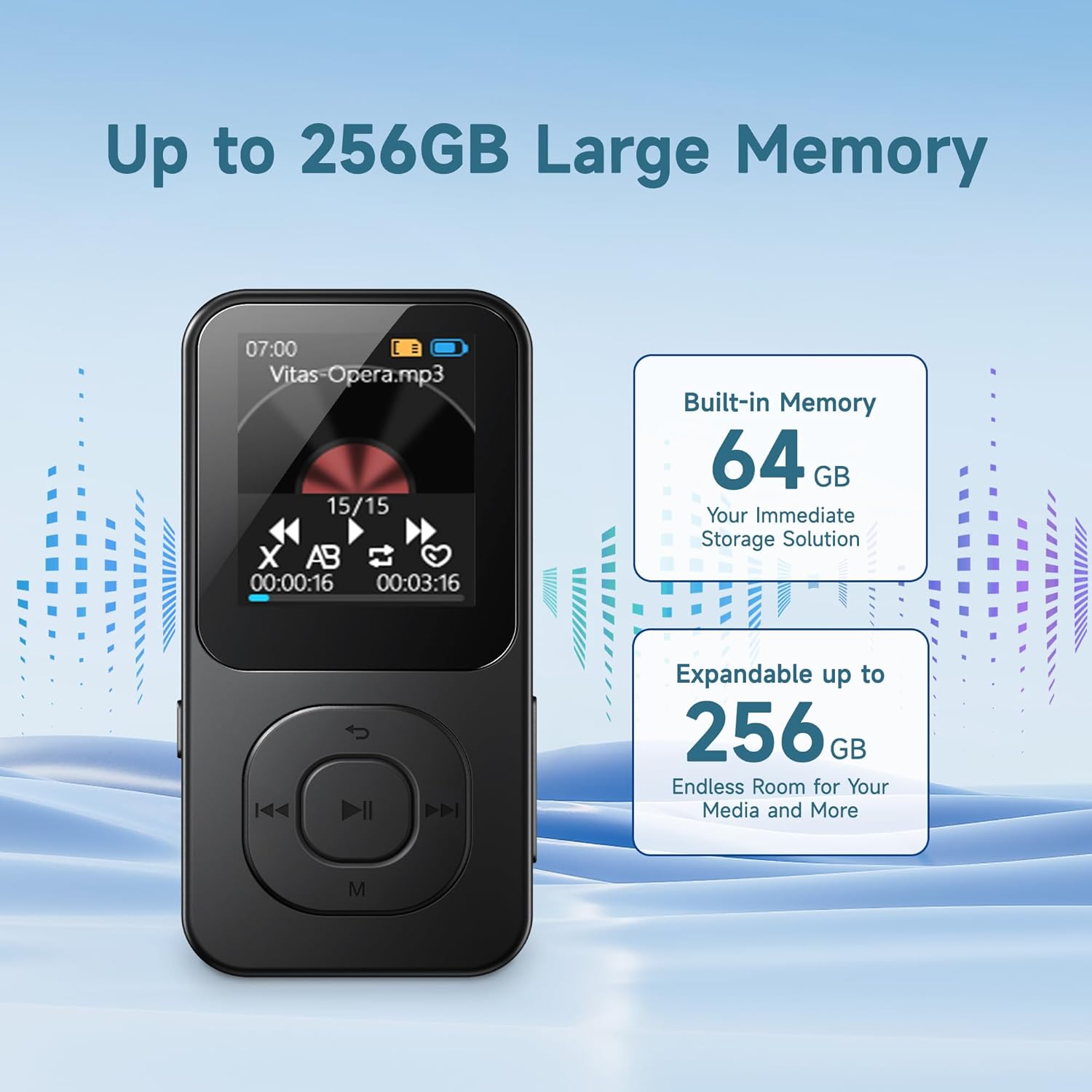
The PECSU S2 comes with a 64GB memory card pre-inserted, which can be expanded up to 256GB using a compatible TF card. You can transfer files directly via the USB cable.
- Connect the MP3 player to your computer using the provided USB Type-C cable.
- Il-plejer se jidher bħala disk drive li jista' jitneħħa fuq il-kompjuter tiegħek.
- Drag and drop your desired music, e-books, videos, or photos into the appropriate folders on the player's memory card.
- Oħroġ l-apparat mill-kompjuter tiegħek b'mod sigur qabel ma skonnettja l-kejbil USB.
Note: Some users may experience initial difficulties with direct file transfer. If issues arise, ensure the device is properly recognized by your computer. The new version of the player supports direct file transfer via USB cable without needing a separate card reader.
4. Istruzzjonijiet Operattivi
4.1 Navigazzjoni Bażika
The player features physical buttons for navigation:
- Buttuna Play/Pause: Center button to start or pause playback.
- Buttuni Preċedenti/Li Jmiss: Use to skip tracks or navigate menu options.
- Buttuna 'M': Typically accesses menu options or returns to the previous screen.
- Buttuni tal-Volum +/-: Aġġusta l-livell tal-ħruġ tal-awdjo.
Note: Navigation may require familiarization. For list scrolling, the 'Previous' and 'Next' buttons might function as 'Up' and 'Down' respectively, rather than left/right as indicated by their icons.
4.2 Daqq tal-Mużika
The PECSU S2 supports various audio formats including MP3, FLAC, WAV, APE, OGG, AAC-LC, and M4A, delivering HiFi lossless sound quality.
- Mill-menù prinċipali, agħżel 'Mużika'.
- Browse your music library by artist, album, or folder.
- Select a track to begin playback.
- Uża l-buttuni Play/Pause, Preċedenti, u Li jmiss biex tikkontrolla l-plejbek.
Għażliet ta' Personalizzazzjoni:
- Presets EQ: Access equalizer settings (Pop, Rock, Jazz, Classical, Dance, Country, etc.) through the music playback menu.
- Modi ta' daqq: Choose between Loop ALL, Shuffle, or Loop single.
- Daqq ta' Veloċità Varjabbli: Aġġusta l-veloċità tal-plejbek tal-awdjo files.

4.3 Konnettività Bluetooth
The device features Bluetooth 5.3 for stable and fast wireless connections to headphones or speakers.
- Mill-menù prinċipali, agħżel 'Bluetooth'.
- Turn on Bluetooth. The player will search for nearby devices.
- Kun żgur li l-headphones jew l-ispiker Bluetooth tiegħek jinsabu fil-modalità ta' tqabbil.
- Agħżel it-tagħmir tiegħek mil-lista biex tqabbadh.
Note: When wired headphones are plugged in, the device will automatically switch from Bluetooth output to wired output. Unplugging wired headphones will revert to Bluetooth if a paired device is connected.

4.4 Radju FM
To use the FM Radio function, wired headphones must be connected as they serve as the antenna.
- Plug in the wired earbuds into the 3.5mm jack.
- Mill-menù prinċipali, agħżel 'Radju FM'.
- Use the navigation buttons to scan for stations or manually tune.
4.5 Reġistratur tal-Vuċi
The device includes a noise-reduction voice recorder.
- Mill-menù prinċipali, agħżel 'Reġistratur'.
- Choose recording quality (Normal or High Quality). High quality recordings will result in larger file daqsijiet.
- Press the Play/Pause button to start and stop recording.
- Recordings are saved to the device's memory.
4.6 E-book Reader
The player supports reading .txt format e-books.
- Transfer .txt files to the device's memory.
- From the main menu, select 'E-book'.
- Select the desired .txt file li tiftaħ.
Note: The 1.77-inch screen displays limited text per page. The device saves your reading progress.
4.7 Timer Off Function
This feature allows you to set the device to automatically shut down after a period of inactivity or at a specific time.
- Tfiq Inattiv: Configures the device to power off after a set period of no activity.
- Tfiq bil-ħin: Sets a specific time for the device to power off.
5. Manutenzjoni
Proper care ensures the longevity and optimal performance of your PECSU S2 MP3 Player.
5.1 Tindif
- Uża drapp artab, niexef u mingħajr suf biex tnaddaf l-iskrin u l-qafas tal-apparat.
- Evita li tuża prodotti tat-tindif li joborxu, solventi, jew sprejs tal-ajrusol.
- Tħallix l-umdità tidħol f'xi fetħiet.
5.2 Kura tal-Batterija
- Iċċarġja l-apparat regolarment, imma evita li tħallih skarikat kompletament għal perjodi twal.
- Tesponix l-apparat għal temperaturi estremi (sħan jew kiesaħ), għax dan jista' jnaqqas il-prestazzjoni tal-batterija.
- Jekk taħżen l-apparat għal żmien twil, iċċarġjah sa madwar 50% u aħżnu f'post frisk u niexef.
5.3 Ħażna
- Store the player in a dry environment, away from direct sunlight and excessive humidity.
- Protect the screen from scratches by using a protective case or screen protector.
6 Issolvi l-problemi
If you encounter issues with your PECSU S2 MP3 Player, refer to the following common solutions:
| Problema | Kawża Possibbli | Soluzzjoni |
|---|---|---|
| L-apparat ma jixgħelx. | Il-batterija hija eżawrita. | Charge the device for at least 15 minutes before attempting to power on. |
| Ma jistax jittrasferixxi files lill-plejer. | Improper USB connection; computer not recognizing device. | Ensure the USB cable is securely connected. Try a different USB port or cable. Restart both the player and your computer. Ensure the device is not in another mode (e.g., charging only). |
| L-apparat Bluetooth mhux qed jiġi mqabbla. | Bluetooth on player or external device is off; device not in pairing mode. | Ensure Bluetooth is enabled on both devices. Put the external device into pairing mode. Move devices closer together. |
| FM Radio has static or no signal. | Wired headphones not connected; poor signal area. | Connect wired headphones, as they act as the antenna. Move to an area with better reception. |
| Navigation buttons are confusing. | Unfamiliarity with interface design. | Familiarize yourself with the button functions. Note that 'Previous' and 'Next' buttons may control vertical scrolling in menus. |
| No ID3 tag information or album art displayed during music playback. | Limitazzjoni tal-apparat. | The PECSU S2 player displays file names during playback and does not support ID3 tag or album art display. This is expected behavior. |
If the problem persists after trying these solutions, please contact PECSU customer support.
7. Speċifikazzjonijiet
| Karatteristika | Dettall |
|---|---|
| Isem tal-Mudell | S2 |
| Dimensjonijiet (L x W x H) | 3.53 x 1.71 x 0.35 pulzieri |
| Piż | 1.16 uqija (33 gramma) |
| Daqs tal-Iskrin | 1.77 Pulzier |
| Ħażna Interna | 64 GB (via pre-inserted TF card) |
| Ħażna espansibbli | Up to 256 GB (via TF card) |
| Verżjoni Bluetooth | 5.3 |
| Formati Awdjo Appoġġjati | MP3, FLAC, WAV, APE, OGG, AAC-LC, M4A |
| Tip ta 'batterija | 1 Batterija Mhux Standard (inkluża) |
| Ħin tal-Iċċarġjar | Appross. 2 sigħat |
| Ħin ta 'Daqq tal-Mużika | Sa 30 sigħat |
| Konnettività | USB tat-Tip Ċ, Jack tal-Awdjo ta' 3.5mm |
| Karatteristiċi Speċjali | Built-in Speaker, FM Radio, Voice Recorder, E-book Reader, Timer Off |
8. Garanzija u Appoġġ
PECSU is committed to providing quality products and customer satisfaction.
8.1 Informazzjoni dwar Garanzija
Your PECSU S2 MP3 Player is covered by a manufacturer's warranty. Please refer to the warranty card included in your package for specific terms and conditions. Retain your proof of purchase for warranty claims.
8.2 Appoġġ għall-Klijent
For any issues, questions, or warranty concerns, the PECSU support team is available 24/7 to assist you. Please visit the official PECSU website or contact their customer service directly for assistance.
PECSU Official Store: Visit PECSU Store on Amazon