
Introduzzjoni
This manual provides detailed instructions for the Edifier W820NB Plus Gen 2 Wireless Over-Ear Noise Cancelling Headphones. Please read this manual thoroughly before using the product to ensure proper operation and to maximize your listening experience.
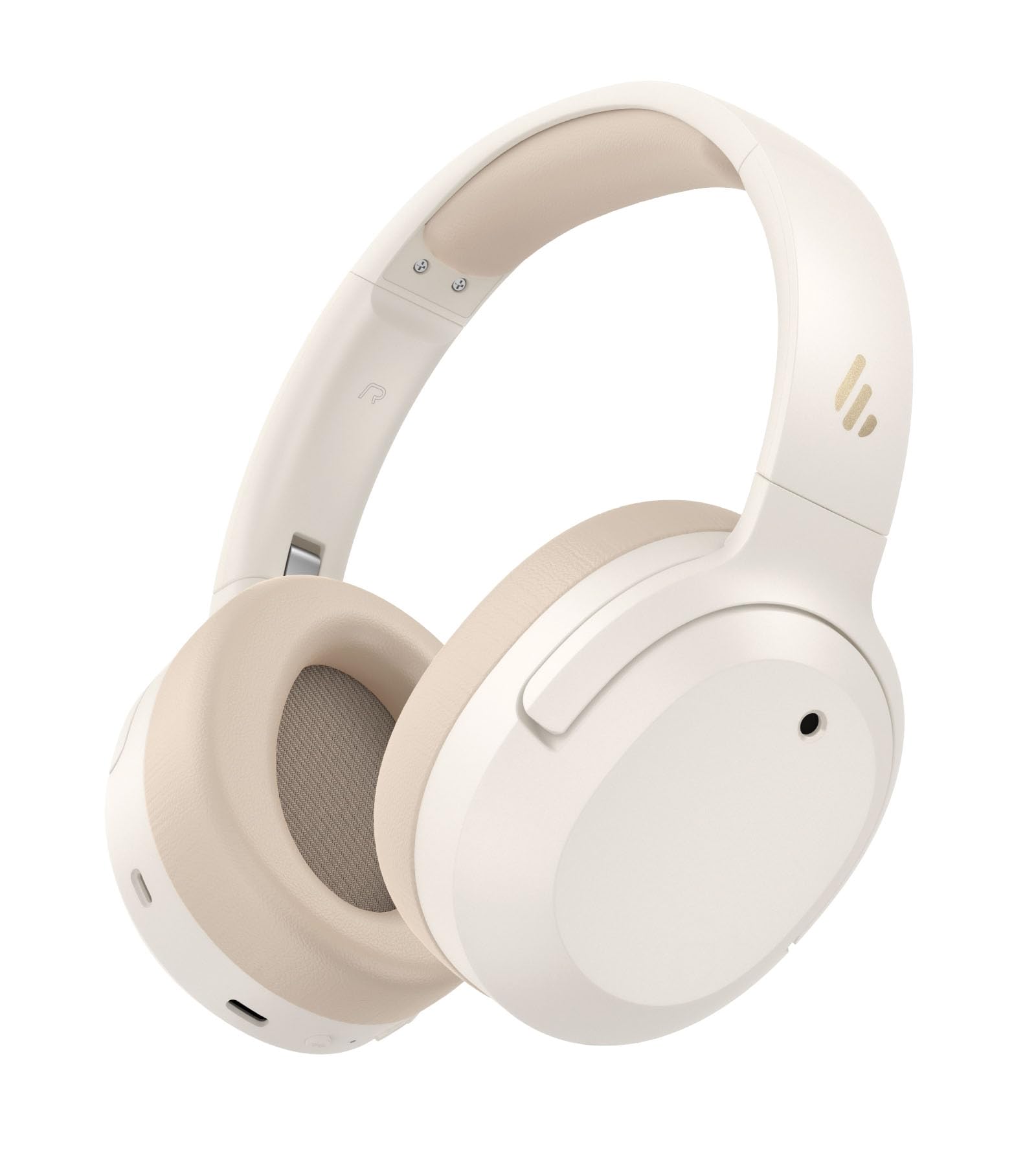
Image: Edifier W820NB Plus Gen 2 Headphones in Ivory.
X'hemm fil-Kaxxa
Upon opening your Edifier W820NB Plus Gen 2 package, you should find the following items:
- Edifier W820NB Plus Gen 2 Headphones
- USB-C Charging Cable (1.2 meters)
- Manwal għall-Utent
- Informazzjoni Importanti dwar is-Sigurtà
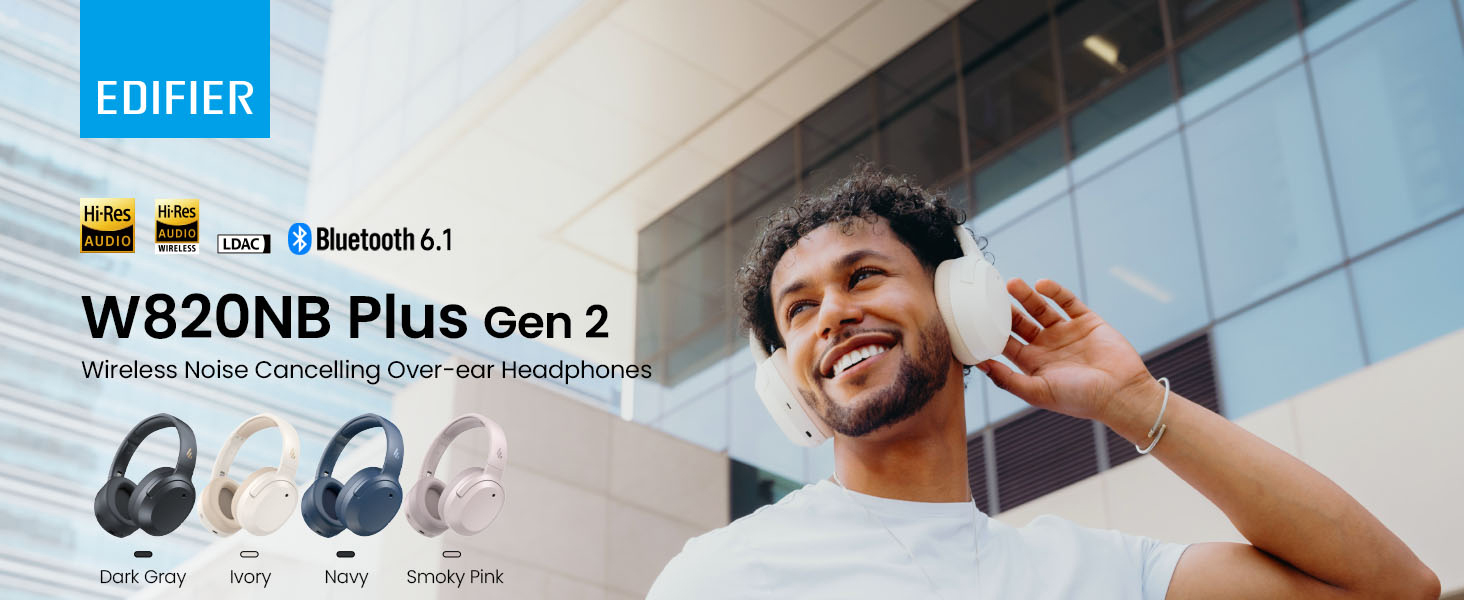
Image: Box contents showing the headphones, charging cable, and documentation.
Setup
Qawwa mixgħul/mitfi
- Qawwa Mixgħul: Press and hold the power button for approximately 2 seconds. The blue LED will blink once.
- Itfi: Press and hold the power button for approximately 2 seconds. The red LED will blink once.
Tqabbil tal-Bluetooth
Tqabbil għall-Ewwel Darba
- Power on the headphones. They will automatically enter Bluetooth pairing mode.
- The LED will blink blue and green alternately.
- On your phone or device, select "EDIFIER W820NB Plus" from the Bluetooth list.
- Once connected, the blue LED will blink twice.
Pairing a New Device (Multipoint)
- Qawwa fuq il-headphones.
- Press and hold the multi-function button for about 3 seconds to re-enter Bluetooth pairing mode. The voice prompt will say "Pairing," and the LED will blink blue and green alternately.
- Select "EDIFIER W820NB Plus" on your new device to pair.
- To complete multipoint connection, go back to the first paired device and reconnect to "EDIFIER W820NB Plus".
Download the EDIFIER ConneX App
Enhance your experience by downloading the EDIFIER ConneX App. Fittex għal "EDIFIER ConneX" in your device's app store or scan the QR code provided in the packaging or user manual. The app allows you to switch ANC modes, customize EQ, adjust sound effects, set maximum volume levels, and access other settings.
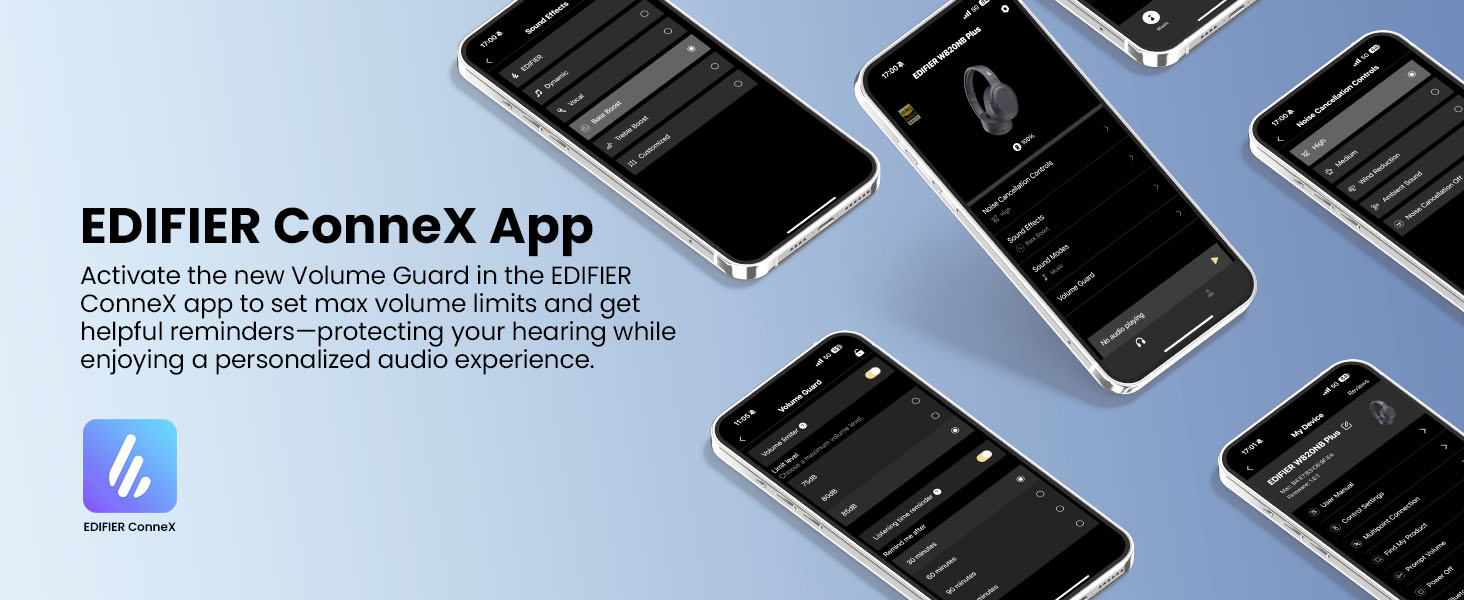
Image: The EDIFIER ConneX App provides extensive customization options.
Official User Guide Video
Video: A detailed user guide video demonstrating various features and setup processes for the Edifier W820NB Plus Gen 2 headphones.
Istruzzjonijiet Operattivi
Kontrolli
Il-headphones għandhom buttuni fiżiċi intuwittivi għal kontroll faċli:
| Buttuna | Azzjoni | Funzjoni |
|---|---|---|
| Buttuna tal-Enerġija (Multi-funzjoni) | Stampa Unika | Daqq/Pawża, Tweġiba/Tmiem is-Sejħa |
| Buttuna tal-Enerġija (Multi-funzjoni) | Agħfas Doppju | Irrifjuta Sejħa, Assistent tal-Vuċi |
| Buttuna tal-Enerġija (Multi-funzjoni) | Agħfas u Żomm | Qawwa mixgħul/mitfi |
| Volum 'il fuq (+) | Stampa Unika | Żid il-Volum |
| Volum 'il fuq (+) | Agħfas u Żomm | Track li jmiss |
| Volum 'l isfel (-) | Stampa Unika | Naqqas il-Volum |
| Volum 'l isfel (-) | Agħfas u Żomm | Track Preċedenti |
| Buttuna ANC | Stampa Unika | Switch ANC Modes (High Noise Cancellation / Ambient Sound / Noise Cancellation Off) |
| Buttuna ANC | Agħfas Doppju | Switch Sound Effects (Music Mode / Game Mode / Spatial Sound) |
| Buttuna ANC | Agħfas u Żomm | Par Bluetooth |
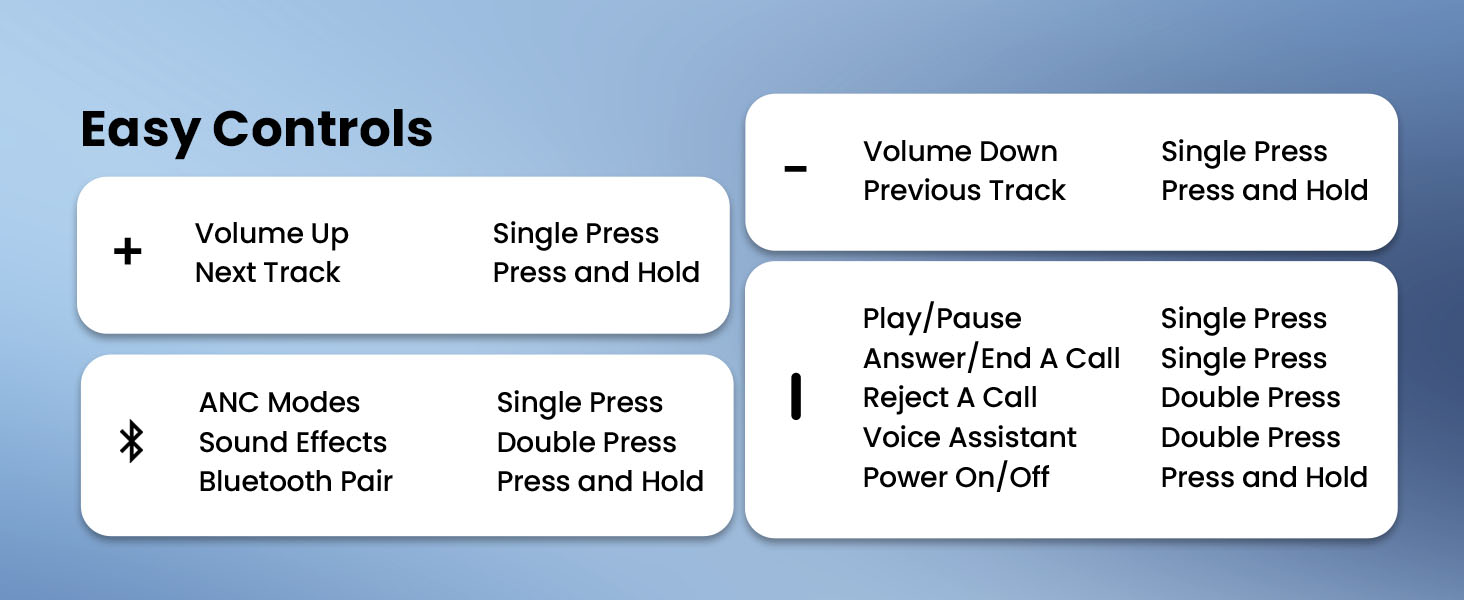
Image: Easy controls for managing audio and calls.
Kanċellazzjoni Attiva tal-Istorbju (ANC)
The headphones feature advanced -49dB hybrid ANC with multiple modes:
- Kanċellazzjoni ta' Ħoss Għoli: For maximum noise reduction in loud environments.
- Kanċellazzjoni Medja tal-Istorbju: A balanced mode for moderate noise.
- Ħoss ambjentali: Jippermettilek tisma' l-inħawi ta' madwarek waqt li tisma' l-awdjo.
- Tnaqqis tar-Riħ: Iddisinjat speċifikament biex jimminimizza l-istorbju tar-riħ.
- Kanċellazzjoni tal-Istorbju Mitfija: Disables ANC.
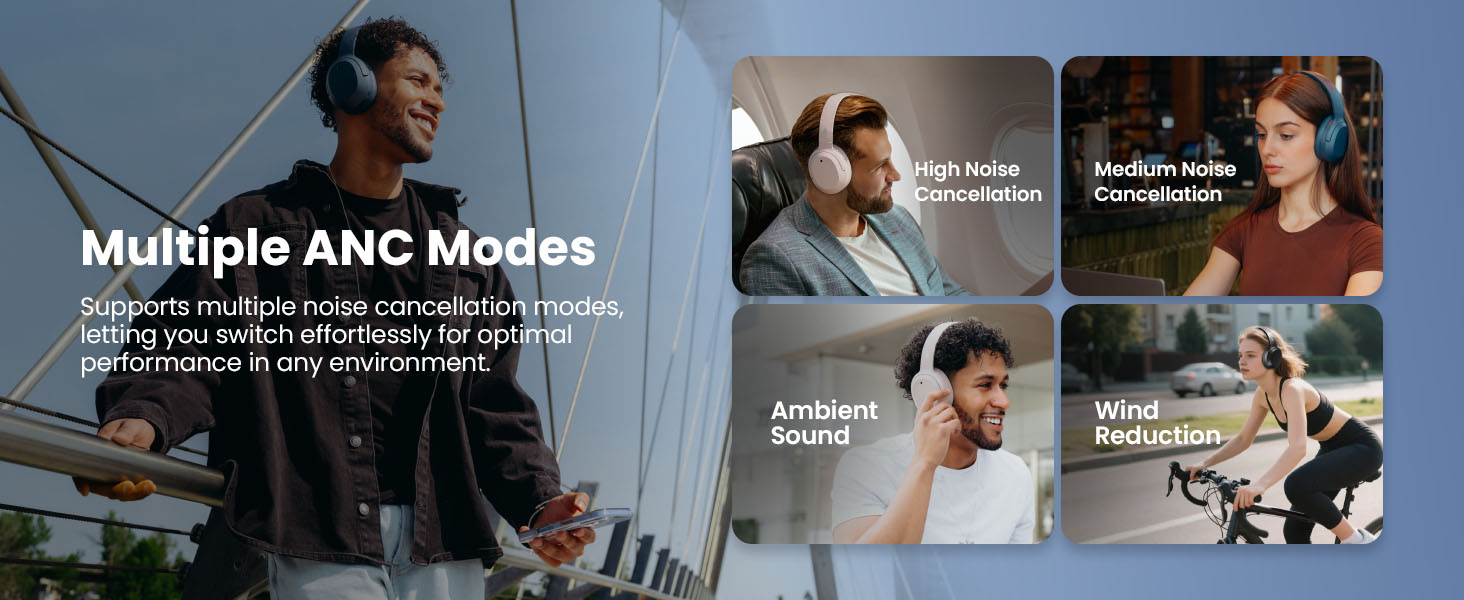
Image: Multiple ANC modes for various environments.
Ħoss Spazjali
Immerse yourself in a dynamic 360° surround sound experience with lifelike depth and clarity. Activate Spatial Sound via the EDIFIER ConneX App or by double-pressing the ANC button until the Spatial Sound effect is selected.
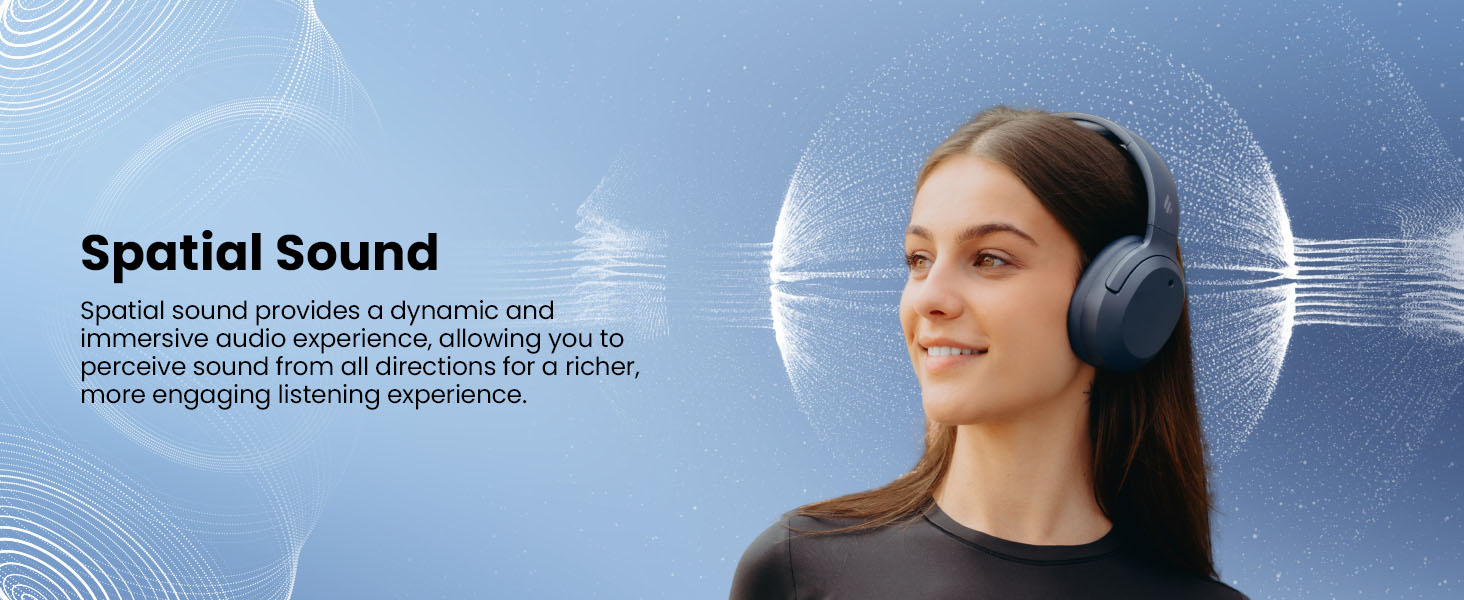
Image: Experience immersive spatial audio for 3D sound.
Modalità tal-Logħob
For a smoother, more immersive gameplay experience, activate Gaming Mode. This mode reduces audio latency for responsive sound. Access Gaming Mode via the EDIFIER ConneX App or by double-pressing the ANC button until the Game Mode effect is selected.
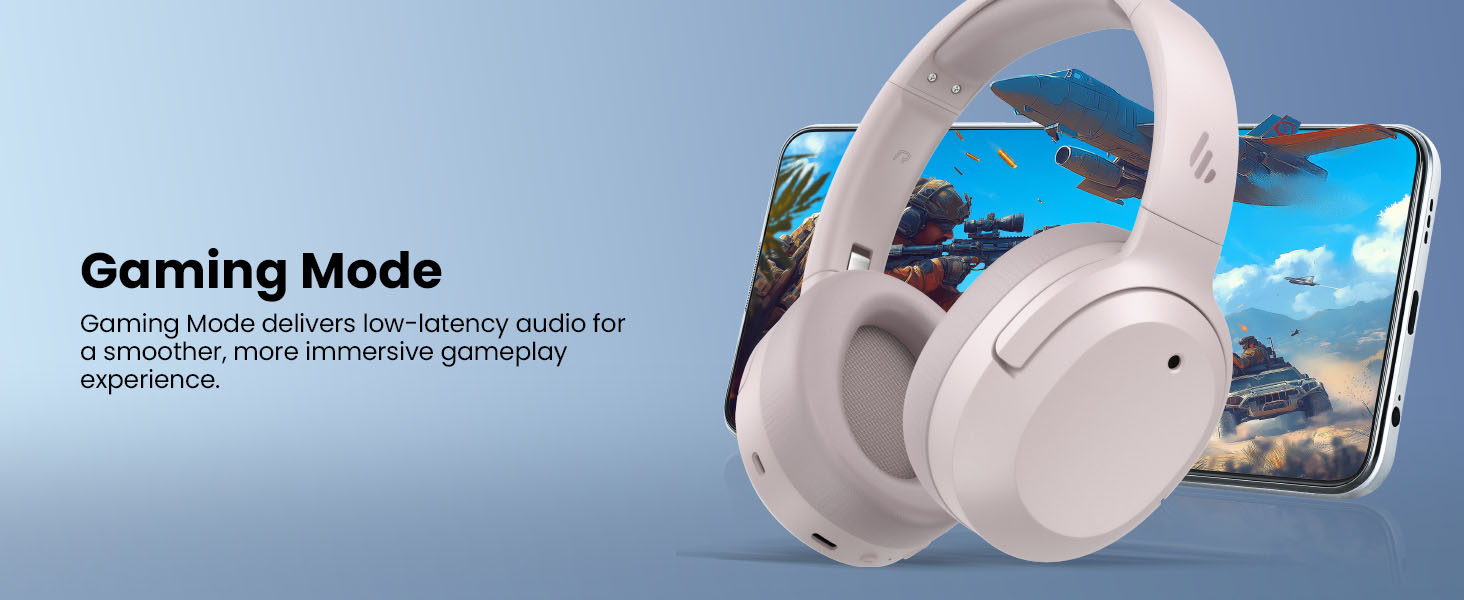
Image: Gaming Mode provides low-latency audio for an enhanced experience.
Volume Guard
The Volume Guard feature, accessible through the EDIFIER ConneX App, helps protect your hearing by allowing you to set a preferred maximum volume level and receive listening time reminders.
Konnessjoni bil-fili
To use the headphones in wired mode, plug the included USB-C cable into the headphone's USB-C port and connect the other end to a computer or another device with a USB port. The wired connection will automatically disable Bluetooth mode.
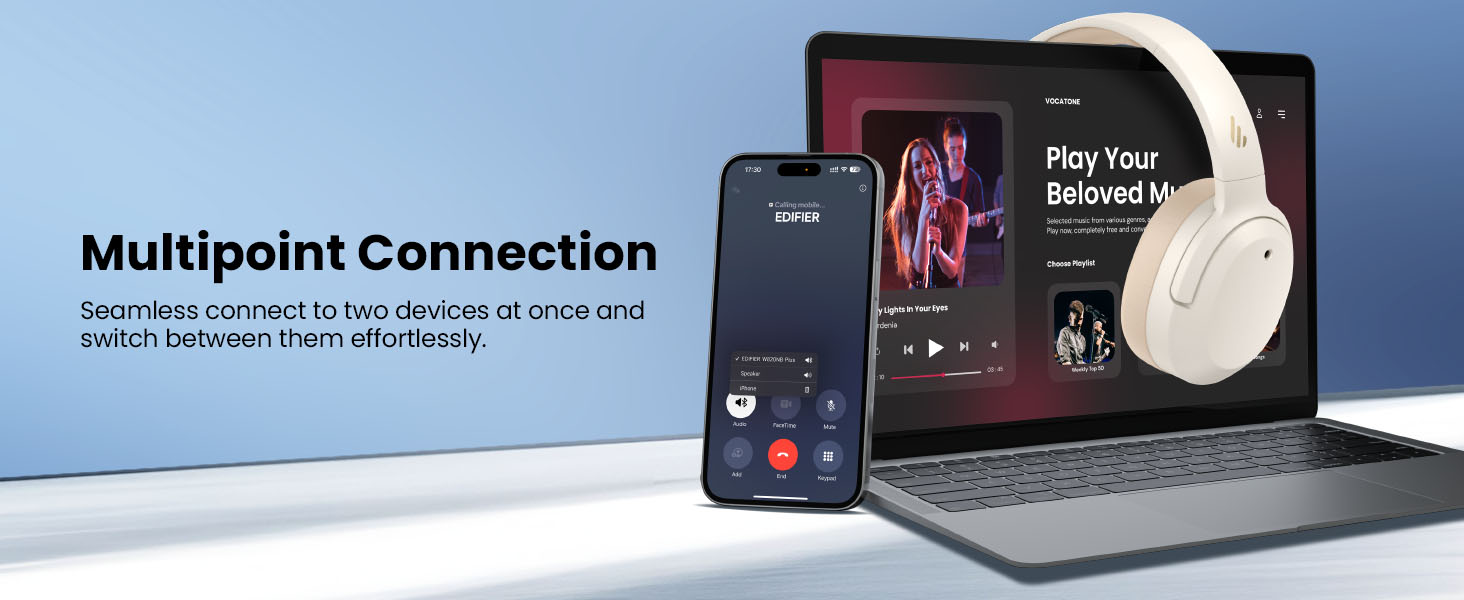
Image: Wired connection for continuous playback and charging.
Manutenzjoni
Iċċarġjar
The headphones offer up to 88 hours of continuous use (49 hours with ANC enabled). When the battery is low (less than 2%), a voice prompt will notify you: "Low battery, please charge," and the red LED will flash every 5 seconds.
To charge your headphones, plug the USB-C charging cable into the headphone's USB-C port and connect the other end to a computer or a wall charger. The LED will stay solid red while charging. It will turn green when fully charged if connected to a computer, or it will turn off when connected to a wall charger.
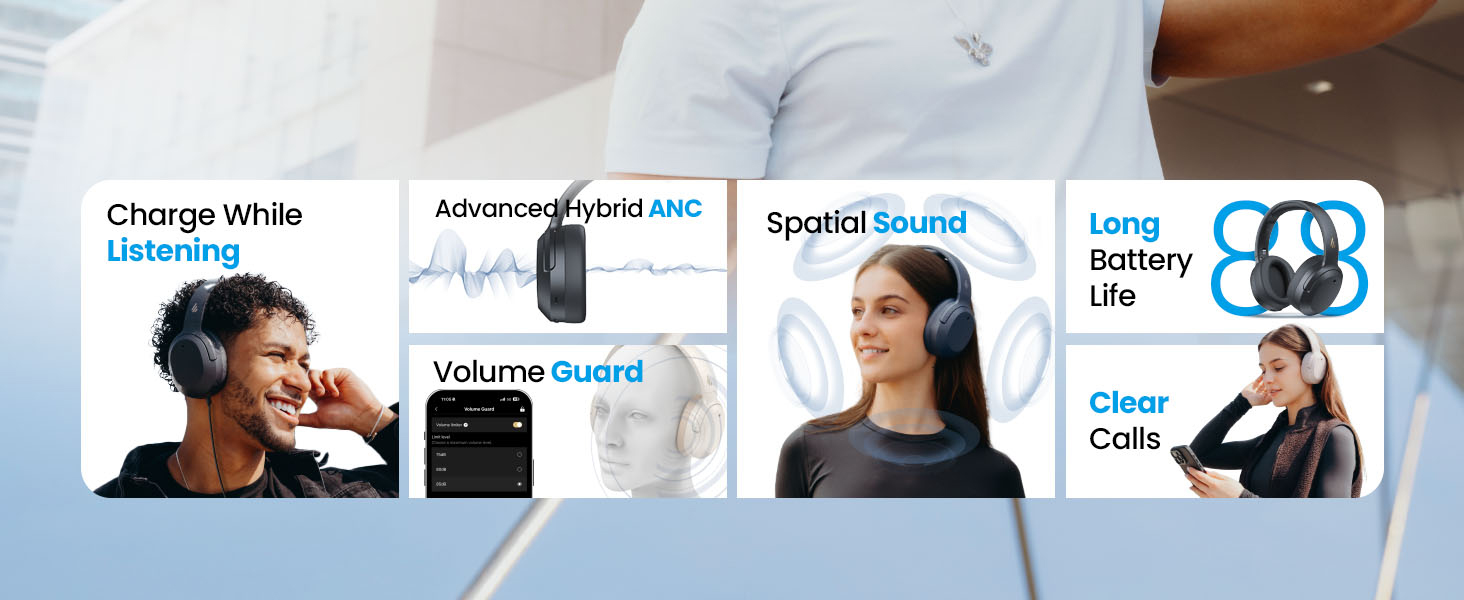
Image: Battery life and fast charging capabilities.
Tindif u Ħażna
- Uża drapp artab u niexef biex tnaddaf il-headphones. Evita li tuża prodotti tat-tindif jew solventi li joborxu.
- Store the headphones in a cool, dry place away from extreme temperatures and humidity.
- The headphones feature a compact and foldable design for easy storage and portability.
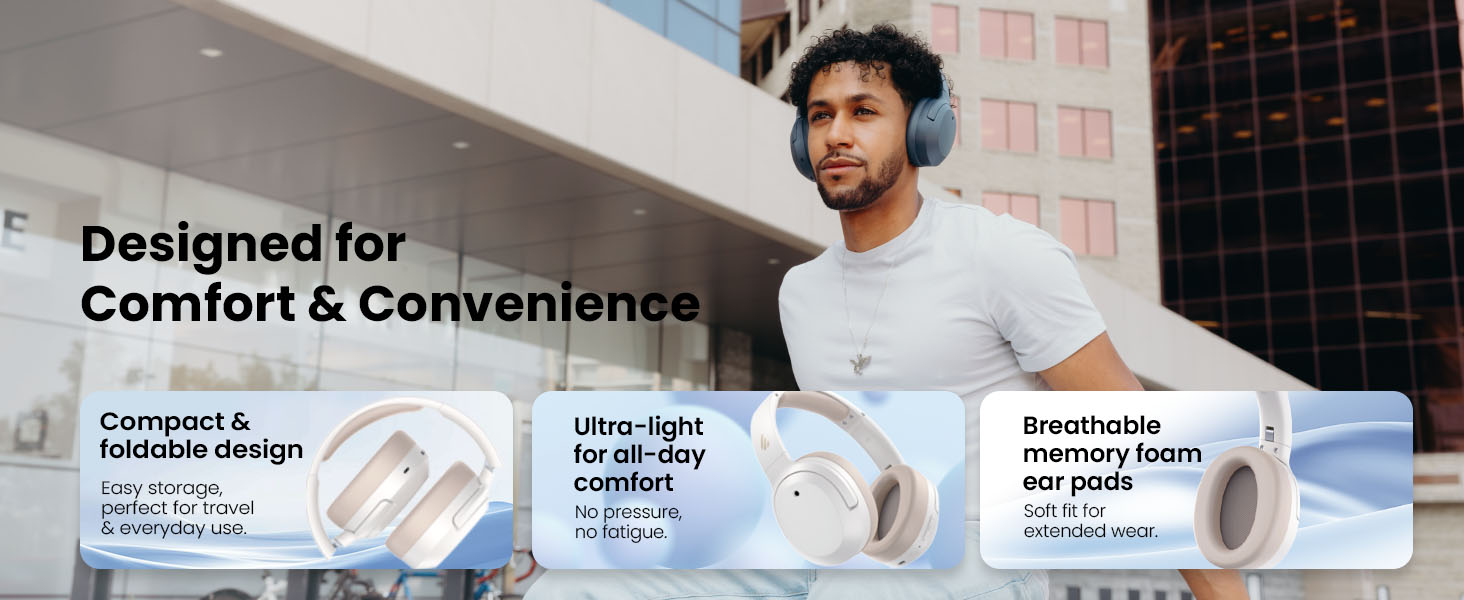
Image: Foldable design for comfort and convenience.
Issolvi l-problemi
Irrisettjar il-headphones
If you encounter any issues during use, you can reset the headphones to restore factory settings:
- Press and hold the top (+) and bottom (-) buttons simultaneously for 5 seconds.
- The blue LED will blink six times until the reset is complete.
- A voice prompt will say "Disconnected."
- The headphones will then enter Bluetooth pairing mode, with the LED blinking blue and green alternately, and a voice prompt will say "Pairing."
- Follow the pairing instructions to reconnect your device.
Kwistjonijiet Komuni
- Ma tistax tixgħel: Kun żgur li l-headphones huma ċċarġjati. Qabbadhom ma' sors ta' enerġija billi tuża l-kejbil USB-C.
- Ma tistax tqabbad permezz tal-Bluetooth: Ensure the headphones are in pairing mode (LED blinking blue and green). Check your device's Bluetooth settings and try re-pairing. If issues persist, perform a factory reset.
- Ebda ħoss: Check the volume levels on both the headphones and your connected device. Ensure the headphones are properly paired or connected via wired mode.
- L-ANC mhux qed jaħdem b'mod effettiv: Ensure ANC is enabled. Adjust the ANC mode via the multi-function button or the EDIFIER ConneX App to suit your environment.
- Kwalità fqira tas-sejħiet: Ensure the headphones are close to your device. Check for any obstructions between the headphones and your device.
Speċifikazzjonijiet
| Karatteristika | Dettall |
|---|---|
| Brand | Edifikatur |
| Numru tal-Mudell | W820NBPLUS 2025 |
| Isem tal-Mudell | W820NB Plus Gen 2nd |
| Kulur | Avorju |
| Tqegħid tal-widnejn | Fuq il-widnejn |
| Impedenza | 40 Ohms |
| Metodu ta' Kontroll | Imbotta Buttuna |
| Ħin tal-Ħarġ tal-Batterija | 2 Sigħat |
| Ħajja Medja tal-Batterija | 88 Hours (49 hours with ANC) |
| Kontroll tal-Ħoss | Kanċellazzjoni Attiva tal-Istorbju (-49dB) |
| Rispons ta' Frekwenza | 40 KHz |
| Tip ta' Sewwieq Awdjo | Sewwieq Dinamika |
| Daqs tas-Sewwieq tal-Awdjo | 40 Millimetru |
| Medda ta' Frekwenzi | 20Hz - 20,000Hz |
| Materjal tal-għeluq | Plastic, Foam, Fabric |
| Apparati Kompatibbli | Smartphones, Laptops, Desktops, Tablets, Televisions, Gaming Consoles |
| Jack tal-headphone | USB-C |
| Teknoloġija tal-Konnettività | Wireless (Bluetooth) |
| Verżjoni Bluetooth | 6.1 |
| Piż tal-oġġett | 247 Gramm |
| GTIN / UPC | 875674008313 |
Garanzija u Appoġġ
Informazzjoni dwar Garanzija
The Edifier W820NB Plus Gen 2 headphones come with a Garanzija tal-Manifattur ta' 1 SninJekk jogħġbok żomm il-prova tax-xiri tiegħek għal talbiet ta' garanzija.
Appoġġ għall-Klijent
For further assistance, technical support, or warranty inquiries, please visit the official Edifier website or contact their customer service. You can also find additional resources and FAQs within the EDIFIER ConneX App.