
KOORUI S2721XO 27-Inch QD-OLED Gaming Monitor User Manual
Mudell: S2721XO
1. Introduzzjoni
This manual provides instructions for the setup, operation, maintenance, and troubleshooting of your KOORUI S2721XO 27-inch QD-OLED Gaming Monitor. Please read this manual thoroughly before using the product to ensure proper function and safety.
The KOORUI S2721XO monitor features a 27-inch QD-OLED panel with QHD (2560x1440) resolution, a 240Hz refresh rate, and a 0.03ms (GtG) response time. It supports HDR True Black 400 and AdaptiveSync technology for a smooth visual experience. Connectivity options include HDMI 2.1 and DisplayPort 1.4.
2. Informazzjoni dwar is-Sigurtà
- Kun żgur li l-monitor jitqiegħed fuq wiċċ stabbli u ċatt biex tevita waqgħat aċċidentali.
- Tesponix il-monitor għax-xita jew għall-umdità biex tevita xokk elettriku.
- Żomm il-fetħiet tal-ventilazzjoni ċari biex tevita sħana żejda.
- Use only the power adapter provided with the monitor.
- Evita li tmiss l-iskrin b'oġġetti li jaqtgħu.
- Disconnect the power cable from the outlet before cleaning or if the monitor will be unused for an extended period.
3. Setup
3.1 Kontenut tal-Pakkett
Ivverifika li l-komponenti kollha huma preżenti fil-pakkett:
- KOORUI S2721XO Monitor
- Stand tal-Monitor (Bażi u Għonq)
- Kejbil tal-Enerġija
- DisplayPort Cable (1.8m)
- Manwal għall-Utent (dan id-dokument)
3.2 Armar tal-Istand
- Waħħal l-għonq tal-istand mal-pannell tal-monitor. Kun żgur li jikklikkja sew f'postu.
- Attach the stand base to the stand neck. Tighten any screws as necessary.
Alternatively, the monitor supports VESA 100x100mm mounting for compatible wall mounts or monitor arms.
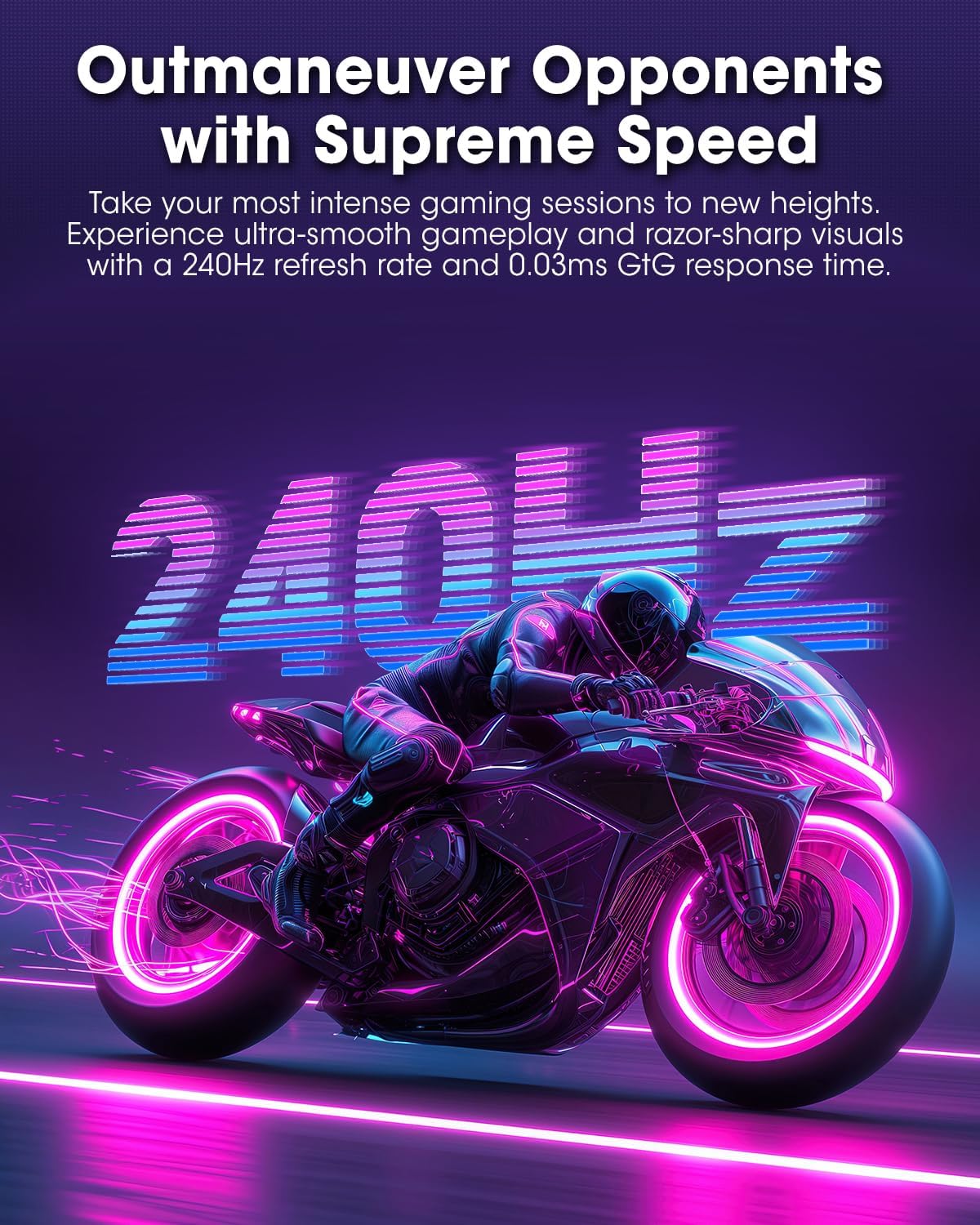
Figura 3.2.1: Wara view of the monitor with VESA mount and stand attachment.

Figura 3.2.2: Wara view tal-monitor bl-istand immuntat.
3.3 Konnessjoni ma' Apparat
The monitor provides multiple input options:
- HDMI 2.1: Connect to a PC or gaming console using an HDMI 2.1 cable. The monitor has two HDMI 2.1 ports.
- DisplayPort 1.4: Connect to a PC using a DisplayPort 1.4 cable. A DisplayPort cable is included.
- Output Awdjo: Qabbad kelliema jew headphones esterni mal-jack tal-awdjo ta' 3.5mm.

Figura 3.3.1: Portijiet tad-dħul tal-monitor.
Wara li tqabbad il-kejbil tal-vidjo, qabbad il-kejbil tal-enerġija mal-monitor u mbagħad ma' sokit tal-enerġija.
4. Operazzjoni
4.1 Power On/Off
Press the power button (usually located on the back or bottom of the monitor) to turn the monitor on or off. The power indicator light will illuminate when the monitor is on.
4.2 Menù tal-Wiri fuq l-Iskrin (OSD)
The monitor features a joystick controller for navigating the OSD menu. This allows for easy adjustment of various settings.
- Agħfas il-joystick: Jiftaħ il-menu OSD.
- Mexxi l-joystick 'il fuq/'l isfel: Jinnaviga fl-għażliet tal-menù.
- Mexxi l-joystick lejn ix-Xellug/Lemin: Jaġġusta l-valuri jew jidħol f'submenus.
- Agħfas mill-ġdid: Jikkonferma l-għażla jew joħroġ minn sottomenù.
4.3 Settings tal-wiri
Adjust the following settings via the OSD menu for optimal performance:
- Riżoluzzjoni: Set to 2560x1440 (QHD) for the native display resolution.
- Rata ta' Aġġornar: Select 240Hz for the smoothest motion.
- AdaptiveSync: Enable AdaptiveSync (FreeSync compatible) to eliminate screen tearing and stuttering during gaming.
- HDR True Black 400: Activate HDR for enhanced contrast and color depth in compatible content.
- Gamut tal-Kulur: Adjust color settings, including DCI-P3 99% and sRGB 100% modes, for accurate color reproduction.
- Luminożità/Kuntrast: Fine-tune display brightness (average 280 nits) and contrast levels.
- Aġġornament taż-Żamma tal-Immaġni: This feature helps prevent burn-in on the OLED panel. It is recommended to keep this enabled.
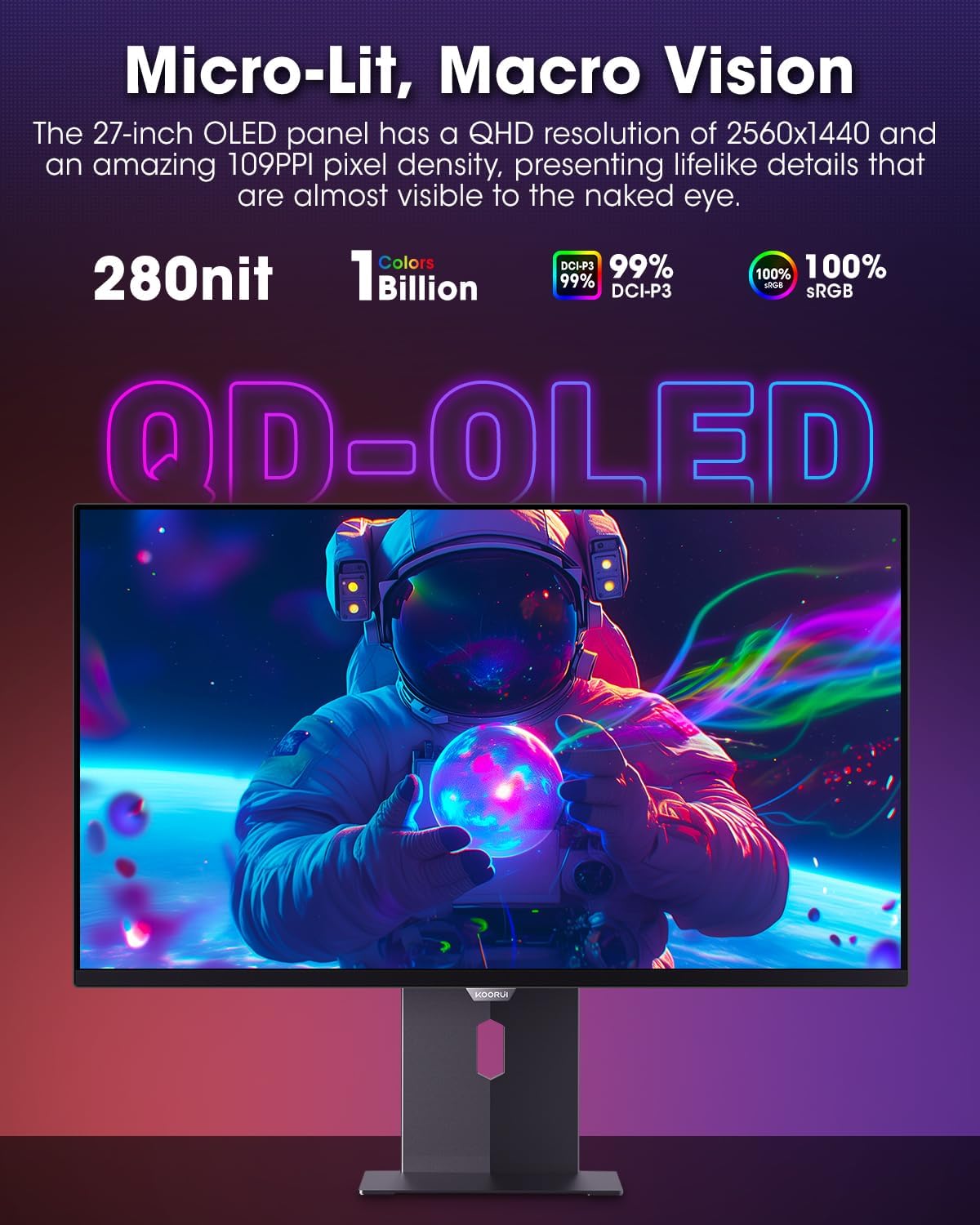
Figure 4.3.1: The QD-OLED panel delivers vivid colors and deep blacks.

Figure 4.3.2: High refresh rate and low response time for smooth gaming.
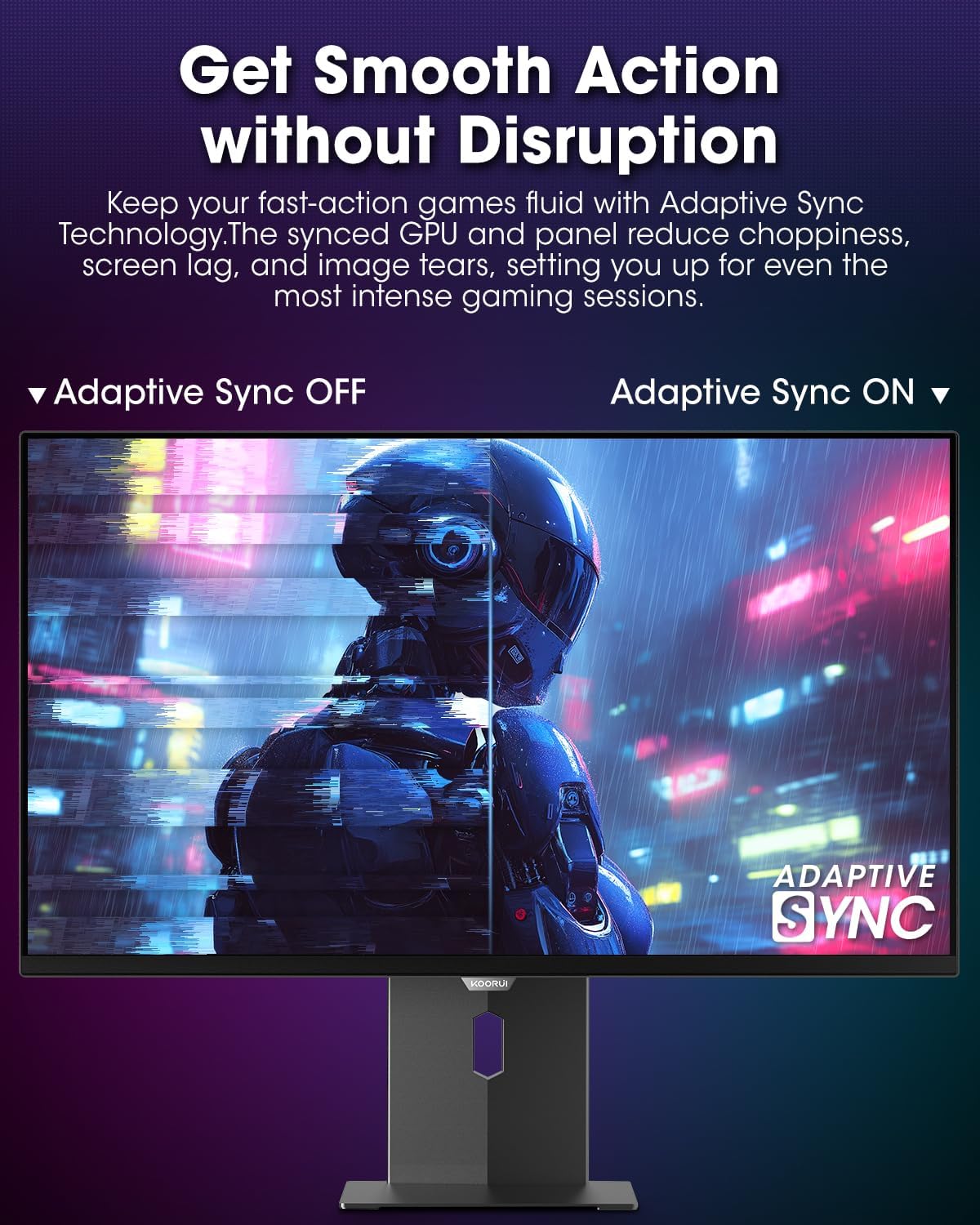
Figure 4.3.3: AdaptiveSync technology prevents screen tearing.
4.4 Aġġustamenti Ergonomiċi
L-istand tal-monitor jippermetti diversi aġġustamenti biex itejjeb viewkumdità:
- Aġġustament Għoli: Għolli jew baxxi l-monitor sal-livell tal-għajnejn.
- Mejjel: Aġġusta l-angolu tal-iskrin 'il quddiem jew lura.
- Dawwar: Dawwar il-monitor orizzontalment.
- Pivot: Rotate the monitor vertically (portrait mode).

Figura 4.4.1: Aġġustament tal-inklinazzjoni tal-monitor.

Figure 4.4.2: Monitor pivot adjustment to portrait mode.
5. Manutenzjoni
- Tindif tal-Iskrin: Uża ċarruta ratba u mingħajr ħelu dampLaħlaħ bl-ilma jew b'prodott tat-tindif tal-iskrin. Tisprejjax il-prodott tat-tindif direttament fuq l-iskrin.
- Tindif tas-Casing: Imsaħ il-monitor casinNaddaf b'ċarruta ratba u niexfa. Evita prodotti tat-tindif li joborxu.
- Ventilazzjoni: Ensure the monitor's ventilation holes are not blocked to prevent overheating.
- Itfi: Always turn off and unplug the monitor before cleaning.
6 Issolvi l-problemi
| Problema | Kawża Possibbli | Soluzzjoni |
|---|---|---|
| L-ebda immaġni fuq l-iskrin | Kejbil tal-enerġija skonnettjat; Kejbil tal-vidjo skonnettjat; Sors ta' input mhux korrett magħżul. | Iċċekkja l-konnessjonijiet tal-kejbil tal-enerġija u tal-vidjo; Agħżel is-sors tad-dħul korrett permezz tal-menù OSD. |
| Teptip jew tiċrit tal-immaġni | AdaptiveSync mhux attivat; Problemi bis-sewwieq tal-karta grafika. | Enable AdaptiveSync in OSD menu; Update graphics card drivers. |
| Il-kuluri jidhru mhux korretti | Color settings misconfigured; Faulty video cable. | Irrisettja s-settings tal-kulur fil-menù tal-OSD; Ipprova kejbil tal-vidjo differenti. |
| Il-monitor ma jixgħelx | Kejbil tal-enerġija mhux imqabbad; Is-sokit tal-enerġija mhux qed jaħdem. | Ensure power cable is securely connected; Test power outlet with another device. |
7. Speċifikazzjonijiet
| Karatteristika | Dettall |
|---|---|
| Brand | KOORUI |
| Numru tal-Mudell | S2721XO |
| Daqs tal-Iskrin | 27 Pulzier |
| Tip ta 'Wiri | QD-OLED |
| Riżoluzzjoni | QHD Wide 1440p (2560 x 1440 Pixels) |
| Riffriskar Rata | 240 Hz |
| Ħin ta' Rispons | 0.03 Milliseconds (GtG) |
| Proporzjon ta' Kuntrast | 20,000,000:1 |
| Luminożità | 350 candela_per_square_meter (average 280 nits) |
| Gamut tal-Kulur | 99% DCI-P3 |
| Appoġġ HDR | HDR True Black 400 |
| Sinkronizzazzjoni Adattiva | Kompatibbli FreeSync |
| Konnettività | 2x HDMI 2.1, 1x DisplayPort 1.4, 1x Ħruġ tal-Awdjo |
| Ergonomija | Tilt, Height, Swivel, Pivot Adjustment |
| Muntatura VESA | 100x100mm |
| Dimensjonijiet tal-Prodott | 21.58 x 61 x 51.2 ċm; 8.96 kg |

Figura 7.1: Dimensjonijiet tal-monitor.
8. Garanzija u Appoġġ
8.1 Informazzjoni dwar Garanzija
The KOORUI S2721XO monitor comes with a Garanzija limitata ta 'sena. Please retain your proof of purchase for warranty claims. For detailed warranty terms and conditions, refer to the official KOORUI websit jew ikkuntattja l-appoġġ tal-klijent.
8.2 Appoġġ għall-Klijent
For technical assistance, troubleshooting, or warranty inquiries, please contact KOORUI customer support. Refer to the contact information provided on the official KOORUI webis-sit jew id-dokumentazzjoni tax-xiri tiegħek.
You can also find additional support resources and FAQs on the KOORUI brand store on Amazon: KOORUI Amazon Store
9. Vidjows tal-Prodott
KOORUI 4K OLED Gaming Monitor 240Hz (Seller Video)
Dan il-video jipprovdi overview of the KOORUI OLED Gaming Monitor, highlighting its key features such as high refresh rate and OLED display technology. While the title mentions "4K", the video content is generally applicable to high-performance OLED gaming monitors from KOORUI, including the S2721XO model's features like 240Hz refresh rate and fast response time.