
Introduzzjoni
This manual provides essential information for the proper setup, operation, and maintenance of your UnionSine HD3513 1TB External Hard Drive. Please read these instructions carefully to ensure optimal performance and longevity of your device.
Setup
The UnionSine HD3513 external hard drive is designed for plug-and-play functionality, requiring no software installation for basic use.
- Qabbad id-Drive: Use the provided USB 3.0 Type-C cable to connect the external hard drive to an available USB port on your computer (PC, Mac, Linux), laptop, gaming console (PS4, Xbox), or compatible TV.
- Rikonoxximent Awtomatiku: Is-sistema operattiva tiegħek għandha awtomatikament tiskopri u tinstalla d-drajvers meħtieġa. Id-drajv se jidher bħala apparat tal-ħażna ġdid.
- Formattjar Inizjali (Mhux obbligatorju): For cross-platform compatibility (e.g., using with both Windows and Mac), it is recommended to format the drive to exFAT. For specific operating systems, you may choose NTFS (Windows) or HFS+ (Mac). Formatting will erase all data on the drive, so ensure it is empty or backed up before proceeding. Refer to your operating system's documentation for formatting instructions.
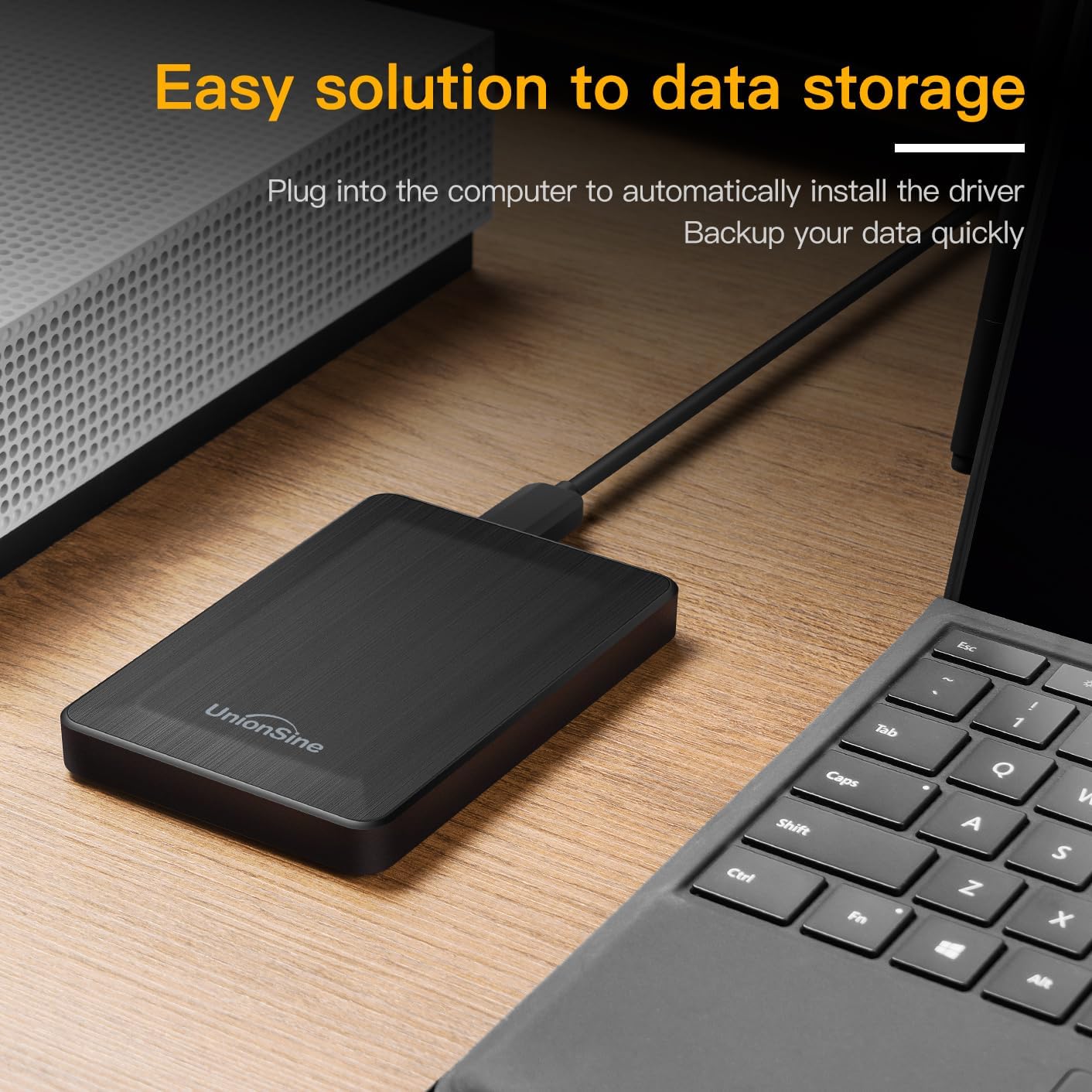
Image: The UnionSine HD3513 external hard drive connected via USB, demonstrating its plug-and-play setup for data storage and backup.
Operazzjoni
Once connected and recognized, your UnionSine HD3513 external hard drive functions like any other storage device.
- Trasferiment tad-Data: Iddreggja u qiegħed files or use copy/paste functions to transfer data to and from the drive. The USB 3.0 interface supports high-speed data transfers up to 120MB/s, depending on your system's hardware configuration and operating system.
- Kompatibilità: The drive is compatible with various operating systems including Windows, Mac, and Linux. It can also be used with gaming consoles like PS4 and Xbox, and certain smart TVs for media playback or storage expansion.
- Tneħħija Sikura: Dejjem oħroġ il-hard drive mis-sistema operattiva tiegħek b'mod sigur qabel ma tiskonnettjah fiżikament biex tevita l-korruzzjoni tad-dejta.
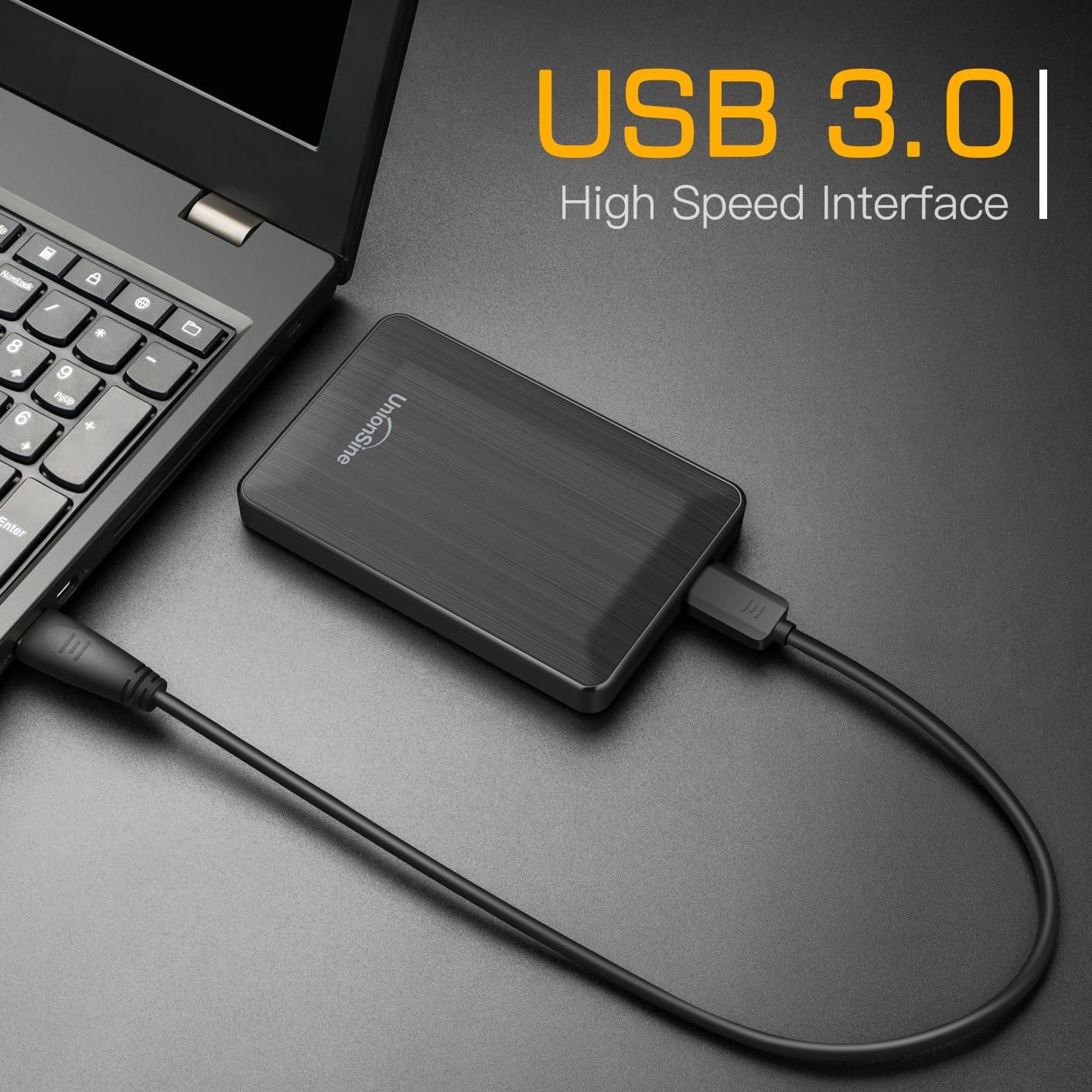
Image: The UnionSine HD3513 external hard drive connected to a laptop, demonstrating its USB 3.0 high-speed interface for efficient data transfer.

Image: An illustration of the UnionSine HD3513 external hard drive's broad compatibility with Windows, Mac, and Linux operating systems.
Manutenzjoni
Proper care ensures the longevity and reliability of your external hard drive.
- Protezzjoni Fiżika: Avoid dropping or subjecting the drive to strong impacts. While designed for portability, excessive physical shock can damage internal components.
- Kundizzjonijiet Ambjentali: Keep the drive away from extreme temperatures, direct sunlight, and high humidity.
- Tindif: Uża drapp artab u niexef biex tnaddaf il-barra tad-drajv. Tużax prodotti tat-tindif likwidi jew solventi.
- Backup tad-Data: Regularly back up important data stored on the external drive to another location to prevent data loss in case of unforeseen issues.
Issolvi l-problemi
If you encounter issues with your UnionSine HD3513, consider the following:
- Sewqan Mhux Rikonoxxut:
- Kun żgur li l-kejbil USB huwa konness sew kemm mad-drajv kif ukoll mat-tagħmir tiegħek.
- Ipprova qabbad ma' port USB differenti fuq l-apparat tiegħek.
- Test the drive on another computer to rule out a system-specific issue.
- Check your computer's Disk Management (Windows) or Disk Utility (Mac) to see if the drive is detected but unformatted or has a drive letter conflict.
- Veloċitajiet ta' Trasferiment Baxxi:
- Ensure you are connected to a USB 3.0 port for optimal speeds. USB 2.0 ports will result in slower transfers.
- Iċċekkja li d-drajvers tal-kompjuter tiegħek huma aġġornati.
- Agħlaq applikazzjonijiet oħra li jistgħu jkunu qed jużaw riżorsi tas-sistema jew iwettqu trasferimenti fl-isfond.
- Diskrepanza fil-Kapaċità: The actual usable capacity of a hard drive may appear slightly less than the nominal capacity due to differences in calculation methods (decimal vs. binary) and system files. Per example, 1TB is approximately 931GB of usable space. This is normal and not an indication of a defect.
If problems persist, please refer to the Support section for further assistance.
Speċifikazzjonijiet
| Mudell | HD3513 |
| Kapaċità tal-Ħażna Diġitali | 1 TB (Terabyte) |
| Interface Hard Disk | USB 3.0 (kompatibbli b'lura ma' USB 2.0) |
| Teknoloġija tal-Konnettività | USB |
| Fattur tal-Formola tad-Disk Ribd | 2.5 Pulzier |
| Veloċità ta' Rotazzjoni tal-Hard Drive | 5400 RPM |
| Apparati Kompatibbli | Desktop, Mac, Laptop, Game Console (PS4, Xbox), TV |
| Pjattaforma tal-Ħardwer | Linux, Mac, PC |
| Kulur | Iswed |
| Dimensjonijiet tal-Pakketti | 13.89 x 10.21 x 3.71 ċm |
| Piż tal-oġġett | 240 g |
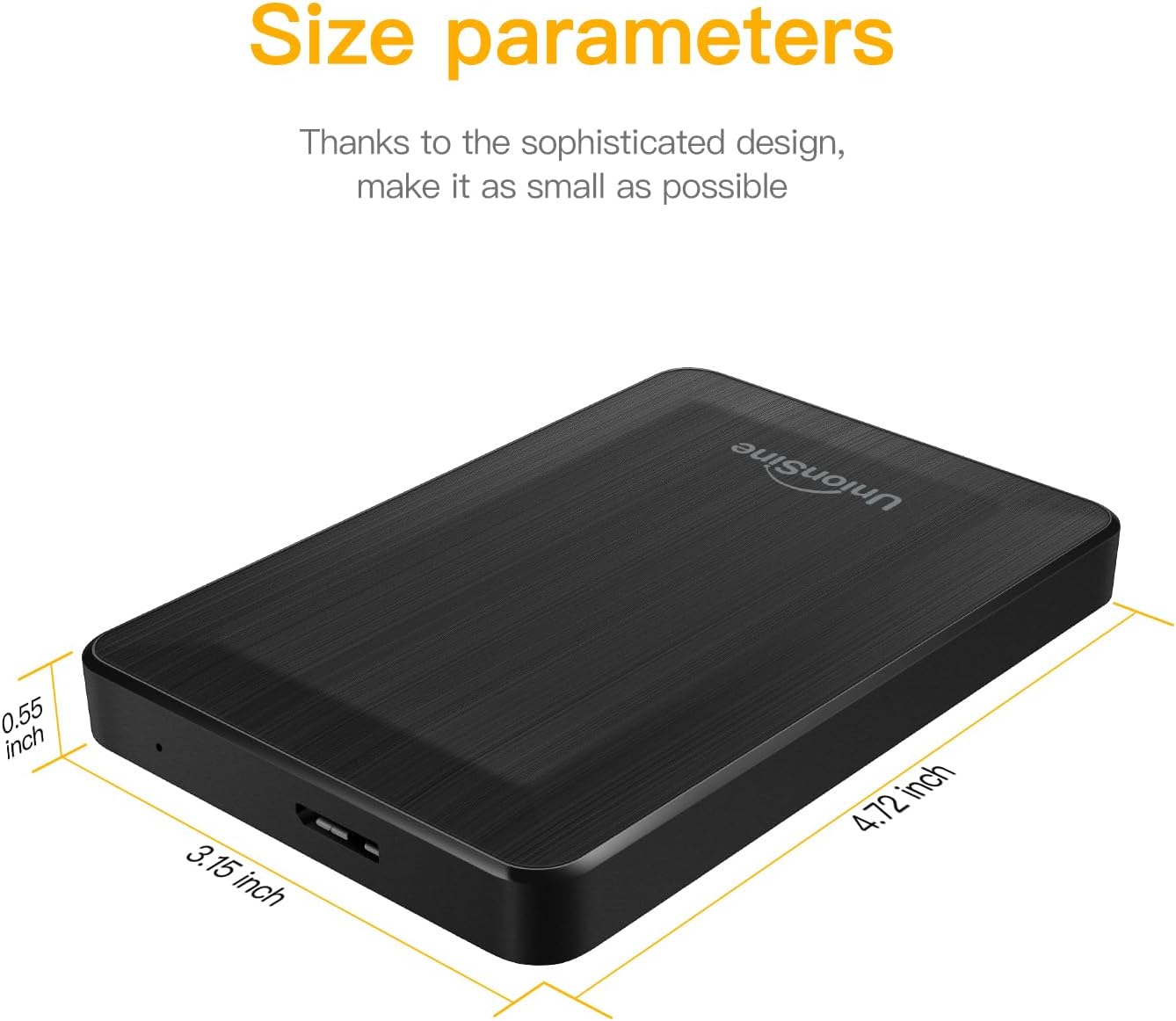
Image: Detailed size parameters of the UnionSine HD3513 external hard drive, showing its compact dimensions.
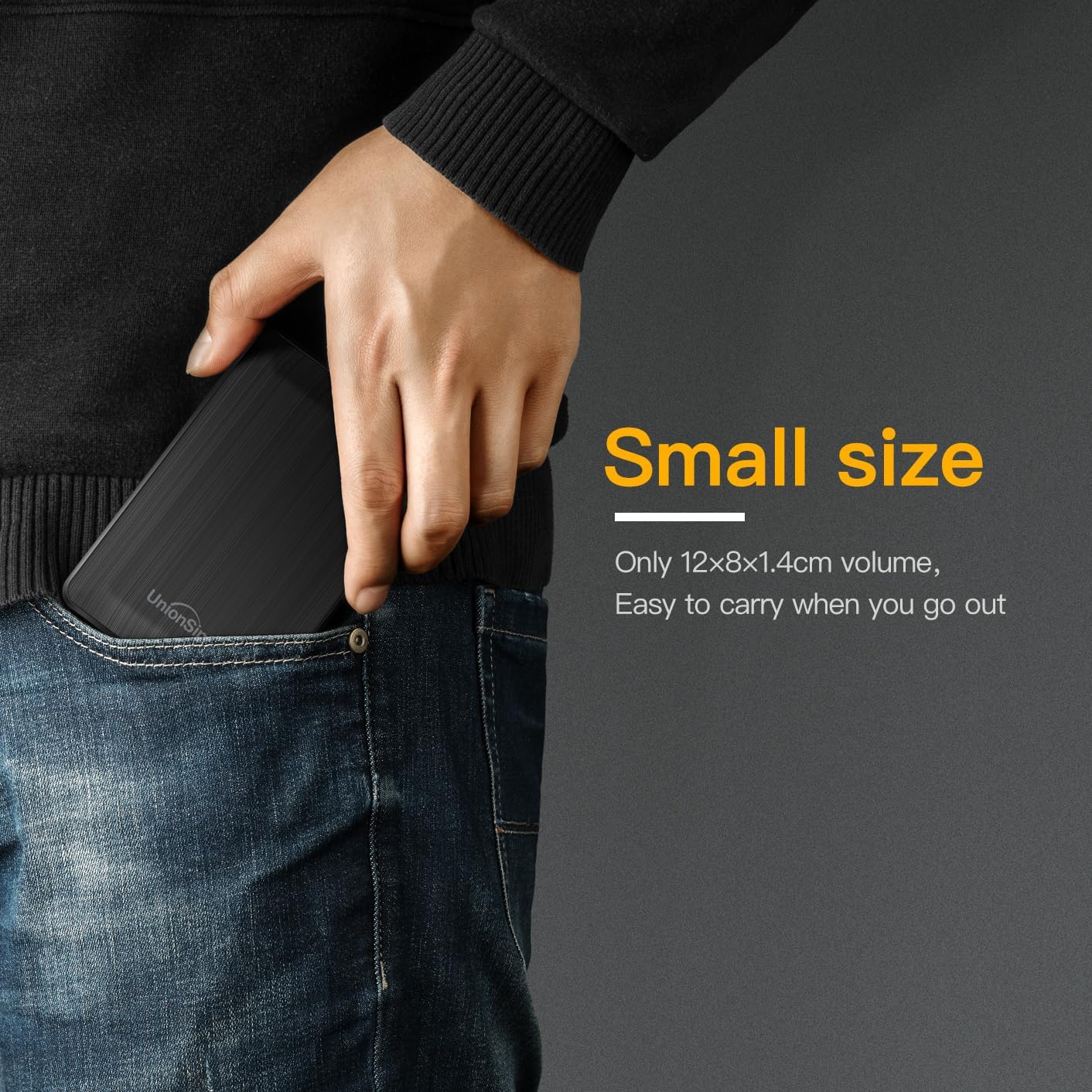
Image: The UnionSine HD3513 external hard drive fitting easily into a pocket, emphasizing its small size and portability for on-the-go use.
Garanzija
Specific warranty details for the UnionSine HD3513 external hard drive are provided by the manufacturer at the time of purchase. Please retain your proof of purchase for warranty claims. For detailed warranty terms and conditions, refer to the documentation included with your product or contact UnionSine customer support.
Appoġġ
For technical assistance, troubleshooting beyond this manual, or warranty inquiries, please contact UnionSine customer support. Contact information can typically be found on the product packaging, the manufacturer's official webis-sit, jew permezz tal-bejjiegħ bl-imnut tiegħek.