
1. Introduzzjoni
Thank you for choosing the Intelbras PFL7560 Full HD Wi-Fi Projector. This projector is designed to deliver a high-quality visual and audio experience for various applications, from home cinema to business presentations. It features Full HD resolution, 8000 lumens brightness, and integrated 12W stereo speakers. This manual provides essential information for safe and efficient operation of your projector.
2. Informazzjoni dwar is-Sigurtà
Jekk jogħġbok aqra l-istruzzjonijiet kollha tas-sigurtà bir-reqqa qabel ma tuża l-proġettur. Żomm dan il-manwal għal referenza futura.
- Provvista tal-Enerġija: Use only the power adapter provided with the projector. Ensure the voltage taqbel mal-provvista tal-enerġija lokali tiegħek.
- Ventilazzjoni: Timblokkax il-fetħiet tal-ventilazzjoni. Kun żgur li jkun hemm biżżejjed spazju madwar il-proġettazzjoni għal fluss tal-arja xieraq biex tevita li jisħon iżżejjed.
- Pjazzament: Poġġi l-proġettur fuq wiċċ stabbli u livellat. Evita li tpoġġih fid-dawl tax-xemx dirett, ħdejn sorsi ta’ sħana, jew f’ambjenti b’umdità għolja jew trab.
- Protezzjoni tal-għajnejn: Tħarisx direttament fil-lenti tal-proġettazzjoni meta tkun qed taħdem.amp ikun mixgħul, għax id-dawl qawwi jista’ jikkawża ħsara lill-għajnejn.
- Tindif: Skonnettja l-proġettur qabel ma tnaddaf. Uża drapp artab u niexef. Tużax prodotti tat-tindif likwidi jew aerosol.
- Servizzi: Tippruvax issewwi l-proġettur int stess. Irreferi għal kull manutenzjoni lil persunal tas-servizz kwalifikat.
3. Kontenut tal-Pakkett
Ivverifika li l-oġġetti kollha huma preżenti fil-pakkett:
- Intelbras PFL7560 Projector Unit
- Kontroll mill-bogħod
- Kejbil tal-Enerġija
- Manwal għall-Utent
4. Prodott Aktarview
Familiarize yourself with the main components and ports of your Intelbras PFL7560 projector.
4.1. Komponenti tal-Proġettur

Image: Intelbras PFL7560 Projector with included remote control.
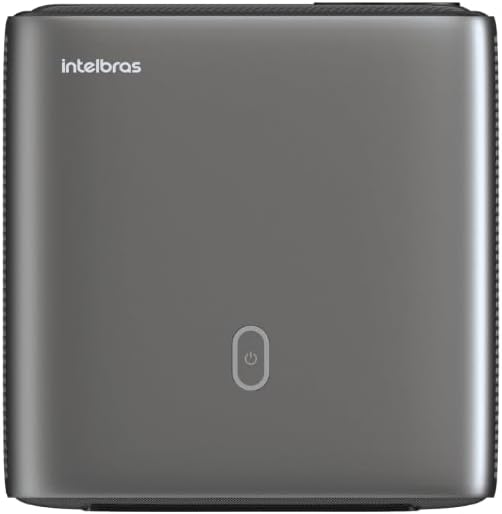
Immaġni: Fuq view of the projector, highlighting the power button and sleek design.
4.2. Portijiet u Konnettività
Il-proġettur joffri diversi għażliet ta' konnettività:
- HDMI: For connecting high-definition devices such as laptops, gaming consoles, or Blu-ray players.
- USB: Għall-konnessjoni ta' apparati tal-ħażna USB biex tilgħab il-midja files direttament.
- Wi-Fi (802.11 ac/b/g/n): For wireless connectivity and screen mirroring from compatible Android devices.
- Out tal-Awdjo: Għall-konnessjoni ta' sistemi awdjo esterni jew headphones.
5. Setup
5.1 Tqegħid
Choose a suitable location for your projector. The PFL7560 can project images from 60 to 150 inches, making it versatile for various room sizes. Ensure the projector is placed on a stable surface and is not obstructed.
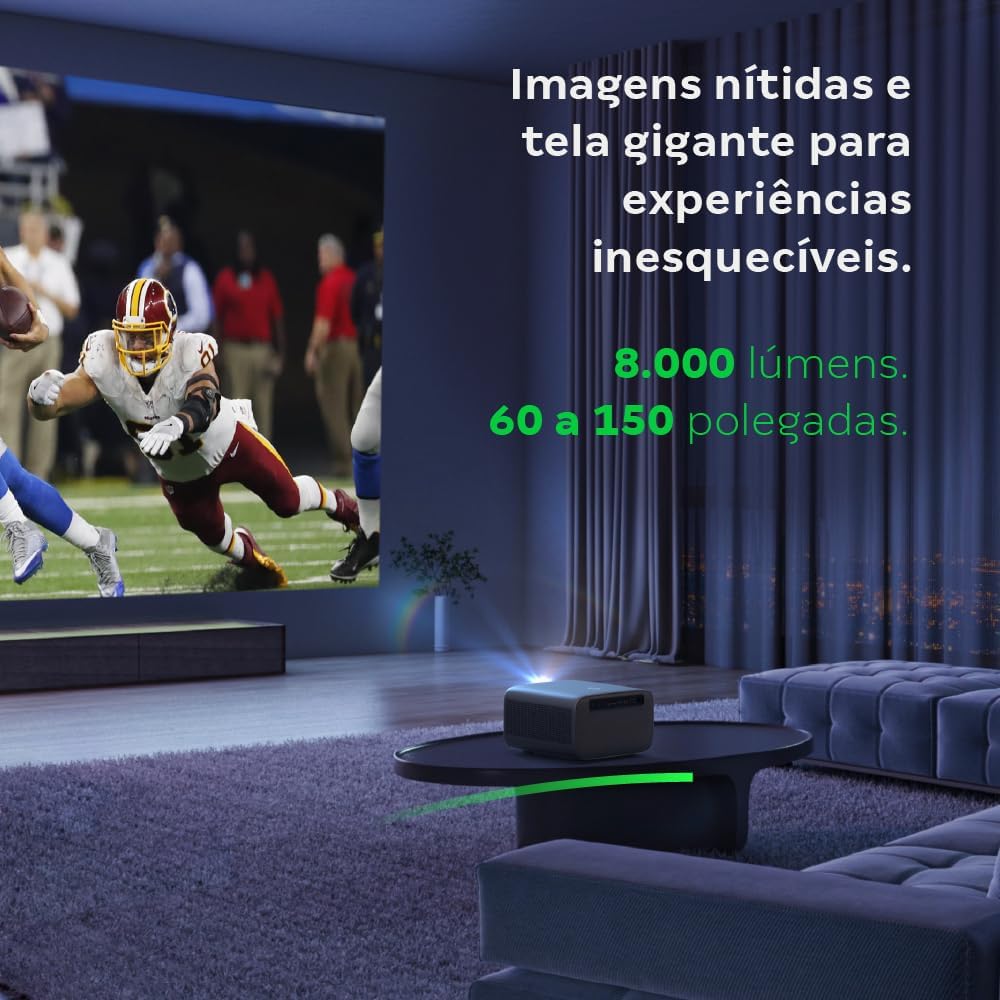
Image: The projector creating a large, clear image in a home environment, demonstrating its capability for immersive viewing.
5.2. Konnessjoni tal-Enerġija
Qabbad il-kejbil tal-enerġija mad-dħul tal-enerġija tal-proġettazzjoni u mbagħad ma' sokit tal-enerġija.
5.3. L-Ewwel Tixgħil
Agħfas il-buttuna tal-qawwa fuq il-proġettazzjoni jew il-kontroll remot biex tixgħel l-apparat. Il-proġettazzjoni tibda s-sekwenza tal-istartjar tagħha.
5.4. Korrezzjoni tal-Fokus u l-Keystone
The PFL7560 features automatic focus and keystone correction for a perfectly aligned and sharp image without manual effort. If manual adjustment is needed, refer to the on-screen display (OSD) menu.
6. Istruzzjonijiet Operattivi
6.1. Mezzi ta 'Konnessjoni
- HDMI: Connect your device using an HDMI cable to the HDMI port on the projector. Select the corresponding HDMI input from the projector's source menu.
- USB: Insert a USB drive into the USB port. The projector's media player will typically detect the drive automatically, allowing you to browse and play files.
- Wi-Fi / Screen Mirroring: For compatible Android devices, enable screen mirroring on your device and select the projector from the available devices. Ensure both devices are connected to the same Wi-Fi network.
6.2. Output tal-Awdjo
The projector is equipped with two integrated 12W speakers, providing clear and immersive audio. For external audio, connect speakers or headphones to the audio output port.

Image: Detail of the projector's integrated 12W speakers, designed for powerful and clear sound.
7. Manutenzjoni
7.1. Tindif tal-Lenti
Uża drapp artab u mingħajr suf iddisinjat speċifikament għal lentijiet ottiċi biex timsaħ bil-mod il-lenti tal-proġettazzjoni. Evita li tuża materjali li joborxu jew kimiċi ħarxa.
7.2. Tindif tal-Korp tal-Proġettur
Wipe the exterior of the projector with a soft, dry cloth. Do not use liquid or spray cleaners directly on the unit.
7.3. LED Light Source Longevity
The Intelbras PFL7560 uses an LED light source with a lifespan of up to 30,000 hours, ensuring long-term use and consistent performance without significant brightness degradation.
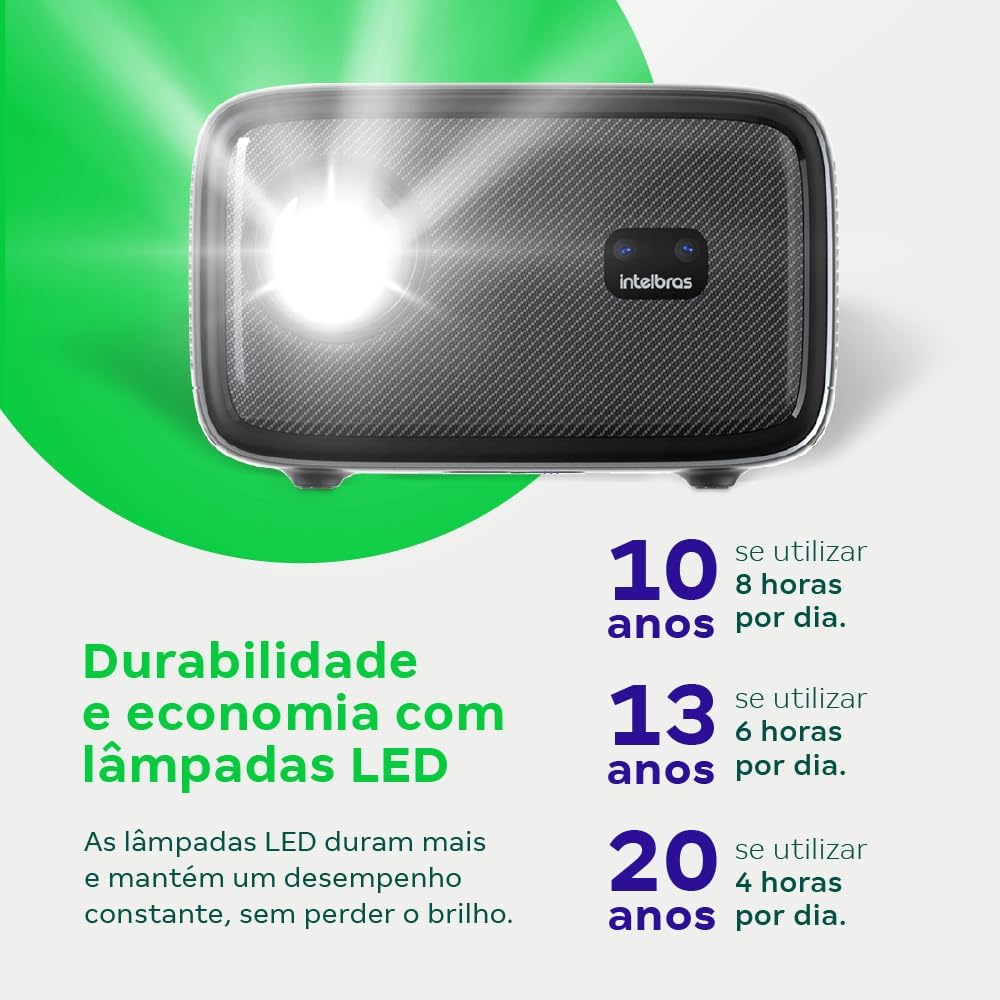
Image: An infographic illustrating the extended durability and economic benefits of the LED lamp, lasting up to 30,000 hours.
8 Issolvi l-problemi
Jekk tiltaqa' ma' problemi bil-proġettur tiegħek, irreferi għall-problemi u s-soluzzjonijiet komuni li ġejjin:
- Ebda Immaġni: Ensure the power cable is securely connected and the projector is turned on. Check the input source selection to match your connected device.
- Immaġni mċajpra: Adjust the focus. If the image is distorted, check for automatic keystone correction or adjust it manually via the settings menu.
- Ebda Ħsejjes: Verify the volume level on both the projector and the connected device. Ensure external speakers are properly connected if used, or that the internal speakers are enabled.
- Kwistjonijiet ta' Konnettività: For Wi-Fi or screen mirroring, ensure both the projector and your device are on the same network. Restart both devices if necessary.
- Is-sħana żejda: Ensure the projector's ventilation openings are not blocked. Turn off the projector and allow it to cool down if it feels excessively hot.
9. Speċifikazzjonijiet
| Karatteristika | Speċifikazzjoni |
|---|---|
| Brand | Intelbras |
| Isem tal-Mudell | PFL 7560 |
| Teknoloġija tal-Konnettività | Wi-Fi |
| Karatteristiċi Speċjali | Wi-Fi Lest |
| Riżoluzzjoni tal-Wiri | 1920 x 1080 (Full HD) |
| Riżoluzzjoni Nattiva | 1920 x 1080 |
| Riżoluzzjoni Massima tal-Wiri | 1920 x 1080 |
| Tip ta 'Wiri | LCD |
| Luminożità | 8000 Lumens |
| Apparati Kompatibbli | Laptop, Smartphone, Tablet |
| Ħajja Operattiva tas-Sors tad-Dawl | 30000 Sigħat |
| Interface tal-Ħardwer | 802.11 ac/b/g/n |
| Kodifikazzjoni tal-vidjo | H.264, H.265 |
| Użi Rakkomandati | Home Cinema |
| Awdjo | 2 x 12W Kelliema Integrati |
10. Garanzija u Appoġġ
For warranty information, technical support, or service requests, please refer to the official Intelbras webis-sit jew ikkuntattja lis-servizz tal-konsumatur tagħhom direttament. Żomm l-irċevuta tax-xiri tiegħek bħala prova tax-xiri għal talbiet ta' garanzija.