
ECOPAD T30
ECOPAD T30 Android 15 Tablet User Manual
Gwida Komprensiva għas-Setup, it-Tħaddim, u l-Manutenzjoni
1. Introduzzjoni
Welcome to the ECOPAD T30 Android 15 Tablet user manual. This guide provides essential information to help you set up, operate, and maintain your new tablet. Please read this manual thoroughly to ensure optimal performance and longevity of your device.
2. Kontenut tal-Pakkett
Qabel ma tibda, jekk jogħġbok ivverifika li l-oġġetti kollha huma preżenti fil-pakkett tiegħek:
- ECOPAD T30 Android 15 Tablet
- Kejbil USB Type-C
- Adapter tal-Enerġija 18W
- Manwal għall-Utent (dan id-dokument)

Image: Contents of the ECOPAD T30 Tablet package, showing the tablet, USB cable, 18W charger, and user manual.
3. Device Overview
Familiarize yourself with the physical components of your ECOPAD T30 tablet.

Immaġni: Quddiem u wara view of the ECOPAD T30 Tablet, illustrating the screen, rear camera, and various ports and buttons.
Komponenti Ewlenin:
- Kamera ta' quddiem: Għal sejħiet bil-vidjo u selfies.
- Kamera ta' wara: Għall-qbid ta' ritratti u vidjows.
- Buttuna tal-Qawwa: To turn the tablet on/off or put it to sleep.
- Buttuni tal-Volum: Biex taġġusta l-volum tal-awdjo.
- Port USB tat-Tip Ċ: Għall-iċċarġjar u t-trasferiment tad-dejta.
- Jack tal-headphones ta' 3.5mm: Għall-konnessjoni ta' headphones bil-fili.
- Slott tal-Karta Mikro SD: Għall-espansjoni tal-ħażna.
- Kelliema: Għall-output tal-awdjo.
4. Setup
4.1 Iċċarġjar tat-Tablet
Before first use, fully charge your tablet. Connect the USB Type-C cable to the tablet's charging port and the 18W power adapter to a wall outlet.

Image: The ECOPAD T30 Tablet connected to its 18W fast charger, illustrating its 6000mAh battery and various usage durations.
4.2 Power On/Off
- Biex Tixgħel: Press and hold the Power button until the ECOPAD logo appears.
- Biex Tifi: Agħfas u żomm il-buttuna tal-Enerġija, imbagħad agħżel "Itfi" mill-għażliet fuq l-iskrin.
- Biex terġa' tibda: Agħfas u żomm il-buttuna tal-Enerġija, imbagħad agħżel "Restart" mill-għażliet.
4.3 Setup Inizjali
Upon first power-on, the tablet will guide you through the initial setup process. This includes selecting your language, connecting to Wi-Fi, setting up your Google account, and configuring basic security settings.
4.4 Konnessjoni Wi-Fi
- Mur fuq Settings > Netwerk u internet > Wi-Fi.
- Ixgħel il-Wi-Fi On.
- Agħżel in-netwerk Wi-Fi mixtieq tiegħek mil-lista.
- Daħħal il-password jekk tintalab, imbagħad tektek Qabbad.
5. Tħaddim tat-Tablet
5.1 Sistema Operattiva Android 15
Your ECOPAD T30 runs on the latest Android 15, offering enhanced security, improved privacy controls, and a customizable user experience.

Image: A visual representation of the Android 15 operating system, highlighting its key features such as multitasking, privacy controls, customization, and performance.
5.2 Settings tal-wiri
The tablet features a 10.1-inch HD IPS touchscreen with a resolution of 1280x800 pixels and a 16:9 aspect ratio.

Image: The 10.1-inch HD IPS display of the ECOPAD T30, showcasing its resolution, aspect ratio, and eye-protection capabilities.
Adjust brightness, font size, and display mode (e.g., dark theme) via Settings > Wiri.
5.3 Ġestjoni tal-Ħażna
The tablet comes with 128GB of internal storage, expandable up to 1TB using a Micro SD card.

Image: An illustration of the ECOPAD T30's memory and storage capabilities, featuring 12GB RAM, 128GB internal storage, and support for up to 1TB Micro SD card expansion.
Biex timmaniġġja l-ħażna, mur fuq Settings > Ħażna. Hawnhekk tista ' view used space and free up storage.
5.4 Konnettività
Your tablet supports various connectivity options:
- Dual-Band Wi-Fi 5 (2.4GHz & 5GHz): For fast internet access.
- Bluetooth 5.0: Għall-konnessjoni ta' aċċessorji mingħajr fili bħal headphones u tastieri.
- GPS: Għas-servizzi ta' navigazzjoni u lokalizzazzjoni.
- Radju FM: For listening to local radio stations.
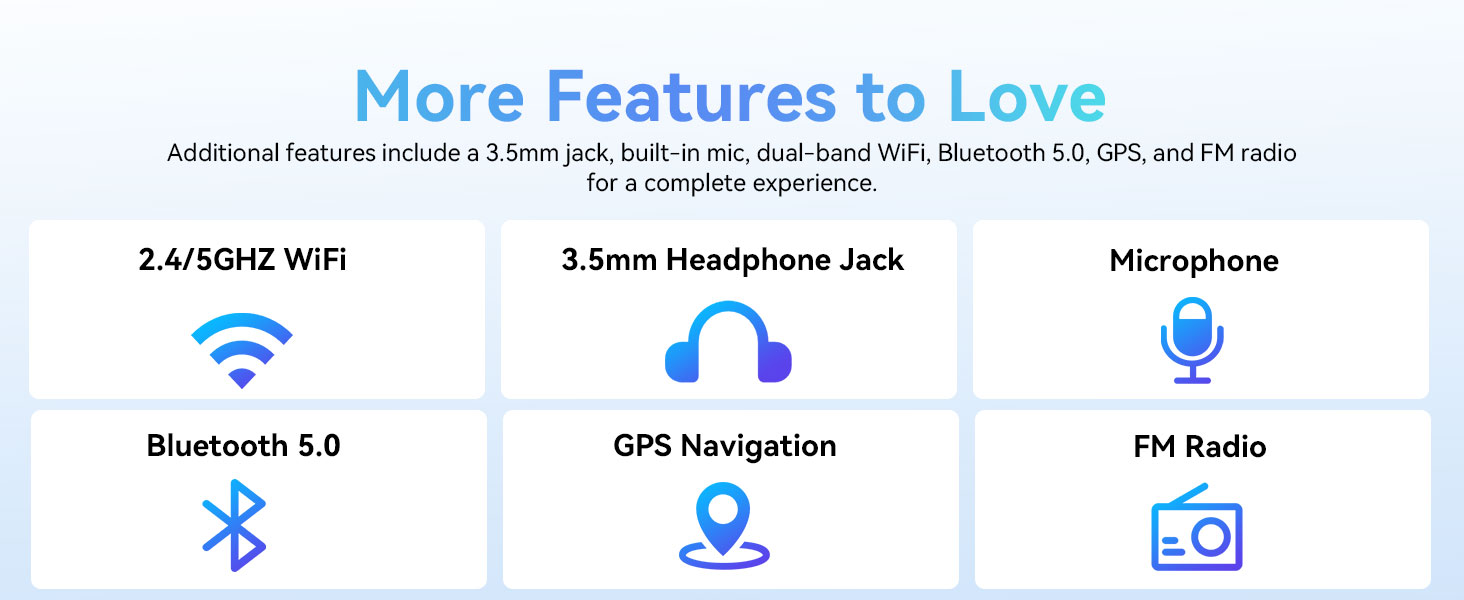
Image: A graphic displaying the ECOPAD T30's additional features, including dual-band Wi-Fi, 3.5mm headphone jack, microphone, Bluetooth 5.0, GPS, and FM Radio.
5.5 Użu tal-Kamera
It-tablet huwa mgħammar b'kamera ta' wara ta' 8MP u kamera ta' quddiem ta' 2MP.
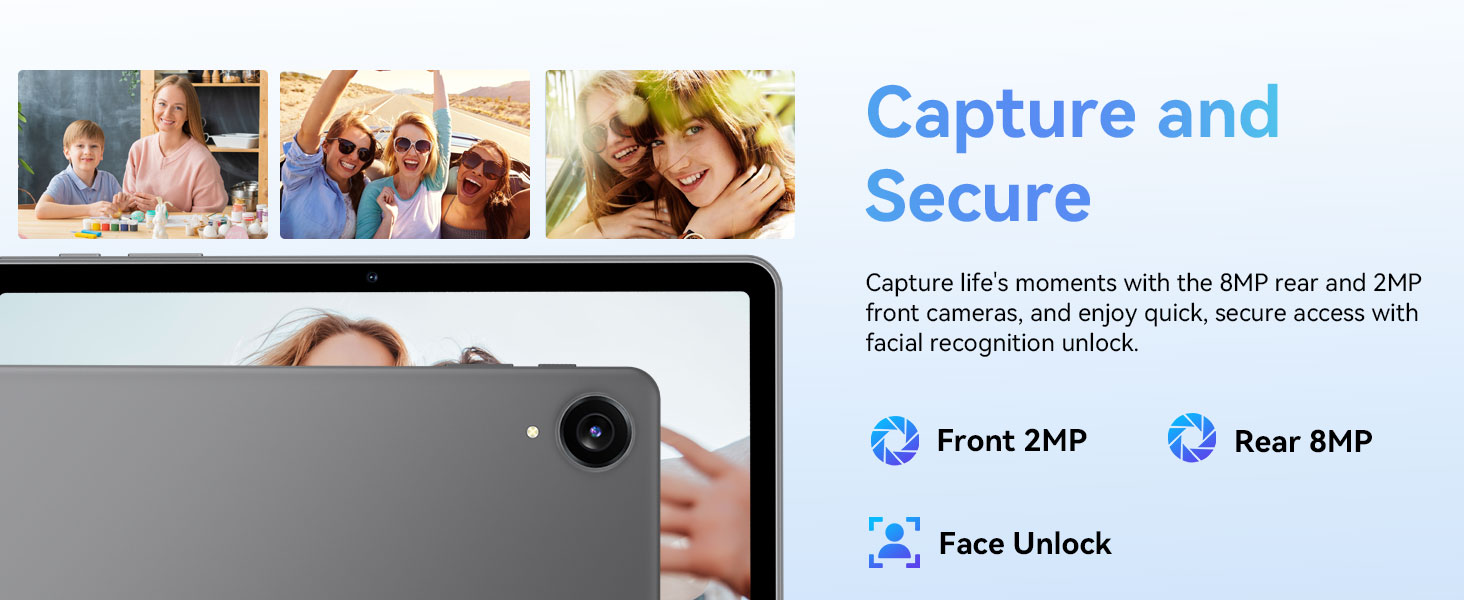
Image: The ECOPAD T30 Tablet highlighting its 2MP front camera, 8MP rear camera, and the Face Unlock security feature.
Iftaħ il- Kamera app to take photos or record videos. Tap the camera icon to switch between front and rear cameras.
5.6 Security (Face Unlock)
For convenient and secure access, your tablet supports Face Unlock. To set it up, go to Settings > Sigurtà u privatezza > Wiċċ nisfruttaw u segwi l-istruzzjonijiet fuq l-iskrin.
5.7 Multimedia and Streaming
The ECOPAD T30 supports Widevine L1, enabling high-definition streaming from platforms like Netflix, Hulu, YouTube, HBO Max, Prime Video, and Disney+.
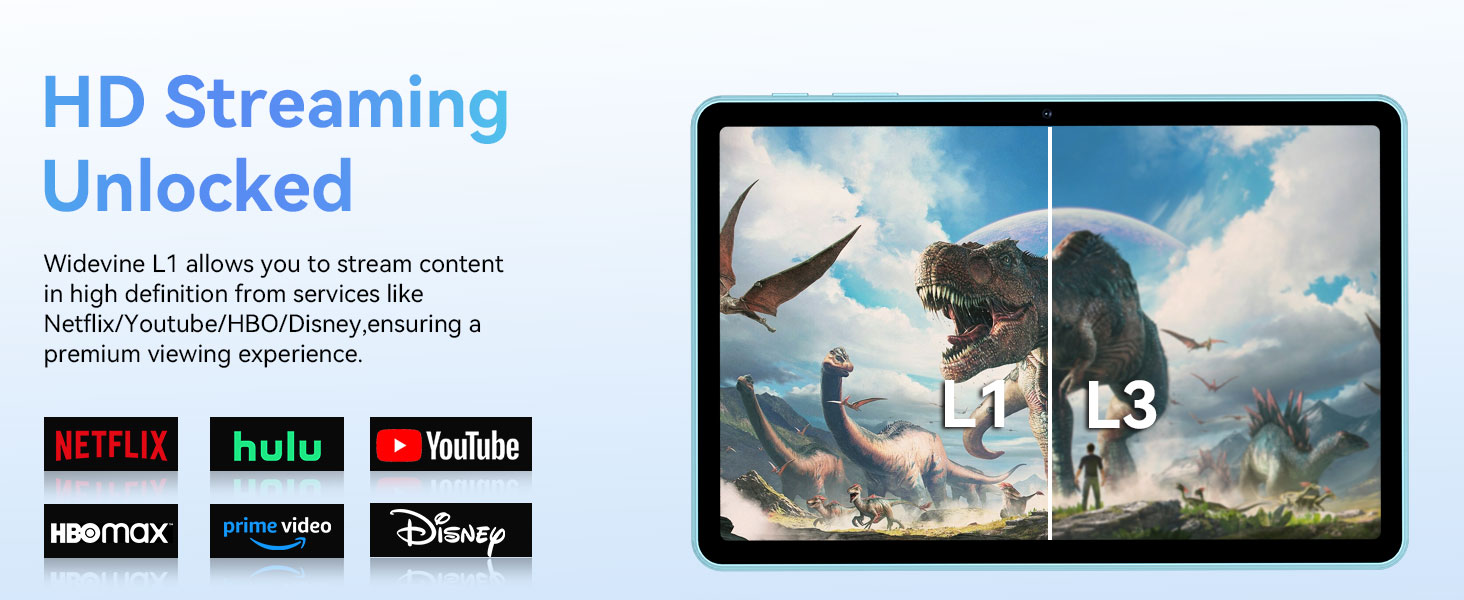
Image: The ECOPAD T30 Tablet demonstrating Widevine L1 support for high-definition streaming, with logos of compatible services like Netflix and Disney+.
6. Manutenzjoni
6.1 Kura tal-Batterija
- Evita temperaturi estremi.
- Tħallix il-batterija tixxotta kompletament ta' spiss.
- Use the provided 18W charger for optimal charging.
6.2 Tindif
Uża drapp artab u mingħajr suf biex tnaddaf l-iskrin u l-qafas tat-tablet. Evita kimiċi ħarxa jew materjali li joborxu.
6.3 Aġġornamenti tas-Software
Iċċekkja u installa aġġornamenti tas-softwer regolarment biex tiżgura li t-tablet tiegħek ikollu l-aħħar karatteristiċi, irqajja tas-sigurtà, u titjib fil-prestazzjoni. Mur fuq Settings > Sistema > Aġġornament tas-sistema.
7 Issolvi l-problemi
- It-tablet mhux qed jixgħel: Kun żgur li l-batterija hija ċċarġjata. Qabbad il-ċarġer u erġa' pprova.
- Skrin iffriżat: Agħfas u żomm il-buttuna tal-Qawwa għal madwar 10-15-il sekonda biex terġa' tibda.
- Kwistjonijiet ta' konnessjoni Wi-Fi: Restart your tablet and your Wi-Fi router. Check Wi-Fi settings to ensure the correct network and password are used.
- L-apps jiġġarraf: Neħħi l-cache tal-app problematika (Settings > Apps > [Isem tal-App] > Ħażna u cache > Ċar il-cache). Jekk il-problema tippersisti, ipprova erġa' installa l-app.
- Low audio volume: Check volume settings. Ensure no headphones are connected if you intend to use speakers. Consider connecting a Bluetooth speaker for enhanced audio.
8. Speċifikazzjonijiet
| Karatteristika | Speċifikazzjoni |
|---|---|
| Mudell | ECOPAD T30 |
| Sistema Operattiva | Android 15 |
| Proċessur | Unisoc T606 Octa-core (2x Cortex-A75, 6x Cortex-A55) |
| RAM | 12GB (Espansjoni ta' 4GB + 8GB) |
| Ħażna Interna | 128GB |
| Ħażna espansibbli | Up to 1TB via Micro SD Card |
| Daqs tal-Wiri | 10.1 Pulzier |
| Tip ta 'Wiri | HD IPS Touchscreen |
| Riżoluzzjoni | 1280 x 800 Pixels |
| Proporzjon ta' l-aspett | 16:9 |
| Kamera ta' wara | 8MP |
| Kamera ta' Quddiem | 2MP |
| Wi-Fi | Dual-Band Wi-Fi 5 (802.11ax, 2.4GHz/5GHz) |
| Bluetooth | Bluetooth 5.0 |
| Kapaċità tal-batterija | 6000mAh |
| Iċċarġjar | 18W Fast Charge (USB Type-C) |
| Ħajja Medja tal-Batterija | 8-il Siegħa (użu tipiku) |
| Dimensjonijiet (LxWxH) | 9.5 x 6.5 x 0.3 pulzieri |
| Piż | 1.83 liri |
| Karatteristiċi oħra | GPS, FM Radio, Dual Speakers, Face Unlock, Widevine L1 |

Image: A detailed diagram illustrating the Unisoc T606 Octa-core processor, highlighting its ARM G57 GPU, core configuration (Cortex-A55 x 6, Cortex-A75 x 2), and 12nm manufacturing process.
9. Garanzija u Appoġġ
Your ECOPAD T30 Tablet comes with a garanzija ta 'sena from the date of purchase. This warranty covers manufacturing defects and ensures peace of mind regarding your product's quality.
For technical support, warranty claims, or any questions regarding your tablet, please contact ECOPAD customer service through the official channels provided at the time of purchase or on the ECOPAD websit.
Ask a question about this manual
Ask about setup, troubleshooting, compatibility, parts, safety, or missing instructions. Manuals+ will review the question and use this page’s manual context to help answer it.