
Introduzzjoni
Welcome to the user manual for your new DIALN X65 Unlocked Smartphone. This guide provides essential information to help you set up, operate, maintain, and troubleshoot your device. Please read this manual carefully to ensure optimal performance and longevity of your smartphone.
The DIALN X65 features a 6.5-inch display, runs on Android 13, and offers 32GB of internal storage, expandable via microSD. It is equipped with a 13MP camera and a 4500mAh battery.
X'hemm fil-Kaxxa
Upon unboxing your DIALN X65, verify that all items are present:
- Smartphone DIALN X65
- Iċċarġjar Cable
- Manwal għall-Utent (dan id-dokument)
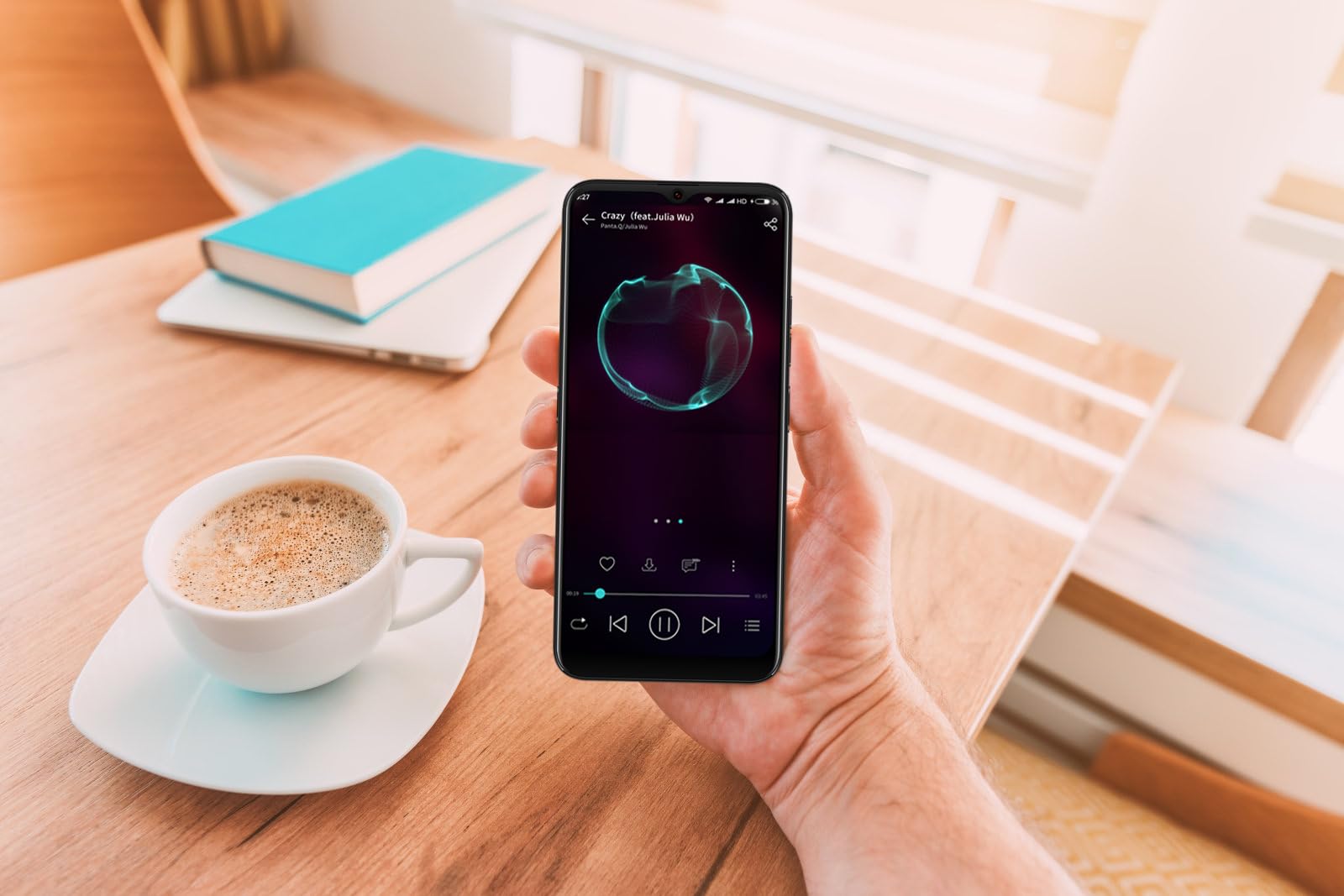
Image: The DIALN X65 smartphone displayed with its charging cable and user manual, as typically found in the product packaging.
Setup
1. Insert SIM Card and MicroSD Card (Optional)
- Sib it-trej tal-kard SIM fuq il-ġenb tat-telefon tiegħek.
- Insert the SIM ejector tool (not included, a paperclip can be used) into the small hole on the tray to open it.
- Poġġi l-kard(s) Nano-SIM u/jew il-kard microSD tiegħek fit-trej bil-kuntatti tad-deheb iħarsu 'l isfel, u kun żgur li huma orjentati sew.
- Imbotta t-trej bil-mod lura fit-telefon sakemm tikklikkja f'postu.
2. Iċċarġjar Inizjali
Before first use, it is recommended to fully charge your DIALN X65. Connect the charging cable to the phone's charging port and plug the other end into a power adapter (not included) or a USB port. The battery indicator on the screen will show charging progress. A full charge typically takes approximately 2 hours.
3. Power On/Off
- Biex Tixgħel: Press and hold the Power button (located on the right side) until the DIALN logo appears on the screen.
- Biex Tifi: Agħfas u żomm il-buttuna tal-Enerġija sakemm jidher il-menu tal-għażliet tal-enerġija. Tektek 'Itfi' u kkonferma.
- Biex terġa' tibda: Agħfas u żomm il-buttuna tal-Enerġija sakemm jidher il-menu tal-għażliet tal-enerġija. Tektek 'Erġa' ibda' u kkonferma.
4. Inizjali Setup Wizard
The first time you power on your phone, you will be guided through an initial setup process. Follow the on-screen prompts to:
- Agħżel il-lingwa tiegħek.
- Qabbad ma 'netwerk Wi-Fi.
- Idħol bil-kont Google tiegħek jew oħloq wieħed ġdid.
- Issettja l-illokkjar tal-iskrin (PIN, mudell, password, jew Face Unlock).
- Review u aċċetta t-termini u l-kundizzjonijiet.
Operating Your DIALN X65
1. Navigazzjoni Bażika
- Mess: Tektek ikona biex tiftaħ app jew tagħżel oġġett.
- Swipe: Iddreggja subgħajk fuq l-iskrin biex tiskrollja jew tinnaviga bejn l-iskrins.
- Oqros: Uża żewġ swaba’ biex tagħmel zoom in jew zoom out fuq ir-ritratti u web paġni.
- Skrin tad-dar: Iċ-ċentru ċentrali għall-apps u l-widgets tiegħek. Skrolla lejn ix-xellug jew il-lemin biex taċċessa skrins tad-dar addizzjonali.
- Panel tan-Notifika: Skrolla 'l isfel minn fuq nett tal-iskrin biex taċċessa n-notifiki u s-settings rapidi.
2. Sejħiet u Kuntatti
- Tagħmel Sejħa: Iftaħ l-app tat-'Telefon', daħħal in-numru, u agħfas l-ikona tas-sejħa.
- Tweġiba għal Sejħa: Swipe up on the green phone icon when a call comes in.
- Ġestjoni ta' Kuntatti: Open the 'Contacts' app to add, edit, or delete contacts.
3. Messaġġi
Open the 'Messages' app to send and receive SMS/MMS messages. Tap the '+' icon to compose a new message, enter the recipient's number or select from contacts, and type your message.
4. Internet u Konnettività
- Wi-Fi: Go to Settings > Network & internet > Wi-Fi. Turn Wi-Fi on and select your desired network.
- Bluetooth: Go to Settings > Connected devices > Connection preferences > Bluetooth. Turn Bluetooth on to pair with other devices.
- Data mobbli: Go to Settings > Network & internet > Mobile network. Ensure mobile data is enabled for internet access via your SIM card.
5. Kamera
Open the 'Camera' app to capture photos and videos. Tap the shutter button to take a photo. Swipe left or right to switch between photo, video, and other modes. Use the front camera for selfies.
6. Wiċċ Miftuħ
To set up Face Unlock, go to Settings > Security & privacy > Device unlock > Face unlock. Follow the on-screen instructions to register your face. Once set up, you can unlock your phone by looking at the front camera.
7. Ġestjoni tal-Ħażna
Your DIALN X65 comes with 32GB of internal storage. You can expand this up to 256GB using a microSD card. To check storage usage, go to Settings > Storage. Regularly clear unnecessary files u apps biex tinżamm prestazzjoni ottimali.
Manutenzjoni
1. Tindif tal-Apparat Tiegħek
Use a soft, lint-free cloth to clean the screen and body of your phone. Avoid using harsh chemicals or abrasive materials, as these can damage the display and finish. Do not expose the phone to excessive moisture.
2. Aġġornamenti tas-Software
Regularly check for and install software updates to ensure your phone has the latest features, security patches, and performance improvements. Go to Settings > System > System update to check for available updates.
3. Kura tal-batterija
- Evita temperaturi estremi, għax jistgħu jnaqqsu l-ħajja tal-batterija.
- Tħallix il-batterija tixxotta kompletament ta' spiss.
- Use the provided charging cable or a compatible, certified charger.
- Unplug the charger once the battery is full to prevent overcharging.
4. Ottimizzazzjoni tal-Ħażna
To keep your phone running smoothly, regularly review and delete unused apps, old photos, videos, and downloaded files. Consider moving large media files għal kard microSD jew ħażna fis-sħab.
Issolvi l-problemi
Kwistjonijiet Komuni u Soluzzjonijiet:
- It-Telefon Mhux Mixgħul: Kun żgur li l-batterija hija ċċarġjata. Qabbad ma' ċarġer għal mill-inqas 15-il minuta, imbagħad erġa' pprova ixgħelha.
- Poor Signal/No Network: Check if your SIM card is properly inserted. Ensure mobile data is enabled in settings. Try restarting the phone. If issues persist, contact your network provider.
- L-Apps Jikkraxxjaw/Jiffriżaw: Close and reopen the app. Clear the app's cache (Settings > Apps > [App Name] > Storage & cache > Clear cache). If the problem continues, uninstall and reinstall the app.
- Batterija Tbattal malajr: Reduce screen brightness, disable unused features like Bluetooth or GPS, close background apps, and check for apps consuming excessive power in battery settings.
- L-iskrin tat-touchscreen ma jirrispondix: Restart the phone. If the issue persists, a factory reset might be necessary (see below).
Factory Reset (Data Erase)
Ir-reset tal-fabbrika se jħassar id-dejta kollha mit-telefon tiegħek u jirrestawraha għas-settings oriġinali tal-fabbrika. Agħmel backup tad-dejta importanti kollha qabel ma tipproċedi.
- Mur fuq Settings > Sistema > Għażliet ta' Reset.
- Tap 'Erase all data (factory reset)'.
- Ikkonferma d-deċiżjoni tiegħek u daħħal il-PIN/mudell/password tiegħek jekk tintalab.
- It-telefon jerġa' jibda u jibda l-proċess ta' reset.
Speċifikazzjonijiet
| Karatteristika | Speċifikazzjoni |
|---|---|
| Isem tal-Mudell | X65 |
| Sistema Operattiva | Android 13.0 |
| Daqs tal-Wiri | 6.5 Pulzier |
| Riżoluzzjoni | 1280 x 720 |
| Proċessur | Quad Core 2.26GHz (MediaTek) |
| RAM | 3 GB |
| Ħażna Interna | 32 GB (Expandable up to 256GB via microSD) |
| Kamera Prinċipali | 13 MP |
| Kapaċità tal-batterija | 4500 mAh |
| Konnettività | 4G LTE, Wi-Fi, Bluetooth |
| Karatteristiċi Speċjali | Expandable Storage, Face Unlock, Built-in GPS |
| Dimensjonijiet | 6.5 x 3 x 6.5 pulzieri |
| Piż | 6.5 uqija |
Garanzija u Appoġġ
Your DIALN X65 Smartphone is covered by a limited manufacturer's warranty. Please refer to the warranty card included with your product for specific terms and conditions, including warranty period and coverage details. For technical support, service, or further inquiries, please visit the official DIALN website or contact customer service through the contact information provided on the product packaging or official websit.