
1. Introduzzjoni
Thank you for choosing the Vonztek Wireless Headset. This manual provides essential information for the proper setup, operation, and maintenance of your headset. Please read it thoroughly before use to ensure optimal performance and longevity of your device.
2. Kontenut tal-Pakkett
Ivverifika li l-oġġetti kollha huma preżenti fil-pakkett tiegħek:
- Vonztek Wireless Headset
- Kejbil tal-Iċċarġjar tat-Tip Ċ x1
- USB Dongle x1
3. Prodott Aktarview
The Vonztek Wireless Headset (Model XSY-BT882M-BJ-D-NEW2) is designed for business and work-from-home environments, offering clear communication and comfortable wear. It features AI Noise Canceling for the microphone and Passive Noise Cancellation for the earpieces.

Figure 3.1: Vonztek Wireless Headset with included accessories.
Karatteristiċi ewlenin:
- Ħoss Stereo Superjuri: Equipped with 40mm dynamic drivers for clear audio reproduction.
- Disinn komdu: Ultra-soft memory foam ear cushions and an adjustable one-piece steel headband ensure comfort during extended use.
- Bidirectional Microphone with AI Noise Canceling: The flexible 270° rotatable microphone arm can be positioned on either side and features AI noise cancellation to focus on your voice, reducing background noise.
- Kompatibilità Wiesgħa: Connects to cellphones and desktops via Bluetooth 5.3 or the included USB dongle.
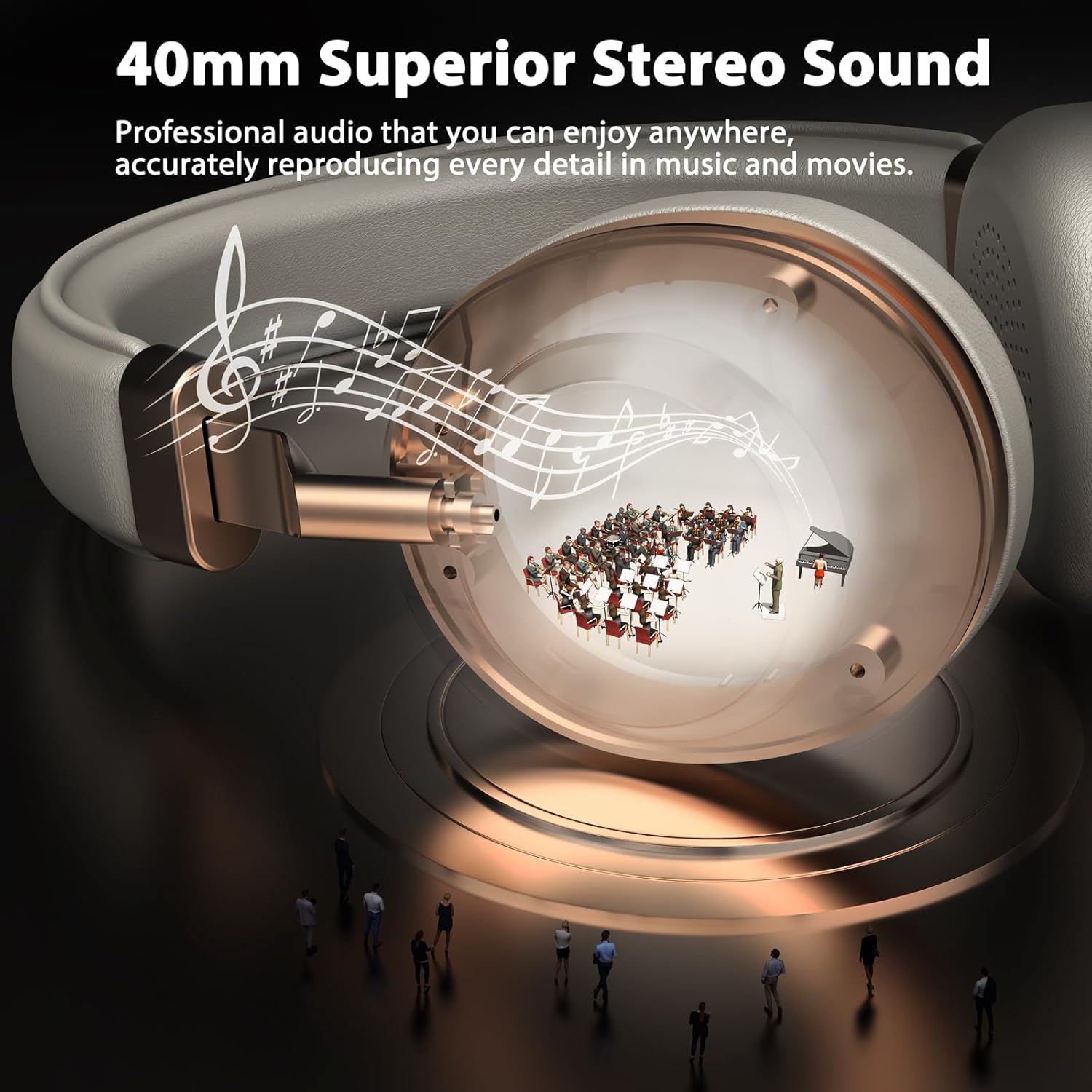
Figure 3.2: 40mm Superior Stereo Sound.
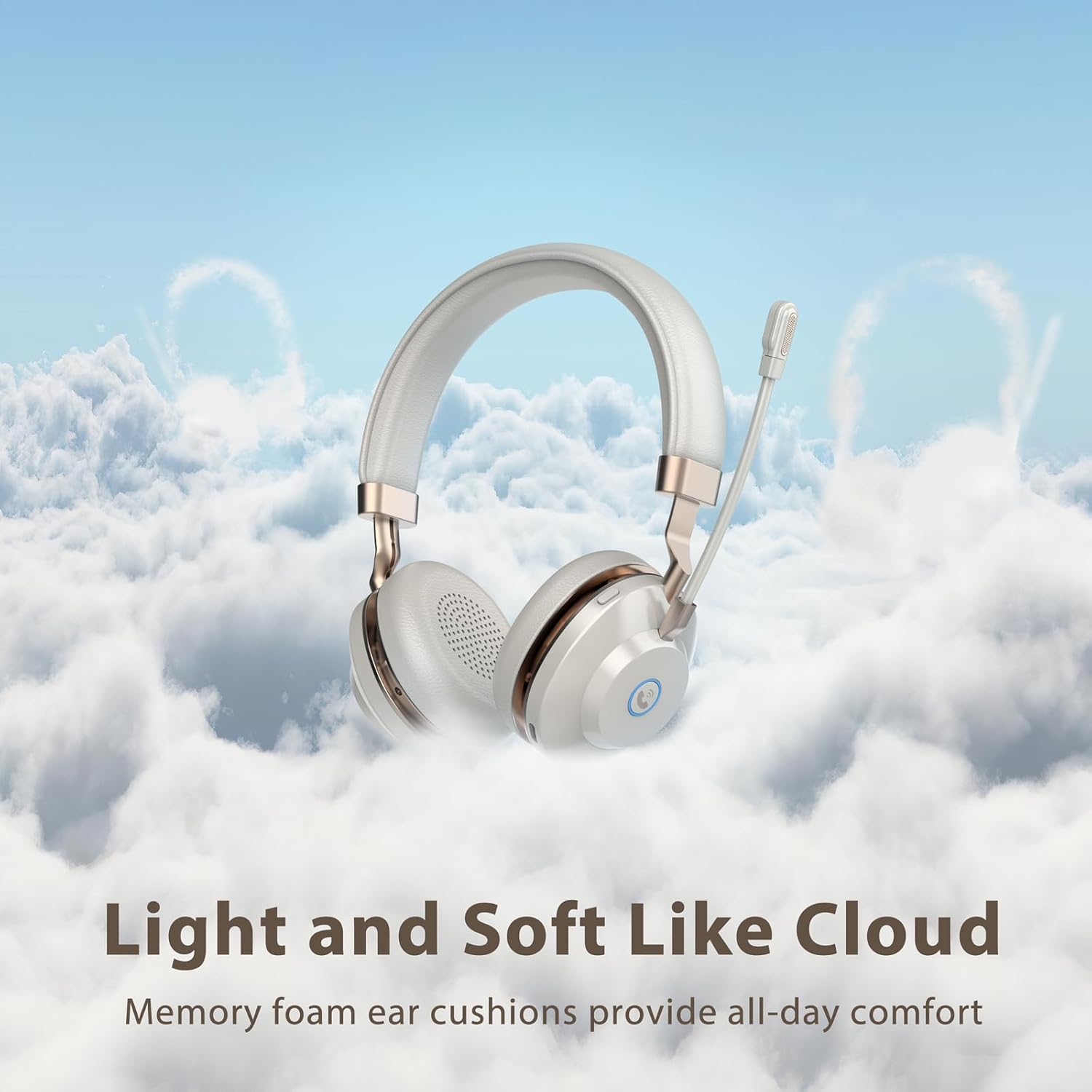
Figure 3.3: Light and Soft Design for Comfort.

Figure 3.4: Bidirectional Microphone with Noise Cancellation.
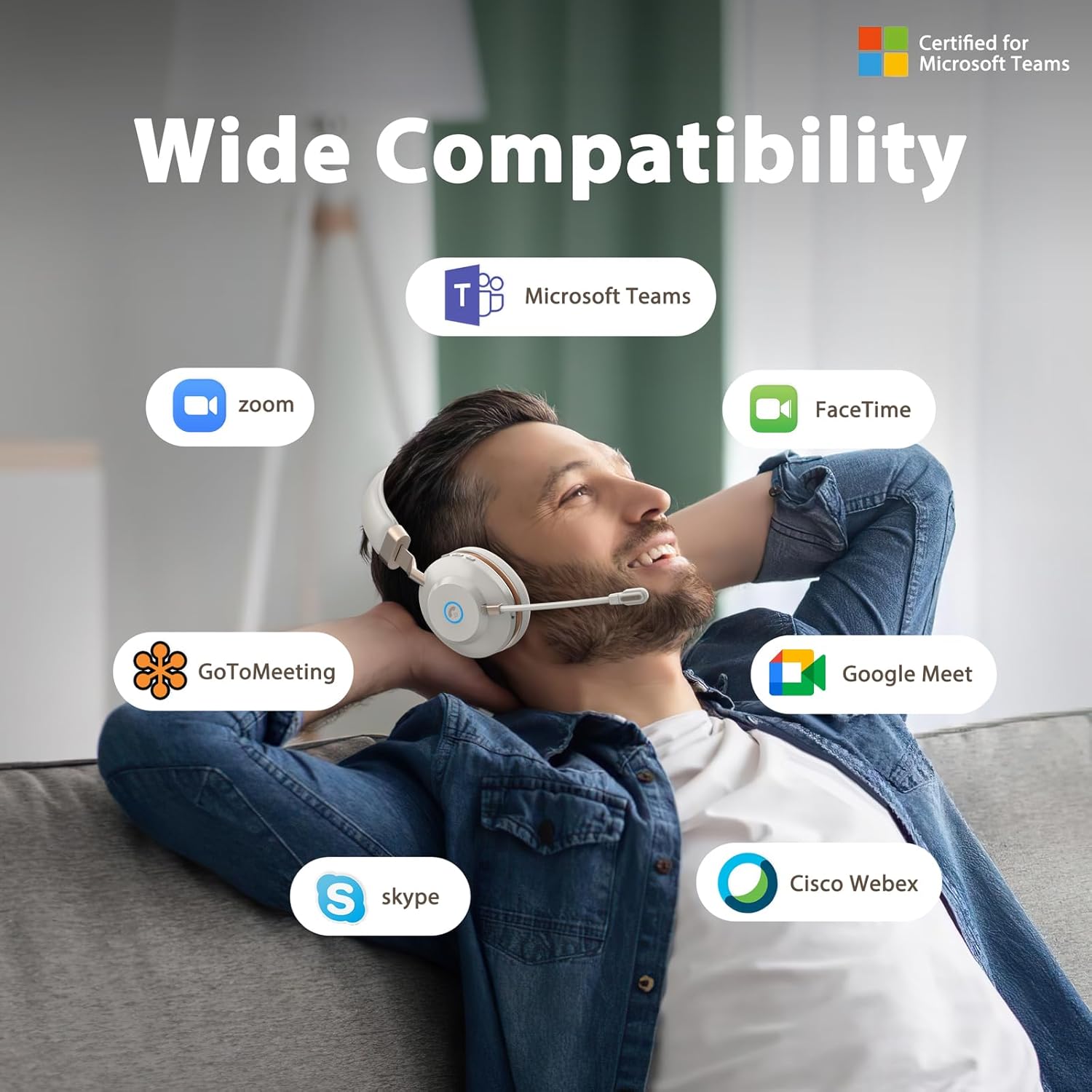
Figure 3.5: Wide Compatibility with Communication Platforms.
4. Setup
4.1 Iċċarġjar tal-Headset
Before first use, fully charge the headset. Connect the provided Type-C charge cable to the headset's charging port and the other end to a USB power source (e.g., computer USB port, wall adapter). A full charge takes approximately 2 hours.
4.2 Konnessjoni permezz ta' USB Dongle
- Ipplaggja l-USB dongle f'port USB disponibbli fuq il-kompjuter tiegħek.
- Ixgħel il-headset billi tagħfas u żżomm il-buttuna tal-qawwa.
- The headset will automatically connect to the dongle. An indicator light on the headset will confirm connection (refer to LED indicator section in operating instructions for details).
4.3 Konnessjoni permezz tal-Bluetooth
- Kun żgur li l-widna hija mitfija.
- Press and hold the power button until the LED indicator flashes rapidly (usually blue and red), indicating pairing mode.
- On your device (e.g., cellphone, computer), enable Bluetooth and search for new devices.
- Select "Vonztek Headset" from the list of available devices.
- Once connected, the LED indicator will show a steady blue light or flash slowly. The Bluetooth range is up to 15 meters.
5. Istruzzjonijiet Operattivi
5.1 Power On/Off
- Qawwa Mixgħul: Agħfas u żomm il-buttuna tal-qawwa għal 3 sekondi.
- Itfi: Agħfas u żomm il-buttuna tal-qawwa għal 3 sekondi.
5.2 Kontroll tal-Volum
- Volum 'il fuq: Agħfas il-buttuna '+'.
- Volum 'l isfel: Agħfas il-buttuna '-'.
5.3 Użu tal-Mikrofonu
- The microphone arm is flexible and can be rotated 270° to be worn on either the left or right side. Adjust it to position the microphone close to your mouth for optimal voice pickup.
- The AI Noise Canceling feature is automatically active to reduce background noise during calls.
5.4 Ġestjoni tas-Sejħiet
- Tweġiba/Tmiem Sejħa: Press the multi-function button (often indicated by a phone icon).
- Irrifjuta Sejħa: Agħfas u żomm il-buttuna multi-funzjoni għal 2 sekondi.
5.5 Kontroll tal-Midja
- Play/Pawsa: Agħfas il-buttuna multifunzjonali.
- Track li jmiss: Agħfas u żomm il-buttuna '+'.
- Track preċedenti: Agħfas u żomm il-buttuna '-'.
6. Manutenzjoni
- Tindif: Uża drapp artab u niexef biex tnaddaf il-headset. Tużax prodotti tat-tindif jew solventi li joborxu.
- Ħażna: Aħżen il-headset f'post frisk u niexef 'il bogħod mix-xemx diretta u minn temperaturi estremi.
- Kura tal-batterija: Biex tippreserva l-ħajja tal-batterija, iċċarġja l-headset regolarment, anke jekk ma tużahx ta' spiss. Evita li tbattal il-batterija għalkollox għal perjodi twal.
- Reżistenza għall-Ilma: Dan il-headset mhuwiex reżistenti għall-ilma. Evita l-espożizzjoni għal-likwidi.
7 Issolvi l-problemi
| Problema | Kawża Possibbli | Soluzzjoni |
|---|---|---|
| Il-headset ma jixgħelx | Batterija baxxa | Iċċarġja l-headset għal mill-inqas 30 minuti. |
| Ma tistax tikkonnettja permezz tal-Bluetooth | Headset not in pairing mode; Device Bluetooth off; Out of range | Ensure headset is in pairing mode (flashing blue/red LED). Turn on Bluetooth on your device. Move closer to your device (within 15 meters). |
| Ebda ħoss jew kwalità fqira tal-ħoss | Volume too low; Incorrect audio output selected; Headset not properly connected | Increase volume on headset and device. Check audio settings on your device to ensure Vonztek Headset is selected as output. Reconnect the headset. |
| Mikrofonu mhux qed jaħdem | Microphone muted; Incorrect input device selected | Ensure microphone is not muted. Check audio input settings on your device to ensure Vonztek Headset is selected as input. |
8. Speċifikazzjonijiet
| Karatteristika | Dettall |
|---|---|
| Isem tal-Mudell | XSY-BT882M-BJ-D-NEW2 |
| Teknoloġija tal-Konnettività | Wireless (Bluetooth) |
| Teknoloġija tal-Komunikazzjoni mingħajr Fili | Bluetooth 5.3 |
| Medda Bluetooth | 15 Meters |
| Daqs tas-Sewwieq tal-Awdjo | 40 Millimetru |
| Kontroll tal-Ħoss | AI Noise Cancellation (Mic), Passive Noise Cancellation (Earpiece) |
| Ħajja tal-batterija | 45 Sigħat |
| Ħin tal-Iċċarġjar | 2 Sigħat |
| Headphones Jack | Tip-Ċ (għall-iċċarġjar) |
| Sensittività | 118 dB |
| Impedenza | 32 Ohms |
| Materjal | Faux Leather, Plastic, Stainless Steel |
| Piż tal-oġġett | 13.1 uqija |
| Apparati Kompatibbli | Cellphones, Desktops |
9. Garanzija u Appoġġ
For warranty information or technical support, please refer to the contact details provided with your purchase or visit the official Vonztek websit. Żomm il-prova tax-xiri tiegħek għal talbiet ta' garanzija.