
Introduzzjoni
This manual provides detailed instructions for the safe and efficient operation of your LICAEVEY MP3 MP4 Player. Please read this manual thoroughly before using the device and retain it for future reference. This portable multimedia player combines music playback, video viewing, voice recording, FM radio, and a unique fingertip gyroscope feature for an enhanced user experience.
Kontenut tal-Pakkett
Jekk jogħġbok iċċekkja l-kontenut tal-pakkett bir-reqqa. Jekk xi oġġetti huma nieqsa jew bil-ħsara, ikkuntattja lill-bejjiegħ tiegħek.
- 1 x LICAEVEY MP3 MP4 Music Player
- 1 x Earphone
- 1 x Kejbil tad-Data (USB)
- 1 x Kaxxa tal-Ħażna
- 1 x Manwal tal-Utent (dan id-dokument)
Prodott Overview
The LICAEVEY MP3 MP4 Player features a compact design with a 1.77-inch color screen and intuitive controls. It includes a built-in speaker and a unique fingertip gyroscope for interactive use.
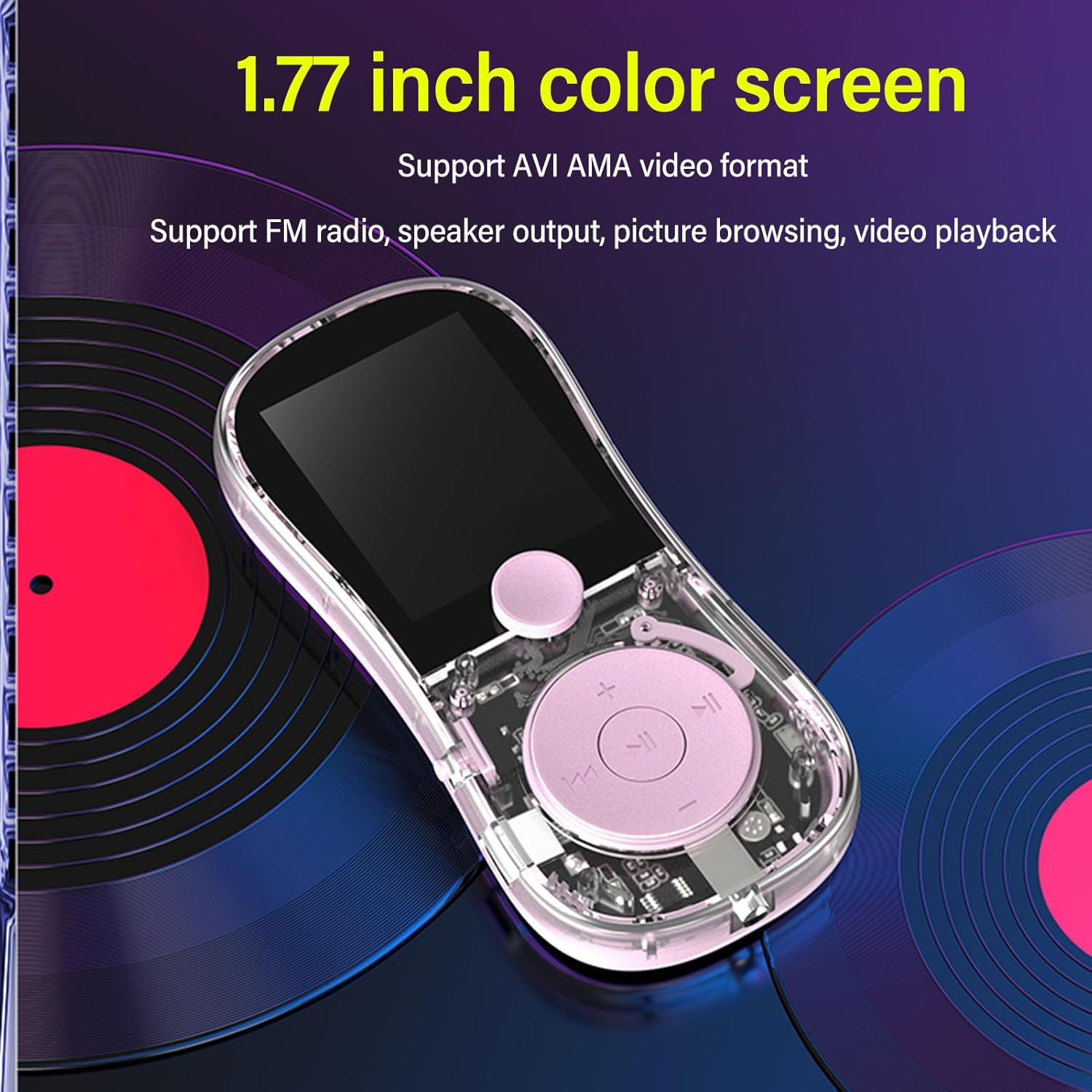
Figura 1: Quddiem view of the MP3 MP4 Player highlighting the 1.77-inch color screen and main controls. The screen supports AVI and AMA video formats, and the device features FM radio, speaker output, picture browsing, and video playback.

Figura 2: Illustration of the fingertip gyroscope feature, designed for stress relief and interactive play. The device can be spun like a fidget spinner.

Figura 3: Wara view of the player, showing the built-in speaker grille, TF-CARD slot for expandable memory, the On/Off switch, and the USB charging port.
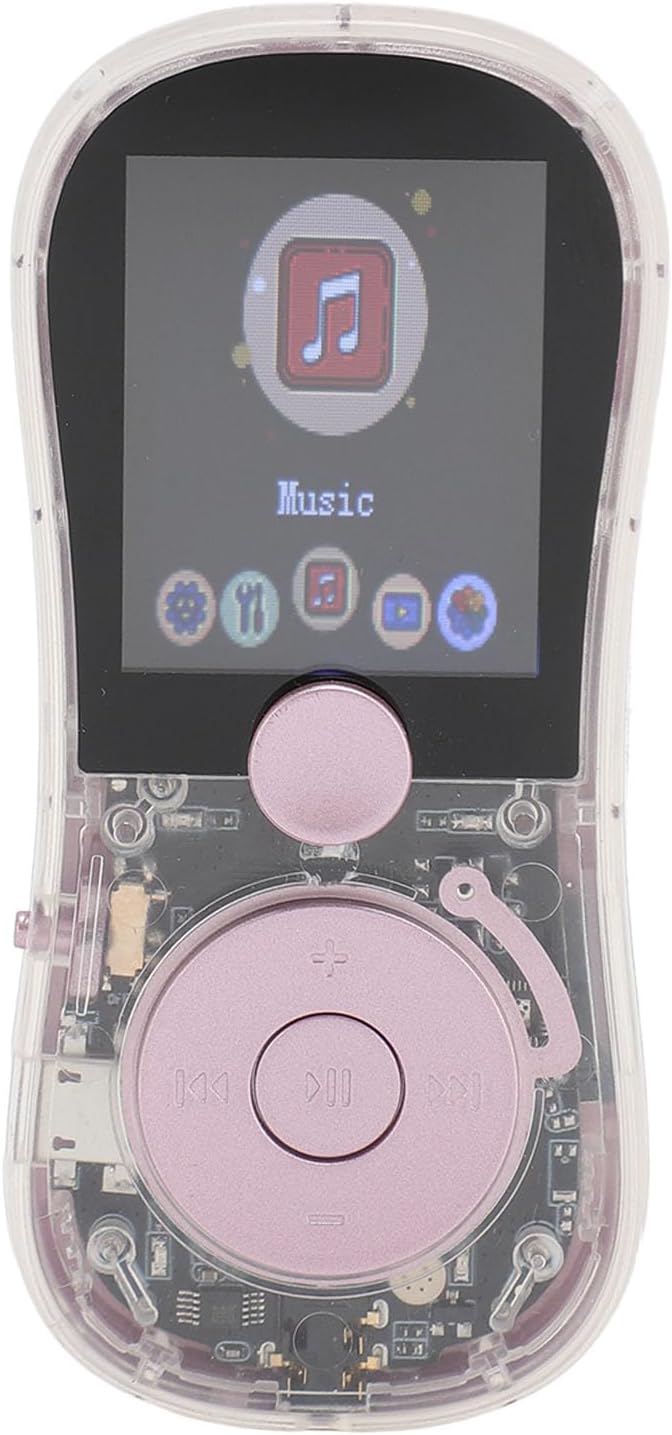
Figura 4: Close-up of the player's front, displaying the screen with the 'Music' icon selected and other menu options visible, along with the central control buttons.
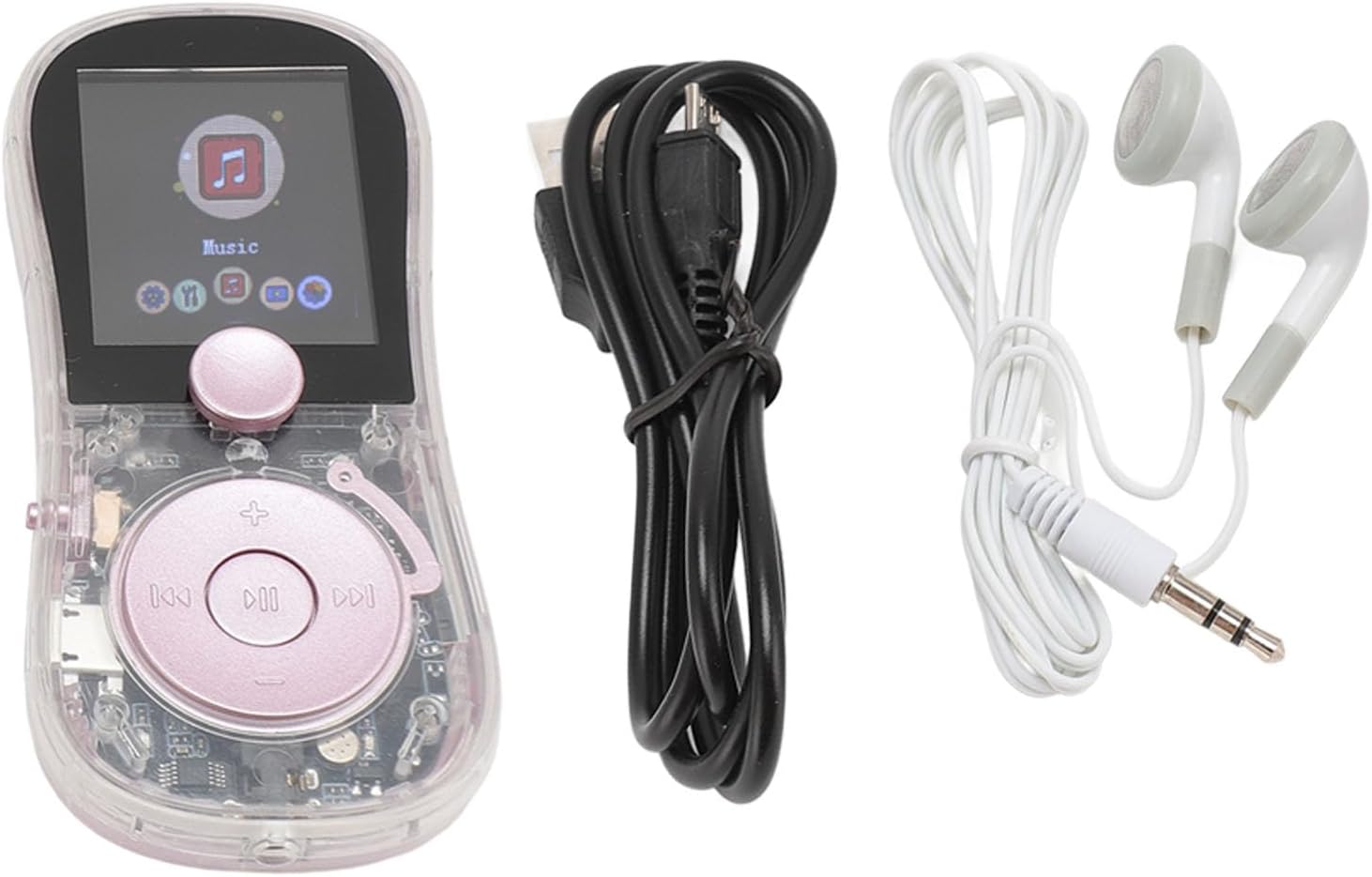
Figura 5: The MP3 MP4 Player shown alongside its included accessories: a pair of wired earphones and a USB data cable for charging and data transfer.
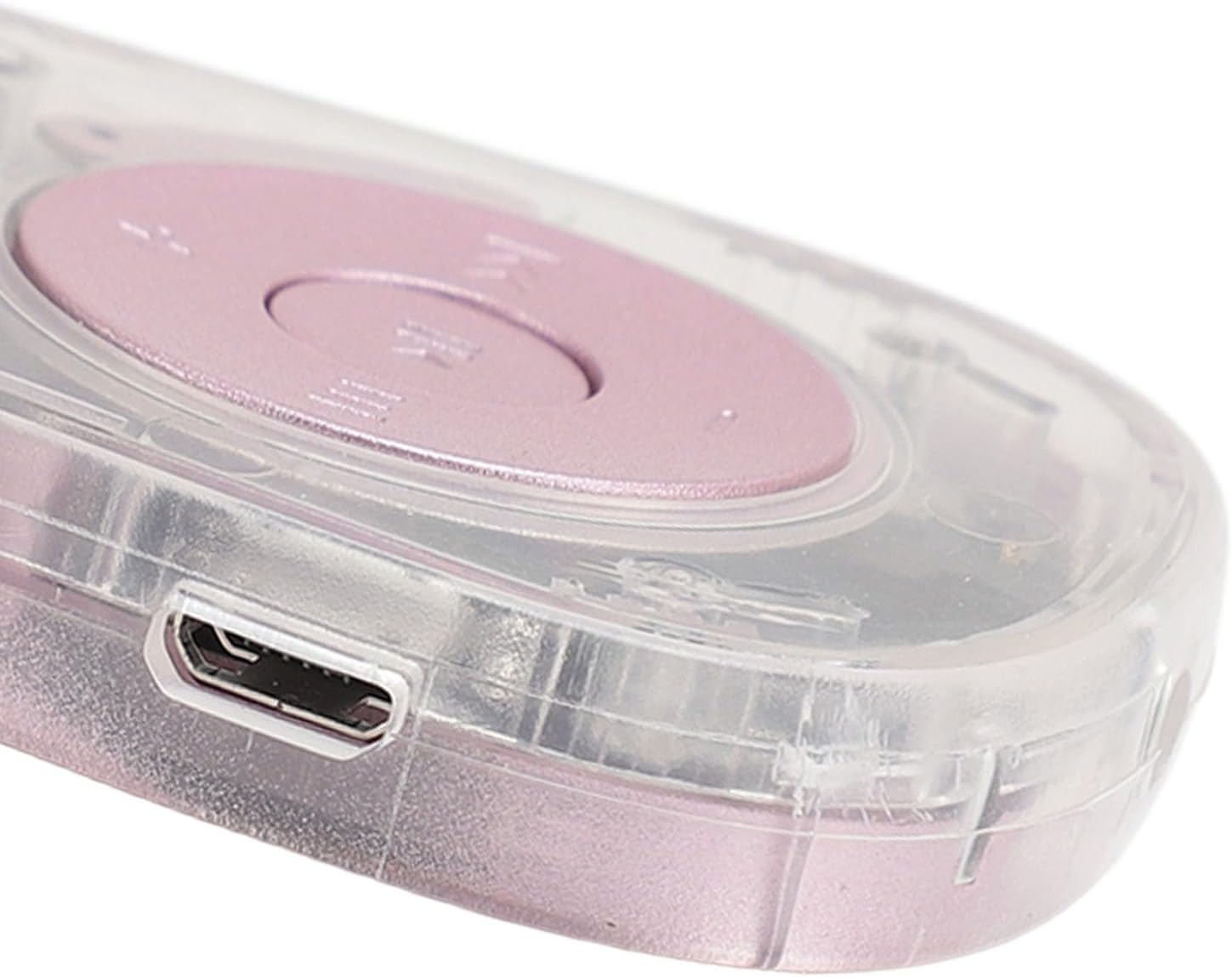
Figura 6: Side profile of the player, illustrating the sleek design and the location of a control button or port.
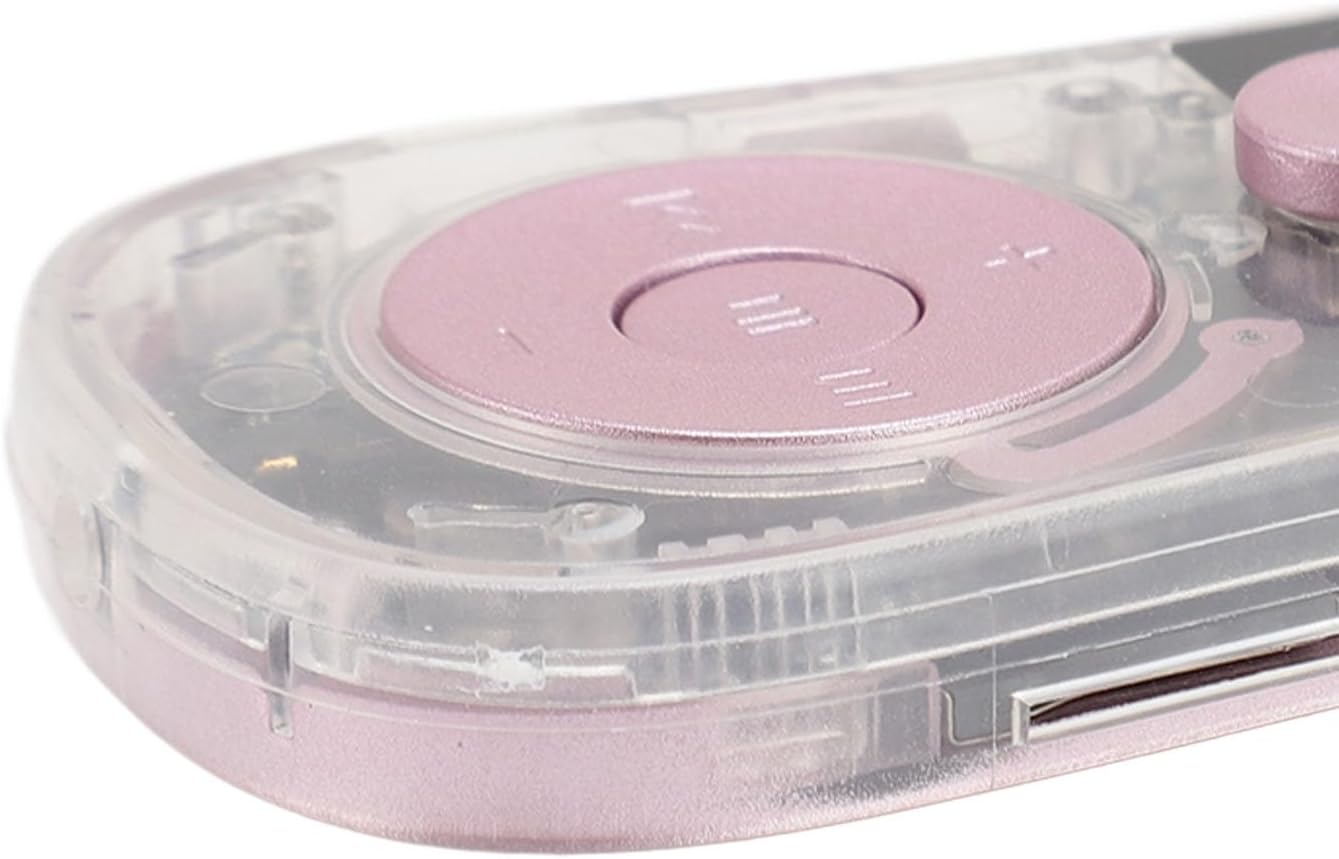
Figura 7: Dettaljati view of the micro-USB charging and data transfer port located on the side of the device.
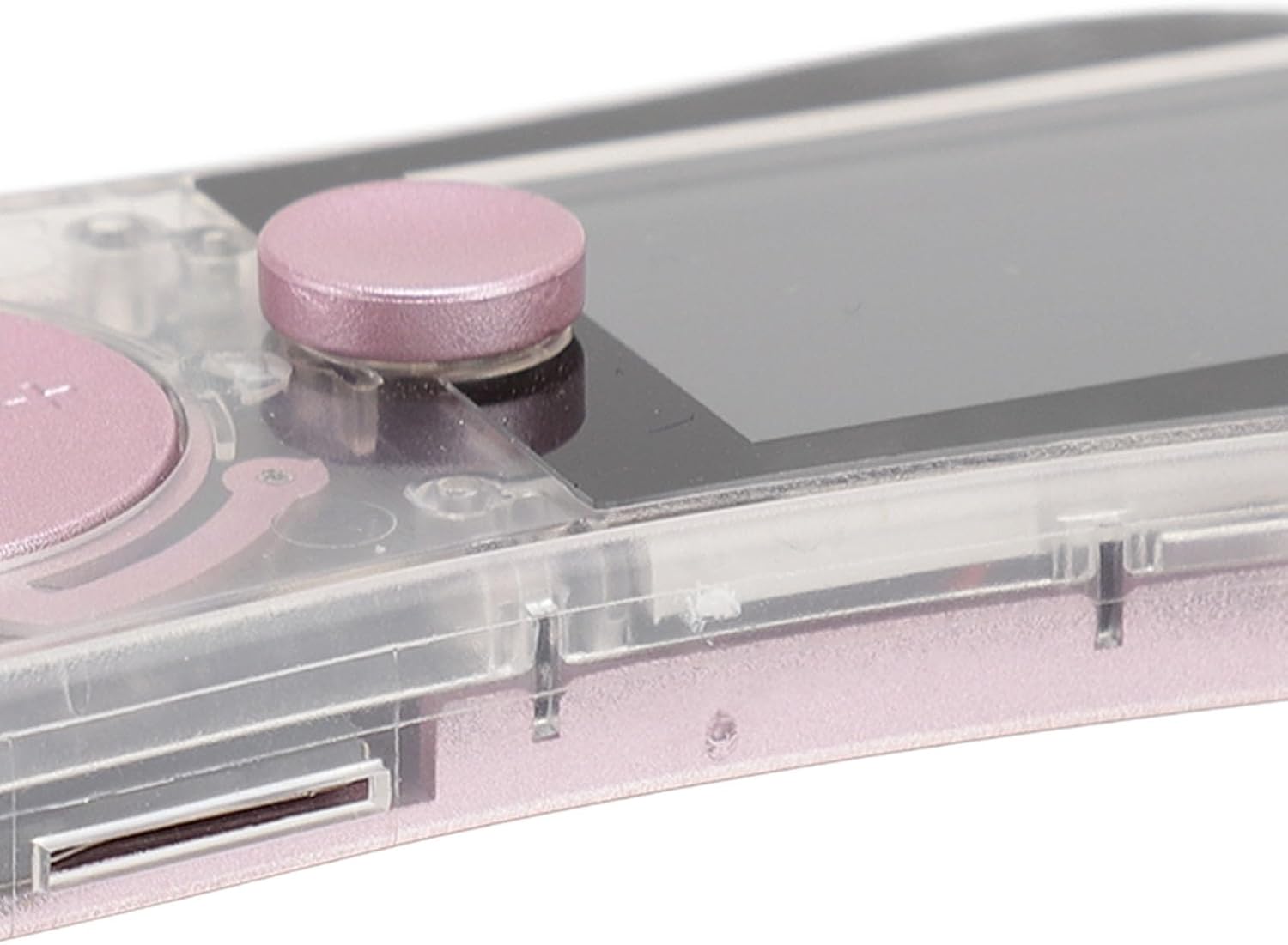
Figura 8: Dettaljati view of the TF-CARD (microSD card) slot, allowing for expandable storage up to 128GB.
Setup
1. Iċċarġjar tal-Apparat
Before first use, fully charge the MP3 MP4 Player. Connect the provided USB data cable to the device's charging port (refer to Figure 7) and plug the other end into a USB power adapter (not included) or a computer's USB port. A full charge typically takes approximately 2 hours. The battery indicator on the screen will show charging status.
2. Daħħal Kard tal-Memorja
The device supports a TF-CARD (microSD card) up to 128GB for expanded storage (card not included). Locate the TF-CARD slot on the side of the player (refer to Figure 8). Gently insert the memory card into the slot until it clicks into place. To remove, push the card in slightly until it springs out.
3. Power On/Off
- Biex Tixgħel: Slide the 'ON/OFF' switch (refer to Figure 3) to the 'ON' position. The screen will light up.
- Biex Tifi: Slide the 'ON/OFF' switch to the 'OFF' position. The device will shut down.
Istruzzjonijiet Operattivi
1. Navigazzjoni Bażika
Use the central control buttons (refer to Figure 4) to navigate through menus and select options. The central button typically acts as 'Enter' or 'Confirm', while surrounding buttons control direction or specific functions like volume and track skipping.
2. Daqq tal-mużika
- From the main menu, select the 'Music' icon.
- Browse your music files by artist, album, or folder.
- The player supports MP3, WAV, WMA, FLAC, and APE audio formats.
- Connect the included earphones for private listening or use the built-in speaker.
3. Daqq tal-vidjo
- Select the 'Video' icon from the main menu.
- The device supports AVI and AMA video formats. Ensure your video files huma f'format kompatibbli għad-daqq.
4. Radju FM
- To use the FM radio, connect the wired earphones as they act as an antenna.
- Agħżel l-ikona 'Radju' mill-menù prinċipali.
- Use the navigation buttons to scan for stations or manually tune to a frequency.
5. Reġistrazzjoni tal-Vuċi
- Select the 'Recording' icon.
- Follow the on-screen prompts to start, pause, and save recordings.
6. E-Book Reading
- Select the 'E-Book' icon.
- The player supports TXT format e-books.
- Navigate through pages using the control buttons.
7. Fingertip Gyroscope Function
The device incorporates a fingertip gyroscope design. Hold the player and spin the central part to engage this stress-relieving feature. This can be used independently or while listening to music.
8. Funzjonijiet Oħra
The player also includes additional utilities:
- Kronometru: Għal avvenimenti ta' kejl tal-ħin.
- Dizzjunarju: For quick word lookups.
- Kalendarju: Biex view dati.
- Picture Browsing: View JPG and JPEG image files.
Manutenzjoni
- Tindif: Uża drapp artab u niexef biex tnaddaf l-apparat. Evita prodotti tat-tindif likwidi jew materjali li joborxu.
- Kura tal-batterija: Biex ittawwal il-ħajja tal-batterija, evita li tiċċarġja kompletament il-batterija ta' spiss. Iċċarġja l-apparat regolarment, anke jekk ma jkunx qed jintuża għal perjodi twal.
- Ħażna: Aħżen il-plejer f'post frisk u niexef 'il bogħod mix-xemx diretta, temperaturi estremi, u umdità.
- Ġestjoni tad-Data: Regolarment back up importanti files from your device to a computer to prevent data loss.
Issolvi l-problemi
| Problema | Soluzzjoni Possibbli |
|---|---|
| L-apparat ma jixgħelx. | Ensure the battery is charged. Connect the device to a power source and try again. Check the 'ON/OFF' switch position. |
| Cannot hear audio. | Check the volume level. Ensure earphones are properly connected or the built-in speaker is enabled. Test with different earphones. |
| Files mhumiex rikonoxxuti. | Ivverifika li l- files are in a supported format (e.g., MP3 for music, AVI for video, TXT for e-books). Ensure the memory card is inserted correctly and not corrupted. |
| Ir-Radju FM mhux qed jaħdem. | Ensure wired earphones are plugged in, as they function as the antenna. Try scanning for stations again. |
| L-apparat jiffriża jew ma jibqax jirrispondi. | Try powering off the device and then powering it back on. If the issue persists, allow the battery to fully discharge and then recharge. |
Speċifikazzjonijiet
| Isem tal-Mudell: | LICAEVEYv5op3cu190-11 |
| Materjal: | ABS |
| Batterija: | Built-in 200mAh Lithium Ion Battery |
| Tip ta' Skrin: | Skrin tal-Kulur ta '1.77 Pulzier |
| Formati tal-Mużika: | MP3, WAV, WMA, FLAC, APE |
| Formati tal-vidjo: | AVI, AMA |
| Formati tal-Immaġni: | JPG, JPEG |
| Format tal-Ktieb Elettroniku: | TXT |
| Memorja espansibbli: | Supports TF-CARD (microSD) up to 128GB (card not included) |
| Funzjonijiet oħra: | Fingertip Gyroscope, Radio, Recording, Stopwatch, Dictionary, Built-in Speaker |
Garanzija u Appoġġ
Specific warranty information is not provided in the product data. For warranty claims or technical support, please refer to the contact information provided by your retailer or the manufacturer's official websit.