
1. Prodott Aktarview
The Philips S1108 is a compact and portable Bluetooth speaker designed for versatile audio playback. It features 3W RMS mono sound, TWS stereo pairing capability, vibrant LED light effects, and convenient USB-C charging. This manual provides essential information for setting up, operating, and maintaining your speaker.
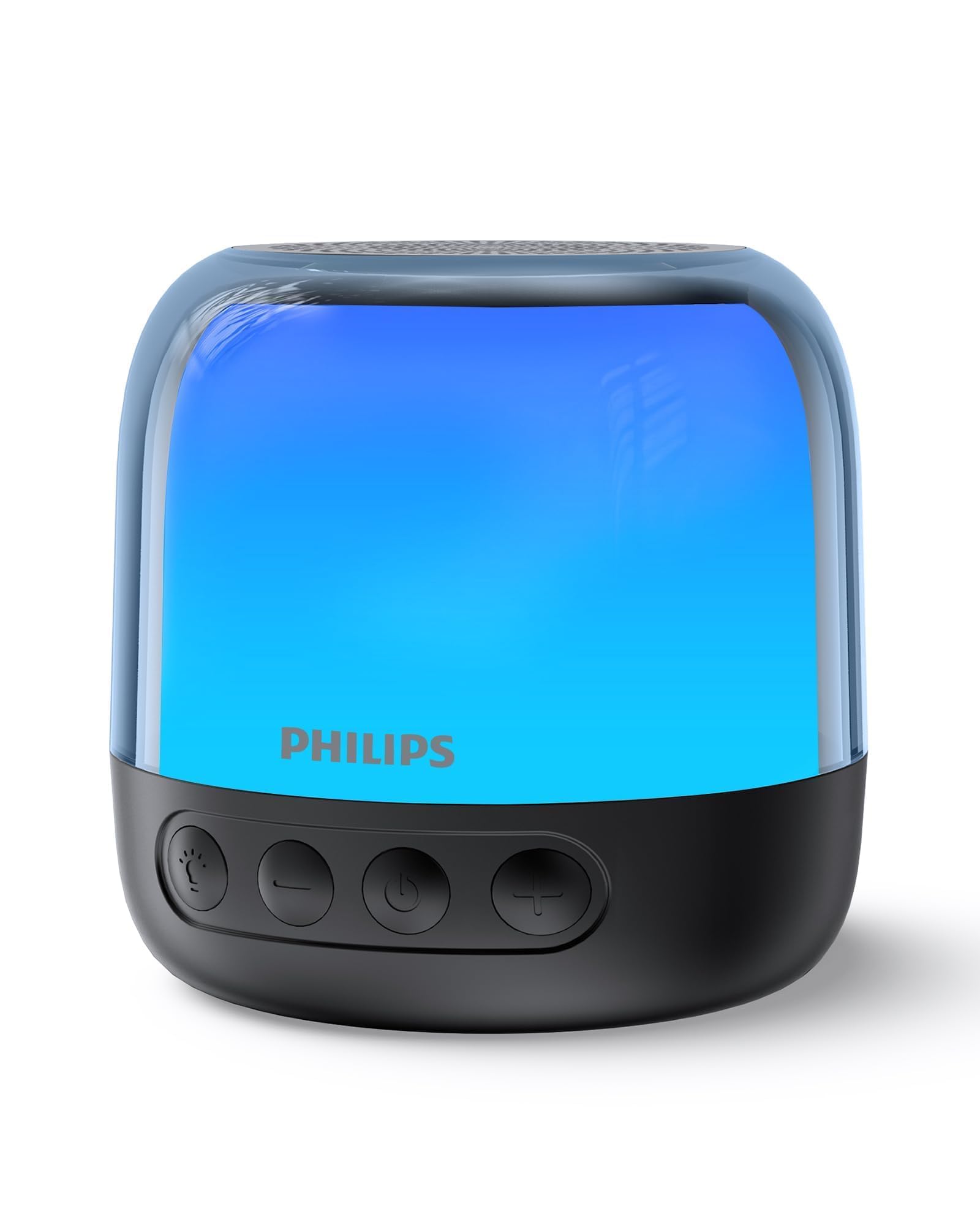
Figure 1: Philips S1108 Portable Bluetooth Speaker
2. X'hemm fil-Kaxxa
Carefully unpack the contents of the box. Ensure all items are present and in good condition.
- Philips S1108 Portable Bluetooth Speaker
- Gwida ta' Installazzjoni Mgħaġġla
- Safety Warranty Sheet
- Ċinga tal-Ġarr
- USB Charging Cable (USB-C)
3. Karatteristiċi tal-prodott
- Immersive 3W RMS Mono Sound: Experience clear and rich audio with a 52mm full-range driver.
- Tqabbil Stereo TWS: Connect two identical S1108 speakers for a true stereo sound experience.
- Vibrant LED Light Effects: Choose from multiple lighting modes, including multi-colored lights and a soft white night light.
- Long-lasting 9-Hour Playtime: Gawdi sessjonijiet ta' smigħ estiżi b'ċarġ wieħed.
- Iċċarġjar Konvenjenti permezz ta' USB-C: Quickly recharge the speaker with the included USB-C cable.
- Bluetooth & TF Card Playback: Stream music wirelessly or play directly from a TF card.
4. Setup
4.1 Ħlas Inizjali
Before first use, fully charge the speaker. Connect the provided USB-C cable to the speaker's charging port and the other end to a USB power adapter (not included).
4.2 Power On/Off
Agħfas u żomm il-buttuna tal-qawwa (⏻) located on the front of the speaker to turn it on or off.
4.3 Tqabbil tal-Bluetooth
- Ensure the speaker is powered on and in pairing mode (LED indicator will flash).
- Fuq it-tagħmir mobbli tiegħek, ippermetti l-Bluetooth u fittex tagħmir disponibbli.
- Select "Philips S1108" from the list to connect.
- Once connected, the speaker will emit an audible confirmation, and the LED indicator will show a steady light.

Figure 2: Connecting to the speaker via Bluetooth.
Tqabbil ta' 4.4 TWS (Stereo Wireless Veru)
To achieve a true stereo sound experience, you can pair two identical Philips S1108 speakers.
- Ensure both S1108 speakers are powered on and not connected to any Bluetooth device.
- On one speaker (this will be the primary speaker), press and hold the TWS button (often indicated by a chain link icon or similar) until you hear a pairing tone.
- Il-kelliem primarju se jfittex awtomatikament il-kelliem sekondarju.
- Once successfully paired, both speakers will emit a confirmation tone, and their LED indicators will synchronize.
- Connect your mobile device to the primary speaker via Bluetooth as described in section 4.3.
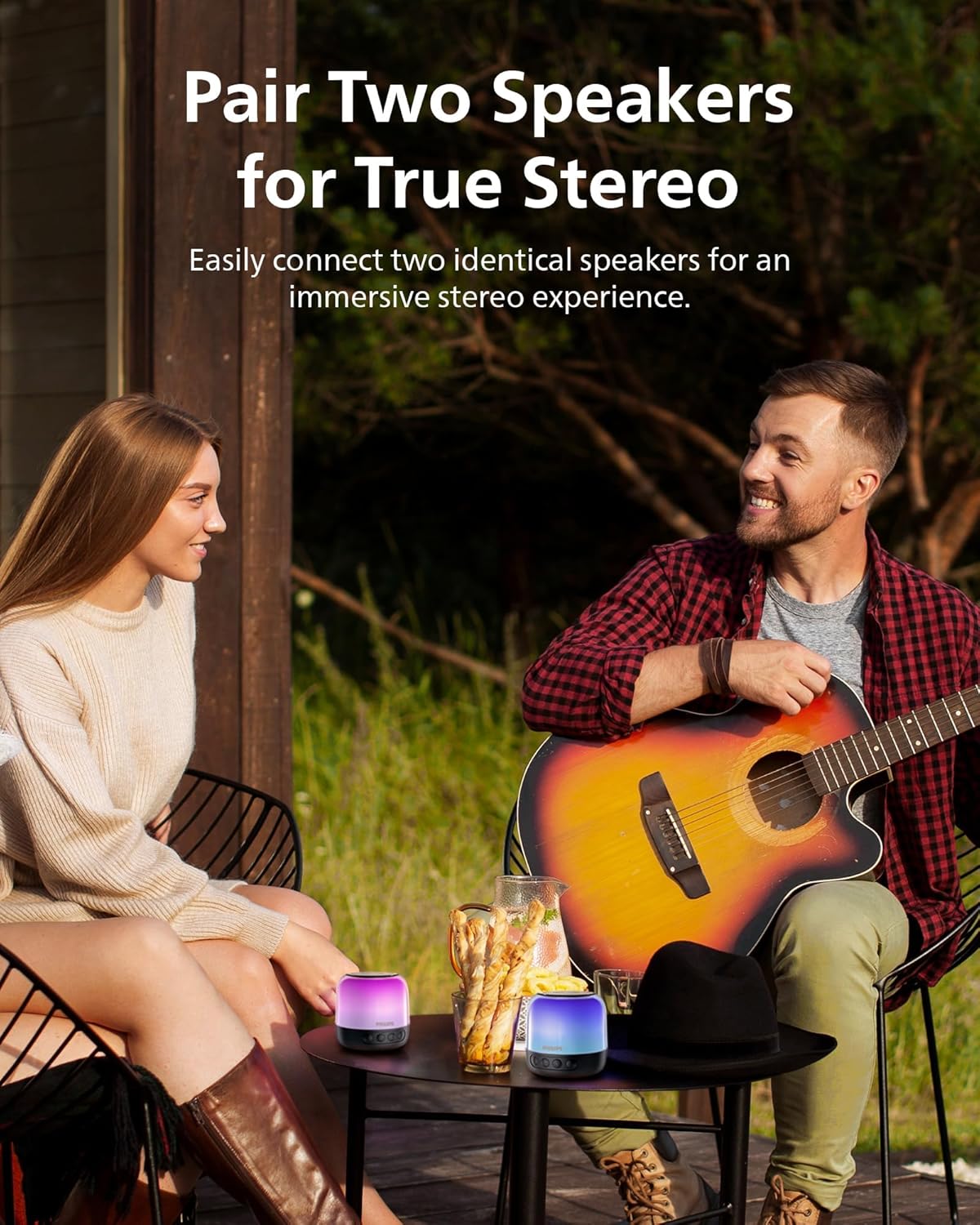
Figure 3: Two speakers paired for TWS stereo sound.
5. Istruzzjonijiet Operattivi
5.1 Kontrolli Bażiċi
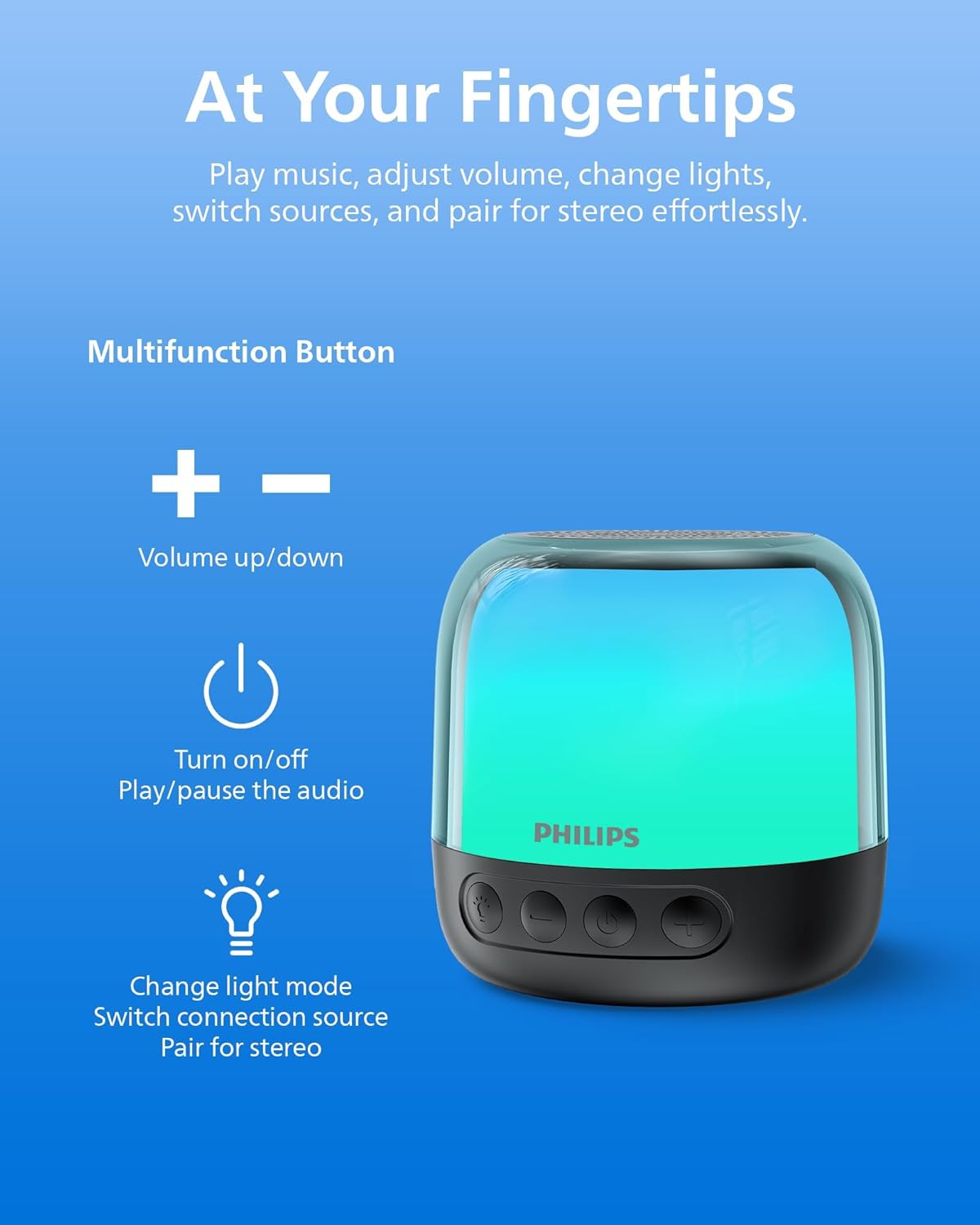
Figure 4: Speaker control buttons.
| Buttuna | Funzjoni |
|---|---|
| ⏻ (Qawwa) | Press and hold to Power On/Off. Short press to Play/Pause audio. |
| + (Volum Għoli) | Agħfas qasir biex iżżid il-volum. Agħfas fit-tul għat-trakka li jmiss. |
| - (Volum 'l isfel) | Agħfas qasir biex tnaqqas il-volum. Agħfas fit-tul għat-trakka ta' qabel. |
| Buttuna Dawl/Modalità | Short press to cycle through LED light modes. Long press to switch between Bluetooth and TF Card modes. |
| Buttuna TWS | Press and hold to initiate TWS pairing (for two identical speakers). |
5.2 Modalità tad-Dawl LED
The speaker offers various LED light modes to enhance your listening experience. Short press the Light/Mode button to cycle through the available options, including multi-colored effects and a soft white night light.
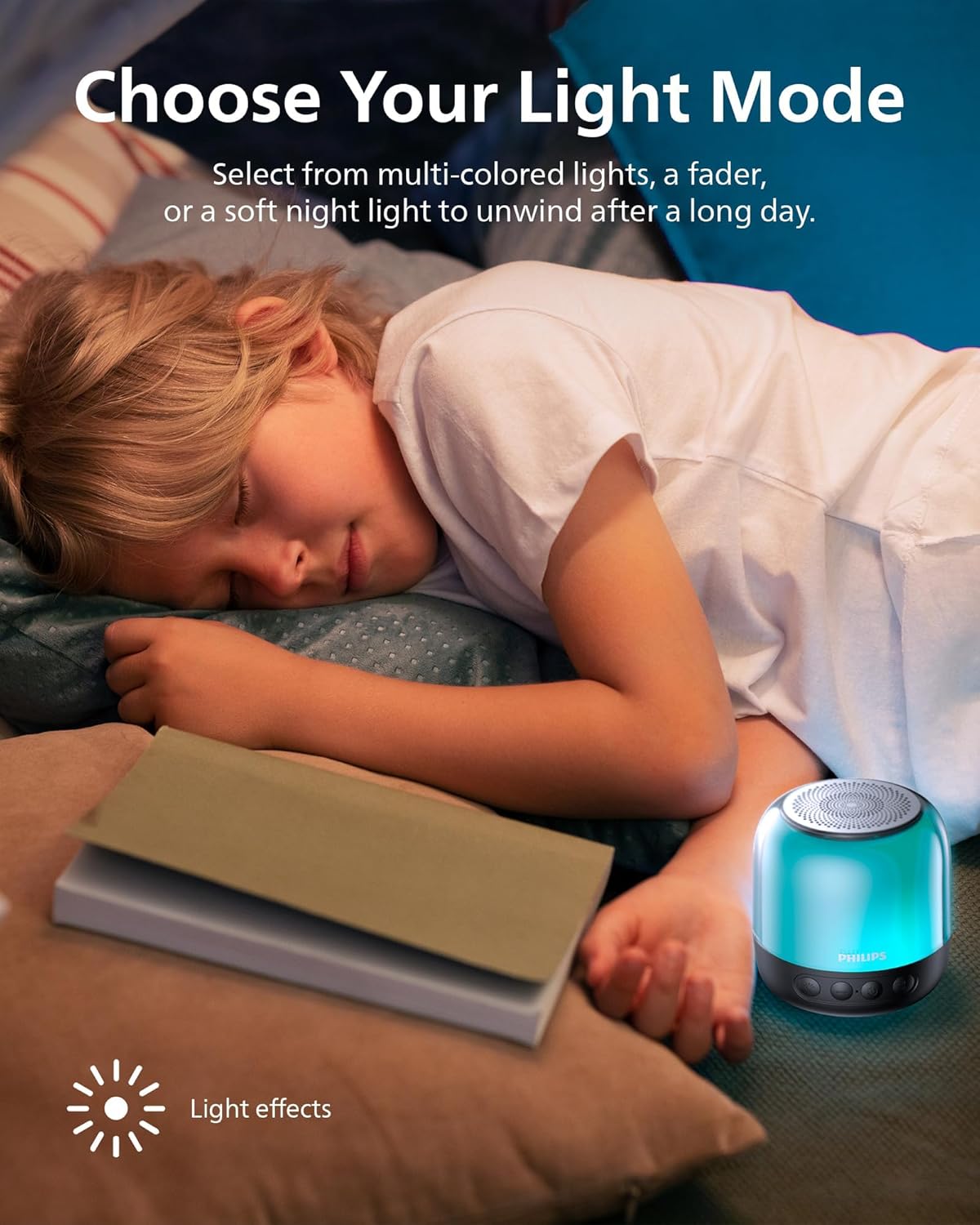
Figure 5: Speaker showcasing different LED light modes.
Daqq tal-Karta TF 5.3
Insert a TF (MicroSD) card with your desired audio files into the designated slot on the speaker. The speaker will automatically switch to TF Card mode. If it does not, long press the Light/Mode button to switch input sources.

Figure 6: TF card slot and USB-C charging port.
6. Iċċarġja l-Ispeaker
The Philips S1108 speaker is equipped with a built-in rechargeable battery providing up to 9 hours of playtime. When the battery is low, the LED indicator may change or flash, and an audible alert might sound.
- Connect the provided USB-C cable to the speaker's USB-C charging port.
- Qabbad it-tarf l-ieħor tal-kejbil USB-C ma' sors ta' enerġija USB kompatibbli (eż., adapter tal-ħajt, port USB tal-kompjuter).
- The LED indicator will show charging status (e.g., solid red while charging, off or green when fully charged).

Figure 7: Speaker indicating 9 hours of playtime on a full charge.
7. Speċifikazzjonijiet
| Karatteristika | Dettall |
|---|---|
| Brand | Philips |
| Numru tal-Mudell | TAS1108BK/37 |
| Tip ta' Kelliem | Speaker Bluetooth portabbli |
| Teknoloġija tal-Konnettività | Bluetooth 5.3 |
| Modalità tal-Ħruġ tal-Awdjo | Stereo (bit-tqabbil tat-TWS) |
| Qawwa tal-Ħruġ Massimu tal-Ispeaker | 6 Watts |
| Dijametru tal-Woofer | 52 Millimetru |
| Rispons ta' Frekwenza | 16 KHz |
| Ħajja Medja tal-Batterija | 9 Sigħat |
| Sors tal-Enerġija | Li jaħdem bil-batterija (batterija tal-jone tal-litju meħtieġa) |
| Metodu ta' Kontroll | Touch Buttuni |
| Karatteristiċi Addizzjonali | LED Light, Stereo Pairing, USB Port (for charging) |
| Dimensjonijiet tal-oġġett (D x W x H) | 3.07"D x 3.19"W x 3.19"H |
| Huwa Waterproof | Falza |
8. Manutenzjoni
- Tindif: Uża drapp artab u niexef biex tnaddaf il-barra tal-ispiker. Tużax prodotti tat-tindif jew solventi li joborxu.
- Ħażna: Aħżen l-ispiker f'post frisk u niexef 'il bogħod mix-xemx diretta u minn temperaturi estremi.
- Kura tal-batterija: Biex ittawwal il-ħajja tal-batterija, evita li tiċċarġja kompletament il-batterija ta’ spiss. Iċċarġja l-ispiker regolarment, anke jekk ma jkunx qed jintuża għal perjodi twal.
- Espożizzjoni għall-Ilma: Dan l-ispiker mhuwiex reżistenti għall-ilma. Evita li tesponih għall-ilma jew umdità eċċessiva.
9 Issolvi l-problemi
| Problema | Kawża Possibbli | Soluzzjoni |
|---|---|---|
| L-ispeaker ma jixgħelx. | Il-batterija hija eżawrita. | Iċċarġja l-kelliem billi tuża l-kejbil USB-C ipprovdut. |
| Ma tistax tqabbad permezz tal-Bluetooth. | L-ispiker mhux fil-modalità ta' tqabbil jew diġà konness ma' apparat ieħor. | Ensure the speaker is powered on and the LED indicator is flashing. Disconnect from other devices if necessary. Restart Bluetooth on your mobile device. |
| L-ebda ħoss jew volum baxx. | Il-volum fuq l-ispiker jew fuq l-apparat konness huwa baxx wisq. | Żid il-volum kemm fuq l-ispiker kif ukoll fuq l-apparat konness tiegħek. |
| It-tqabbil tat-TWS ifalli. | Speakers are not identical or too far apart. | Ensure both speakers are Philips S1108 models. Place them within close proximity (within 1 meter) during pairing. |
| TF Card not recognized. | Card is not inserted correctly or is corrupted. | Reinsert the TF card. Ensure the card is formatted correctly and contains compatible audio files. Long press the Light/Mode button to switch to TF Card mode. |
10. Garanzija u Appoġġ
This Philips S1108 Portable Bluetooth Speaker comes with a 1 Sena Garanzija tal-Manifattur. Please refer to the included Safety Warranty Sheet for detailed terms and conditions.
For technical support or warranty claims, please contact Philips customer service or visit their official support websit. Żomm il-prova tax-xiri tiegħek għall-validazzjoni tal-garanzija.
11. Vidjows tal-Prodott
11.1 Portable Bluetooth Speaker Overview
Vidjo 1: Overview of the Philips S1108 Portable Bluetooth Speaker, highlighting its portability, LED light features, and ease of use for various environments.
11.2 Speaker Features and Connectivity
Video 2: Demonstrates the compact size, durability, Bluetooth pairing process, LED light mode changes, and the ability to answer calls through the speaker.