
1. Introduzzjoni
This manual provides detailed instructions for the Varmilo Sword68 Sakura 65% Hotswap Wireless RGB Mechanical Keyboard. Please read this manual thoroughly before using the product to ensure proper operation and to maximize its lifespan. This keyboard features a full 6063 aluminum CNC case, multiple connectivity options, hot-swappable switches, and customizable RGB lighting.
2. Informazzjoni dwar is-Sigurtà
- Żomm it-tastiera 'l bogħod minn likwidi u umdità eċċessiva biex tevita l-ħsara.
- Evita li tesponi t-tastiera għal temperaturi estremi.
- Tippruvax tiżżarma jew timmodifika t-tastiera, għax dan jista' jannulla l-garanzija u jikkawża ħsara.
- Uża biss il-kejbil USB-C provdut għall-iċċarġjar u l-konnessjoni bil-fili.
- Żomm fejn ma jintlaħaqx mit-tfal.
3. Kontenut tal-Pakkett
Ivverifika li l-oġġetti kollha huma preżenti fil-pakkett:
- Varmilo Sword68 Mechanical Keyboard
- USB-C Cable
- Puller tal-Keycap (jista' jkun inkluż)
- Puller tas-Swiċċ (jista' jkun inkluż)
4. Setup
4.1 Iċċarġjar inizjali
Before first use, connect the keyboard to a USB power source using the provided USB-C cable. The keyboard features a 4000mAh rechargeable battery. A full charge is recommended for optimal wireless performance.
4.2 Għażliet ta' Konnettività
The Varmilo Sword68 supports three connection modes:
- Bil-fili (USB-C): Connect the keyboard directly to your computer using the USB-C cable. The keyboard will automatically switch to wired mode.
- Bluetooth 5.0:
- Turn on the keyboard and switch to Bluetooth mode (refer to the keyboard's function keys for mode switching).
- Fuq l-apparat tiegħek (PC, laptop, smartphone, tablet), attiva l-Bluetooth u fittex apparati ġodda.
- Select 'Varmilo Sword68' from the list of available devices to pair.
- 2.4 GHz bla fili:
- Daħħal ir-riċevitur USB ta' 2.4 GHz f'port USB disponibbli fuq il-kompjuter tiegħek.
- Switch the keyboard to 2.4 GHz wireless mode (refer to the keyboard's function keys for mode switching). The keyboard should automatically connect to the receiver.
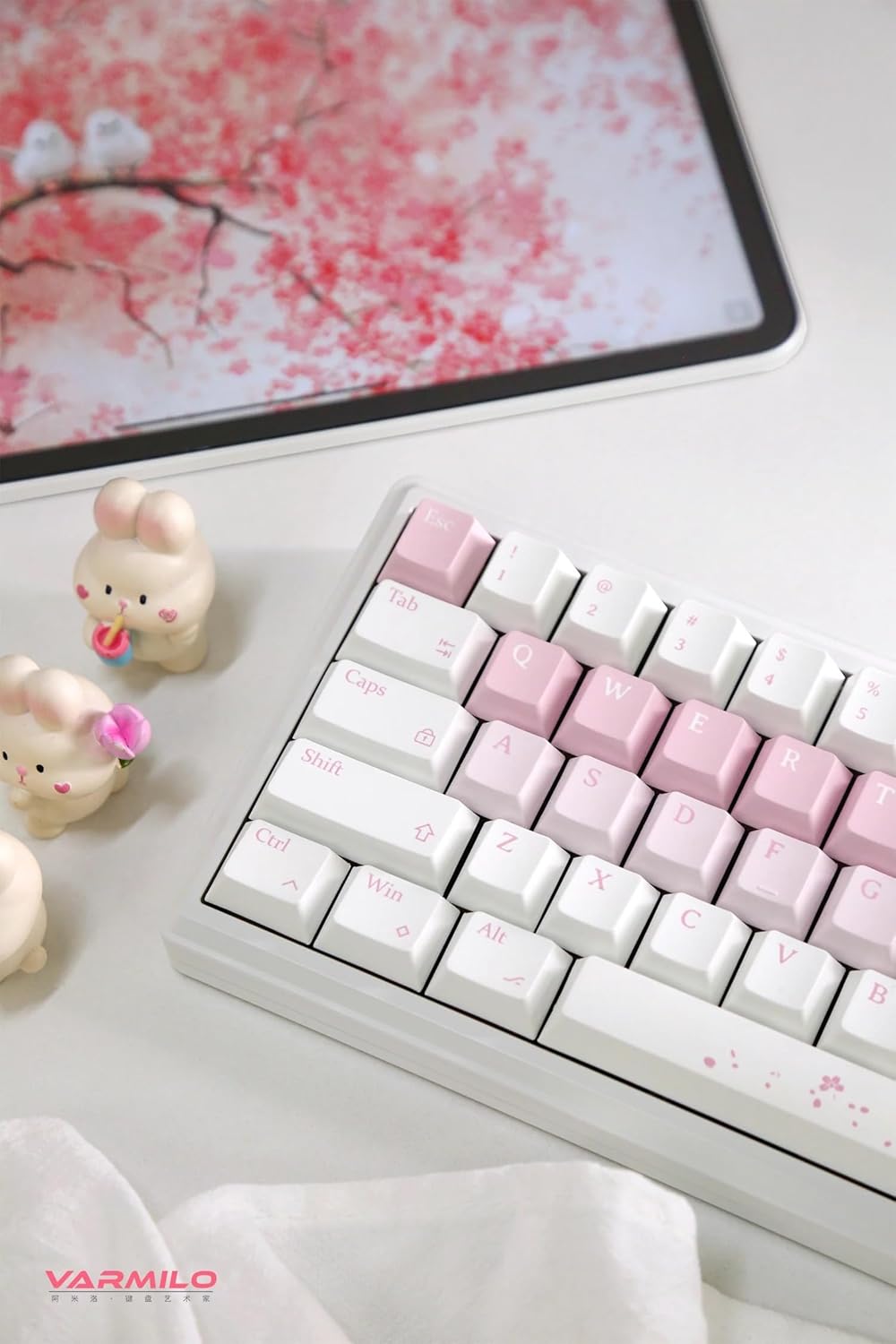
Image: The Varmilo Sword68 keyboard set up on a desk, demonstrating its compact size and aesthetic design alongside a tablet.
5. Joperaw
5.1 Funzjonijiet Bażiċi tat-Tastiera
The Varmilo Sword68 functions as a standard 65% mechanical keyboard. All keys perform their labeled functions. For secondary functions (accessed via the Fn key), refer to the keycap legends or the custom software.

Immaġni: Dettaljata view of the Varmilo Sword68 keyboard's right side, highlighting the white and pink keycaps and the Sakura-themed spacebar and escape key.
5.2 Backlighting RGB
The keyboard features RGB backlighting. Lighting effects and colors can be customized using the dedicated software. Refer to the software's instructions for detailed customization options.
5.3 Custom Layout Control
The Varmilo Sword68 supports custom layout control through its software. This allows users to remap keys, create macros, and personalize the keyboard's functionality to suit their workflow or gaming preferences.
5.4 Swiċċijiet li jistgħu jinbidlu bis-sħana
The PCB is hot-swappable, allowing users to change mechanical switches without soldering. This feature supports both plate mount and PCB mount stabilizers. To replace a switch:
- Gently remove the keycap using a keycap puller.
- Use a switch puller to carefully extract the switch from the PCB.
- Allinja l-labar tas-swiċċ il-ġdid mat-toqob fuq il-PCB u agħfas sew sakemm tikklikkja f'posthom. Kun żgur li l-labar mhumiex mgħawġa.

Immaġni: Close-up view of the Varmilo Sword68 keyboard, showcasing the arrangement of its white and pink keycaps and the decorative spacebar.
6. Manutenzjoni
6.1 Tindif tat-Tastiera
Biex iżżomm id-dehra u l-funzjonalità tat-tastiera:
- Skonnettja t-tastiera mis-sorsi kollha tal-enerġija qabel ma tnaddafha.
- Uża drapp ratba u mingħajr ħelu ftit dampened with water or a mild cleaning solution to wipe the keycaps and case.
- Għat-trab u l-fdalijiet bejn il-keycaps, uża arja kkompressata jew pinzell żgħir.
- Evita li tuża kimiċi ħarxa jew materjali li joborxu.
6.2 Kura tal-Keycap u s-Swiċċ
The Double Shot ABS keycaps are durable. If removing keycaps or switches, do so gently to avoid damaging the components or the PCB.
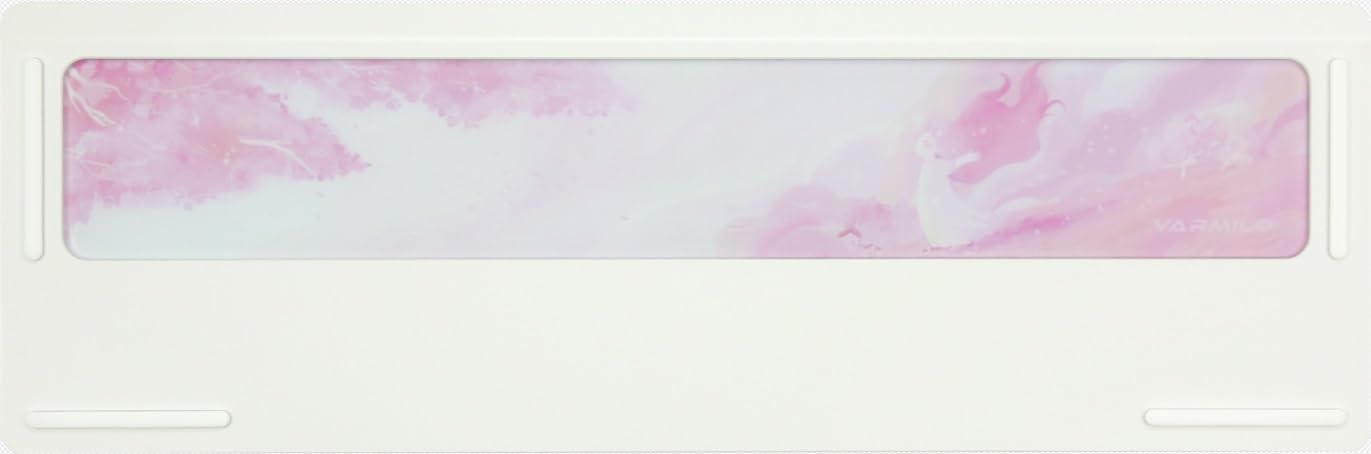
Image: The underside of the Varmilo Sword68 keyboard, revealing the frosted glass weight and rubber feet for stability.
7 Issolvi l-problemi
- It-tastiera ma tirrispondix: Ensure the USB-C cable is securely connected or that the wireless receiver is properly inserted and the keyboard is in the correct mode (wired, Bluetooth, 2.4 GHz). Check battery level if in wireless mode.
- Problemi ta' tqabbil bil-Bluetooth: Ensure the keyboard is in pairing mode and your device's Bluetooth is enabled. Try removing previous pairings and re-pairing.
- Id-dawl RGB mhux qed jaħdem: Check the software settings for RGB control. Ensure the keyboard is not in a low-power mode that disables lighting.
- Iċ-ċwievet mhux qed jirreġistraw: For hot-swappable switches, ensure the switch is fully seated and its pins are not bent. Try replacing the switch if the issue persists.
- Intermittent wireless connection: Ensure the keyboard is within range of the receiver/device and there are no significant obstructions or interference sources.
8. Speċifikazzjonijiet
| Brand | Varmilo |
| Mudell | Sword68 |
| ASIN | B0DMXL67WS |
| Teknoloġija tal-Konnettività | Bluetooth, USB-C |
| Deskrizzjoni tat-Tastiera | Mekkaniċi |
| Karatteristiċi Speċjali | Backlit, Hot-Swappable, Rechargeable |
| Appoġġ tal-Kulur tal-Backlighting tat-Tastiera | RGB |
| Materjal | Aluminju, Polikarbonat |
| Kapaċità tal-batterija | 4000mAh |
| Tappijiet ewlenin | Double Shot ABS |
| Assorbiment tal-Ħoss | 3x Poron foam, 2x PET foam, 1x IXPE foam |
| Materjal tal-Każ | 6063 Aluminum CNC with electrophoresis finish |
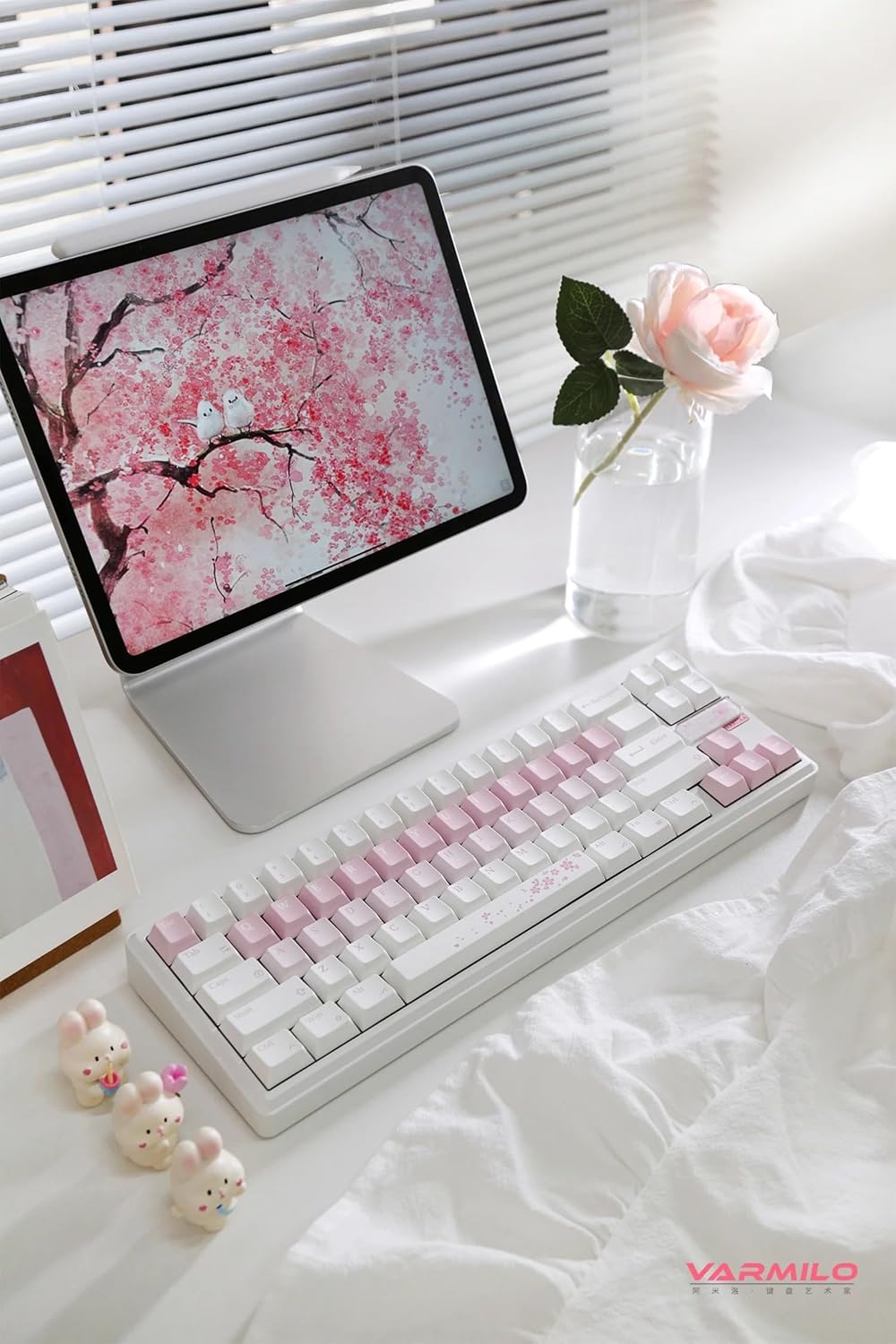
Immaġni: Kompleta view of the Varmilo Sword68 keyboard in a desk setup, showcasing its elegant design and compact form factor.
9. Garanzija u Appoġġ
For warranty information, technical support, or service inquiries, please refer to the official Varmilo webis-sit jew ikkuntattja l-appoġġ għall-klijenti tagħhom direttament. Żomm l-irċevuta tax-xiri tiegħek għal talbiet ta' garanzija.