
Introduzzjoni
The ASUS ROG Strix XG27UCDMG is a 27-inch 4K QD-OLED gaming monitor designed for high-performance visual experiences. It features a 240Hz refresh rate and 0.03ms response time, utilizing fourth-generation QD-OLED technology for sharp visuals and crisp text. Advanced features like OLED Anti-Flicker 2.0 and OLED Care Pro with Neo Proximity Sensor enhance viewing comfort and panel longevity.
X'inhu Inkluż
The following items are included with your ASUS ROG Strix XG27UCDMG monitor:
- XG27UCDMG gaming monitor
- Cable DisplayPort
- Kejbil HDMI b'Veloċità Ultra Għolja
- Drapp tal-mikrofibra
- Korda tal-enerġija
- Gwida tal-bidu ta 'malajr
- borża ROG
- Stiker tar-ROG
- Kejbil USB 3.2
- Kejbil USB-C
- Kit ta' muntatura VESA
- Karta ta' Garanzija

An image showing all the components included in the monitor's packaging, such as the monitor itself, various cables (DisplayPort, HDMI, USB-C, USB 3.2), a microfiber cloth, VESA mount kit, ROG pouch, ROG sticker, power cord, quick start guide, and warranty card.
Setup
Monitor Assemblea
Attach the stand base to the stand column, then secure the column to the monitor. Ensure all connections are firm.

A visual guide demonstrating the assembly of the monitor stand, showing how the base connects to the column and then to the monitor panel.
Konnessjoni ma' Apparat
Connect your computer or gaming console to the monitor using the appropriate cable (DisplayPort, HDMI, or USB-C).
For optimal performance, use the included DisplayPort 1.4 or HDMI 2.1 cables.
The USB-C port supports DisplayPort Alt Mode and 90W Power Delivery for compatible devices.
An image illustrating the various input ports on the back of the monitor, including DisplayPort 1.4, HDMI 2.1, USB-C (with PD), and USB hub ports.
Konnessjoni tal-Enerġija
Qabbad il-korda tal-enerġija mal-monitor u mbagħad ma' sokit tal-enerġija.
L-aġġustament tal-Pożizzjoni tal-Monitor
The monitor stand allows for height, tilt, swivel, and pivot adjustments for ergonomic viewing.

A series of diagrams showing the monitor's adjustable stand features, including height adjustment, swivel, pivot, and tilt capabilities.
It-tħaddim tal-Monitor
Qawwa mixgħul/mitfi
Agħfas il-buttuna tal-qawwa li tinsab fuq il-monitor biex tixgħelu jew titfih.
Menu tal-Wiri fuq l-Iskrin (OSD).
Use the joystick and buttons on the monitor to navigate and adjust settings in the OSD menu.
Karatteristiċi Ewlenin
4K QD-OLED Technology
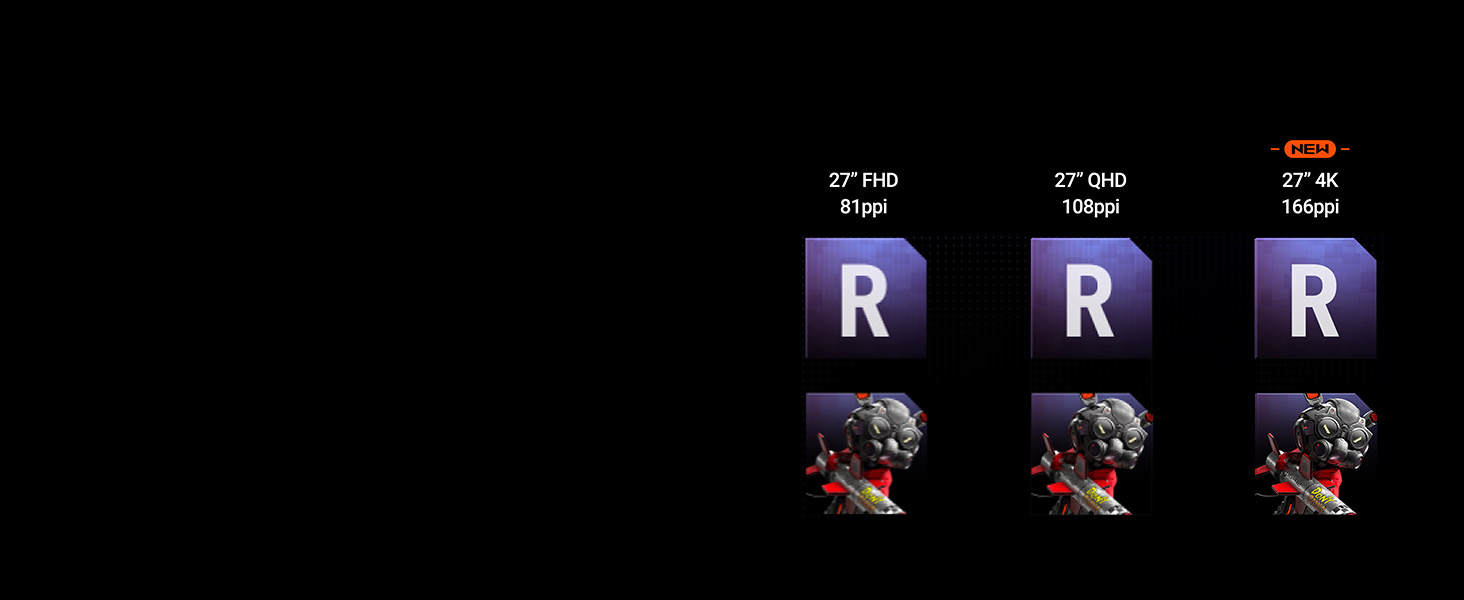
Experience supersharp images and crisp text with the latest 4th-generation QD-OLED panel, offering enhanced clarity and a longer lifespan.

A comparison image demonstrating the improved sharpness and pixel density of 4th-generation 4K QD-OLED technology compared to lower resolutions.
Rata ta' Aġġornament Għoli u Ħin ta' Rispons
Enjoy fluid motion with a 240Hz refresh rate and an ultra-fast 0.03ms response time, crucial for competitive gaming.
OLED Anti-Flicker 2.0
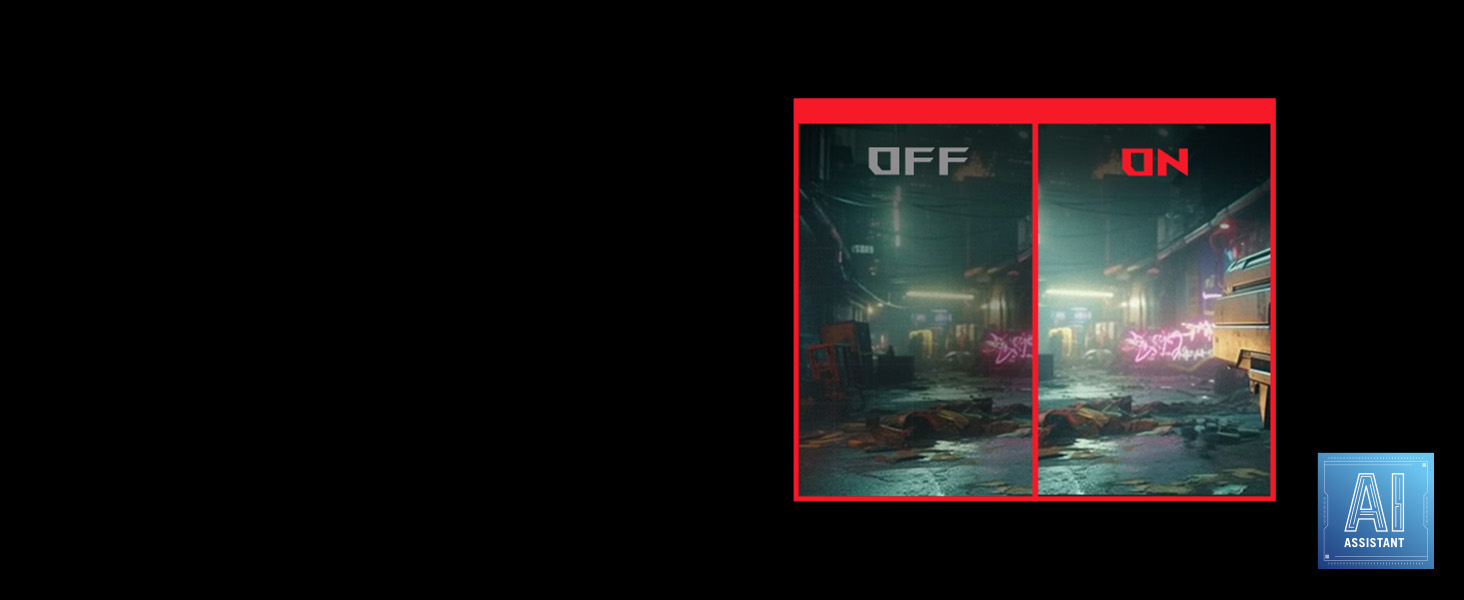
This technology reduces screen flicker by 20% compared to previous-generation panels, ensuring a more comfortable viewesperjenza ta' ing, speċjalment waqt użu estiż.
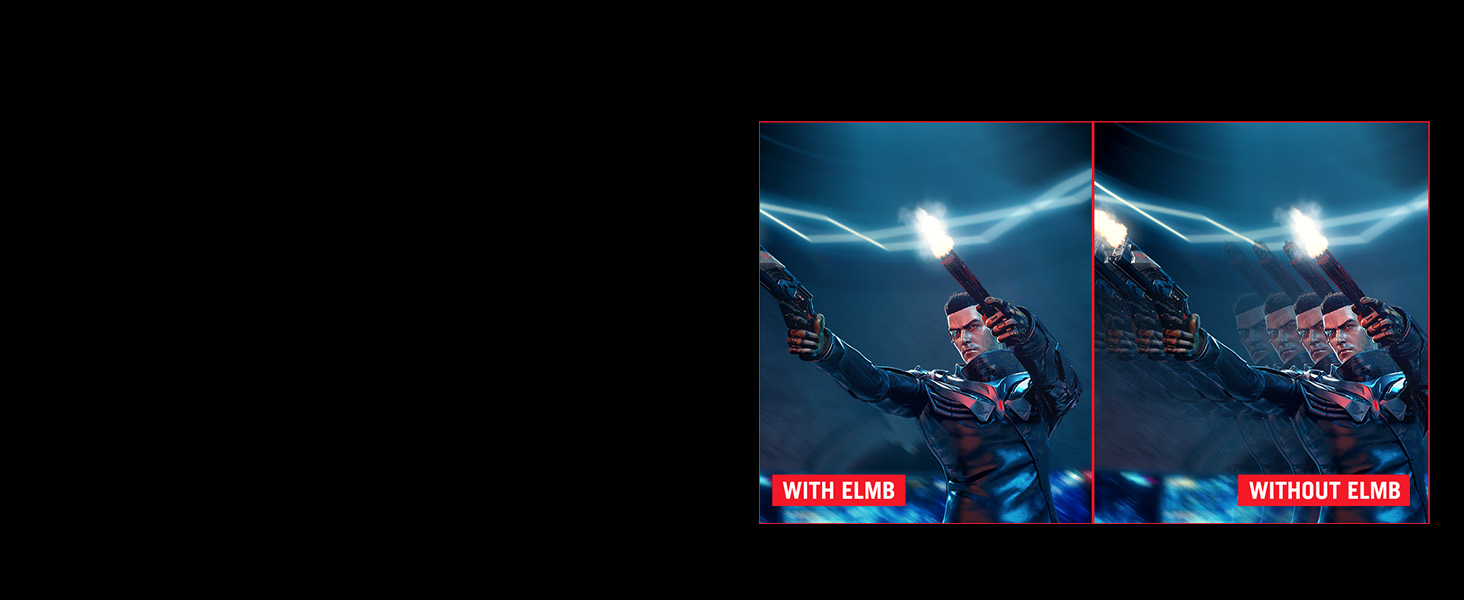
A side-by-side comparison showing screen flicker with and without OLED Anti-Flicker 2.0 technology, highlighting reduced flicker with the feature enabled.
ASUS DisplayWidget Center
The exclusive ASUS DisplayWidget Center application provides an intuitive interface for adjusting monitor settings and accessing OLED Care Pro functions using a mouse.

A screenshot of the ASUS DisplayWidget Center software interface, showing options for customizable monitor settings, auto firmware updates, multiscreen control, and OLED protection.
VESA DisplayHDR 400 Iswed Veru
The monitor is VESA DisplayHDR 400 True Black compliant, offering deep blacks, high contrast, and vibrant colors with 99% DCI-P3 gamut and true 10-bit color.
Manutenzjoni
Tindif tal-Iskrin
Use the provided microfiber cloth to gently wipe the screen. Avoid harsh chemicals or abrasive materials.
OLED Care Pro
The OLED Care Pro suite includes features designed to prevent OLED burn-in and extend the panel's lifespan.
- Neo Proximity Sensor: Automatically switches to a black screen when no user is detected, reducing burn-in risk.
- Pixel Cleaning: A maintenance function that refreshes pixels.
- Screen Save: Activates a screen saver to prevent static image retention.
- Pixel Nimxu: Shifts pixels slightly to prevent static image burn-in.
- Logo Brightness Adjustment: Reduces the brightness of static logos.
- Sejbien ta' Taskbar: Dims the taskbar area to prevent burn-in.
- Outer Dimming Detection: Dims static elements at the screen edges.
- Global Dimming Detection: Adjusts overall brightness for static content.
An image detailing the various features of OLED Care Pro, including Neo Proximity Sensor, Pixel Cleaning, Screen Save, Pixel Move, Logo Brightness Adjustment, Taskbar Detection, Outer Dimming Detection, and Global Dimming Detection.
Issolvi l-problemi
Ebda Qawwa
Kun żgur li l-korda tal-enerġija hija konnessa sew kemm mal-monitor kif ukoll mas-sokit tal-enerġija. Iċċekkja jekk is-sokit tal-enerġija hux qed jaħdem.
Ebda Sinjal
Verify that the video cable (DisplayPort, HDMI, or USB-C) is correctly connected to both the monitor and the source device. Select the correct input source via the OSD menu.
Image Flickering
Ensure OLED Anti-Flicker 2.0 is enabled in the OSD menu. Check for updated graphics drivers on your connected device.
Image Retention/Burn-in Concerns
Utilize the OLED Care Pro features, especially Pixel Cleaning and Neo Proximity Sensor, to mitigate burn-in risks. Avoid displaying static images for extended periods.
Speċifikazzjonijiet
Speċifikazzjonijiet Tekniċi
| Daqs tal-wiri tal-iskrin wieqaf | 26.5 Pulzier |
| Riżoluzzjoni tal-Iskrin | 3840x2160 |
| Riżoluzzjoni Massima tal-Iskrin | 3840 x 2160 Pixels |
| Numru ta 'USB 3.0 Ports | 2 |
| Brand | ASUS |
| Serje | XG27UCDMG |
| Numru tal-mudell tal-oġġett | XG27UCDMG |
| Piż tal-oġġett | 16.4 liri |
| Dimensjonijiet tal-Prodott | 6.6 x 24.1 x 20.1 pulzieri |
| Dimensjonijiet tal-oġġett LxWxH | 6.6 x 24.1 x 20.1 pulzieri |
| Kulur | ISWED |
| Manifattur | ASUS |
| ASIN | B0DM6RWRQC |
| Data L-Ewwel Disponibbli | 31 ta’ Mejju, 2025 |
| Daqs tal-Iskrin | 26.5 Pulzier |
| Riżoluzzjoni | 4K UHD 2160p |
| Proporzjon ta' l-aspett | 16:9 |
| Deskrizzjoni tal-wiċċ tal-iskrin | Matte |
Garanzija u Appoġġ
Informazzjoni dwar Garanzija
The ASUS ROG Strix XG27UCDMG monitor comes with a 3-year warranty. Please refer to the included Warranty Card for detailed terms and conditions.
Appoġġ għall-Klijent
For technical assistance or further inquiries, please visit the official ASUS support websit jew ikkuntattja lis-servizz tal-konsumatur tagħhom.
Vidjows Uffiċjali tal-Prodott
The following videos provide additional information and demonstrations of the ASUS ROG Strix XG27UCDMG monitor.
Wirja uffiċjali tal-vidjo tal-prodottasing the features and design of the ASUS ROG Strix XG27UCDMG monitor.
A video highlighting the gaming capabilities and visual quality of the ASUS ROG Strix 27-inch 4K Gaming Monitor.