
Introduzzjoni
Thank you for choosing the Yoidesu Portable Bluetooth Speaker. This device combines a vintage aesthetic with modern audio technology, featuring Bluetooth 5.3 connectivity, a dynamic lyrics display, a clock, and a calendar function. This manual provides detailed instructions for setup, operation, and maintenance to ensure optimal performance and longevity of your speaker.
X'hemm fil-Kaxxa
- 1 x Yoidesu Portable Bluetooth Speaker
- 1 x USB Iċċarġjar Cable
Prodott Overview
The Yoidesu Portable Bluetooth Speaker features a compact design with intuitive controls and a clear display. Familiarize yourself with the components below.

The Yoidesu Portable Bluetooth Speaker features a vintage TV-inspired design, making it a stylish addition to any desktop.

Its compact size and lightweight design ensure easy portability for use at home or on the go.
Kontrolli u Portijiet

The speaker features simple controls including an ON/OFF switch and a MODE button for switching between functions.

The rear of the speaker houses the charging port and a slot for a Micro SD card.
Setup
1. Iċċarġja l-Ispeaker
Before first use, fully charge the speaker. Connect the provided USB cable to the speaker's charging port and a compatible USB power adapter (not included). The charging indicator will show the charging status.
2. Power On/Off
- To power on: Slide the ON/OFF is-swiċċ għall-pożizzjoni 'ON'.
- To power off: Slide the ON/OFF is-swiċċ għall-pożizzjoni 'MITFI'.
3. Tqabbil tal-Bluetooth
The speaker utilizes Bluetooth V5.3 for stable wireless connection.
- Ensure the speaker is powered on and in Bluetooth mode (indicated on the display).
- Ippermetti Bluetooth fuq l-ismartphone jew apparat ieħor tiegħek.
- Fittex għal available devices and select "Yoidesu Speaker" (or similar name) from the list.
- Once connected, the speaker will emit a confirmation sound, and the display will show the Bluetooth icon.
The speaker connects wirelessly to your device using Bluetooth 5.3 technology for a stable audio experience.
4. Time and Date Synchronization
After connecting to Bluetooth, the speaker will automatically synchronize the time, date, and week from your connected device. No manual adjustment is typically required.
Istruzzjonijiet Operattivi
1. Qlib tal-Modalità
Agħfas il- MODALITÀ button to cycle through available playback modes: Bluetooth mode and Micro SD card playback mode.
2. Music Playback (Bluetooth Mode)
Once paired via Bluetooth, simply start playing music on your connected device. The audio will stream to the speaker.
3. Music Playback (Micro SD Card)
Insert a Micro SD card (up to 128GB, not included) containing MP3 audio files into the designated slot. Switch to Micro SD card mode using the MODALITÀ button. The speaker will automatically begin playing music from the card.
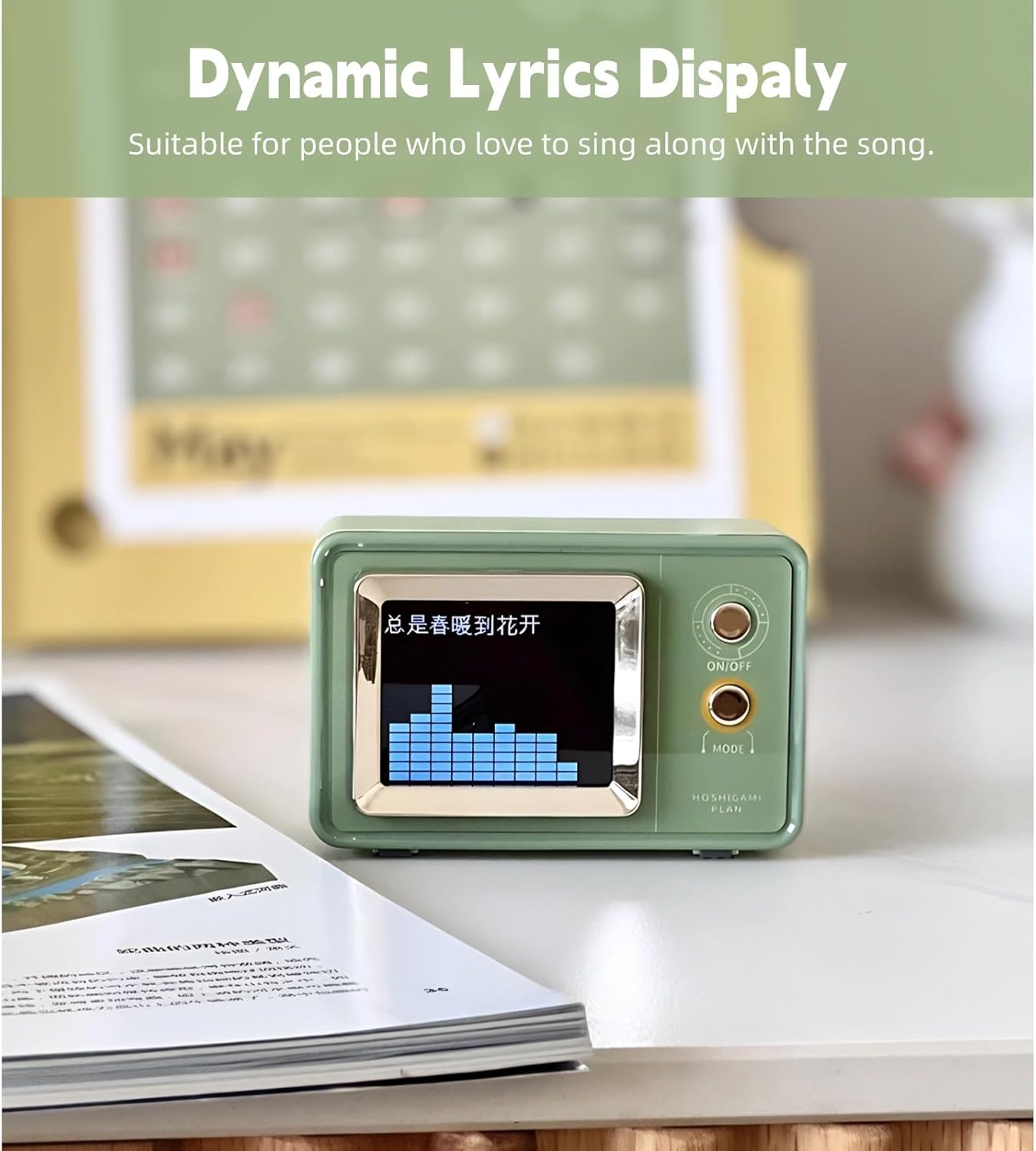
4. Dynamic Lyrics Display
When playing music that includes embedded lyrics data (e.g., from certain music apps or files), the speaker's display can show dynamic lyrics, enhancing the listening experience.

The dynamic lyrics display function allows you to follow along with your favorite songs.

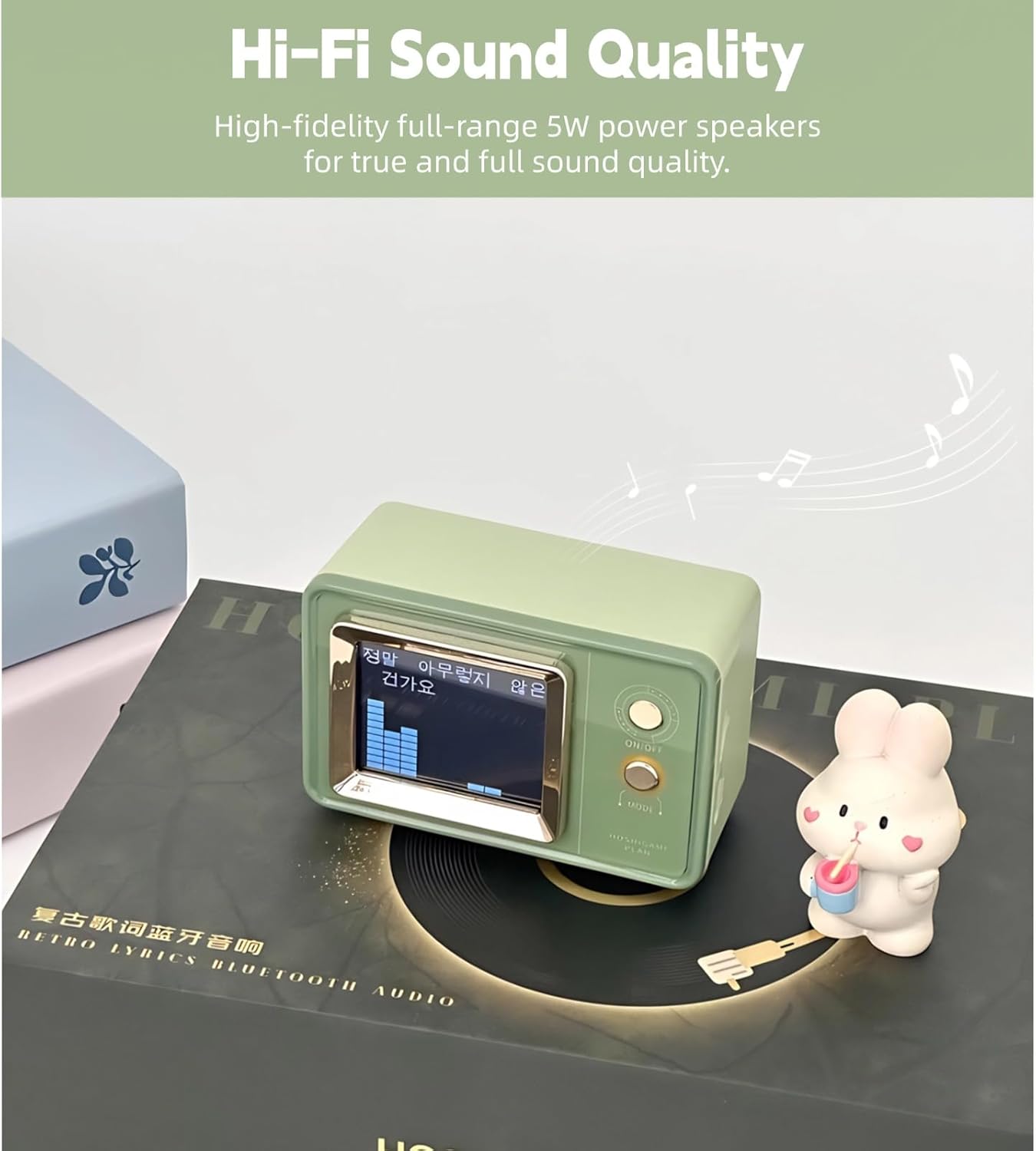
Experience high-fidelity sound with a visual representation of the audio on the speaker's display.
5. Clock and Calendar Function
The speaker's display shows the current time, date, and day of the week, automatically synchronized via Bluetooth.
The multi-function display automatically synchronizes time, date, and day of the week when connected to your phone.
6. Kontroll tal-Volum
Volume is typically controlled directly from your connected Bluetooth device. Ensure both the speaker and your device's volume are adjusted to a comfortable level.
Manutenzjoni
Tindif
Wipe the speaker with a soft, dry cloth. Do not use abrasive cleaners, alcohol, or solvents, as these may damage the surface. Avoid getting moisture into any openings.
Ħażna
When not in use for extended periods, store the speaker in a cool, dry place away from direct sunlight and extreme temperatures. It is recommended to charge the battery periodically to maintain its health.

The built-in 600mAh lithium-ion battery provides extended playback time, reducing the need for frequent charging.
Issolvi l-problemi
| Problema | Kawża Possibbli | Soluzzjoni |
|---|---|---|
| L-ispiker ma jixgħelx. | Il-batterija hija eżawrita. | Iċċarġja l-kelliem billi tuża l-kejbil USB ipprovdut. |
| Ma tistax tqabbad permezz tal-Bluetooth. | Bluetooth is not enabled on device or speaker is not in pairing mode. | Ensure Bluetooth is active on both devices. Restart both devices and try pairing again. Move devices closer. |
| L-ebda ħoss jew volum baxx. | Volume levels are too low on speaker or connected device. | Increase volume on both the speaker and the connected device. Ensure the speaker is not muted. |
| Lyrics display not working. | Mużika file does not contain embedded lyrics data. | Ensure the music source provides lyrics data. Not all music files or streaming services support this feature. |
Speċifikazzjonijiet
- Ditta: Yoidesu
- Numru tal-Mudell: Yoidesuoz2fxcv0i7
- Teknoloġija tal-Konnettività: Bluetooth V5.3
- Qawwa tal-Ħruġ Massimu tal-Ispeaker: 5 Watts
- Modalità tal-Ħruġ tal-Awdjo: Stereo
- Materjal tal-għeluq: Acrylonitrile Butadiene Styrene (ABS)
- Sors tal-Enerġija: Mħaddma bil-batterija
- Kapaċità tal-batterija: 600 Milliamp Sigħat
- Modalità Daqq: Bluetooth, Micro SD Card (up to 128GB)
- Metodu ta' Kontroll: Touch buttuni
- Dimensjonijiet tal-oġġett (D x W x H): 8.26" x 5.11" x 2.36"
- Piż tal-oġġett: 311 Gramm
- Apparati Kompatibbli: Smartphone, Tablet, MP3 Player, Laptop
Informazzjoni dwar Garanzija
This product comes with a limited warranty. Please refer to the product packaging or contact Yoidesu customer support for specific warranty terms and conditions.
Appoġġ
For further assistance, technical support, or warranty claims, please contact Yoidesu customer service through the retailer where the product was purchased or visit the official Yoidesu websit.