
1. Introduzzjoni
This manual provides essential information for the installation, operation, and maintenance of your ADATA Legend 860 Solid State Drive. Please read this guide thoroughly before using the product to ensure optimal performance and longevity.
The ADATA Legend 860 is a high-performance NVMe SSD designed for expanding storage in compatible devices such as desktop PCs, laptops, and gaming consoles like the PlayStation 5. It utilizes PCIe Gen4 x4 interface for fast data transfer speeds.

Figure 1: ADATA Legend 860 NVMe Solid State Drive
2. Informazzjoni dwar is-Sigurtà
- Dejjem immaniġġja l-SSD mit-truf tiegħu biex tevita li tmiss il-konnetturi jew il-komponenti tad-deheb.
- Kun żgur li s-sistema tiegħek hija mitfija u skonnettjata qabel l-installazzjoni.
- Discharge any static electricity from your body before handling the SSD. Use an anti-static wrist strap if available.
- Żomm l-SSD 'il bogħod mill-umdità, temperaturi estremi, u kampi manjetiċi qawwija.
- Do not attempt to disassemble or modify the SSD, as this will void the warranty.
3. Kontenut tal-Pakkett
Ivverifika li l-oġġetti kollha huma preżenti fil-pakkett tiegħek:
- ADATA Legend 860 Solid State Drive

Figure 2: ADATA Legend 860 SSD Retail Packaging
4. Speċifikazzjonijiet
| Brand | ADATA |
| Serje | Leġġenda 860 |
| Numru tal-Mudell | SLEG-860-1000GCS |
| Kapaċità tal-Ħażna Diġitali | 1 TB |
| Interface Hard Disk | NVMe |
| Teknoloġija tal-Konnettività | PCIe Gen4 x4 |
| Fattur tal-Formola | M.2 2280 |
| Apparati Kompatibbli | Desktop, Gaming Console (PS5), Laptop |
| Piż tal-oġġett | 0.353 uqija |
| Dimensjonijiet tal-Prodott | 5.24 x 0.31 x 1.57 pulzieri |
5. Konfigurazzjoni u Installazzjoni
The ADATA Legend 860 SSD is designed for easy installation into compatible M.2 slots. Follow these general steps for installation:
- Ipprepara s-Sistema Tiegħek: Power off your computer or gaming console and unplug all cables. Open the casing to access the motherboard or M.2 expansion slot.
- Sib is-Slott tal-M.2: Identify an available M.2 slot on your motherboard. These slots are typically labeled and may be covered by a heatsink.
- Daħħal l-SSD: Gently slide the ADATA Legend 860 SSD into the M.2 slot at a 30-degree angle. Ensure the gold connectors are fully seated.
- Assigura l-SSD: Once inserted, push the SSD down until it is parallel with the motherboard. Secure it with the provided screw (usually included with your motherboard or console).
- Agħlaq Casing: Replace any heatsinks or covers, and close your system's casing.
- Power On and Initialize: Reconnect all cables and power on your system. You may need to initialize and format the new SSD through your operating system's Disk Management (Windows) or Disk Utility (macOS) before it can be used. Refer to your operating system's documentation for detailed instructions.
Installazzjoni Eżamples:
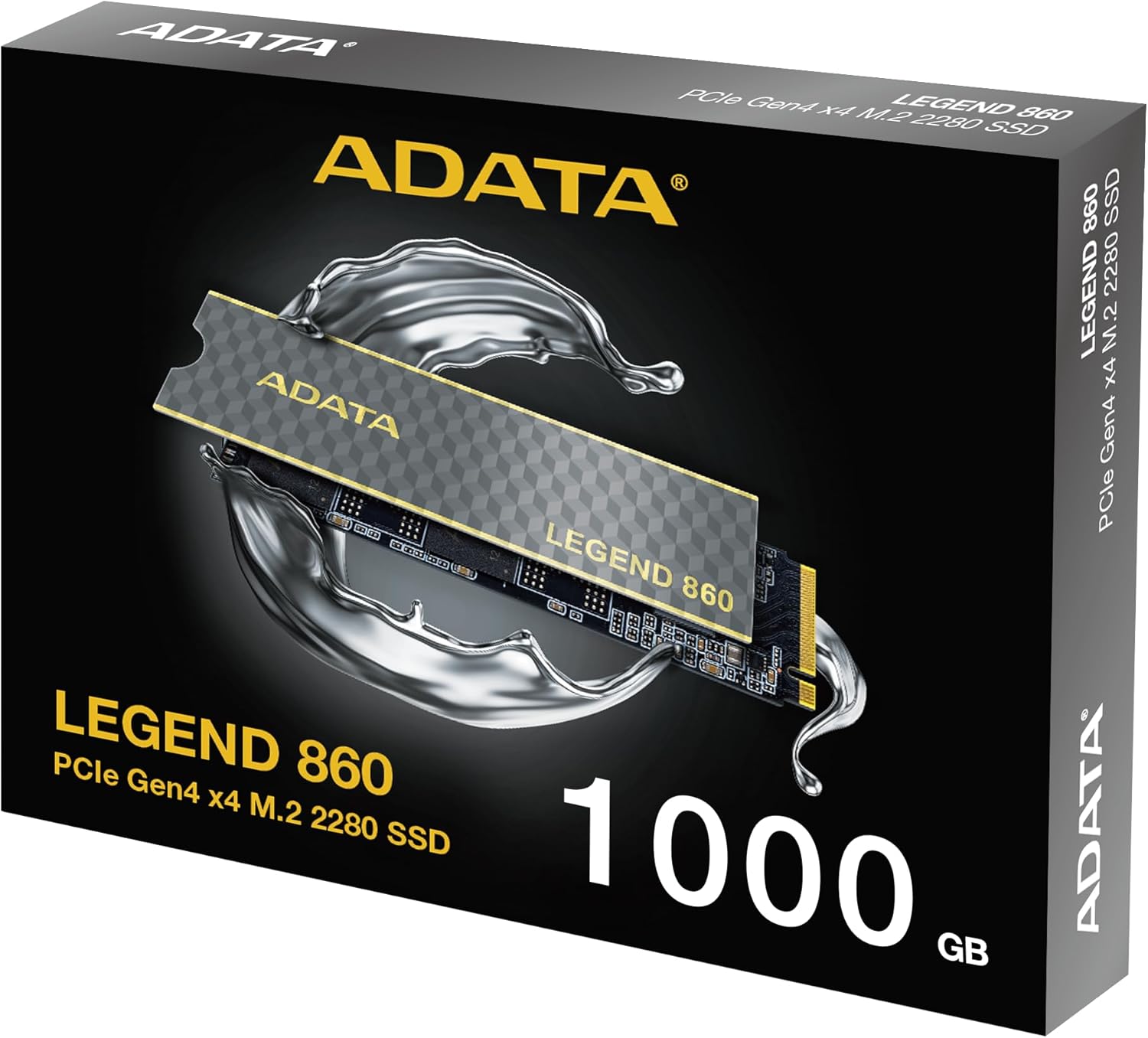
Figure 3: SSD installed in a desktop motherboard
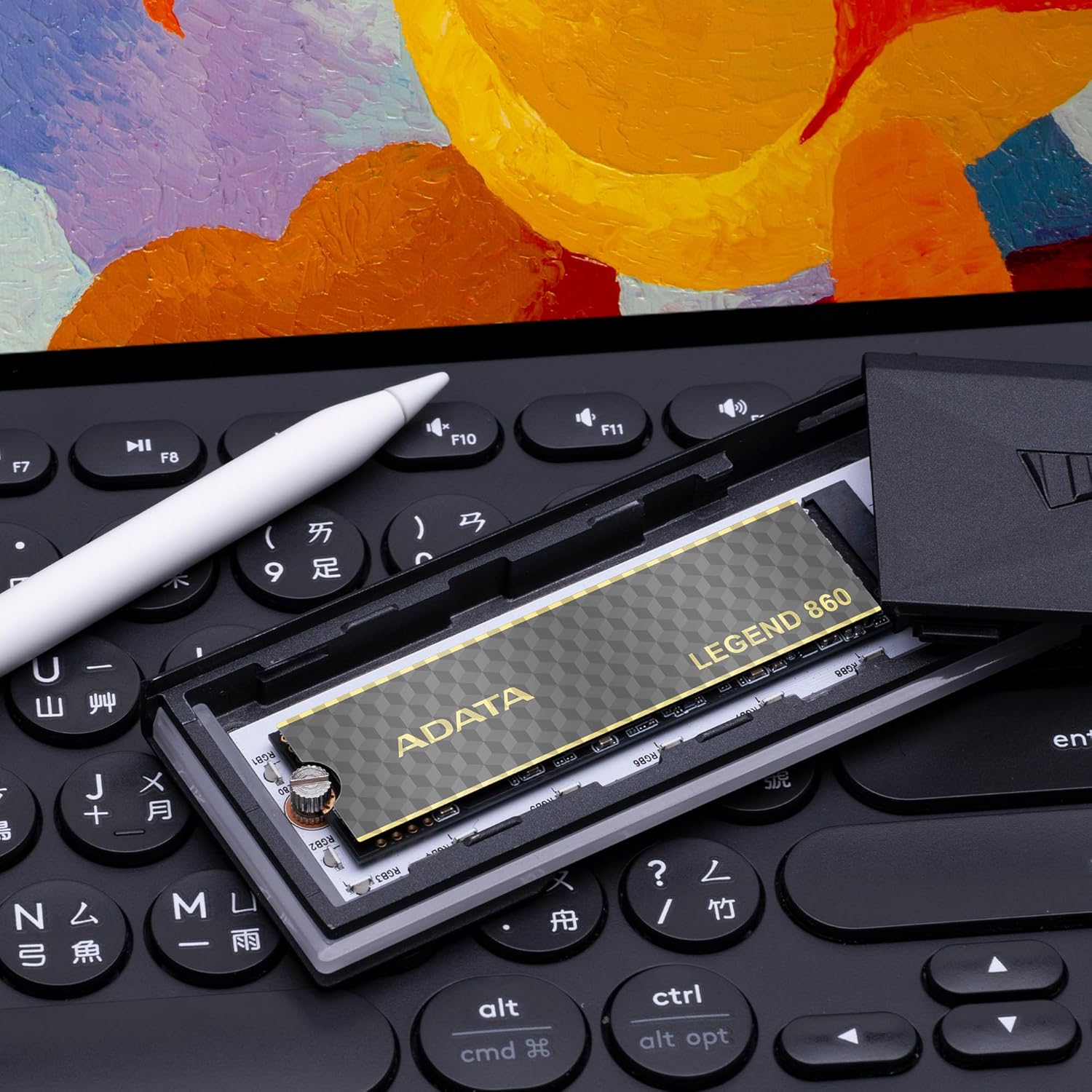
Figure 4: SSD installed in a PlayStation 5 console
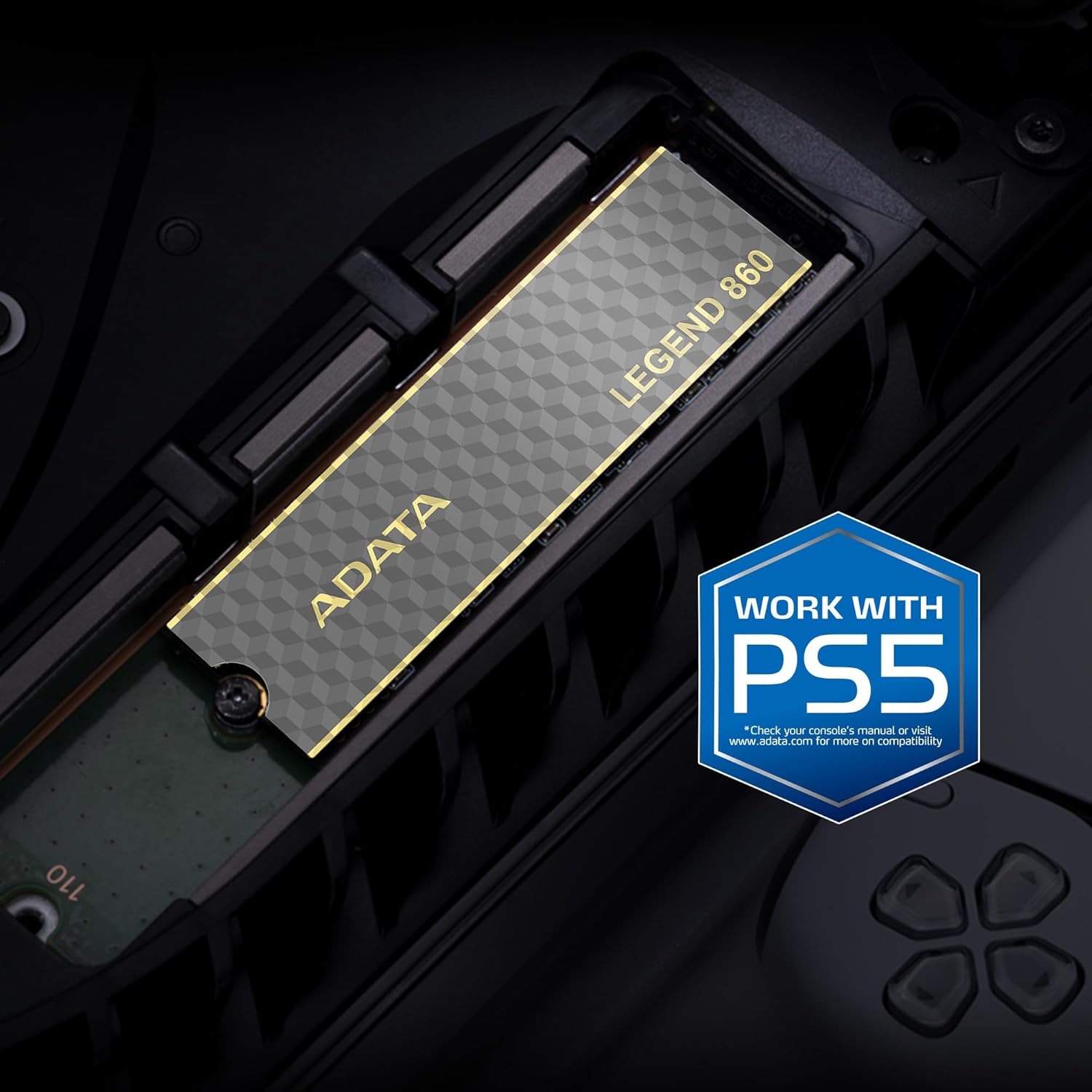
Figure 5: SSD installed in a laptop
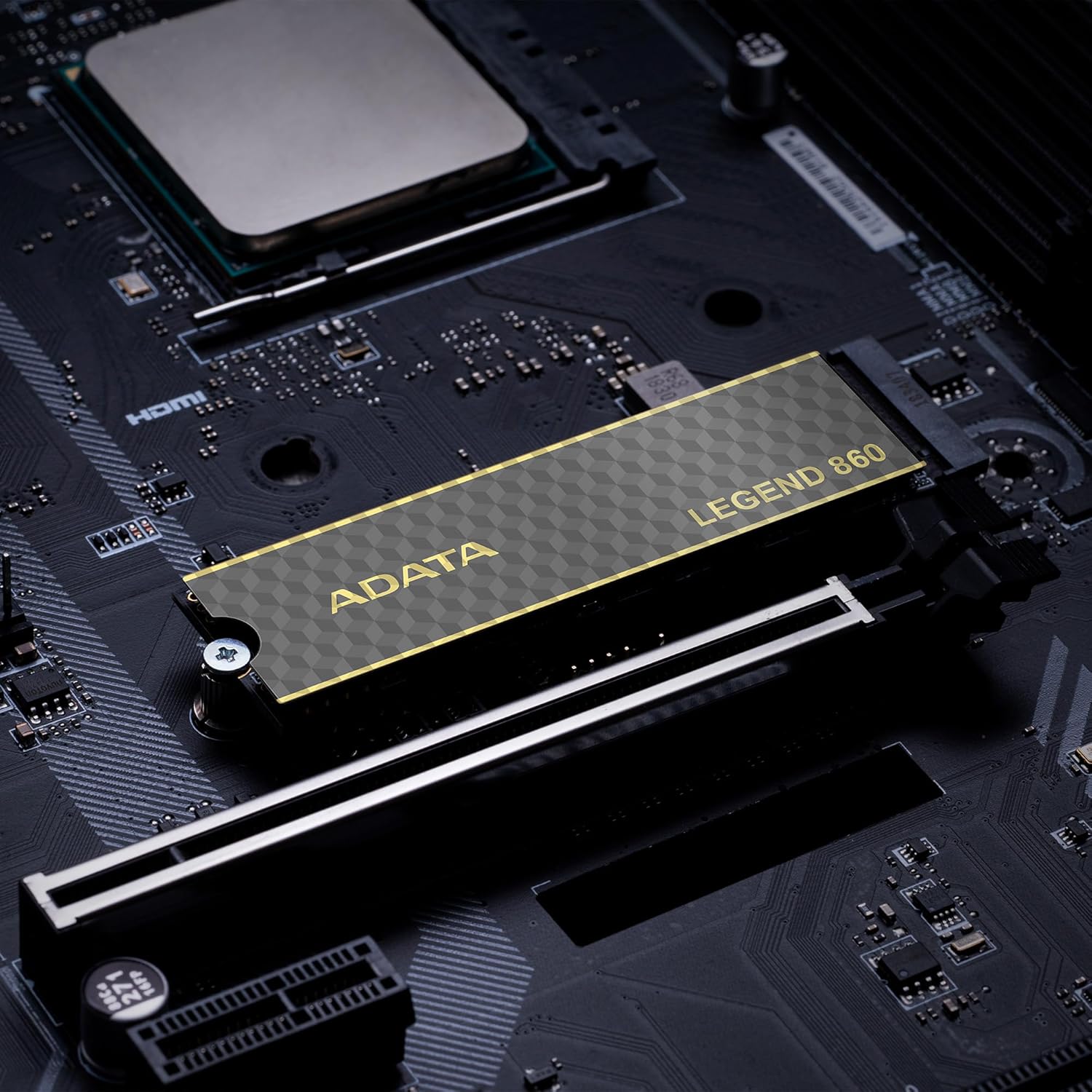
Figure 6: SSD in an external enclosure for portable use
6. Operazzjoni
Once installed and formatted, your ADATA Legend 860 SSD will function as a high-speed storage device. You can use it for:
- Sewqan tas-Sistema Operattiva: Install your operating system for faster boot times and overall system responsiveness.
- Gaming Library: Store your games to significantly reduce load times and improve gaming experience.
- Ħażna tal-Applikazzjoni: Install demanding applications for quicker launch and operation.
- Ħażna tad-Data: Use it for high-speed storage of large files, such as 4K videos, high-resolution images, and large project files.
For optimal performance, ensure your system's drivers and firmware are up to date.
7. Manutenzjoni
To maintain the performance and longevity of your ADATA Legend 860 SSD:
- Żomm il-Firmware Aġġornat: Periodically check the ADATA official websit għal aġġornamenti tal-firmware għall-SSD tiegħek. L-aġġornamenti tal-firmware jistgħu jtejbu l-prestazzjoni, l-istabbiltà u l-kompatibilità.
- Evita mili żejda: While SSDs perform well even when nearly full, leaving some free space (typically 10-15%) can help maintain optimal performance and extend lifespan.
- Ippermetti t-TRIM: Kun żgur li TRIM huwa attivat fis-sistema operattiva tiegħek. TRIM jgħin lill-SSD jimmaniġġja l-ispazju tal-ħażna tiegħu b'mod effiċjenti, u jipprevjeni d-degradazzjoni tal-prestazzjoni maż-żmien. Il-biċċa l-kbira tas-sistemi operattivi moderni jippermettu TRIM awtomatikament għall-SSDs.
- Immonitorja s-Saħħa: Use SSD monitoring tools (often provided by ADATA or third-party software) to check the health and estimated lifespan of your drive.
- Backups regolari: Regularly back up important data to another storage device. While SSDs are reliable, no storage device is immune to failure.
8 Issolvi l-problemi
If you encounter issues with your ADATA Legend 860 SSD, consider the following troubleshooting steps:
- SSD Mhux Individwat:
- Ensure the SSD is correctly seated in the M.2 slot.
- Check your system's BIOS/UEFI settings to confirm the M.2 slot is enabled and configured correctly.
- Verify that your motherboard or console supports NVMe PCIe Gen4 SSDs.
- Try the SSD in a different M.2 slot or a compatible external enclosure to rule out a motherboard issue.
- Prestazzjoni bil-mod:
- Ensure your system's M.2 slot supports PCIe Gen4 speeds. If it's a Gen3 slot, the SSD will operate at Gen3 speeds.
- Check if TRIM is enabled (as mentioned in Maintenance).
- Ensure the SSD is not nearly full.
- Update your motherboard's chipset drivers and SSD firmware.
- Instabbiltà/Ħsarat tas-Sistema:
- Ensure the SSD is properly secured and not overheating.
- Run a diagnostic tool to check the SSD's health.
- Check for system-wide issues (RAM, CPU, power supply).
If problems persist, contact ADATA customer support for further assistance.
9. Garanzija u Appoġġ
The ADATA Legend 860 Solid State Drive typically comes with a manufacturer's warranty. Please refer to the official ADATA website or your product packaging for specific warranty terms and conditions, including the duration and coverage details.
For technical support, driver downloads, firmware updates, and additional product information, please visit the official ADATA support websit: www.adata.com
Żomm il-prova tax-xiri tiegħek għal pretensjonijiet ta' garanzija.