
1. Introduzzjoni
This manual provides essential information for the proper use and maintenance of your Lexar D40E 64GB Dual USB 3.2 Gen 1 Type-C Jump Drive. Please read this manual thoroughly before using the device to ensure optimal performance and longevity.
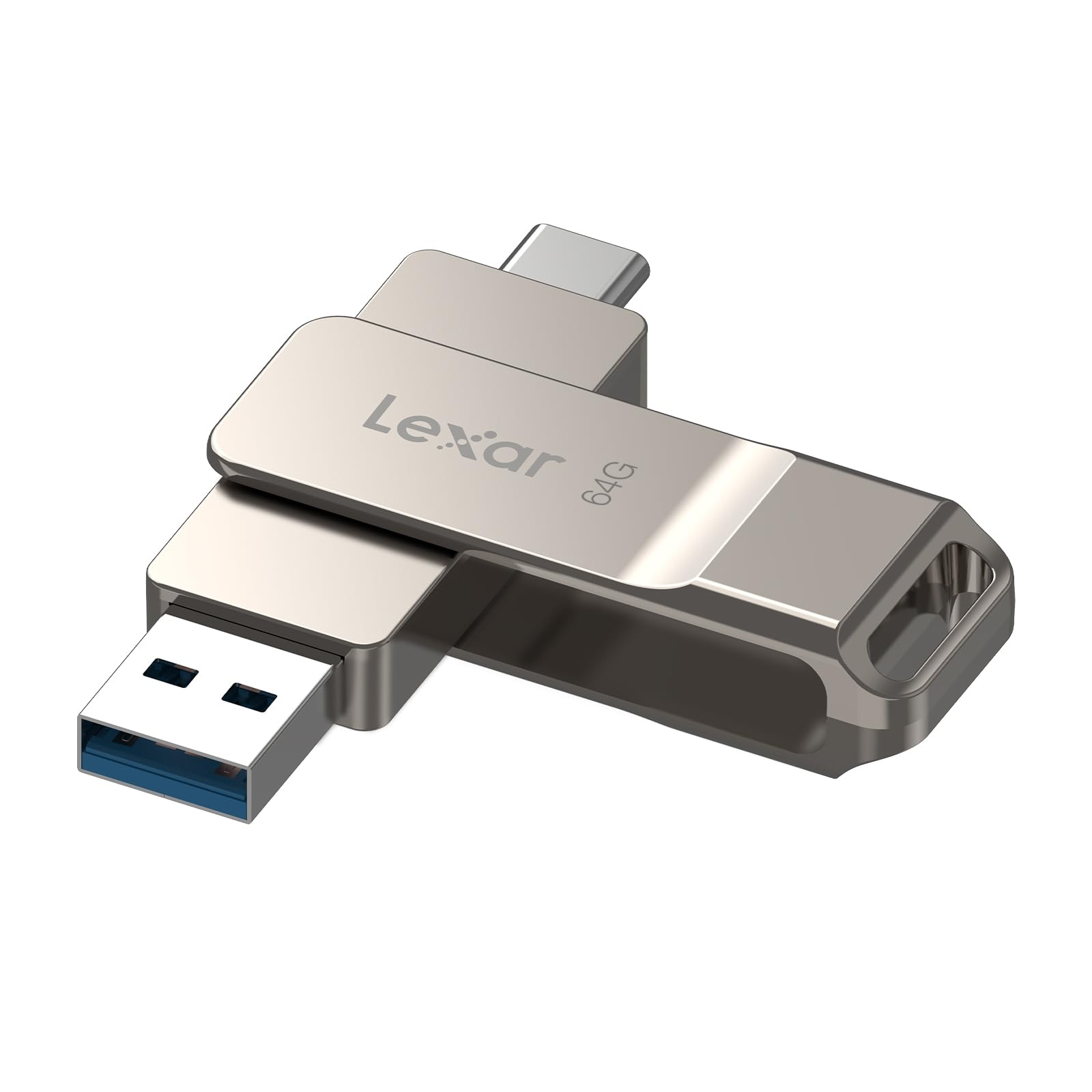
Figure 1: Lexar D40E Dual USB 3.2 Gen 1 Type-C Jump Drive.
2. Prodott Aktarview
The Lexar D40E is a versatile storage solution designed for seamless data transfer between various devices. Its dual-connector design and durable metal housing make it a reliable choice for expanding storage and moving files b'mod effiċjenti.
Karatteristiċi ewlenin:
- Dual USB Connectors: Features both USB Type-A and USB Type-C connectors for broad compatibility.
- Prestazzjoni ta' Veloċità Għolja: USB 3.2 Gen 1 interface provides transfer speeds up to 100MB/s read.
- Plug and Play: No software installation required for most compatible devices.
- Disinn Durabbli: Metal housing with a 360° swivel design protects connectors and ensures durability.
- Sigurtà Avvanzata: Supports 256-bit AES encryption for secure file protezzjoni.
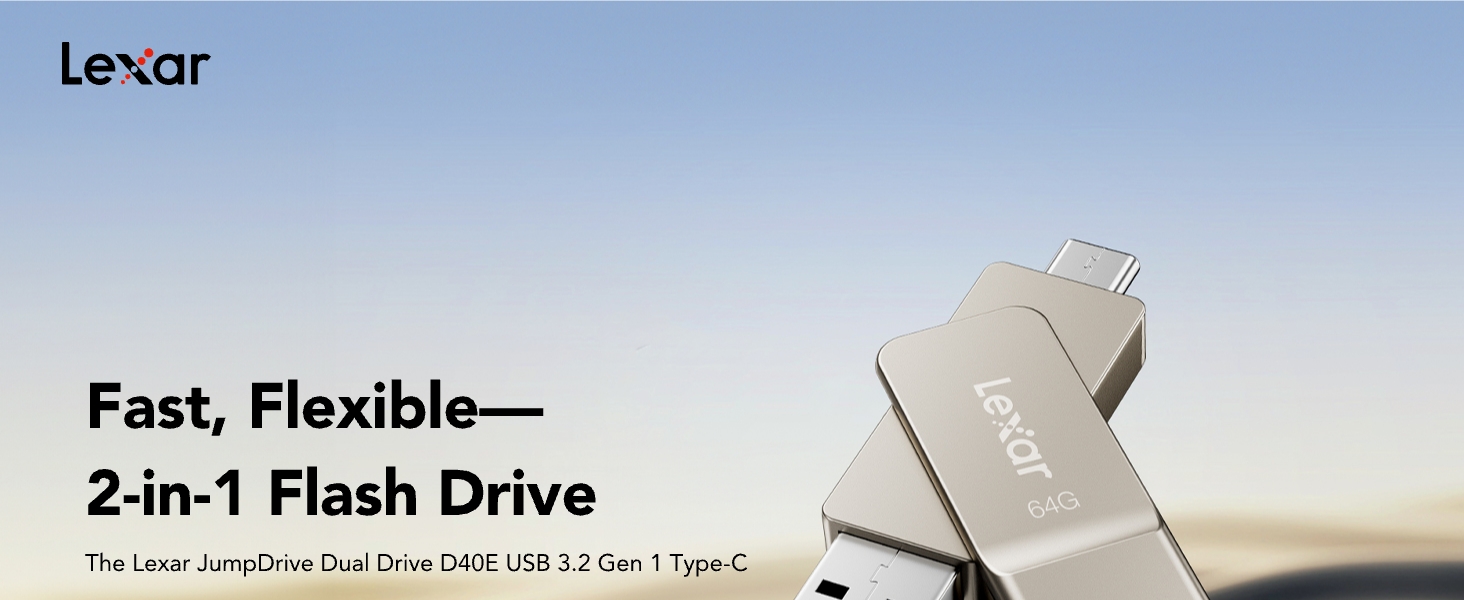
Figure 2: The Lexar D40E features both USB Type-A and Type-C connectors.
3. Setup
The Lexar D40E is designed for simple plug-and-play operation. Follow these steps to connect your drive to a compatible device.
3.1 Connecting to a USB Type-A Device (e.g., PC, Laptop)
- Identify the USB Type-A connector on the Lexar D40E (the larger, rectangular connector).
- Insert the USB Type-A connector into an available USB Type-A port on your computer or laptop.
- L-apparat għandu jiġi rikonoxxut awtomatikament mis-sistema operattiva tiegħek.
3.2 Connecting to a USB Type-C Device (e.g., Smartphone, Tablet, Mac)
- Identify the USB Type-C connector on the Lexar D40E (the smaller, oval-shaped connector).
- Insert the USB Type-C connector into an available USB Type-C port on your smartphone, tablet, or Mac.
- The device should be automatically recognized. On mobile devices, you may need to access a file manager application to view the drive's contents.

Figure 3: The Lexar D40E offers wide compatibility with various devices.
4. Istruzzjonijiet Operattivi
4.1 Trasferiment Files
Once connected, the Lexar D40E functions like any standard USB drive. You can drag and drop files to and from the drive using your device's file sistema ta 'ġestjoni.
- Biex tikkopja files to the drive: Sib il- files on your device, select them, and drag them to the Lexar D40E drive icon or folder.
- Biex tikkopja files from the drive: Open the Lexar D40E drive, select the desired files, and drag them to a location on your device.
4.2 Karatteristiċi tas-Sigurtà
The Lexar D40E supports advanced security software with 256-bit AES encryption to protect your files. This software is typically downloaded separately from the Lexar website. Refer to the software's instructions for setup and use.
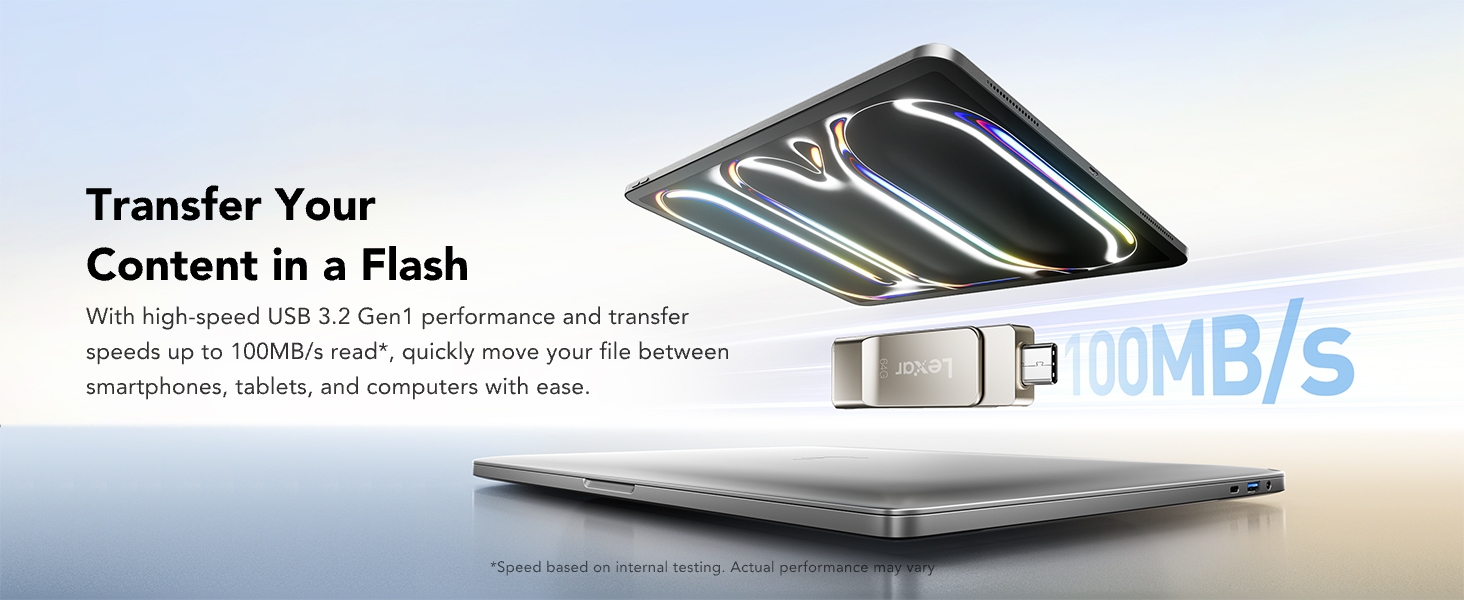
Figure 4: Secure your files using Lexar DataShield software with 256-bit AES encryption.
5. Manutenzjoni
5.1 Kura u Immaniġġjar
- Avoid exposing the drive to extreme temperatures, moisture, or direct sunlight.
- Do not drop or subject the drive to strong impacts.
- Keep the connectors clean and free from dust or debris. The swivel design helps protect the connectors when not in use.
- Always safely eject the drive from your device before removing it to prevent data corruption.
5.2 Formatting the Drive
The drive comes pre-formatted, but you may need to reformat it for specific uses or to resolve certain issues. If you intend to transfer large files (over 4GB each), you may need to reformat the drive to a file system like exFAT or NTFS, as the default FAT32 file system has a 4GB file limitu tad-daqs.
- Connect the Lexar D40E to your computer.
- Open 'This PC' or 'My Computer' (Windows) or 'Finder' (Mac).
- Right-click (Windows) or Control-click (Mac) on the Lexar D40E drive icon.
- Select 'Format...' from the context menu.
- Agħżel mixtieq tiegħek file system (e.g., exFAT for cross-platform compatibility with large files) and click 'Start' or 'Erase'.
- Ikkonferma l-azzjoni. Warning: Formatting will erase all data on the drive. Back up important files qabel ma tipproċedi.
6 Issolvi l-problemi
6.1 Sewqan Mhux Rikonoxxut
- Kun żgur li d-drajv huwa mdaħħal kompletament fil-port USB.
- Ipprova port USB differenti fuq l-apparat tiegħek.
- Try connecting to a different computer or device to rule out a port issue.
- Erġa' ibda l-kompjuter jew l-apparat tiegħek.
- Check your device's file manager or disk management utility to see if the drive is detected but not assigned a drive letter (Windows).
6.2 Veloċitajiet ta' Trasferiment Baxxi
- Ensure you are using a USB 3.0/3.1/3.2 compatible port on your device for optimal speeds. Connecting to a USB 2.0 port will result in slower speeds.
- Performance may vary depending on the host device, interface, and usage conditions.
- Evita li tittrasferixxi ħafna intrapriżi żgħar files simultaneously; compressing them into a single archive can sometimes improve speed.
6.3 Error When Transferring Large Files (e.g., >4GB)
- This is typically due to the drive being formatted with the FAT32 file system, which has a 4GB file limitu tad-daqs.
- Reformat the drive to exFAT or NTFS (see Section 5.2) to support larger file daqsijiet.
7. Speċifikazzjonijiet
| Karatteristika | Dettall |
|---|---|
| Brand | Lexar |
| Isem tal-Mudell | D40E |
| Kapaċità tal-Ħżin tal-Memorja | 64 GB |
| Interface tal-Ħardwer | USB 3.2 Ġen 1 |
| Karatteristika Speċjali | Dual USB Connectors |
| Aqra Veloċità | Sa 100 Megabytes Kull Sekonda |
| Ikteb Veloċità | Sa 80 Megabytes Kull Sekonda |
| Apparati Kompatibbli | Laptop, Mac, PC, Smartphone, Tablet (USB Type-C smartphones) |
| Teknoloġija tal-Konnettività | USB |
| Tip ta' Memorja Flash | USB |
| Kulur | Champagne Fidda |
| Dimensjonijiet tal-oġġett (D x W x H) | 0.46"D x 2.77"W x 0.46"Għ (70.4 x 16.9 x 11.7mm) |
| Piż tal-oġġett | 26 Gramm |
| Numru tal-Mudell | LJDD40E064G-BNSNG |
| UPC | 843367138333 |
8. Garanzija u Appoġġ
8.1 Informazzjoni dwar Garanzija
The Lexar D40E Dual USB 3.2 Gen 1 Type-C Jump Drive is backed by a Lexar 3-year limited warranty. For detailed terms and conditions, please refer to the official Lexar website or contact Lexar customer support.
8.2 Appoġġ għall-Klijent
For technical assistance, product inquiries, or warranty claims, please visit the official Lexar support website or contact their customer service department. Contact information can typically be found on the Lexar webis-sit jew l-imballaġġ tal-prodott.