
1. Introduzzjoni
The Retevis Ailunce HA1UV is a robust dual-band handheld ham radio designed for reliable communication in various environments. It features IP67 waterproofing, NOAA weather alerts, and a 2800mAh USB-C rechargeable battery, making it suitable for outdoor and emergency use. This manual provides detailed instructions for setup, operation, and maintenance.
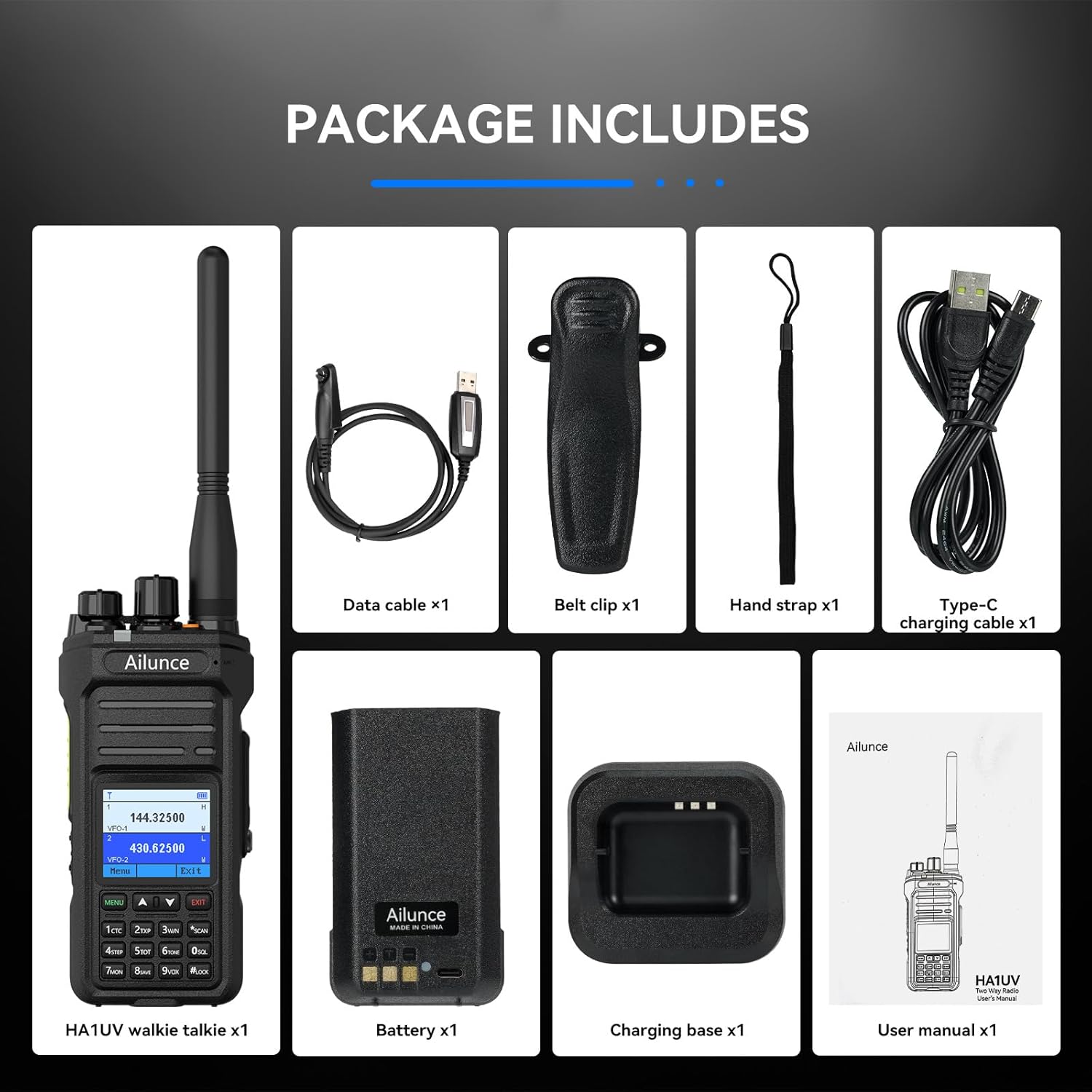
2. X'hemm fil-Kaxxa
- 1 x HA1UV Two Way Radio
- 1 x 2800mAh Lithium-Ion Battery
- 1 x Cable tad-Data
- 1 x Belt Clip & Hand Strap
- 1 x Type-C Charging Cable & Charging Base
3. Prodott Aktarview
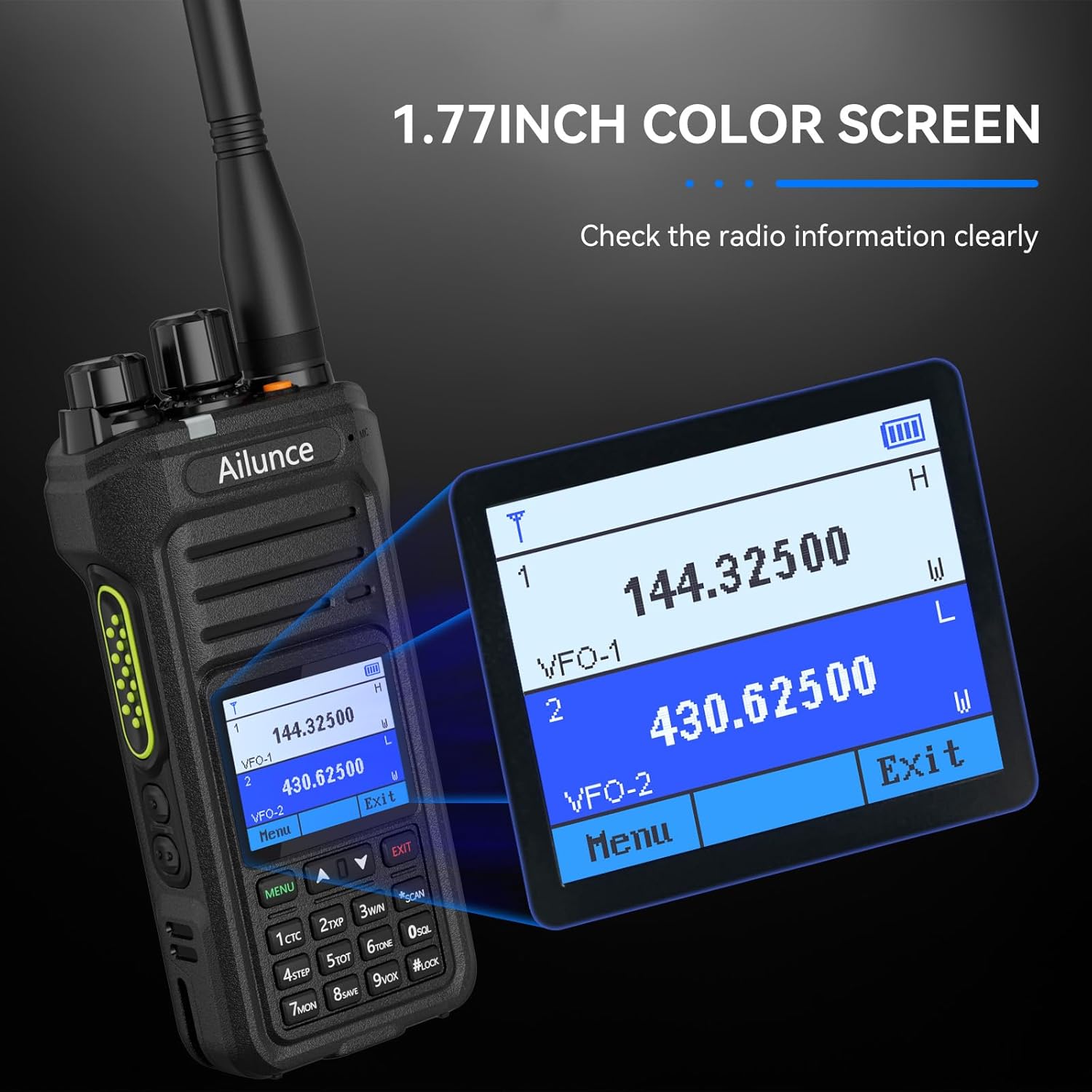
The HA1UV radio features a durable design with a 1.77-inch color screen and a backlit keypad for clear visibility and ease of use in various conditions.


4. Setup
4.1. Installazzjoni u Iċċarġjar tal-batterija
The HA1UV radio comes with a 2800mAh lithium-ion battery. Ensure the battery is fully charged before first use.
- Attach the battery to the back of the radio, ensuring it clicks securely into place.
- Connect the Type-C charging cable to the battery's USB-C port or place the radio in the charging base.
- Connect the charging cable/base to a compatible USB power source. The charging indicator will show the charging status.

Video 4.1: Demonstrates the 2800mAh battery and Type-C charging capabilities of the Retevis Ailunce HA1UV radio.
4.2. Twaħħil tal-Antenna
Screw the provided antenna clockwise into the antenna connector on the top of the radio until it is finger-tight. Do not overtighten.
5. Istruzzjonijiet Operattivi
5.1. Mixgħul/Mitfi u Kontroll tal-Volum
To power on the radio, rotate the volume knob clockwise. To power off, rotate it counter-clockwise until it clicks. Adjust the volume by rotating the same knob.
5.2. Tħaddim b'Doppju Banda
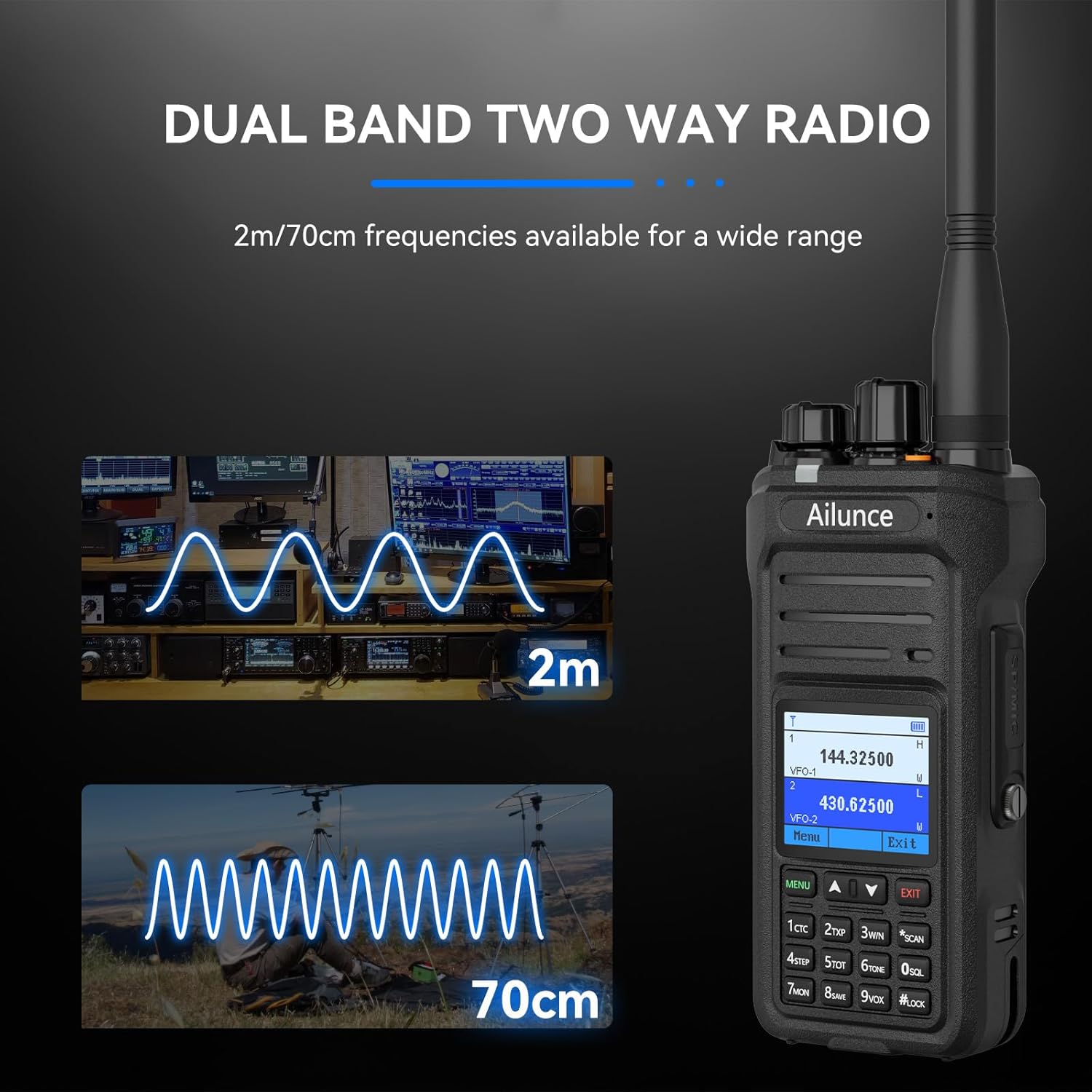
The HA1UV supports dual-band operation, allowing simultaneous monitoring of two different frequencies (2m/70cm bands). Use the VFO mode or programmed channels to select frequencies.
5.3. CHIRP Support and Firmware Updates
The HA1UV radio supports CHIRP for easier programming. Latest firmware updates enable one-click frequency copying and aviation band reception. Regularly check the Retevis websit għall-aġġornamenti tal-firmware.
Video 5.1: Guide on how to perform a firmware update on the Retevis Ailunce HA1UV radio.
5.4. Twissija tat-Temp tal-NOAA
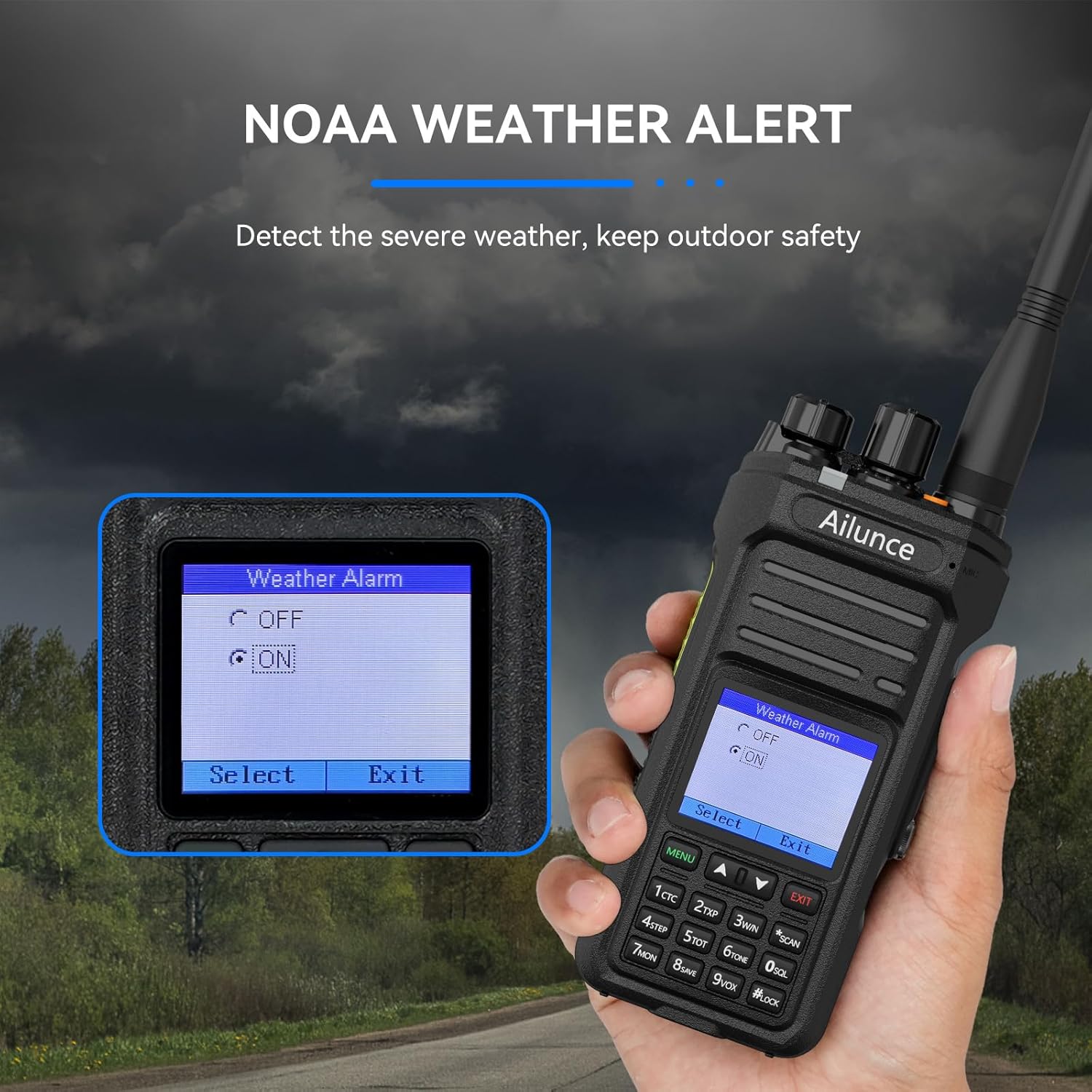
The radio includes 12 NOAA channels to detect the latest weather information. An alert will notify you of severe weather conditions, helping to reduce potential risks.
5.5. Emergency Alarm (SOS)
An orange alarm button on the top of the radio can immediately trigger a bright orange SOS signal light and an audible alarm. This feature is designed for rapid notification in emergency situations.

5.6. VFO Mode
VFO (Variable Frequency Oscillator) mode allows users to manually set frequencies directly through the keypad, offering flexibility for on-the-fly frequency adjustments without requiring PC software.
Video 5.2: Instructions on how to add a repeater using the radio's VFO mode without a PC.
5.7. Funzjoni tas-Serratura taċ-Ċwievet
The radio features a key lock function to prevent accidental button presses. Refer to the menu settings for manual or automatic key lock modes and settings.
5.8. Sub-PTT Function
The Sub-PTT function allows transmission on two channels without switching between Band A and Band B, enhancing operational efficiency.

Video 5.3: Demonstration of the Retevis Ailunce HA1UV Dual Band Radio's Sub-PTT key functionality.
6. Manutenzjoni
6.1. Impermeabilizzazzjoni (IP67)
The HA1UV radio is IP67 waterproof, providing protection against dust and immersion in water up to 1 meter for 30 minutes. Ensure all port covers are securely closed to maintain waterproofing.
Video 6.1: Demonstrates the IP67 waterproof capabilities of the Retevis Ailunce HA1UV Two Way Radio.
Video 6.2: Durability test of the Retevis Ailunce HA1UV radio, including a car rolling over it, showcasing its rugged build.
6.2. Kura Ġenerali
Naddaf ir-radju b'ċarruta ratba, damp cloth. Avoid using harsh chemicals or abrasive cleaners. Store the radio in a dry, cool place when not in use.
7 Issolvi l-problemi
| Problema | Kawża Possibbli | Soluzzjoni |
|---|---|---|
| Ir-radju ma jixgħelx. | Il-batterija hija baxxa jew mhux installata sew. | Iċċarġja l-batterija jew erġa' installaha sew. |
| L-ebda awdjo mill-kelliem. | Volume is too low; squelch level too high; external speaker/mic connected. | Increase volume; adjust squelch; disconnect external accessories. |
| Ma jistax jittrażmetti jew jirċievi. | Incorrect frequency/channel settings; antenna not connected; low battery. | Verify frequency/channel; ensure antenna is attached; charge battery. |
| It-tastiera ma tirrispondix. | Il-lock taċ-ċavetta huwa attiv. | Deactivate key lock (refer to Key Lock Function section). |
8. Speċifikazzjonijiet
- Ditta: Retevis
- Mudell: HA1UV
- Kulur: Iswed
- Numru ta' kanali: 256
- Medda ta' Frekwenzi: U/V band
- Medda ta' Taħdit Massimu: 5 Mil
- Voltage: 7.4 Volts (DC)
- Livell ta' Reżistenza għall-Ilma: IP67 Waterproof
- Dimensjonijiet tal-Prodott: 2.36"D x 8.07"W x 10.03"H
- Batterija: 1 x 2800mAh Lithium Ion (inklużi)
- Ħajja Medja tal-batterija: 20 Sigħat
- Protokoll tal-Konnettività: P25, DMR, NXDN
- Firxa tat-Temperatura: -10 sa 55 Grad Celsius
- Piż tal-oġġett: 337 Gramm
9. Garanzija u Appoġġ
Retevis provides a 2-year warranty for the radio body and a 1-year warranty for accessories. A 30-day no-reason return policy is also offered. For support or warranty claims, please contact Retevis customer service on Amazon. They aim to reply within 12 hours.
Beyond the warranty period, maintenance services are available, with buyers responsible for associated costs.