
DOOGEE Blade 10 Ultra
Manwal tal-Utent tal-Ismartphone Robust DOOGEE Blade 10 Ultra (2025)
Model: Blade 10 Ultra
Ditta: DOOGEE
1. Introduzzjoni
Welcome to the user manual for your new DOOGEE Blade 10 Ultra (2025) Rugged Smartphone. This manual provides essential information on setting up, operating, and maintaining your device. Designed for durability and high performance, the Blade 10 Ultra is built to withstand challenging environments while offering advanced smartphone capabilities.

Immaġni: Quddiem u wara view of the DOOGEE Blade 10 Ultra (2025) Rugged Smartphone, showcasinid-disinn robust tiegħu u l-modulu tal-kamera.
2. Kontenut tal-Pakkett
Jekk jogħġbok immarka l-kaxxa għall-oġġetti li ġejjin:
- DOOGEE Blade 10 Ultra Smartphone
- Cable USB
- Kawża Protettiva
- Protettur tal-Iskrin (imwaħħal minn qabel jew fil-kaxxa)
3. Karatteristiċi tal-prodott
3.1. Prestazzjoni u Ħażna
The DOOGEE Blade 10 Ultra is equipped with a powerful Octa-core Processor (1.6GHz) for smooth operation. It features 20GB RAM (8GB physical + 12GB virtual) and 256GB of internal storage, expandable up to 2TB via a microSD card (sold separately).

Image: Visual representation of the 20GB RAM and 256GB ROM, highlighting the expandable storage via microSD card.
3.2. Wiri
Experience vibrant visuals on the 6.56-inch HD+ Waterdrop Display with a 90Hz refresh rate. Utilizing TDDI technology, the display offers enhanced touch sensitivity and clarity. Key display specifications include:
- Daqs: 6.56 pulzieri
- Riżoluzzjoni: 1080 x 2400
- Rata ta' Aġġornar: 90Hz
- Proporzjon tal-iskrin għall-ġisem: 90%
- Proporzjon tal-aspett: 20:9
- Kuluri: 16.7 miljun
- Luminożità: 400 nits
- Kuntrast: 1500:1

Image: Close-up of the 6.56-inch HD+ 90Hz Waterdrop Display, highlighting its visual quality and specifications.
3.3. Sistema tal-Kamera
Capture clear photos with the 50MP AI Main Camera and take selfies with the 8MP Front Camera.
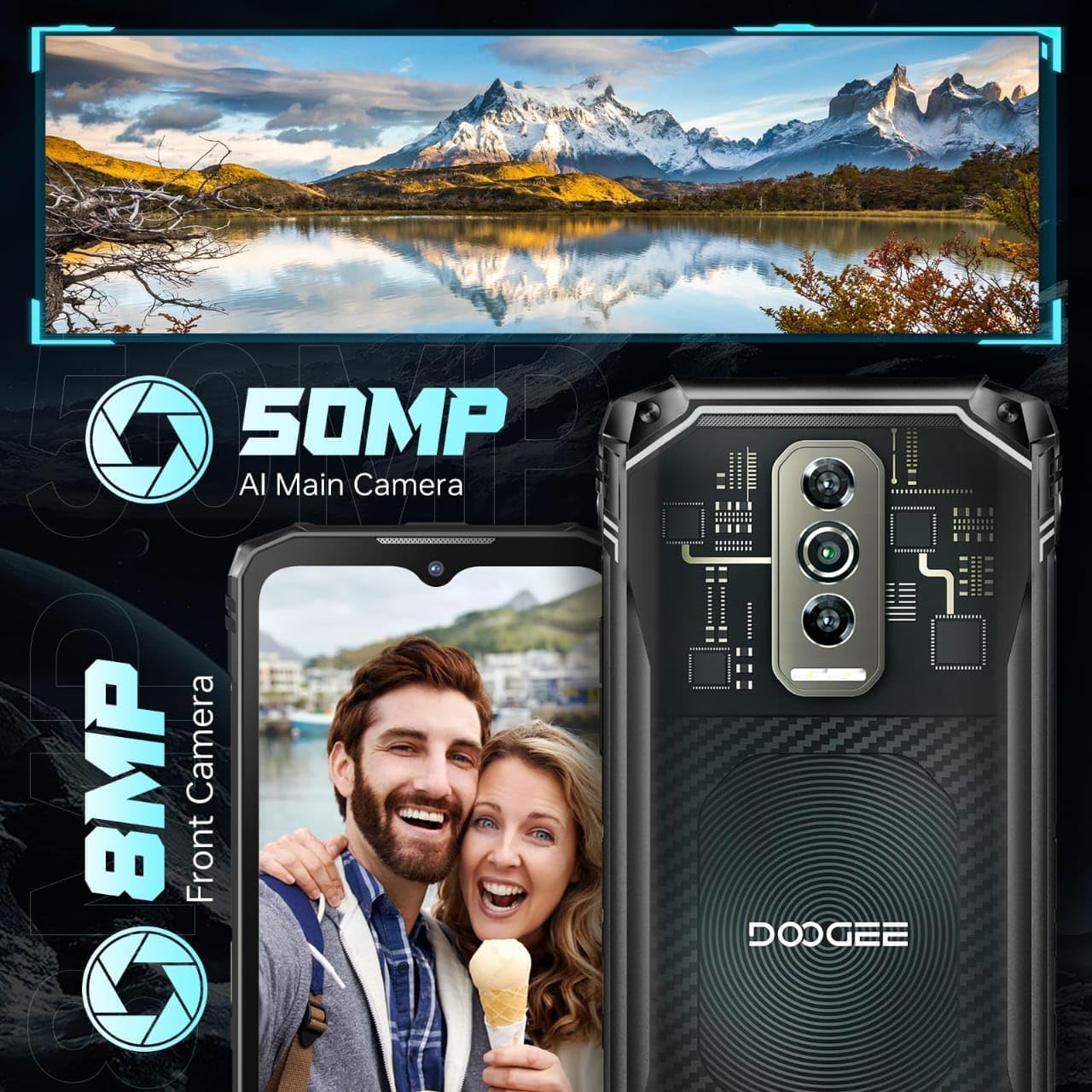
Image: Illustration of the smartphone's camera setup, featuring the 50MP AI main camera and 8MP front camera.
3.4. Batterija
The device is powered by a 5150mAh Lithium Polymer battery, providing extended usage time.
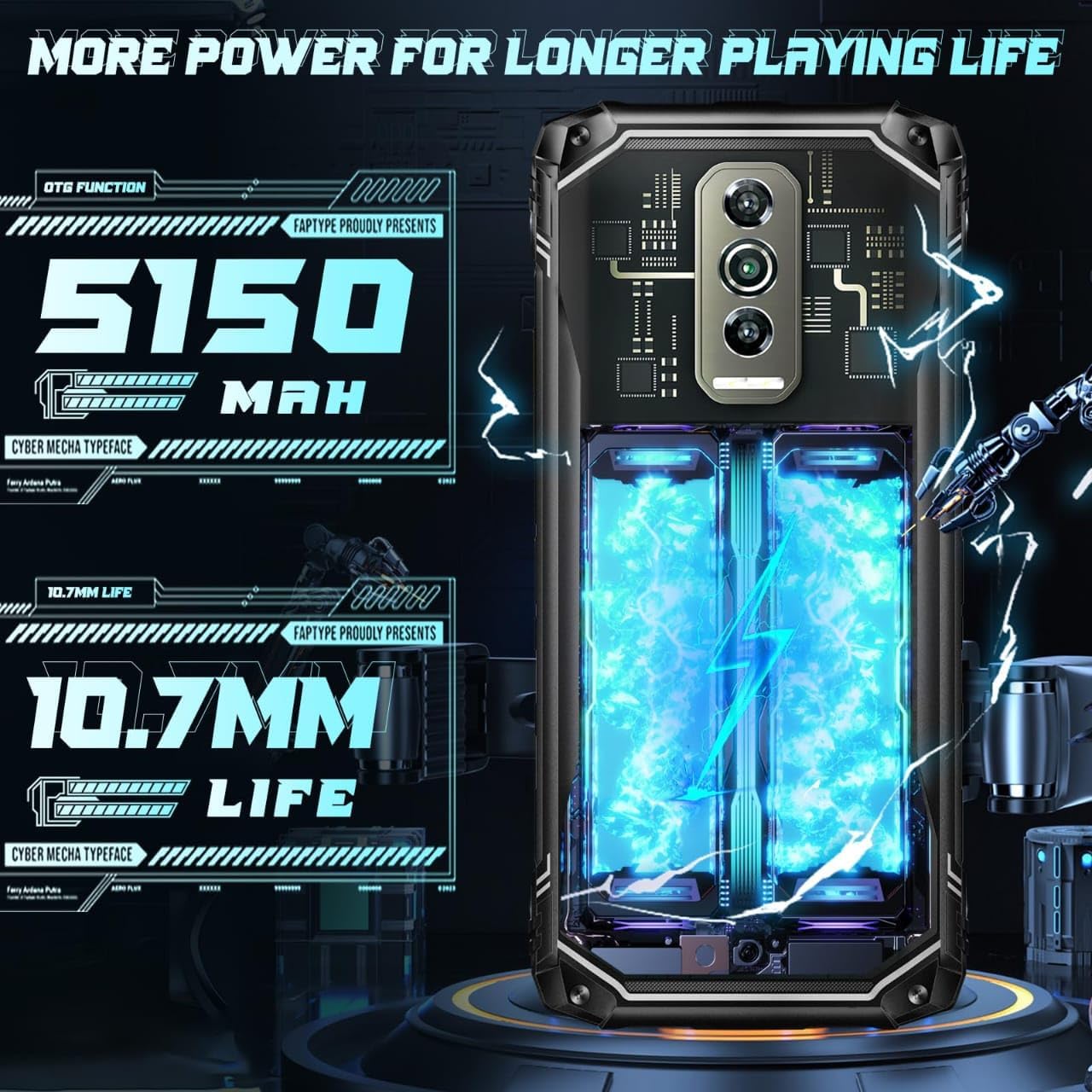
Image: Depiction of the 5150mAh battery, emphasizing its capacity for longer usage.
3.5. Sistema Operattiva
The DOOGEE Blade 10 Ultra runs on the latest Android 14 OS, offering enhanced security, privacy features, and a user-friendly interface.

Image: Android 14 operating system interface with various app icons, indicating the phone's software version.
4. Setup
4.1. Daħħal il-Kards tas-SIM u l-Kard tal-MicroSD
The DOOGEE Blade 10 Ultra supports dual SIM cards and a microSD card for expanded storage. Locate the SIM tray on the side of the device. Use the provided SIM ejector tool to open the tray. Carefully place your Nano-SIM cards and/or microSD card into the designated slots, ensuring correct orientation. Close the tray securely.

Image: Diagram illustrating the insertion of dual SIM cards and a TF (microSD) card into the phone's tray.
4.2. L-Assistent tal-Ixgħel u s-Setup Inizjali
Press and hold the Power button until the DOOGEE logo appears. Follow the on-screen instructions to complete the initial setup, including language selection, Wi-Fi connection, Google account login, and security settings (Face ID, Fingerprint Recognition, PIN/Pattern).
5. Istruzzjonijiet Operattivi
5.1. Unlocking Your Device
The Blade 10 Ultra offers multiple unlocking methods:
- Rikonoxximent tal-Marki tas-Swaba' tal-Ġenb: The fingerprint sensor is integrated into the side power button. Register your fingerprints in the Security settings for quick and secure unlocking (0.19s response speed, 508DPI scanning resolution, 360° identification angle).
- Rikonoxximent tal-Wiċċ: Set up Face ID for instant access by simply looking at your phone.
- PIN/Mudell/Password: Standard Android unlocking methods.

Image: Illustration showing the side fingerprint recognition and face recognition features for unlocking the device.
5.2. Navigazzjoni Bażika
Navigate the Android 14 interface using gestures or the traditional navigation bar. Swipe up from the bottom to access the app drawer, swipe down from the top for quick settings and notifications.
Video: A demonstration of the DOOGEE Blade 10 Ultra's various back cover designs and its slim profile.
5.3. Multimedia and Entertainment
The Blade 10 Ultra supports Widevine L1, allowing you to stream high-definition content from platforms like Hulu, Amazon Prime Video, and HBO Max.

Image: Illustration of Widevine L1 support, showing logos for Hulu, Amazon Prime Video, and HBO Max, indicating high-definition streaming capability.
Vidjo: Fuqview of the DOOGEE Blade 10 series, emphasizing its ruggedness and reliability.
5.4. Konnettività
L-apparat joffri għażliet komprensivi ta' konnettività:
- Wi-Fi: Supports dual-band Wi-Fi for fast and stable internet connection.
- Ċellulari: Unlocked for all carriers, supporting 4G networks.
- NFC: Għal ħlasijiet mingħajr kuntatt u trasferiment tad-dejta.
- GPS: For accurate navigation and location services.
5.5. Sett ta' Għodda Diġitali
The Blade 10 Ultra includes a useful digital toolkit with various utility applications:
- Boxxla
- Miter tal-Ħoss
- Imdendlin tar-Ritratti
- Gradienter
- Weight Measure
- Protractor
- Plumb Bob
- Magnifier
- Qanpiena ta' Allarm
6. Durability and Care
The DOOGEE Blade 10 Ultra is built to be rugged, featuring IP68, IP69K, and MIL-STD-810H certifications, making it highly resistant to water, dust, and drops.
- IP68: Reżistenti għall-ilma u t-trab.
- IP69K: Reżistenti għal ġettijiet tal-ilma bi pressjoni għolja u temperatura għolja.
- MIL-STD-810H: Military standard for durability against drops, shocks, and extreme temperatures.

Image: Visual representation of the phone's IP68, IP69K, and MIL-STD-810H ratings, demonstrating its resistance to water, dust, and drops.
While rugged, proper care is still recommended to ensure longevity. Avoid exposing the device to extreme conditions beyond its specified ratings. Ensure all port covers are securely closed before exposing the phone to water or dust.
Video: A detailed look at the transparent back cover of the DOOGEE Blade 10 Ultra, showcasing its unique design.
7. Manutenzjoni
- Tindif: Uża artab, damp drapp biex tnaddaf l-apparat. Evita kimiċi ħarxa jew materjali li joborxu.
- Aġġornamenti tas-Software: Iċċekkja u installa regolarment aġġornamenti tas-sistema biex tiżgura prestazzjoni u sigurtà ottimali. Mur fuq Settings > Sistema > Aġġornament tas-sistema.
- Kura tal-batterija: To prolong battery life, avoid extreme temperatures and do not fully discharge the battery frequently.
8 Issolvi l-problemi
| Problema | Soluzzjoni Possibbli |
|---|---|
| Apparat mhux mixgħul | Ensure the battery is charged. Connect to a charger for at least 10 minutes. If still unresponsive, perform a forced restart by holding the Power button for 10-15 seconds. |
| Sinjal tan-netwerk fqir | Check if SIM card is properly inserted. Move to an area with better network coverage. Restart the device. |
| L-apps jiġġarraf jew jiffriża | Clear app cache (Settings > Apps > [App Name] > Storage > Clear cache). Restart the device. Update the app or reinstall it. |
| Is-senser tal-marki tas-swaba' mhux qed jaħdem | Ensure your finger is clean and dry. Re-register your fingerprints in Settings > Security. |
| Charging port flap issue | The charging port is covered by a rubber cap for waterproofing. Ensure it is fully opened when charging and securely closed afterwards. Handle with care to prevent damage. |
9. Speċifikazzjonijiet
| Karatteristika | Speċifikazzjoni |
|---|---|
| Mudell | Blade 10 Ultra |
| Sistema Operattiva | Android 14 |
| RAM | 20GB (8GB fiżiku + 12GB virtwali) |
| Ħażna Interna | 256GB |
| Ħażna espansibbli | Up to 2TB microSD card |
| Daqs tal-Wiri | 6.56 pulzieri |
| Riżoluzzjoni tal-Wiri | 1080 x 2400 |
| Riffriskar Rata | 90Hz |
| Kamera Prinċipali | Kamera AI 50MP |
| Kamera ta' Quddiem | 8MP |
| Kapaċità tal-batterija | 5150mAh |
| Klassifikazzjonijiet tad-Durabilità | IP68, IP69K, MIL-STD-810H |
| Konnettività | Wi-Fi, Cellular (4G), NFC, GPS |
| Metodi tal-ftuħ | Side Fingerprint, Face Recognition |
| Dimensjonijiet | 7.64 x 4.09 x 2.24 pulzieri |
| Piż | 9.2 uqija (262 Grammi) |
| Awdjo Jack | L-ebda jack tal-headphones |
10. Garanzija u Appoġġ
Għal informazzjoni dwar il-garanzija u appoġġ tekniku, jekk jogħġbok irreferi għad-DOOGEE uffiċjali webis-sit jew ikkuntattja lis-servizz tal-konsumatur tagħhom direttament. Żomm il-prova tax-xiri tiegħek għal talbiet ta' garanzija.
You can visit the official DOOGEE store for more information: Ħanut DOOGEE fuq Amazon
Ask a question about this manual
Ask about setup, troubleshooting, compatibility, parts, safety, or missing instructions. Manuals+ will review the question and use this page’s manual context to help answer it.