
Prodott Overview
The Avantalk Lingo N21 is an open-ear Bluetooth headset designed for clear communication and all-day comfort. It features a noise-cancelling microphone, Bluetooth 5.3 connectivity, and comes with a convenient charging dock that also functions as a phone stand. This headset is ideal for professionals, remote workers, and anyone needing reliable audio for calls and online meetings while remaining aware of their surroundings.
X'hemm fil-Kaxxa
- Lingo N21 Headset
- Baċir tal-Iċċarġjar
- USB C Power Cable for Dock
- Contact Charging Cable for Headset
Gwida ta' Setup
1. Iċċarġjar Inizjali
Before first use, fully charge your Lingo N21 headset. Place the headset onto the charging dock or connect it directly using the contact charging cable. The indicator light on the headset will show charging status.
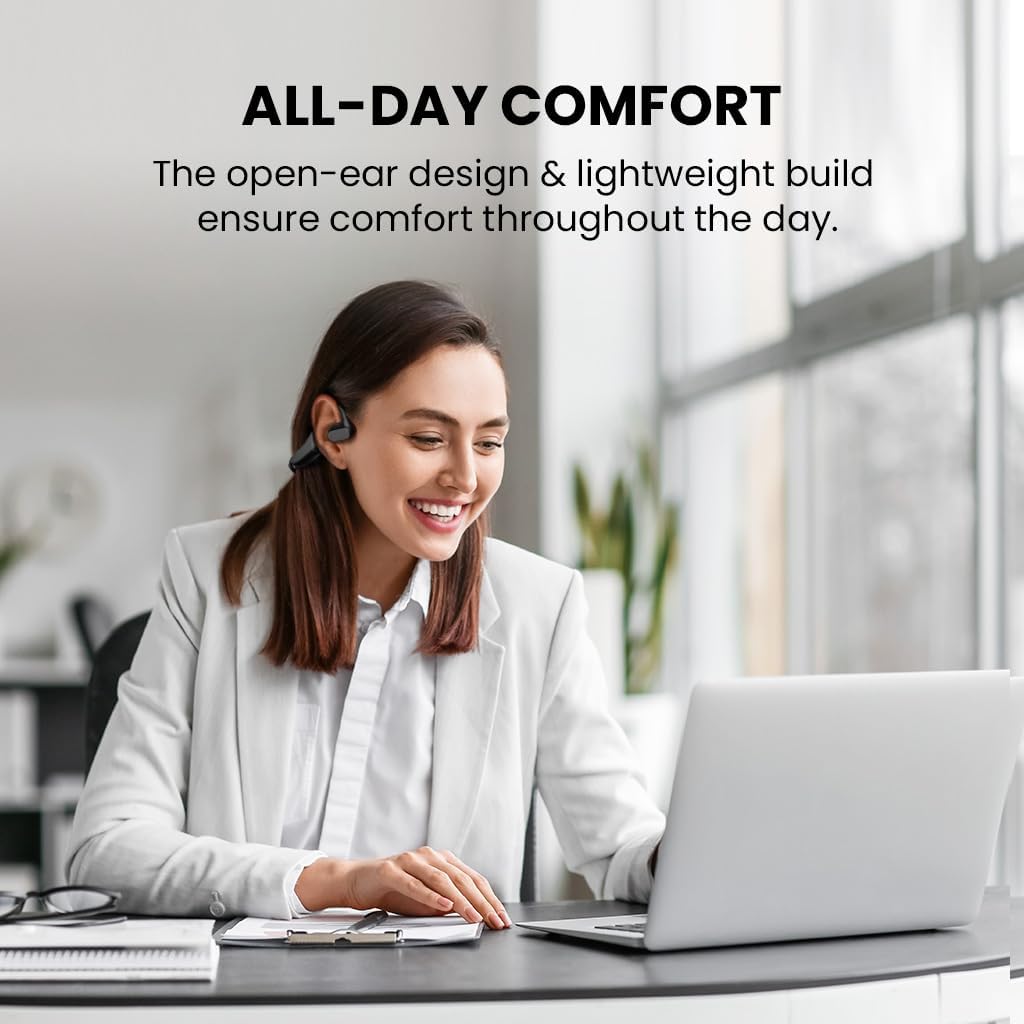
Image: The Avantalk Lingo N21 headset resting securely in its charging dock. The dock also features a slot for propping up a smartphone.

Image: The Lingo N21 headset charging dock, highlighting its dual function as a phone stand. A smartphone is shown propped up in the dock, displaying a video call.
2. It-tqabbil mat-Tagħmir Tiegħek
- Kun żgur li l-headset huwa ċċarġjat u mitfi.
- Press and hold the Multi-function button on the headset until the LED indicator flashes blue and red alternately. This indicates pairing mode.
- On your device (smartphone, laptop, PC, tablet), go to Bluetooth settings and enable Bluetooth.
- Fittex għal "Avantalk Lingo N21" in the list of available devices and select it to connect.
- Ladarba tkun konnessa, l-indikatur LED fuq il-headset se jteptep blu bil-mod.
Interactive Setup Guide Video
Video: An interactive setup guide for the Avantalk Lingo N21 headset. This video demonstrates the step-by-step process of setting up and connecting your headset to various devices, including scanning a QR code for an interactive portal.
Istruzzjonijiet Operattivi
Liebes il-Headset
The Lingo N21 features an open-ear hook design for comfortable, all-day wear. Position the ear hooks over your ears so the speakers rest gently outside your ear canal. Adjust the boom microphone for optimal voice pickup, ensuring it is close to your mouth.

Image: A woman wearing the Avantalk Lingo N21 headset, demonstrating its comfortable open-ear design during work at a laptop.

Image: A close-up of the Avantalk Lingo N21 headset, illustrating the 240-degree rotatable boom microphone for flexible positioning.
Kontrolli u Indikaturi
The headset features intuitive buttons for managing calls and media playback. Refer to the diagram below for button locations and functions.
- Buttuna b'ħafna funzjonijiet: Power On/Off, Play/Pause, Answer/End Call, Voice Assistant.
- Buttuni Volum 'il fuq /' l isfel: Aġġusta l-volum tal-awdjo.
- Buttuna Mute: Ixekkel/itwaqqaf il-mikrofonu waqt is-sejħiet.
- Indikatur LED: Juri l-istatus tal-qawwa, tat-tqabbil, u tal-iċċarġjar.

Immaġni: Dettaljata view of the Avantalk Lingo N21 headset, highlighting the easily accessible mute button on the microphone boom.
Ġestjoni tas-Sejħiet
- Tweġiba/Tmiem Sejħa: Agħfas il-buttuna b'diversi funzjonijiet darba.
- Irrifjuta Sejħa: Agħfas u żomm il-buttuna Multi-funzjoni għal 2-il sekonda.
- Mikrofonu Mute: Press the dedicated Mute button on the microphone boom.
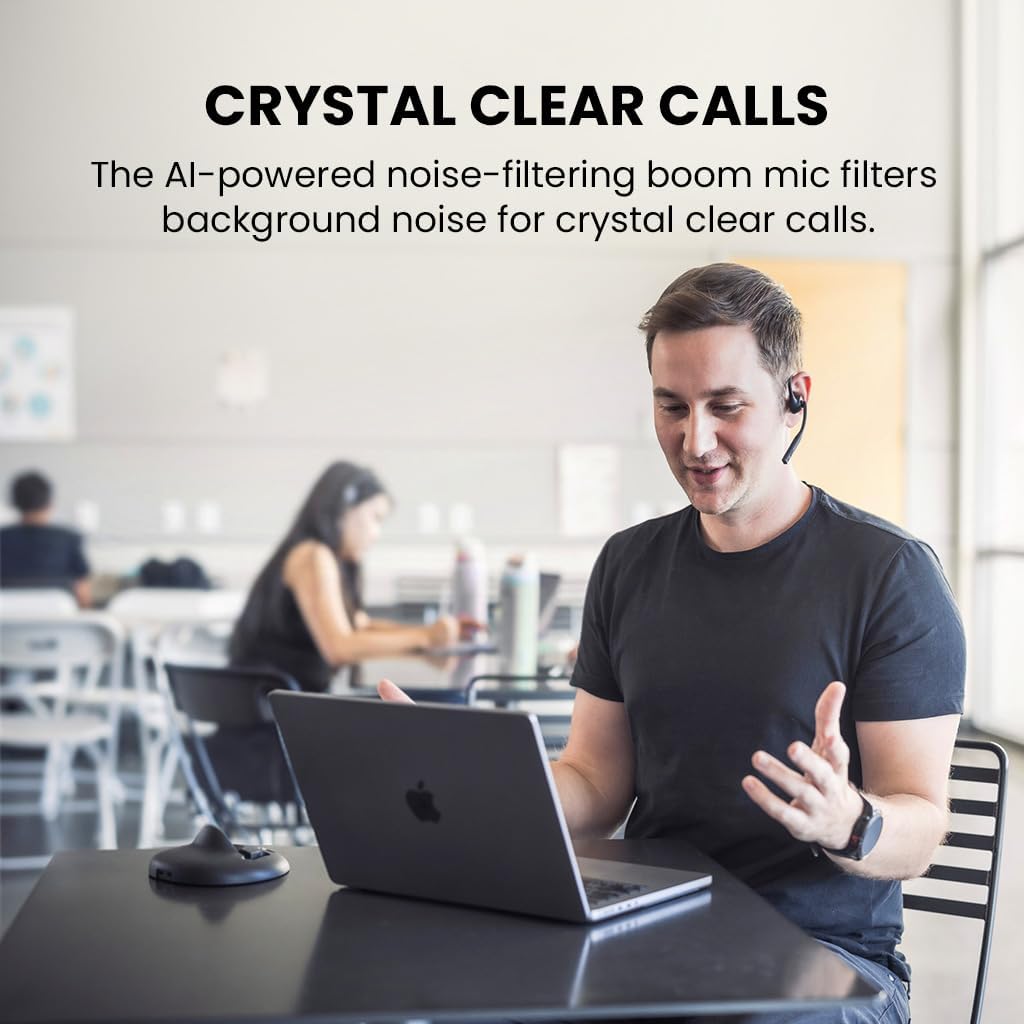
Image: A man engaged in a clear conversation using the Avantalk Lingo N21 headset with its boom mic, demonstrating its effectiveness for calls in an office setting.
Manutenzjoni
Tindif
Wipe the headset and charging dock with a soft, dry, lint-free cloth. Avoid using harsh chemicals, cleaning solvents, or strong detergents. Do not immerse the headset or dock in water.
Kura tal-batterija
- To prolong battery life, fully charge the headset before first use.
- Recharge the headset when the battery is low. A full charge takes approximately 2 hours.
- The headset provides up to 15 hours of average use per charge.
- Aħżen il-headset f'post frisk u niexef meta ma tkunx qed tuża.

Image: The Avantalk Lingo N21 headset on its charging dock, with an overlay indicating "15 hours per charge" for extended playtime.
Issolvi l-problemi
Headset Not Powering On
- Ensure the headset is fully charged. Connect it to the charging dock or cable and check the LED indicator.
- Agħfas u żomm il-buttuna Multi-funzjoni għal ftit sekondi biex tixgħel.
Ma jistax Jingħaqad mal-Apparat
- Make sure the headset is in pairing mode (LED flashing blue and red alternately).
- Ensure Bluetooth is enabled on your device and it is within 10 meters of the headset.
- Forget/remove "Avantalk Lingo N21" from your device's Bluetooth list and try pairing again.
- Erġa' ibda kemm il-headset kif ukoll l-apparat tiegħek.
L-ebda awdjo jew kwalità tal-awdjo fqira
- Iċċekkja l-livelli tal-volum kemm fuq il-headset kif ukoll fuq l-apparat konness tiegħek.
- Ensure the headset is selected as the audio output device in your device's sound settings.
- Ersaq eqreb lejn l-apparat tiegħek biex tevita interferenza jew problemi ta' firxa.
- If using for calls, ensure the microphone is not muted.
Speċifikazzjonijiet Tekniċi
| Isem tal-Mudell | Lingo N21 |
| Numru tal-Mudell | ATBH-NB21M |
| Brand | Avantalk |
| Teknoloġija tal-Konnettività | Bluetooth 5.3 |
| Medda Bluetooth | 10 Meters |
| Tqegħid tal-widnejn | Widna Miftuħa |
| Mikrofonu | Noise-reducing boom mic |
| Ħajja tal-Batterija (Medja) | 15 Sigħat |
| Ħin tal-Ħarġ tal-Batterija | 2 Sigħat |
| Metodu ta' Kontroll | Buttuna, Touch |
| Piż | 175 Gramm |
| Materjal | Acrylonitrile Butadiene Styrene (ABS) |
| Apparati Kompatibbli | Cellphones, Laptops, PC, Computer, Desktops, Tablets |
Garanzija u Appoġġ
Informazzjoni dwar Garanzija
The Avantalk Lingo N21 comes with a 24-il xahar garanzija. Product registration may cover the first 12 months of return shipment costs. Please refer to the official Avantalk websit għal termini u kundizzjonijiet tal-garanzija sħiħa.
Appoġġ għall-Klijent
For extensive support, including chat, email, phone, online clinic, video tutorials, and FAQs, please visit the Avantalk support portal:
You can also email support at support@avantalk.com.