
Introduzzjoni
Thank you for choosing the KOORUI 2.4G Silent Full Size Ergonomic Wireless Keyboard and Mouse Combo. This manual provides essential information for setting up, operating, maintaining, and troubleshooting your new wireless peripheral set. Please read this manual thoroughly before use to ensure optimal performance and longevity of your product.

Figure 0: KOORUI Wireless Keyboard and Mouse Combo
1. Setup
1.1 Kontenut tal-Pakkett
- Tastiera bla fili
- Ġurdien mingħajr fili
- Riċevitur USB 2 f'1
- Manwal għall-Utent
1.2 Installazzjoni tal-batterija
- Locate the battery compartment on the underside of the keyboard. Insert one AAA battery (not included), ensuring correct polarity.
- Locate the battery compartment on the underside of the mouse. The 2-in-1 USB receiver is stored inside this compartment. Remove the receiver, then insert one AA battery (not included), ensuring correct polarity.
- Close both battery compartments securely.

Figure 1: Battery and USB Receiver Installation
1.3 Konnessjoni mat-Tagħmir Tiegħek
- Ensure both the keyboard and mouse are switched to the "ON" position using their respective power switches.
- Plug the 2-in-1 USB receiver into an available USB port on your computer (Laptop/PC/Gaming Console).
- Your operating system should automatically detect and install the necessary drivers. The keyboard and mouse are ready for use once the installation is complete.
Video 1: Demonstrating the setup and functionality of the KOORUI 104-key wireless keyboard and mouse combo.
2. Istruzzjonijiet Operattivi
2.1 Karatteristiċi tat-Tastiera
- Disinn tad-Daqs Sħiħ: The keyboard features a full-size layout with 104 keys, including a numeric keypad, for comprehensive input.
- Ittajpjar Sieket: Soft and responsive keys provide a quiet typing experience, reducing noise in shared environments.
- Disinn Ergonomiku: Designed for comfort, the keyboard includes an 8° tilt angle to reduce wrist strain during extended use.
- Multimedia & Shortcut Keys: Access 5 multimedia keys and 12 shortcut functions (primarily for Windows systems) for quick control over media, applications, and system functions.

Figure 2: Ergonomic Design with 8° Tilt
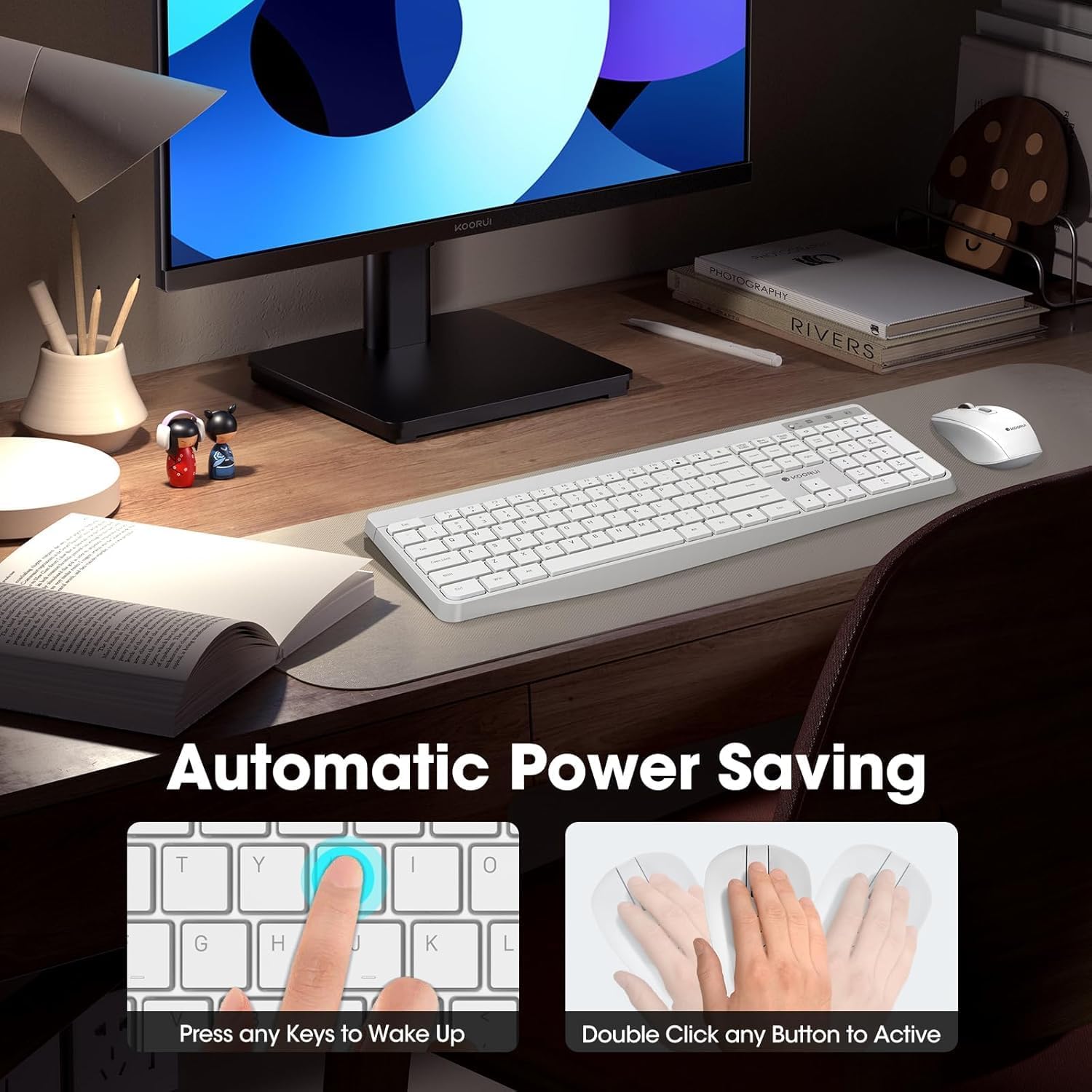
Figure 3: Multimedia and Shortcut Keys
2.2 Karatteristiċi tal-Maws
- 3 Adjustable DPI Levels: Cycle through 800, 1200, and 1600 DPI settings to adjust cursor sensitivity for precise control.
- Klikks Siekta: The mouse features ultra-quiet buttons, minimizing click noise.
- Disinn Ergonomiku: Contoured shape fits comfortably in your hand for extended use.

Figure 4: Mouse DPI Settings
2.3 Kompatibilità
The KOORUI Wireless Keyboard and Mouse Combo is compatible with a wide range of operating systems, including Windows 7/8/10/11/Vista, macOS, and Linux. It can be used with laptops, personal computers, and gaming consoles.

Figura 5: Kompatibilità Wiesgħa
3. Manutenzjoni
3.1 Tindif
The keyboard features a waterproof design, offering protection against accidental spills. To clean, gently wipe the surfaces of the keyboard and mouse with a soft, damp cloth. Avoid using harsh chemicals or abrasive materials. Ensure the devices are completely dry before use.

Figure 6: Waterproof Keyboard Design
3.2 Battery Life and Power Saving
- The keyboard and mouse are equipped with an auto-sleep mode function to conserve battery life. They will enter sleep mode after a period of inactivity.
- To wake the devices, simply click any button on the mouse or press any key on the keyboard.
- Replace batteries when the low battery indicator light appears (Keyboard: 1 AAA, Mouse: 1 AA).
Figure 7: Battery Compartments and Power Indicators
4 Issolvi l-problemi
4.1 Kwistjonijiet ta' Konnessjoni
- Ebda Tweġiba:
- Ensure the keyboard and mouse power switches are in the "ON" position.
- Iċċekkja jekk il-batteriji humiex installati sew u għandhomx biżżejjed ċarġ. Ibdelhom jekk meħtieġ.
- Verify that the USB receiver is securely plugged into a working USB port on your computer. Try a different USB port.
- Move the keyboard and mouse closer to the USB receiver to rule out range issues (maximum 10m/33ft).
- Konnessjoni Dewmien jew Intermittenti:
- Naqqas l-interferenza billi tmexxi apparati oħra mingħajr fili 'l bogħod mir-riċevitur.
- Kun żgur li m'hemm l-ebda oġġetti kbar tal-metall bejn l-apparati u r-riċevitur.
4.2 Keyboard Specific Issues
- Iċ-Ċwievet Ma Jirrispondux:
- Iċċekkja l-livell tal-batterija.
- Ensure the keyboard is not in sleep mode (press any key to wake).
4.3 Mouse Specific Issues
- Cursor Not Moving:
- Iċċekkja l-livell tal-batterija.
- Ensure the mouse is not in sleep mode (click any button to wake).
- Naddaf is-senser ottiku fuq in-naħa ta' taħt tal-maws.
- Ensure you are using the mouse on a suitable surface.
5. Speċifikazzjonijiet
| Brand | KOORUI |
| Mudell | B0C4DVG5WV |
| Kulur | Abjad |
| Teknoloġija tal-Konnettività | Frekwenza tar-Radju 2.4 GHz |
| Karatteristika Speċjali | Ergonomic, Silent Keys, Waterproof Design, Auto Power Saving |
| Apparati Kompatibbli | Gaming Console, Laptop, Personal Computer |
| Movement Detection (Mouse) | Optical (800/1200/1600 DPI) |
| Kompatibilità tas-Sistema Operattiva | Windows 7/8/10/11/Vista, macOS, Linux |
| Layout tat-Tastiera | QWERTY, Full Size (104 keys) |
| Sors tal-Enerġija | Imħaddem bil-batterija (Tastiera: 1 AAA, Maws: 1 AA) |
| Firxa Wireless | Sa 10m (33-il pied) |
| Piż tal-oġġett | 0.7 Kilogrammi |
| UPC | 738060953515 |
6. Informazzjoni dwar Garanzija
This KOORUI product comes with a Garanzija limitata ta 'sena from the date of purchase. This warranty covers manufacturing defects and workmanship under normal use. It does not cover damage caused by misuse, accident, unauthorized modification, or external causes.
Jekk jogħġbok żomm il-prova tax-xiri tiegħek għal pretensjonijiet ta' garanzija.
7. Appoġġ għall-Klijent
For any questions, technical assistance, or warranty inquiries regarding your KOORUI Wireless Keyboard and Mouse Combo, please contact our customer support team. We are committed to providing 24-hour service to assist you.
Please refer to the product packaging or the official KOORUI webis-sit għall-aktar informazzjoni ta' kuntatt aġġornata.