
1. Introduzzjoni
This manual provides essential information for the proper use and maintenance of your Andoer Mini Digital Video Camera. Please read it thoroughly before operating the device to ensure optimal performance and longevity.
2. Kontenut tal-Pakkett
Iċċekkja li l-oġġetti kollha elenkati hawn taħt huma inklużi fil-pakkett tiegħek:
- Andoer Mini Digital Video Camera
- Cable tal-Iċċarġjar tal-USB
- Manwal għall-Utent (dan id-dokument)
Note: A Micro SD card is required for operation and is not included in the package.
3. Prodott Aktarview
The Andoer Mini Digital Video Camera is a compact and lightweight device designed for capturing photos and 1080P videos. It features a built-in LCD screen for direct viewing and a flash for improved low-light performance.

Image: The Andoer Mini Digital Video Camera, demonstrating its small form factor when held in hand.
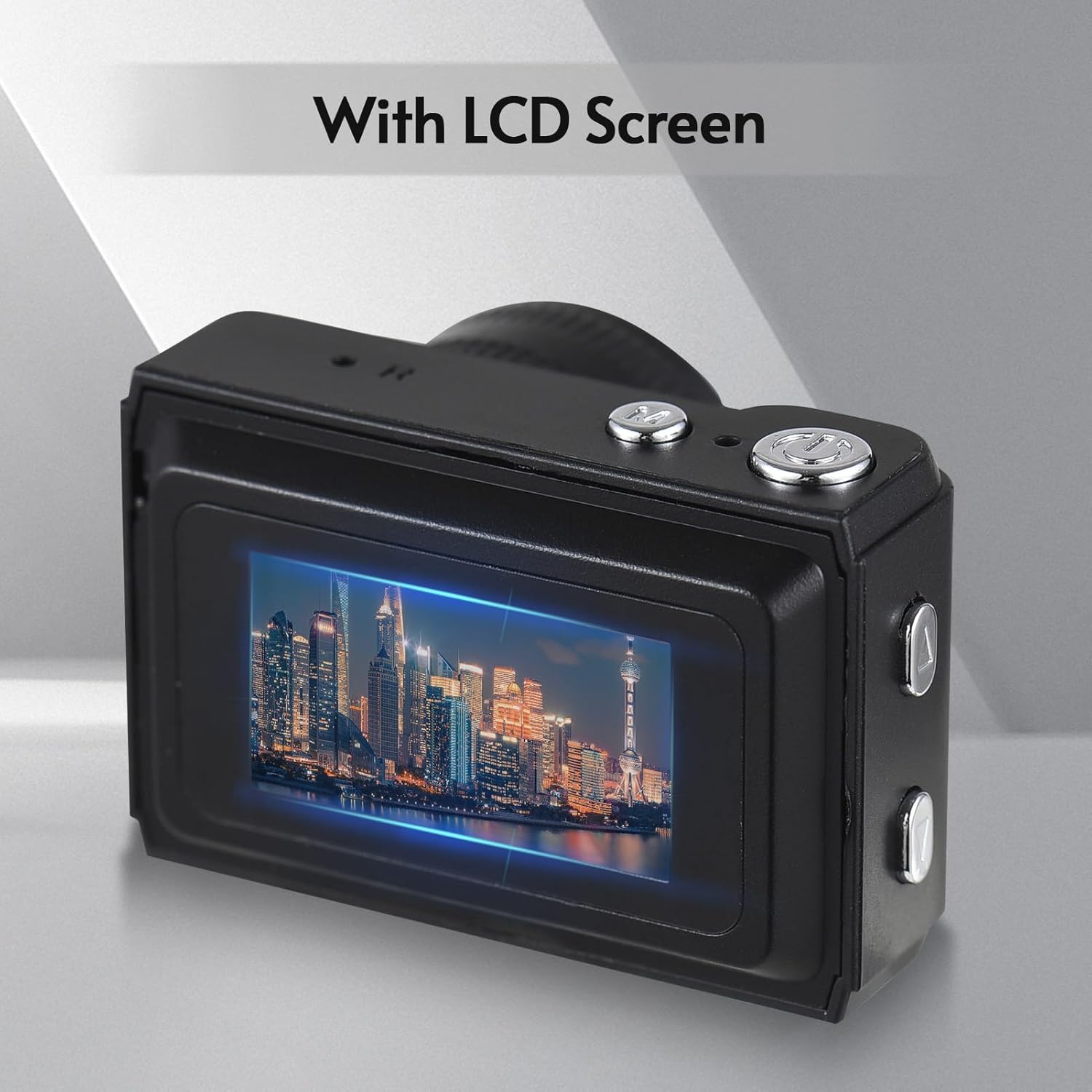
Immaġni: Wara view of the camera, highlighting the integrated LCD screen displaying an image.

Immaġni: Ġenb view of the camera with approximate dimensions indicated, showing its compact design.
4. Setup
4.1. Iċċarġjar tal-batterija
The camera features a built-in rechargeable battery. Before first use, fully charge the camera using the provided USB charging cable.
- Connect the small end of the USB cable to the camera's USB port.
- Qabbad it-tarf l-akbar tal-kejbil USB ma' adapter tal-enerġija USB (mhux inkluż) jew mal-port USB tal-kompjuter.
- Id-dawl indikatur tal-iċċarġjar jixgħel. Ladarba jkun iċċarġjat kompletament, id-dawl jista’ jibdel il-kulur jew jintefa.

Image: Illustration of the camera's built-in rechargeable battery and its USB charging interface.
4.2. Daħħal Karta Mikro SD
A Micro SD card (not included) is required to store photos and videos. The camera supports Micro SD cards up to a certain capacity (refer to specifications for details).
- Sib is-slott tal-kard Micro SD fuq il-kamera.
- Insert the Micro SD card with the metal contacts facing down until it clicks into place.
- Biex tneħħiha, imbotta l-karta bil-mod 'il ġewwa sakemm toħroġ 'il barra.
5. Istruzzjonijiet Operattivi
5.1. Tixgħil / Mitfi
Agħfas u żomm il-buttuna tal-Qawwa (ġeneralment tinsab fuq nett jew fil-ġenb) għal ftit sekondi biex tixgħel jew titfi l-kamera.
5.2. Teħid tar-Ritratti
The camera can capture still images with 1080P resolution.
- Ensure the camera is in photo mode (indicated on the LCD screen).
- Ikkwadra r-ritratt tiegħek billi tuża l-iskrin LCD.
- Press the Shutter button (typically on top) to take a photo.
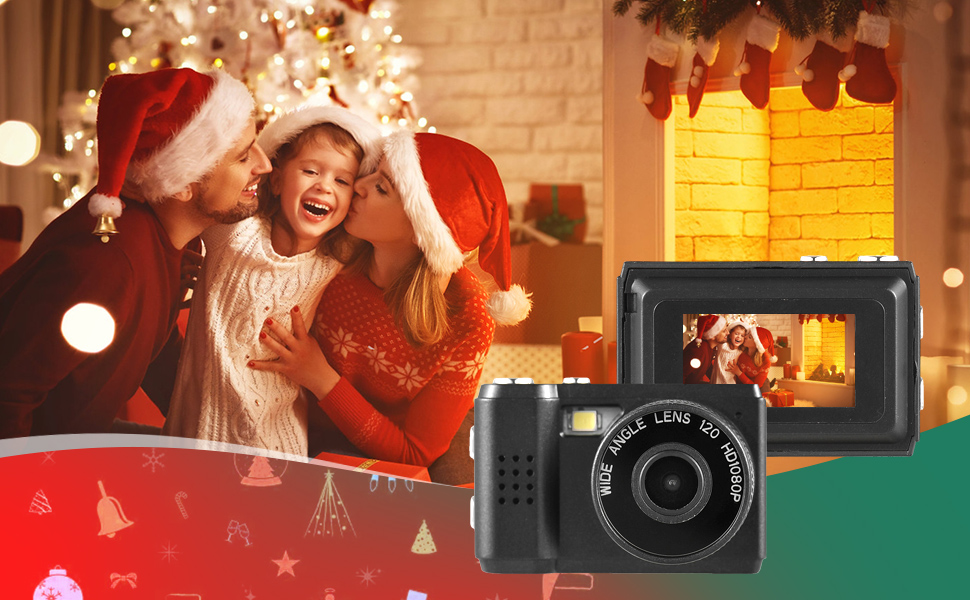
Immaġni: Eżamples of scenes that can be captured with the camera's photo and video functions.
5.3. Reġistrar Vidjows
Record videos in 1080P resolution.
- Switch the camera to video recording mode.
- Press the Record button (often the same as the Shutter button, or a dedicated button) to start recording.
- Agħfas il-buttuna Irrekordja mill-ġdid biex tieqaf tirrekordja.
5.4. L-Użu tal-Flash Integrat
The camera includes a built-in flash for illuminating subjects in low-light conditions.
- Access the flash settings through the camera's menu.
- Select the desired flash mode (e.g., Auto, On, Off).
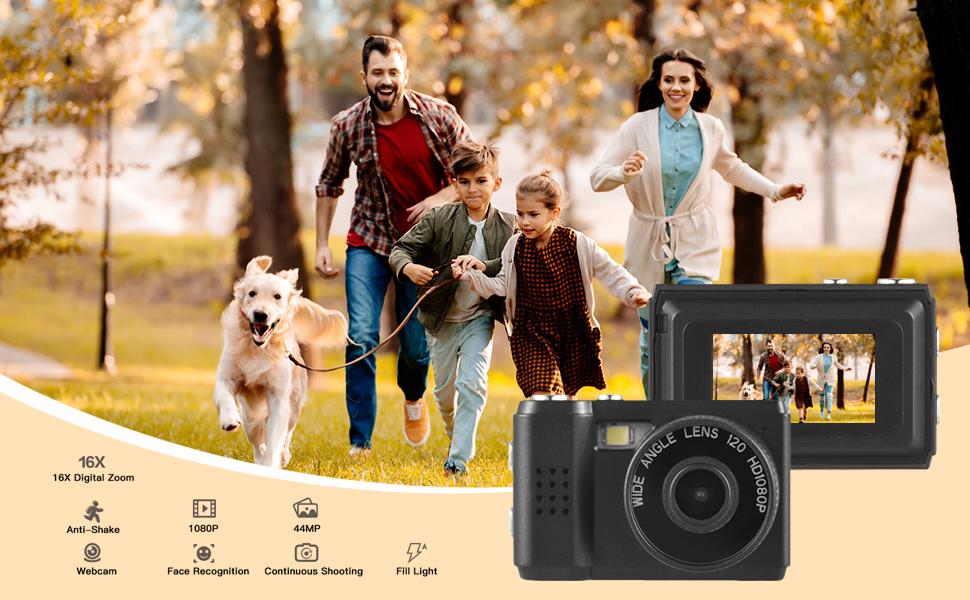
Image: The camera's built-in flash in operation, providing illumination for a photo.
5.5. Applying Filter Effects
The camera offers various filter effects to enhance your photos.
- In photo mode, navigate to the filter settings in the menu.
- Select from the available filter options to apply them to your images.
5.6. Konnessjoni ma' Kompjuter
You can transfer photos and videos to your computer using the USB cable.
- Kun żgur li l-kamera tkun mixgħula.
- Qabbad il-kamera mal-kompjuter tiegħek billi tuża l-kejbil USB.
- Il-kamera għandha tidher bħala disk drive li jista' jitneħħa fuq il-kompjuter tiegħek.
- Aċċess għall-maħżuna files and copy them to your computer.
6. Manutenzjoni
- Tindif: Use a soft, dry cloth to clean the camera body. For the lens and LCD screen, use a specialized lens cleaning cloth. Avoid abrasive materials or harsh chemicals.
- Ħażna: Aħżen il-kamera f'post frisk u niexef 'il bogħod mix-xemx diretta u minn temperaturi estremi. Neħħi l-kard tal-Micro SD jekk se taħżinha għal perjodi twal.
- Kura tal-batterija: To maintain battery health, avoid fully discharging the battery frequently. Charge it regularly, even if not in use.
7 Issolvi l-problemi
- Il-kamera ma tixgħel: Ensure the battery is charged. If the issue persists, try charging for a longer period.
- "No SD Card" error: Verify that a Micro SD card is properly inserted and that it is not full or corrupted. Try reinserting the card or using a different one.
- Kwalità fqira tal-immaġni/vidjow: Ensure adequate lighting. Check lens for smudges or dirt. Note that image quality may vary based on environmental conditions and the camera's compact sensor.
- Il-kamera tiffriża: If the camera becomes unresponsive, try pressing and holding the Power button for an extended period (e.g., 10-15 seconds) to force a shutdown.
8. Speċifikazzjonijiet
| Karatteristika | Speċifikazzjoni |
|---|---|
| Brand | Andoer |
| Numru tal-Mudell | d26ed34e-1e4d-4f4c-8a08-ff20d919aeaa |
| Riżoluzzjoni tal-vidjo | 1080p |
| Riżoluzzjoni Għadha Effettiva | 1.92 MP |
| Teknoloġija tas-Sensor tar-Ritratti | CMOS |
| Daqs tal-Iskrin | 4.2 Centimeters (LCD) |
| Stabbilizzazzjoni tal-Immaġni | Ottiċi |
| Tip ta' Memorja Flash | Mikro SD |
| Kapaċità ta 'Reġistrazzjoni | 330 Minuta |
| Teknoloġija tal-Konnettività | USB |
| Piż tal-oġġett | 0.05 Kilogrammi |
| Huma Inklużi Batteriji | Iva (inkorporat) |
| Kulur | Iswed |
9. Garanzija u Appoġġ
For warranty information and technical support, please refer to the documentation provided with your purchase or contact Andoer customer service through their official websit. Żomm il-prova tax-xiri tiegħek għal talbiet ta' garanzija.