
1. Informazzjoni dwar is-Sigurtà
Please read all safety instructions carefully before using this device. Keep this manual for future reference.
- Tesponix l-apparat għax-xita, umdità, jew temperaturi estremi.
- Evita li tpoġġi l-apparat ħdejn sorsi tas-sħana jew fid-dawl tax-xemx dirett.
- Uża biss l-adapter tal-enerġija u l-ċarġer tal-karozza pprovduti.
- Żomm l-apparat 'il bogħod mit-tfal u l-annimali domestiċi.
- Tippruvax iżarma jew isewwi l-apparat lilek innifsek. Ikkuntattja l-appoġġ tal-klijent għall-assistenza.
2. Kontenut tal-Pakkett
Ivverifika li l-oġġetti kollha huma preżenti fil-pakkett:
- 15.6 "DVD Player li jista 'jinġarr
- Gwida Quick Start
- Kontrollur mill-bogħod
- Cable AV 3-in-1
- Ċarġer tal-Karozza
- Adapter AC

Image: All components included in the pofoto PD15 Portable DVD Player package.
3. Prodott Aktarview
The pofoto PD15 Portable DVD Player features a 15.6-inch HD screen designed for an immersive viewing experience. It includes dual stereo speakers and supports various media formats.
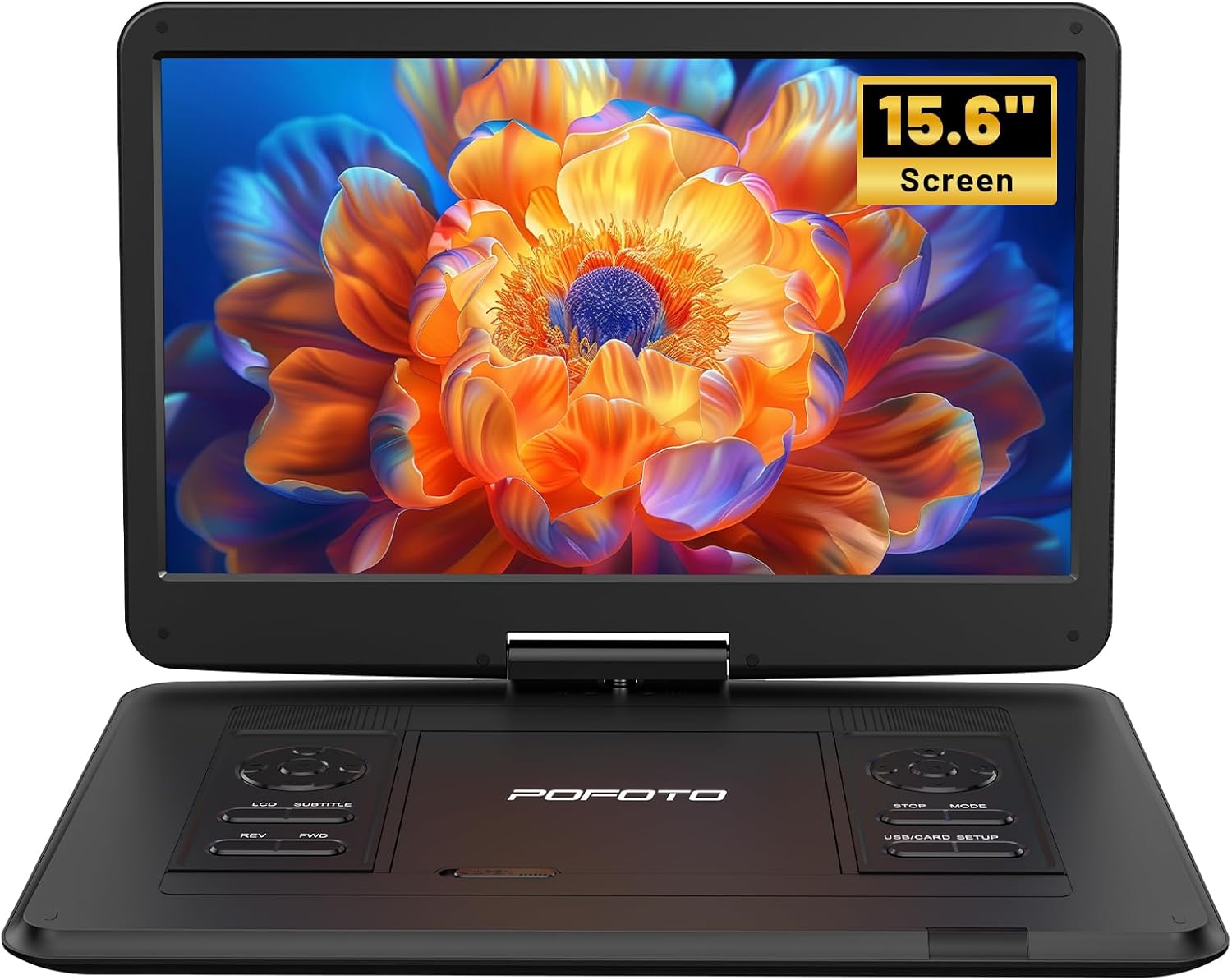
Immaġni: Quddiem view of the pofoto PD15 Portable DVD Player with its 15.6-inch screen open.
3.1. Karatteristiċi tal-Iskrin
The 15.6-inch screen offers a resolution of 1280*800 pixels. It can rotate 270° and flip 180°, allowing for optimal viewangoli.

Immaġni: Ġenb view of the pofoto PD15 Portable DVD Player highlighting the large 15.6-inch screen.
3.2. Control Panel and Ports
The device features intuitive control buttons on the base and various ports for connectivity.
- Port USB: For connecting USB drives (up to 32GB) to play media files.
- Slot tal-Kard SD: For inserting SD cards (up to 32GB) to play media files.
- Jack tal-headphone: Jack ta' 3.5mm għal smigħ privat.
- AV OUT: Audio/Video output for connecting to external displays.
- AV IN: Audio/Video input for connecting external media sources.
- DC IN: Power input for charging and operating the device.
- Swiċċ tal-Enerġija: Physical ON/OFF switch located on the side.
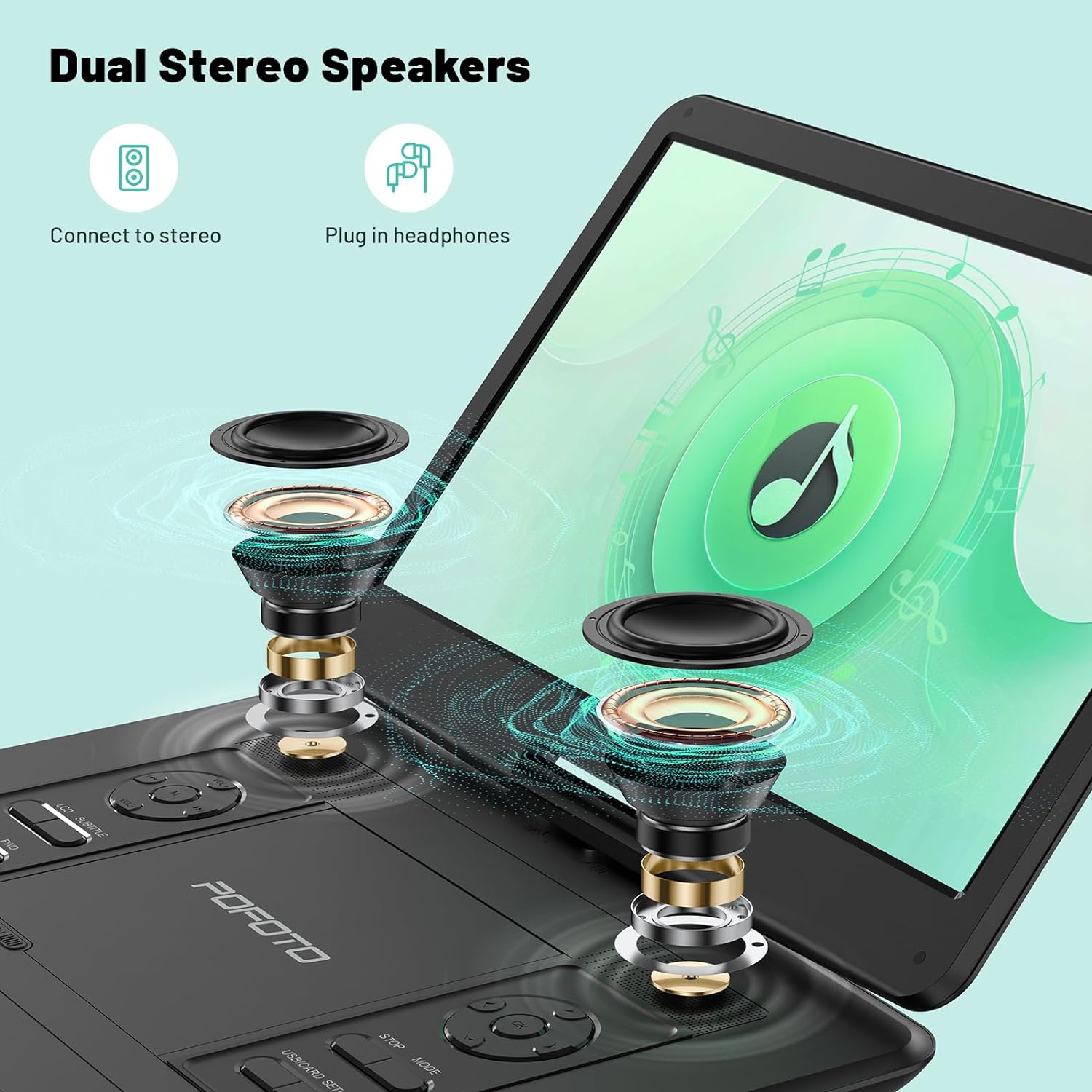
Image: Close-up of the side panel of the pofoto PD15 Portable DVD Player, detailing the various input and output ports.
4. Setup
4.1. Iċċarġjar Inizjali
Before first use, fully charge the device using the provided AC adapter. The charging indicator light will show the charging status.
4.2. Tixgħil / Mitfi
- Biex Tixgħel: Slide the physical power switch on the side to the 'ON' position. Then, press the 'POWER' button on the control panel.
- Biex Tifi: Press the 'POWER' button on the control panel, then slide the physical power switch to the 'OFF' position.
4.3. Daħħal Diska
- Gently open the disc cover by sliding the 'OPEN' latch.
- Place the DVD or CD onto the spindle with the label side facing up. Ensure it clicks into place.
- Close the disc cover firmly until it latches.
5. Istruzzjonijiet Operattivi
5.1. Daqq Bażiku
- After inserting a disc or connecting a USB/SD card, the player will typically begin playback automatically.
- Uża l- DĦABBA/PAWŻA buttuna biex tibda jew tieqaf daqq.
- Uża l- STOP buttuna biex twaqqaf il-plejbek.
- Aġġusta l-volum billi tuża l- VOL+ u VOL- buttuni.
- Uża l- REV u FWD buttons for fast rewind and fast forward.
5.2. Aġġustament tal-Iskrin
The screen can be rotated 270° and flipped 180° for flexible viewing. Adjust the screen gently to your desired position.
5.3. Kompatibilità tal-Midja
The player is region-free and compatible with a wide range of formats:
- Diski: CD, DVD, CD-R/RW, DVD±R/±RW, VCD/SVCD (Blu-ray and pirated discs are not supported).
- USB & SD Cards (Max 32GB): Supports VOB, AVI, MPEG, MP3, WMA, JPEG formats.

Image: The pofoto PD15 Portable DVD Player displaying its compatibility with various disc and digital media formats.
5.4. Funzjoni tal-Aħħar Memorja
The device features a last memory function that resumes playback from where you last stopped, even after powering off.
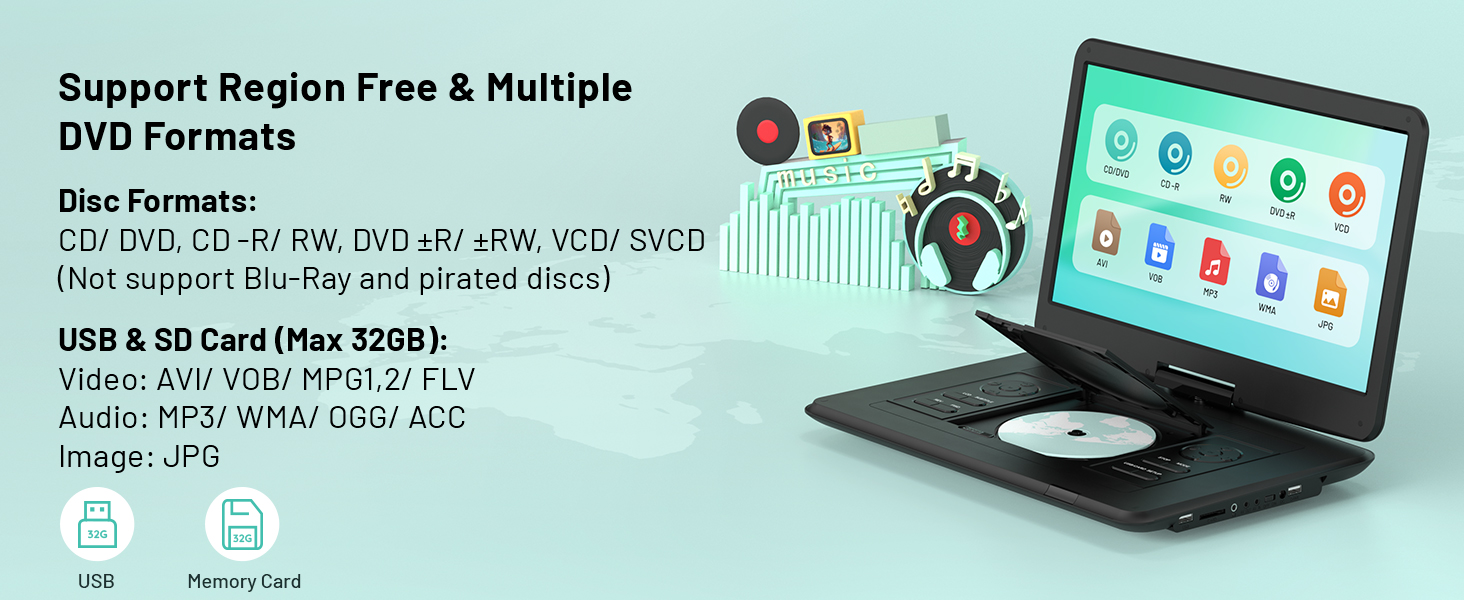
Image: Visual representation of the Last Memory Function, showing a movie resuming after the player is powered on again.
5.5. Advanced Playback Options
- Irrepeti AB: Use the 'A-B' button on the remote to select and loop specific video segments.
- Mozzjoni bil-mod: Easily slow down the current playback speed by pressing the 'SLOW' button on the remote.
6. Konnessjoni ma' Apparati Esterni
The pofoto PD15 can connect to various external devices for an enhanced viewing esperjenza.
- Sync to TV: Use the AV OUT port and the provided 3-in-1 AV cable to connect to a television.
- Sync to Projector: Connect to a projector via the AV OUT port for a larger display.
- Sync to Similar Player: Connect two compatible portable DVD players for synchronized viewing.

Image: The pofoto PD15 Portable DVD Player connected to a television, demonstrating its screen sharing feature.
7. Batterija u Iċċarġjar
The device is equipped with a 5000mAh rechargeable battery, providing up to 6 hours of continuous playback.
7.1. Metodi ta 'ċċarġjar
- Adapter tal-AC: Use the certified AC adapter for charging at home or any standard power outlet.
- Ċarġer tal-Karozza: Use the included car charger to power and charge the device in your vehicle.
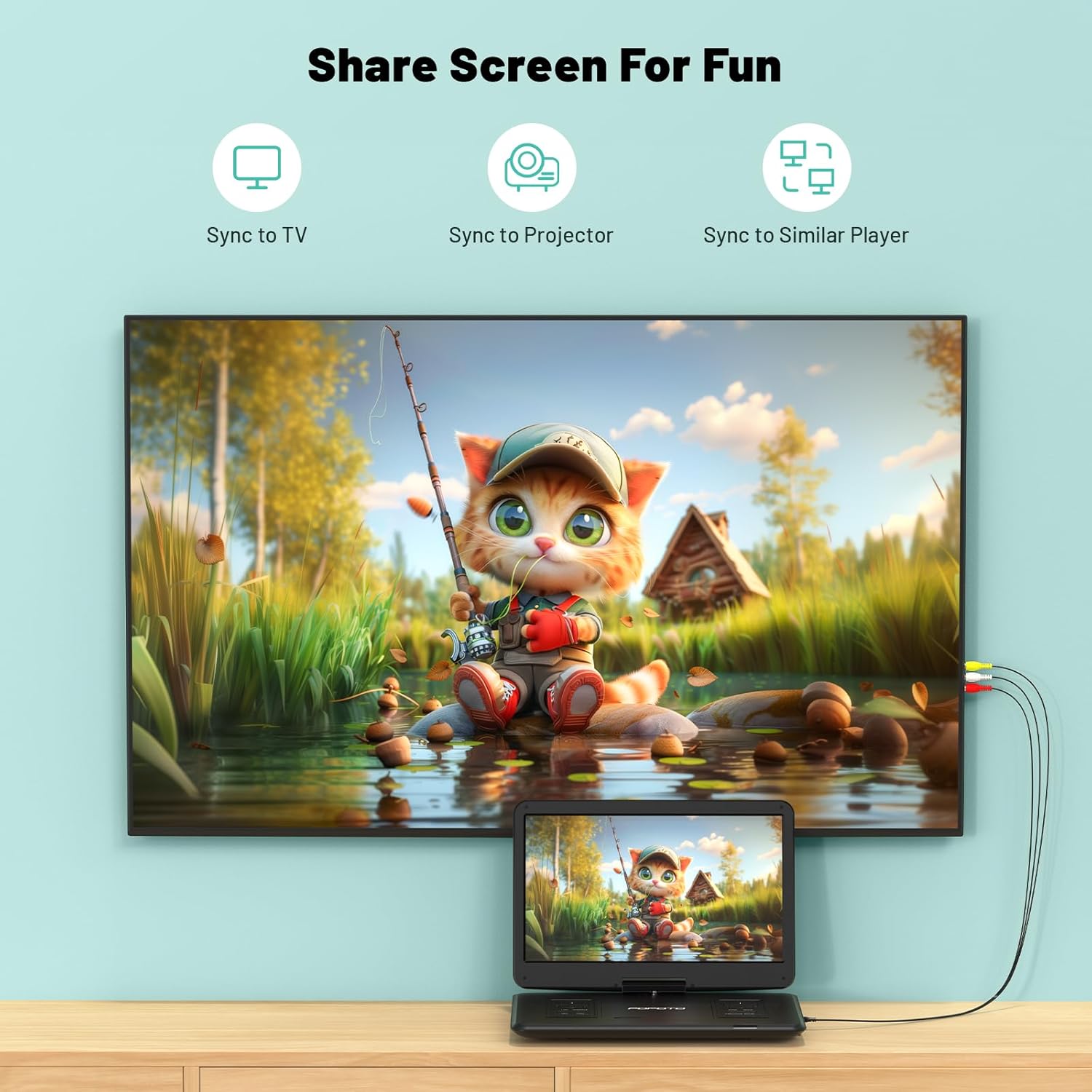
Image: The pofoto PD15 Portable DVD Player illustrating its 6-hour battery life and various charging options.
8. Manutenzjoni
- Tindif: Use a soft, dry cloth to clean the screen and exterior. Do not use liquid cleaners or aerosols.
- Ħażna: Aħżen l-apparat f'post frisk u niexef 'il bogħod mix-xemx diretta meta ma tkunx qed tuża.
- Kura tad-Diska: Handle discs by the edges to avoid fingerprints and scratches. Clean discs with a soft, lint-free cloth.
9 Issolvi l-problemi
- Ebda Qawwa: Ensure the device is charged or connected to a power source, and the physical power switch is in the 'ON' position.
- Id-Diska Mhux Qed Tilgħab: Check if the disc is inserted correctly (label side up) and is clean. Ensure the disc format is supported (not Blu-ray or pirated).
- Ebda Ħsejjes: Check the volume level. Ensure headphones are properly connected if in use. If connected to an external device, check its volume and connections.
- Kwalità Fqira tal-Istampa: Ensure the disc is clean and unscratched. Adjust screen brightness and contrast settings if available.
- Funzjoni Kontra x-Xokk: The built-in anti-shock function helps maintain smooth playback during movement, ideal for car travel.
10. Speċifikazzjonijiet
| Karatteristika | Dettall |
|---|---|
| Brand | pofoto |
| Isem tal-Mudell | PD15 |
| Daqs tal-Iskrin | 15.6 pulzieri |
| Riżoluzzjoni | 1280 x 800 pixel |
| Kapaċità tal-batterija | 5000mAh |
| Ħajja tal-batterija | Sa 6 sigħat |
| Tipi ta 'Midja appoġġjati | CD, DVD, CD-R/RW, DVD±R/±RW, VCD/SVCD, USB, SD Card (VOB, AVI, MPEG, MP3, WMA, JPEG) |
| Karatteristiċi Speċjali | Anti-Shock, Region Free, Last Memory, Portable, Rechargeable |
| Piż tal-oġġett | 5.51 liri |
| Dimensjonijiet tal-Prodott | 14.9 x 10.6 x 1.9 pulzieri |
| Teknoloġija tal-Konnettività | USB, SD, 3.5mm Headphone Jack, AV In/Out |
11. Garanzija u Appoġġ
Your pofoto PD15 Portable DVD Player comes with a Servizz ta 'wara l-bejgħ ta' 24 xahar. If you encounter any issues or have questions, please reach out to our customer support team. We aim to respond within 24 hours to assist you.
Video: Official pofoto guide demonstrating the use of the 17.5" Portable DVD Player. This video provides a visual walkthrough of the product's features and basic operation.