
1. Introduzzjoni
This manual provides comprehensive instructions for the safe and efficient use of your NEC VKT16XZG5 laptop. Please read this manual thoroughly before using the product and retain it for future reference. This laptop is equipped with Windows 11, an Intel Core i5-8th Generation processor, and solid-state drive (SSD) storage, designed for general computing tasks.
2. Informazzjoni dwar is-Sigurtà
Observe the following safety precautions to prevent damage to the laptop or injury to yourself.
- Tesponix il-laptop għal temperaturi estremi, dawl tax-xemx dirett, jew umdità għolja.
- Evita li tpoġġi oġġetti tqal fuq il-laptop.
- Żomm il-likwidi 'l bogħod mil-laptop biex tevita xokk elettriku jew ħsara.
- Use only the provided AC adapter or a compatible replacement.
- Tippruvax tiżżarma jew issewwi l-laptop int stess. Irreferi għal persunal tas-servizz kwalifikat.
- Kun żgur li tivventila sew biex tevita li tissaħħan iżżejjed. Timblokkax il-ventijiet tal-arja.
3. Kontenut tal-Pakkett
Ivverifika li l-oġġetti kollha huma preżenti fil-pakkett:
- NEC VKT16XZG5 Laptop
- Adapter AC
- Security Zero License Card
- 64GB USB Recovery Storage
- Digital Recovery Manual (pre-saved on the laptop)

Image: 64GB USB Recovery Storage device. This USB drive contains essential recovery files for your laptop.

Image: ZERO Security software box. A license card for this security software is included.
4. Prodott Aktarview
Familiarize yourself with the components of your NEC VKT16XZG5 laptop.
4.1 Fuq View (Keyboard and Touchpad)

Immaġni: Fuq view of the NEC VKT16XZG5 laptop. This image highlights the Japanese keyboard layout and the integrated touchpad for navigation.
- Tastiera: Standard Japanese layout for text input.
- Touchpad: Għall-kontroll tal-cursor u l-input tal-ġesti.
- Buttuna tal-Qawwa: Located above the keyboard, typically on the right side.
4.2 Exterior Design and Durability
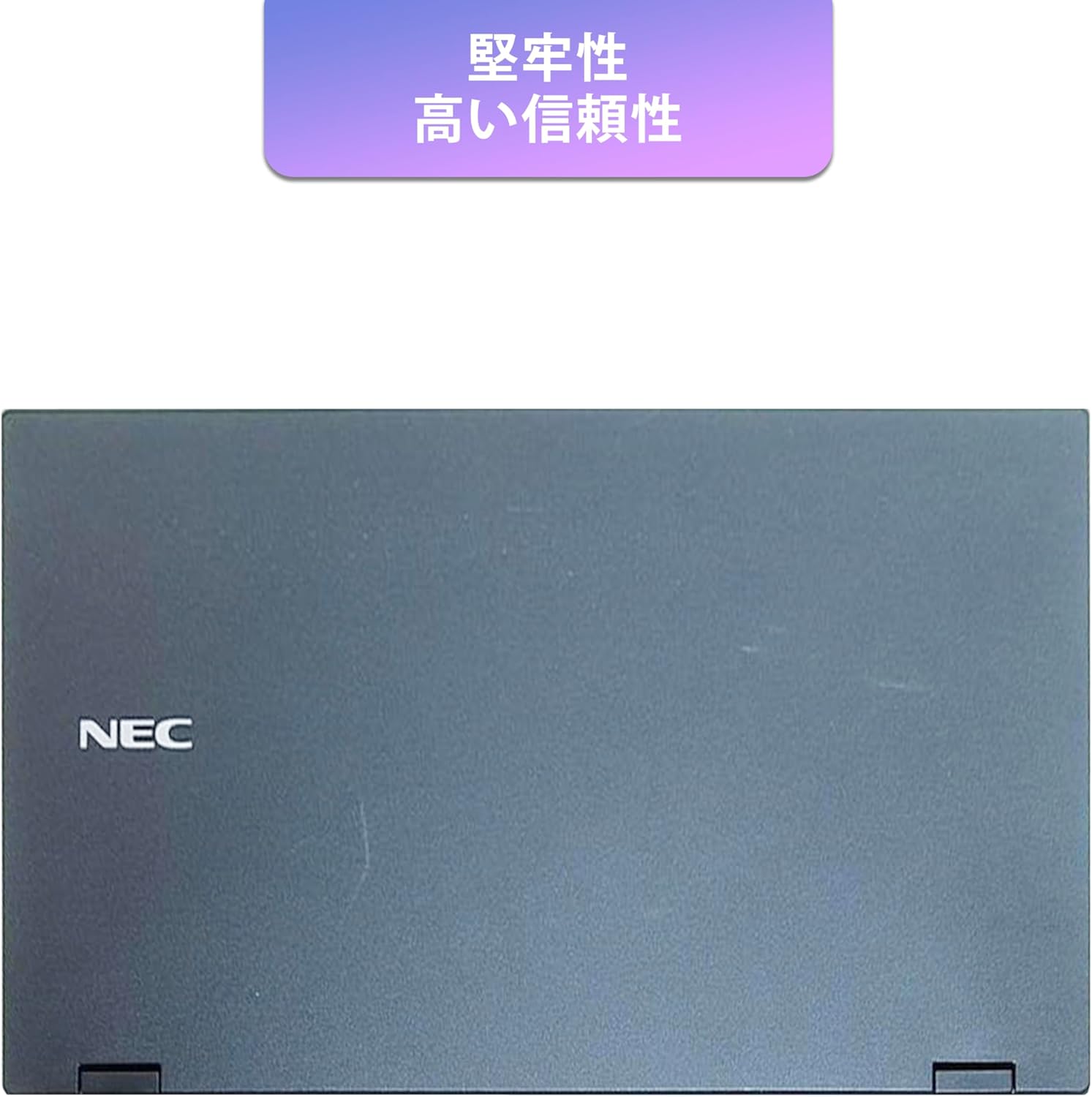
Image: Closed NEC VKT16XZG5 laptop, top casing. The design emphasizes durability and high reliability.
The laptop features a robust casing designed for durability and reliable performance.
4.3 Integrated Camera and Battery Life

Immaġni: Ġenb view of the open NEC VKT16XZG5 laptop. This view indicates the presence of an integrated camera and highlights the laptop's long battery life capability.
- Kamera Integrata: Located at the top center of the display for video conferencing and other applications.
- Batterija: Designed for extended usage on a single charge.
4.4 Karatteristiċi tal-Prestazzjoni

Immaġni: Ġenb view of the open NEC VKT16XZG5 laptop. This image emphasizes the Intel Core i5-8th Generation processor and the high-speed SSD for enhanced performance.
- CPU: Intel Core i5-8th Generation processor for efficient multitasking.
- SSD: High-speed Solid State Drive for faster boot times and application loading.
5. Setup
Follow these steps for initial setup of your laptop:
- Ippakkja: Oħroġ il-laptop u l-aċċessorji kollha mill-imballaġġ bir-reqqa.
- Qabbad l-Enerġija: Ipplaggja l-adapter tal-AC fil-port tal-enerġija tal-laptop u mbagħad f'sokit tal-ħajt.
- Qawwa Inizjali Mixgħula: Open the laptop lid and press the power button. The laptop will begin the Windows 11 setup process.
- Setup tal-Windows: Follow the on-screen prompts to configure Windows 11, including language, region, network connection, and user account creation.
- WPS Office Activation: Your laptop comes with WPS Office pre-installed. Use the provided license card to activate the software upon first use.
- Security Software Installation: Install the included ZERO Security software using the license card for protection against malware.

Image: Laptop screen displaying information about the WPS Office 2 license card. This indicates that WPS Office is ready for use immediately after activation.
6. Istruzzjonijiet Operattivi
This section covers basic operation of your NEC VKT16XZG5 laptop.
6.1 Power On/Off
- Qawwa Mixgħul: Agħfas il-buttuna tal-qawwa.
- Itfi: Ikklikkja l-buttuna Start fil-Windows, imbagħad agħżel Power > Shut down.
- Ibda mill-ġdid: Ikklikkja l-buttuna Start, imbagħad agħżel Power > Restart.
- Irqad: Agħlaq l-għatu jew ikklikkja l-buttuna Start, imbagħad agħżel Power > Sleep.
6.2 L-Użu tat-Tastiera u t-Touchpad
- Tastiera: Type text and use function keys (Fn) for special commands (e.g., volume, brightness).
- Touchpad: Move your finger across the surface to control the cursor. Tap to click, use two fingers to scroll.
6.3 Konnessjoni mal-Wi-Fi
- Ikklikkja l-ikona tal-Wi-Fi fit-taskbar.
- Agħżel in-netwerk mixtieq tiegħek mil-lista.
- Daħħal iċ-ċavetta tas-sigurtà tan-netwerk (password) jekk tintalab.
- Ikklikkja "Qabbad".
6.4 Using the DVD-ROM Drive
- Agħfas il-buttuna tal-eject fuq id-drajv biex tiftaħ it-trej.
- Place a DVD or CD onto the tray, ensuring it is seated correctly.
- Gently push the tray back into the laptop.
- The disc content should appear in File Explorer.
7. Manutenzjoni
Proper maintenance ensures the longevity and performance of your laptop.
- Tindif: Uża drapp artab u mingħajr suf biex tnaddaf l-iskrin u l-barra. Għal marki persistenti, dampNaddaf id-drapp ftit bl-ilma jew b'prodott tat-tindif tal-iskrin. Evita kimiċi ħarxa.
- Kura tal-batterija: To maximize battery life, avoid fully discharging the battery frequently. Store the laptop in a cool, dry place if not used for extended periods.
- Aġġornamenti tas-Software: Iċċekkja u installa regolarment aġġornamenti tal-Windows u aġġornamenti tad-drajvers biex tiżgura l-istabbiltà u s-sigurtà tas-sistema.
- Funzjoni ta' Rkupru: Your laptop includes a recovery area and a 64GB USB recovery storage. In case of system issues, refer to the digital recovery manual saved on your laptop for instructions on how to restore the system.

Image: Laptop screen displaying information about the recovery area, large capacity USB storage for recovery, and the performance benefits of the high-speed SSD.
8 Issolvi l-problemi
Din it-taqsima tindirizza kwistjonijiet komuni li tista’ tiltaqa’ magħhom.
| Problema | Soluzzjoni Possibbli |
|---|---|
| Il-laptop ma jixgħelx. | Ensure the AC adapter is securely connected to both the laptop and a working power outlet. Check if the power outlet is functional. Try charging the battery for a while before attempting to power on again. |
| L-ebda konnessjoni Wi-Fi. | Check if Wi-Fi is enabled in Windows settings. Ensure your router is working correctly. Try restarting the laptop and the router. Verify the Wi-Fi password. |
| Il-laptop qed jaħdem bil-mod. | Close unnecessary applications. Check for background processes consuming high resources (Task Manager). Ensure Windows and drivers are up to date. Run a virus scan using the ZERO Security software. |
| It-tastiera jew it-touchpad ma jirrispondux. | Restart the laptop. Check for any physical obstructions. Ensure drivers are updated. |
9. Speċifikazzjonijiet
Detailed technical specifications for the NEC VKT16XZG5 laptop.
| Karatteristika | Speċifikazzjoni |
|---|---|
| Brand | NEC |
| Isem tal-Mudell | VKT16XZG5 |
| Daqs tal-Iskrin | 15.6 pulzieri |
| Tip ta 'Wiri | LED |
| Riżoluzzjoni Massima tal-Wiri | 1366x768 pixel |
| Kapaċità Hard Disk | 256 GB (SSD) |
| Mudell tas-CPU | Intel Core i5-8th Generation |
| Veloċità tas-CPU | 1.6 GHz (Max 3.9 GHz) |
| Għadd tal-proċessur | 4 |
| Daqs tal-Memorja RAM Installata | 8 GB / 16 GB |
| Teknoloġija tal-Memorja RAM | DDR4 |
| Sistema Operattiva | Windows 11 |
| Koproċessur tal-Grafika | Grafika Intel UHD 620 |
| Optical Storage Device | DVD ROM |
| Tip bla fili | Bluetooth, Wireless LAN |
| Interface tal-Komunikazzjoni | USB |
| Dimensjonijiet tal-oġġett (LxWxH) | 37.6 x 25.4 x 2.5 ċm |
| Deskrizzjoni tat-Tastiera | JP (Japanese) |
| Komponenti Inklużi | AC Adapter, Security Zero License Card, 64GB USB Recovery Storage |
| Tip ta 'batterija | Jonju tal-litju |
| Batteriji Watt Sigħat | 45 Watt Sigħat |
| Release Year/Model Year | 2019 |
10. Garanzija u Appoġġ
Your NEC VKT16XZG5 laptop comes with a warranty to ensure your peace of mind.
- Perjodu ta' Garanzija: 6 months of free repair service from the date of purchase.
- Politika ta' Sostituzzjoni: If a repair is not possible, the product will be replaced with an equivalent item.
- For technical support or warranty claims, please refer to the contact information provided at the point of purchase or on the official NEC support websit.