
1. Introduzzjoni
Thank you for choosing the Dosilkc 2K Light Bulb Security Camera. This device is designed to provide reliable indoor surveillance with easy installation and advanced features such as 2K resolution, dual-band Wi-Fi connectivity, human motion detection, and color night vision. This manual provides essential information for setting up, operating, and maintaining your camera.
2. Informazzjoni dwar is-Sigurtà
- Użu fuq ġewwa biss: This camera is designed for indoor environments. Do not expose it to outdoor weather conditions, moisture, or extreme temperatures.
- Mitfi qabel l-Installazzjoni: Always ensure the power to the light socket is turned off before installing or removing the camera to prevent electrical shock.
- Rekwiżiti tal-Enerġija: The camera operates on a standard E27 light socket (110V~240V). Ensure your socket meets these specifications.
- Installazzjoni Sikura: Ensure the camera is securely screwed into the light socket or adapter to prevent it from falling.
- Evita l-Ostruzzjonijiet: Do not place objects that may obstruct the camera's view jew ventilazzjoni.
- Privatezza tad-Dejta: Protect your Wi-Fi network with a strong password and regularly update your camera's firmware to enhance security.
3. Kontenut tal-Pakkett
Ivverifika li l-oġġetti kollha huma preżenti fil-pakkett tiegħek:
- Dosilkc 2K Light Bulb Security Camera
- E27 Screw Base (pre-attached)
- USB Power Adapter (if included)
- Mounting Screws (if included for adapter)
- Manwal għall-Utent (dan id-dokument)
4. Gwida ta' Setup
4.1 Installazzjoni Fiżika
- Itfi l-Enerġija: Locate the light switch or circuit breaker controlling the E27 light socket where you intend to install the camera. Turn off the power completely.
- Screw in Camera: Carefully screw the Dosilkc Light Bulb Security Camera into the E27 light socket. Ensure it is tightened securely but do not overtighten.
- Alternative Installation (if applicable): If using the included USB power adapter, connect the camera to the adapter and plug it into a standard wall outlet.
- Irrestawra l-Enerġija: Turn the power back on at the light switch or circuit breaker. The camera will power on and initiate its startup sequence.
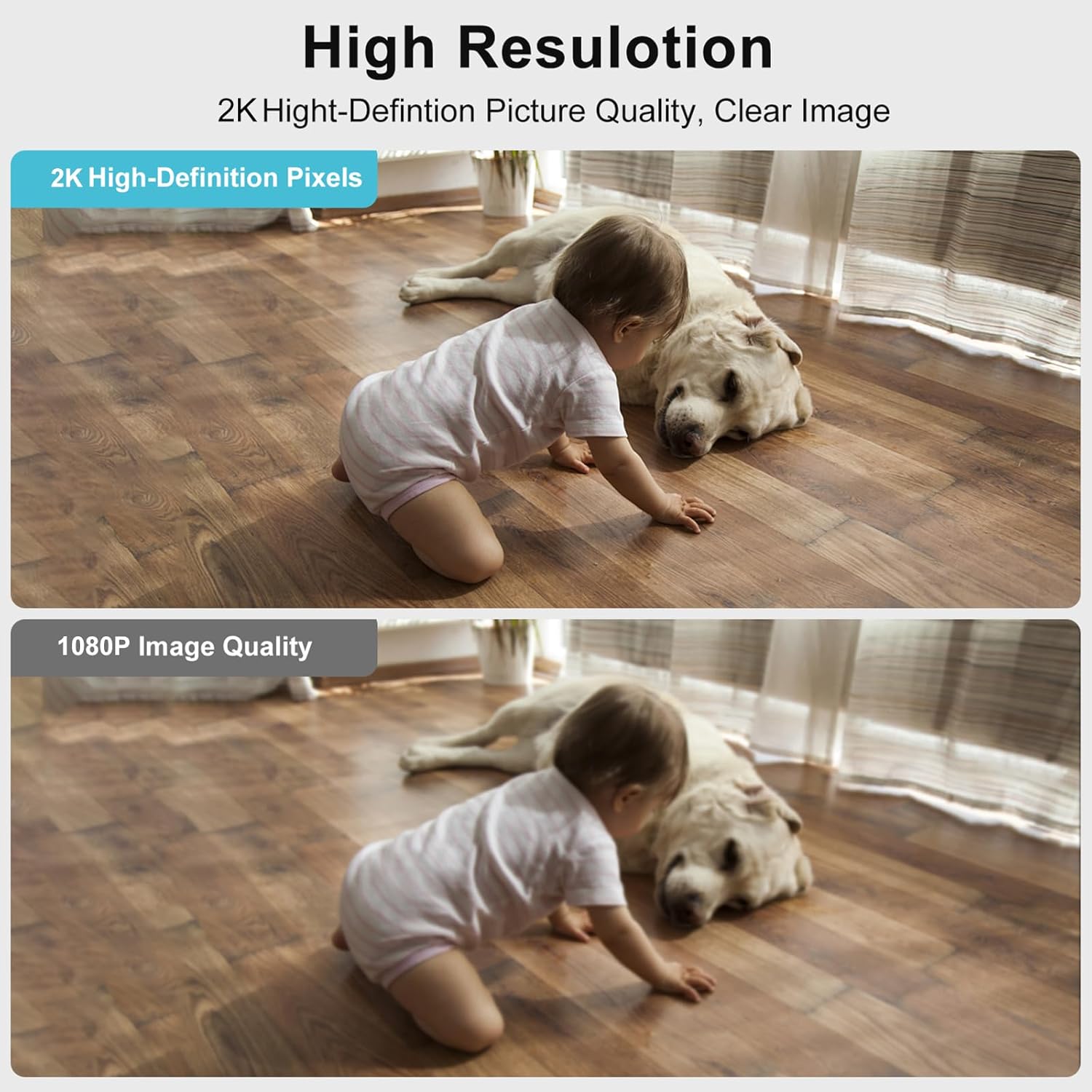
Image: The Dosilkc Light Bulb Security Camera is designed for easy installation into a standard E27 light socket, similar to replacing a light bulb.
4.2 Tniżżil tal-App u Ħolqien ta' Kont
- Niżżel l-App: Fittex għal the recommended app (e.g., "O-KAM" or as specified in the packaging) on the Apple App Store (for iOS) or Google Play Store (for Android).
- Installa l-App: Niżżel u installa l-app fuq l-ismartphone jew it-tablet tiegħek.
- Oħloq Kont: Open the app and follow the on-screen instructions to register a new account. This typically involves providing an email address and creating a password.
4.3 Konnessjoni Wi-Fi
- Żid Apparat: In the app, tap the "+" icon or "Add Device" option to begin pairing.
- Agħżel it-Tip ta' Apparat: Choose the appropriate device type, usually a "Smart Camera" or "Light Bulb Camera."
- Power On Confirmation: Confirm that the camera is powered on and its indicator light is blinking (refer to app for specific light patterns).
- Qabbad mal-Wi-Fi: Enter your Wi-Fi network name (SSID) and password. The camera supports both 2.4GHz and 5GHz Wi-Fi bands. For 5GHz, ensure the camera is within 3-5 meters of the router due to its shorter range and weaker penetration.
- Scan QR Code (if applicable): The app may generate a QR code. Hold your phone's screen in front of the camera lens until you hear a confirmation sound.
- Pairing Completion: Wait for the camera to connect to your Wi-Fi network. Once connected, you will hear a confirmation and the indicator light will change (e.g., solid blue).
- Name Camera: Assign a name to your camera (e.g., "Living Room Camera," "Pet Camera") for easy identification.
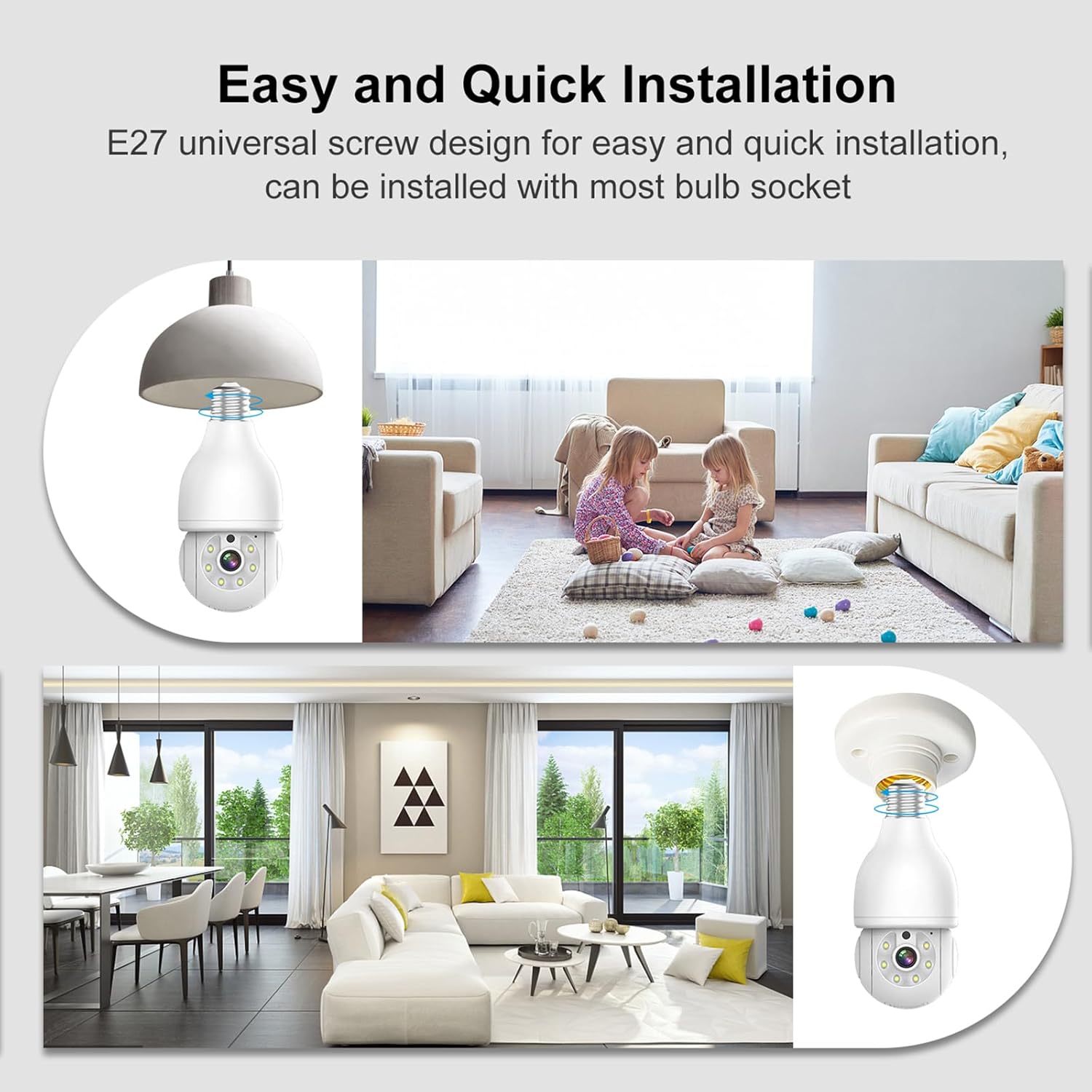
Image: The camera connects to your home Wi-Fi network and is controlled via a dedicated smartphone application, allowing remote access and management.
5. Istruzzjonijiet Operattivi
5.1 Ħaj View
Iftaħ l-app u agħżel il-kamera tiegħek biex view the live feed. The live view displays real-time video from the camera, allowing you to monitor your space.
5.2 Pan, Tilt, u Zoom (PTZ)
The camera features pan (355° horizontal) and tilt (90° vertical) capabilities, along with 4x digital zoom. Use the directional controls within the app to adjust the camera's viewing angle and zoom in on specific areas.

Image: The camera offers a wide range of motion with 355° horizontal pan and 90° vertical tilt, enabling comprehensive area coverage.
5.3 Awdjo b'żewġ direzzjonijiet
Utilize the built-in microphone and speaker for two-way communication. Tap the microphone icon in the app to speak through the camera, and listen to audio from the camera's environment.

Image: The two-way audio feature allows for direct communication through the camera, enabling interaction with individuals in the monitored area.
5.4 Viżjoni bil-lejl
The camera supports both infrared (black and white) and full-color night vision. In low-light conditions, the camera automatically switches to night vision mode. You can often toggle between modes within the app settings.

Image: The camera provides both clear infrared night vision and enhanced full-color night vision for visibility in various low-light conditions.
5.5 Motion Detection and AI Person Tracking
The camera is equipped with human motion detection and AI person tracking. When motion or a human figure is detected, the camera can automatically track the movement and send real-time alerts to your smartphone. Customize detection zones and sensitivity settings in the app to reduce false alarms.

Image: The camera's AI human detection filters out irrelevant motion and focuses on human activity, sending timely alerts to your mobile device.
5.6 Reġistrazzjoni u Ħażna
Recordings can be stored locally on a Micro SD card (up to 256GB, not included) or via cloud storage services (subscription may be required). Access recorded footage permezz tal-karatteristika tal-plejbek tal-app.

Image: The camera supports local storage via a Micro SD card (up to 256GB) and offers cloud storage options for secure video backup.
5.7 Integrazzjoni ta' Dar Intelliġenti
The camera is compatible with certain smart home platforms, such as Amazon Alexa. Follow the instructions in your smart home app to link your Dosilkc camera for voice control and integration.

Image: The camera integrates with Amazon Alexa, allowing for convenient voice control and smart home automation.
5.8 Kompatibilità ONVIF
This camera is ONVIF compliant, allowing it to work with ONVIF-conformant Network Video Recorders (NVRs) for 24/7 continuous recording and integration into existing surveillance systems.

Image: The camera's ONVIF compatibility enables seamless integration with Network Video Recorders (NVRs) for continuous recording and advanced surveillance setups.
6. Manutenzjoni
- Tindif: Uża drapp artab u niexef biex tnaddaf il-lenti u l-qafas tal-kamera. Tużax prodotti tat-tindif likwidi jew materjali li joborxu.
- Aġġornamenti tal-Firmware: Regularly check the app for available firmware updates. Keeping your camera's firmware up-to-date ensures optimal performance, security, and access to new features.
- Ġestjoni tal-Karta SD: Jekk qed tuża kard Micro SD, erġa' żid perjodikamentview u agħmel backup tal-ikel importantitage. Reformatting the SD card within the app can help maintain its performance.
7 Issolvi l-problemi
| Problema | Kawża Possibbli | Soluzzjoni |
|---|---|---|
| Il-kamera ma tixgħelx | No power to socket; loose connection | Ensure light switch/circuit breaker is on. Tighten camera in socket. Test socket with a regular bulb. |
| Ma tistax tikkonnettja mal-Wi-Fi | Incorrect Wi-Fi password; camera too far from router; 5GHz signal issues | Verify Wi-Fi password. Move camera closer to router. For 5GHz, ensure proximity (3-5m). Try 2.4GHz if available. Reset camera and try pairing again. |
| Skonnessjonijiet frekwenti | Weak Wi-Fi signal; network interference | Improve Wi-Fi signal strength (e.g., Wi-Fi extender). Reduce interference from other devices. |
| Twissijiet ta 'moviment foloz | High sensitivity; environmental factors (e.g., moving curtains, shadows) | Aġġusta s-sensittività tad-detezzjoni tal-moviment fl-app. Iddefinixxi żoni ta' detezzjoni speċifiċi biex teskludi żoni irrilevanti. |
| L-ebda reġistrazzjoni fuq karta SD | SD card full; faulty SD card; incorrect settings | Check SD card status in app. Reformat SD card. Replace SD card if necessary. Ensure recording settings are enabled. |
| Camera resets after power loss | System design; network configuration loss | Some cameras may require re-pairing or re-configuration after a power outage, especially if network settings are lost. Ensure stable power supply. If persistent, contact support. |
8. Speċifikazzjonijiet
| Karatteristika | Dettall |
|---|---|
| Numru tal-Mudell | DS-LBQ02 |
| Riżoluzzjoni tal-Qbid tal-Vidjo | 2K (2304*1296) |
| Massimu WebCam Image Riżoluzzjoni | 3 MP |
| Konnettività | 2.4GHz/5GHz Dual-Band Wi-Fi |
| Medda Pan/Tilt | 355° Orizzontali, 90° Vertikali |
| Zoom Diġitali | 4x |
| Viżjoni bil-lejl | Infrared, Full-Color |
| Sejbien tal-Mozzjoni tal-Bniedem | Yes, with AI Person Tracking |
| Awdjo Two-Way | Iva |
| Għażliet ta' Ħażna | Karta Mikro SD (sa 256GB), Ħażna fis-Sħab |
| Kompatibilità tad-Dar Intelliġenti | Kompatibbli Amazon Alexa |
| Appoġġ ONVIF | Iva |
| Provvista tal-Enerġija | E27 Light Socket (110V~240V) |
| Piż tal-oġġett | 10.5 uqija |
| Dimensjonijiet | 7.05 x 4.13 x 3.9 pulzieri (Pakkett) |
9. Garanzija u Appoġġ
For warranty information and technical support, please refer to the documentation included with your purchase or visit the official Dosilkc websit. Żomm l-irċevuta tax-xiri tiegħek bħala prova tax-xiri għal talbiet ta' garanzija.
If you encounter any issues not covered in this manual, please contact Dosilkc customer support for assistance.