
Z-EDGE U28I4K
Manwal tal-Utent tal-Monitor Z-EDGE U28I4K 4K
IPS ta' 28 pulzier, Rata ta' Riffriskar ta' 144Hz, Monitor tal-Logħob Ultra HD 3840x2160
1. Introduzzjoni
Dan il-manwal tal-utent jipprovdi struzzjonijiet dettaljati għas-setup, it-tħaddim, il-manutenzjoni, u s-soluzzjoni tal-problemi tal-Monitor Z-EDGE U28I4K 4K tiegħek. Jekk jogħġbok aqra dan il-manwal bir-reqqa qabel ma tuża l-prodott biex tiżgura funzjonalità xierqa u biex tevita ħsara.
Karatteristiċi tal-Prodott:
- Riżoluzzjoni 4K UHD (3840x2160): Jagħti immaġnijiet ċari u realistiċi b'dettall eċċezzjonali.
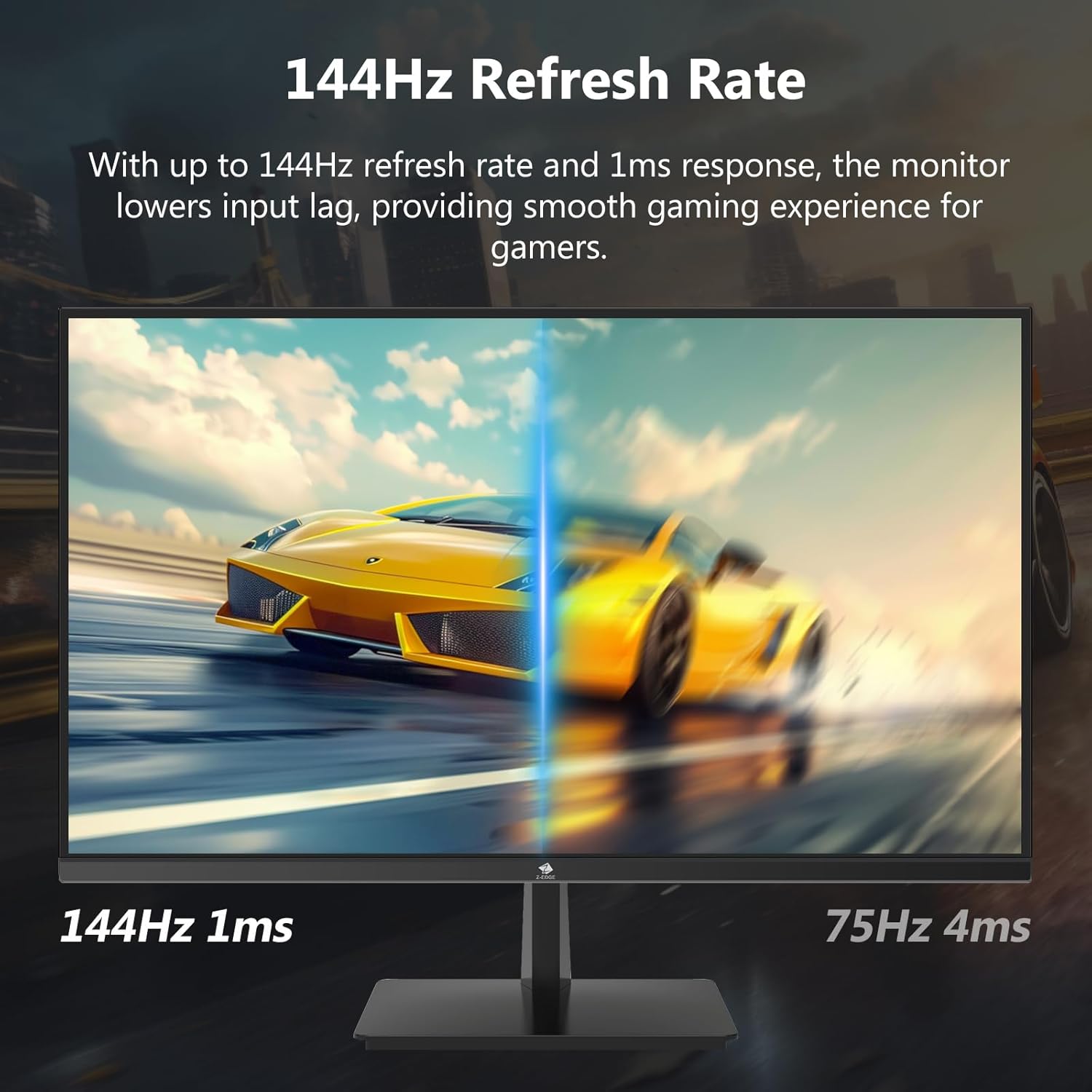
- Rata ta' Riffriskar ta' 144Hz u Ħin ta' Rispons ta' 1ms: Jiżgura viżwali bla xkiel u ċari u jnaqqas iċ-ċajpir tal-moviment, ideali għal-logħob.
- Panel IPS: Jipprovdi angolu wiesa' ta' 178° viewangoli ta' ing u riproduzzjoni konsistenti u preċiża tal-kulur.
- Teknoloġija HDR10: Ittejjeb il-kwalità tal-istampa b'iswed aktar profond u abjad aktar jgħajjat.
- Għażliet ta' Konnettività Multipli: Żewġ inputs HDMI u żewġ inputs DisplayPort għal konnessjoni versatili ta' apparat.
- Teknoloġija tal-Kura tal-Għajnejn: Jinkludi dawl blu baxx u teknoloġija mingħajr teptip biex tnaqqas l-istress fuq l-għajnejn.
- Kompatibbli VESA Mount: Jappoġġja mmuntar VESA ta' 100x100mm għal installazzjoni flessibbli.
2. Kontenut tal-Pakkett
Jekk jogħġbok iċċekkja l-kontenut tal-pakkett meta tiftaħ il-kaxxa. Jekk xi oġġetti huma nieqsa jew bil-ħsara, ikkuntattja l-appoġġ għall-klijenti ta' Z-EDGE.
- Monitor Z-EDGE U28I4K 4K
- Stand tal-Monitor (Bażi u Għonq)
- Adapter tal-Enerġija u Kejbil tal-Enerġija
- Cable HDMI
- DisplayPort Cable
- Manwal għall-Utent
- Viti u Tornavit għall-assemblaġġ tal-istand
3. Setup
3.1 Armar tal-Istand
- Neħħi l-monitor bir-reqqa mill-imballaġġ tiegħu, waqt li żżommu protett fuq wiċċ artab u ċatt.
- Waħħal l-għonq tal-istand mal-pannell ta' wara tal-monitor billi tuża l-viti pprovduti. Kun żgur li huwa mwaħħal sew.
- Qabbad il-bażi tal-istand mal-għonq tal-istand u ssikka l-kamin jew uża t-tornavit ipprovdut biex twaħħalha.
- Poġġi l-monitor immuntat bil-mod fuq skrivanija stabbli u ċatta.

3.2 Konnessjoni ma' Apparat
Il-monitor Z-EDGE U28I4K jappoġġja diversi tipi ta' input. Agħżel il-kejbil xieraq għat-tagħmir tiegħek.
- Konnessjoni HDMI: Qabbad tarf wieħed tal-kejbil HDMI mal-port HDMI fuq il-kompjuter/apparat tiegħek u t-tarf l-ieħor ma' port tad-dħul HDMI (HDMI 1 jew HDMI 2) fuq il-monitor.
- Konnessjoni DisplayPort: Qabbad tarf wieħed tal-kejbil DisplayPort mad-DisplayPort fuq il-kompjuter/apparat tiegħek u t-tarf l-ieħor ma' port tad-dħul DisplayPort (DP 1 jew DP 2) fuq il-monitor.
- Output Awdjo: Jekk tixtieq, qabbad kelliema jew headphones esterni mal-jack tal-output tal-awdjo ta' 3.5mm fuq il-monitor.

3.3 Konnessjoni tal-Enerġija
Qabbad l-adapter tal-enerġija mad-dħul tad-DC 12V fuq il-monitor, imbagħad daħħal il-kejbil tal-enerġija f'sokit tal-ħajt.
Importanti: Uża biss l-adapter tal-enerġija pprovdut mal-monitor tiegħek.
4. It-tħaddim tal-Monitor
4.1 Power On/Off
Agħfas il-buttuna tal-qawwa li tinsab fuq wara jew fil-qiegħ tal-monitor biex tixgħelu jew titfih. Id-dawl indikatur tal-qawwa jixgħel meta l-monitor ikun mixgħul.
4.2 Menù tal-Wiri fuq l-Iskrin (OSD)
Il-menù tal-OSD jippermettilek taġġusta diversi settings tal-monitor. Innaviga l-menù billi tuża l-buttuni li tipikament jinstabu fuq wara jew fil-qiegħ tal-lemin tal-monitor.
Issettjar Komuni tal-OSD:
- Luminożità/Kuntrast: Aġġusta l-luminanza ġenerali u l-proporzjon tal-kuntrast.
- Settings tal-Kulur: Immodifika t-temperatura tal-kulur, il-gamma, u l-livelli individwali tal-RGB.
- Sors tad-dħul: Agħżel manwalment bejn HDMI 1, HDMI 2, DP 1, jew DP 2.
- Modalità Stampa: Agħżel modi ta' wiri predefiniti (eż., Standard, Logħba, Film, Test).
- Ħin ta' Rispons/Overdrive: Aġġusta l-ħin tar-rispons tal-pixel għal tranżizzjonijiet aktar mgħaġġla.
- Sinkronizzazzjoni Ħielsa/Sinkronizzazzjoni Adattiva: Ippermetti jew iddiżattiva t-teknoloġija tas-sinkronizzazzjoni adattiva.
- Dawl Blu Baxx: Naqqas l-emissjoni tad-dawl blu biex timminimizza l-istress fuq l-għajnejn.
- Bla Flikkjar: Kun żgur li l-wiri ma jkollux teptip viżibbli.

4.3 Rata ta' Aġġornament u Ħin ta' Rispons
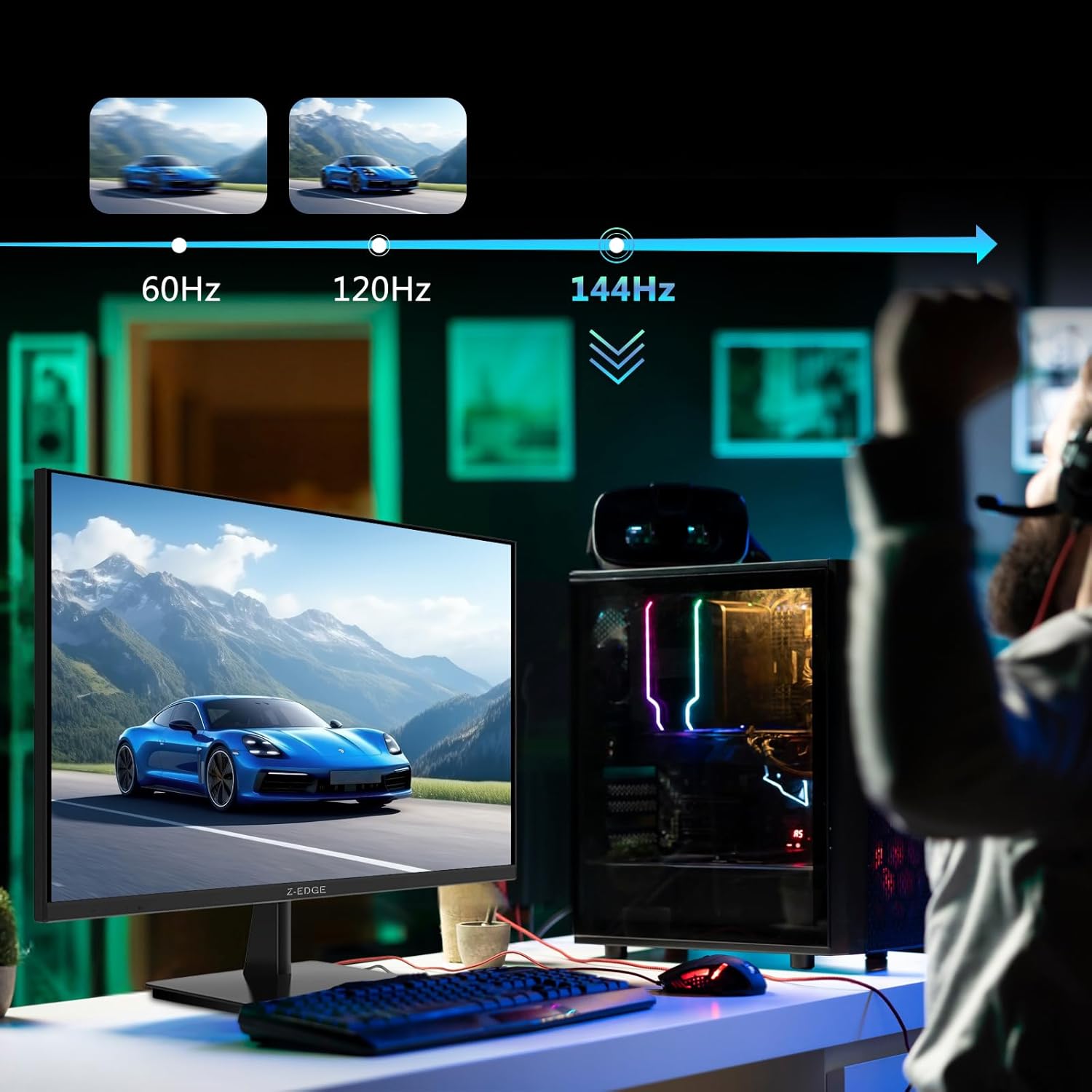
Il-monitor jappoġġja rata ta' aġġornament sa 144Hz u ħin ta' rispons ta' 1ms għal prestazzjoni ottimali f'applikazzjonijiet u logħob b'ritmu mgħaġġel.

5. Manutenzjoni
5.1 Tindif tal-Monitor
- Dejjem aqla’ l-monitor mill-plagg tal-elettriku qabel ma tnaddaf.
- Uża drapp ratba u mingħajr ħelu ftit dampMaħsul bl-ilma jew b'tindif tal-iskrin li ma jobrox.
- Tisprejjax it-tindif direttament fuq l-iskrin.
- Evita li tuża benżin, irqaq, ammonja, jew prodotti tat-tindif li joborxu, għax dawn jistgħu jagħmlu ħsara lill-wiċċ tal-monitor.
5.2 Ħażna
Meta taħżen il-monitor għal perjodu estiż, kun żgur li jkun mitfi u skonnettjat mill-kejbils kollha. Aħżnu f'post frisk u niexef, preferibbilment fl-imballaġġ oriġinali tiegħu biex tipproteġih mit-trab u l-ħsara fiżika.
6 Issolvi l-problemi
| Problema | Kawża Possibbli | Soluzzjoni |
|---|---|---|
| Ebda Qawwa | Kejbil tal-enerġija mhux imqabbad; Sokit tal-enerġija difettuż; Adapter tal-enerġija difettuż. | Kun żgur li l-kejbil tal-enerġija huwa konness sew mal-monitor u mas-sokit. Ittestja s-sokit b'apparat ieħor. Ikkuntattja l-appoġġ jekk ikun hemm suspett li l-adapter huwa difettuż. |
| Ebda Sinjal | Kejbil tad-dħul mhux imqabbad; Sors tad-dħul mhux korrett magħżul; Il-kompjuter/apparat mhux qed joħroġ sinjal. | Iċċekkja l-konnessjonijiet tal-kejbil HDMI/DisplayPort. Agħżel is-sors tad-dħul korrett permezz tal-menù OSD. Erġa' ibda l-kompjuter/apparat. |
| Skrin li jteptep | Konnessjoni tal-kejbil maħlula; Nuqqas ta' qbil fir-rata ta' aġġornament; DCR (Dynamic Contrast Ratio) attivat. | Kun żgur li l-kejbils huma konnessi sew. Aġġusta r-rata ta' aġġornament fis-settings tad-displej. Iddiżattiva d-DCR fil-menù tal-OSD. |
| Kwalità tal-Immaġni Fqira (Ċajpra/Distorta) | Riżoluzzjoni mhux korretta; Kwalità tal-kejbil; Problemi bis-sewwieq tal-grafika. | Issettja r-riżoluzzjoni tal-wiri għal 3840x2160. Ipprova kejbil differenti ta' kwalità għolja. Aġġorna d-drajvers tal-grafika. |
| L-ebda awdjo mill-monitor | Volum baxx wisq; L-output tal-awdjo magħżul fuq il-kompjuter mhux korrett; L-ispikers esterni mhux imqabbda/mhux imħaddma. | Żid il-volum tal-monitor permezz tal-OSD. Agħżel il-monitor bħala apparat tal-ħruġ tal-awdjo fis-settings tal-OS. Kun żgur li l-ispikers esterni huma konnessi u mħaddma. |
Jekk il-problema tippersisti wara li tipprova dawn is-soluzzjonijiet, jekk jogħġbok ikkuntattja l-appoġġ għall-klijenti ta' Z-EDGE.
7. Speċifikazzjonijiet
| Karatteristika | Dettall |
|---|---|
| Numru tal-Mudell | U28I4K |
| Daqs tal-Iskrin | 28 Pulzier |
| Tip ta' Panel | IPS |
| Riżoluzzjoni | 3840x2160 (4K UHD) |
| Riffriskar Rata | 144Hz |
| Ħin ta' Rispons | 1ms (MPRT) |
| Luminożità | 300 cd/m² |
| Proporzjon ta' Kuntrast | 1000:1 |
| Appoġġ tal-Kulur | 16.7 Miljun Kulur (8-bit) |
| ViewIng Angolu | 178° (H/V) |
| Appoġġ HDR | HDR10 |
| Konnettività | 2x HDMI 2.1, 2x DisplayPort 1.4, 1x Ħruġ tal-Awdjo (3.5mm) |
| Muntatura VESA | 100x100mm |
| Dimensjonijiet (bl-istand) | 19 x 64 x 46 ċm |
| Piż (bl-istand) | 5.96 kg |
| Input tal-Enerġija | DC 12V |
8. Garanzija u Appoġġ
8.1 Informazzjoni dwar Garanzija
Il-prodotti Z-EDGE tipikament jiġu b'garanzija limitata tal-manifattur. Jekk jogħġbok irreferi għall-karta tal-garanzija inkluża fl-imballaġġ tal-prodott tiegħek jew żur is-sit uffiċjali ta' Z-EDGE. websit għal termini u kundizzjonijiet dettaljati tal-garanzija. Żomm l-irċevuta tax-xiri tiegħek bħala prova tax-xiri għal talbiet ta' garanzija.
8.2 Appoġġ għall-Klijent
Għal assistenza teknika, soluzzjoni ta' problemi, jew mistoqsijiet dwar il-garanzija, jekk jogħġbok ikkuntattja l-appoġġ għall-klijenti ta' Z-EDGE:
- Websit: www.z-edge.com (Iċċekkja għad-dettalji ta' kuntatt tal-appoġġ, FAQs, u downloads tas-sewwieqa)
- Email: Irreferi għall-uffiċjal websit għall-aktar indirizz elettroniku ta' appoġġ riċenti.
- Telefon: Irreferi għall-uffiċjal websit għall-aktar numru tat-telefon ta' appoġġ aġġornat.
Meta tikkuntattja l-appoġġ, jekk jogħġbok żomm in-numru tal-mudell tal-monitor tiegħek (U28I4K) u n-numru tas-serje lesti.
Ask a question about this manual
Ask about setup, troubleshooting, compatibility, parts, safety, or missing instructions. Manuals+ will review the question and use this page’s manual context to help answer it.