
Introduzzjoni
This manual provides detailed instructions for the TOZO T21 Wireless Earbuds. Please read this guide thoroughly to ensure proper usage, optimal performance, and longevity of your device. The TOZO T21 earbuds offer a high-quality audio experience with advanced features designed for convenience and durability.
X'hemm fil-Kaxxa
Upon unboxing your TOZO T21 Wireless Earbuds, you should find the following items:
- Earbuds mingħajr fili TOZO T21
- Kawża tal-Iċċarġjar bla Fili
- Kejbil tal-Iċċarġjar tal-USB A għal USB C
- Manwal għall-Utent
Prodott Overview
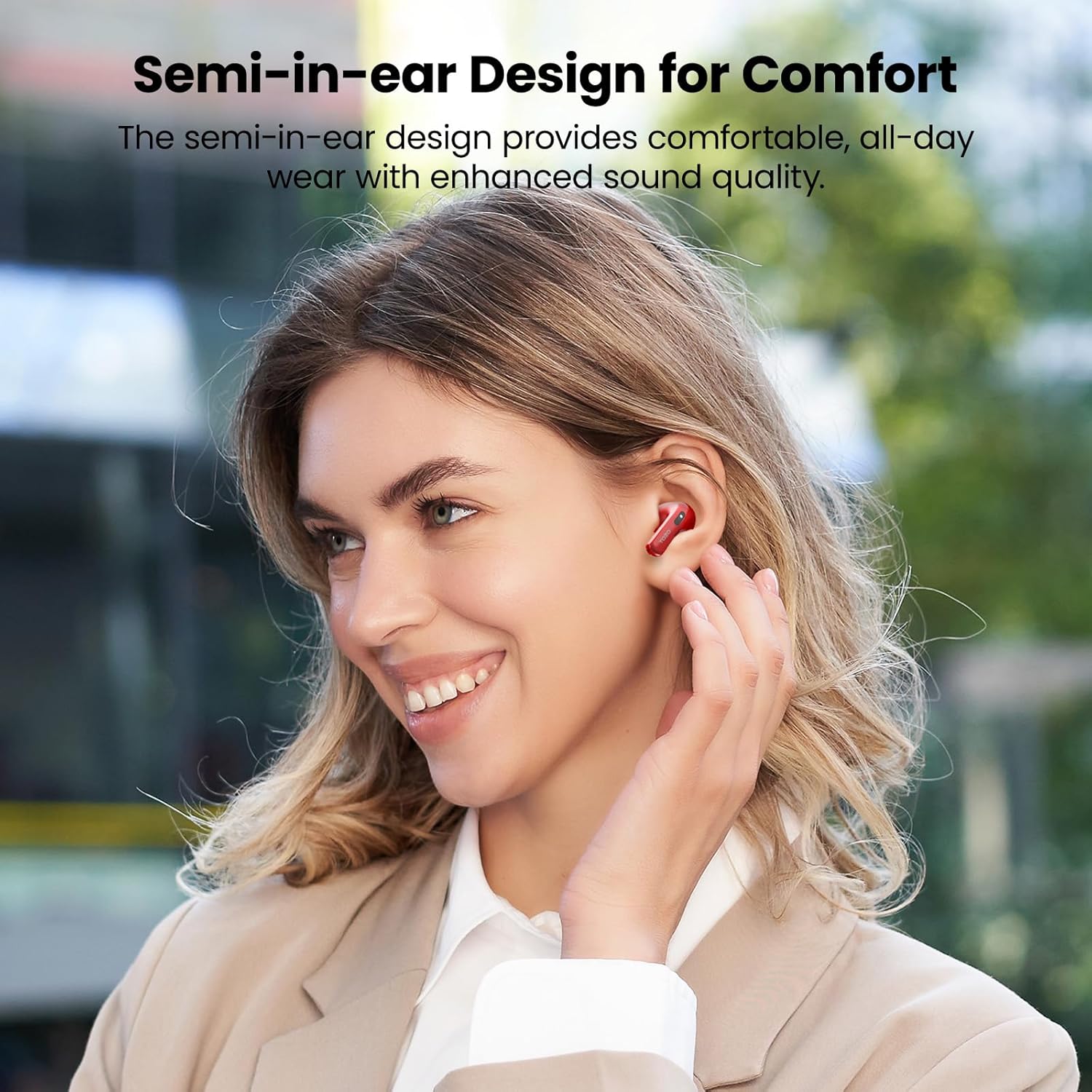
The TOZO T21 earbuds are designed for comfort and superior sound quality. Below are key features and components.

Setup
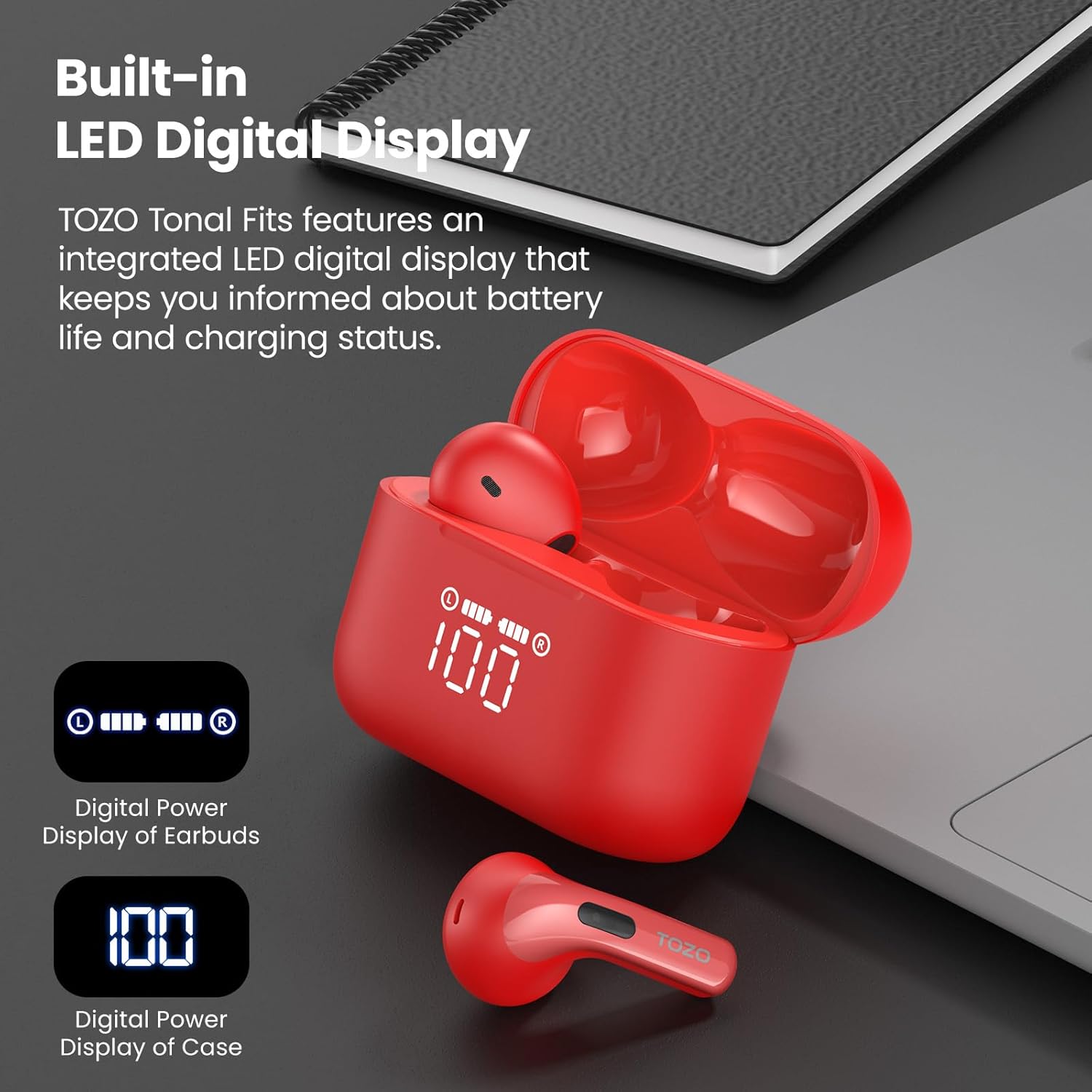
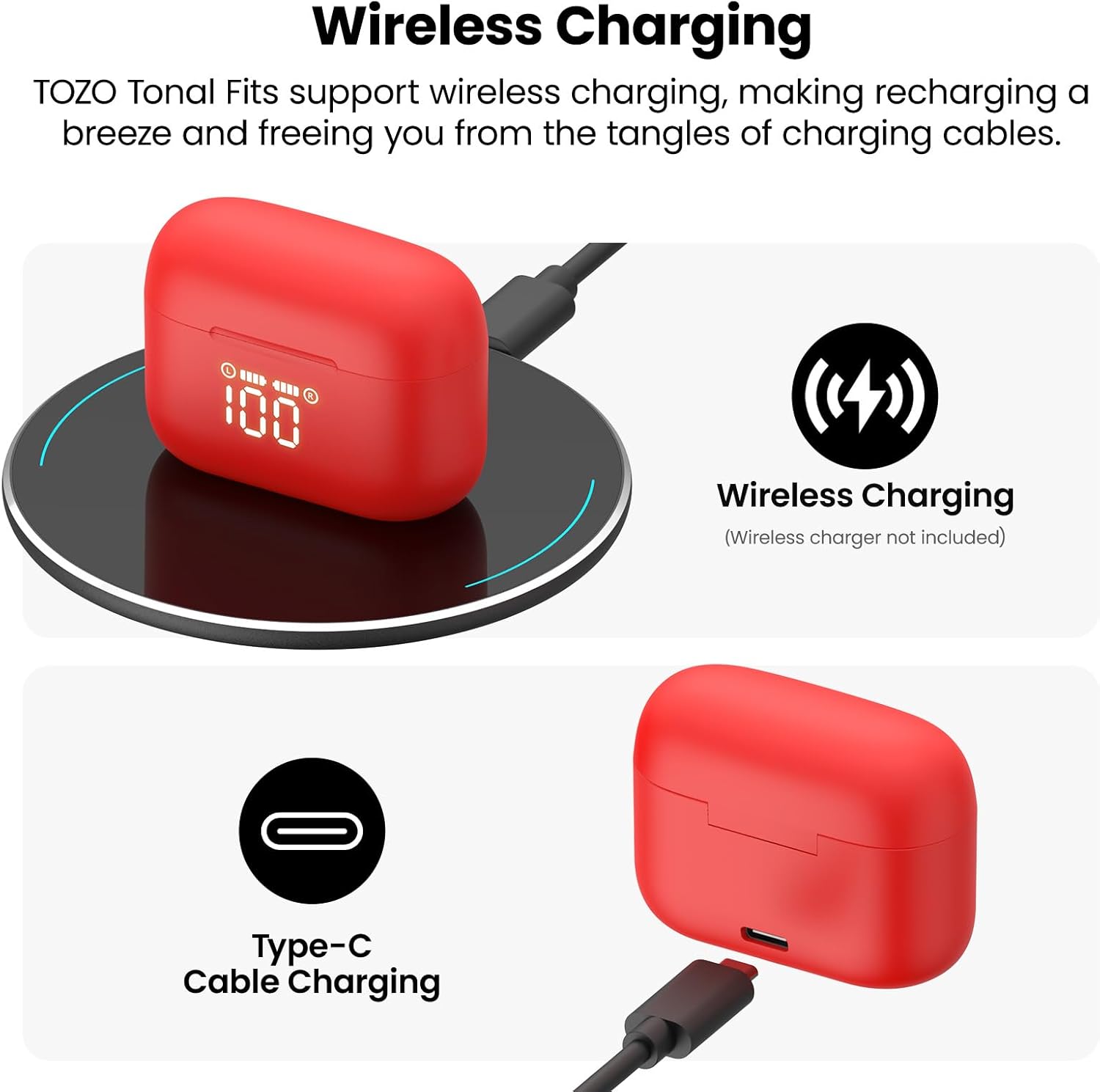
- Ħlas Inizjali: Before first use, fully charge the earbuds and the charging case. Place the earbuds into the charging case and connect the case to a power source using the provided USB-C cable or a wireless charger. The LED display will indicate charging status.
- Tqabbil f'pass wieħed:
- Iftaħ il-kaxxa tal-iċċarġjar. Il-earbuds jidħlu awtomatikament fil-modalità ta' tqabbil.
- Fuq l-apparat tiegħek (smartphone, tablet, eċċ.), mur fis-settings tal-Bluetooth.
- Fittex għal "TOZO T21" in the list of available devices and select it to connect.
- Once paired, the earbuds will automatically reconnect to your device when the case is opened for subsequent uses.
Istruzzjonijiet Operattivi
The TOZO T21 earbuds feature intuitive touch controls and can be further customized via the TOZO APP.
Touch Kontrolli
- Play/Pawsa: Tektek wieħed fuq kull earbud.
- Track li jmiss: Tektek darbtejn il-earbud tal-lemin.
- Track preċedenti: Tektek darbtejn il-earbud tax-xellug.
- Tweġiba/Tmiem Sejħa: Tektek wieħed fuq kull earbud.
- Irrifjuta Sejħa: Agħfas u żomm kwalunkwe earbud għal 2 sekondi.
- Attiva l-Assistent tal-Vuċi: Tektek tliet darbiet fuq kull earbud.
- Volum 'il fuq: Agħfas u żomm il-earbud tal-lemin.
- Volum 'l isfel: Agħfas u żomm il-earbud tax-xellug.
TOZO APP Features
Download the official TOZO APP from your device's app store to unlock advanced customization options:
- Settings tal-EQ customizable: Choose from 32 preset equalizer settings or create your own personalized sound profiles.
- White Noise Options: Access a variety of white noise tracks for relaxation or focus.
- EQ Zone: Share your custom EQ settings with a global community of audiophiles.
- Aġġornamenti tal-Firmware: Ensure your earbuds are always up-to-date with the latest features and improvements.
Iċċarġjar
The TOZO T21 offers flexible charging options to keep your music playing.
Iċċarġjar tal-Earbuds
- Poġġi l-earbuds fil-kaxxa tal-iċċarġjar. Jibdew jiċċarġjaw awtomatikament.
- The LED display on the case will show the individual earbud battery levels.
Iċċarġjar tal-Każ
The charging case can be recharged using two methods:
- USB-C Cable Charging: Connect the provided USB-A to USB-C fast charging cable to the charging port on the case and a power adapter (not included).
- Iċċarġjar bla fili: Poġġi l-kaxxa tal-iċċarġjar fuq pad tal-iċċarġjar mingħajr fili kompatibbli (mhux inkluż).
The integrated LED display on the case will show the charging progress and current battery percentage tal-każ.
Reżistenza għall-Ilma
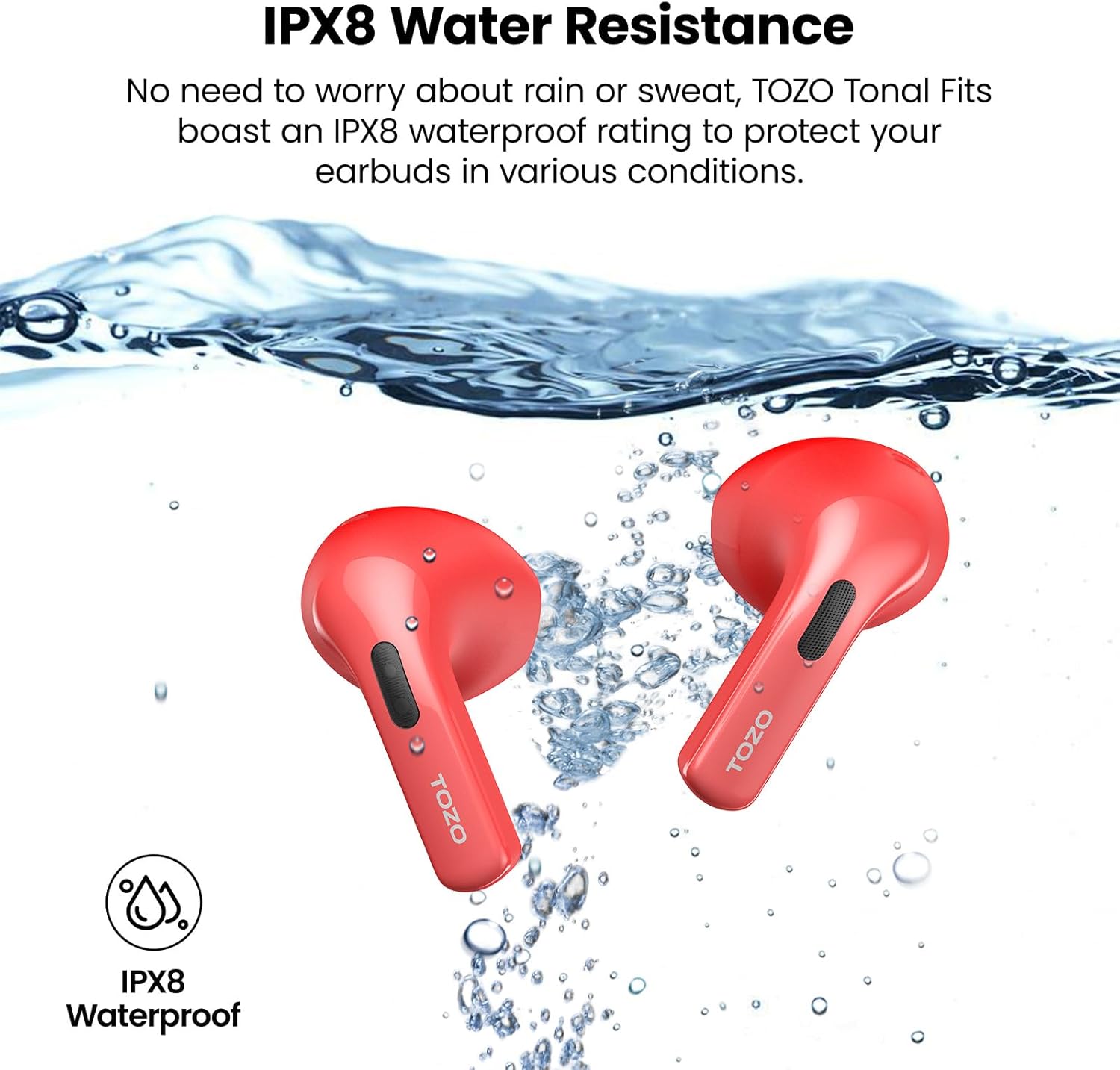
The TOZO T21 earbuds boast an IPX8 waterproof rating, meaning they are protected against immersion in water up to 1 meter for 30 minutes. They also feature a sweat-proof nano-coating. This makes them suitable for workouts and outdoor activities, providing protection against sweat and rain. Ensure earbuds are dry before placing them back in the charging case to prevent damage.
Speċifikazzjonijiet
| Karatteristika | Dettall |
|---|---|
| Brand | TOZO |
| Isem tal-Mudell | TOZO T21 |
| Numru tal-Mudell | T11054 |
| Kulur | Red (as per current variant) |
| Tqegħid tal-widnejn | Fil-widnejn |
| Fattur tal-Formola | Fil-widnejn |
| Teknoloġija tal-Konnettività | Wireless (Bluetooth) |
| Verżjoni Bluetooth | 5.3 |
| Medda Bluetooth | 10 Meters |
| Daqs tas-Sewwieq tal-Awdjo | 14.2 Millimetru |
| Kontroll tal-Ħoss | Iżolament tal-Ħoss |
| Livell ta 'Reżistenza għall-Ilma | IPX8 Waterproof |
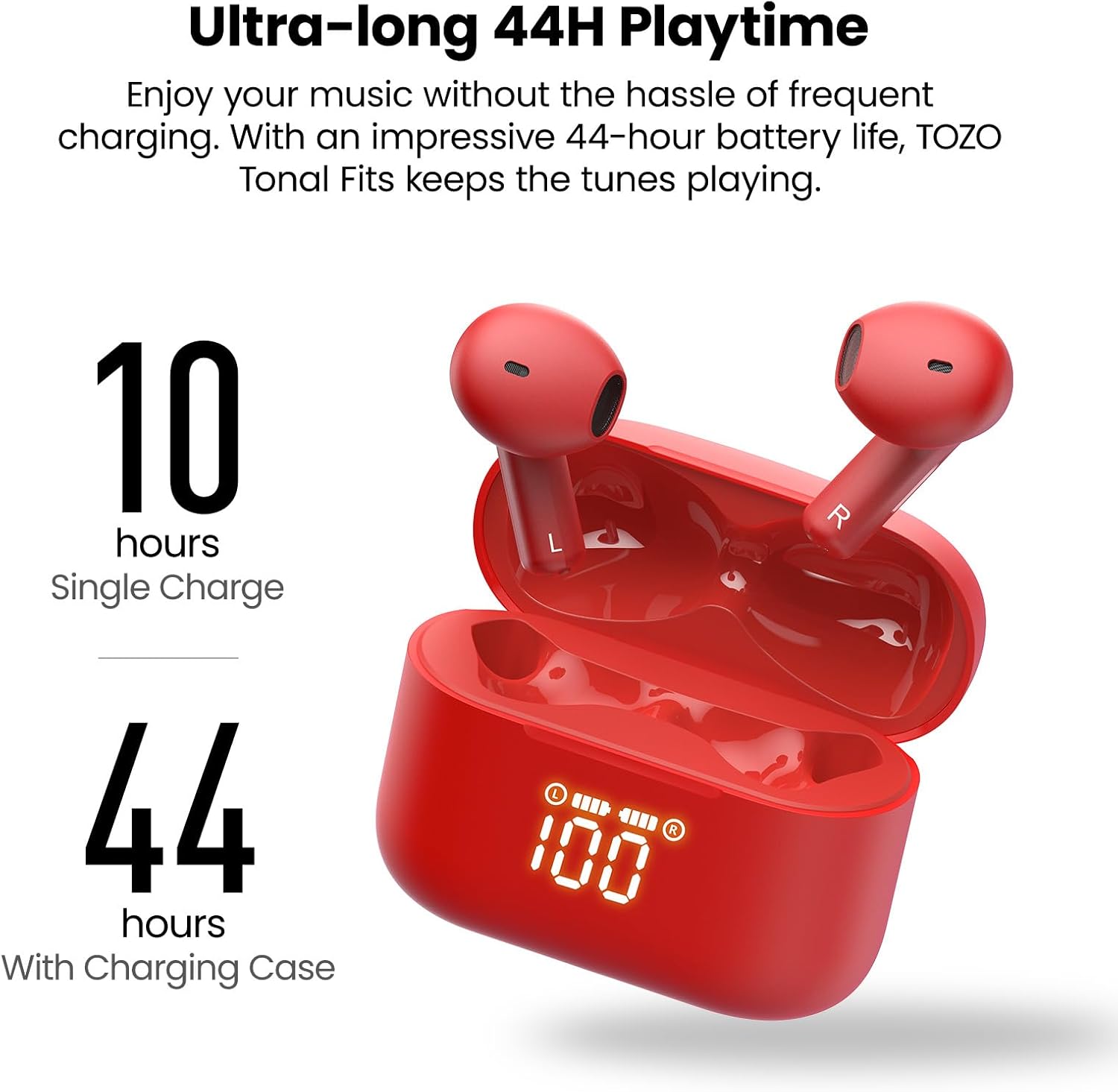
| Ħin tal-Daqq tal-Earbuds | Sa 10 sigħat (ċarġ wieħed) |
| Ħin Totali ta' Daqq (bil-kaxxa) | Sa 44 sigħat |
| Ħajja tal-Batterija tal-Każ tal-Iċċarġjar | 44 Sigħat |
| Ħin tal-Ħarġ tal-Batterija | 2 Sigħat |
| Tip ta' Kontroll | Kontroll tal-Mess, App |
| Apparati Kompatibbli | Cellphones, Tablets (iOS, Android, Windows) |
| Piż tal-oġġett | 0.02 Gramm |
Manutenzjoni
- Tindif: Naddaf il-earbuds u l-kaxxa tal-iċċarġjar regolarment b'ċarruta ratba u niexfa. Evita li tuża kimiċi ħarxa jew materjali li joborxu.
- Ħażna: Aħżen il-earbuds fil-kaxxa tal-iċċarġjar tagħhom meta ma tkunx qed tużahom biex tipproteġihom u żżommhom iċċarġjati. Aħżen f'post frisk u niexef 'il bogħod minn temperaturi estremi.
- Espożizzjoni għall-Ilma: While IPX8 waterproof, it is recommended to dry the earbuds thoroughly before placing them back in the charging case to prevent moisture buildup in the charging contacts.
Issolvi l-problemi
If you encounter any issues with your TOZO T21 Wireless Earbuds, please refer to the following common solutions:
- Earbuds Mhux Tqabbil: Ensure both earbuds are in the charging case, then open the case to initiate pairing mode. Check your device's Bluetooth settings to ensure it's discoverable and select "TOZO T21". If issues persist, try resetting the earbuds (refer to the TOZO APP or TOZO support for specific reset instructions).
- Ebda Ħsejjes minn Earbud Wieħed: Place both earbuds back into the charging case, close it, and then reopen it. Ensure both earbuds are charged. If the problem continues, try re-pairing them with your device.
- Kwistjonijiet ta' Iċċarġjar: Verify that the charging cable is securely connected to both the case and the power source. If using wireless charging, ensure the case is correctly positioned on the charging pad. Check the LED display for charging indicators.
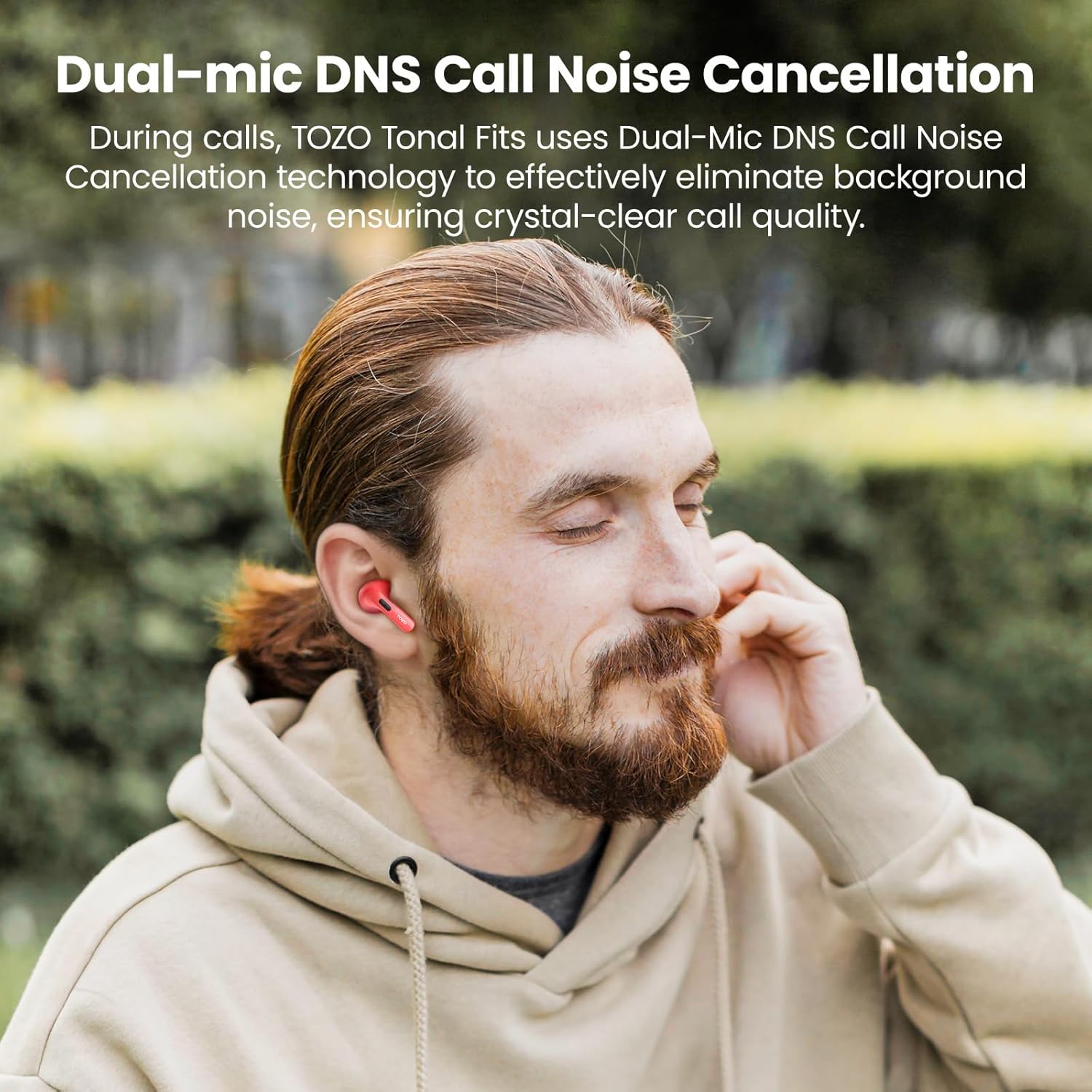
- Kwalità Fqira tas-Sejħiet: Ensure the earbuds are properly seated in your ears. Check for any obstructions around the microphones. If using the TOZO APP, ensure firmware is updated.
- Skonnettjar Bluetooth: Ensure your device is within the 10-meter Bluetooth range. Avoid significant obstacles between your device and the earbuds.
For further assistance, please visit the official TOZO support websit jew ikkuntattja lis-servizz tal-konsumatur tagħhom.
Vidjo Uffiċjali tal-Prodott
Dan il-video jipprovdi overview of the TOZO T21 Wireless Earbuds, highlighting their key features and design. It showcases the earbuds and charging case, demonstrating their functionality and aesthetic.
Garanzija u Appoġġ
TOZO products typically come with a manufacturer's warranty. For specific warranty details, registration, and support, please refer to the warranty card included in your product packaging or visit the official TOZO website. You can also find additional support and FAQs on their websit.
TOZO Official Websit: Żur il-Ħanut TOZO fuq Amazon


