
1. Introduzzjoni
This manual provides detailed instructions for the installation, operation, and maintenance of your Hikvision 2-Wire Video Intercom Kit, Model 38084. This system is designed for single-family homes, offering enhanced security and convenience through its 7-inch touchscreen monitor, FullHD outdoor camera, and seamless integration with the Hik-Connect mobile application. Please read this manual thoroughly before installation and use to ensure proper functioning and safety.
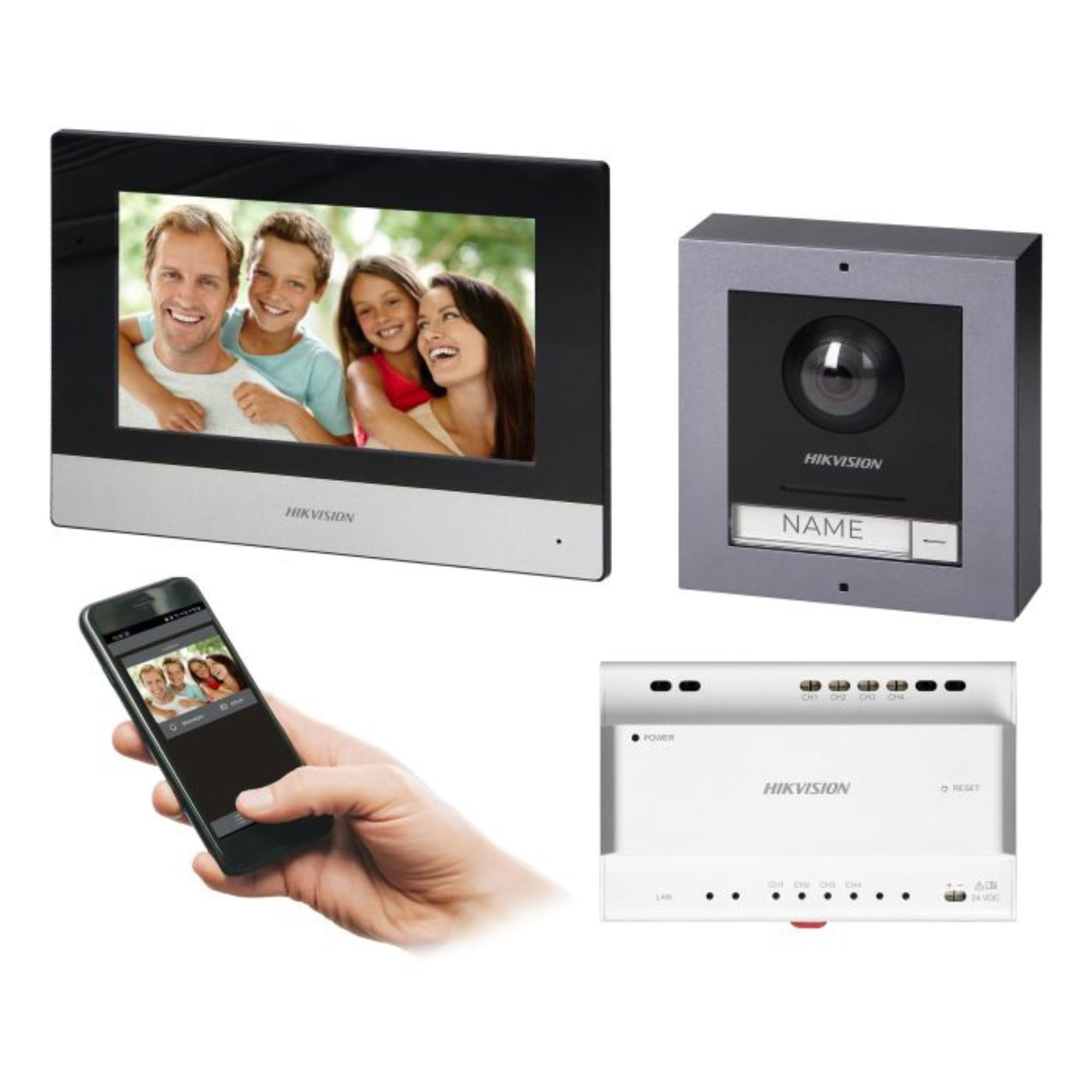
Figure 1: Hikvision 7-inch Video Intercom Monitor (Front View)
L-immaġni turi l-parti ta’ quddiem view of the Hikvision 7-inch video intercom monitor, featuring a large screen and the Hikvision logo at the bottom.
2. Informazzjoni dwar is-Sigurtà
Dejjem segwi l-prekawzjonijiet bażiċi ta’ sigurtà biex tnaqqas ir-riskju ta’ nar, xokk elettriku, u korriment lil persuni.
- Sigurtà Elettrika: Installation must be performed by qualified personnel in accordance with all local electrical codes. Disconnect power before installation or servicing.
- Ilma u Umdità: Do not expose the indoor monitor to rain or moisture. The outdoor panel is IP65 rated for weather resistance but should not be submerged.
- Temperatura: Ħaddem l-apparat fil-medda ta' temperatura speċifikata.
- Tindif: Uża drapp artab u niexef għat-tindif. Tużax prodotti tat-tindif likwidi jew aerosol.
- Interferenza: Avoid installing near sources of strong electromagnetic interference.
3. Kontenut tal-Pakkett
Ivverifika li l-komponenti kollha huma preżenti fil-pakkett:
- 7-inch Indoor Monitor (with WiFi)
- FullHD Outdoor Panel (with Camera and Night Vision)
- 4-Channel Distributor
- Aċċessorji tal-immuntar (viti, tappijiet tal-ħajt)
- Manwal għall-Utent (dan id-dokument)
- 16 GB MicroSD Card (pre-installed or included for video storage)

Figure 2: Hikvision Outdoor Panel and Mounting Accessories
This image shows the Hikvision outdoor panel alongside its rain shield and a flush-mount box, illustrating the various mounting options available.
4. Setup u Installazzjoni
The Hikvision video intercom system utilizes a 2-wire installation method, simplifying wiring. Both the indoor monitor and outdoor panel are designed for surface mounting.
4.1 Outdoor Panel Installation
- Agħżel Post: Select a suitable location near the entrance, ensuring the camera has a clear view of visitors. The panel is IP65 rated for outdoor use.
- Immuntar: Use the provided mounting bracket to mark drill holes on the wall. Drill holes, insert wall plugs, and secure the bracket.
- Wiring: Connect the 2-wire cable from the distributor to the outdoor panel terminals. Ensure correct polarity.
- Panel Sikur: Attach the outdoor panel to the mounting bracket.

Figure 3: Hikvision Outdoor Panel (Front View)
This image shows the front of the Hikvision outdoor panel, featuring the FullHD camera, speaker grille, call button, and nameplate area.
4.2 Installazzjoni ta' Monitor ta' Ġewwa
- Agħżel Post: Select an indoor location where the monitor is easily accessible and visible.
- Immuntar: Use the provided mounting plate to mark and drill holes. Secure the mounting plate to the wall.
- Wiring: Connect the 2-wire cable from the distributor to the indoor monitor terminals.
- Konnessjoni tal-Enerġija: Connect the monitor to a power source (mains electricity).
- Monitor Sikur: Attach the indoor monitor to the mounting plate.

Figure 4: Hikvision Indoor Monitor (Back View) and Mounting Plate
The image displays the rear of the Hikvision indoor monitor, showing its connection ports and the separate mounting plate used for installation.
4.3 System Wiring Diagram (General)
The 2-wire system connects the outdoor panel, indoor monitor, and the 4-channel distributor. The distributor manages power and data communication between the devices.
- Connect the outdoor panel to the distributor using a 2-wire cable.
- Connect the indoor monitor to the distributor using a 2-wire cable.
- Ensure the distributor is powered.
- For electric lock control, additional power may be required for the lock itself, connected via the outdoor panel.
4.4 Konnessjoni WiFi
After physical installation, power on the monitor. Navigate to the network settings on the 7-inch touchscreen to connect to your 2.4 GHz Wi-Fi network (802.11 b/g/n standard). This enables smartphone communication via the Hik-Connect app.
5. Istruzzjonijiet Operattivi
5.1 Indoor Monitor Functions
- Touch Screen: Navigate menus and control functions using the 7-inch touch screen.
- Funzjoni Intercom: Communicate with visitors at the outdoor panel or other indoor monitors (if expanded).
- Funzjoni tal-memorja: The monitor supports a memory function, likely for capturing images or short video clips of visitors.
- SD Card Reader: A 16GB MicroSD card is included for storing recorded video streams.
- Ringtone Management: Choose from 3 available ringtones. Adjust volume or mute the ringtone as needed.
- Kontroll tal-Bieb: Use the monitor to remotely open an electric lock connected to the system.
- CCTV Camera Integration: The system can be expanded to integrate up to 16 CCTV cameras.
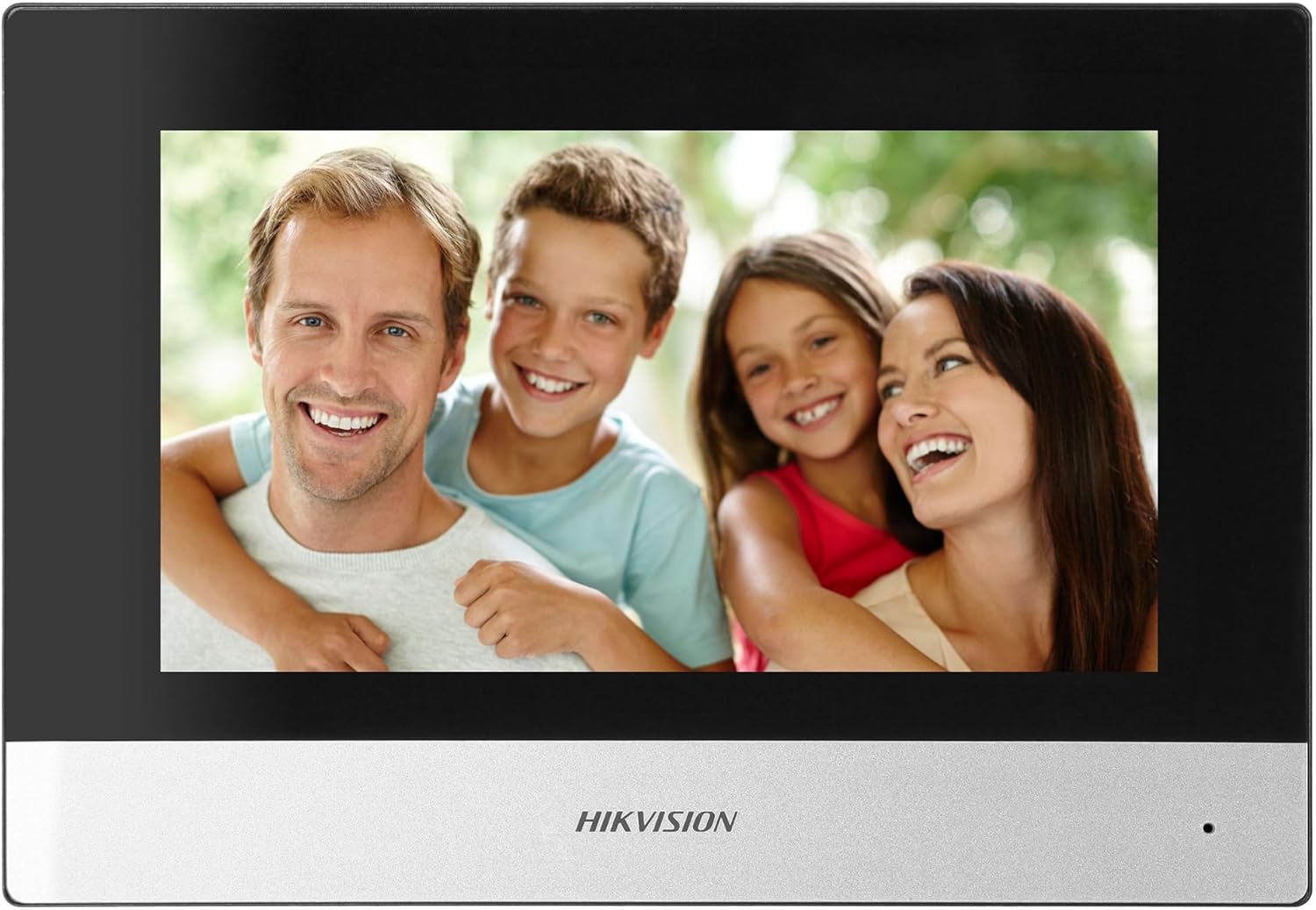
Figure 5: Hikvision Indoor Monitor (Front View)
This image shows the Hikvision 7-inch indoor monitor from the front, highlighting its sleek design and large display area.
5.2 Outdoor Panel Operation
- Buttuna Sejħa: Visitors press the single call button to initiate a call to the indoor monitor.
- FullHD Camera: Provides a 2MP (1920x1080p) video feed with a wide viewing angle (96°/180°).
- Viżjoni bil-lejl: Integrated IR illumination ensures clear visibility even in low-light conditions.
- Pjanċa tal-isem: A space is provided for a nameplate or label.

Figure 6: Hikvision Outdoor Panel (Angled View)
Angolat view of the Hikvision outdoor panel, showcasing its robust construction and integrated camera and call button.
5.3 Hik-Connect Mobile Application
Download the Hik-Connect app from your smartphone's app store. Once installed and configured with your system, you can:
- Receive calls from the outdoor panel on your smartphone.
- View live video from the outdoor camera.
- Remotely open the door.
- Access recorded video footage.
6. Manutenzjoni
Manutenzjoni regolari tiżgura l-lonġevità u l-prestazzjoni ottimali tas-sistema tal-intercom tiegħek.
- Tindif: Wipe the monitor screen and outdoor panel with a soft, damp drapp. Evita cleaners li joborxu.
- Aġġornamenti tal-Firmware: Periodically check for firmware updates via the Hik-Connect app or Hikvision's official website to ensure your system has the latest features and security patches.
- Spezzjoni tal-Cable: Spezzjona perjodikament il-wajers kollha għal xi sinjali ta' xedd jew ħsara.
- Outdoor Panel Lens: Keep the camera lens on the outdoor panel clean for clear video quality.
7 Issolvi l-problemi
Jekk tiltaqa' ma' problemi, irreferi għall-passi komuni li ġejjin għas-soluzzjoni tal-problemi:
- Ebda Qawwa: Check all power connections and ensure the distributor is receiving power.
- Ebda Vidjo/Awdjo: Verify the 2-wire connections between the outdoor panel, monitor, and distributor. Ensure correct polarity.
- Kwistjonijiet ta' Konnessjoni WiFi: Ensure your router is operating on 2.4 GHz. Re-enter WiFi credentials on the monitor. Check signal strength.
- Door Lock Not Opening: Confirm the electric lock has its own power supply if required. Check wiring from the outdoor panel to the lock.
- Viżjoni fqira bil-lejl: Ensure the outdoor camera lens is clean and free from obstructions.
8. Speċifikazzjonijiet
| Tip | Single-family |
| Funzjoni tal-Vidjo | Iva |
| Provvista tal-Enerġija | Elettriku tal-mejns |
| Tip ta' Trażmissjoni | Bil-wajer (2 wajers) |
| Smartphone Communication | Yes (via Hik-Connect app) |
| Wi-Fi Frekwenza | 2.4 GHz |
| Wi-Fi Standard | 802.11 b/g/n |
| Metodu ta 'Installazzjoni | 2-wire, Surface Mount |
| Max. Monitors | Espandibbli għal 3 |
| Max. Outdoor Panels | Espandibbli għal 1 |
| Max. CCTV Cameras | Espandibbli għal 16 |
| Kontroll tal-Lock Elettriku | Yes (requires additional power for lock) |
| Funzjoni Jum / Lejl | Iva |
| Metodu ta 'Immuntar | Immonta fil-wiċċ |
| Hands-free System | Iva |
| Djagonali tal-Iskrin | 7 pulzieri |
| Riżoluzzjoni | 1024 x 600 |
| Touch Screen | Iva |
| Sistema tal-Vidjo | PAL, Color |
| Funzjoni tal-Memorja | Iva |
| SD Card Reader | Yes (16GB card included) |
| Funzjoni Intercom | Iva |
| Ringtones | 3 |
| Materjal | Plastik |
| Kulur | Iswed |
| Dimensjonijiet (W x H x D) | 140 mm x 200 mm x 15 mm |
| Buttuni tas-Sejħa | 1 |
| Metodu ta 'Immuntar | Immonta fil-wiċċ |
| Riżoluzzjoni tal-Kamera | 2MP, 1920x1080 (FullHD) |
| Kamera ViewIng Angolu | 96°/180° |
| Illuminazzjoni bil-lejl | IR (infra-aħmar) |
| Funzjoni PTZ | Nru |
| Qarrej tal-Karta tal-Prossimità | Nru |
| Nameplate Space | Iva |
| Kontra l-vandali | Nru |
| Klassifikazzjoni tal-Protezzjoni | IP65 |
| Materjal | Azzar |
| Kulur | Fidda |
| Dimensjonijiet (W x H x D) | 98 mm x 99.8 mm x 43.9 mm |
| Dimensjonijiet tal-Prodott | 20 x 15 x 10 ċm |
| Piż tal-oġġett | 1 kg |
| Numru tal-Mudell | 38084 |
9. Garanzija u Appoġġ
For warranty information and technical support, please refer to the official Hikvision webis-sit jew ikkuntattja lid-distributur lokali tiegħek. Żomm l-irċevuta tax-xiri tiegħek għal talbiet ta' garanzija.
- Appoġġ onlajn: Żur www.hikvision.com for product documentation, FAQs, and support resources.
- Servizz tal-Klijent: Contact your retailer or authorized Hikvision service center for assistance.