
Rettru Rettru M8
Rettru M8 Doorbell Camera User Manual
Model: Rettru M8 | Brand: Rettru
1. Introduzzjoni
This manual provides comprehensive instructions for the installation, operation, and maintenance of your Rettru M8 Smart Doorbell Camera. Designed for convenience and security, this wireless video doorbell offers features such as night vision, two-way audio, and local/cloud storage to keep your home or classroom safe and connected.
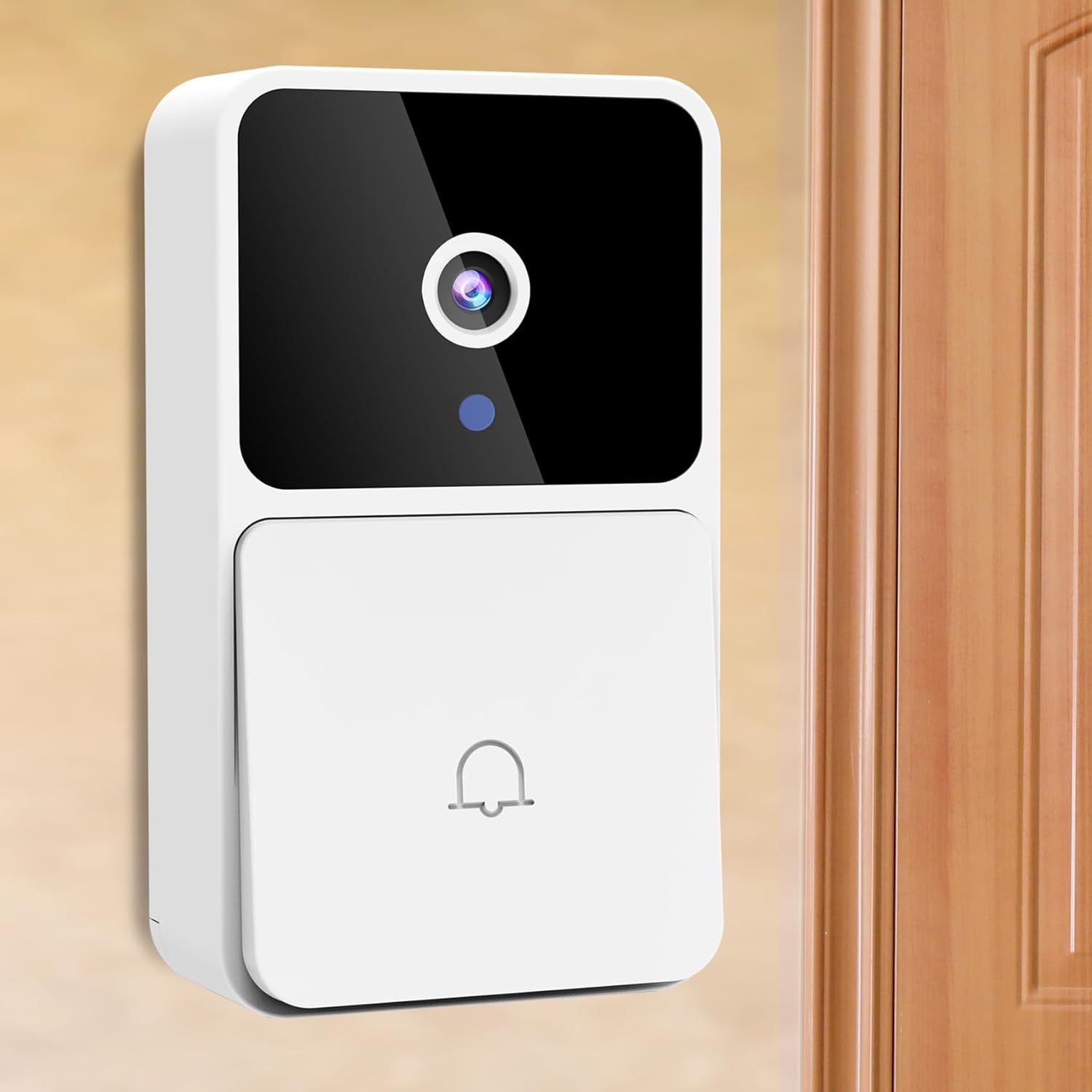
Image: The Rettru M8 Smart Doorbell Camera, a white rectangular device with a black camera lens and a doorbell button, mounted on a light-colored wall next to a wooden door.
2. X'hemm fil-Kaxxa
Jekk jogħġbok ivverifika li l-komponenti kollha elenkati hawn taħt huma inklużi fil-pakkett tiegħek:
- 1 x Rettru M8 Wireless Doorbell Camera
- 1 x Doorbell Chime (Plug-in)
- 1 x Invita
- 1 x Manwal għall-Utent
- 1 x Power Cord (for charging doorbell)
- 1 x 3M Sticker (for mounting)
- 2 x Screws and Wall Plugs (for mounting)

Image: A clear layout of all items included in the Rettru M8 Doorbell Camera package: the video doorbell unit, the plug-in chime, a screwdriver, two screws with two wall plugs, and a power cord.
3. Karatteristiċi tal-prodott
The Rettru M8 Doorbell Camera is equipped with several advanced features to enhance your security and convenience:
- 100% Wire-Free Design: Easy installation without complex wiring, powered by an internal battery.
- Vidjo HD u Viżjoni bil-Lejl: Capture clear video footage day and night with integrated night vision capabilities.
- Awdjo f'żewġ direzzjonijiet: Communicate directly with visitors at your door using the built-in microphone and speaker.
- Sejbien tal-Moviment: Receive instant alerts on your smartphone when motion is detected near your doorbell.
- Ħażna Lokali u fuq il-Cloud: Supports 64GB local storage (included) and optional cloud storage for video history.
- Chime bla fili: Includes an indoor plug-in chime with 38 classical ringtones and 4 volume levels.
- Wiesgħa ViewIng Angolu: 150 grad viewing angle ensures comprehensive coverage of your doorstep.
Visual Clarity Day and Night

Image: A split image showing the doorbell camera's view in two conditions: on the left, a clear color image in bright daylight, and on the right, a clear black and white image in low light or darkness, demonstrating its night vision capability.
Għażliet ta 'Ħażna Flessibbli
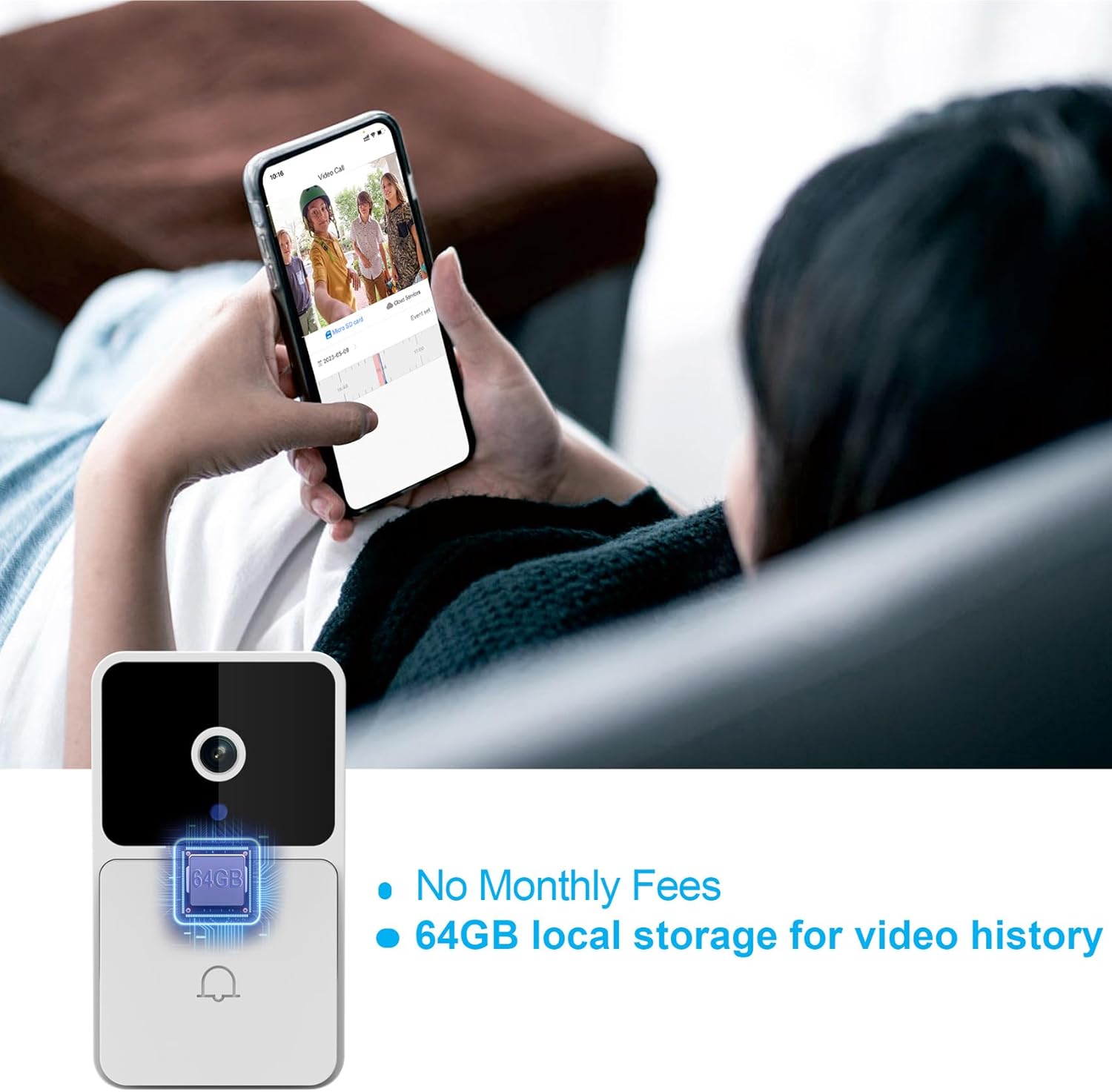
Image: The Rettru M8 Doorbell Camera with an overlay highlighting "64GB local storage for video history" and "No Monthly Fees," indicating its built-in storage capacity.
4. Setup u Installazzjoni
The Rettru M8 Doorbell Camera is designed for easy, wire-free installation. Follow these steps to set up your device:
- Iċċarġja l-Qanpiena tal-Bieb: Before installation, ensure the doorbell camera is fully charged using the provided power cord.
- Agħżel Post ta' Installazzjoni: Select a suitable location near your door or wall that provides a clear view u sinjal tajjeb tal-Wi-Fi.
- Għażliet ta 'Immuntar:
- For Smooth Surfaces (Glass/Door): Use the included 3M adhesive sticker. Clean the surface thoroughly before applying.
- For Brick or Wooden Walls: Use the included screws and wall plugs. Drill pilot holes if necessary, insert wall plugs, and then secure the doorbell bracket with screws.
- Attach Doorbell to Bracket: Once the bracket is securely mounted, slide the doorbell camera onto the bracket until it clicks into place.
- Ipplaggja ċ-Ċime: Insert the doorbell chime into a standard power outlet inside your home.
- Download App & Connect: Download the V380 Pro app on your smartphone. Follow the in-app instructions to connect your doorbell camera to your home Wi-Fi network.

Image: A visual guide demonstrating two installation methods for the Rettru M8 Doorbell Camera: using 3M stickers for glass or doors, and using screws and wall plugs for brick or wooden walls, showing the detachable backplate.
5. Istruzzjonijiet Operattivi
Once installed, operate your Rettru M8 Doorbell Camera using the V380 Pro app and the physical chime.
5.1. Using the V380 Pro App
- Live View: Iftaħ l-app għal view a live feed from your doorbell camera at any time.
- Komunikazzjoni f'żewġ direzzjonijiet: When a visitor presses the doorbell or motion is detected, you will receive a notification. Tap the notification to answer and engage in two-way audio communication.
- Video Recording & Playback: The doorbell automatically records events triggered by motion or doorbell presses. Access recorded videos from the app's history or cloud storage.
- Settings tal-Kxif tal-Moviment: Adjust sensitivity and notification preferences for motion detection within the app settings.

Image: A person holding a smartphone displaying a live video call from the Rettru M8 Doorbell Camera, communicating with a delivery driver at the door, illustrating the two-way audio feature.
5.2. Doorbell Chime Operation
- When the doorbell button is pressed, the indoor chime will sound, alerting you to a visitor.
- The chime offers 38 different ringtones. Refer to the chime's specific instructions (if separate) or the V380 Pro app for changing ringtones and adjusting volume levels.
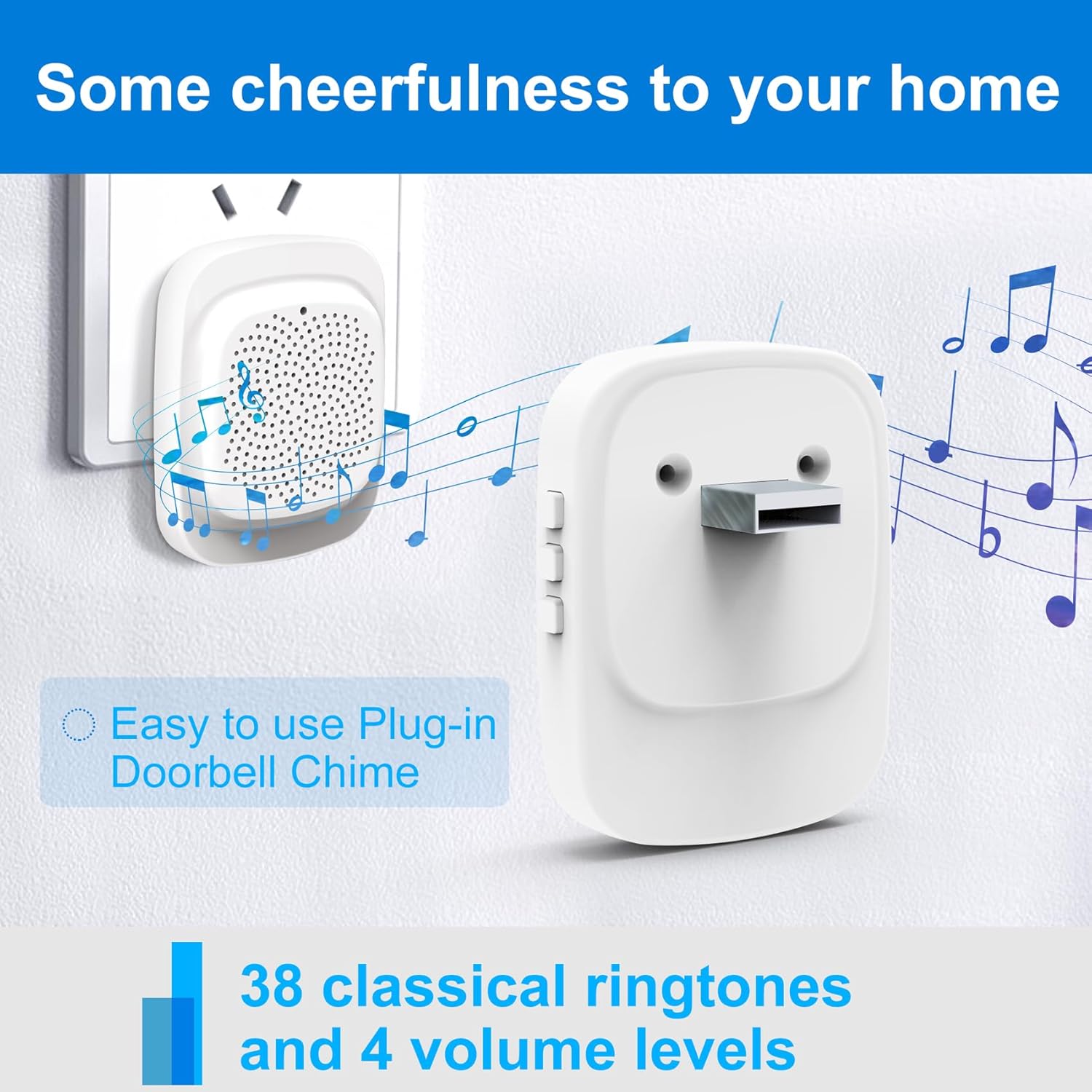
Image: The Rettru plug-in doorbell chime, a white rectangular device, plugged into a wall outlet, surrounded by musical notes, indicating its function and ease of use.
6. Manutenzjoni
To ensure optimal performance and longevity of your Rettru M8 Doorbell Camera, follow these maintenance guidelines:
- Tindif: Gently wipe the camera lens and doorbell surface with a soft, damp drapp. Evita prodotti tat-tindif jew solventi li joborxu.
- Ħajja tal-batterija: The doorbell is battery-powered. Monitor the battery level via the V380 Pro app and recharge as needed using the provided power cord. Battery life varies based on usage and environmental factors.
- Aġġornamenti tal-Firmware: Periodically check the V380 Pro app for available firmware updates. Keeping your device updated ensures the latest features and security enhancements.
- Kundizzjonijiet Ambjentali: While designed for outdoor use, extreme weather conditions (e.g., heavy rain, direct prolonged sunlight, extreme temperatures) may affect performance. Ensure the doorbell is installed in a reasonably protected location.
7 Issolvi l-problemi
If you encounter issues with your Rettru M8 Doorbell Camera, try the following troubleshooting steps:
| Problema | Soluzzjoni Possibbli |
|---|---|
| Il-qanpiena tal-bieb mhux qed tikkonnettja mal-Wi-Fi. |
|
| L-ebda twissija ta' skoperta ta' moviment. |
|
| L-awdjo f'żewġ direzzjonijiet mhux qed jaħdem. |
|
| Chime not sounding. |
|
8. Speċifikazzjonijiet
| Karatteristika | Dettall |
|---|---|
| Isem tal-Mudell | Rettru M8 |
| Brand | Rettru |
| Tip ta 'Immuntar | Mount Wall |
| Riżoluzzjoni tal-Qbid tal-Vidjo | 720p |
| Komunikazzjoni bla fili | Wi-Fi (2.4GHz) |
| ViewIng Angolu | 150 Grad |
| Frame Rata | 30 fps |
| Karatteristiċi Speċjali | Sensorju tal-Mozzjoni, Viżjoni bil-Lejl |
| Sors tal-Enerġija | Li jaħdem bil-batterija (jone tal-litju) |
| Ħażna Lokali | 64GB (included) |
| Apparati Kompatibbli | Smartphone, Tablet (Android controller type mentioned) |
| Dimensjonijiet tal-Pakkett | 14.8 x 9.8 x 3.6 ċm; 120 g |
9. Garanzija u Appoġġ għall-Klijent
Rettru provides friendly customer service for the M8 Smart Doorbell Camera. For any questions, technical assistance, or warranty claims, please refer to the contact information provided in your product packaging or visit the official Rettru support websit.
Jekk jogħġbok żomm il-prova tax-xiri tiegħek għal skopijiet ta' garanzija.
Ask a question about this manual
Ask about setup, troubleshooting, compatibility, parts, safety, or missing instructions. Manuals+ will review the question and use this page’s manual context to help answer it.