
1. Introduzzjoni
The INSEETECH 4G LTE Tuya Smart Solar Wireless Camera is an advanced outdoor surveillance solution designed for areas without traditional power or Wi-Fi access. This manual provides essential information for setting up, operating, and maintaining your camera to ensure optimal performance and security.

Figure 1.1: INSEETECH 4G LTE Tuya Smart Solar Wireless Camera
2. Karatteristiċi tal-prodott
- Mingħajr Wajers u Enerġija Solari: Operates year-round with a 10W solar panel and rechargeable battery, eliminating the need for constant power connection.
- 4G LTE Cellular Connectivity: No Wi-Fi required, ideal for remote locations. Supports Verizon, AT&T, and T-Mobile networks.
- 2K PTZ Camera: Offers 355° horizontal pan and 90° vertical tilt for comprehensive coverage, controllable via the Tuya app.
- IP66 li ma jgħaddix ilma minnha: Designed to withstand harsh weather conditions including heavy rain, strong winds, and snow.
- Sejbien ta 'Moviment Intelliġenti: PIR motion detection and advanced human detection (33-49 feet range) with real-time alerts to the Tuya app. Human Body Filtering reduces false alarms.
- 2K 98ft Full Color Night Vision: Features a 4MP HD CMOS Sensor, 6 infrared lights, and white light for clear images in pitch-dark environments. Supports both full-color and infrared night vision modes.
- Awdjo f'żewġ direzzjonijiet: Ikkomunika mal-viżitaturi jew tiskoraġġixxi l-intrużi billi tuża l-mikrofonu u l-ispiker integrati.
- Għażliet ta' Ħażna Flessibbli: Supports cloud storage (subscription required) and local storage via a memory card (8-128GB, not included).
- Funzjoni ta' Kondiviżjoni tal-Familja: Allows sharing access with up to 50 users while maintaining main user privacy settings.
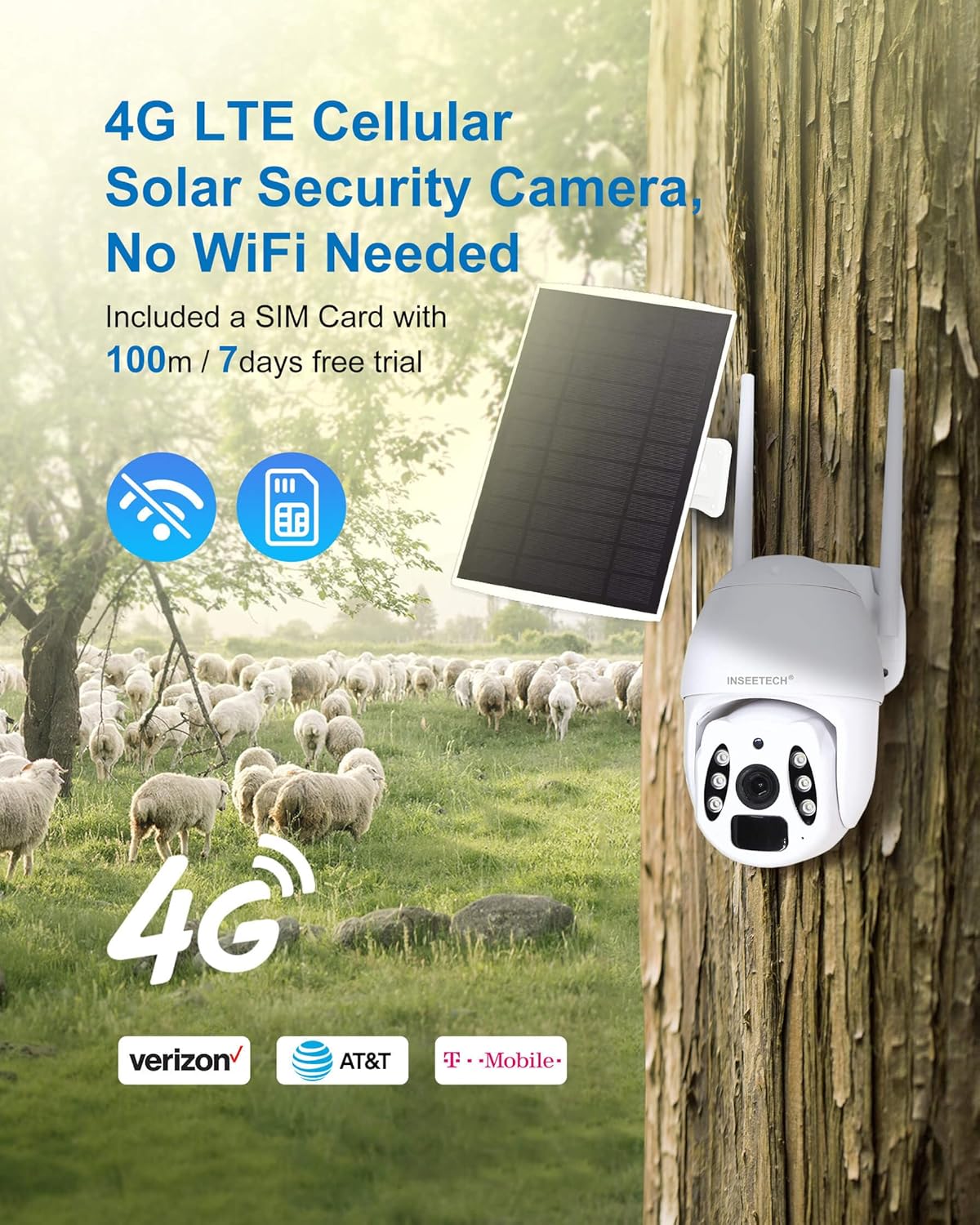
Figure 2.1: 4G LTE Cellular Connectivity

Figure 2.2: 2K HD Image and Night Vision Capabilities
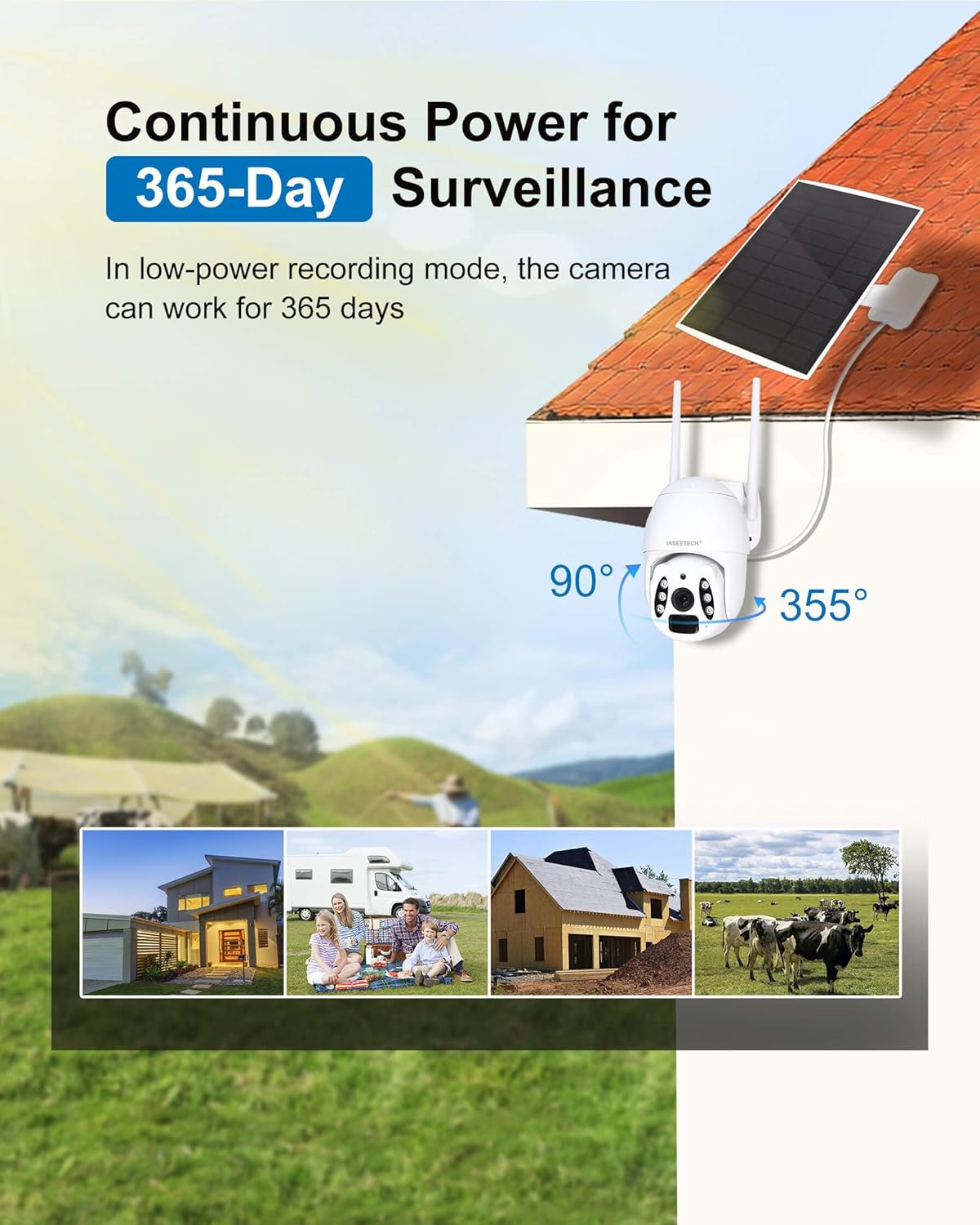
Figure 2.3: Solar Power for Continuous Operation
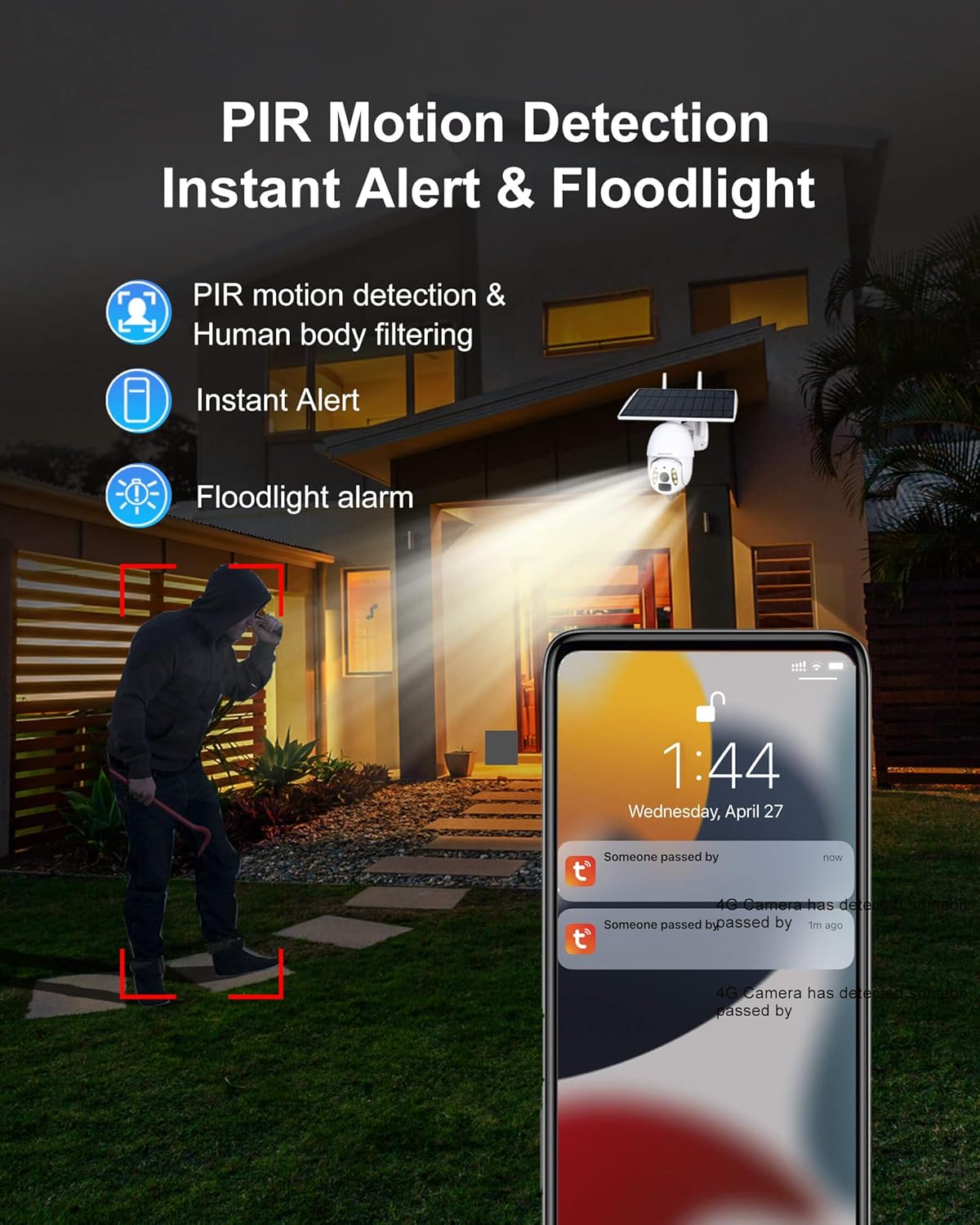
Figure 2.4: Intelligent Motion Detection and Alerts
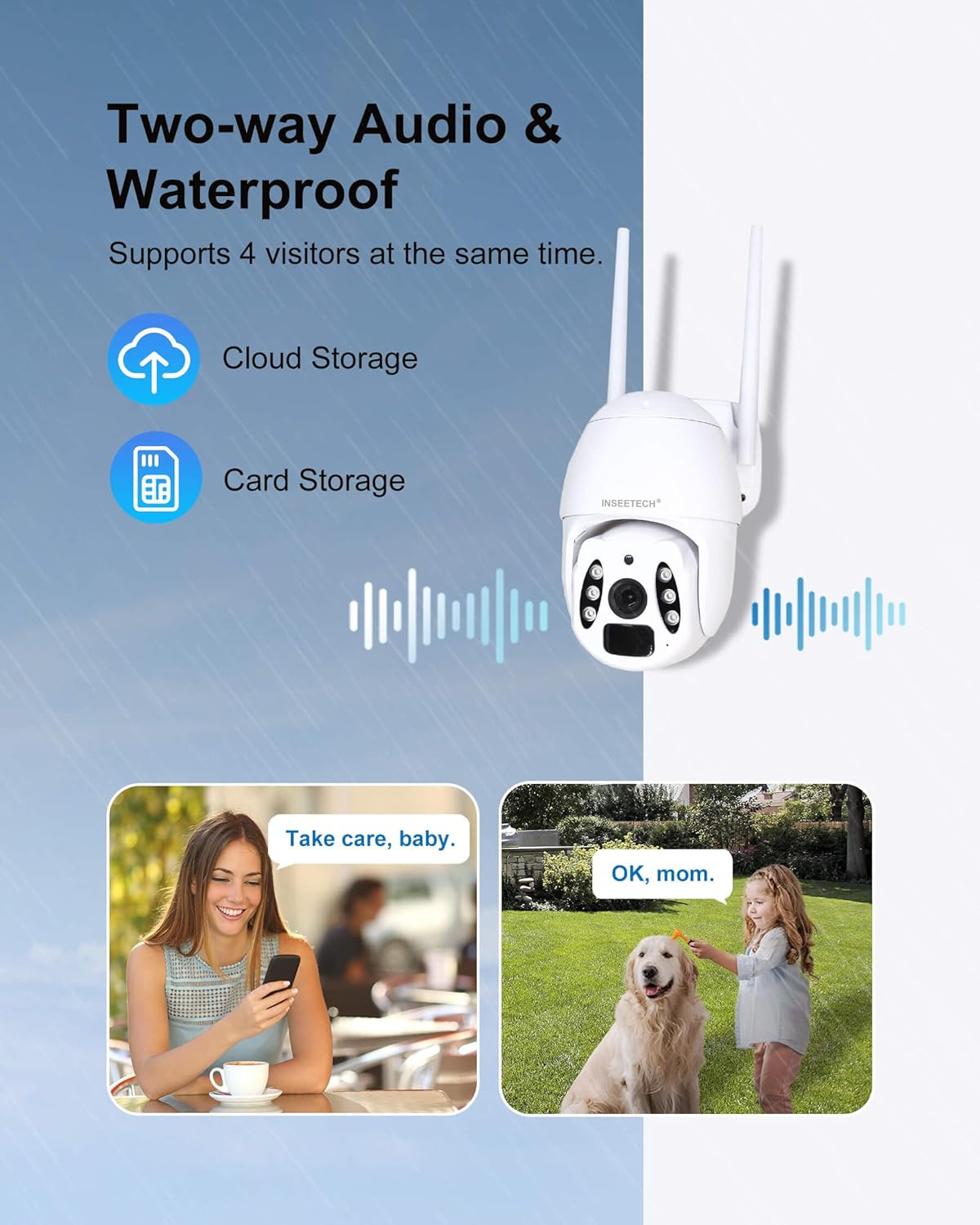
Figura 2.5: Komunikazzjoni Awdjo f'Żewġ Direzzjonijiet

Figura 2.6: Klassifikazzjoni tal-Impermeabilità IP66
3. X'hemm fil-Kaxxa
Your INSEETECH 4G LTE Tuya Smart Solar Wireless Camera package includes the following components:
- One Camera Unit (with integrated solar panel)
- Aċċessorji tal-Immuntar (viti, ankri tal-ħajt)
- SIM Card (with 100MB/7-day free trial)
- Manwal għall-Utent (dan id-dokument)
Note: A memory card (8-128GB) for local storage is not included and must be purchased separately.
4. Gwida ta' Setup
Follow these steps to set up your INSEETECH 4G LTE Tuya Smart Solar Wireless Camera:
4.1 Preparazzjoni Inizjali
- Iċċarġja l-Kamera: Before first use, fully charge the camera's internal battery using the provided power cable. This ensures sufficient power for initial setup and operation.
- Daħħal SIM Card: Locate the SIM card slot on the camera. Carefully insert the included 4G SIM card into the designated slot. Ensure it is correctly oriented.
- Daħħal il-Karta tal-Memorja (Mhux obbligatorju): If you plan to use local storage, insert a compatible microSD card (8-128GB, not included) into the memory card slot.

Figure 4.1: SIM and Memory Card Insertion
4.2 Installazzjoni u Konnessjoni tal-App
- Niżżel l-App Tuya Smart: Scan the QR code provided in the quick start guide or search for "Tuya Smart" in your mobile app store (iOS or Android) and download the application.
- Irreġistra/Idħol: Open the Tuya Smart app and register a new account or log in if you already have one.
- Żid Apparat: In the app, tap "Add Device" or the "+" icon. Select "Security & Video Surveillance" and then "Smart Camera (4G)".
- Skennja l-Kodiċi QR: Follow the in-app instructions to scan the QR code located on your camera. This will pair the camera with your account.
- Imla Setup: Once paired, the app will guide you through any remaining setup steps, such as naming your camera.
4.3 Immuntar tal-Kamera
Choose a suitable location for your camera, ensuring the solar panel receives adequate direct sunlight (at least 2 hours per day for optimal performance). The camera offers flexible installation options:
- Installazzjoni Integrata: Mount the camera and solar panel together as a single unit.
- Split Installation: Mount the camera and solar panel separately using the extended cable, allowing you to position the solar panel in a sunnier spot while the camera is in the desired surveillance area.
Use the provided mounting screws and wall anchors to securely attach the camera to a wall, pole, or other stable surface. Ensure the camera is positioned to cover your desired monitoring area.

Figure 4.2: Integrated vs. Split Installation
5. It-tħaddim tal-Kamera
5.1 Ħaj View u Kontroll PTZ
Open the Tuya Smart app and select your camera from the device list. You will see a live feed from the camera. Use the on-screen controls to pan (355° horizontally) and tilt (90° vertically) the camera to adjust its viewangolu tal-ing.
Vidjo 5.1: Fuqview of INSEETECH 4G LTE Cellular Wireless Solar Camera features, including PTZ control and wire-free operation.

Figure 5.1: Pan and Tilt Capabilities
5.2 Sejbien tal-Mozzjoni u Twissijiet
The camera uses PIR motion detection to identify movement. When motion is detected, you will receive instant alerts on your Tuya Smart app. You can enable Human Body Filtering in the app settings to reduce false alarms from animals or environmental factors.

Figure 5.2: Motion Detection Alerts

Figure 5.3: Human Detection for Reduced False Alarms
5.3 Modi ta' Viżjoni bil-Lejl
The camera supports two night vision modes:
- Viżjoni bil-lejl infrared: Provides clear black and white images in low-light conditions using infrared LEDs.
- Viżjoni bil-Lejl bil-Kulur Sħiħ: Utilizes white light to provide full-color video and images even in complete darkness. This mode can also serve as a floodlight.
You can switch between these modes in the Tuya Smart app settings.

Figure 5.4: Infrared vs. Full Color Night Vision
5.4 Awdjo b'żewġ direzzjonijiet
Use the two-way audio feature to communicate through the camera. Tap the microphone icon in the live view interface to speak, and listen through the camera's speaker.

Figura 5.5: Funzjonalità tal-Awdjo b'Żewġ Direzzjonijiet
5.5 Playback and Multi-Share
Aċċess irreġistrat footage permezz tal-għażla "Daqq" fl-app. Tista' terġa'view events stored on your memory card or in cloud storage. The camera supports multi-user sharing, allowing up to 50 users to view the live stream and up to 4 users to watch simultaneously.

Figure 5.6: Playback and Multi-User Sharing
Video 5.2: Real footage captured by the INSEETECH 4G SIM Card Solar Camera, demonstrating video quality and motion detection.
6. Manutenzjoni
- Tindif tal-Panew Solari: Imsaħ il-pannell solari regolarment b'ċarruta ratba u damp drapp biex tneħħi t-trab, il-ħmieġ, jew il-fdalijiet li jistgħu jnaqqsu l-effiċjenza tal-iċċarġjar.
- Tindif tal-Lenti: Naddaf il-lenti tal-kamera bil-mod b'ċarruta tal-mikrofibra biex tiżgura kwalità ċara tal-immaġni. Evita materjali li joborxu.
- Aġġornamenti tal-Firmware: Check the Tuya Smart app periodically for firmware updates. Keeping your camera's firmware updated ensures optimal performance, new features, and security enhancements.
- Saħħa tal-batterija: While solar-powered, extreme weather or prolonged periods without sunlight may affect battery levels. Monitor battery status in the app and manually charge if necessary.
7 Issolvi l-problemi
| Problema | Kawża Possibbli | Soluzzjoni |
|---|---|---|
| Il-kamera mhux qed tixgħel. | Batterija baxxa; swiċċ tal-enerġija mitfi. | Ensure the power switch is ON. Fully charge the camera using the power adapter. Ensure solar panel is clean and receiving direct sunlight. |
| No 4G signal. | Poor network coverage; SIM card issue. | Relocate the camera to an area with better cellular reception. Check if the SIM card is properly inserted and activated. Contact your SIM card provider if necessary. |
| Is-sejbien tal-moviment mhux qed jaħdem jew hemm wisq allarmi foloz. | Incorrect sensitivity settings; environmental factors. | Adjust motion detection sensitivity in the Tuya app. Enable Human Body Filtering. Ensure camera is not pointed at moving trees or busy roads if not desired. |
| Ma jistax view live feed or playback. | Network issue; app glitch; SD card error. | Check your phone's internet connection. Restart the Tuya app. Reformat or replace the SD card if using local storage. Ensure sufficient data on SIM card. |
| Two-way audio not clear. | Environmental noise; microphone/speaker obstruction. | Reduce background noise. Ensure microphone and speaker are not obstructed. Check app volume settings. |
8. Speċifikazzjonijiet
| Karatteristika | Dettall |
|---|---|
| Isem tal-Mudell | WF822-Set |
| Użu fuq ġewwa/barra | Barra |
| Sors tal-Enerġija | Mħaddma Solari |
| Teknoloġija tal-Konnettività | Wireless (4G LTE Ċellulari) |
| Riżoluzzjoni tal-Qbid tal-Vidjo | 4MP |
| PTZ Capabilities | 355° Pan, 90° Mejjel |
| Medda tal-Viżjoni Lejl | 98 Feet (Full Color & IR) |
| Livell ta 'Reżistenza għall-Ilma | IP66 Waterproof |
| Għażliet ta' Ħażna | Cloud Storage, MicroSD Card (8-128GB, not included) |
| Awdjo Two-Way | Iva |
| Sejbien tal-Moviment | PIR, Human Detection |
| Dimensjonijiet (L x W x H) | 7.9 x 7.5 x 4.3 pulzieri |
| Piż tal-oġġett | 3.54 liri |
| Batterija | 1 Lithium Ion (inkluż) |
| Solar Panel Wattage | 10 watt |

Figura 8.1: Dimensjonijiet tal-Prodott
9. Garanzija u Appoġġ
INSEETECH provides 24/7 customer service to assist with any issues or questions you may have regarding your 4G LTE Tuya Smart Solar Wireless Camera. Please refer to the product packaging or the official INSEETECH webis-sit għal dettalji speċifiċi tal-garanzija u informazzjoni ta' kuntatt.
Għal aktar assistenza, tista' żżur l-uffiċjal INSEETECH Store on Amazon.