
1. Introduzzjoni
Thank you for choosing the VIZOLINK Q100 Conference Speaker. This device is designed to provide clear audio for your conference calls, online meetings, and multimedia needs. Featuring high-sensitivity microphones and advanced noise reduction, the Q100 ensures excellent voice pickup and sound quality. Please read this manual carefully to ensure proper use and optimal performance of your speaker.
2. Kontenut tal-Pakkett
Kun żgur li l-oġġetti kollha huma preżenti fil-pakkett:
- VIZOLINK Q100 Conference Speaker
- Cable tal-Iċċarġjar tal-USB
- Dongle Bluetooth
- Borża tal-Ħażna
- Manwal għall-Utent (dan id-dokument)
3. Prodott Aktarview
The VIZOLINK Q100 is a compact and portable conference speaker designed for various communication needs. It features intuitive controls and multiple connectivity options.
3.1. Layout tal-Apparat

Immaġni: Fuq view of the VIZOLINK Q100 Conference Speaker, highlighting its sleek design and central control panel.
3.2. Karatteristiċi ewlenin
- Kopertura 360°: Equipped with 6 high-sensitivity microphones for a 6-meter voice pick-up range.
- Real Clear Voice: Features real-time noise reduction and echo cancellation for superior audio clarity. Zoom Certified.
- Kompatibilità Wiesgħa: Connects via Type-C USB, Bluetooth, or a dedicated Bluetooth dongle.
- Portabbli u Kompatt: Designed for easy transport with a travel case and up to 12 hours of battery life.

Image: Illustrates the 360° voice pick-up capability of the Q100 with six high-sensitivity microphones covering a 6-meter range.

Image: Depicts the 'Real Clear Voice' technology, showing how noise and echo are reduced for clear communication, indicated by the Zoom Certified logo.
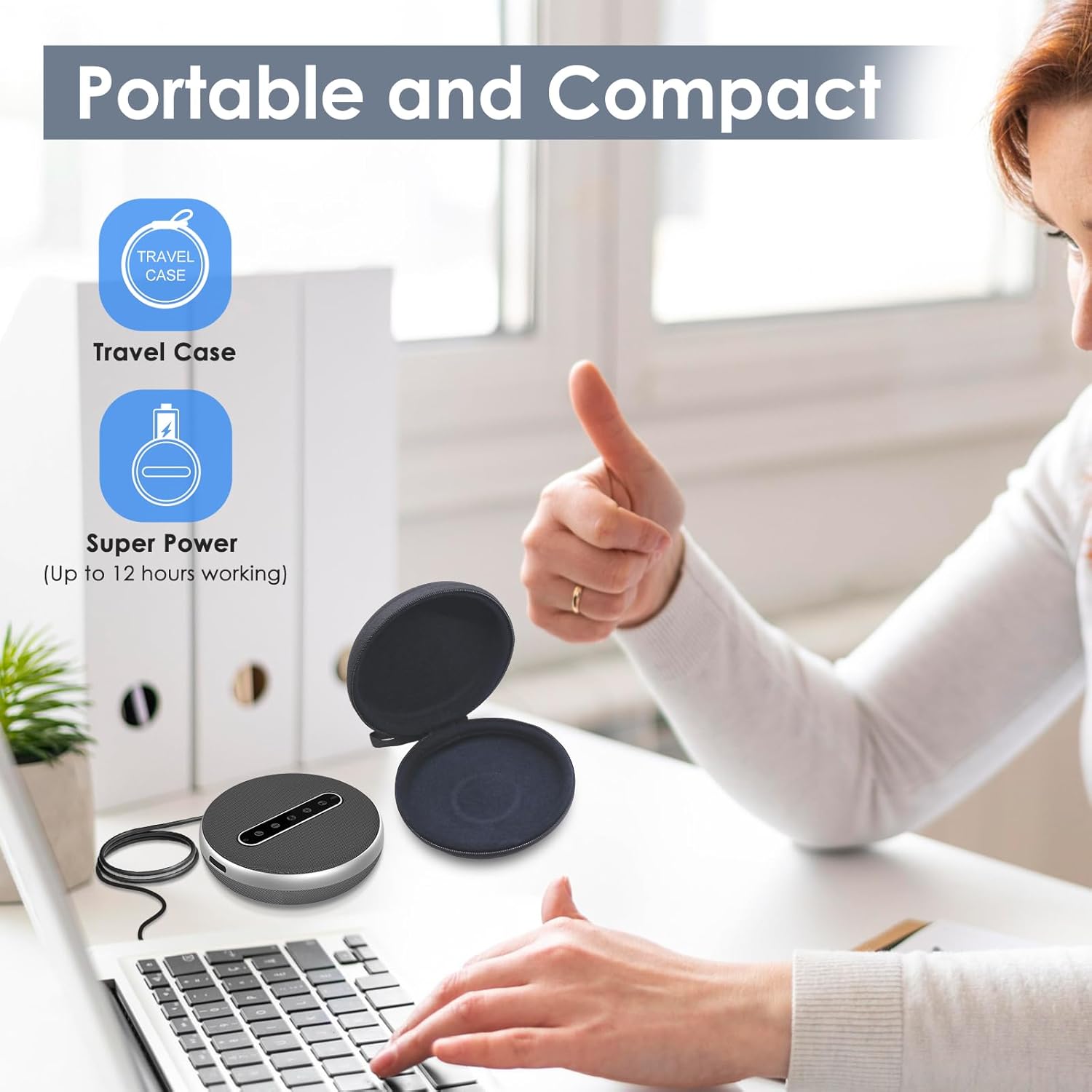
Image: Shows the versatile connectivity options of the Q100, including Type-C USB, Bluetooth, and a stable Bluetooth dongle for various devices.

Image: Highlights the portable and compact design of the Q100, shown with its protective travel case and indicating up to 12 hours of working time.
4. Setup
4.1. Iċċarġja l-Ispeaker
Before first use, fully charge the VIZOLINK Q100. Connect the provided USB charging cable to the Type-C port on the speaker and the other end to a USB power adapter (not included) or a computer's USB port. The LED indicator will show charging status.
4.2. Tixgħil / Mitfi
- Biex Tixgħel: Press and hold the power button for 2 seconds. The LED indicator will light up.
- Biex Tifi: Agħfas u żomm il-buttuna tal-qawwa għal 3 sekondi. L-indikatur LED jintefa.
4.3. Konnessjoni ma' Apparati
The VIZOLINK Q100 offers multiple ways to connect to your devices:
4.3.1. Konnessjoni Bluetooth
- Kun żgur li l-kelliem ikun mixgħul.
- Press the Bluetooth button on the speaker. The LED indicator will flash blue, indicating pairing mode.
- Fuq it-tagħmir tiegħek (smartphone, tablet, laptop), mur fis-settings tal-Bluetooth u fittex apparati disponibbli.
- Select "VIZOLINK Q100" from the list.
- Ladarba konness, l-indikatur LED se jdur blu solidu.
4.3.2. Konnessjoni USB
Connect the speaker to your computer using the provided USB Type-C cable. The speaker will be recognized as an audio device automatically. No drivers are typically required for Windows or macOS.
4.3.3. Bluetooth Dongle Connection
For devices without built-in Bluetooth or for a more stable connection, use the included Bluetooth dongle:
- Plug the Bluetooth dongle into an available USB port on your computer.
- Power on the VIZOLINK Q100 speaker.
- The speaker and dongle should automatically pair. The LED indicator on the speaker will turn solid blue once connected.
5. Istruzzjonijiet Operattivi
5.1. Kontrolli Bażiċi
- Buttuna tal-Qawwa: Agħfas u żomm biex tixgħel/titfi. Agħfas qasir biex tiċċekkja l-istat tal-batterija.
- Volum 'il fuq (+): Iżżid il-volum tal-ispiker.
- Volum 'l isfel (-): Inaqqas il-volum tal-ispiker.
- Mikrofonu Mute: Toggles microphone mute on/off. The LED will indicate mute status.
- Tweġiba/Tmiem Sejħa: Agħfas biex twieġeb telefonata li tidħol jew ittemm telefonata li tkun għaddejja.
- Buttuna Bluetooth: Agħfas biex tidħol fil-mod ta 'tqabbil Bluetooth.
5.2. Ġestjoni tas-Sejħiet
- Tweġiba għal Sejħa: When an incoming call rings, press the Answer/End Call button.
- Tmiem Sejħa: During a call, press the Answer/End Call button.
- Ċaħda ta 'Sejħa: Press and hold the Answer/End Call button for 2 seconds.
5.3. Kompatibilità
The VIZOLINK Q100 is widely compatible with various operating systems and communication platforms:
- Sistemi Operattivi: Windows 7/8/10, Mac OS 10.6 and above, Chrome OS, Ubuntu V10.04, Linux 2.6.84, Android 5.0 and above.
- Pjattaformi ta' Komunikazzjoni: Zoom, Skype, Twitch, Messenger, Cisco Webex, Facebook Live, Mixer, YouTube, XSplit.
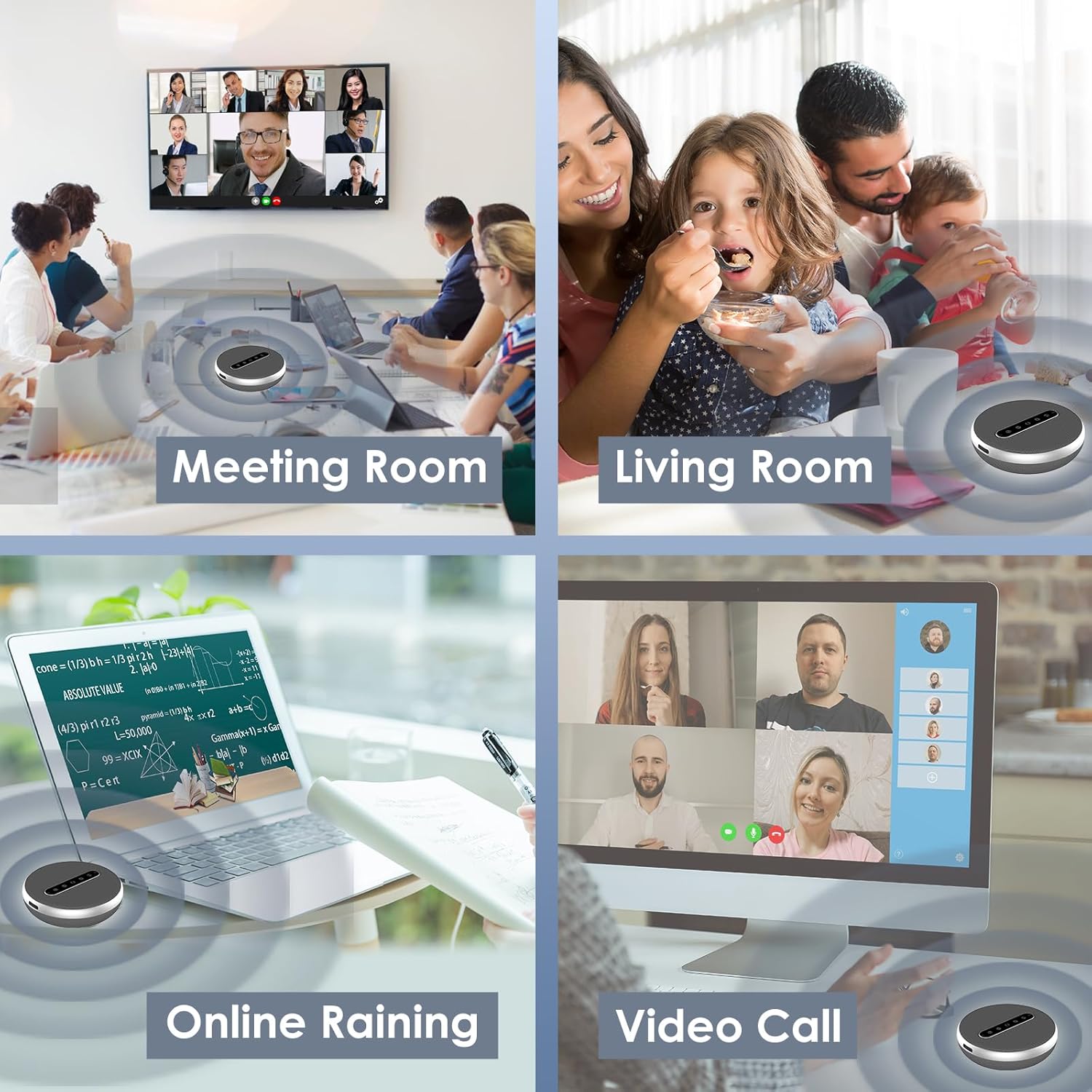
Image: Illustrates the broad compatibility of the VIZOLINK Q100 with popular operating systems and video conferencing applications.
6. Manutenzjoni
To ensure the longevity and optimal performance of your VIZOLINK Q100 Conference Speaker, follow these maintenance guidelines:
- Tindif: Uża drapp artab u niexef biex timsaħ il-wiċċ tal-ispiker. Tużax prodotti tat-tindif likwidi jew materjali li joborxu.
- Ħażna: When not in use, store the speaker in the provided storage bag to protect it from dust and scratches. Keep it in a cool, dry place.
- Evita l-Ilma: The speaker is not waterproof. Avoid exposure to water or excessive moisture.
- Temperatura: Do not expose the speaker to extreme temperatures (hot or cold) or direct sunlight for extended periods.
7 Issolvi l-problemi
If you encounter issues with your VIZOLINK Q100, refer to the following common problems and solutions:
| Problema | Kawża Possibbli | Soluzzjoni |
|---|---|---|
| Ebda qawwa | Batterija baxxa; Il-buttuna tal-qawwa mhux ippressata sew. | Iċċarġja l-ispiker kompletament. Agħfas u żomm il-buttuna tal-qawwa għal 2 sekondi. |
| Ma tistax tikkonnettja permezz tal-Bluetooth | Speaker not in pairing mode; Device Bluetooth off; Out of range. | Ensure speaker LED is flashing blue. Turn device Bluetooth off/on. Move speaker closer to device. |
| L-ebda ħoss | Volume too low; Speaker muted; Incorrect audio output selected. | Increase volume on speaker and device. Check if speaker is muted. Select VIZOLINK Q100 as default audio output on your device. |
| Mikrofonu mhux qed jaħdem | Microphone muted; Incorrect input device selected. | Unmute the microphone on the speaker. Select VIZOLINK Q100 as default microphone input on your device/application. |
| Kwalità fqira tal-awdjo | Interference; Weak Bluetooth signal; Distance from speaker. | Move away from other wireless devices. Ensure clear line of sight for Bluetooth. Reduce distance between speaker and device. |
8. Speċifikazzjonijiet
| Karatteristika | Dettall |
|---|---|
| Isem tal-Mudell | Q100 |
| Tip ta' Kelliem | Atmosferiku |
| Karatteristiċi Ewlenin | Bass Boost, Built-in Microphone, USB Port, High-Resolution Audio |
| Użu Rakkomandat | Sejħiet bil-vidjo |
| Apparati Kompatibbli | Laptops, Desktop Computers, Phones |
| Surround Sound Channel Konfigurazzjoni | 2.0 |
| Kulur | Fidda |
| Impedenza | 600 Ohm |
| Waterproof | Nru |
| Teknoloġija tal-Komunikazzjoni mingħajr Fili | Bluetooth |
| Sors tal-Enerġija | Wired Electric (USB-C for charging/power) |
| Metodu ta' Kontroll | Voice (via built-in microphone), On-device buttons |
| Dimensjonijiet tal-Prodott | 12 x 12 x 3.8 ċm |
| Piż tal-Prodott | 500 gramma |
| Materjal | Plastik |
9. Garanzija u Appoġġ
9.1. Garanzija Limitata
The VIZOLINK Q100 Conference Speaker comes with a limited warranty. Please refer to the warranty card included in your package or visit the official VIZOLINK website for detailed terms and conditions. This warranty typically covers manufacturing defects and workmanship under normal use.
9.2. Appoġġ għall-Klijent
For technical assistance, troubleshooting beyond this manual, or warranty claims, please contact VIZOLINK customer support. Contact information can usually be found on the product packaging, the official VIZOLINK webis-sit, jew l-irċevuta tax-xiri tiegħek.
Please have your product model (Q100) and proof of purchase ready when contacting support.