
1. Introduzzjoni
Grazzi tax-xiriasing the COBY CPA905BK Bluetooth Party Speaker. This manual provides essential information for the safe and efficient operation of your device. Please read it thoroughly before use and retain it for future reference.

Image 1.1: The COBY CPA905BK Bluetooth Party Speaker, showcasing its vibrant multi-color LED lighting.
2. Informazzjoni Importanti dwar is-Sigurtà
- Tesponix l-ispiker għall-ilma, umdità, jew temperaturi estremi.
- Evita li twaqqa’ jew tissuġġetta lill-kelliem għal impatti qawwija.
- Tippruvax tiżżarma jew issewwi l-unità int stess. Irreferi għal kull manutenzjoni f'idejn persunal kwalifikat.
- Żomm l-ispiker 'il bogħod minn sorsi ta' sħana bħal radjaturi, reġistri tas-sħana, stufi, jew apparat ieħor li jipproduċi sħana.
- Uża biss il-kejbil tal-iċċarġjar ipprovdut.
- Naddaf biss b'ċarruta niexfa.
- Smigħ fit-tul f'livelli ta' volum għoljin jista' jikkawża ħsara fis-smigħ. Aġġusta l-volum għal livell moderat.
3. Kontenut tal-Pakkett
Jekk jogħġbok iċċekkja l-pakkett għall-oġġetti li ġejjin:
- COBY CPA905BK Bluetooth Party Speaker
- Mikro USB Iċċarġjar Cable
- Manwal għall-Utent (dan id-dokument)
4. Prodott Aktarview
Familiarize yourself with the various parts and controls of your COBY CPA905BK speaker.

Image 4.1: Top panel of the COBY CPA905BK speaker, illustrating the control buttons and ports.
Funzjonijiet tal-Panew tal-Kontroll:
- Swiċċ mixgħul/mitfi: Jixgħel jew jitfi l-ispiker.
- Port tal-Iċċarġjar: Micro USB input for charging the speaker.
- Indikatur LED tal-iċċarġjar: Juri l-istatus tal-iċċarġjar.
- Slott tal-Karta TF: Insert a TF (microSD) card for direct music playback.
- Port USB: Insert a USB flash drive for direct music playback.
- Buttuna LED: Cycles through different light modes.
- Buttuna EQ: Activates or changes equalizer presets.
- Kontroll tal-Volum (VOL+ / VOL-): Adjusts the speaker's volume.
- Previous / Next Song Buttons: Jaqbeż għat-trakka ta' qabel jew li jmiss.
- Speaker Mode Button: Changes input mode (Bluetooth, USB, TF Card).
- Play / Pause / Scan Button: Plays or pauses music; initiates FM radio scan (if applicable).
- Manku: Manku integrat għall-ġarr.
5. Twaqqif u l-Ewwel Użu
5.1 Iċċarġjar tal-Ispeaker
Before first use, fully charge the speaker. Connect the Micro USB charging cable to the speaker's charging port (2) and the other end to a USB power adapter (not included) or a computer's USB port. The Charging LED Indicator (3) will illuminate during charging and turn off when fully charged. A full charge provides up to 7 hours of playtime.
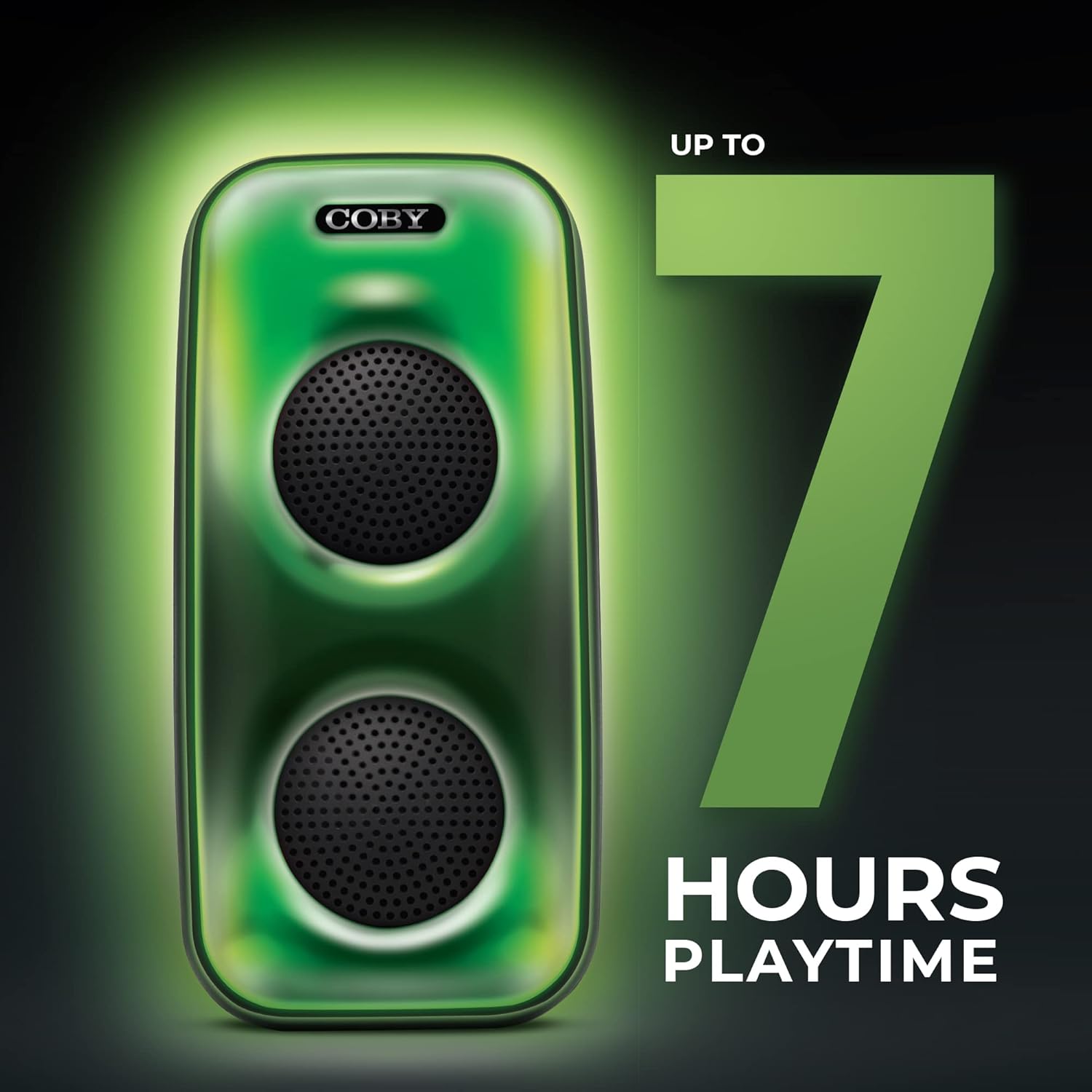
Image 5.1: The COBY CPA905BK speaker highlighting its battery life of up to 7 hours.
5.2 Tixgħel/Jitfi
Żerżaq il- Swiċċ ON / OFF (1) to the "ON" position to power on the speaker. Slide it to "OFF" to power off.
6. Istruzzjonijiet Operattivi
6.1 Konnessjoni Bluetooth
- Kun żgur li l-ispiker huwa mixgħul u fil-modalità Bluetooth. Jekk le, agħfas il-buttuna Speaker Mode Button (10) until you hear a prompt indicating Bluetooth mode.
- Ippermetti Bluetooth fuq l-ismartphone tiegħek jew apparat kompatibbli ieħor.
- Fittex għal "COBY CPA905BK" in your device's Bluetooth settings.
- Select "COBY CPA905BK" to pair. A confirmation sound will indicate successful pairing.
- Issa tista' ddoqq l-awdjo mit-tagħmir tiegħek permezz tal-ispiker.

Image 6.1: Illustration of the COBY CPA905BK speaker establishing a quick and easy Bluetooth connection with a smartphone.
6.2 Tqabbil ta' Stereo Veru Wireless (TWS)
To achieve a stereo sound experience, you can pair two COBY CPA905BK speakers together:
- Kun żgur li ż-żewġ kelliema huma mixgħula u fil-modalità Bluetooth, iżda mhux konnessi ma' xi apparat.
- Fuq wieħed mill-ispikers (dan se jkun l-ispiker primarju), agħfas u żomm il-buttuna Speaker Mode Button (10) for a few seconds until you hear a pairing tone.
- The two speakers will automatically search and pair with each other. A confirmation tone will sound once paired.
- Now, connect your smartphone or device to the primary speaker via Bluetooth as described in section 6.1. Audio will play through both speakers in stereo.

Image 6.2: Two COBY CPA905BK speakers demonstrating True Wireless Stereo (TWS) functionality for enhanced sound.
6.3 USB and TF Card Playback
The speaker supports direct playback from USB flash drives and TF (microSD) cards.
- Daħħal USB flash drive fil- Port USB (5) or a TF card into the Slott tal-Karta TF (4).
- L-ispiker awtomatikament jaqleb għall-modalità korrispondenti u jibda jdoqq l-awdjo files. Jekk le, agħfas il-buttuna Speaker Mode Button (10) to select the correct input.
- Uża l- Previous / Next Song Buttons (9) to navigate tracks and the Buttuna Play/Pause (11) to control playback.
6.4 Modi ta 'Dawl
The speaker features three distinct light modes:
- Polychromatic: Displays a dynamic range of colors.
- Progressiv: Colors transition smoothly.
- Polz: Lights react to the rhythm of the music.
Agħfas il- Buttuna LED (6) repeatedly to cycle through these light modes or to turn the lights off.

Image 6.3: The COBY CPA905BK speaker demonstrating its three distinct light modes.
6.5 Ekwalizzatur (EQ)
Agħfas il- Buttuna EQ (7) to cycle through available equalizer presets, optimizing the sound for different music genres or personal preferences.
7. Manutenzjoni
- Tindif: Uża drapp artab u niexef biex tnaddaf il-barra tal-ispiker. Tużax prodotti tat-tindif likwidi jew aerosols.
- Ħażna: Meta ma tkunx qed tużah għal perjodi twal, aħżen l-ispiker f'post frisk u niexef 'il bogħod mix-xemx diretta.
- Kura tal-batterija: Biex ittawwal il-ħajja tal-batterija, evita li tiċċarġja kompletament l-ispiker ta' spiss. Iċċarġjah regolarment, anke jekk ma jkunx qed jintuża.
8 Issolvi l-problemi
| Problema | Kawża Possibbli | Soluzzjoni |
|---|---|---|
| L-ispiker ma jixgħelx. | Il-batterija hija eżawrita. | Iċċarġja l-ispiker billi tuża l-kejbil Micro USB provdut. |
| L-ebda ħoss mill-kelliem. | Il-volum huwa baxx wisq; mod ta' input mhux korrett; apparat mhux imqabbad. | Żid il-volum; agħfas Speaker Mode Button (10) to select correct input; re-pair Bluetooth device. |
| Bluetooth device cannot find the speaker. | Speaker is not in Bluetooth pairing mode; speaker is already connected to another device. | Ensure speaker is in Bluetooth mode; disconnect from other devices; restart speaker and device. |
| It-tqabbil tat-TWS ifalli. | Speakers are too far apart; one speaker is already paired to a device. | Ensure speakers are close to each other; disconnect both speakers from any Bluetooth devices before initiating TWS pairing. |
| USB/TF card playback not working. | Skorretta file format; card/drive not inserted correctly; speaker not in correct mode. | Żgura l-awdjo files are in a compatible format (e.g., MP3); reinsert card/drive; press Speaker Mode Button (10) to select USB or TF mode. |
9. Speċifikazzjonijiet
| Karatteristika | Dettall |
|---|---|
| Numru tal-Mudell | CPA905BK |
| Brand | Coby |
| Teknoloġija tal-Konnettività | Bluetooth 5.3, USB, TF Card |
| Sors tal-Enerġija | Imħaddem bil-batterija (batterija waħda tal-jone tal-litju, inkluża) |
| Ħin tal-logħob | Sa 7 sigħat |
| Input Awdjo | Bluetooth, USB, TF Card |
| Dimensjonijiet tal-Prodott (L x W x H) | 5.52 x 5.52 x 11.43 pulzieri |
| Piż tal-oġġett | 2.3 liri |
| Materjal | Metall, plastik |
| UPC | 810071491368 |
10. Garanzija u Appoġġ
For warranty information and technical support, please refer to the documentation provided with your purchase or visit the official Coby websit. Żomm il-prova tax-xiri tiegħek għal talbiet ta' garanzija.
Manifattur: Summit Electronics, LLC
Websit: Żur il-Coby Store fuq Amazon