
1. Prodott Aktarview
The Rraycom BW4-N-White-2Pack is a 5MP battery-powered wireless outdoor camera system designed for comprehensive home security. It features advanced AI motion detection, two-way audio, color night vision, and is built to withstand various weather conditions with an IP66 waterproof rating. This manual provides detailed instructions for setting up, operating, and maintaining your Rraycom security cameras.
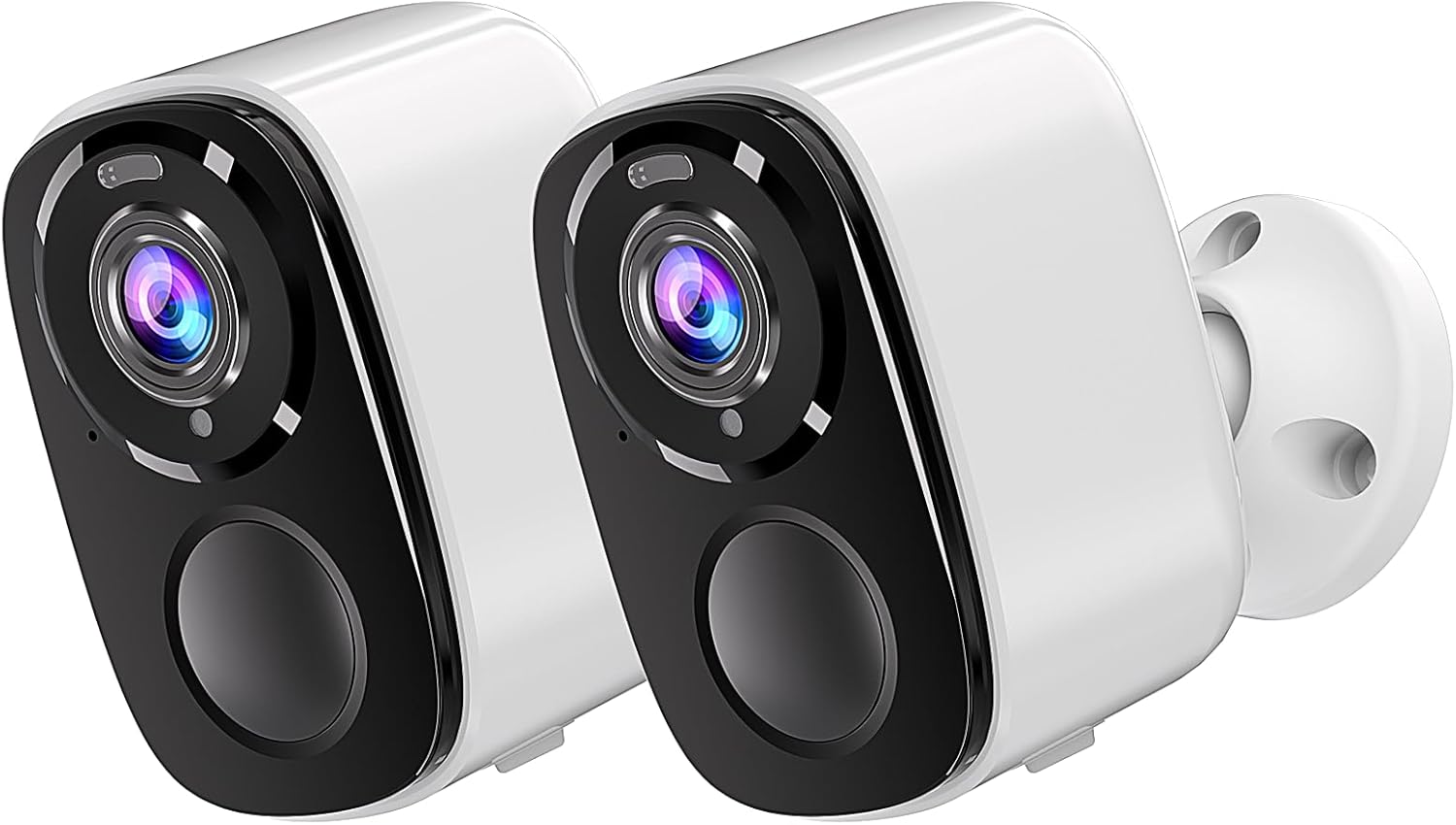
Image: Two Rraycom BW4-N-White-2Pack wireless outdoor cameras, showcasing their compact design and white finish.
2. X'hemm fil-Kaxxa
Jekk jogħġbok ivverifika li l-komponenti kollha huma preżenti fil-pakkett tiegħek:
- Rraycom BW4-N-White-2Pack Wireless Outdoor Cameras (2 units)
- Viti tal-Immuntar
- Siren (integrated)
- Rechargeable Batteries (pre-installed or included)
- Manwal għall-Utent
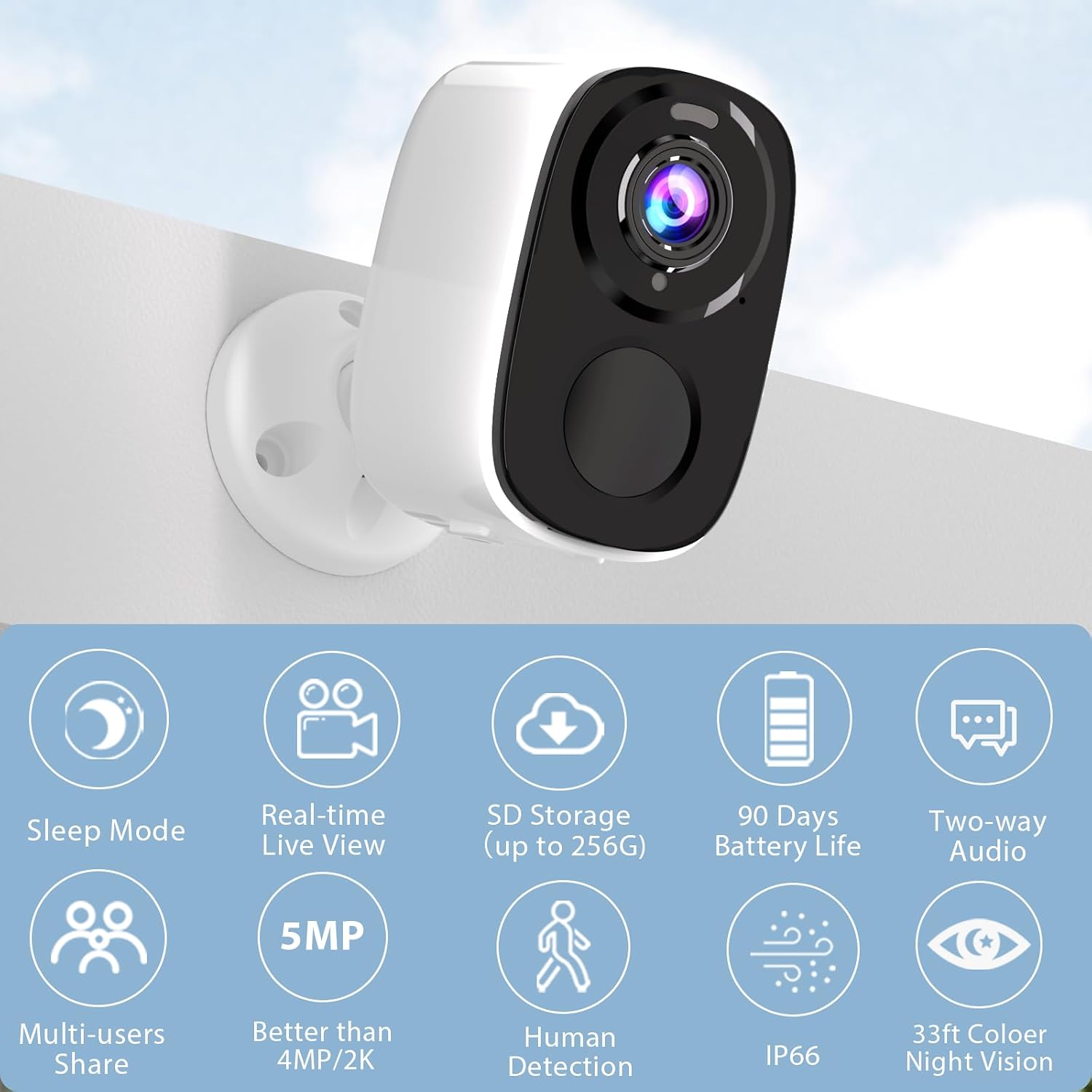
Image: A single Rraycom camera mounted on a wall, surrounded by icons illustrating its key features such as sleep mode, real-time live view, SD storage, 90-day battery life, two-way audio, multi-user sharing, 5MP resolution, human detection, IP66 weather resistance, and 33ft color night vision.
3. Karatteristiċi ewlenin
- Sejbien tal-Mozzjoni PIR u Rikonoxximent tal-AI: Utilizes infrared sensor technology and cloud image analysis for real-time motion detection, sending instant alerts. Customizable detection zones reduce unwanted notifications.
- Wireless & Rechargeable Battery: Cordless operation with a 5200mAh battery, offering 1 to 6 months of operation on a full charge depending on usage.
- 5MP 2.7K Resolution & Color Night Vision: Delivers 2560*1920P clear image quality. Features full-color night vision and infrared night vision up to 33ft.
- Installazzjoni Faċli & IP66 Ilma' l-Ilma: Designed for quick setup in various outdoor and indoor locations. IP66 rating ensures resistance to harsh weather. Operates only with 2.4GHz WiFi.
- SD & FREE Cloud Storage: Supports micro SD card (up to 256GB, not included) and offers free 1-day rolling cloud storage for life without subscription.
- Awdjo f'żewġ direzzjonijiet: Allows for clear conversations through the camera, enabling communication with visitors or deterring intruders.

Image: Visual comparison demonstrating the superior clarity of 5MP resolution over 3MP, and an illustration of the camera's spotlight feature for enhanced night vision.
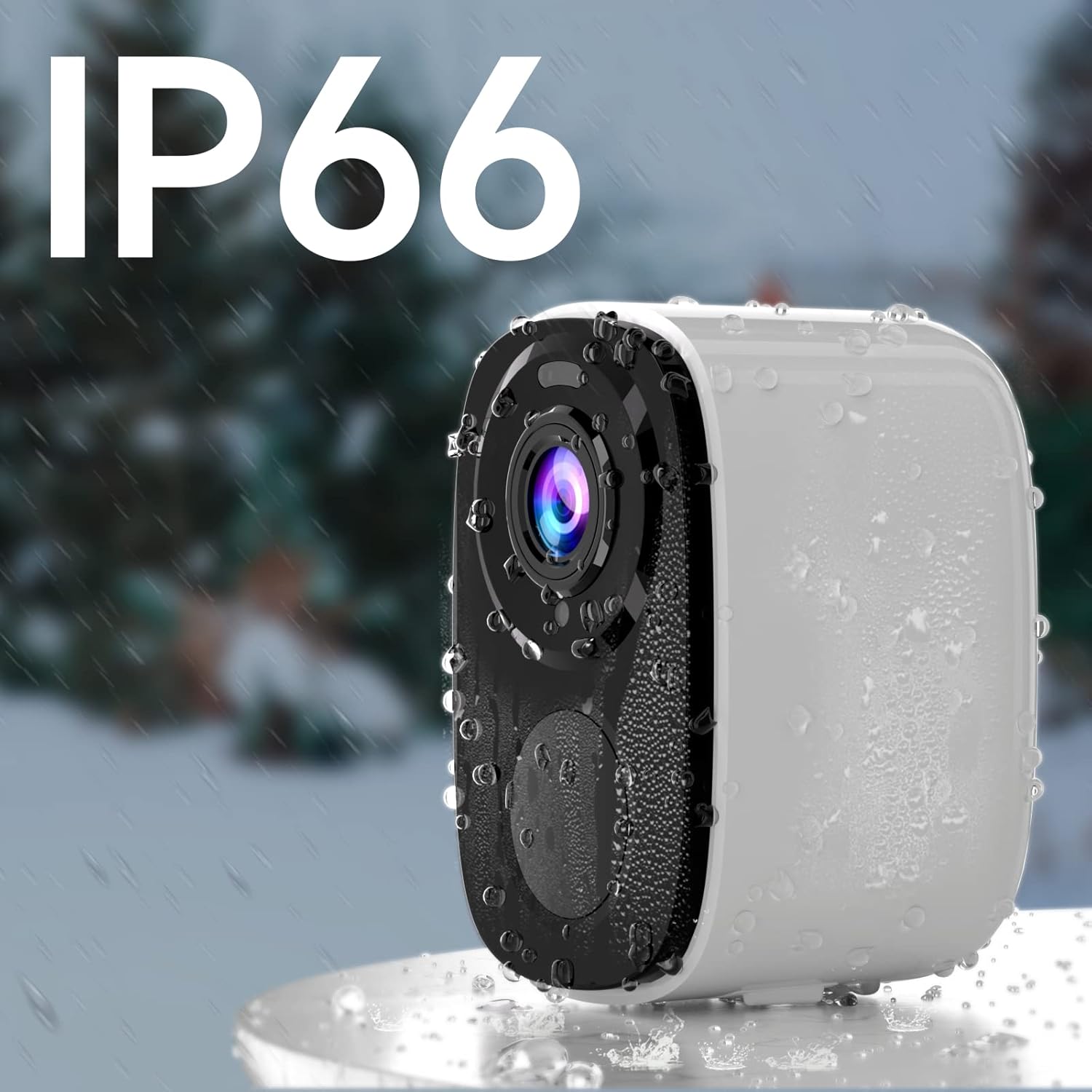
Image: A Rraycom camera with water droplets on its surface, highlighting its IP66 waterproof and weather-resistant design.
4. Gwida ta' Setup
- Iċċarġja l-Kamera: Before first use, fully charge the camera's battery using the provided USB cable. A full charge can take several hours.
- Download the O-KAM App: Fittex għal "O-KAM" in the App Store (iOS) or Google Play Store (Android) and install it on your smartphone.
- Irreġistra Kont: Open the O-KAM app and follow the on-screen instructions to create a new account.
- Żid Apparat: Tap the "+" icon in the app to add a new device. Select your camera model and follow the pairing instructions. Ensure your Wi-Fi network is 2.4GHz.
- Immonta l-Kamera: Choose a suitable location for installation. Use the included screws and bracket to securely mount the camera. Ensure the camera has a clear field of view and is within range of your 2.4GHz Wi-Fi network.

Image: A person easily installing a Rraycom camera on a ceiling, highlighting the simple installation process.
5. Istruzzjonijiet Operattivi
5.1 Ħaj View u Daqq
- Open the O-KAM app and select your camera to view l-għalf ħaj.
- Access recorded videos from the cloud storage or inserted SD card for playback.
5.2 Awdjo b'żewġ direzzjonijiet
Tektek l-ikona tal-mikrofonu fil-live view to speak through the camera. Tap the speaker icon to listen to audio from the camera's location.

Image: A delivery person speaking to someone through the Rraycom camera's two-way audio feature, with the mobile app interface visible on a smartphone.
5.3 Sejbien tal-Mozzjoni u Twissijiet
- Configure motion detection sensitivity and set up specific detection zones within the app to minimize false alerts.
- Irċievi notifiki push immedjati fuq l-ismartphone tiegħek meta jiġi skopert moviment.

Image: A Rraycom camera overseeing a detection zone in a driveway, with a smartphone showing real-time alerts for detected motion and persons.
5.4 Modi ta' Viżjoni bil-Lejl
The camera supports both full-color night vision and infrared night vision. You can switch between modes in the app settings based on your preference and lighting conditions.

Immaġni: Skrin maqsum view on a smartphone demonstrating the difference between 5MP color night vision and infrared night vision modes, capturing details in low light.
5.5 Siren and Spotlights
Activate the integrated siren and spotlights via the app to deter intruders or alert others to suspicious activity.

Image: A Rraycom camera emitting a siren and spotlight, with a smartphone displaying a motion detection alert and options to activate the siren or spotlights, illustrating its deterrent capabilities.
5.6 Dimostrazzjonijiet bil-Vidjo
Vidjo: Overview of the Rraycom camera's features and basic operation, demonstrating its ease of use and key functionalities.
Video: A demonstration of the camera's AI motion detection and alert system, showing how it identifies and notifies users of activity.
Video: A visual guide to setting up and customizing detection zones within the O-KAM app for optimized security monitoring.
6. Manutenzjoni
- Iċċarġjar tal-batterija: Recharge the camera battery when the app indicates low power. Battery life varies based on usage and environmental factors.
- Tindif: Imsaħ il-lenti u l-korp tal-kamera perjodikament b'ċarruta ratba u damp drapp biex tneħħi t-trab u l-fdalijiet. Tużax kimiċi ħarxa.
- Aġġornamenti tal-Firmware: Keep the camera firmware updated through the O-KAM app to ensure optimal performance and access to new features.
- Protezzjoni tat-Temp: While IP66 rated, avoid direct high-pressure water jets and extreme temperatures to prolong the camera's lifespan.
7 Issolvi l-problemi
| Problema | Kawża Possibbli | Soluzzjoni |
|---|---|---|
| Camera won't connect to Wi-Fi | Password tal-Wi-Fi mhux korretta; netwerk Wi-Fi ta' 5GHz; kamera 'l bogħod wisq mir-router. | Ensure correct 2.4GHz Wi-Fi password; move camera closer to router or use a Wi-Fi extender. |
| Kwalità ta 'immaġni fqira | Lenti maħmuġa; kundizzjonijiet ta' dawl baxx; problemi bil-bandwidth tan-netwerk. | Clean the lens; ensure adequate lighting or use night vision; check network speed. |
| Ebda twissijiet ta 'skoperta ta' moviment | Detection sensitivity too low; detection zone not set correctly; app notifications disabled. | Adjust sensitivity in app; redefine detection zones; enable app notifications in phone settings. |
| Ħajja qasira tal-batterija | Frequent motion detection; continuous live view; extreme temperatures. | Reduce detection sensitivity; limit live view time; ensure optimal operating temperature. |
| Awdjo two-way mhux jaħdem | Microphone/speaker permissions not granted; low volume settings. | Check app permissions for microphone; adjust volume settings in app and on phone. |
If you encounter issues not listed here, please refer to the customer service section for support.
8. Speċifikazzjonijiet
| Karatteristika | Dettall |
|---|---|
| Mudell | BW4-N-White-2Pack |
| Riżoluzzjoni tal-Qbid tal-Vidjo | 5 MP (2560*1920P) |
| Sors tal-Enerġija | Imħaddem bil-batterija (5200 mAh Lithium Ion) |
| Protokoll tal-Konnettività | Wi-Fi (2.4GHz biss) |
| Medda tal-Viżjoni Lejl | Up to 33 Feet (Color and Infrared) |
| Qasam Ta ' View | 120 Grad |
| Klassifikazzjoni tal-Protezzjoni Internazzjonali | IP66 |
| Għażliet ta' Ħażna | Karta Mikro SD (sa 256GB), Ħażna fis-Sħab |
| Apparati Kompatibbli | Smartphone (iOS/Android), Amazon Alexa |
| Tip ta 'Immuntar | Mount Wall |
| Piż tal-oġġett | 1.3 liri |
9. Garanzija u Appoġġ għall-Klijent
Rraycom is committed to providing high-quality products and excellent customer service. For any questions, technical assistance, or warranty inquiries, please contact our support team.
- Appoġġ bl-Email: aftersale@rraycom.com
- Riżorsi onlajn: Visit the official Rraycom store on Amazon for FAQs and additional product information: Rraycom Store

Image: An illustration depicting a customer service representative, emphasizing available support via email at aftersale@rraycom.com.