
Introduzzjoni
This manual provides instructions for the operation, setup, and maintenance of the Syble XB-6266MBT Wireless Bluetooth 2D Barcode Scanner. This device is designed for efficient and reliable barcode scanning in various environments, supporting both 1D and 2D barcode types.
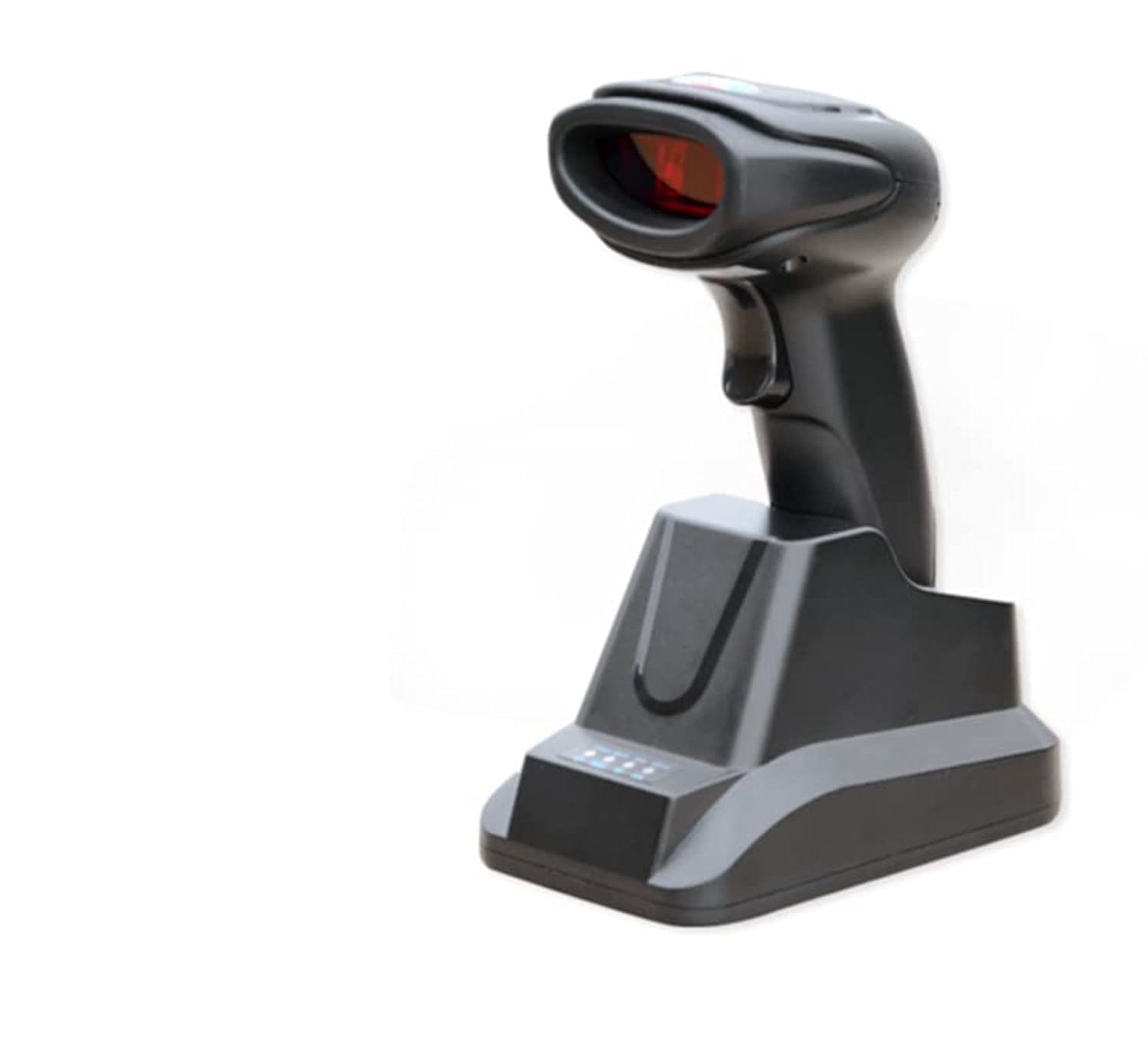
Figura 1: Syble XB-6266MBT Wireless Bluetooth 2D Barcode Scanner. This image shows the compact design of the scanner, suitable for handheld use.
Setup
1. Iċċarġjar tal-Iskaner
Before initial use, fully charge the scanner's high-capacity battery. Place the scanner on its dedicated charger base. The charging indicator light will show the charging status. A full charge allows for approximately 8 hours of continuous operation.
2. Għażliet ta' Konnettività
The XB-6266MBT offers two primary connectivity methods:
- Konnessjoni Bluetooth:
- Kun żgur li l-iskaner huwa mixgħul.
- Activate Bluetooth on your host device (Desktop, Laptop, Smartphone, Tablet).
- Fittex għal available Bluetooth devices and select "XB-6266MBT" to pair.
- The scanner supports one-to-one pairing and multiple-to-one pairing (up to 7 channels). It has dedicated Bluetooth reception for Android and iOS mobile devices.
- Konnessjoni USB:
Connect the scanner to your computer using the provided USB cable. The scanner will function as a USB HID (Human Interface Device) or USB-COM device, depending on the configuration. The dedicated charger base also facilitates USB connection.
Istruzzjonijiet Operattivi
1. Scanning Barcodes
The XB-6266MBT scanner supports various scanning methods and barcode types.
- Supported Barcode Types:
The scanner supports most common 1D and 2D barcodes, including:
1D: Codabar, Code 11, Code 39, Code 93, UPC/EAN, Code 128/EAN128, Interleaved 2 of 5, Matrix 2 of 5, MSI Code, Industrial 2 of 5, GS1 Databar.
2D: QR Code, Data Matrix, PDF417. - Modi ta' Skennjar: The scanner can operate in manual, non-interlaced, automatic, or inductive scanning modes. Refer to the advanced configuration guide for switching between modes.
- Proċedura ta' Skennjar:
- Point the scanner's light source at the barcode you wish to scan.
- Press the trigger button (if in manual mode) or allow the scanner to detect the barcode automatically (in automatic/inductive modes).
- A successful scan is typically indicated by an audible beep and/or a visual confirmation light.
The scanner features a high scanning speed of up to 300 scans per second and a low error rate of less than 1 in 5 million scans, ensuring efficient data capture. The scanning depth of field ranges from 6mm to 250mm.
Manutenzjoni
1. Tindif tal-Iskaner
To maintain optimal performance, keep the scanner's scanning window clean. Use a soft, lint-free cloth lightly dampened with water or a mild cleaning solution. Avoid abrasive cleaners or solvents that could damage the device.
2. Kura tal-batterija
The scanner is equipped with a high-capacity battery. For best battery life, avoid fully discharging the battery frequently. Recharge the scanner using its dedicated charger base. Store the scanner in a cool, dry place when not in use for extended periods.
Issolvi l-problemi
If you encounter issues with your Syble XB-6266MBT scanner, try the following steps:
- L-iskaner mhux qed jirrispondi: Ensure the battery is charged. Connect the scanner to its charger base and check if the charging indicator lights up.
- Kwistjonijiet ta' Konnessjoni Bluetooth:
- Ivverifika li l-Bluetooth huwa attivat kemm fuq l-iskaner kif ukoll fuq it-tagħmir ospitanti.
- Delete the scanner from your device's Bluetooth paired list and attempt to re-pair.
- Ensure the scanner is within the 100-meter transmission range (open field).
- Ma nistax niskennja l-Barcodes:
- Iċċekkja jekk il-barcode huwiex bil-ħsara jew stampat ħażin.
- Ensure the scanning window is clean and free from obstructions.
- Verify that the barcode type is supported by the scanner (refer to Supported Barcode Types).
- Aġġusta d-distanza u l-angolu bejn l-iskaner u l-barcode.
- Data Transmission Errors: If data is not transmitting correctly, try switching between USB HID and USB-COM modes if applicable, or re-establish the Bluetooth connection.
For further assistance, please refer to the manufacturer's websit jew ikkuntattja l-appoġġ tal-klijent.
Speċifikazzjonijiet
| Karatteristika | Dettall |
|---|---|
| Numru tal-Mudell | XB-6266MBT |
| Sors tad-Dawl | 617nm LED, White LED |
| Barcodes 1D Appoġġjati | Codabar, Code 11, Code 39, Code 93, UPC/EAN, Code 128/EAN128, Interleaved 2 of 5, Matrix 2 of 5, MSI Code, Industrial 2 of 5, GS1 Databar |
| Barcodes 2D Appoġġjati | QR Code, Data Matrix, PDF417 |
| Scan Tip | COMS Image |
| Metodu ta 'Skennjar | Manual/Non-interlaced/Automatic/Inductive Scanning |
| Angolu tal-Iskannjar | Pitch 60°, Rotation 360°, Skew 60° |
| Riżoluzzjoni Minima | ≥5 mil |
| Fond tal-Qasam | 6mm - 250mm |
| Rata ta' Żball | Inqas minn 1/5 miljun |
| Interfaces | USB, USB HID, USB-COM |
| Verżjoni Bluetooth | V2.1+EDR (Class 1) |
| Distanza tat-Trażmissjoni | ≤100 meters (open field) |
| Kapaċità tal-Ħżin | 512000 bytes |
| Modi ta 'tqabbil | One-to-one, Multiple-to-one (max 7 channels) |
| Apparati Kompatibbli | Desktop, Laptop, Smartphone, Tablet |
| Dimensjonijiet (L×W×H) | 85mm × 61mm × 16mm |
| Piż | Approx. 32g (Note: Original data may contain a typo, 323333333 grams was provided) |
| Materjal | ABS + Polikarbonat |
| Tul tal-Cable | 1.2-il metru |
| Temperatura operattiva | -20°C ~ 55°C |
| Temperatura tal-Ħażna | -40°C ~ 63°C |
| Umdità Relattiva | 5% ~ 95% (mhux kondensazzjoni) |
| Vol Operattivtage | 3.7V |
| Rata ta 'Skennjar | 300 fps |
| Sors tal-Enerġija | Imħaddma bil-batterija |
Garanzija u Appoġġ
1. Informazzjoni dwar Garanzija
The Syble XB-6266MBT Wireless Bluetooth 2D Barcode Scanner comes with a garanzija ta 'sena mid-data tax-xiri. Din il-garanzija tkopri difetti fil-manifattura u malfunzjonamenti taħt użu normali. Jekk jogħġbok żomm il-prova tax-xiri tiegħek għal talbiet ta' garanzija.
2. Appoġġ għall-Klijent
For technical support, troubleshooting assistance, or warranty inquiries, please visit the official Syble webis-sit jew ikkuntattja lid-distributur lokali tiegħek.