
MONODEAL DG10 Pro
MONODEAL DG10 Pro Bone Conduction Headphones User Manual
Model: DG10 Pro
Introduzzjoni
Thank you for choosing the MONODEAL DG10 Pro Bone Conduction Headphones. This manual provides detailed instructions on how to set up, operate, and maintain your headphones and the included replacement charging cable. Please read this manual thoroughly before use to ensure optimal performance and longevity of your device.
Prodott Overview u Komponenti
The MONODEAL DG10 Pro headphones offer a unique open-ear listening experience using bone conduction technology, coupled with a noise-canceling microphone for clear communication. This package also includes a dedicated magnetic charging cable.
X'hemm fil-Kaxxa:
- MONODEAL DG10 Pro Bone Conduction Headphones
- Replacement Magnetic Charging Cable

Image: The MONODEAL DG10 Pro Bone Conduction Headphones with its adjustable boom microphone, alongside the magnetic charging cable.
Setup
1. Iċċarġjar tal-Headphones:
Before first use, fully charge your MONODEAL DG10 Pro headphones. Connect the magnetic charging cable to the charging port on the headphones and the USB-A end to a compatible USB power source (e.g., computer USB port, wall adapter). The LED indicator on the headphones will show charging status.
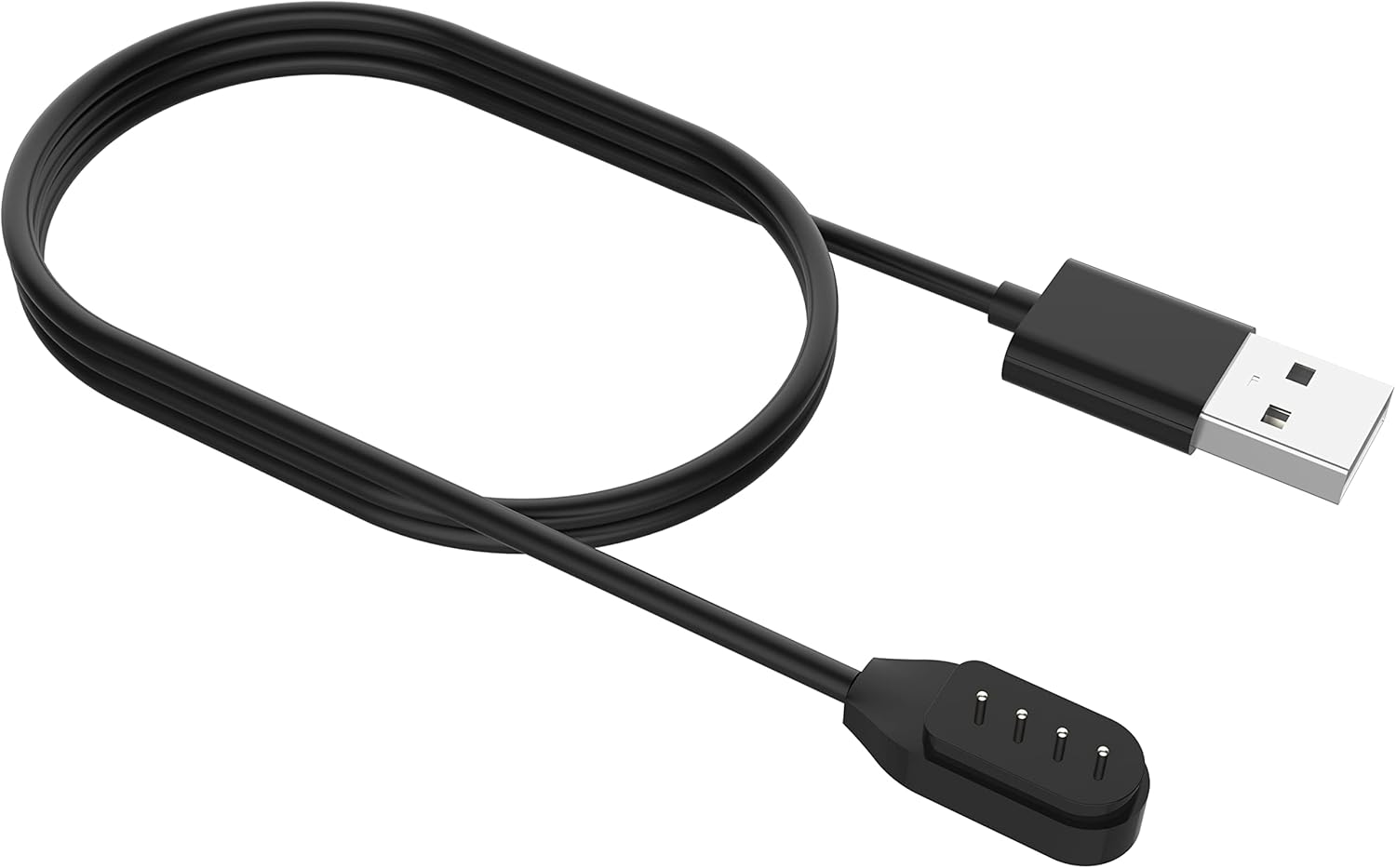
Image: Close-up of the magnetic charging cable, showing the USB-A connector and the magnetic charging pins.
2. Tqabbil tal-Bluetooth:
- Qawwa Mixgħul: Agħfas u żomm il-buttuna tal-qawwa fuq il-headphones sakemm l-indikatur LED jteptep, u dan jindika l-modalità ta' tqabbil.
- Attiva l-Bluetooth: Fuq l-apparat tiegħek (smartphone, tablet, kompjuter), attiva l-Bluetooth.
- Agħżel Apparat: In your device's Bluetooth settings, search for "MONODEAL DG10 Pro" and select it to connect.
- Konferma: Once connected, the LED indicator on the headphones will change, and you may hear an audible confirmation.
The headphones support multipoint pairing, allowing connection to two devices simultaneously. This enables seamless switching between devices for calls or audio playback.

Image: A visual representation of the DG10 Pro headphones connected simultaneously to a smartphone, tablet, and laptop, illustrating multipoint pairing.
Istruzzjonijiet Operattivi
Liebes il-headphones:
Position the headphones with the transducers resting on your cheekbones, just in front of your ears. The band should wrap around the back of your head. The lightweight and ergonomic design ensures comfort even during extended wear.

Image: A man wearing the DG10 Pro headphones, demonstrating the open-ear comfort and proper placement on the cheekbones.
Kontrolli Bażiċi:
The headphones feature intuitive touch controls for various functions.
- Power On/Off: Agħfas u żomm il-buttuna tal-qawwa.
- Play/Pawsa: Single tap the multi-function button.
- Volum 'il fuq/Niżżel: Uża l-buttuni tal-volum apposta.
- Track li jmiss: Double tap the multi-function button.
- Track preċedenti: Triple tap the multi-function button.
- Tweġiba/Tmiem Sejħa: Single tap the multi-function button during an incoming call.
- Irrifjuta Sejħa: Agħfas u żomm il-buttuna multi-funzjoni waqt telefonata li tidħol.
- Attiva l-Assistent tal-Vuċi: Agħfas u żomm il-buttuna multi-funzjoni (iċċekkja l-mudell speċifiku għat-tul ta' żmien).
Using the Dual Mic ENC Noise Canceling Feature:
The adjustable boom microphone, combined with dual-mic ENC (Environmental Noise Cancellation) technology, ensures clear voice pickup and reduces background noise during calls. Position the microphone close to your mouth for optimal clarity.

Image: An infographic detailing the dual-mic ENC noise cancellation, showing omnidirectional pickup and the closed-loop bone-conducting oscillator for clear calls.
Sigurtà u Għarfien:
Due to their open-ear design, the DG10 Pro headphones allow you to remain aware of your surroundings while listening to audio or taking calls. This feature is particularly beneficial in environments where situational awareness is crucial, such as during work or driving.

Image: A man in a car wearing the DG10 Pro headphones, highlighting the ability to stay connected while remaining aware of the environment.
Manutenzjoni
Tindif:
- Imsaħ il-headphones b'artab, damp drapp.
- Tużax kimiċi ħarxa jew tindif li joborxu.
- Kun żgur li l-port tal-iċċarġjar ikun niexef qabel ma tiċċarġja.
Ħażna:
Store the headphones in a cool, dry place away from direct sunlight and extreme temperatures. Avoid bending or twisting the band excessively.
Issolvi l-problemi
| Problema | Kawża Possibbli | Soluzzjoni |
|---|---|---|
| Il-headphones mhux se jixegħlu. | Batterija baxxa. | Charge the headphones fully using the provided cable. |
| Ma tistax tqabbad mat-tagħmir. | Il-headphones mhumiex fil-modalità ta' tqabbil; il-Bluetooth mitfi fuq l-apparat; l-apparat wisq 'il bogħod. | Ensure headphones are in pairing mode; enable Bluetooth on your device; move device closer (within 10 meters). |
| L-ebda ħoss jew volum baxx. | Volum baxx wisq; mhux konness; problema bis-sors tal-awdjo. | Increase volume on headphones and device; ensure proper Bluetooth connection; check audio source. |
| Microphone not clear. | Microphone position; environmental noise. | Adjust the boom microphone closer to your mouth; ensure ENC is active (if applicable); reduce background noise if possible. |
Speċifikazzjonijiet
- Isem tal-Mudell: DG10 Pro
- Ditta: MONODEAL
- Teknoloġija tal-Konnettività: Wireless
- Teknoloġija tal-Komunikazzjoni mingħajr Fili: Bluetooth 5.3
- Medda Bluetooth: 10 Meters
- Tqegħid tal-widnejn: Widna Miftuħa
- Fattur tal-Formola: Fuq Widnejn
- Tip ta' Driver Awdjo: Sewwieq tal-Konduzzjoni tal-Għadam
- Tip ta' Kontroll: Kontroll tal-Midja, Mess
- Mikrofonu: Dual Mic ENC Noise Canceling Boom Microphone
- Materjal: Aluminju, silikonju
- Piż: Madwar 33g
- Livell ta' Reżistenza għall-Ilma: Mhux Reżistenti għall-Ilma
- Komponenti Inklużi: Headphones, Magnetic Charging Cable
Garanzija u Appoġġ
For warranty information and customer support, please refer to the warranty card included with your product or visit the official MONODEAL website. You can also contact MONODEAL customer service through the platform where you purchased the product.
MONODEAL Official Store: Visit MONODEAL Store on Amazon
Ask a question about this manual
Ask about setup, troubleshooting, compatibility, parts, safety, or missing instructions. Manuals+ will review the question and use this page’s manual context to help answer it.