
1. Introduzzjoni
Thank you for choosing the ThermoPro TX-2J Outdoor Sensor. This sensor is an accessory designed to expand the monitoring capabilities of your compatible ThermoPro thermometer/hygrometer main unit (models TP60S, TP63, TP65). It provides accurate, real-time temperature and humidity data from an outdoor or remote location, transmitting it wirelessly to your main display unit.
2. Prodott Aktarview
The ThermoPro TX-2J Outdoor Sensor is a compact, wireless unit built to withstand outdoor conditions. It features a robust design and is equipped with a red indicator light for signal transmission. The sensor operates on AAA batteries, which are included for your convenience.
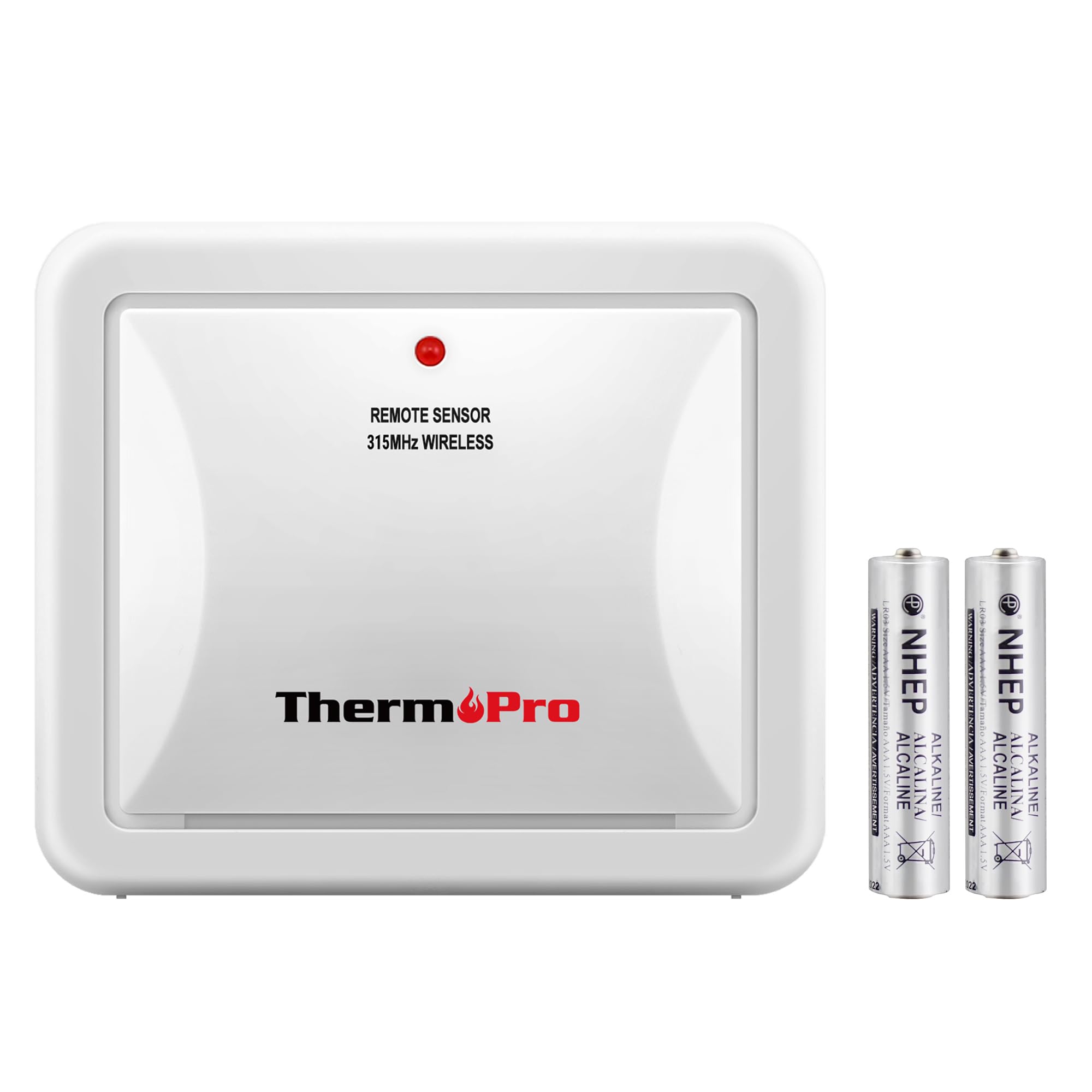
Image: ThermoPro TX-2J Outdoor Sensor with included AAA batteries.
The sensor is designed to be placed in an outdoor environment or any remote location where you wish to monitor temperature and humidity, transmitting data back to your main ThermoPro display unit.
3. Setup
3.1 Installazzjoni tal-batterija
- Locate the battery compartment on the back of the TX-2J sensor.
- Iftaħ l-għatu tal-kompartiment tal-batterija.
- Insert the two AAA batteries (included) into the compartment, ensuring correct polarity (+ and -).
- Agħlaq l-għatu tal-kompartiment tal-batterija sew.
3.2 It-tqabbil mal-Unità Prinċipali
The TX-2J sensor is designed to automatically pair with compatible ThermoPro main units (TP60S, TP63, TP65). Ensure your main unit is powered on and within range. The sensor will typically establish a connection automatically upon battery installation.
3.3 Tqegħid tas-Sensor
Proper placement is crucial for accurate readings and sensor longevity:
- Evita dawl tax-xemx dirett: Do not place the remote unit under direct sunlight. Sunlight will heat the remote sensor, leading to temperature readings higher than the actual ambient temperature.
- Upward Orientation: The remote sensor must always be positioned upwards to prevent rain from entering the sensor through the ventilation holes at the bottom. This allows the remote sensor to detect environmental temperature and humidity more accurately and quickly.
- Medda ottimali: Place the sensor within the specified wireless range of your main unit. Obstructions like thick walls or electronic devices can affect signal strength.
4. Istruzzjonijiet Operattivi
Once paired and properly placed, the ThermoPro TX-2J sensor operates automatically. It continuously measures temperature and humidity and transmits this data wirelessly to your compatible ThermoPro main unit. The main unit will then display the readings from both its internal sensor and the TX-2J outdoor sensor.
The sensor is specifically designed for use with ThermoPro TP60S, TP63, and TP65 models. Note: This sub-unit sensor is NOT compatible with the TP50 model. Although the TP50 and TP60S may appear similar, they are different devices and use different communication protocols.
5. Manutenzjoni
5.1 Sostituzzjoni tal-batterija
When the battery indicator on your main unit shows low power for the outdoor sensor, it's time to replace the batteries. Follow the battery installation steps in Section 3.1.
5.2 Tindif
Imsaħ is-sensor b'ċarruta ratba u damp drapp. Tużax prodotti tat-tindif li joborxu jew tgħaddasx l-unità fl-ilma.
5.3 Protezzjoni Ambjentali
While designed for outdoor use, extreme weather conditions can impact the sensor's performance and lifespan. Ensure the sensor is placed in a location that offers some protection from heavy rain, snow, and direct, prolonged sunlight.
6 Issolvi l-problemi
- No Reading on Main Unit:
- Check if batteries are correctly installed in the TX-2J sensor and the main unit.
- Ensure the sensor is within the wireless range of the main unit.
- Remove any major obstructions between the sensor and the main unit.
- Try re-pairing by removing and reinserting batteries in both units, then placing them close together.
- Qari mhux eżatt:
- Verify the sensor's placement. Ensure it is not in direct sunlight or near heat sources/vents.
- Confirm the sensor is positioned upright to allow proper ventilation and prevent water ingress.
- Compare readings with another known accurate thermometer/hygrometer in the same location.
7. Speċifikazzjonijiet
| Karatteristika | Dettall |
|---|---|
| Mudell | TX-2J |
| Dimensjonijiet (Sensor) | 7.8 x 7.4 x 3.0 ċm |
| Daqs tal-Pakkett | 7.8 x 7.6 x 3.2 ċm |
| Piż tal-Pakkett | 0.08 kg |
| Sors tal-Enerġija | 2 x Batteriji AAA (inklużi) |
| Kompatibilità | ThermoPro TP60S, TP63, TP65 (Not compatible with TP50) |
8. Garanzija u Appoġġ
ThermoPro products are designed for quality and reliability. This product comes with a garanzija ta 'sena from the date of purchase. For any questions, concerns, or technical assistance, please contact ThermoPro customer support. Our friendly customer support team is available to assist you.
For more information and support, please visit the official ThermoPro website or refer to the contact information provided with your main unit.