
Andoer NDB7090303116798WD
Andoer Portable Digital Camera User Manual
Model: NDB7090303116798WD | Brand: Andoer
Introduzzjoni
Thank you for choosing the Andoer Portable Digital Camera. This compact and lightweight camera is designed for ease of use, allowing you to capture high-quality photos and videos. Featuring a CMOS image sensor, it supports up to 1080P video resolution and 16MP (interpolation) image resolution, along with 16X digital zoom and a 2.7-inch rotatable LCD screen. It includes functions such as digital anti-shake, white balance adjustment, exposure control, and built-in speaker and microphone for a versatile shooting experience.

The Andoer Digital Camera offers a range of features including 48 Megapixel photos, 2.7K video recording, 16X powerful zoom, anti-shaking technology, self-timer options, a 2.88-inch IPS screen, 128GB extended memory support, and face detection.
X'hemm fil-Kaxxa
Jekk jogħġbok iċċekkja l-kontenut tal-pakkett biex tiżgura li l-oġġetti kollha huma preżenti:
- Kamera Diġitali
- Cable USB
- Ċinga tal-Idejn
- Ġorru Borża
- 2 x Batteriji
- Manwal għall-Utent
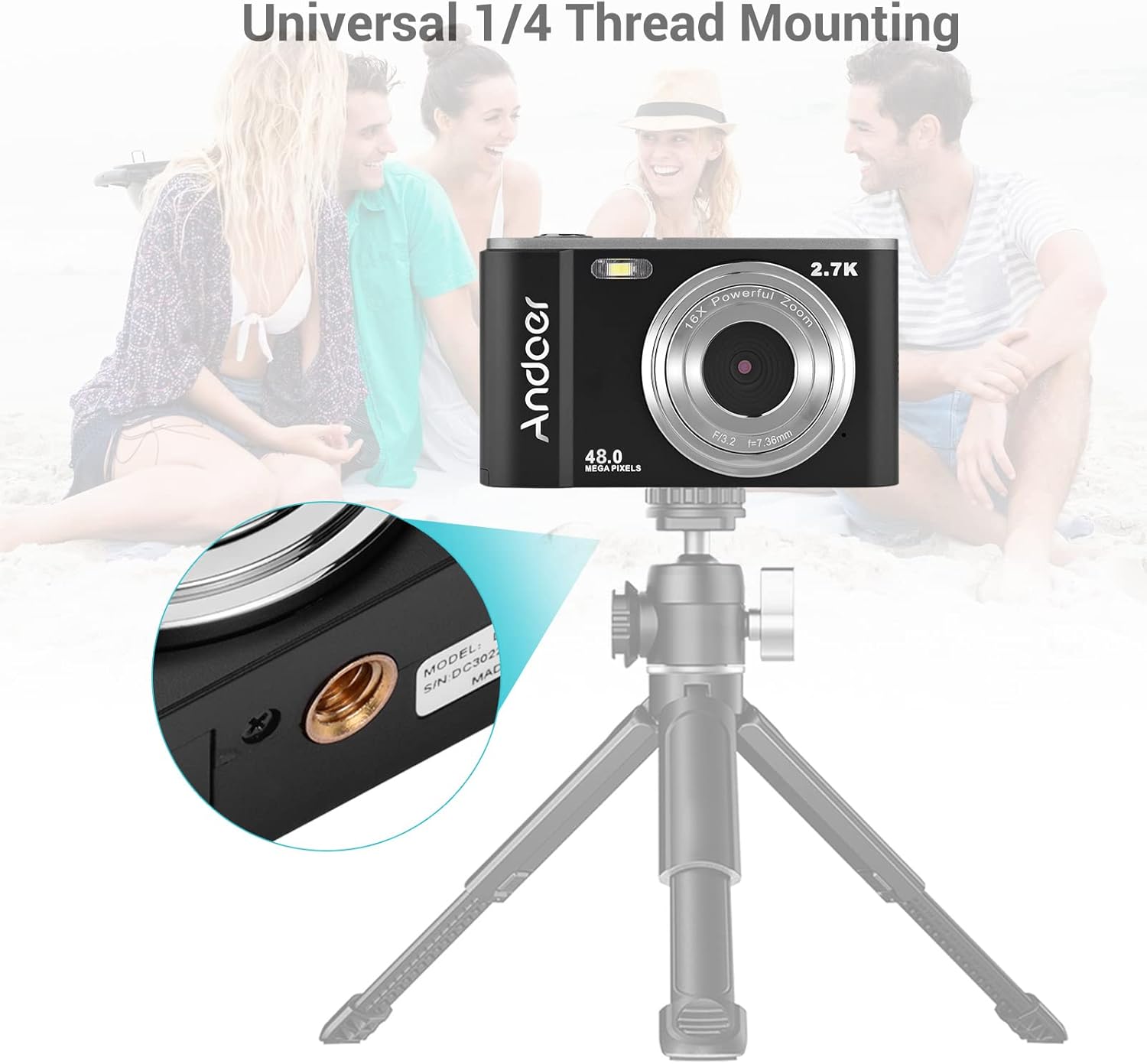
The complete package includes the digital camera, USB cable, hand strap, carry pouch, two rechargeable batteries, and the user manual.
Setup
1. Installazzjoni tal-batterija
The camera uses a BL-5C Li-ion Battery. Ensure the battery is charged before first use.
- Iftaħ l-għatu tal-kompartiment tal-batterija li jinsab fil-qiegħ tal-kamera.
- Insert the BL-5C battery into the compartment, ensuring the correct polarity.
- Agħlaq l-għatu tal-kompartiment tal-batterija sew.

The camera uses a 700 mAh rechargeable lithium battery. Insert it into the designated compartment at the bottom of the camera.
2. Installazzjoni tal-Kard tal-Memorja
The camera supports memory cards up to 32GB. A Class 10 or higher memory card is highly recommended for optimal performance.
- Sib is-slott tal-kard SD, ġeneralment ħdejn il-kompartiment tal-batterija.
- Insert the memory card into the slot with the metal contacts facing the correct direction until it clicks into place.
- Biex tneħħiha, imbotta l-karta bil-mod 'il ġewwa sakemm toħroġ 'il barra.
3. Iċċarġjar tal-batterija
Iċċarġja l-batterija billi tuża l-kejbil USB ipprovdut.
- Connect one end of the USB cable to the camera's USB port.
- Qabbad it-tarf l-ieħor ma' adapter tal-enerġija USB (mhux inkluż) jew mal-port USB tal-kompjuter.
- Id-dawl indikatur tal-iċċarġjar se jixgħel. Se jintefa jew jibdel il-kulur ladarba l-iċċarġjar ikun komplut.
It-tħaddim tal-Kamera
1. Tixgħil / Mitfi
Press and hold the power button (usually marked with a circle and a vertical line) to turn the camera on or off.
2. Kontrolli Bażiċi
Familiarize yourself with the camera's buttons and their functions:
- Buttuna tas-shutter: Agħfas fin-nofs biex tiffoka, għalkollox biex tieħu ritratt jew tibda/twaqqaf ir-reġistrazzjoni tal-vidjow.
- Buttuna tal-Modalità (M): Switches between photo, video, and playback modes.
- Lieva taż-Żum (W/T): Adjusts the digital zoom (Wide/Telephoto).
- Directional Pad/OK Button: Jinnaviga l-menus u jikkonferma l-għażliet.
- Buttuna tal-menu: Jaċċessa s-settings tal-kamera.
- Ħassar Button: Iħassar l-għażla files fil-modalità tal-plejbek.
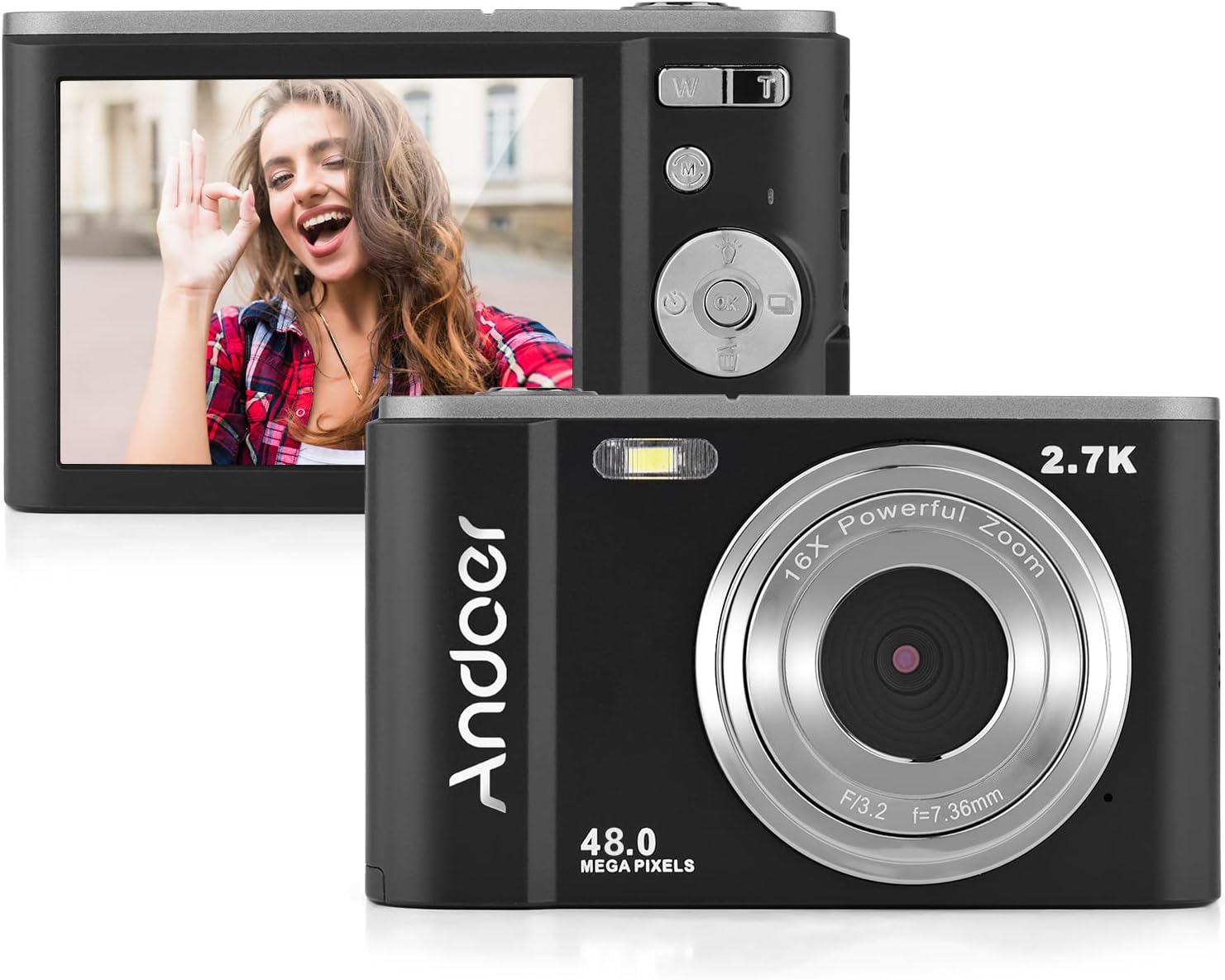
The camera features a 2.7-inch IPS screen and intuitive controls on the back for easy operation.
3. Teħid tar-Ritratti
In photo mode, frame your shot using the LCD screen. Press the shutter button halfway to focus, then fully to capture the image. Photos are saved in JPEG format with resolutions up to 16MP (interpolation).
4. Reġistrar Vidjows
Switch to video mode using the Mode button. Press the shutter button to start recording, and press it again to stop. Videos are saved in AVI format with resolutions including 1080P, 720P, and VGA.

The camera supports both 2.7K video recording and 48 Megapixel photo capture for high-quality media.
5. Funzjoni taż-Żum
Use the W/T lever to adjust the 16X digital zoom. 'T' (Telephoto) zooms in, and 'W' (Wide) zooms out.

The 16X powerful zoom allows for detailed close-up shots.
6. Self-Timer
Access the self-timer option in the camera's menu. Available settings include off, 2 seconds, 5 seconds, and 10 seconds.
7. Smart Detection (Face Detection, Smile Capture)
The camera features smart detection capabilities, including face detection and smile capture, to assist in taking better portraits.
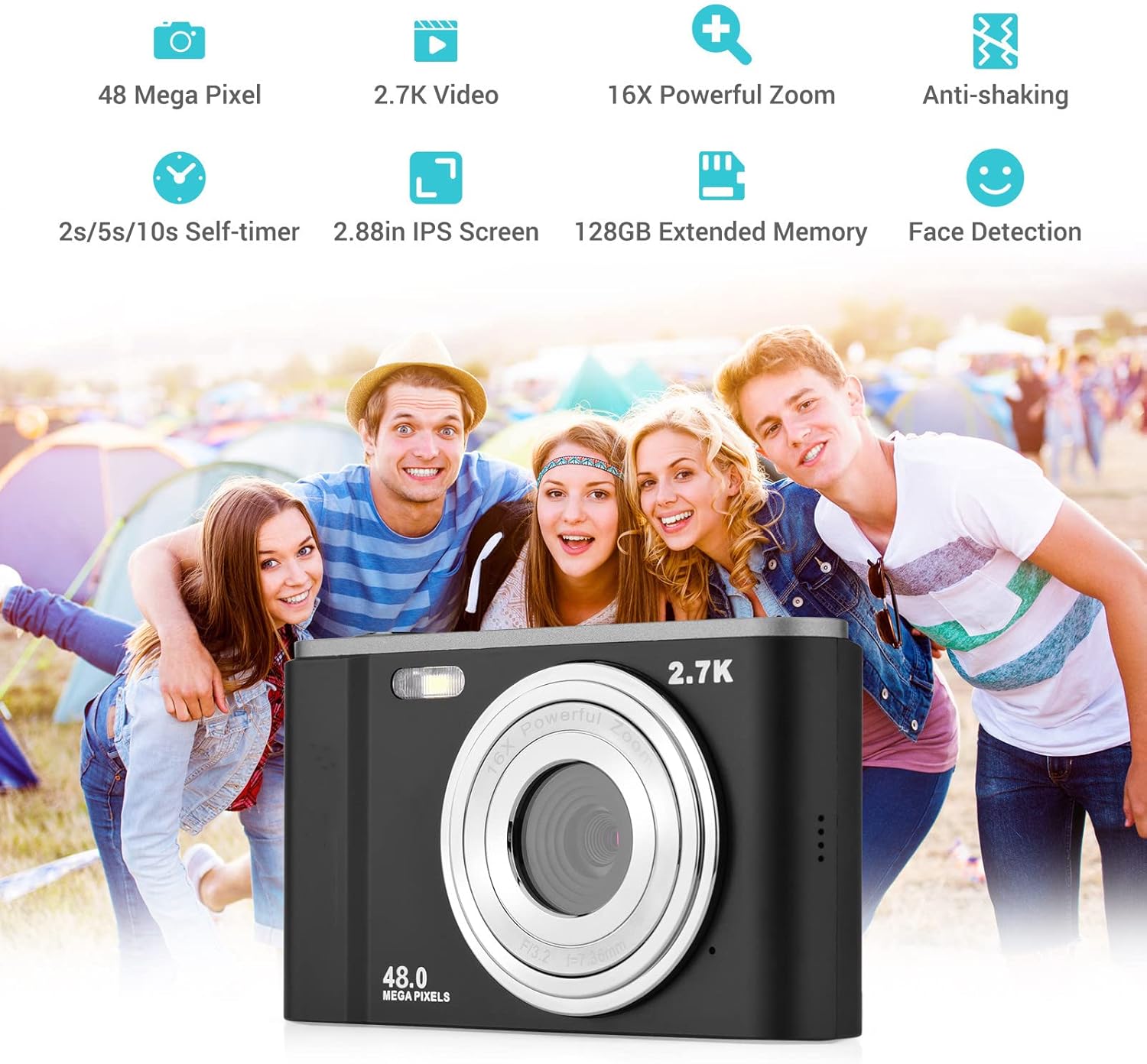
Smart detection features like face detection and smile capture enhance portrait photography.
8. Kontra t-Tħawwid
The digital anti-shake function helps reduce blur caused by camera movement, resulting in clearer images and videos.
9. Konnessjoni ma' Kompjuter
Use the provided USB cable to connect the camera to a computer for transferring photos and videos.
- Qabbad il-kamera mal-kompjuter tiegħek billi tuża l-kejbil USB.
- Il-kamera se tidher bħala disk drive li jista' jitneħħa fuq il-kompjuter tiegħek.
- You can then access and transfer your files.
Manutenzjoni
1. Tindif tal-Kamera
- Uża drapp artab u niexef biex tnaddaf il-korp tal-kamera.
- For the lens, use a specialized lens cleaning cloth and solution. Avoid touching the lens with your fingers.
- Tużax kimiċi ħarxa jew tindif li joborxu.
2. Kura tal-batterija
- Aħżen il-batteriji f'post frisk u niexef meta ma tkunx qed tuża.
- Evita li tiċċarġja l-batterija kompletament ta' spiss biex ittawwal il-ħajja tagħha.
- Jekk il-kamera ma tkunx se tintuża għal perjodu twil ta' żmien, neħħi l-batterija.
3. Ħażna
- Store the camera in its carry pouch or a protective case to prevent scratches and dust accumulation.
- Żomm il-kamera 'l bogħod minn temperaturi estremi, umdità għolja, u dawl tax-xemx dirett.
Issolvi l-problemi
Jekk tiltaqa' ma' problemi bil-kamera tiegħek, jekk jogħġbok irreferi għall-problemi u s-soluzzjonijiet komuni li ġejjin:
| Problema | Kawża Possibbli | Soluzzjoni |
|---|---|---|
| Il-kamera ma tixgħelx | Il-batterija mejta jew imdaħħla ħażin. | Iċċarġja l-batterija kompletament. Kun żgur li l-batterija tkun imdaħħla bil-polarità korretta. |
| Ħajja fqira tal-batterija | Degradazzjoni tal-batterija jew użu frekwenti ta' karatteristiċi li jikkunsmaw ħafna enerġija. | Ensure battery is fully charged. Reduce use of flash or prolonged video recording. Consider replacing the battery if it's old. |
| L-immaġini huma mċajpra | Kamera tħawwad, lenti maħmuġa, jew fokus mhux korrett. | Hold the camera steady. Clean the lens. Ensure the camera has focused before taking the shot. |
| Żball tal-karta tal-memorja | Card not inserted correctly, incompatible card, or corrupted card. | Reinsert the card. Ensure it's a compatible SD card (up to 32GB, Class 10 recommended). Try formatting the card (this will erase all data). |
Speċifikazzjonijiet
Detailed technical specifications for the Andoer Portable Digital Camera:
| Karatteristika | Speċifikazzjoni |
|---|---|
| Sensor | Sensor CMOS |
| Max. Riżoluzzjoni tal-Immaġni | 16MP (interpolation) |
| Riżoluzzjoni tal-vidjo | 1080P / 720P / VGA |
| Skrin | 2.7 inch LCD (rotatable) |
| Zoom | Zoom Diġitali 16X |
| Focus Distanza | 1.2m sa infinità |
| Kapaċità tal-Karta tal-Memorja | Max. 32GB (Not included, Class 10 or above recommended) |
| Format tar-ritratti | JPEG |
| Format tal-vidjo | AVI |
| Espożizzjoni | ± 2.0EV |
| Self-timer | Mitfi, 2s, 5s, 10s |
| Port USB | USB2.0 |
| Provvista tal-Enerġija | 1 * BL-5C Li-ion Battery |
| Dimensjonijiet tal-Prodott | 0.98 x 3.78 x 2.2 pulzieri |
| Piż tal-oġġett | 3.28 uqija |

Physical dimensions of the camera for reference.
Garanzija u Appoġġ
For warranty information and customer support, please refer to the documentation provided with your purchase or contact Andoer customer service through their official websit. Żomm il-prova tax-xiri tiegħek għal kwalunkwe talba ta' garanzija.
Ask a question about this manual
Ask about setup, troubleshooting, compatibility, parts, safety, or missing instructions. Manuals+ will review the question and use this page’s manual context to help answer it.