
Introduzzjoni
This manual provides detailed instructions for the operation and maintenance of your MUSICROSS MP3 Player. Please read this manual thoroughly before using the device to ensure proper functionality and to maximize your user experience. This device is designed for portable audio playback, recording, and other multimedia functions.

Image: The MUSICROSS MP3 Player, showcasing its compact design and a separate Micro SD card.
Kontenut tal-Pakkett
- MUSICROSS MP3 Player (Model 1)
- Iċċarġjar USB/Kejbil tad-Data
- Manwal għall-Utent
Note: An SD card is not included and must be purchased separately. The device supports up to 128GB SD cards.
Prodott Overview
The MUSICROSS MP3 Player features a compact design with physical buttons for easy navigation and control. It includes a 1.8-inch screen for displaying information.

Immaġni: Close-up view of the MP3 Player, highlighting the slot for a Micro SD card.
Karatteristiċi ewlenin:
- Konnettività Bluetooth 5.2: For stable and fast wireless audio transmission.
- Kwalità tal-Ħoss mingħajr Telf HiFi: Enhanced audio experience with digital noise reduction.
- Kelliem HD integrat: Enjoy audio without headphones.
- Multi-funzjonali: Music Player, FM Radio, Voice Recorder, E-Book Reader, Photo Viewer, Video Player.
- Ħażna espansibbli: Jappoġġja karti Micro SD sa 128GB.
- Ħajja twila tal-batterija: Approximately 10-12 hours of playback on a single charge.
Setup
1. Iċċarġjar tal-Apparat
Before first use, fully charge the MP3 player. Connect the device to a USB power source (e.g., computer, wall adapter) using the provided USB cable. A full charge typically takes approximately 3 hours. It is recommended to fully charge the device for the first few uses to optimize battery life.

Image: The MP3 Player connected to a USB cable, illustrating the charging process.
2. Daħħal Karta Mikro SD
Locate the Micro SD card slot on the side of the device. Gently insert a compatible Micro SD card (up to 128GB) into the slot until it clicks into place. Ensure the card is inserted in the correct orientation.
3. Konnessjoni ma' Kompjuter
Connect the MP3 player to your computer using the USB cable. The device will appear as a removable disk, allowing you to transfer files such as music, videos, photos, and e-books.
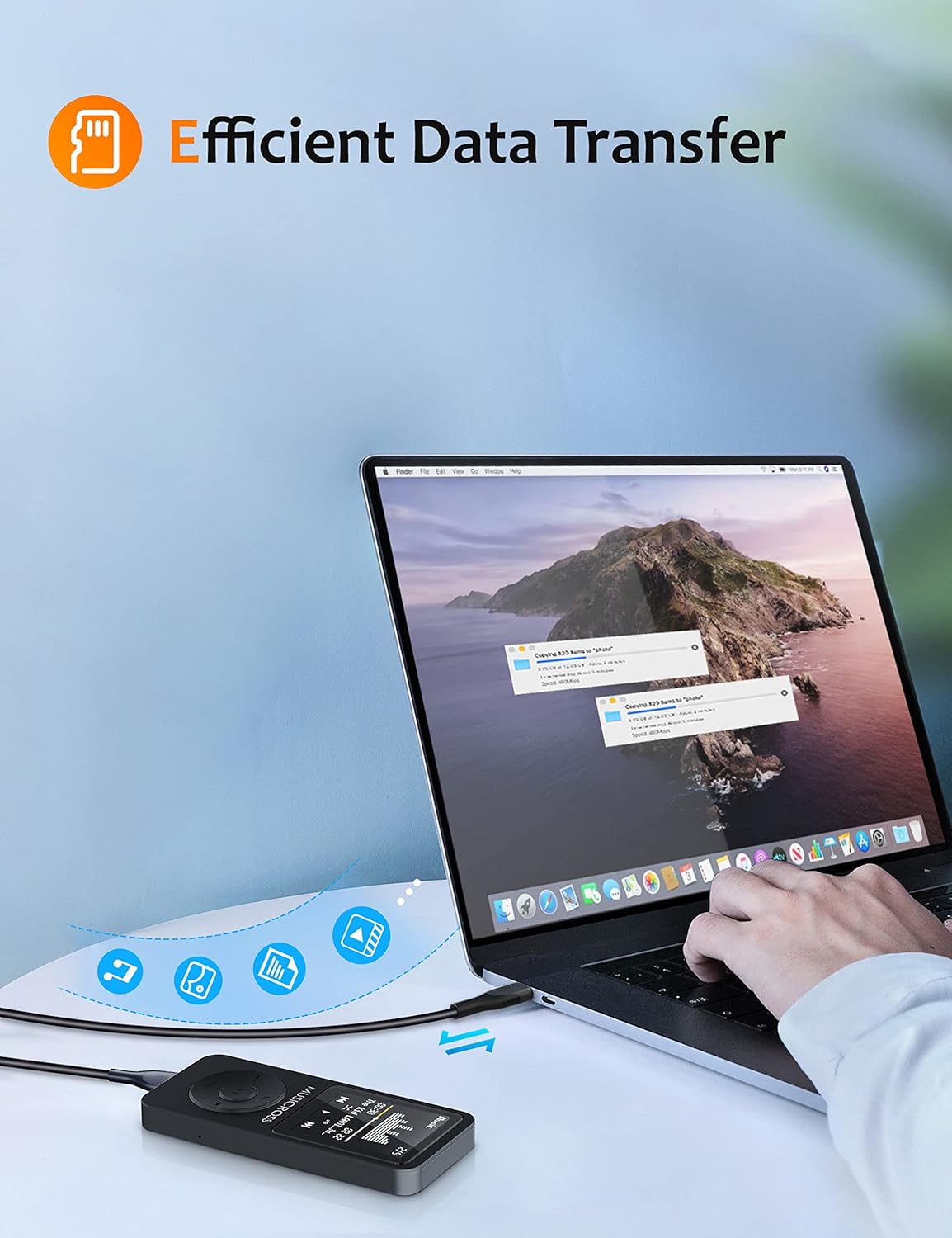
Image: The MP3 Player connected to a laptop, demonstrating efficient data transfer.
Istruzzjonijiet Operattivi
Navigazzjoni Bażika
- Use the directional buttons (left/right) to navigate through menus and selections.
- The 'M' button typically serves as a menu or option button within applications.
- The 'VOL' button often functions as a back button or, when held, activates volume adjustment.
- Press the center button to confirm selections.
Daqq tal-Mużika
The player supports MP3, FLAC, APE, WMA, WAV, and AAC-LC audio formats. Organize your music into folders for easier management.
- Modi tal-logħob: All loop, random play, single loop.
- Daqq ta' Veloċità Varjabbli: While on the music playback screen, press the 'M' button to access variable speed options (9 gears for adjustment).
- Equalizer: Choose from 7 music styles: Normal, Pop, Rock, Jazz, Classic, Dance, Country.
Bluetooth Connection (Bluetooth 5.2)
To connect to Bluetooth headphones, speakers, or car stereos:
- Ensure the MP3 player and the target Bluetooth device are not connected to other devices.
- Navigate to the Bluetooth menu on the MP3 player.
- Ippermetti Bluetooth u fittex tagħmir disponibbli.
- Agħżel it-tagħmir tiegħek mil-lista biex tqabbadh.
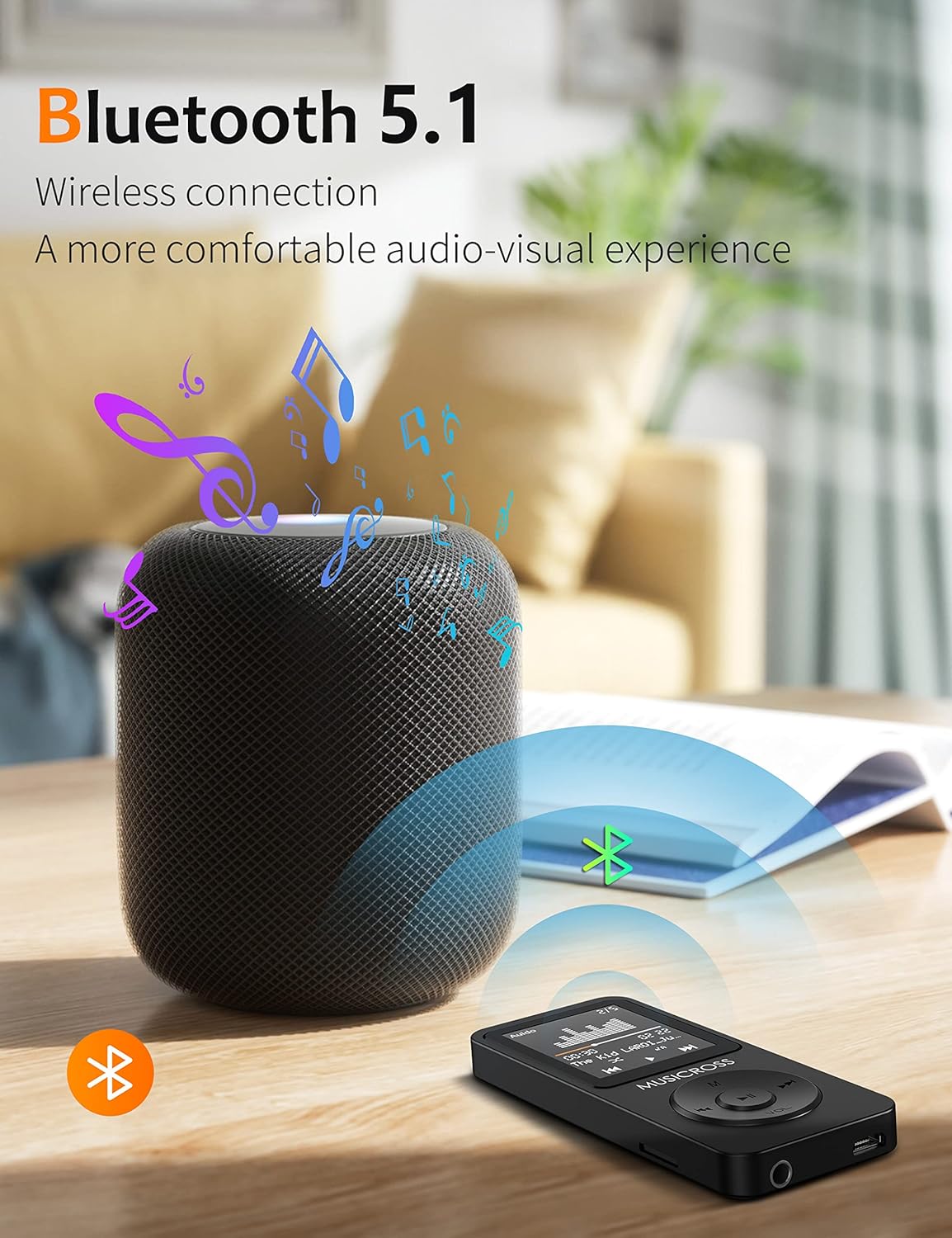
Image: The MP3 Player wirelessly connected to a Bluetooth speaker, illustrating its Bluetooth 5.2 capability.
Radju FM
The device features a built-in FM radio with strong signal reception. You can perform manual or automatic searches for stations and preset up to 30 favorite radio stations.
Reġistratur tal-Vuċi
The MP3 player can record audio in WAV format. Access the 'Recorder' function from the main menu to start, pause, and save recordings.

Image: The MP3 Player screen showing the recording interface, useful for capturing notes or lectures.
Qarrej tal-ktieb elettroniku
The device supports TXT format e-books. Transfer your e-book files to the device and access them through the 'E-Book' menu.
Video Playback & Photo Browsing
The player supports JPG/JPEG/BMP image formats for photo browsing. For video playback, only AVI format (128*160 resolution) is supported. A special conversion tool app (PwConverterSetup(1.0.2)) may be required to convert videos to the compatible format. Refer to the device's internal documentation or manufacturer's website for details on this tool.
Issettjar tas-Sistema
- Luminożità: Adjust screen brightness from 10% to 100% in the 'Settings' menu.
- Aġġorna Playlist: After adding new music, videos, pictures, or e-books, navigate to 'Settings' and select 'Update Playlist' to refresh the content library.
- Arloġġ ta 'allarm: Set alarms through the 'Alarm Clock' function in the main menu.
Trasferiment tad-Data
Biex tittrasferixxi files, connect the MP3 player to your computer using the USB cable. The device will be recognized as a mass storage device. You can then drag and drop files into the appropriate folders (e.g., 'Music', 'Videos', 'Pictures', 'E-books') on the device's internal storage or inserted Micro SD card.
Manutenzjoni
- Tindif: Uża drapp artab u niexef biex tnaddaf l-apparat. Evita prodotti tat-tindif likwidi jew materjali li joborxu.
- Kura tal-batterija: To prolong battery life, avoid fully discharging the device frequently. Charge the device regularly, especially if it will not be used for an extended period.
- Temperatura: Operate the device within the recommended temperature range of -5℃ to 40℃.
Issolvi l-problemi
- Apparat mhux qed jixgħel: Ensure the device is charged. If unresponsive, locate the reset button (often a small pinhole) and press it with a thin object.
- Ma jistax jittrasferixxi files: Kun żgur li l-kejbil USB huwa konness sew kemm mal-apparat kif ukoll mal-kompjuter. Ipprova port jew kejbil USB differenti.
- Problemi bil-konnessjoni Bluetooth: Ensure no other devices are connected to either the MP3 player or the target Bluetooth device. Restart both devices and try pairing again.
- Żball fil-karta SD: Remove and reinsert the SD card. If the issue persists, try formatting the SD card on a computer (this will erase all data on the card).
- Music not appearing: After transferring new files, go to 'Settings' and select 'Update Playlist'.
Speċifikazzjonijiet
- Ditta: Musicross
- Mudell: 1
- Dimensjonijiet tal-Prodott: 3.5 x 1.5 x 0.35 pulzieri
- Piż tal-oġġett: 2.08 uqija
- Daqs tal-iskrin: 1.8 Pulzier
- Internal Memory Storage Capacity: 16 GB
- Memorja espansibbli: Supports Micro SD cards up to 128 GB
- Teknoloġija tal-Konnettività: Bluetooth 5.2
- Batterija: 1 Batterija tal-Polimer tal-Litju
- Formati Awdjo Appoġġjati: MP3, FLAC, APE, WMA, WAV, AAC-LC
- Formati tal-Vidjo Sostenuti: AVI (128*160, may require conversion tool)
- Formati ta' Immaġni appoġġjati: JPG, JPEG, BMP
- Supported E-Book Formats: TXT
- Karatteristiċi Speċjali: FM Radio, Video Playback, Voice Recorder, Built-in Speaker, E-Book Reader, Photo Viewer, Alarm Clock
- Kulur: Iswed
Garanzija u Appoġġ
This MUSICROSS MP3 Player comes with a 6-il xahar garanzija from the date of purchase. For any questions, technical assistance, or warranty claims, please contact Musicross customer service. Refer to the packaging or the official Musicross websit għal informazzjoni ta' kuntatt.