
Introduzzjoni
This manual provides comprehensive instructions for the installation, operation, and maintenance of your Byron DBY-22311NP Wireless Doorbell Kit. Please read this manual carefully before using the product to ensure safe and efficient operation. Keep this manual for future reference.
The Byron DBY-22311NP wireless doorbell kit offers a maximum range of 150 meters and features 16 melodies with adjustable volume. Both the outdoor push button and the indoor chime unit are battery-operated, allowing for flexible placement anywhere in your home or garden.
Informazzjoni dwar is-Sigurtà
- Ensure all components are handled with care to prevent damage.
- Do not expose the push button or chime unit to extreme temperatures, direct sunlight for prolonged periods, or corrosive substances.
- Żomm il-batteriji fejn ma jintlaħaqx mit-tfal. Jekk tibela', fittex attenzjoni medika immedjata.
- Armi batteriji użati skont ir-regolamenti lokali.
- Tippruvax tiftaħ jew issewwi l-unitajiet int stess. Irreferi għal persunal kwalifikat għas-servizz.
Kontenut tal-Pakkett
Ivverifika li l-oġġetti kollha huma preżenti fil-pakkett tiegħek:
- 1 x Unità ta 'Chime ta' ġewwa
- 1 x Outdoor Push Button
- 1 x CR2032 Battery (for outdoor push button)
- Tejp li Jwaħħal b'żewġ naħat
- Viti tal-Immuntar u Plugs tal-Ħajt
- Manwal ta' Istruzzjoni
Prodott Overview

Figure 1: Byron DBY-22311NP Wireless Doorbell Kit, showing the indoor chime unit and outdoor push button.

Figure 2: Detailed dimensions of the indoor chime unit and outdoor push button for installation planning.

Figura 3: Wara view of the indoor chime unit and outdoor push button, showing battery compartments and mounting points.
Setup u Installazzjoni
1. Installazzjoni ta 'batteriji
- Outdoor Push Button: Open the battery compartment on the back of the push button. Insert the included CR2032 battery, ensuring correct polarity (+/-). Close the compartment securely.
- Indoor Chime Unit: Open the battery compartment on the back of the chime unit. Insert 3 x AA alkaline batteries (not included), ensuring correct polarity (+/-). Close the compartment securely.
2. Mounting the Outdoor Push Button
The outdoor push button can be mounted using either the double-sided adhesive tape or screws.
- Immuntar adeżiv: Clean the desired mounting surface thoroughly. Peel off the protective film from one side of the double-sided adhesive tape and apply it to the back of the push button. Peel off the remaining film and firmly press the push button onto the wall or door frame.
- Immuntar bil-kamin: Mark the desired position for the push button. Drill two small pilot holes. Insert the wall plugs (if necessary) and secure the push button with the provided screws.

Figure 4: The outdoor push button is designed to be weather-resistant and includes a nameplate for personalization.
3. Placing the Indoor Chime Unit
The indoor chime unit is portable and can be placed anywhere within the 150-meter wireless range of the push button. Consider placing it in a central location or where you are most likely to hear it.

Figure 5: The indoor chime unit can be easily placed on a wall or flat surface.
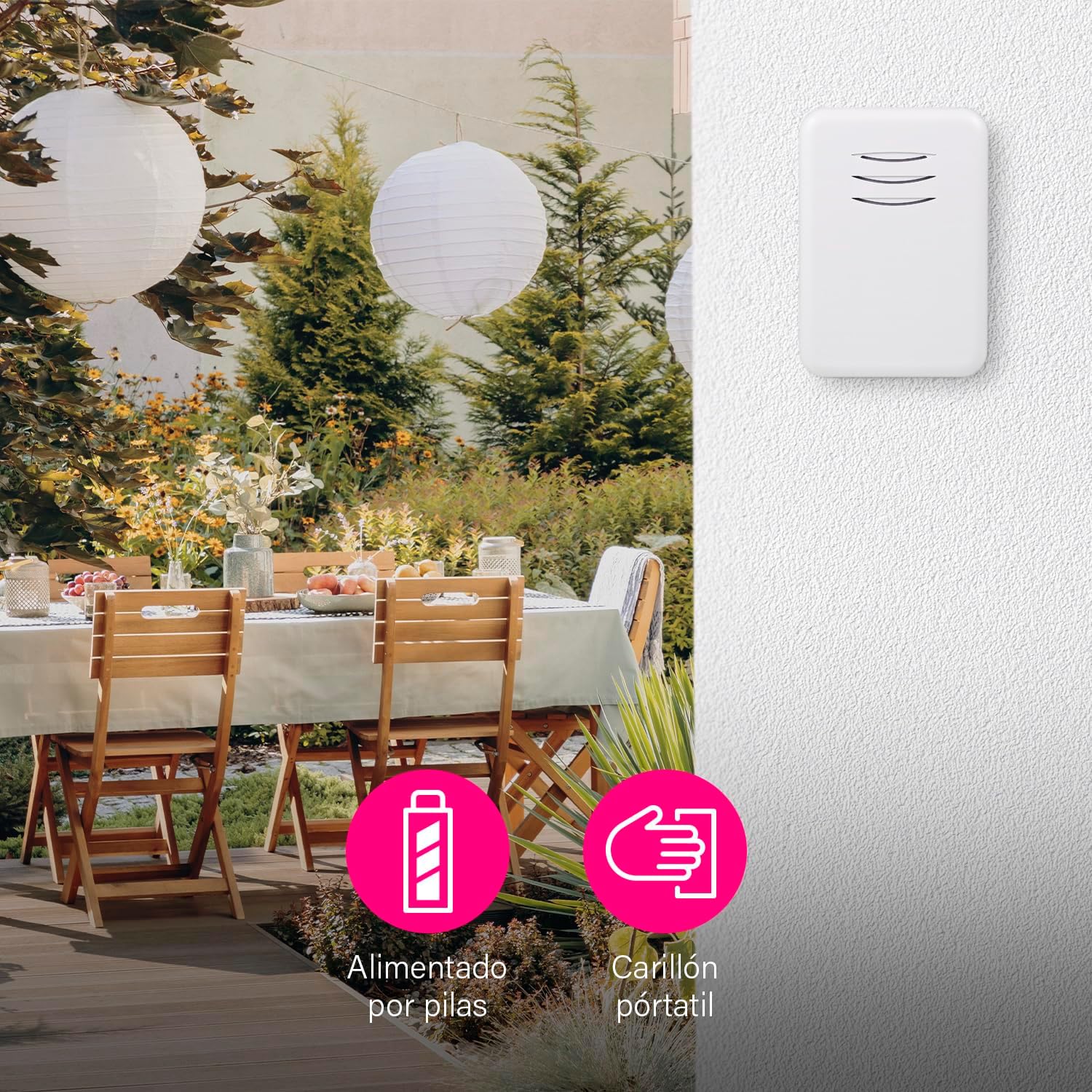
Figure 6: The portable chime unit allows for flexible placement, even in outdoor areas like a garden patio.
4. Pairing (Synchronization)
The units are typically pre-paired at the factory. If they do not work immediately, follow these steps to re-pair them:
- Press and hold the pairing button on the indoor chime unit for approximately 5 seconds until it emits a short beep or flashes.
- Within 10 seconds, press the outdoor push button. The chime unit should ring, indicating successful pairing.
- Test the doorbell by pressing the push button.
You can pair multiple chimes with one push button or multiple push buttons with one chime. This is ideal if you want a chime in several rooms or an additional push button in the garden or at the back door.
Istruzzjonijiet Operattivi
1. Tibdil tal-Melodiji
The chime unit offers 16 selectable melodies. To change the melody:
- Locate the melody selection button on the indoor chime unit.
- Agħfas il-buttuna ripetutament biex tgħaddi mill-melodiji disponibbli. Il-qniepen se jdoqq kull melodija hekk kif tagħżilha.
- Waqqaf l-agħfas meta tisma' l-melodija mixtieqa.
2. Volum ta 'aġġustament
The volume of the chime can be adjusted up to 80 dB, with multiple levels available.
- Locate the volume control button on the indoor chime unit.
- Press the button to cycle through the volume levels.
- You can also set the chime to silent mode if you do not wish to be disturbed, for example, when a baby is sleeping.
Figure 7: The chime unit features controls for selecting from 16 melodies and adjusting between 5 volume levels.
Manutenzjoni
1. Sostituzzjoni tal-batterija
- Outdoor Push Button: When the push button's LED indicator no longer lights up or the range decreases significantly, replace the CR2032 battery.
- Indoor Chime Unit: If the chime unit's sound becomes weak or it stops working, replace the 3 x AA alkaline batteries.
2. Tindif
Imsaħ l-unitajiet b'ċarruta ratba u niexfa. Tużax prodotti tat-tindif jew solventi li joborxu.
Issolvi l-problemi
| Problema | Kawża Possibbli | Soluzzjoni |
|---|---|---|
| Il-qanpiena tal-bieb ma tdoqqx. | Il-batteriji huma mejta jew imdaħħla ħażin. | Ibdel il-batteriji fiż-żewġ unitajiet, waqt li tiżgura l-polarità korretta. |
| Doorbell range is poor. | Obstructions or interference. | Ensure no large metal objects or thick walls are between the units. Replace batteries if low. |
| Chime unit not responding to push button. | L-unitajiet mhumiex imqabbdin. | Follow the pairing instructions in the Setup section. |
| Chime unit rings unexpectedly. | Interferenza minn apparati oħra mingħajr fili. | Re-pair the units to reset the wireless code. |
Speċifikazzjonijiet
| Karatteristika | Dettall |
|---|---|
| Numru tal-Mudell | DBY-22311NP |
| Dimensjonijiet (Prodott) | 15 x 9.5 x 4.5 ċm |
| Piż (Prodott) | 90 g |
| Kulur | Abjad |
| Materjal | Plastik |
| Sors tal-Enerġija | Batterija |
| Voltage | 4.5 Volts (Indoor Chime) |
| Outdoor Push Button Battery | 1 x CR2032 (inkluż) |
| Indoor Chime Unit Battery | 3 x AA Alkalini (mhux inklużi) |
| Firxa Wireless | Sa 150 m (fl-arja aperta) |
| Melodiji | 16 |
| Livelli tal-Volum | Adjustable, up to 80 dB |
| Weather Resistance (Push Button) | Yes (suitable for outdoor use) |
Video tal-Prodott
Vidjo 1: Fuqview of the Byron DBY-22311 Wireless Doorbell, demonstrating its features and ease of use. Note: This video is for a similar model (DBY-22311) and provides a general product demonstration.
Garanzija u Appoġġ
For warranty information and customer support, please refer to the contact details provided on the product packaging or the official Byron websit. Żomm il-prova tax-xiri tiegħek għal kwalunkwe talba ta' garanzija.